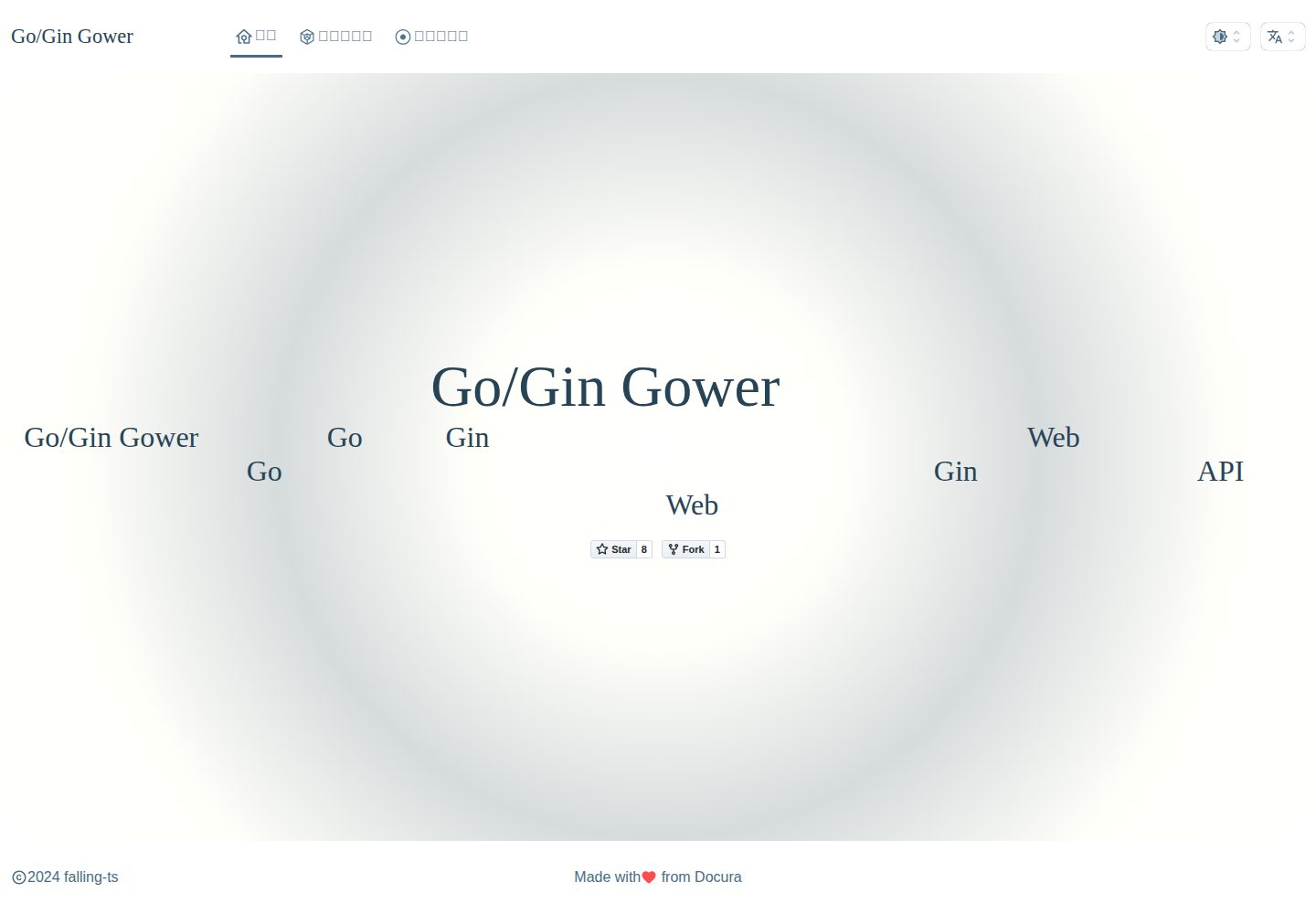
Based on Go/Gin, with IoC dependency injection at the controller method parameter level
LaravelViteDirectory site
gower — Laravel Directory site Template
By falling-ts
A Go/Gin-based web quick-start directory using template integration mode, with built-in commands for generating controllers, requests, and models, plus a route registration workflow.
Explore the design
Compare the page layouts and mobile experience. Open any screenshot for a closer look.
Desktop homepage1 / 2
Desktop captureTop of page
Actual screenshot captured by the server browser.
All pages & views 2
Screenshots show visual appearance; interactive behavior may differ.
Recorded 2026-10-02View source
What stands out
A quick read of the recorded project description.
Provides CLI commands such as gower create and gower make to generate project skeletons and controller, request, and model code
Template integration mode by default, supporting packaging templates and static assets into a single program file via build tags
Supports three run modes: Docker, GoLand Debug, and Gradle
Frontend built with Vite, integrating Vue, Tailwind CSS, DaisyUI, and more; theme can be switched via VIEW_THEME
Template Details
Gower is a Go/Gin-based web quick-start directory that uses template integration mode by default, implementing IoC dependency injection at the controller method parameter level. The repository provides a CLI tool: gower create creates a project and automatically initializes files, environment, repository, and frontend/backend dependencies, while gower make generates code skeletons such as controllers, requests, and models.
The project also offers three run modes—Docker run scripts, GoLand Debug, and Gradle—and supports packaging templates and static assets into the program file via build tags (test, prod, tmpl, static, cli). The frontend is built with Vite and includes Vue, Tailwind CSS, DaisyUI, and jQuery; the DaisyUI theme can be switched via the VIEW_THEME environment variable.
The README lists system requirements including Go, Node.js, pnpm, Docker, Git, Gradle, and JDK, and recommends using Gower Workspace mode to manage multiple monolithic projects. The repository is released under the MIT license, and the documentation site is falling-ts.github.io/gower-docs.
LaravelViteDirectory site
Is it right for your project?
Use Cases
- Quickly building a monolithic web project with template rendering using Go/Gin
- Generating layered code skeletons such as controllers, requests, and models via CLI
- Local development and breakpoint debugging in Docker or GoLand
- Running, building, and deploying multiple monolithic projects with Gradle
Suitable For
- Backend developers familiar with Go and Gin
- Web projects that need template integration mode rather than frontend-backend separation
- Teams that want to uniformly generate project structure and code skeletons with a CLI
- Workflows that use Docker or Gradle for development and deployment
Getting started & customization
Use these recorded setup notes alongside the repository instructions for your chosen version.
- 1
Configure GOPROXY first, then run go install -tags cli gitee.com/falling-ts/gower@latest to install the CLI
- 2
Use gower create my-project to create a project; this command initializes files, environment, repository, and frontend/backend dependencies
- 3
To run the project, choose ./docker/run-dev, GoLand Debug, or a Gradle task
- 4
To package static assets, run go install -tags tmpl,static
- 5
System requirements include Go, Node.js, pnpm, Docker, Git, Gradle, and JDK; refer to the README for specific versions
License & source material
Usage conditions & limitations
Free to use · keep license noticeThis entry covers the free version of the public repository under the MIT license; the free scope is the code of this version and does not imply that external services or third-party assets are free.
Must comply with when using
- Free use, modification, commercial use, and distribution of this version's code are permitted.
- When distributing copies or substantial portions of the code, retain the original author's copyright notice and the full MIT license notice.
- The code is provided as is; warranties and limitations of liability are governed by the original license and applicable law.
Additional costs & items to verify
- Demo images, fonts, icons, and other third-party assets must be checked against their respective licenses and cannot be judged solely by the code's MIT license.
- External services such as domains, hosting, databases, payments, or AI may incur separate charges.
View Original Text Basis
https://github.com/falling-ts/gower/blob/main/LICENSEhttps://github.com/falling-ts/gower/blob/main/README.mdPermission is hereby granted, free of charge
Original License Text
Compiled by DeepSeek based on repository license and README ·2026-10-02. Results only cover the materials read; dependencies, images, fonts, and subsequent term changes are subject to their respective original texts.
Project checks & description sources
Template Information
- Source platforms
- GitHub
- Documentation and maintenance reference score
- More documented · 82 / 100
- Technologies
- Laravel · Vite
- Website type
- Directory site
How this score is calculated
Our heuristic uses license records (up to 30), a demo link (12), a preview (10), stars (15), recorded maintenance (15), description completeness (8), feature records (5) and classification data (5). It is not a code, security or performance test, or a Google score. A link does not establish tested functionality.
What to verify for this project
- Repository update recorded
- 2024-12-11
- Screenshot last checked
- 2026-10-02
A demo link is listed. Check it with your own content and viewport sizes; its presence does not confirm that forms, authentication or payments work.
The catalog identifies Laravel as the primary stack. Check the actual dependency manifest and lockfile for versions and hosting requirements. These notes use recorded metadata, not a code audit or a deployment test.
Use a selection guide →How this description was prepared
AI-assisted description based on catalog records and repository material. Repository authors are not automatically the reviewers of this description.
Automatically checked against source and license rules; no manual editorial review.
Inspect the recorded source material
SHA-256: df225bf6b33b6e26b17ce6ca9177c290f2d07cf234aaa6bddbce0e92f9f9eb29
2026-10-02T15:13:21.948Z
Source file / repository# Go/Gin Gower Web 单体模式

[中文](README.md)|[English](README_EN.md)
[]()
---
建议使用 [Go/Gin Gower Workspace](https://gitee.com/falling-ts/gower-work) 工作区模式, 可以创建多个单体项目, 能够统一使用 Gradle 进行多个单体项目的运行, 构建与部署.
Gower 是基于 [Go/Gin](https://github.com/gin-gonic/gin) 的 Web 快速启动框架, 已在控制器的方法参数级上实现了 IoC 依赖注入功能.
系统要求:
> go >= v1.23
>
> nodejs >= v18.20
>
> pnpm >= v9.12
>
> docker >= v20.10 [非必要]
>
> docker compose >= v2.0 [非必要]
>
> git >= 2.39
>
> gradle >= 8.10.2
>
> jdk >= 23
## 快速开始[单体模式]
### 源码安装
#### 1.配置 GOPROXY
```shell
$ export GOPROXY=https://mirrors.aliyun.com/goproxy/,direct
```
> windows 系统, 打开环境变量, 创建新用户变量, 变量名: `GOPROXY`, 变量值: `https://mirrors.aliyun.com/goproxy/,direct`
#### 2.执行远程编译安装
```shell
$ go install -tags cli gitee.com/falling-ts/gower@latest
```
> 验证结果: `$ gower --version`
>
> 当前安装在系统全局环境中
#### 3.创建项目, 自动初始化
```shell
$ gower create my-project
```
### 运行项目
> 将执行创建项目, 初始化文件, 环境, 仓库, 前后端依赖, 执行基准测试
#### 1.使用 Docker
```shell
$ cd my-project
$ ./docker/run-dev
```
#### 2.使用 GoLand 进行 Debug
用 GoLand 打开项目后, 找到 my-project 运行配置, 修改工作目录, 并选择模块, 最后 Debug 运行, 就可以进行断点调试了.
#### 3.使用 gradle 运行
- 单项目模式需要将 `build.gradle` 开头的 `"org.hidetake.ssh"` 插件注释去掉
- 提前在 GoLand 中安装好 gradle 插件
- 修改 `build.gradle`, 去掉开头插件引用的注释
- 第一次使用 GoLand 打开 my-project 时, 会提醒 `找到Gradle 'my-project' 构建脚本`, 然后点击 `加载 Gradle 项目`, 会初始化 gradle 构建体系
- 最后, 在右侧 gradle 任务中找到 dev 下的 Run, 运行它即可.
> 如果需要打包静态资源请执行 `go install -tags tmpl,static`
###### tags:
```
test: 打包测试环境的程序文件
prod: 打包生成环境的程序文件
tmpl: 打包模板
static: 打包静态资源
cli: 命令行模式
```
> 打包这些内容好处是无需关心程序迁移时, 需要携带的内容, 因为都打包进程序了, 一个文件就是整套系统, 灵活性极高
## 快速开发
### 创建控制器
```shell
$ gower make --controller Hello
```
`app/http/controllers/hello_controller.go`
```go
package controllers
import (
"my-project/app"
"my-project/app/http/requests"
"my-project/services"
)
type HelloController struct {
app.Controller
}
var Hello = new(HelloController)
// Index 获取页面
func (*HelloController) Index(req *requests.HelloRequest) (services.Response, error) {
return res.Ok("home/hello", app.Data{
"name": req.Name,
}), nil
}
```
### 创建请求
```shell
$ gower make --request Hello
```
`app\http\requests\hello_request.go`
```go
package requests
import "my-project/app"
type HelloRequest struct {
app.Request
Name *string `form:"name" json:"name" binding:"required"`
}
```
### 创建模型
```shell
$ gower make --model Hello
```
`app\models\hello.go`
```go
package models
func init() {
migrate(new(Hello))
}
type Hello struct {
Model
Name *string `gorm:"type:string;default:'';comment:名称"`
}
```
> 注: 如果命令输出很多 Debug 内容, 那是因为 envs/.env.dev 的 APP_MODE 是开发模式, 修改为测试模式就可以了
### 添加路由
`routes/web.go`
```go
package routes
import (
web "my-project/app/http/controllers"
mws "my-project/app/http/middlewares"
"my-project/public"
)
func init() {
// ...
route.GET("/hello", web.Hello.Index)
}
```
### 执行请求
```shell
$ curl -i http://localhost:8080/hello?name=Gower
```
## 使用的第三方库和内容, 同时表达对开源的感谢
```yaml
github.com/alexedwards/argon2id v1.0.0
github.com/caarlos0/env/v7 v7.1.0
github.com/gin-contrib/cors v1.7.2
github.com/gin-gonic/gin v1.10.0
github.com/glebarez/sqlite v1.11.0
github.com/go-playground/locales v0.14.1
github.com/go-playground/universal-translator v0.18.1
github.com/go-playground/validator/v10 v10.22.1
github.com/go-sql-driver/mysql v1.8.1
github.com/golang-jwt/jwt/v5 v5.2.1
github.com/jaevor/go-nanoid v1.4.0
github.com/joho/godotenv v1.5.1
github.com/patrickmn/go-cache v2.1.0+incompatible
github.com/stretchr/testify v1.9.0
github.com/urfave/cli/v2 v2.27.5
go.uber.org/zap v1.27.0
golang.org/x/crypto v0.28.0
gorm.io/driver/mysql v1.5.7
gorm.io/gorm v1.25.12
github.com/rclone/rclone v1.62.2
github.com/laravel/laravel
github.com/moby/moby
github.com/docker/compose
FROM caddy:2.6
FROM grafana/grafana:9.4.3
FROM grafana/loki:main-0295fd4
FROM mysql/mysql-server:5.7.41
FROM grafana/promtail:main-0295fd4
FROM pingcap/tidb:v6.5.1
nodejs
pnpm
"animate.css": "^4.1.1",
"autoprefixer": "^10.4.20",
"daisyui": "^4.12.14",
"jquery": "^3.7.1",
"js-cookie": "^3.0.5",
"jssha": "^3.3.1",
"postcss": "^8.4.49",
"resize-observer-polyfill": "^1.5.1",
"simplebar": "^6.2.7",
"stylus": "^0.59.0",
"tailwindcss": "^3.4.15",
"vue": "^3.5.13"
"@iconify/json": "^2.2.276",
"@iconify/tailwind": "^1.1.3",
"@rollup/plugin-replace": "^5.0.7",
"@types/crypto-js": "^4.2.2",
"@types/jquery": "^3.5.32",
"@types/js-cookie": "^3.0.6",
"@types/node": "^18.19.65",
"@types/vue": "^2.0.0",
"@vitejs/plugin-vue": "^4.6.2",
"cross-env": "^7.0.3",
"vite": "5.4.6"
```
## 文档
[文档地址](https://falling-ts.github.io/gower-docs)
## LICENSE
[MIT License](LICENSE)
## 主页页面

## 示例主题
通过修改 `.env.xxx` 的 `VIEW_THEME`, 详情见 [DaisyUI](https://daisyui.com/docs/themes/)
### cupcake

### forest

### halloween

### lofi

### synthwave

Explore similar templates
Compare previews and descriptions within the same stack and category.
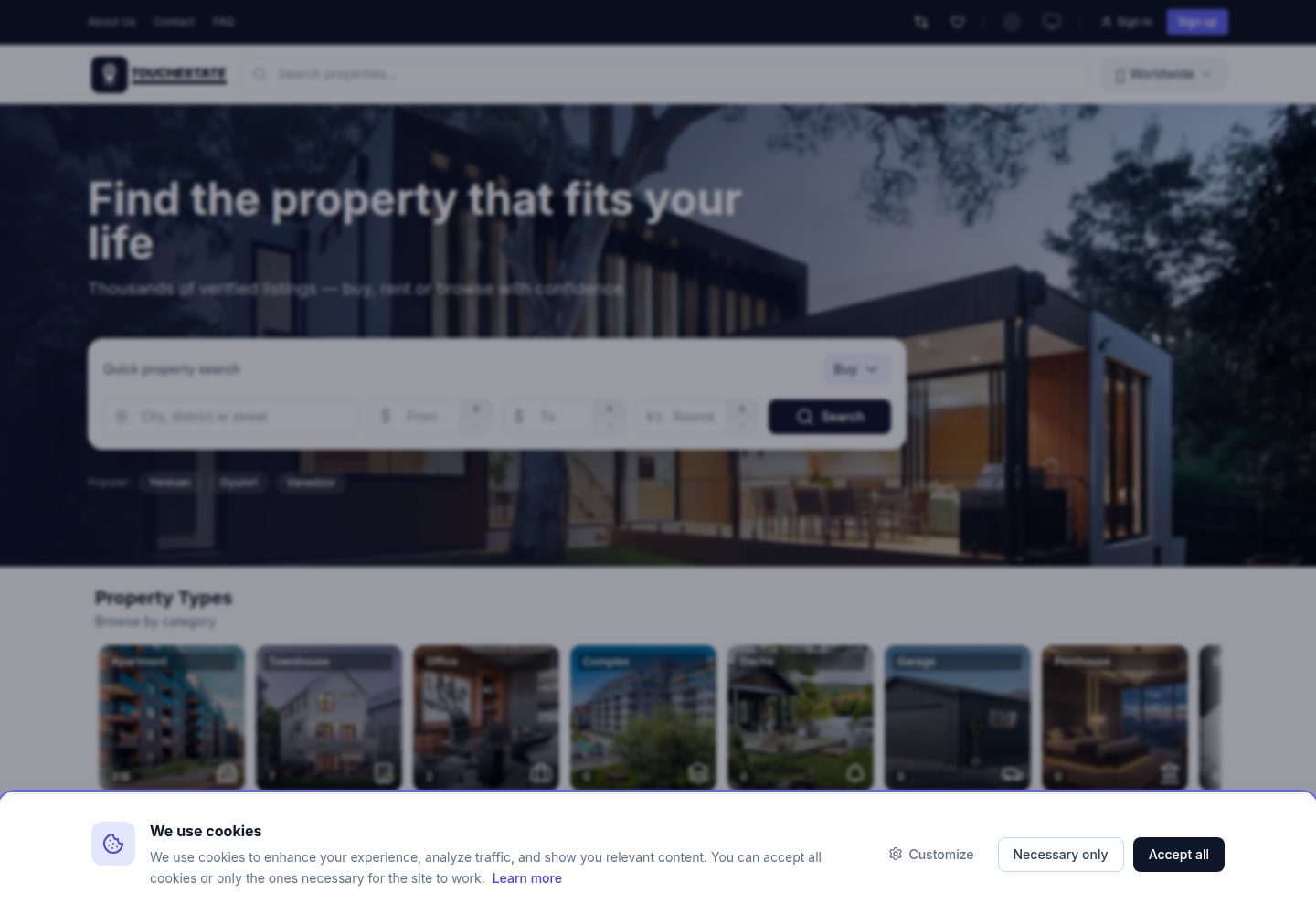
touchestate-theme-modern
A Laravel real estate agency website theme based on the TouchEstate API, with multilingual property listings, filtering and search, detail pages with image galleries and maps, agent profiles, and localStorage-based favorites.
Laravel · Directory site
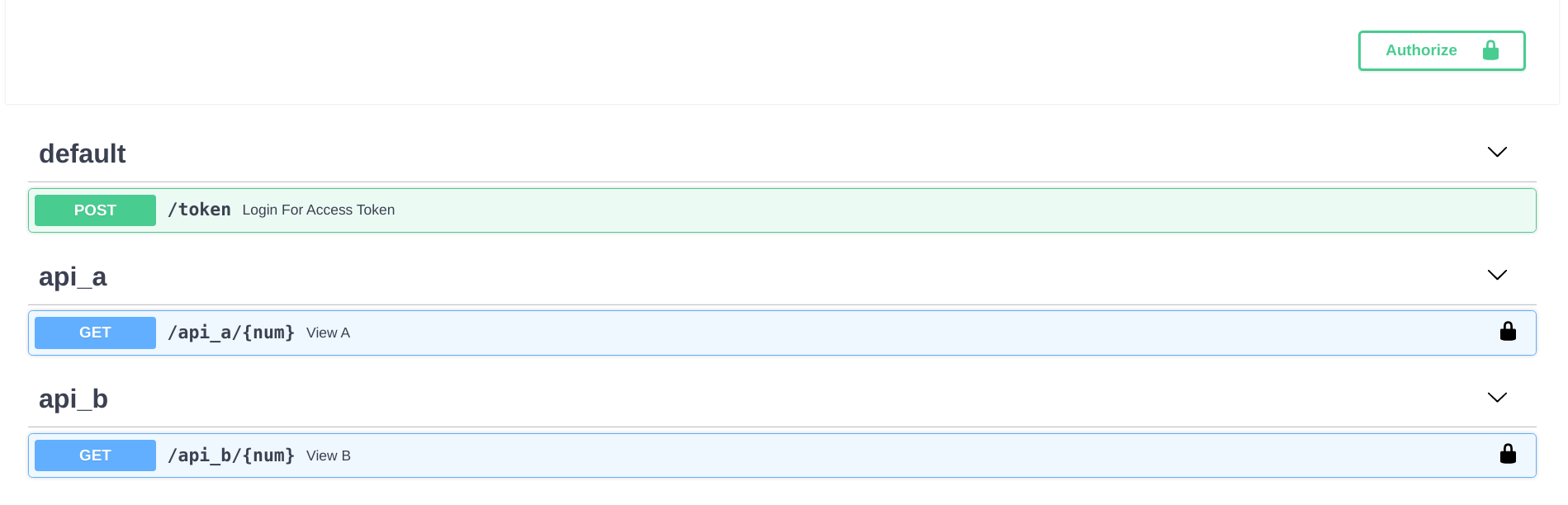
fastapi-nano
A FastAPI backend template that mimics Flask's blueprint directory structure, splitting API logic into independent packages and exposing endpoints centrally in routes.
Flask · Directory site
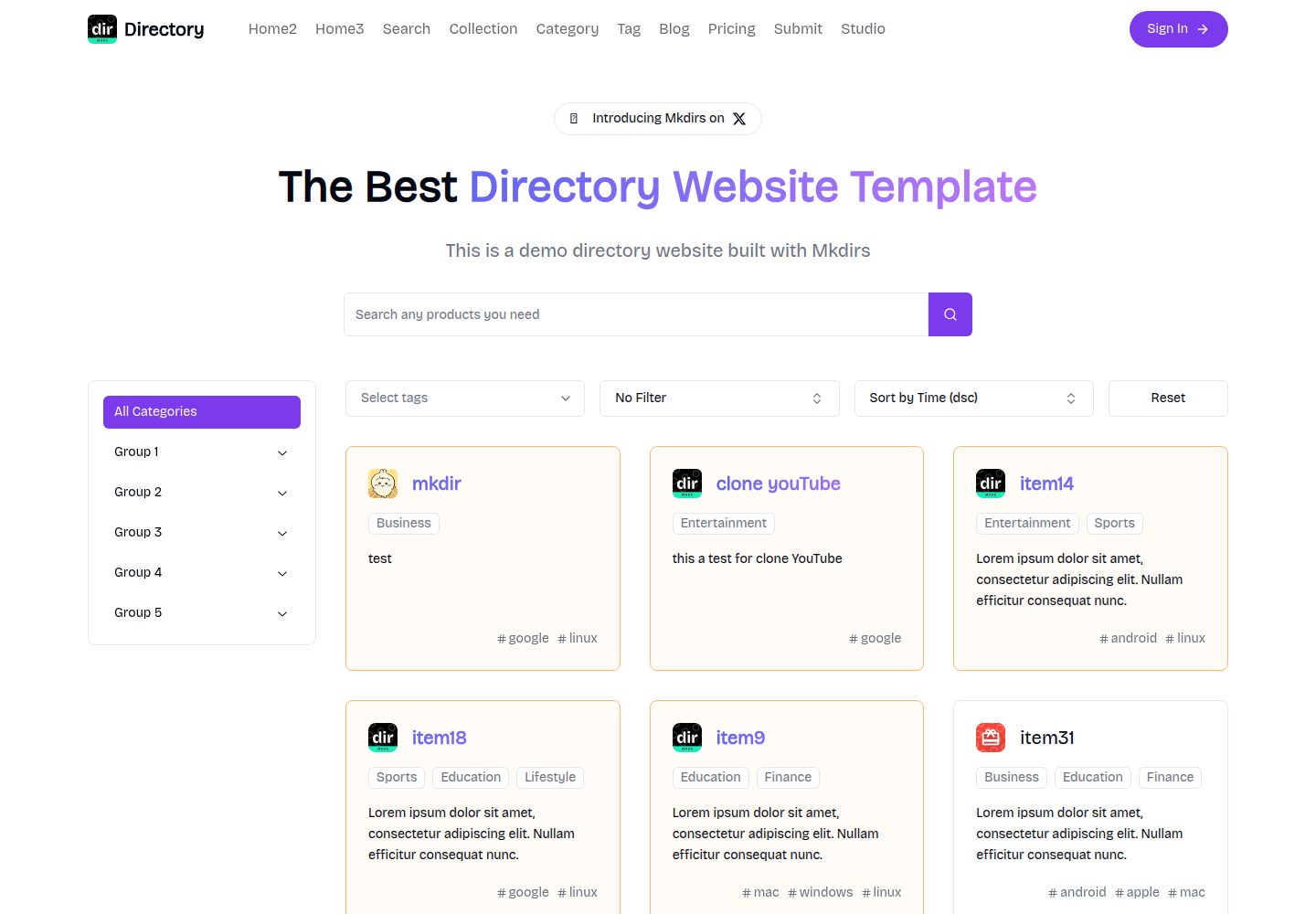
mkdirs
Mkdirs is an open-source directory website template built with Next.js, offering directory entries, categories, collections, tags, and search as core content structures, plus AI-assisted submissions, user authentication and dashboards, free/paid/sponsored submissions via Stripe, Sanity CMS with blog, Resend email and newsletters, SEO…
Next.js · Directory site
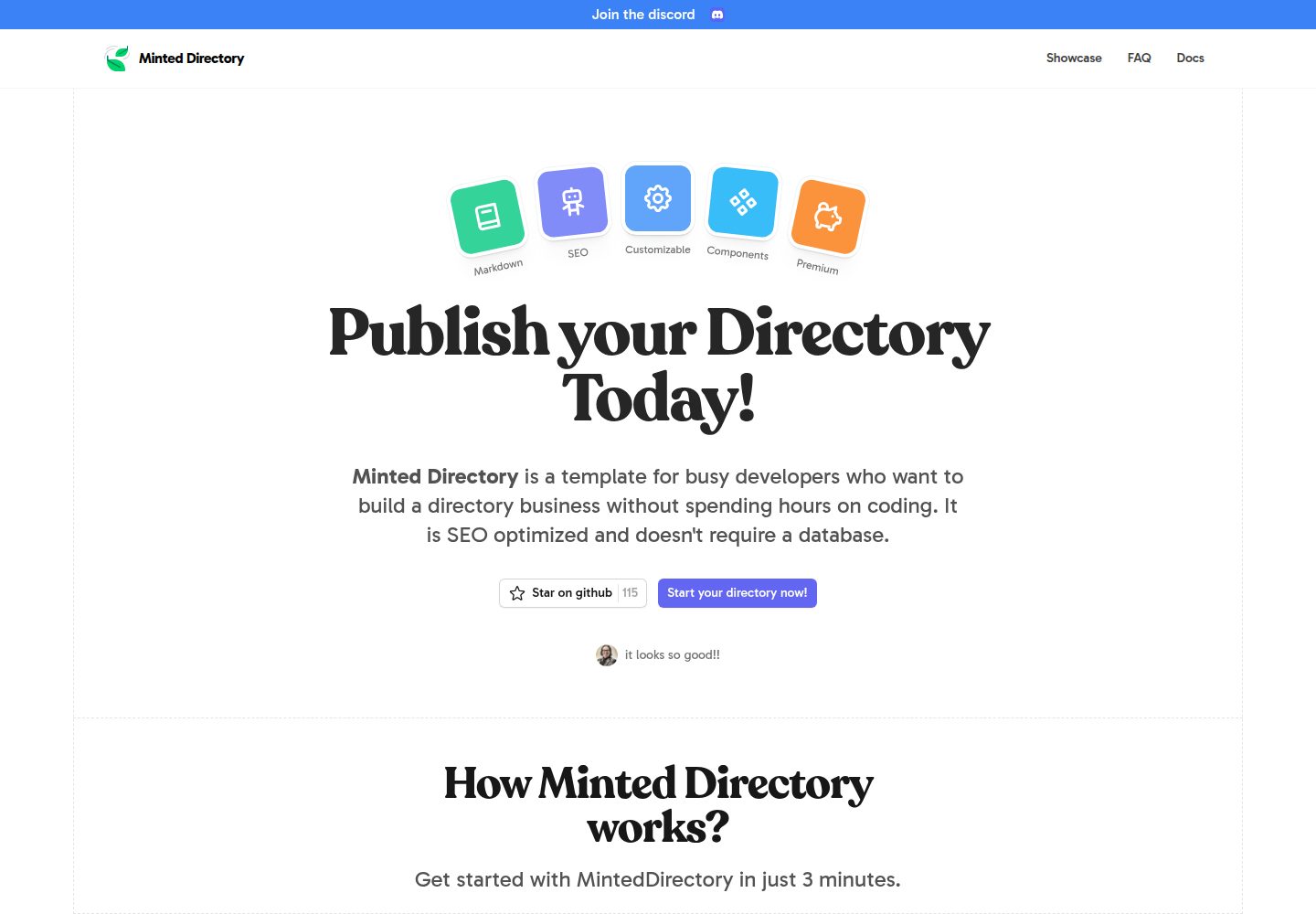
minted-directory-astro
A Markdown-driven directory site template built with Astro and Tailwind CSS. It imports listing data from markdown, json, csv, Google Sheets, Notion, or Airtable, and includes tag and search functionality, light and dark modes, sponsored content slots, and SEO-oriented page structure.
Astro · Directory site
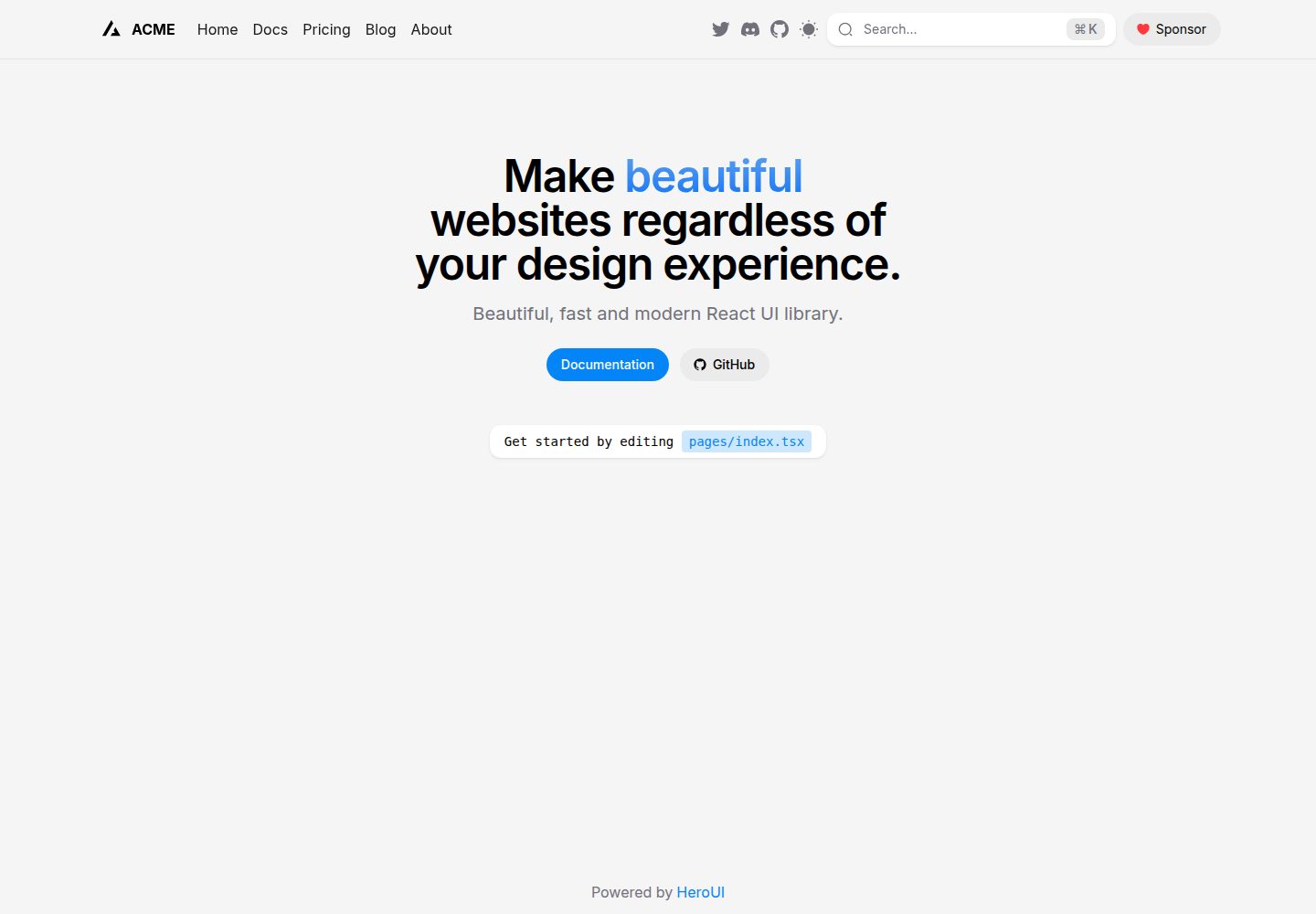
next-pages-template
A Next.js Pages Router starter template pre-configured with HeroUI, Tailwind CSS, Tailwind Variants, TypeScript, and next-themes, including example home and blog pages.
Next.js · Directory site
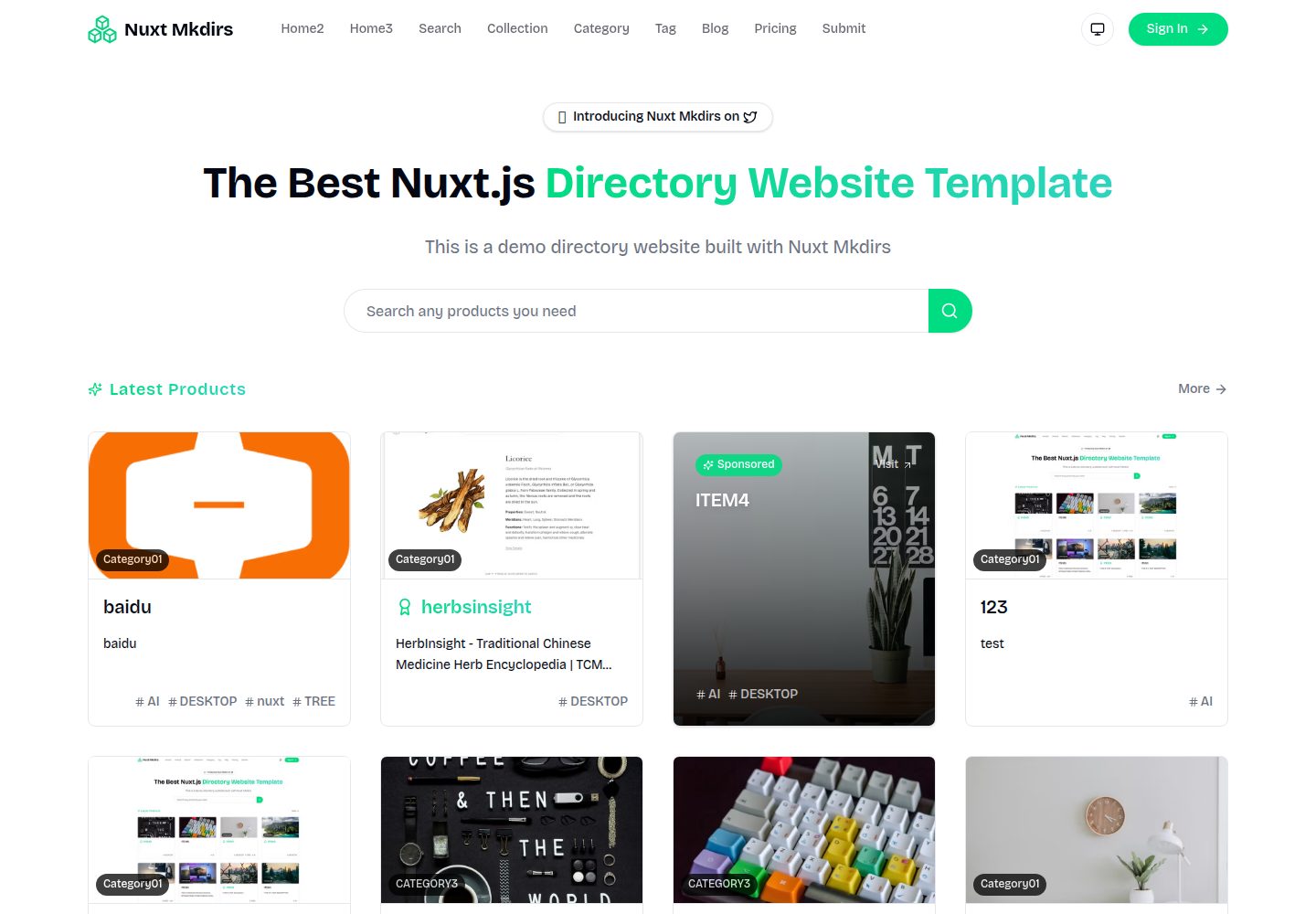
Nuxt_Mkdirs
An open-source directory site template built with Nuxt and Sanity CMS, with three homepage layouts, Google/GitHub OAuth login, Stripe and Creem payment channels, Resend transactional email and newsletter subscriptions, and optional AI auto-fill for submissions.
Nuxt · Blog