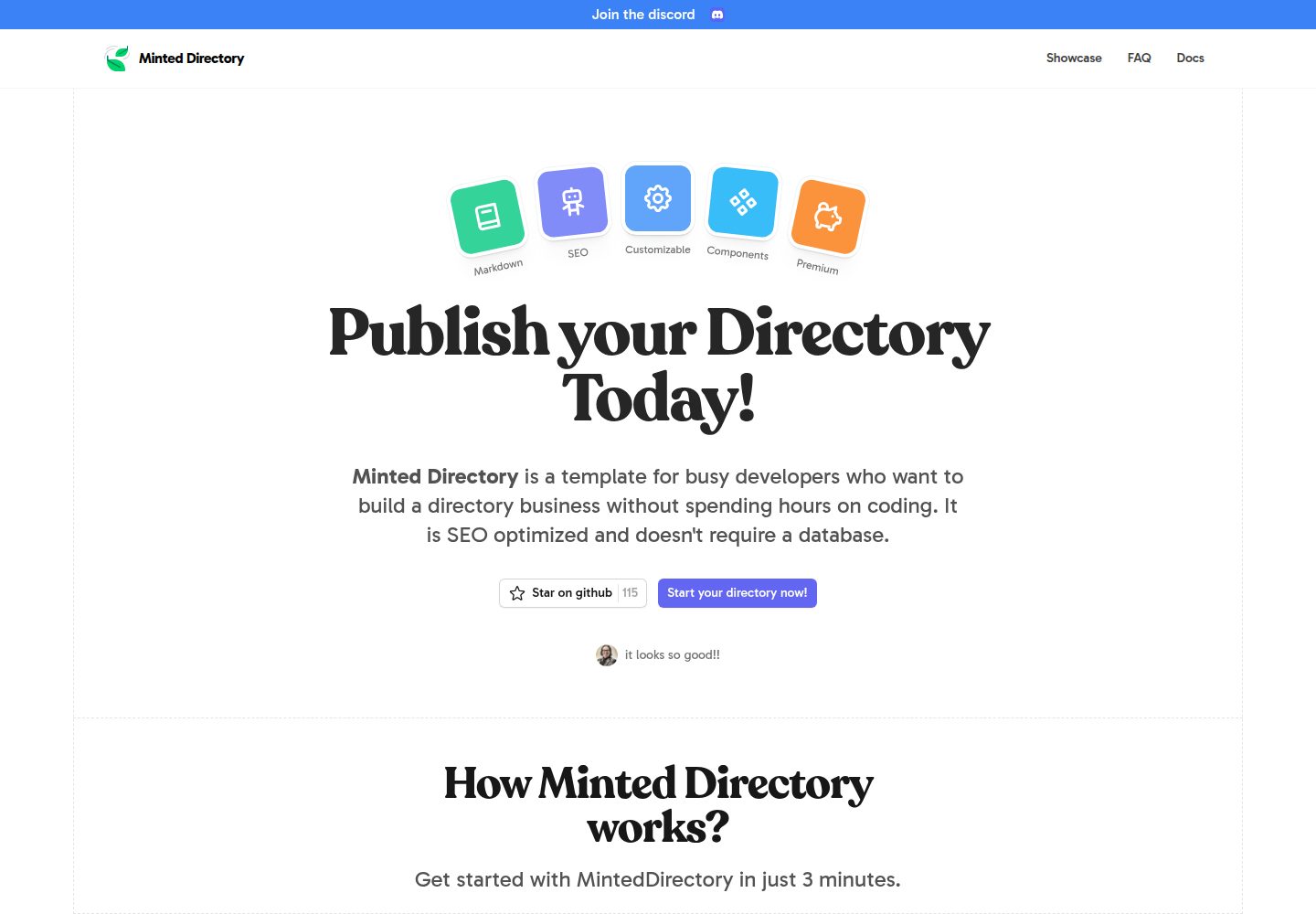
Listing data supports multiple sources: markdown, json, csv, Google Sheets, Notion, Airtable
AstroDirectory site
minted-directory-astro — Astro Directory site Template
By masterkram
A Markdown-driven directory site template built with Astro and Tailwind CSS, supporting multiple data source imports, tags and search, light and dark modes, and sponsored content slots.
Explore the design
Compare the page layouts and mobile experience. Open any screenshot for a closer look.
Desktop homepage1 / 2
Desktop captureTop of page
Actual screenshot captured by the server browser.
All pages & views 2
Screenshots show visual appearance; interactive behavior may differ.
Recorded 2026-10-01View source
What stands out
A quick read of the recorded project description.
Built-in components commonly used by directory sites, including tag and search functionality
Provides light and dark modes and sponsored content slots
Adjust styles and configuration via CSS variables and settings.toml, with spearmint and peppermint preset styles included
Built as a static site; content changes require rebuilding and deployment
Template Details
Minted Directory Astro is a static site template for directory use cases, built with Astro and Tailwind CSS, with the repository under the MIT license. Its core characteristic is being content-driven: listing data can be imported from markdown, json, csv, Google Sheets, Notion, Airtable, and other formats. Markdown files placed in the src/data/directory directory are automatically loaded as listing items, while json and csv use a single file to carry the entire directory array. The template includes components commonly used by directory sites, tag and search functionality, light and dark modes, and sponsored content slots, and provides SEO-related page structure. Styles are adjusted through CSS variables in src/styles/global.css (such as --color-primary-x00, --color-gray-x00, --font-sans) and configuration items in src/data/config/settings.toml. The repository also includes two preset styles: spearmint and peppermint. Note that the Notion and Airtable sections in the README provide no specific steps, only headings; after content updates, the site must be rebuilt and deployed for changes to take effect, because the template outputs static HTML, CSS, and JS. The repository materials do not describe hosting, database, or third-party service arrangements, so relevant dependencies should be confirmed before use.
AstroDirectory site
Is it right for your project?
Use Cases
- Build tool, resource, or product directory sites organized by category or tag
- Maintain listing data with Google Sheets or CSV and generate static directory pages
- Add sponsored content slots and light/dark theme switching to a directory site
- Use Markdown files as the primary input method to maintain small to medium-sized directories
Suitable For
- Developers who need an Astro + Tailwind CSS directory site starting point
- Teams that want to manage listing content with spreadsheets or Markdown rather than connecting to a database
- Projects that need common directory site features such as tags, search, and sponsored slots
Getting started & customization
Use these recorded setup notes alongside the repository instructions for your chosen version.
- 1
After cloning or creating a repository from the template, install dependencies with pnpm install and start local development with pnpm dev
- 2
Place Markdown listings in src/data/directory; use directory.json for json and directory.csv for csv, all of which must include required fields such as title and description
- 3
When using Google Sheets, convert the sheet to a table and share it publicly, then set source=sheets and the corresponding key in settings.toml
- 4
Adjust styles in the CSS variables in src/styles/global.css, and configure the site in src/data/config/settings.toml
- 5
Generate the static site with pnpm run build; after content updates, rebuild and deploy for changes to take effect online
License & source material
Usage conditions & limitations
Free to use · keep license noticeThis entry covers the free version under the MIT license in the public repository; the free scope is the code of that version and does not mean external services or third-party assets are free.
Must comply with when using
- Free use, modification, commercial use, and distribution of this version's code are permitted.
- When distributing copies or substantial portions of the code, retain the original author's copyright notice and the complete MIT license notice.
- The code is provided as is; warranties and limitations of liability are governed by the original license and applicable law.
Additional costs & items to verify
- Listing content updates do not automatically appear on the live site; the static site must be rebuilt and deployed to take effect.
- When using Google Sheets as a data source, the sheet must be publicly shareable, and source=sheets and the sheet id must be configured in settings.toml.
- The Google Sheets data source requires converting the sheet to table format first; otherwise it cannot be read as the template expects.
- Demo images, fonts, icons, and other third-party assets must be checked against their respective licenses and cannot be judged solely by the code's MIT license.
- External services such as domains, hosting, databases, payments, or AI may incur separate charges.
View Original Text Basis
Permission is hereby granted, free of charge
Original License Text
Remember that listings will not be shown on the live website until the site is re-built and deployed.
Original README
Make it publicly shareable. When you share the link. copy the id
Original README
https://github.com/masterkram/minted-directory-astro/blob/main/LICENSEhttps://github.com/masterkram/minted-directory-astro/blob/main/README.mdYou need to select your table and click `Format > Convert to table`
Original README
Compiled by DeepSeek based on repository license and README ·2026-10-01. Results only cover the materials read; dependencies, images, fonts, and subsequent term changes are subject to their respective original texts.
Project checks & description sources
Template Information
- Source platforms
- GitHub
- Documentation and maintenance reference score
- More documented · 85 / 100
- Technologies
- Astro
- Website type
- Directory site
How this score is calculated
Our heuristic uses license records (up to 30), a demo link (12), a preview (10), stars (15), recorded maintenance (15), description completeness (8), feature records (5) and classification data (5). It is not a code, security or performance test, or a Google score. A link does not establish tested functionality.
What to verify for this project
- Repository update recorded
- 2025-04-02
- Screenshot last checked
- 2026-10-01
A demo link is listed. Check it with your own content and viewport sizes; its presence does not confirm that forms, authentication or payments work.
The catalog identifies Astro as the primary stack. Check the actual dependency manifest and lockfile for versions and hosting requirements. These notes use recorded metadata, not a code audit or a deployment test.
Use a selection guide →How this description was prepared
AI-assisted description based on catalog records and repository material. Repository authors are not automatically the reviewers of this description.
Automatically checked against source and license rules; no manual editorial review.
Inspect the recorded source material
SHA-256: 6c869f2053453b93bdf1d3b87c859091a49e67fec6a9c91f9257285483084596
2026-10-01T04:12:31.731Z
Source file / repository<div align="center"> <h1>Minted Directory Astro</h1> <p>Markdown driven directory template. Built with Astro and Tailwindcss. Optimized for SEO. Beautiful Customizable Style</p> </div> <br/> <div align="center"> <img src="https://github.com/user-attachments/assets/febde860-00be-408b-8a13-41953f7178e1" alt="Minted Directory Screenshot" /> </div> <br/> ## Features: + 🖌️ Add listings from is possible from different formats: `markdown`, `csv`, `json`, `google sheets`, `notion`, `airtable`. + 🔋 SEO optimized and programmatic SEO out of the box + 💻 Pre-built components for directories. + 💅 Customizable styles. + 🌙 Dark/Light mode + 💸 Sponsored Content + 👀 Tags + Search ## Getting Started ### Local Development Duplicate the template then clone the repository. ```sh git clone [email protected]:youraccount/projectname.git my-directory ``` Or use the github cli to create a repository based on the template and clone in one command: ```sh gh repo create my-directory --template masterkram/minted-directory-astro --private --clone ``` Go to the cloned folder: ```sh cd my-directory ``` Install dependencies ```sh pnpm install ``` Run the website: ```sh pnpm dev ``` Congrats :tada: You can start customizing and building your directory. ## Adding Content Adding content to the directory can be done using one of the following formats: + markdown + json + csv + notion + google sheets + airtable Remember that listings will not be shown on the live website until the site is re-built and deployed. This is done to ensure the fastest possible performance by serving static html, css and js. ### Using markdown listings: 1. add markdown files to the `src/data/directory` folder. All markdown files will be automatically loaded as listings. 2. You must specify required properties of a listing such as title and description in the [frontmatter]() of the file ### Using json listings: 1. add a single json file: `src/data/directory/directory.json` 2. in this json file, the root element is an array. This array can contain objects which are the listings of the directory. These require the properties of `id`, `name` and `description`. ### Using csv listings: 1. add a single csv file: `src/data/directory/directory.csv` 2. add rows to this csv file, these require the properties of `id`, `name` and `description`. ### Using google sheets listings: 1. Create a [google sheets](https://docs.google.com/spreadsheets/u/0/) document. 2. You need to select your table and click `Format > Convert to table` 3. Make it publicly shareable. When you share the link. copy the id 4. Go to `settings.toml`, here you need to set the `source=sheets` and `key = ` the copied id of the file Use this spreadsheet as a starting point: [directory google sheet data](https://docs.google.com/spreadsheets/d/1BKVVFysQT8ZuPY8hUp--jwTrN-U20TrtML0idECIWmc/edit?usp=sharing) ### Using notion listings: ### Using airtable listings: ## Customization To customize the directory style: + Change the `--color-primary-x00` variables, `--color-gray-x00` variables in the `src/styles/global.css` + Change the font: + install from [fontsource]() + import font in `BaseLayout.astro` + change the `--font-sans` variable in `global.css` + Customize the `src/data/config/settings.toml` to your preferences. ### Pre-made styles: - spearmint - peppermint ### Adding Content Add listings by adding markdown files to `/src/content/directory` ## Deployment Deploy as a static site for best SEO performance: ```bash pnpm run build ``` ## Community [Join the discord](https://discord.gg/5UbrTNzX7y)
Explore similar templates
Compare previews and descriptions within the same stack and category.
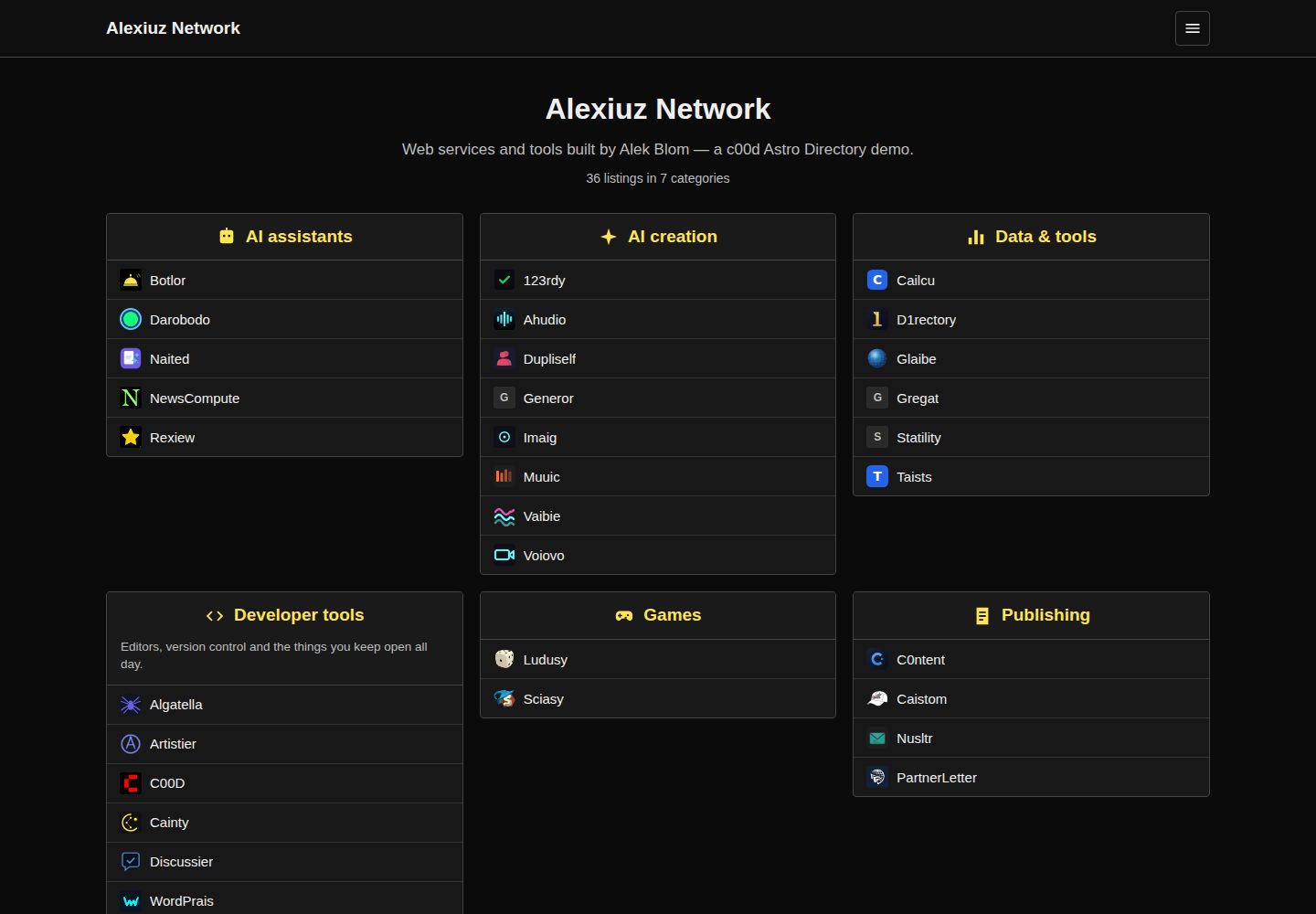
c00d-astro-directory
An Astro-based static ranked link directory template that builds from local JSON or a live c00d Directory API. It includes category boxes with ratings, per-category pages, detail pages, sitemaps, Open Graph, and client-side search.
Astro · Directory site
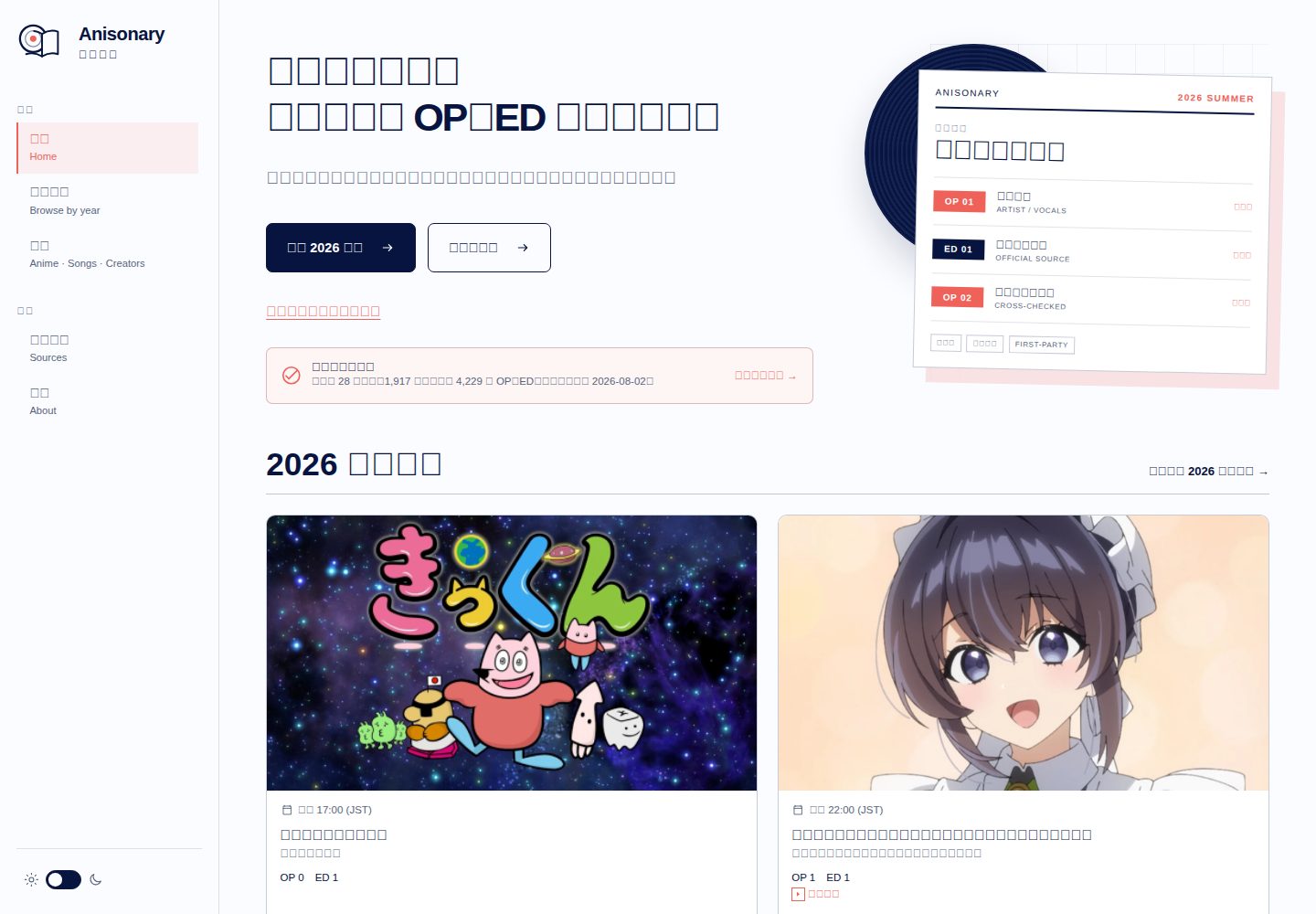
anisonary
Anisonary is an Astro-built seasonal anime OP/ED directory with source-traceable song records, reviewed performance credits, local in-browser search, a same-origin static JSON API, and offline Service Worker precaching.
Astro · Directory site
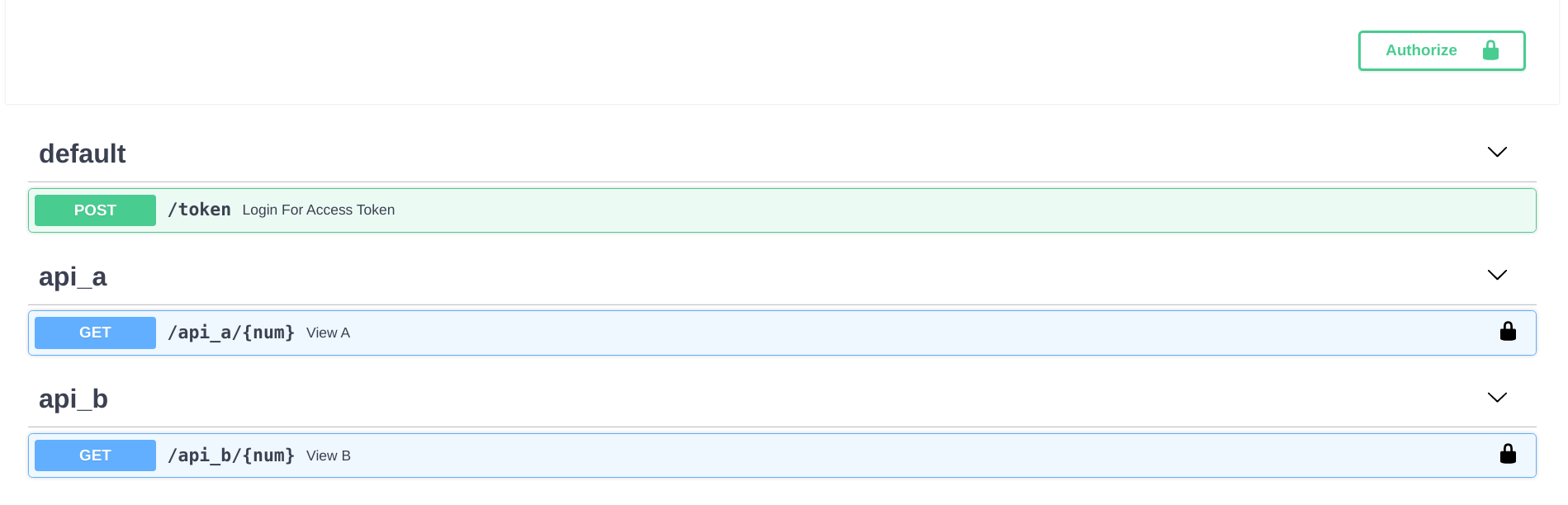
fastapi-nano
A FastAPI backend template that mimics Flask's blueprint directory structure, splitting API logic into independent packages and exposing endpoints centrally in routes.
Flask · Directory site
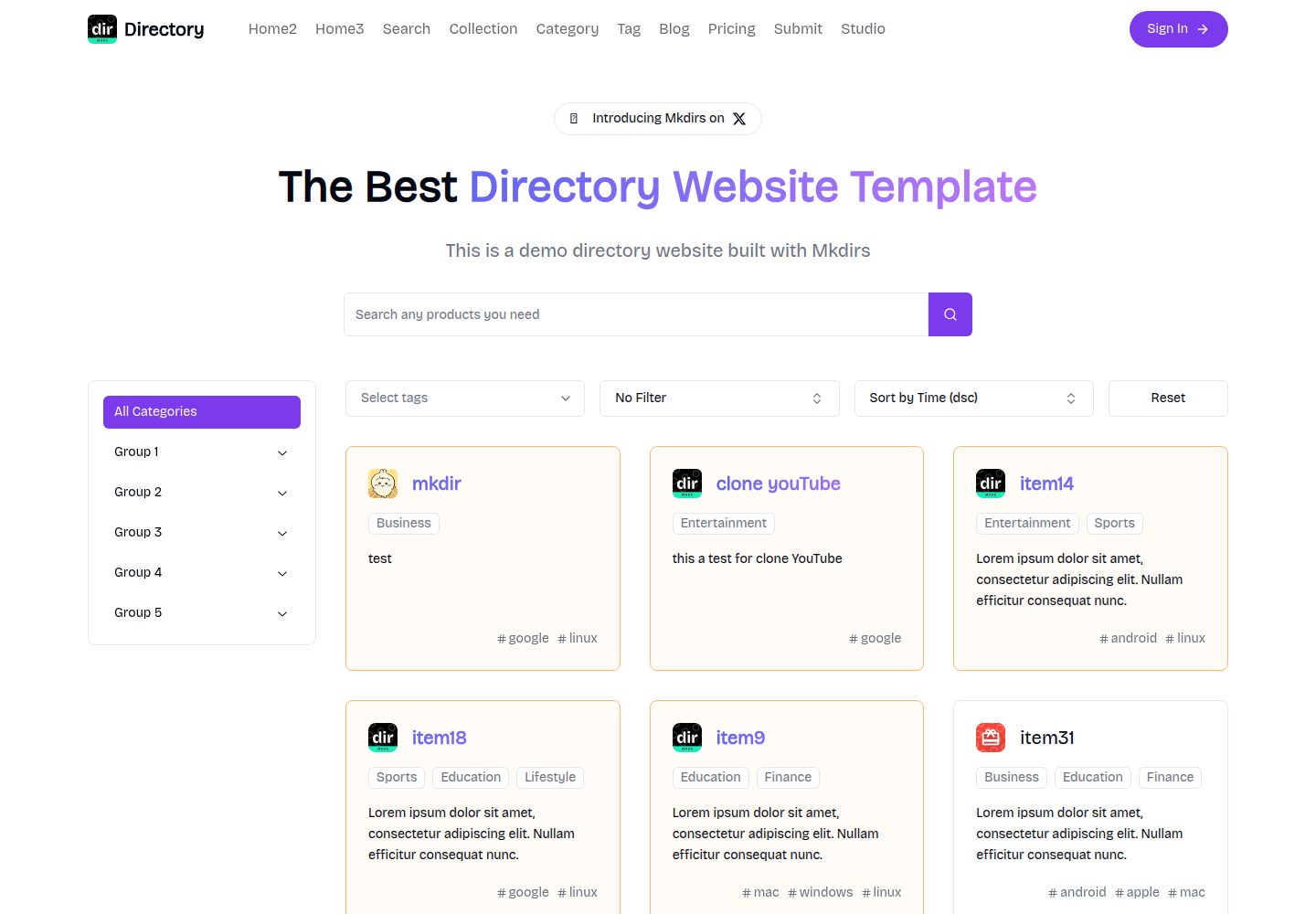
mkdirs
Mkdirs is an open-source directory website template built with Next.js, offering directory entries, categories, collections, tags, and search as core content structures, plus AI-assisted submissions, user authentication and dashboards, free/paid/sponsored submissions via Stripe, Sanity CMS with blog, Resend email and newsletters, SEO…
Next.js · Directory site
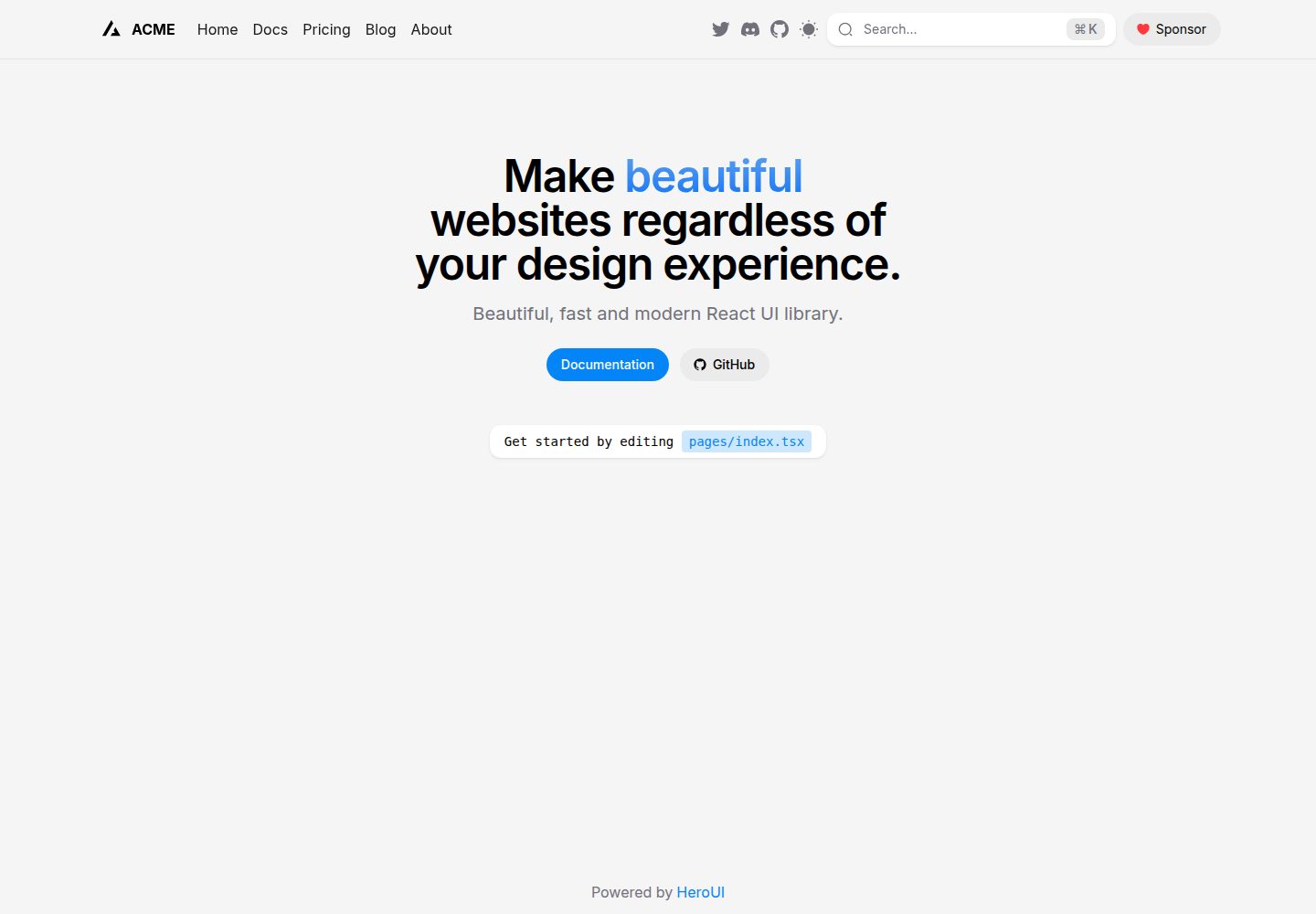
next-pages-template
A Next.js Pages Router starter template pre-configured with HeroUI, Tailwind CSS, Tailwind Variants, TypeScript, and next-themes, including example home and blog pages.
Next.js · Directory site
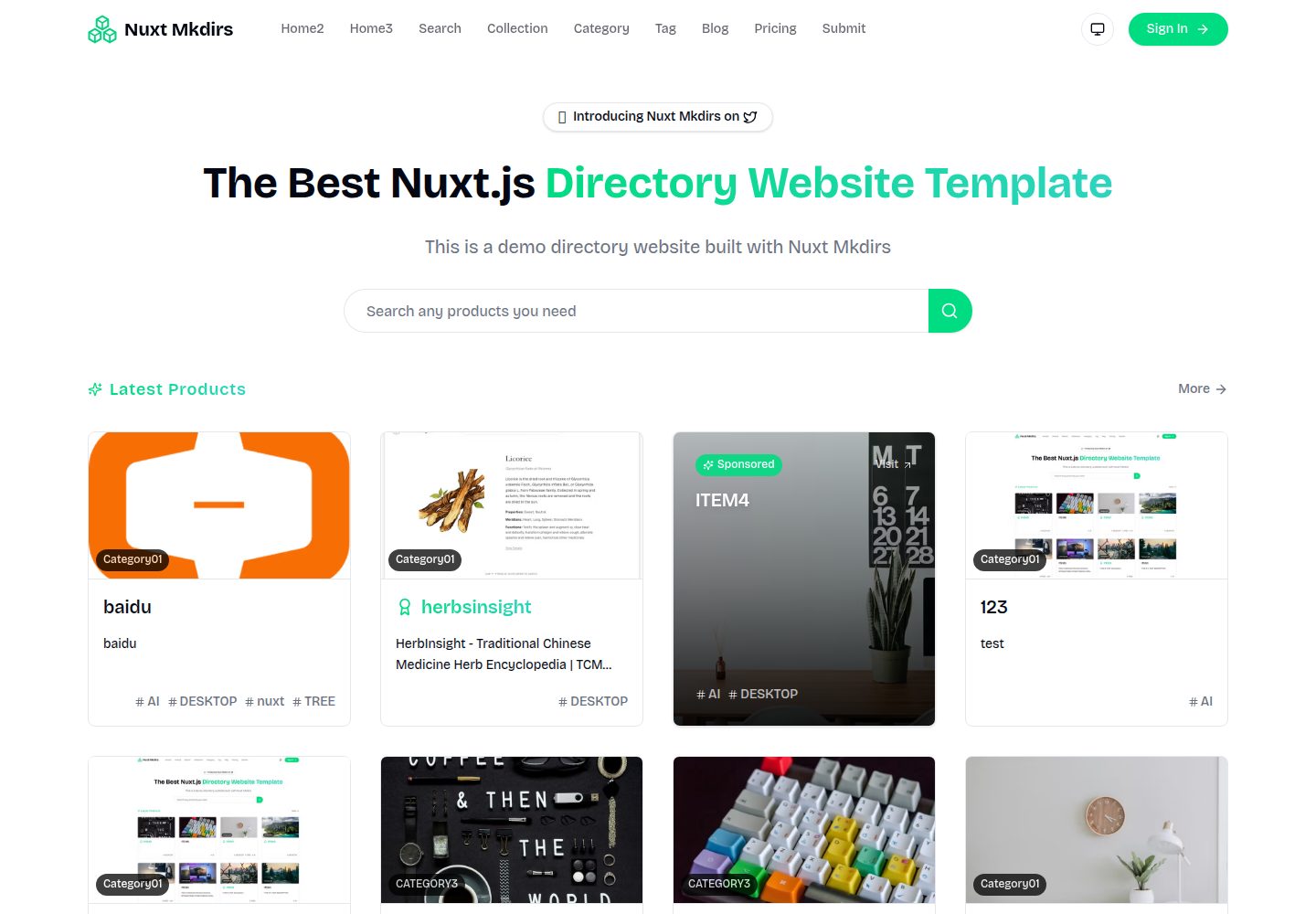
Nuxt_Mkdirs
An open-source directory site template built with Nuxt and Sanity CMS, with three homepage layouts, Google/GitHub OAuth login, Stripe and Creem payment channels, Resend transactional email and newsletter subscriptions, and optional AI auto-fill for submissions.
Nuxt · Blog