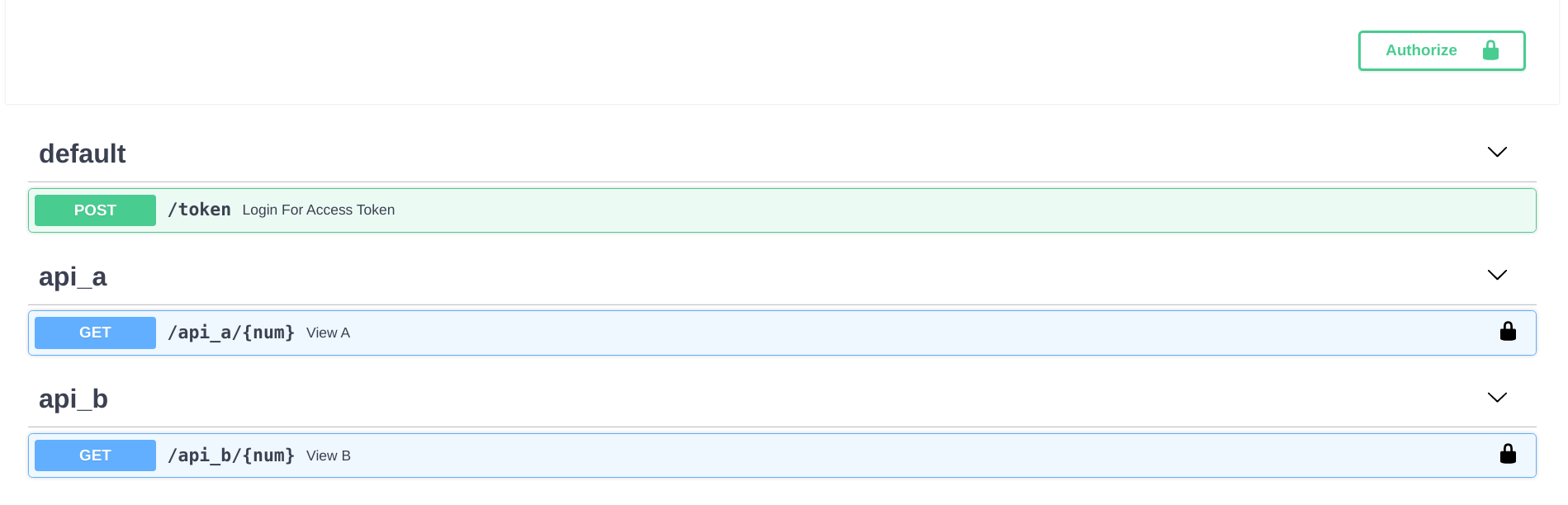
Uses a Flask blueprint-style partitioned directory structure, splitting each API's logic into independent packages and exposing them uniformly in routes
FlaskDirectory site
fastapi-nano — Flask Directory site Template
By rednafi
rednafi/fastapi-nano is a FastAPI backend template that uses a Flask blueprint-style directory structure, including OAuth2 authentication, a Caddy reverse proxy, and containerized configuration.
Explore the design
Compare the page layouts and mobile experience. Open any screenshot for a closer look.
Author preview
Author-provided preview
Preview provided in the project README.
One original preview is available. Open the full image to inspect the design.
Screenshots show visual appearance; interactive behavior may differ.
Recorded 2026-10-01View source
What stands out
A quick read of the recorded project description.
Built-in OAuth2 password flow authentication, with passwords hashed using Argon2 and tokens as Bearer JWTs
Provides two example APIs, api_a and api_b, demonstrating decoupling of multiple API logics and endpoint assembly
Starts locally with fastapi dev; runs in containers with docker-compose and a Caddy reverse proxy
Uses uv for dependency management, Pydantic Settings for typed environment configuration, and includes pytest tests plus ruff and mypy checks
Multi-stage Dockerfile based on python:3.14-slim by default, with a 3.13 version also provided in the dockerfiles directory
Template Details
fastapi-nano is a FastAPI backend project template. Its core feature is a partitioned directory structure that mimics Flask blueprints: the logic of different APIs is split into independent packages, and endpoints are exposed uniformly in the routes directory. The template includes two example APIs (api_a and api_b) with identical logic: they accept an integer, return that integer as a seed, and return two random integers between 0 and that integer. This demonstrates how to decouple the logic of multiple APIs and assemble routes centrally.
For authentication, the template uses the OAuth2 password flow, passwords are hashed with Argon2 via pwdlib, tokens are Bearer JWTs (PyJWT), and CORS is enabled. Configuration uses typed reads via Pydantic Settings, dependency management uses uv, testing uses pytest, and code checking uses ruff and mypy. There are two ways to run it: locally via the FastAPI CLI's fastapi dev (backed by Uvicorn), with the default address http://localhost:5002; or in containers via docker-compose, with a Caddy reverse proxy in front. The Dockerfile is a multi-stage build, based on python:3.14-slim by default, with a 3.13 version also provided in the dockerfiles directory. The template states support for Python 3.14 and 3.13.
In the directory structure, svc is the main service directory, apis contains the individual API packages, core holds authentication, configuration, and logging, routes/views.py defines the endpoints, and tests holds integration and unit tests; the root directory contains .env, Caddyfile, docker-compose.yml, pyproject.toml, and uv.lock. The example credentials are username ubuntu and password debian, and the interactive documentation is at /docs.
As a template, it provides structure and example logic rather than a complete business implementation: the example APIs only demonstrate random numbers, authentication users and secrets must be replaced, and production deployments still need to adjust the reverse proxy rules in the Caddyfile according to actual requirements.
FlaskDirectory site
Is it right for your project?
Use Cases
- You need a clearly structured FastAPI backend starter project that can be directly rewritten
- You want to organize multiple API packages and routes following Flask blueprint conventions
- You need a reference OAuth2 + JWT authentication implementation directly in the template
- You want to set up a local or deployment environment with Docker and Caddy as a reverse proxy
- You need a Python project skeleton with pytest tests, ruff, and mypy checks
Suitable For
- Backend developers familiar with Flask's directory organization who want to migrate to FastAPI
- Python developers who need a small-to-medium backend project structure reference
- Teams that want to run in containers with a reverse proxy in front
- Learners who need example code for OAuth2 and JWT authentication
Getting started & customization
Use these recorded setup notes alongside the repository instructions for your chosen version.
- 1
To run locally, install uv first, then execute make run-local; the service listens on http://localhost:5002 by default
- 2
To run in containers, install Docker first, then execute make run-container in the project root
- 3
Interactive documentation is at http://localhost:5002/docs; the example login username is ubuntu and the password is debian
- 4
Use make test, make lint, and make dep-update for tests, checks, and dependency updates respectively; use make kill-container to stop containers
- 5
The example APIs and credentials are for demonstration only and must be replaced when integrating actual business logic; adjust the reverse proxy rules in the Caddyfile during deployment
License & source material
Usage conditions & limitations
Free to use · keep license noticeThis entry covers the free version in the public repository under the MIT license; the free scope is the code of that version and does not mean external services or third-party assets are free.
Must comply with when using
- You may use, modify, commercialize, and distribute the code of this version for free.
- When distributing copies or substantial portions of the code, retain the original author's copyright notice and the full MIT license notice.
- The code is provided as is; warranties and limitations of liability are governed by the original license and applicable law.
Additional costs & items to verify
- The template's built-in example login credentials are username ubuntu and password debian; they are for demonstration only and must be replaced when integrating actual business logic.
- Production deployment requires adjusting the reverse proxy rules in the Caddyfile yourself; the template's default configuration is not guaranteed to be directly usable in production.
- The template only provides structure and example logic; actual business APIs must be written yourself in the form of api_a/api_b.
- Demo images, fonts, icons, and other third-party assets must be checked against their respective licenses and cannot be judged solely by the code's MIT license.
- External services such as domains, hosting, databases, payments, or AI may incur separate charges.
View Original Text Basis
Permission is hereby granted, free of charge
Original License Text
the username and password are `ubuntu` and `debian` respectively
Original README
During prod deployment, you might need to fiddle with the reverse-proxy rules in the Caddyfile.
Original README
https://github.com/rednafi/fastapi-nano/blob/master/LICENSEhttps://github.com/rednafi/fastapi-nano/blob/master/README.mdYou can put your own API logic following the shape of `api_a` and `api_b` packages.
Original README
Compiled by DeepSeek based on repository license and README ·2026-10-01. Results only cover the materials read; dependencies, images, fonts, and subsequent term changes are subject to their respective original texts.
Project checks & description sources
Template Information
- Source platforms
- GitHub
- Documentation and maintenance reference score
- More documented · 83 / 100
- Technologies
- Flask
- Website type
- Directory site
How this score is calculated
Our heuristic uses license records (up to 30), a demo link (12), a preview (10), stars (15), recorded maintenance (15), description completeness (8), feature records (5) and classification data (5). It is not a code, security or performance test, or a Google score. A link does not establish tested functionality.
What to verify for this project
- Repository update recorded
- 2026-09-28
- Screenshot last checked
- 2026-10-01
No demo link is recorded. Use the repository instructions to evaluate the project locally; the screenshot alone cannot establish interactive behavior.
The catalog identifies Flask as the primary stack. Check the actual dependency manifest and lockfile for versions and hosting requirements. These notes use recorded metadata, not a code audit or a deployment test.
Use a selection guide →How this description was prepared
AI-assisted description based on catalog records and repository material. Repository authors are not automatically the reviewers of this description.
Automatically checked against source and license rules; no manual editorial review.
Inspect the recorded source material
SHA-256: 2197ab53c06d36d077ebb179404b6633cd954a661296b3be40d035699979e55d
2026-10-01T02:42:39.386Z
Source file / repository<div align="center">

[](https://github.com/mjhea0/awesome-fastapi#boilerplate)
[](https://github.com/rednafi/fastapi-nano/blob/master/LICENSE)
</div>
## Description
This is a simple [FastAPI][fastapi] template that follows Flask's [blueprint][blueprint]
directory structure.
## Features
- Uses [FastAPI][fastapi] to build the HTTP API endpoints.
- Served with the [FastAPI CLI][fastapi_cli] using `fastapi dev` locally and
`fastapi run` in the container, both running [Uvicorn][uvicorn] under the hood.
- Simple reverse-proxying with [Caddy][caddy].
- OAuth2 authentication with [Argon2][argon2] password hashing via [pwdlib][pwdlib]
and Bearer JWT tokens via [PyJWT][pyjwt].
- [CORS (Cross Origin Resource Sharing)][cors] enabled.
- Flask inspired divisional directory structure, suitable for small to medium backend
development.
- Uses [FastAPI standard dependencies][fastapi_standard] and [uv][uv] for dependency
management.
- Uses [Pydantic Settings][pydantic_settings] for typed environment configuration.
- Supports Python 3.14 and 3.13.
- Dockerized with multi-stage Dockerfiles based on **python:3.14-slim** by default.
Dockerfiles for Python 3.14 and 3.13 can be found in the `dockerfiles` directory.
## Quickstart
### Run in containers
- Clone the repo and navigate to the root folder.
- To run the app using Docker, make sure you've got [Docker][docker] installed on your
system. From the project's root directory, run:
```sh
make run-container
```
### Or, run locally
If you want to run the app locally, without using Docker, then:
- Clone the repo and navigate to the root folder.
- Install [uv][uv] for dependency management.
- Start the app. Run:
```sh
make run-local
```
This will use [uv][uv] and `.python-version` to create or sync a `.venv` with
Python 3.14 when needed, install dependencies, and start the FastAPI development
server on `http://localhost:5002`.
### Explore the endpoints
- To play around with the APIs, go to the following link on your browser:
```sh
http://localhost:5002/docs
```
This will take you to an UI like below:
![Screenshot from 2020-06-21 22-15-18][screenshot_1]
- Press the `authorize` button on the right and add _username_ and _password_. The APIs
use OAuth2 with Argon2 password hashing and Bearer JWT authentication. In this case,
the username and password are `ubuntu` and `debian` respectively.
![Screenshot from 2020-06-21 22-18-25][screenshot_2]
Clicking the `authorize` button will bring up a screen like this:
![Screenshot from 2020-06-21 22-18-59][screenshot_3]
- Then select any of the `api_a` or `api_b` APIs, put an integer in the number box,
and click the `Execute` button.
![Screenshot from 2020-06-21 22-31-19][screenshot_4]
- Hitting the API should give a json response with random integers.
![Screenshot from 2020-06-21 22-32-28][screenshot_5]
- Also, notice the `curl` section in the above screen shot. You can directly use the
highlighted curl command in your terminal. Make sure you've got `jq` installed in your
system.
```sh
curl -X GET "http://localhost:5002/api_a/22" \
-H "accept: application/json" \
-H "Authorization: Bearer $(curl -X POST "http://localhost:5002/token" \
-H "accept: application/x-www-form-urlencoded" \
-d "username=ubuntu&password=debian" | jq -r ".access_token")"
```
This should show a response like this. The random values will vary.
```json
{
"seed": 22,
"random_first": 5,
"random_second": 13
}
```
### Housekeeping
- Run tests with `make test` (uses [pytest][pytest]).
- Lint with [ruff] and check types with [mypy] using `make lint`.
- Update dependencies with `make dep-update`.
- Stop containers with `make kill-container`.
## Directory structure
This shows the folder structure of the default template.
```txt
fastapi-nano
├── svc # primary service folder
│ ├── apis # this houses all the API packages
│ │ ├── api_a # api_a package
│ │ │ ├── __init__.py # empty init file to make the api_a folder a package
│ │ │ ├── mainmod.py # main module of api_a package
│ │ │ └── submod.py # submodule of api_a package
│ │ └── api_b # api_b package
│ │ ├── __init__.py # empty init file to make the api_b folder a package
│ │ ├── mainmod.py # main module of api_b package
│ │ └── submod.py # submodule of api_b package
│ ├── core # this is where the configs live
│ │ ├── auth.py # authentication with OAuth2
│ │ ├── config.py # typed environment settings
│ │ ├── logger.py # logging configuration
│ │ └── __init__.py # empty init file to make the core folder a package
│ ├── __init__.py # configures logging when the svc package is imported
│ ├── main.py # main file where the FastAPI() class is called
│ ├── routes # this is where all the routes live
│ │ └── views.py # file containing the endpoints for api_a and api_b
│ └── tests # test package
│ ├── __init__.py # empty init file to make the tests folder a package
│ ├── test_apis.py # integration testing the API responses
│ ├── test_logger.py # unit testing logger configuration
│ └── test_functions.py # unit testing the underlying functions
├── dockerfiles # Dockerfiles for supported Python versions
├── .env # env file containing app variables and Docker Python target
├── Caddyfile # simple reverse-proxy with caddy
├── docker-compose.yml # docker-compose file
├── pyproject.toml # pep-518 compliant config file
└── uv.lock # pinned app and dev dependencies
```
In the above structure, `api_a` and `api_b` are the main packages where the code of the APIs
live and they are exposed by the endpoints defined in the `routes` folder. Here, `api_a` and
`api_b` have identical logic. These are dummy APIs that take an integer as input and return
two random integers between zero and the input value. The purpose of including two identical
APIs in the template is to demonstrate how you can decouple the logics of multiple APIs and
then assemble their endpoints in the routes directory. The following snippets show the logic
behind the dummy APIs.
This is a dummy submodule that houses a function called `rand_gen` which generates a
dictionary of random integers.
```python
# This is a dummy module.
# This gets called in mainmod.py.
from __future__ import annotations
import random
def rand_gen(num: int) -> dict[str, int]:
num = int(num)
d = {
"seed": num,
"random_first": random.randint(0, num),
"random_second": random.randint(0, num),
}
return d
```
The `main_func` in the primary module calls the `rand_gen` function from the submodule.
```python
from __future__ import annotations
from .submod import rand_gen
def main_func(num: int) -> dict[str, int]:
d = rand_gen(num)
return d
```
The endpoint is exposed like this:
```python
router = APIRouter()
logger = logging.getLogger(__name__)
CurrentUser = Annotated[UserInDB, Depends(get_current_user)]
# endpoint for api_a (api_b looks similar)
@router.get("/api_a/{num}", tags=["api_a"])
async def view_a(
num: int,
_auth: CurrentUser,
) -> dict[str, int]:
result = main_func_a(num)
logger.info(f"API A: {result}")
return result
```
So hitting the API with a random integer will give you a response like the following. The
random values will vary.
```json
{
"seed": 22,
"random_first": 5,
"random_second": 20
}
```
## Further modifications
- You can put your own API logic following the shape of `api_a` and `api_b` packages.
You'll have to add additional directories like `api_a` or `api_b` if you need to expose
more endpoints.
- Then expose the API URLs in the `routes/views.py` file. You may choose to create
multiple `views` files to organize your endpoint URLs.
- This template uses OAuth2 based authentication and it's easy to change that. FastAPI
docs has a comprehensive list of the available [authentication][fastapi_security]
options and instructions on how to use them.
- During prod deployment, you might need to fiddle with the reverse-proxy rules in the
Caddyfile.
## Resources
- [Flask divisional folder structure][blueprint]
- [Deploying APIs built with FastAPI](https://fastapi.tiangolo.com/deployment/)
- [Reverse proxying with Caddy](https://caddyserver.com/docs/caddyfile/directives/reverse_proxy)
[blueprint]: https://flask.palletsprojects.com/en/2.3.x/blueprints/
[caddy]: https://caddyserver.com/docs/
[cors]: https://fastapi.tiangolo.com/tutorial/cors/
[docker]: https://www.docker.com/
[fastapi]: https://fastapi.tiangolo.com/
[argon2]: https://argon2-cffi.readthedocs.io/
[fastapi_cli]: https://fastapi.tiangolo.com/fastapi-cli/
[fastapi_security]: https://fastapi.tiangolo.com/tutorial/security/oauth2-jwt/
[fastapi_standard]: https://fastapi.tiangolo.com/#standard-dependencies
[pydantic_settings]: https://fastapi.tiangolo.com/advanced/settings/
[pwdlib]: https://github.com/frankie567/pwdlib
[pyjwt]: https://pyjwt.readthedocs.io/
[pytest]: https://docs.pytest.org/en/stable/
[ruff]: https://astral.sh/ruff
[uvicorn]: https://uvicorn.org/
[uv]: https://docs.astral.sh/uv/
[screenshot_1]:
https://user-images.githubusercontent.com/30027932/85229723-5b721880-b40d-11ea-8f03-de36c07a3ce5.png
[screenshot_2]:
https://user-images.githubusercontent.com/30027932/85229725-5e6d0900-b40d-11ea-9c37-bbee546f84a8.png
[screenshot_3]:
https://user-images.githubusercontent.com/30027932/85229729-6036cc80-b40d-11ea-877e-7421b927a849.png
[screenshot_4]:
https://user-images.githubusercontent.com/30027932/85229992-fcad9e80-b40e-11ea-850d-9ca86259d463.png
[screenshot_5]:
https://user-images.githubusercontent.com/30027932/85230016-25359880-b40f-11ea-9196-c46fd72a760c.png
<div align="center">
✨ 🍰 ✨
</div>
Explore similar templates
Compare previews and descriptions within the same stack and category.
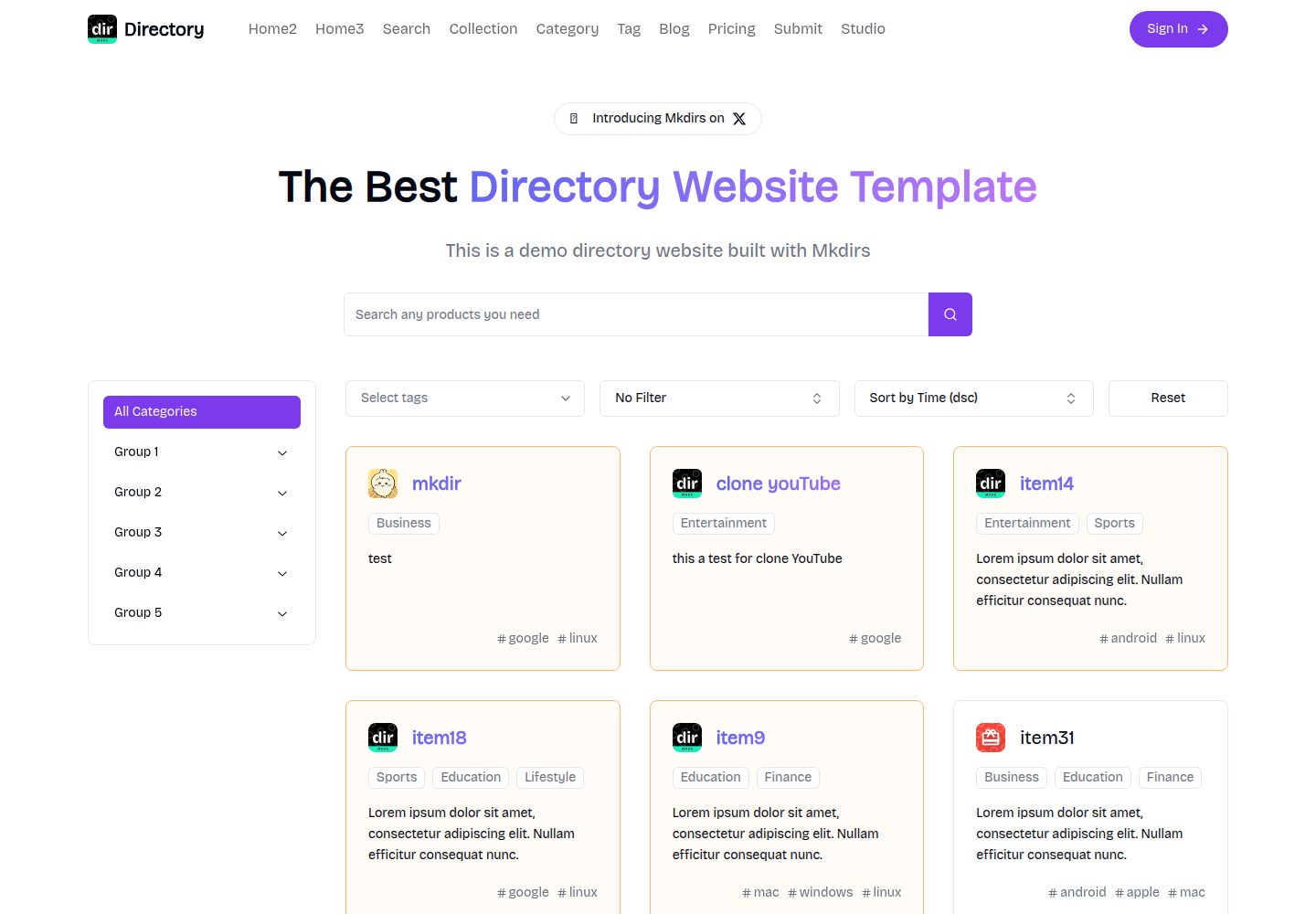
mkdirs
Mkdirs is an open-source directory website template built with Next.js, offering directory entries, categories, collections, tags, and search as core content structures, plus AI-assisted submissions, user authentication and dashboards, free/paid/sponsored submissions via Stripe, Sanity CMS with blog, Resend email and newsletters, SEO…
Next.js · Directory site

minted-directory-astro
A Markdown-driven directory site template built with Astro and Tailwind CSS. It imports listing data from markdown, json, csv, Google Sheets, Notion, or Airtable, and includes tag and search functionality, light and dark modes, sponsored content slots, and SEO-oriented page structure.
Astro · Directory site
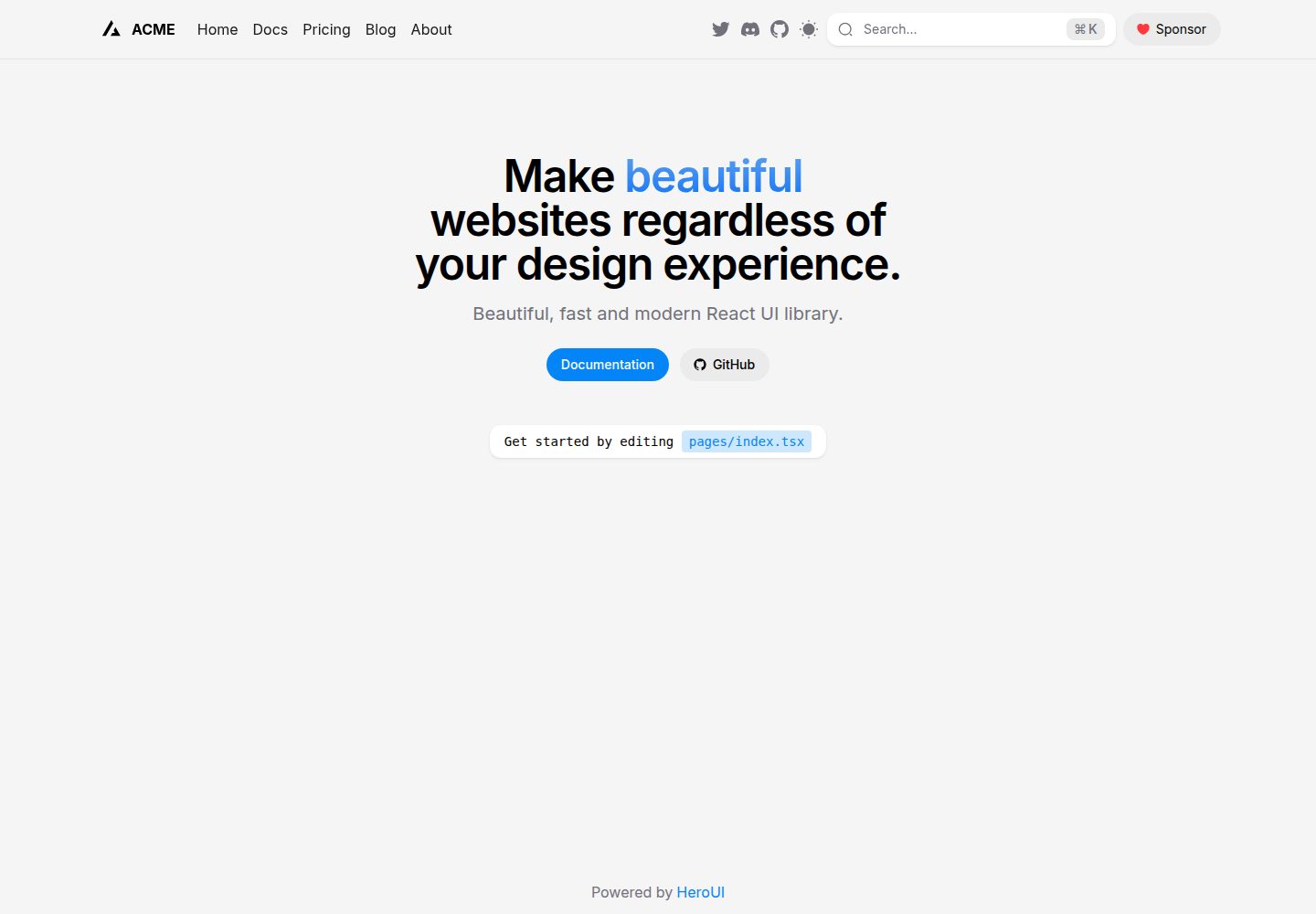
next-pages-template
A Next.js Pages Router starter template pre-configured with HeroUI, Tailwind CSS, Tailwind Variants, TypeScript, and next-themes, including example home and blog pages.
Next.js · Directory site

Nuxt_Mkdirs
An open-source directory site template built with Nuxt and Sanity CMS, with three homepage layouts, Google/GitHub OAuth login, Stripe and Creem payment channels, Resend transactional email and newsletter subscriptions, and optional AI auto-fill for submissions.
Nuxt · Blog
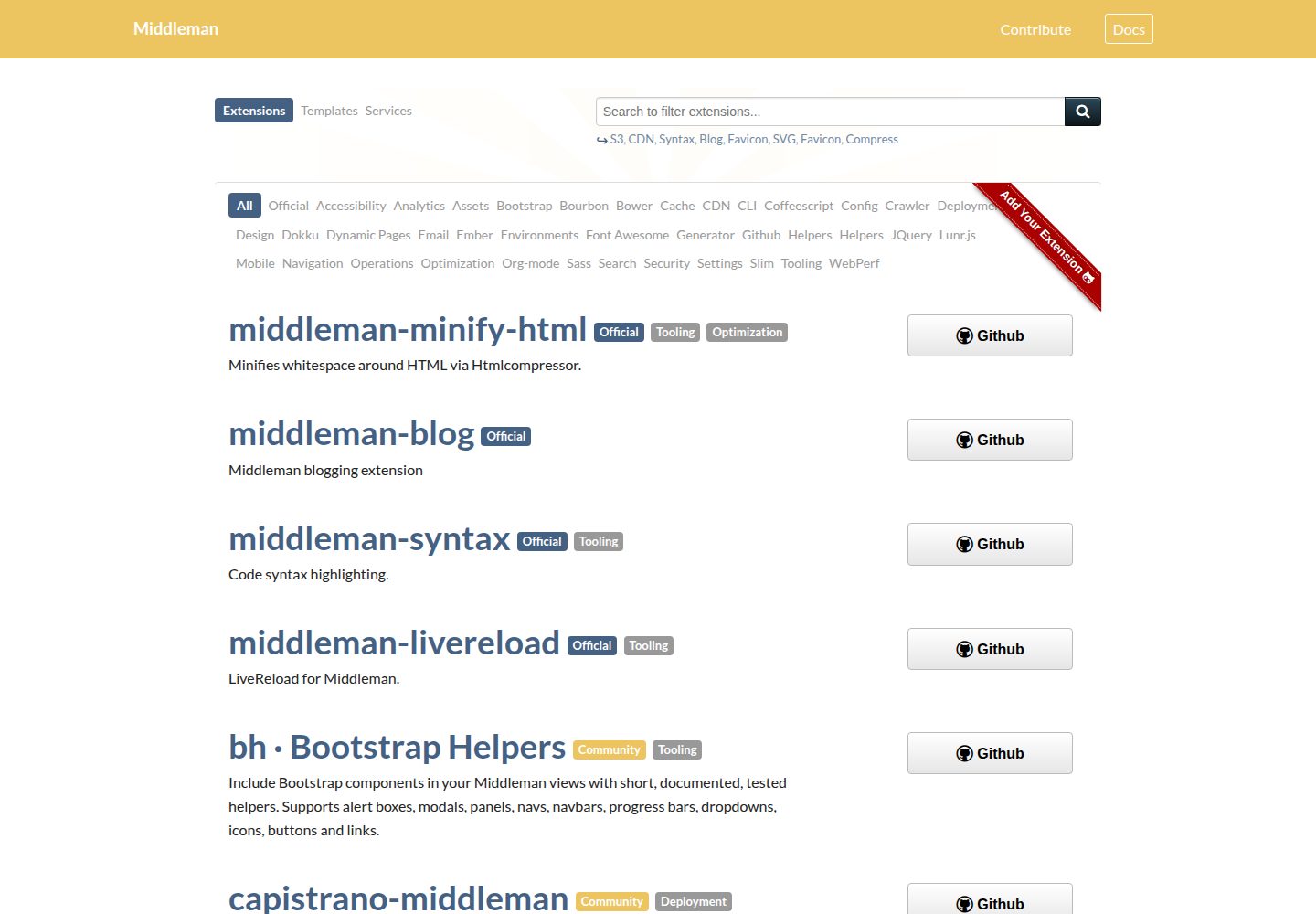
middleman-directory
Source files for the directory.middlemanapp.com directory site, which lists Middleman extensions, templates and services.
HTML · Directory site
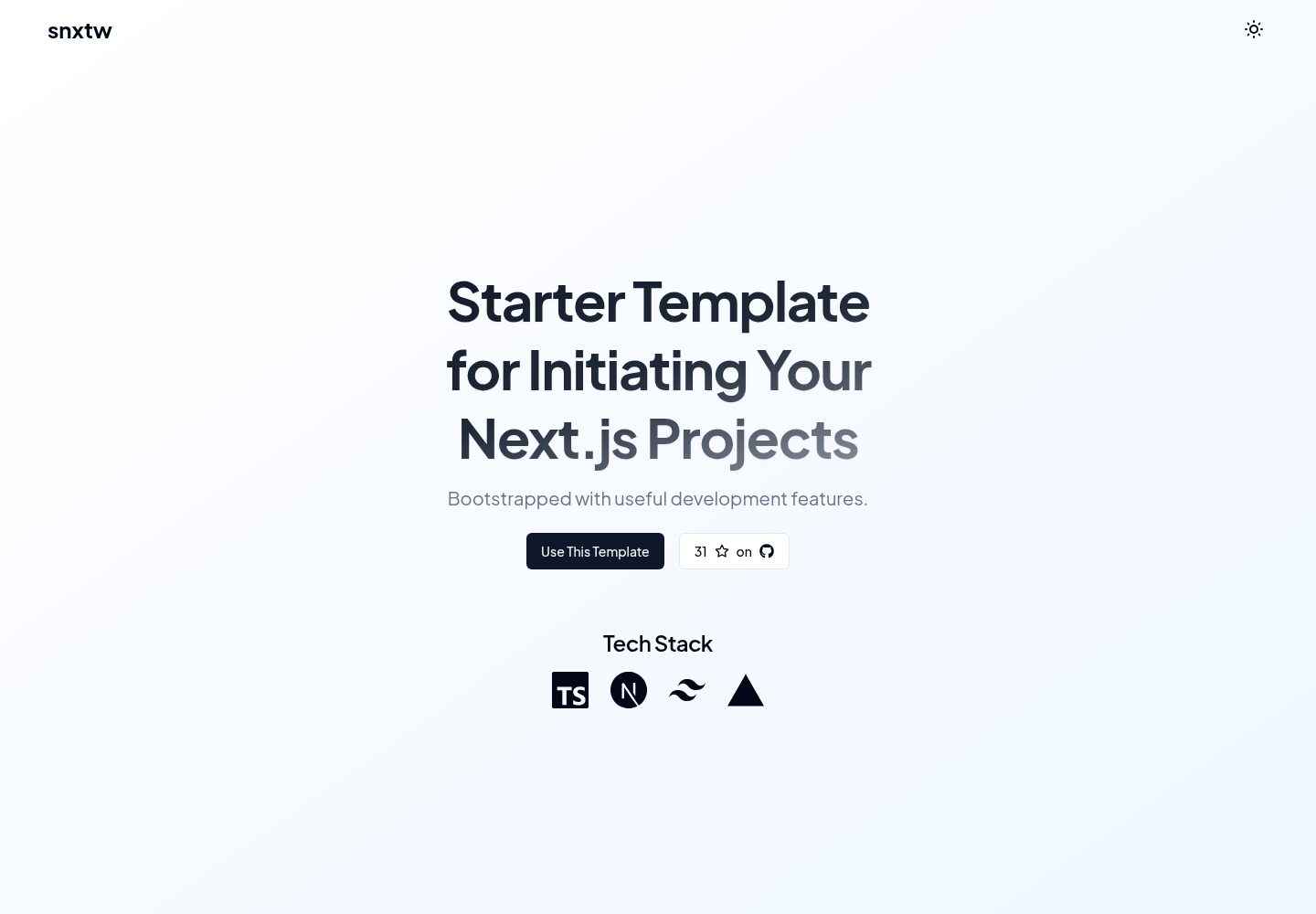
snxtw
snxtw is a Next.js App Router starter template with Tailwind CSS and TypeScript, offering prebuilt components, SEO metadata, and a code quality toolchain including ESLint, Prettier, Husky, lint-staged, and Conventional Commit Lint.
Next.js · Directory site