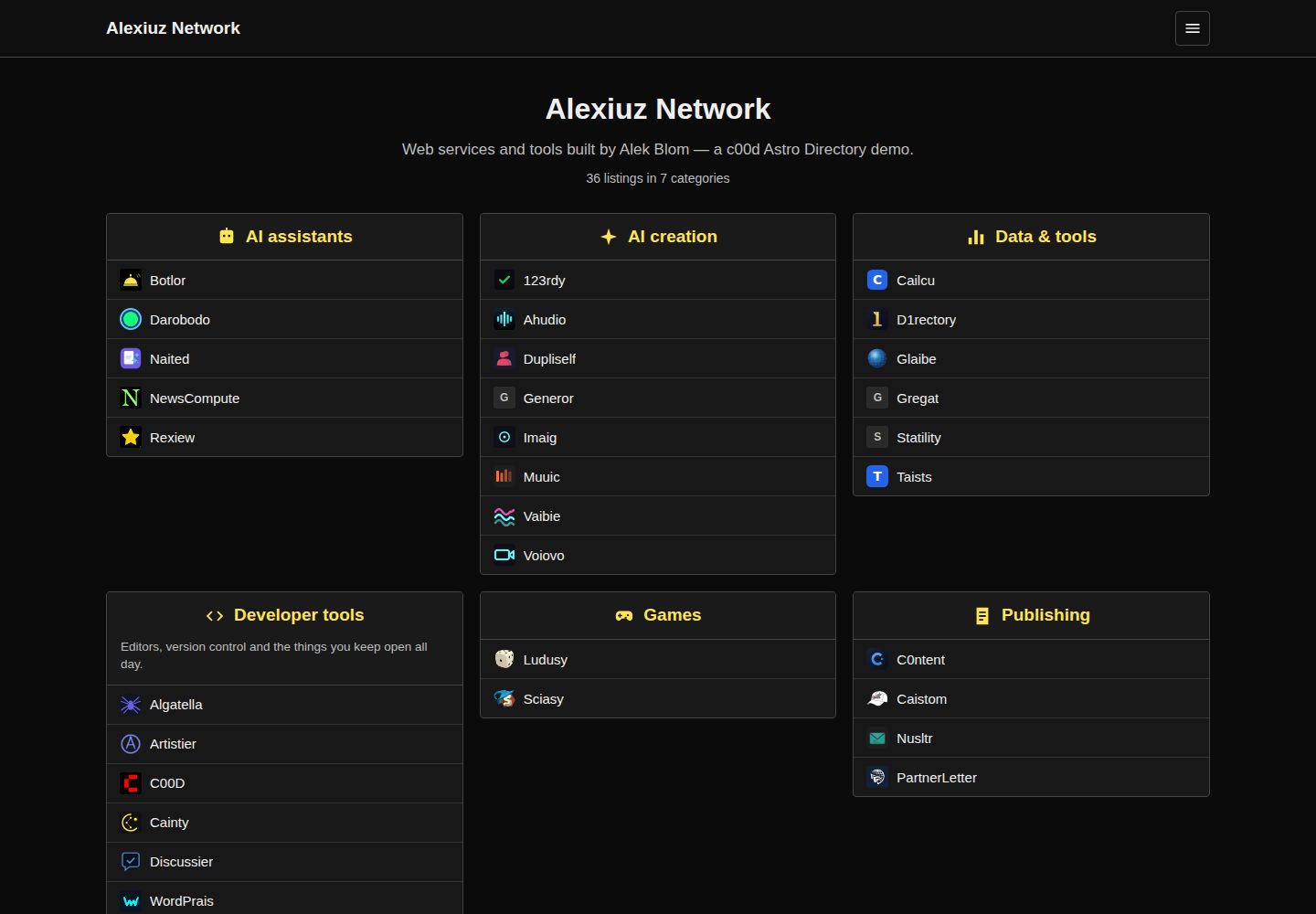
Static Astro site; the build output is dist/, deployable to Netlify, Vercel, Cloudflare Pages, GitHub Pages, or object storage
AstroDirectory site
c00d-astro-directory — Astro Directory site Template
By alekblom
An Astro-based static ranked link directory template that supports two content sources: local JSON or the c00d Directory API. It includes category boxes, ratings, category pages, detail pages, and browser-side search.
Explore the design
Compare the page layouts and mobile experience. Open any screenshot for a closer look.
Desktop homepage1 / 3
Desktop captureTop of page
Actual screenshot captured by the server browser.
All pages & views 3
Screenshots show visual appearance; interactive behavior may differ.
Recorded 2026-10-02View source
What stands out
A quick read of the recorded project description.
Uses local JSON content collections by default, with one file per entry and per category, runnable after cloning
Can be switched to pull data at build time from the c00d Directory JSON API, with outbound links going through the directory click counter
Homepage category boxes display rated entries, with category pages, detail pages, sitemaps, and Open Graph
Client-side search, with the entire index published as JSON with the site, suitable for directories of up to a few hundred entries
Shares the stylesheet and URL structure with the PHP, WordPress, and Joomla versions in the same series
Template Details
This is a template that builds a ranked link directory as a static Astro site. The homepage displays rated entries in category boxes, each category has its own page, each entry has a detail page, and client-side search runs in the browser. Content comes by default from local JSON in the repository: one file per entry under src/content/listings/ and one file per category under src/content/categories/, suitable for a directory you maintain yourself and redeploy after changes.
Another mode pulls content at build time from a c00d Directory installation with the JSON API enabled, switched on by setting the DIRECTORY_API environment variable. In this case the front end remains static, but the data comes from a directory system that accepts submissions, and outbound links go through that directory's click counter. In either mode, publishing updates requires a rebuild, which can be triggered automatically with a deploy hook.
The template clearly states the boundaries of static builds: submissions require a writable backend (use API mode, or point a form at a service such as Formspree); click counting requires a server, and in local mode links go out directly; search runs in the browser, with the entire index published as JSON with the site, so API mode should be used when the number of entries is large. Browsing, categories, ratings, detail pages, sitemaps, and Open Graph are all fully static.
Configuration is centralized in src/consts.ts (site title, tagline, number of entries shown per box), astro.config.mjs (before deployment, set site to the production URL, otherwise canonical links and the sitemap will point to example.com), and src/styles/app.css (design tokens are CSS variables at the top of the file). This stylesheet is shared with the PHP, WordPress, and Joomla versions in the same series, and the URL structure is also the same (/c/{category}, /l/{listing}), making it easy to migrate between versions without losing links.
AstroDirectory site
Is it right for your project?
Use Cases
- Maintain your own curated link directory, editing content in local JSON and redeploying after changes
- You already have a c00d Directory installation with the JSON API enabled and want a static front end for it
- You need a static directory site with ratings, category browsing, and detail pages, and want search to run in the browser
- Migrate between the PHP, WordPress, Joomla, and Astro versions while preserving the /c/{category} and /l/{listing} link structure
Suitable For
- Directory maintainers who accept static builds and are willing to redeploy after content changes
- Sites with up to a few hundred entries that want search to run entirely on the client
- Individuals or small teams who want to manage entries and categories with JSON files without introducing a database
- Sites already using c00d Directory that want to reuse its data and click statistics
Getting started & customization
Use these recorded setup notes alongside the repository instructions for your chosen version.
- 1
Get the code with npx degit alekblom/c00d-astro-directory my-directory, then npm install and npm run dev
- 2
In local mode, edit the JSON under src/content/listings/ and src/content/categories/, then run npm run build
- 3
In API mode, set the DIRECTORY_API environment variable to point to a c00d Directory installation with the JSON API enabled
- 4
Before deployment, set site to the production URL in astro.config.mjs, otherwise canonical links and the sitemap will point to example.com
- 5
The README mentions the Formspree form service; real submissions require configuring an endpoint yourself and checking quotas and fees
License & source material
Usage conditions & limitations
Free to use · keep license noticeThis entry covers the free version under the MIT license in the public repository; the free scope is the code of this version and does not mean that external services or third-party assets are free.
Must comply with when using
- You may use, modify, use commercially, and distribute the code of this version for free.
- When distributing copies or substantial portions of the code, retain the original author's copyright notice and the full MIT license notice.
- The code is provided as is; warranties and limitations of liability are governed by the original license and applicable law.
Additional costs & items to verify
- The README mentions the Formspree form service; real submissions require configuring a service endpoint, and its usage quotas and fees must be checked separately.
- Demo images, fonts, icons, and other third-party assets must be checked under their respective licenses and cannot be judged solely by the code's MIT license.
- External services such as domains, hosting, databases, payments, or AI may incur separate charges.
- API mode requires that you already have and run a c00d Directory installation with the JSON API enabled; this is an external service dependency, and the template itself does not provide that backend.
- The submission feature cannot work in pure static mode; you must use API mode or connect a third-party form service such as Formspree, which may involve additional accounts and fees.
- Click counting requires a server; in local JSON mode, outbound links go out directly and do not pass through a click counter.
- Client-side search publishes the entire index as JSON with the site, suitable only for up to a few hundred entries; when entries reach thousands, API mode must be used instead.
- The category icon field renders inline SVG as markup, so you can only put in content you own or trust, and you must not include SVG from third-party sources.
- Before deployment, you must set site to the production URL in astro.config.mjs, otherwise canonical links and the sitemap will point to example.com.
View Original Text Basis
Permission is hereby granted, free of charge
Original License Text
That points at a c00d Directory install with its JSON API switched on.
Original README
**Submissions** need somewhere to write. Use the API mode, or point a form at a service like Formspree.
Original README
**Click counting** needs a server. In API mode the directory counts them; in local mode links go straight out, which is the honest static behaviour.
Original README
Past a few thousand, move it to the API.
Original README
`icon` takes inline SVG. It is rendered as markup, so only put your own there.
Original README
https://github.com/alekblom/c00d-astro-directory/blob/main/LICENSEhttps://github.com/alekblom/c00d-astro-directory/blob/main/README.mdset `site` to your production URL before deploying, or canonical URLs and the sitemap will point at example.com.
Original README
Compiled by DeepSeek based on repository license and README ·2026-10-04. Results only cover the materials read; dependencies, images, fonts, and subsequent term changes are subject to their respective original texts.
Project checks & description sources
Template Information
- Source platforms
- Astro Themes
- Documentation and maintenance reference score
- More documented · 83 / 100
- Technologies
- Astro
- Website type
- Directory site
How this score is calculated
Our heuristic uses license records (up to 30), a demo link (12), a preview (10), stars (15), recorded maintenance (15), description completeness (8), feature records (5) and classification data (5). It is not a code, security or performance test, or a Google score. A link does not establish tested functionality.
What to verify for this project
- Repository update recorded
- 2026-07-29
- Screenshot last checked
- 2026-10-04
A demo link is listed. Check it with your own content and viewport sizes; its presence does not confirm that forms, authentication or payments work.
The catalog identifies Astro as the primary stack. Check the actual dependency manifest and lockfile for versions and hosting requirements. These notes use recorded metadata, not a code audit or a deployment test.
Use a selection guide →How this description was prepared
AI-assisted description based on catalog records and repository material. Repository authors are not automatically the reviewers of this description.
Review declaration: [email protected] · 2026-10-05
Inspect the recorded source material
SHA-256: c4d158e007dcbd5430509f27898731ac3076460069a1804e42cfed3fcbbebb53
2026-10-04T18:20:24.648Z
Source file / repository# c00d Astro Directory
A ranked link directory as a static Astro site. Category boxes of listings with
ratings, per-category pages, detail pages, and client-side search.
Ships with local JSON content so it works the moment you clone it — and can
instead build from a live [c00d Directory](https://c00d.com/templates/c00d-directory)
API, which is where it gets interesting.
MIT licensed. **[Live demo](https://c00d.com/demo/astro-dir/)** — that one is built
against a live API, so it shows the second mode below.

## Quick start
```bash
npx degit alekblom/c00d-astro-directory my-directory
cd my-directory
npm install
npm run dev
```
Edit the JSON under `src/content/listings/` and `src/content/categories/`,
then `npm run build`. Deploy `dist/` anywhere — Netlify, Vercel, Cloudflare
Pages, GitHub Pages, a bucket.
## Two content modes
**Local JSON (default).** One file per listing and per category. Good for a
directory you curate yourself and redeploy when it changes.
**From a live API.** Set `DIRECTORY_API` and the content collections fetch at
build time instead:
```bash
DIRECTORY_API=https://example.com/your-directory npm run build
```
That points at a c00d Directory install with its JSON API switched on. You get
a static front end over a dataset that people can actually submit to, and
outbound links route through the directory's click counter rather than going
straight out.
Rebuild to publish changes. Wire it to a deploy hook if you want that automatic.
## What a static build cannot do
Worth being straight about, because a directory is a dynamic thing:
- **Submissions** need somewhere to write. Use the API mode, or point a form at
a service like Formspree.
- **Click counting** needs a server. In API mode the directory counts them; in
local mode links go straight out, which is the honest static behaviour.
- **Search** runs in the browser. The whole index ships as JSON — fine for a few
hundred listings, a few kilobytes. Past a few thousand, move it to the API.
Everything else — browsing, categories, ratings, detail pages, sitemap, Open
Graph — is fully static.
## Content shape
`src/content/listings/example.json`:
```json
{
"name": "Example",
"slug": "example",
"url": "https://example.com",
"description": "One line about it.",
"category": "tools",
"rating": 9.1,
"featured": false,
"favicon": ""
}
```
`rating` may be `null`. Unrated listings still appear, sorted last — rather than
silently vanishing, which is what ordering by rating does if you are not careful.
`src/content/categories/tools.json`:
```json
{
"name": "Tools",
"slug": "tools",
"description": "Things that do a job.",
"icon": "",
"order": 1
}
```
`icon` takes inline SVG. It is rendered as markup, so only put your own there.
## Configuring
- `src/consts.ts` — title, tagline, how many listings per box.
- `astro.config.mjs` — set `site` to your production URL before deploying, or
canonical URLs and the sitemap will point at example.com.
- `src/styles/app.css` — the design tokens are the CSS variables at the top.
This is the same stylesheet the PHP, WordPress and Joomla editions use, so a
rebrand carries across all of them.
## Sibling editions
The same directory exists as a [PHP app](https://c00d.com/templates/c00d-directory),
a WordPress theme and a Joomla component, sharing this stylesheet and URL
structure (`/c/{category}`, `/l/{listing}`). Moving between them keeps your links.
Explore similar templates
Compare previews and descriptions within the same stack and category.
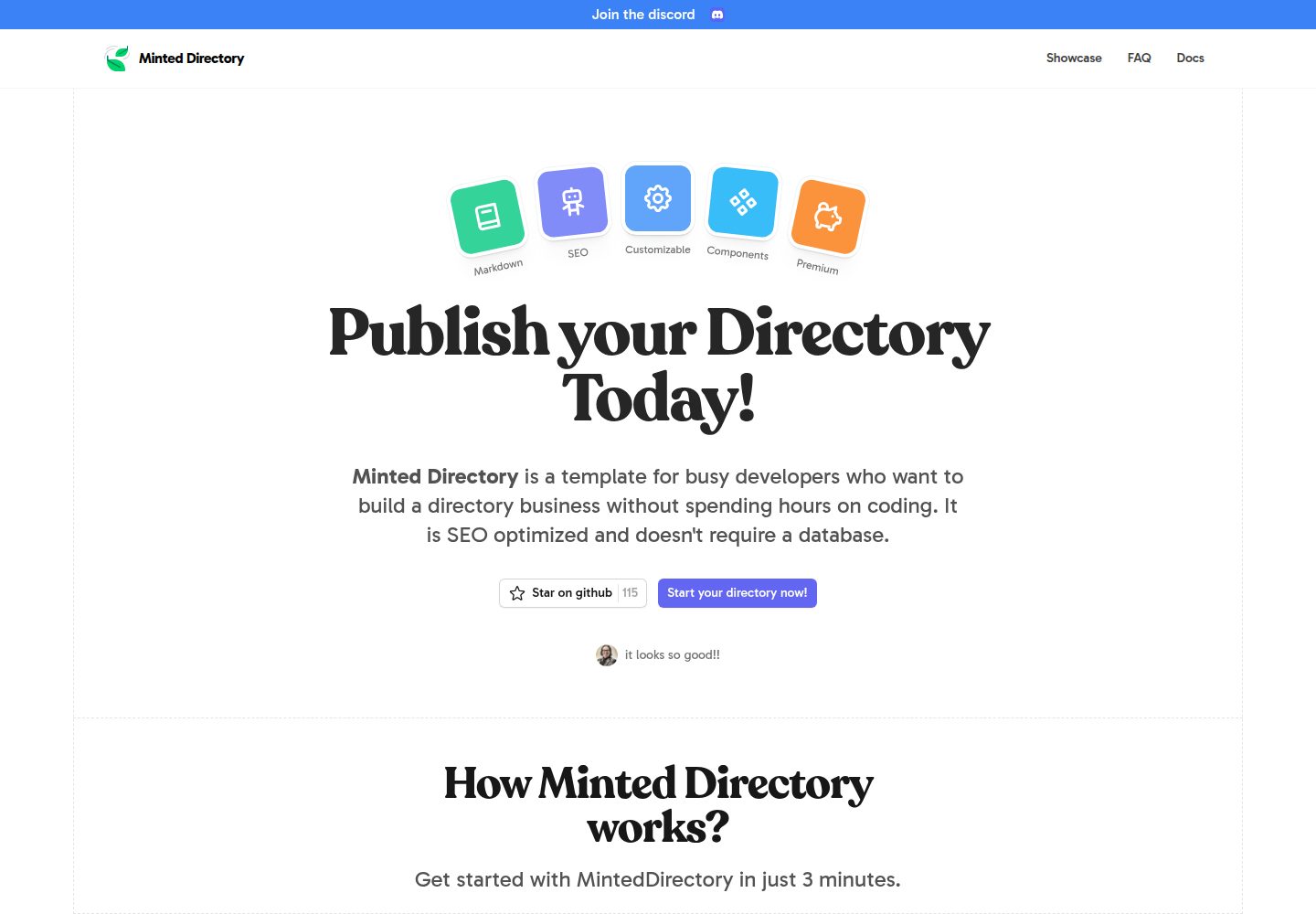
minted-directory-astro
A Markdown-driven directory site template built with Astro and Tailwind CSS. It imports listing data from markdown, json, csv, Google Sheets, Notion, or Airtable, and includes tag and search functionality, light and dark modes, sponsored content slots, and SEO-oriented page structure.
Astro · Directory site
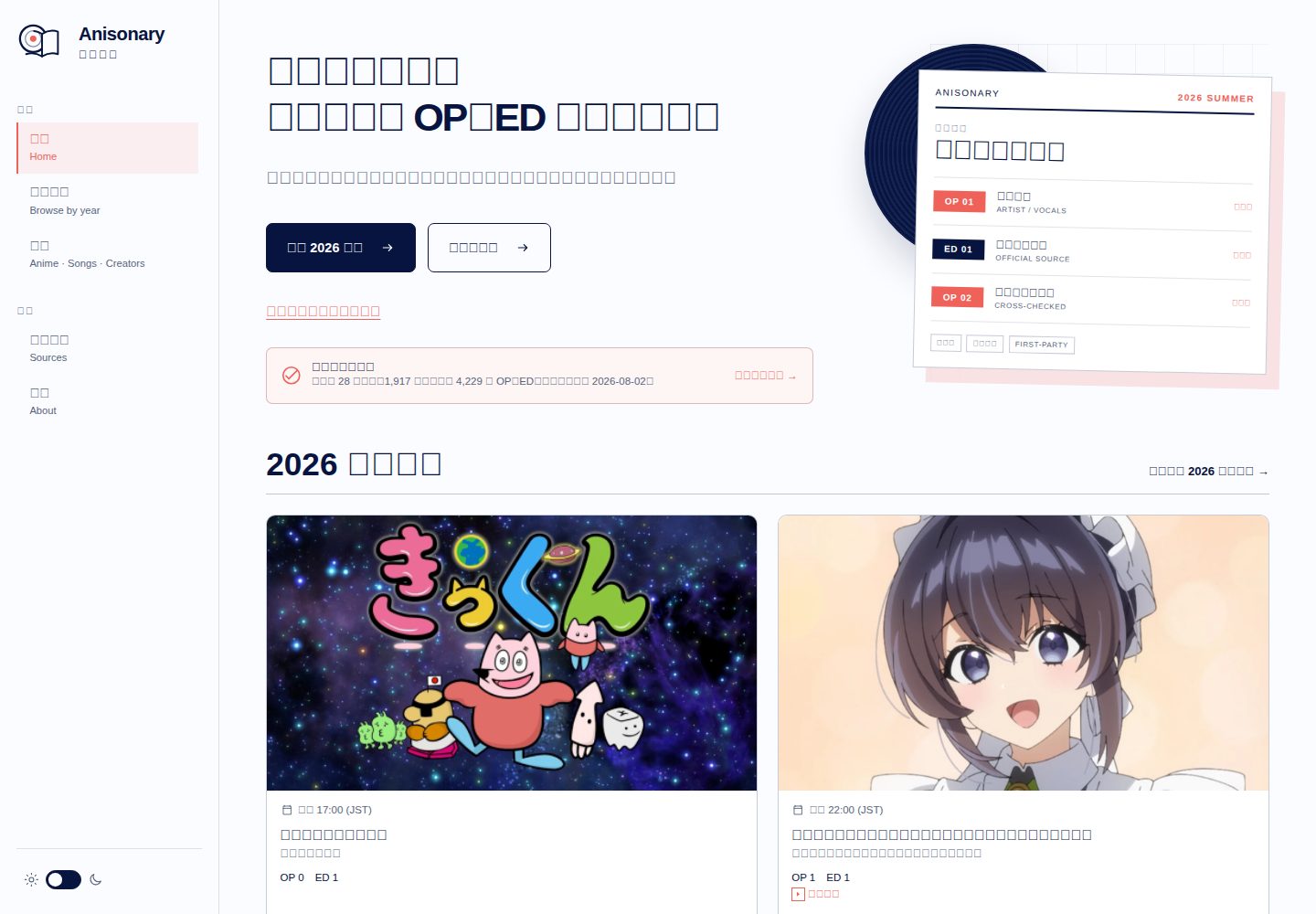
anisonary
Anisonary is an Astro-built seasonal anime OP/ED directory with source-traceable song records, reviewed performance credits, local in-browser search, a same-origin static JSON API, and offline Service Worker precaching.
Astro · Directory site
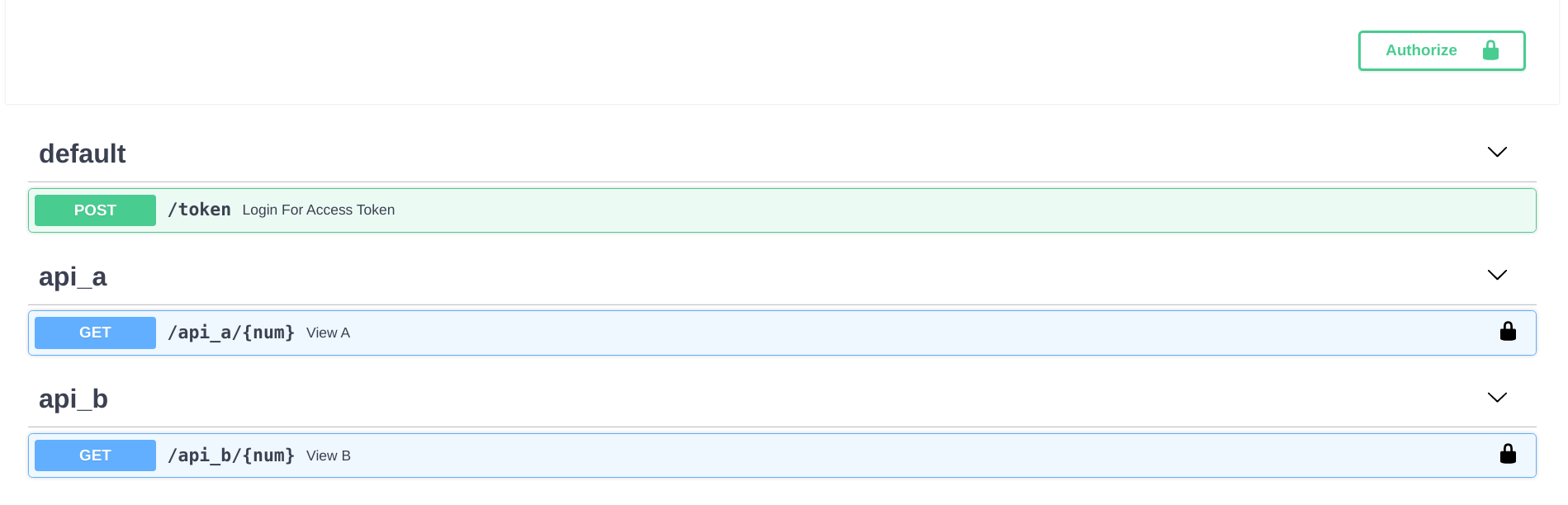
fastapi-nano
A FastAPI backend template that mimics Flask's blueprint directory structure, splitting API logic into independent packages and exposing endpoints centrally in routes.
Flask · Directory site
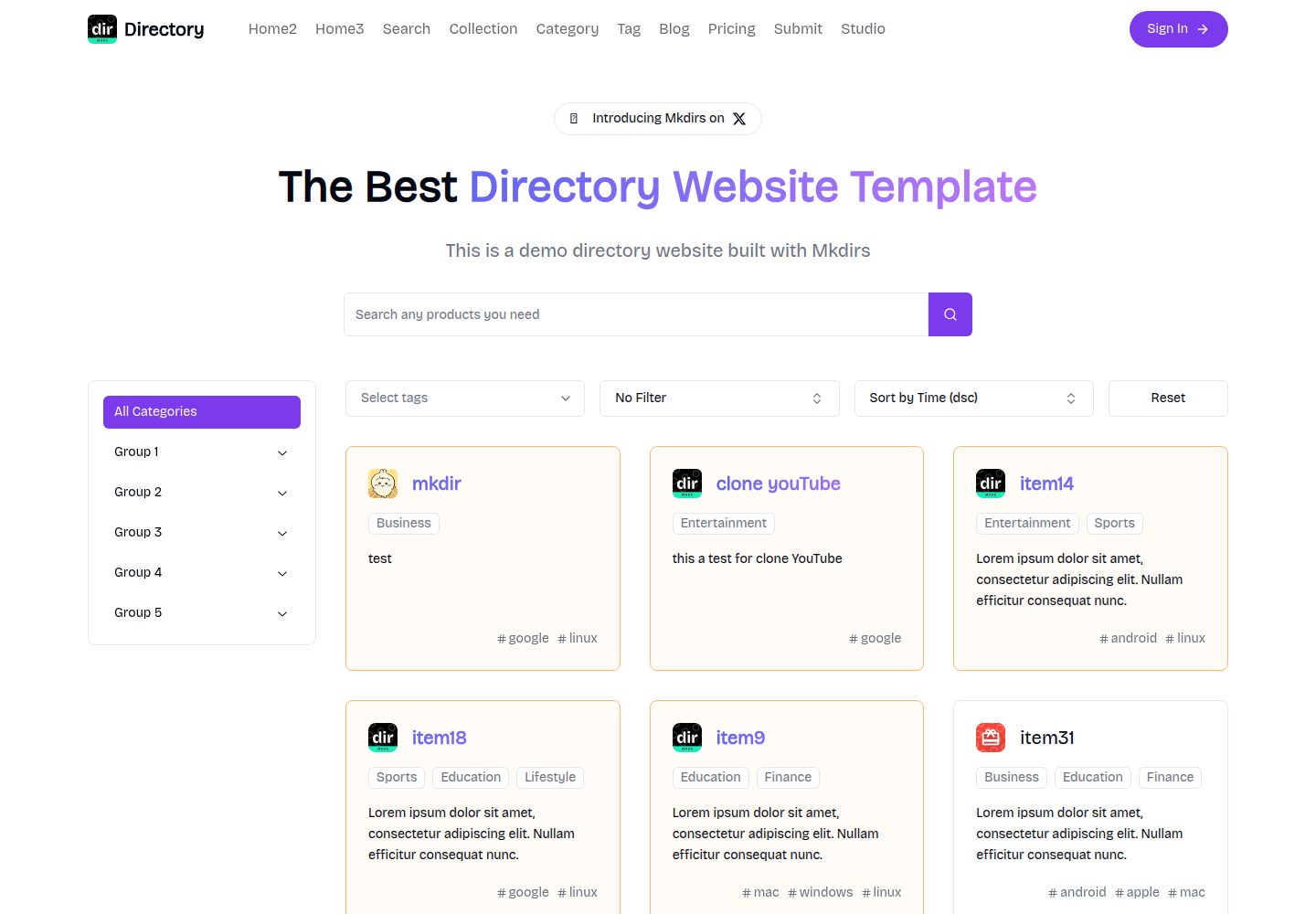
mkdirs
Mkdirs is an open-source directory website template built with Next.js, offering directory entries, categories, collections, tags, and search as core content structures, plus AI-assisted submissions, user authentication and dashboards, free/paid/sponsored submissions via Stripe, Sanity CMS with blog, Resend email and newsletters, SEO…
Next.js · Directory site
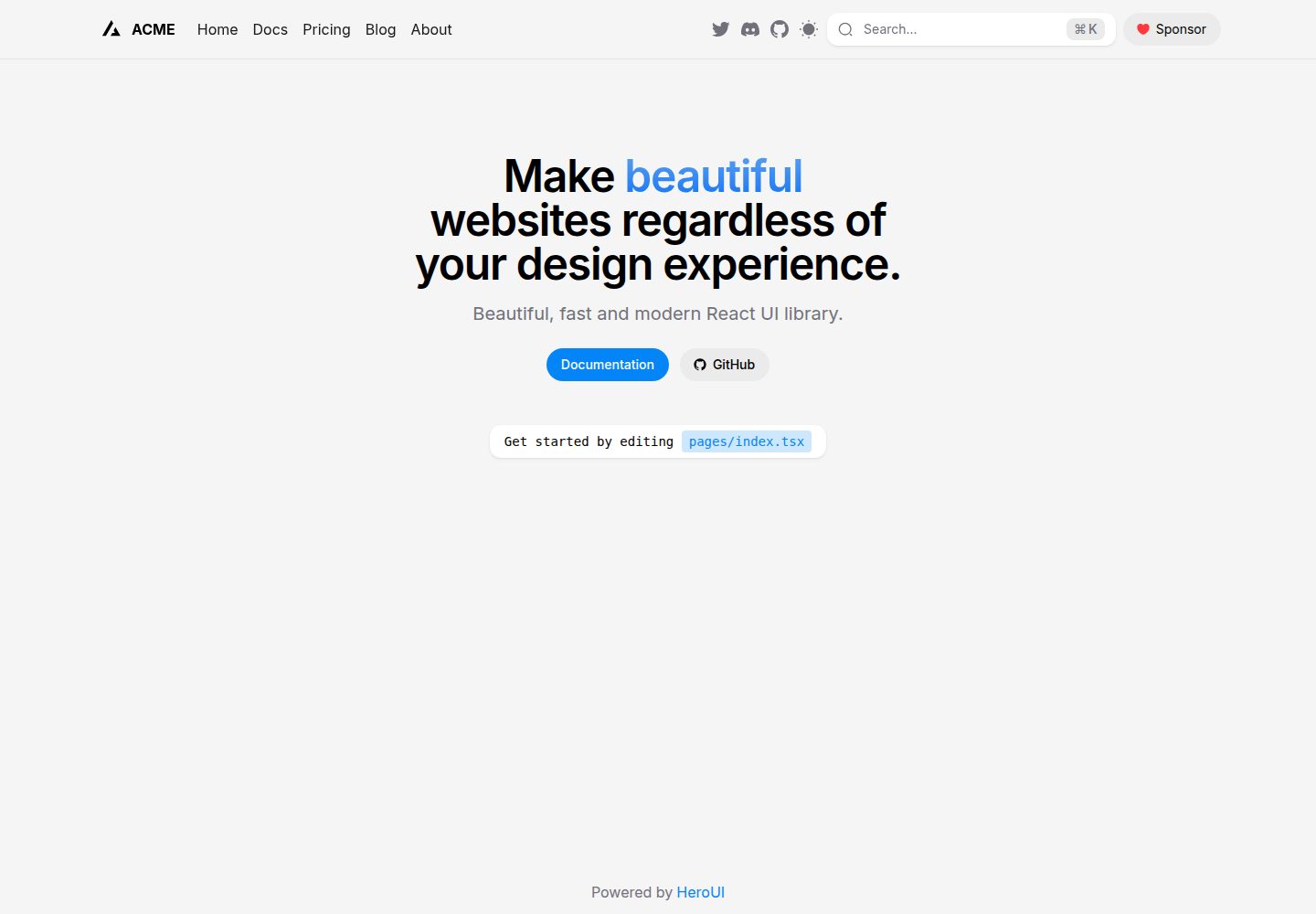
next-pages-template
A Next.js Pages Router starter template pre-configured with HeroUI, Tailwind CSS, Tailwind Variants, TypeScript, and next-themes, including example home and blog pages.
Next.js · Directory site
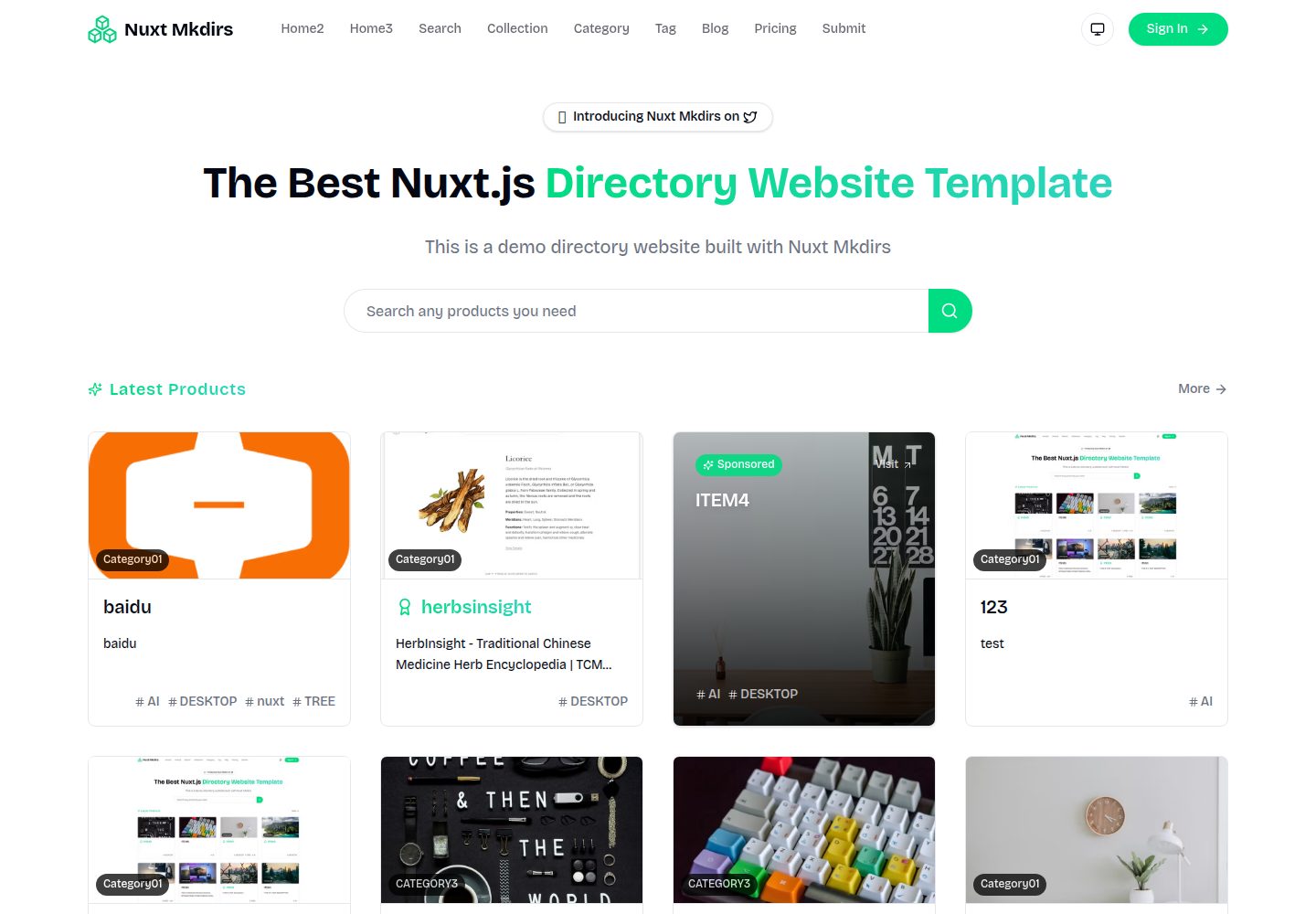
Nuxt_Mkdirs
An open-source directory site template built with Nuxt and Sanity CMS, with three homepage layouts, Google/GitHub OAuth login, Stripe and Creem payment channels, Resend transactional email and newsletter subscriptions, and optional AI auto-fill for submissions.
Nuxt · Blog