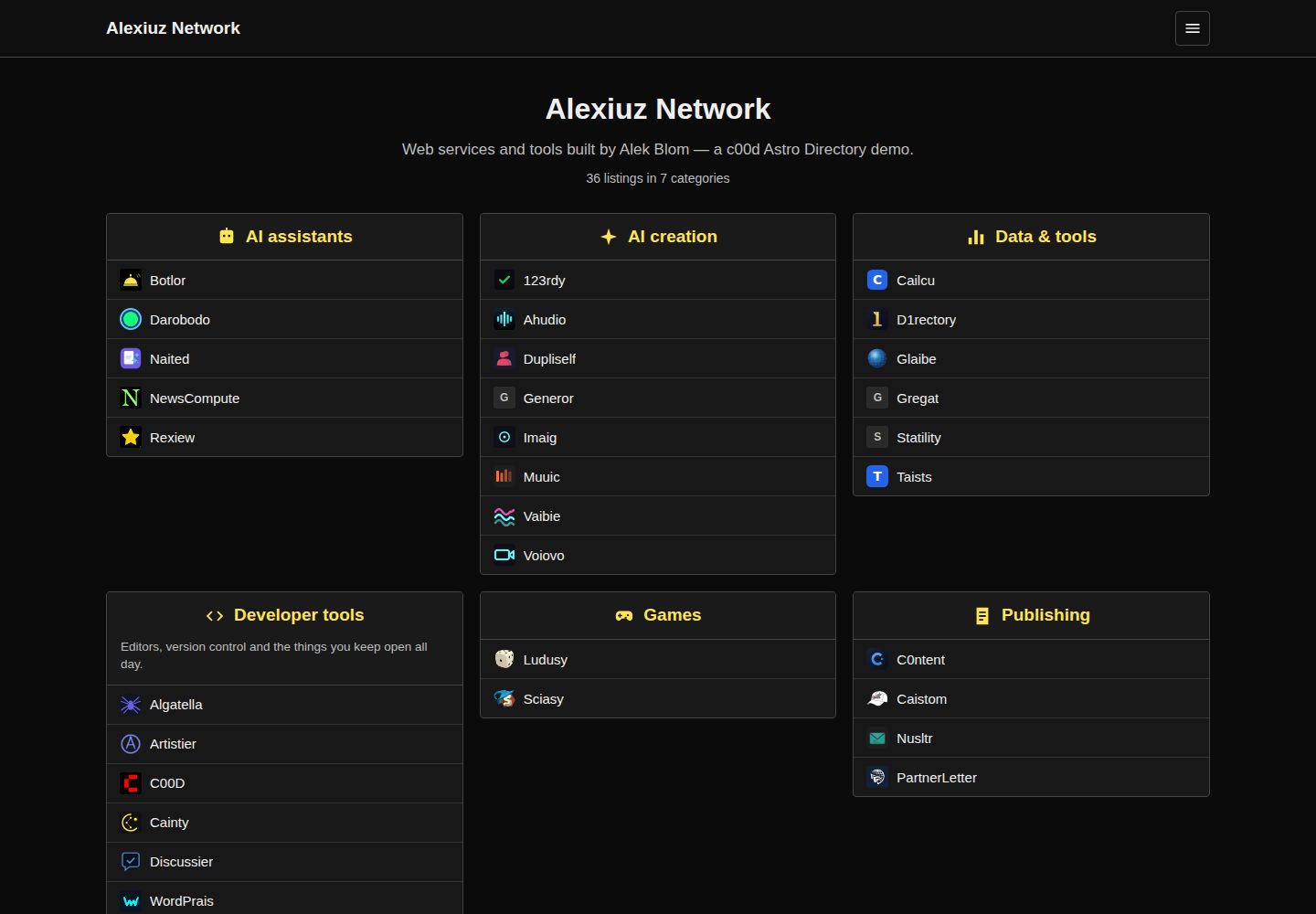
静态 Astro 站点,构建产物为 dist/,可部署到 Netlify、Vercel、Cloudflare Pages、GitHub Pages 或对象存储
Astro目录站
c00d-astro-directory — Astro 目录站模板
作者 alekblom
基于 Astro 的静态排名链接目录模板,支持本地 JSON 或 c00d Directory API 两种内容来源,包含分类盒子、评分、分类页、详情页与浏览器端搜索。
看看你的网站会是什么样
浏览真实页面截图,比较内容排版与手机效果。点击下方缩略图切换,放大查看整页细节。
全部页面与视图 3
截图用于了解视觉与布局,交互效果请以实际项目为准。
采集于 2026-10-02查看来源
值得关注的模板亮点
从已有项目资料中,快速了解它的特点。
默认使用本地 JSON 内容集合,每个条目和分类各一个文件,克隆后即可运行
可切换为构建时从 c00d Directory 的 JSON API 拉取数据,外链经由目录点击计数器
首页分类盒子展示带评分的条目,含分类页、详情页、站点地图与 Open Graph
客户端搜索,整个索引以 JSON 随站点发布,适合数百条以内的目录
与同系列 PHP、WordPress、Joomla 版本共用样式表和 URL 结构
模板详细介绍
这是一个把排名链接目录构建成静态 Astro 站点的模板。首页以分类盒子展示带评分的条目,每个分类有独立页面,每个条目有详情页,并提供在浏览器中运行的客户端搜索。内容默认来自仓库内的本地 JSON:src/content/listings/ 下每个条目一个文件,src/content/categories/ 下每个分类一个文件,适合自行维护、变更后重新部署的目录。
另一种模式是在构建时从启用了 JSON API 的 c00d Directory 安装拉取内容,通过设置 DIRECTORY_API 环境变量切换。此时前端仍是静态的,但数据来自可接受提交的目录系统,外链会经由该目录的点击计数器跳转。无论哪种模式,发布更新都需要重新构建,可配合部署钩子自动触发。
模板对静态构建的边界有明确说明:提交需要可写入的后端(使用 API 模式,或把表单指向 Formspree 之类服务);点击计数需要服务器,本地模式下链接直接跳出;搜索在浏览器内完成,整个索引以 JSON 形式随站点发布,条目规模较大时应改用 API 模式。浏览、分类、评分、详情页、站点地图和 Open Graph 均为完全静态。
配置集中在 src/consts.ts(站点标题、标语、每个盒子显示的条目数)、astro.config.mjs(部署前需把 site 设为生产 URL,否则规范链接与站点地图会指向 example.com)以及 src/styles/app.css(设计令牌为文件顶部的 CSS 变量)。该样式表与同系列的 PHP、WordPress、Joomla 版本共用,URL 结构也一致(/c/{category}、/l/{listing}),便于在各版本之间迁移而不丢失链接。
Astro目录站
适合你的项目吗?
适用场景
- 自行维护一份精选链接目录,用本地 JSON 编辑内容并在变更后重新部署
- 已有 c00d Directory 安装并开启 JSON API,希望为其套一个静态前端
- 需要一个带评分、分类浏览和详情页的静态目录站点,且希望搜索在浏览器内完成
- 在 PHP、WordPress、Joomla 与 Astro 版本之间迁移,同时保留 /c/{category} 与 /l/{listing} 链接结构
适合人群
- 接受静态构建、愿意在内容变更后重新部署的目录维护者
- 条目数量在数百条以内、希望搜索完全在客户端运行的站点
- 希望用 JSON 文件管理条目与分类、不引入数据库的个人或小团队
- 已使用 c00d Directory 并希望复用其数据与点击统计的站点
上手与定制指南
结合仓库当前版本的说明,按下面的资料检查内容、配置与运行要求。
- 1
使用 npx degit alekblom/c00d-astro-directory my-directory 获取代码,然后 npm install 与 npm run dev
- 2
本地模式编辑 src/content/listings/ 与 src/content/categories/ 下的 JSON,再执行 npm run build
- 3
API 模式设置 DIRECTORY_API 环境变量指向启用了 JSON API 的 c00d Directory 安装
- 4
部署前在 astro.config.mjs 中把 site 设为生产 URL,否则规范链接与站点地图会指向 example.com
- 5
README 提到 Formspree 表单服务,真实提交需自行配置端点并核对额度与费用
授权与来源资料
使用条件与限制
免费使用 · 保留许可声明本次收录的是公开仓库中采用 MIT 许可的免费版本;免费范围为该版本代码,不代表外部服务或第三方素材免费。
使用时需要遵守
- 允许免费使用、修改、商用和分发该版本代码。
- 分发代码副本或实质性部分时,保留原作者版权声明和完整 MIT 许可声明。
- 代码按现状提供;担保与责任限制以原许可证及适用法律为准。
额外费用与待核对事项
- README 提及 Formspree 表单服务;真实提交需配置服务端点,其使用额度与费用需单独核对。
- 演示图片、字体、图标及其他第三方素材需按各自许可核对,不能仅凭代码的 MIT 许可判断。
- 域名、托管、数据库、支付或 AI 等外部服务可能另外收费。
- API 模式要求你已拥有并运行一个启用了 JSON API 的 c00d Directory 安装,属于外部服务依赖,模板本身不提供该后端。
- 提交功能无法在纯静态模式下工作,必须使用 API 模式或接入 Formspree 等第三方表单服务,可能涉及额外账号与费用。
- 点击计数需要服务器;本地 JSON 模式下外链直接跳出,不经过点击计数器。
- 客户端搜索把整个索引作为 JSON 随站点发布,仅适合数百条以内;条目达到数千条时需改用 API 模式。
- 分类 icon 字段以标记形式渲染内联 SVG,只能填入你自己拥有或可信的内容,不可放入第三方来源的 SVG。
- 部署前必须在 astro.config.mjs 中把 site 设为生产 URL,否则规范链接与站点地图会指向 example.com。
查看原文依据
Permission is hereby granted, free of charge
许可证原文
That points at a c00d Directory install with its JSON API switched on.
README 原文
**Submissions** need somewhere to write. Use the API mode, or point a form at a service like Formspree.
README 原文
**Click counting** needs a server. In API mode the directory counts them; in local mode links go straight out, which is the honest static behaviour.
README 原文
Past a few thousand, move it to the API.
README 原文
`icon` takes inline SVG. It is rendered as markup, so only put your own there.
README 原文
https://github.com/alekblom/c00d-astro-directory/blob/main/LICENSEhttps://github.com/alekblom/c00d-astro-directory/blob/main/README.mdset `site` to your production URL before deploying, or canonical URLs and the sitemap will point at example.com.
README 原文
DeepSeek 根据仓库许可证和 README 整理 ·2026-10-04。结果仅覆盖已读取资料,依赖、图片、字体及后续条款变更以各自原文为准。
项目核对记录与介绍依据
模板资料
- 来源平台
- Astro Themes
- 资料与维护参考分
- 资料较完整 · 83 / 100
- 技术栈
- Astro
- 网站类型
- 目录站
这个分数如何计算
本站按许可资料(最高30分)、演示链接(12分)、预览图(10分)、Star数(15分)、记录的维护时间(15分)、描述完整度(8分)、功能记录(5分)和分类资料(5分)计算。它不是代码、安全或性能测试,也不是 Google 评分;有链接不代表已实测可用。
这个项目需要核对什么
- 记录的仓库更新时间
- 2026-07-29
- 截图检查日期
- 2026-10-04
已收录演示链接。请用你的内容与屏幕尺寸检查;有演示不代表表单、认证或支付已经可用。
目录记录的主要技术栈是 Astro。请通过依赖清单和锁文件核对实际版本与托管要求。这些说明基于收录资料,不代表代码审计或部署实测。
查看具体选型方法 →介绍的制作与核对状态
介绍由 AI 辅助整理目录与仓库资料。仓库作者不等于这篇介绍的审核者。
审核声明: [email protected] · 2026-10-05
查看当时使用的来源资料
SHA-256: c4d158e007dcbd5430509f27898731ac3076460069a1804e42cfed3fcbbebb53
2026-10-04T18:20:24.648Z
来源文件 / 仓库# c00d Astro Directory
A ranked link directory as a static Astro site. Category boxes of listings with
ratings, per-category pages, detail pages, and client-side search.
Ships with local JSON content so it works the moment you clone it — and can
instead build from a live [c00d Directory](https://c00d.com/templates/c00d-directory)
API, which is where it gets interesting.
MIT licensed. **[Live demo](https://c00d.com/demo/astro-dir/)** — that one is built
against a live API, so it shows the second mode below.

## Quick start
```bash
npx degit alekblom/c00d-astro-directory my-directory
cd my-directory
npm install
npm run dev
```
Edit the JSON under `src/content/listings/` and `src/content/categories/`,
then `npm run build`. Deploy `dist/` anywhere — Netlify, Vercel, Cloudflare
Pages, GitHub Pages, a bucket.
## Two content modes
**Local JSON (default).** One file per listing and per category. Good for a
directory you curate yourself and redeploy when it changes.
**From a live API.** Set `DIRECTORY_API` and the content collections fetch at
build time instead:
```bash
DIRECTORY_API=https://example.com/your-directory npm run build
```
That points at a c00d Directory install with its JSON API switched on. You get
a static front end over a dataset that people can actually submit to, and
outbound links route through the directory's click counter rather than going
straight out.
Rebuild to publish changes. Wire it to a deploy hook if you want that automatic.
## What a static build cannot do
Worth being straight about, because a directory is a dynamic thing:
- **Submissions** need somewhere to write. Use the API mode, or point a form at
a service like Formspree.
- **Click counting** needs a server. In API mode the directory counts them; in
local mode links go straight out, which is the honest static behaviour.
- **Search** runs in the browser. The whole index ships as JSON — fine for a few
hundred listings, a few kilobytes. Past a few thousand, move it to the API.
Everything else — browsing, categories, ratings, detail pages, sitemap, Open
Graph — is fully static.
## Content shape
`src/content/listings/example.json`:
```json
{
"name": "Example",
"slug": "example",
"url": "https://example.com",
"description": "One line about it.",
"category": "tools",
"rating": 9.1,
"featured": false,
"favicon": ""
}
```
`rating` may be `null`. Unrated listings still appear, sorted last — rather than
silently vanishing, which is what ordering by rating does if you are not careful.
`src/content/categories/tools.json`:
```json
{
"name": "Tools",
"slug": "tools",
"description": "Things that do a job.",
"icon": "",
"order": 1
}
```
`icon` takes inline SVG. It is rendered as markup, so only put your own there.
## Configuring
- `src/consts.ts` — title, tagline, how many listings per box.
- `astro.config.mjs` — set `site` to your production URL before deploying, or
canonical URLs and the sitemap will point at example.com.
- `src/styles/app.css` — the design tokens are the CSS variables at the top.
This is the same stylesheet the PHP, WordPress and Joomla editions use, so a
rebrand carries across all of them.
## Sibling editions
The same directory exists as a [PHP app](https://c00d.com/templates/c00d-directory),
a WordPress theme and a Joomla component, sharing this stylesheet and URL
structure (`/c/{category}`, `/l/{listing}`). Moving between them keeps your links.
看看同类模板
对比同技术栈与用途的模板,找到更适合的视觉与内容结构。

minted-directory-astro
Markdown driven directory template. Built with Astro and Tailwindcss. Optimized for SEO. Beautiful Customizabl…
Astro · 目录站
anisonary
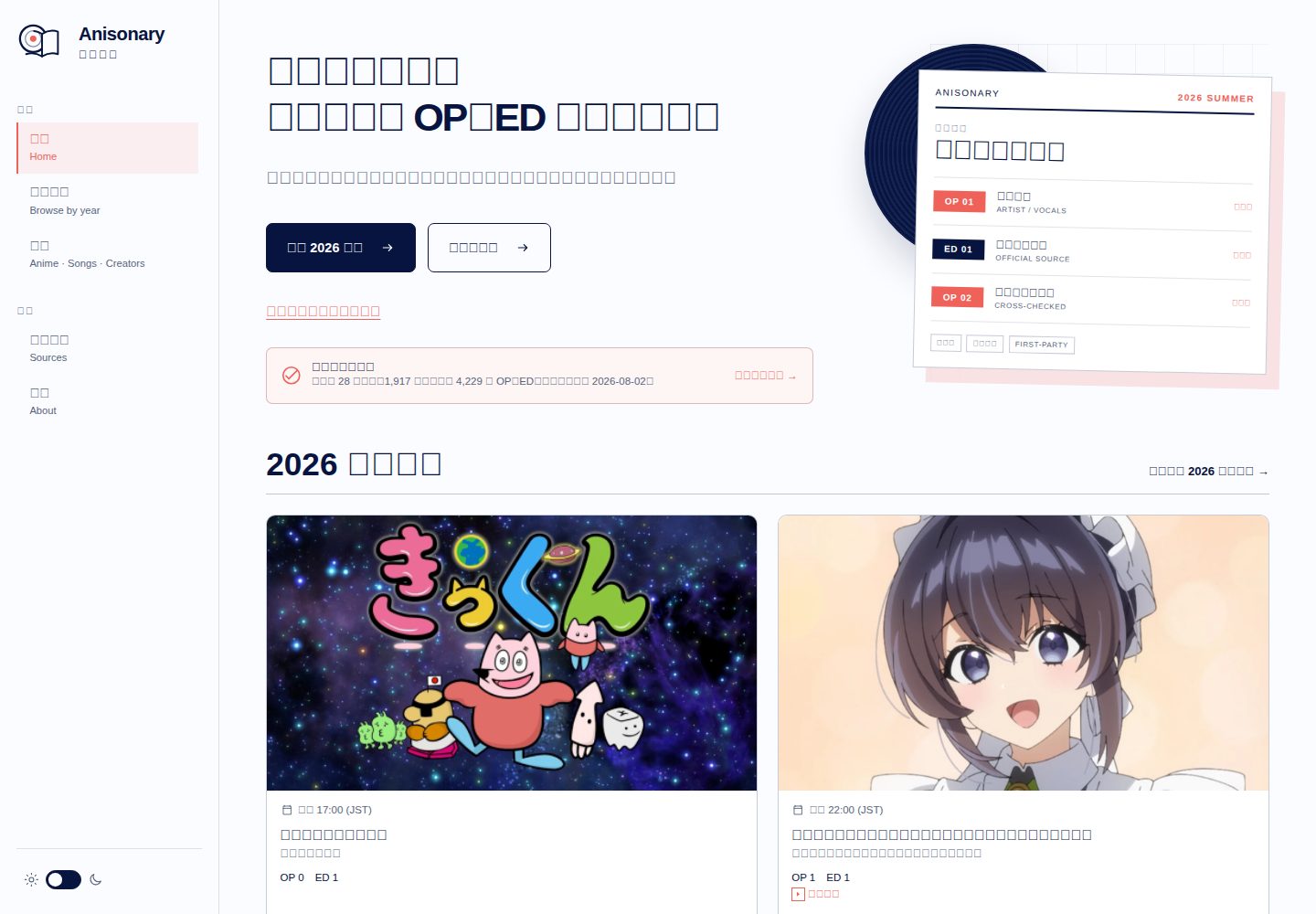
具來源記錄的動畫 OP/ED 季度目錄,提供本地搜尋與靜態 API。 / Source-traceable seasonal anime theme directory.
Astro · 目录站
fastapi-nano
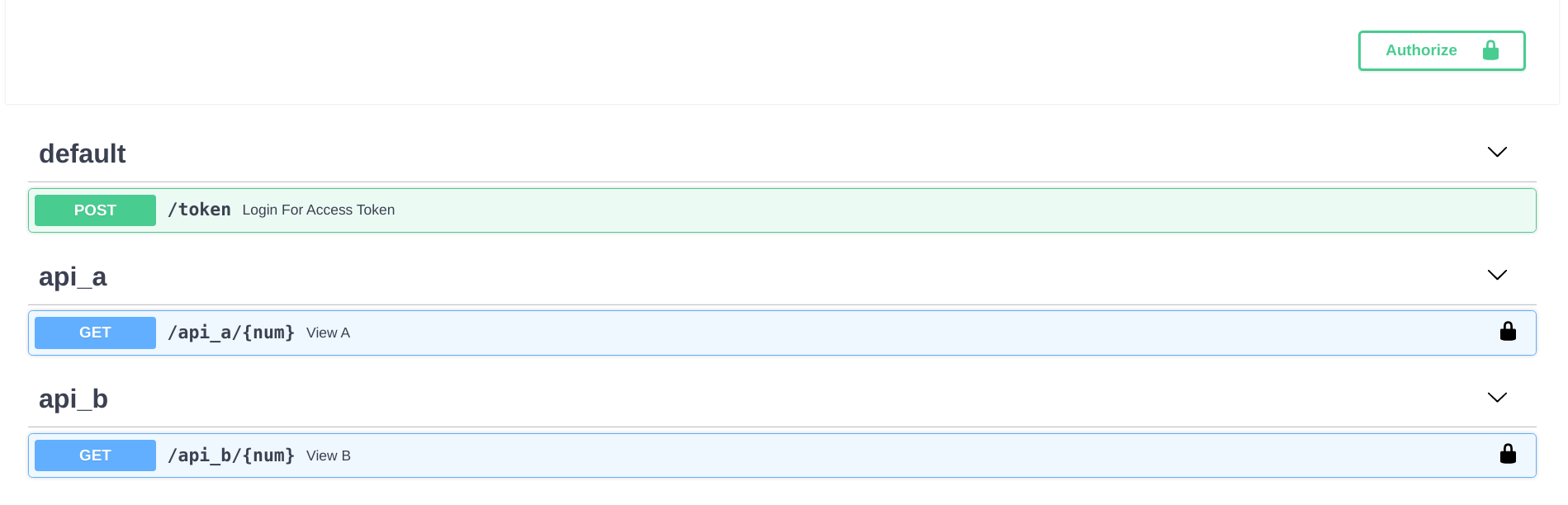
🐍 Simple FastAPI template that mimics Flask's blueprint directory structure
Flask · 目录站
mkdirs
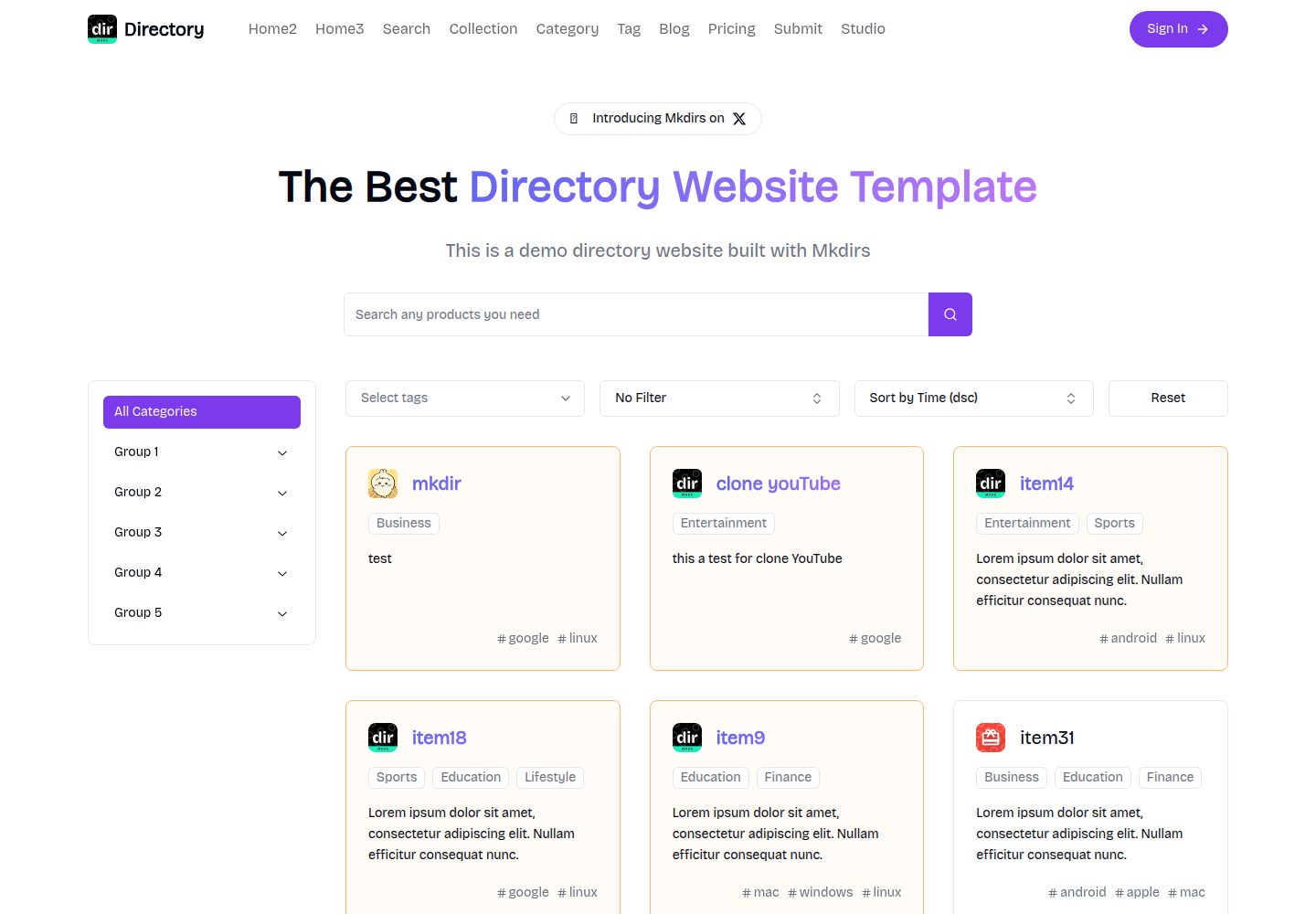
Open-source AI-powered directory website template built with Next.js
Next.js · 目录站
next-pages-template
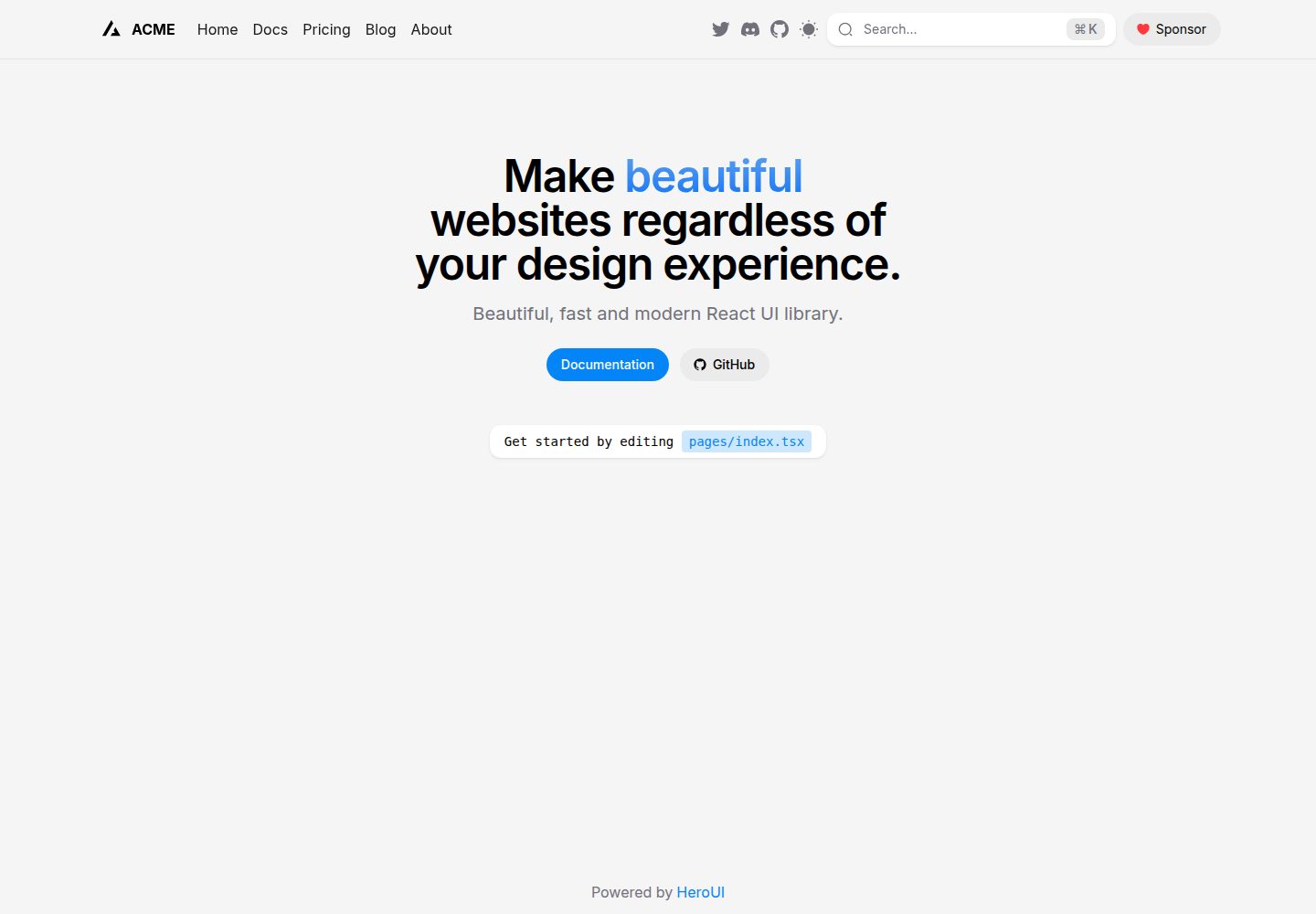
A Next.js 16 with pages directory template pre-configured with HeroUI (v3) and Tailwind CSS (v4).
Next.js · 目录站
Nuxt_Mkdirs
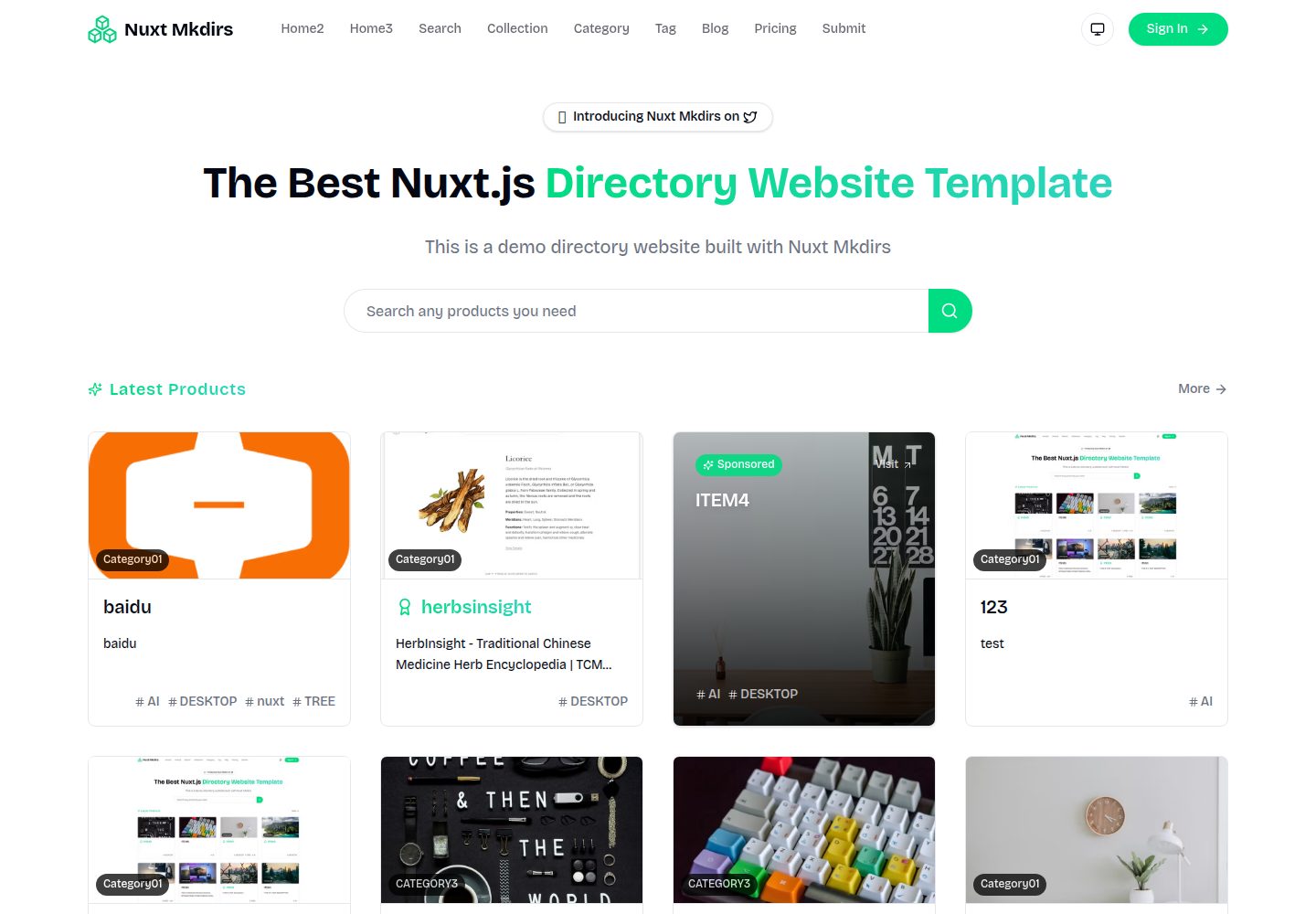
🚀 Open-source directory website template built with Nuxt 4 + Sanity CMS. 3 layouts, OAuth, payments, blog & m…
Nuxt · 博客