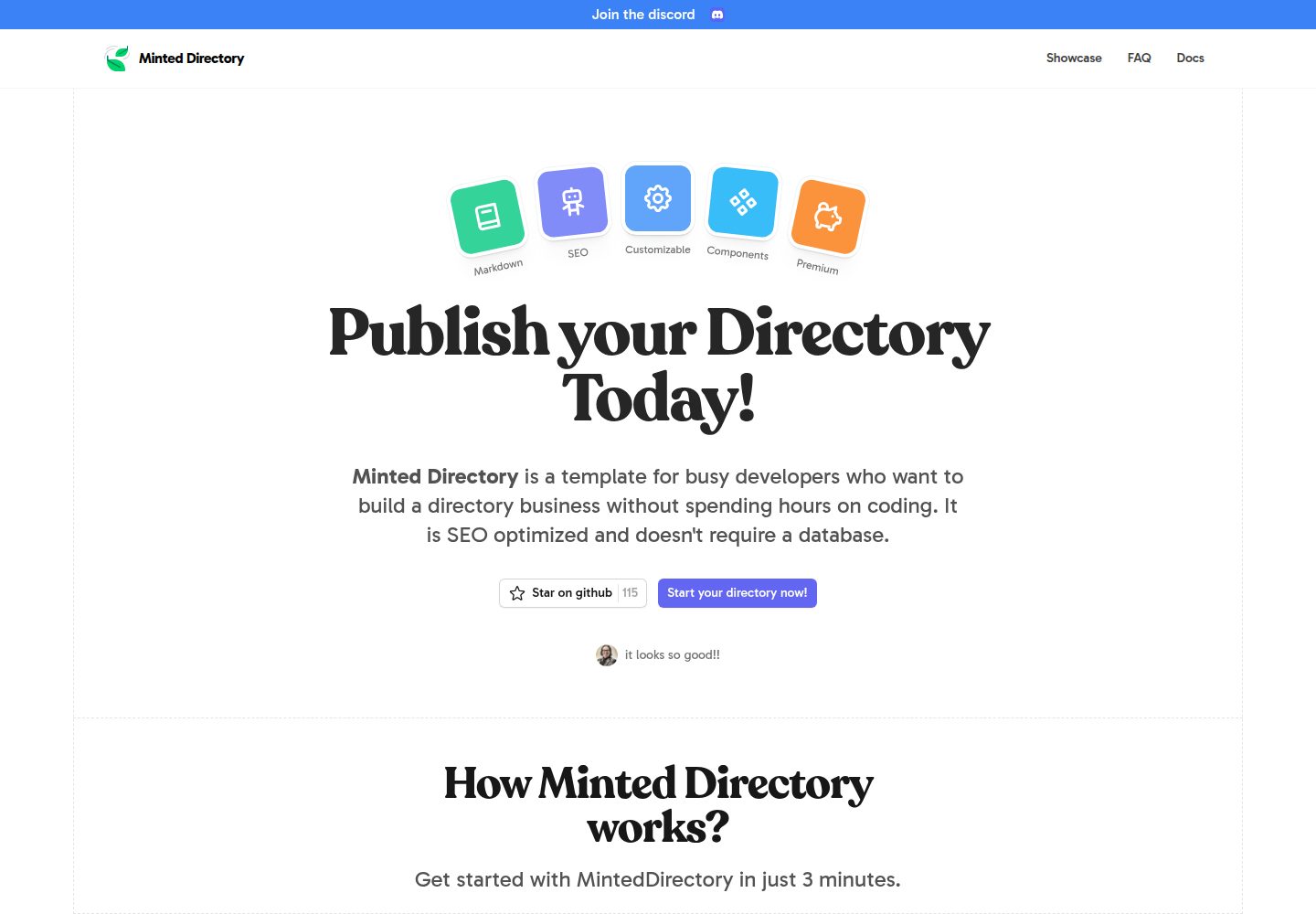
列表数据支持 markdown、json、csv、Google Sheets、Notion、Airtable 多种来源
Astro目录站
minted-directory-astro — Astro 目录站模板
作者 masterkram
一个由 Markdown 驱动的目录站模板,使用 Astro 与 Tailwind CSS 构建,支持多种数据源导入、标签与搜索、深浅色模式以及赞助内容位。
看看你的网站会是什么样
浏览真实页面截图,比较内容排版与手机效果。点击下方缩略图切换,放大查看整页细节。
全部页面与视图 2
截图用于了解视觉与布局,交互效果请以实际项目为准。
采集于 2026-10-01查看来源
值得关注的模板亮点
从已有项目资料中,快速了解它的特点。
内置目录站常用组件,包含标签与搜索功能
提供深浅色模式与赞助内容位
通过 CSS 变量与 settings.toml 调整样式和配置,附带 spearmint、peppermint 预设风格
以静态站点方式构建,内容变更后需重新构建部署
模板详细介绍
Minted Directory Astro 是一个面向目录站(directory)场景的静态站点模板,使用 Astro 与 Tailwind CSS 构建,仓库采用 MIT 许可。它的核心特点是内容驱动:列表数据可以从 markdown、json、csv、Google Sheets、Notion、Airtable 等多种格式导入,其中 markdown 文件放在 src/data/directory 目录下即可被自动加载为列表项,json 与 csv 则使用单文件承载整个目录数组。模板内置了目录站常用的组件、标签与搜索功能、深浅色模式,以及赞助内容位,并提供 SEO 相关的页面结构。样式通过 src/styles/global.css 中的 CSS 变量(如 --color-primary-x00、--color-gray-x00、--font-sans)以及 src/data/config/settings.toml 配置项进行调整,仓库还附带了 spearmint、peppermint 两套预设风格。需要注意的是,README 中 Notion 与 Airtable 两节没有给出具体步骤,只有标题;内容更新后需要重新构建并部署站点才会生效,因为模板以静态 HTML、CSS、JS 形式输出。仓库资料没有说明托管、数据库或第三方服务的配套方案,使用前应自行确认相关依赖。
Astro目录站
适合你的项目吗?
适用场景
- 搭建按分类或标签组织的工具、资源、产品目录站
- 用 Google Sheets 或 CSV 维护列表数据并生成静态目录页面
- 为目录站加入赞助内容位与深浅色主题切换
- 以 Markdown 文件作为主要录入方式维护中小规模目录
适合人群
- 需要一个 Astro + Tailwind CSS 目录站起点的开发者
- 希望用表格或 Markdown 管理列表内容而非接入数据库的团队
- 需要标签、搜索与赞助位等目录站常见功能的项目
上手与定制指南
结合仓库当前版本的说明,按下面的资料检查内容、配置与运行要求。
- 1
克隆或基于模板创建仓库后,使用 pnpm install 安装依赖,pnpm dev 启动本地开发
- 2
Markdown 列表放入 src/data/directory,json 使用 directory.json,csv 使用 directory.csv,均需包含标题与描述等必要字段
- 3
使用 Google Sheets 时需将表格转为 table 并公开分享,然后在 settings.toml 中设置 source=sheets 与对应的 key
- 4
样式调整在 src/styles/global.css 的 CSS 变量中进行,站点配置在 src/data/config/settings.toml
- 5
通过 pnpm run build 生成静态站点,内容更新后需重新构建部署才会在线上生效
授权与来源资料
使用条件与限制
免费使用 · 保留许可声明本次收录的是公开仓库中采用 MIT 许可的免费版本;免费范围为该版本代码,不代表外部服务或第三方素材免费。
使用时需要遵守
- 允许免费使用、修改、商用和分发该版本代码。
- 分发代码副本或实质性部分时,保留原作者版权声明和完整 MIT 许可声明。
- 代码按现状提供;担保与责任限制以原许可证及适用法律为准。
额外费用与待核对事项
- 列表内容更新后不会自动出现在线上站点,必须重新构建并部署静态站点后才会生效。
- 使用 Google Sheets 作为数据源时,需将表格设为公开可分享,并在 settings.toml 中配置 source=sheets 与表格 id。
- Google Sheets 数据源要求先将表格转换为 table 格式,否则无法按模板预期读取。
- 演示图片、字体、图标及其他第三方素材需按各自许可核对,不能仅凭代码的 MIT 许可判断。
- 域名、托管、数据库、支付或 AI 等外部服务可能另外收费。
查看原文依据
Permission is hereby granted, free of charge
许可证原文
Remember that listings will not be shown on the live website until the site is re-built and deployed.
README 原文
Make it publicly shareable. When you share the link. copy the id
README 原文
https://github.com/masterkram/minted-directory-astro/blob/main/LICENSEhttps://github.com/masterkram/minted-directory-astro/blob/main/README.mdYou need to select your table and click `Format > Convert to table`
README 原文
DeepSeek 根据仓库许可证和 README 整理 ·2026-10-01。结果仅覆盖已读取资料,依赖、图片、字体及后续条款变更以各自原文为准。
项目核对记录与介绍依据
模板资料
- 来源平台
- GitHub
- 资料与维护参考分
- 资料较完整 · 85 / 100
- 技术栈
- Astro
- 网站类型
- 目录站
这个分数如何计算
本站按许可资料(最高30分)、演示链接(12分)、预览图(10分)、Star数(15分)、记录的维护时间(15分)、描述完整度(8分)、功能记录(5分)和分类资料(5分)计算。它不是代码、安全或性能测试,也不是 Google 评分;有链接不代表已实测可用。
这个项目需要核对什么
- 记录的仓库更新时间
- 2025-04-02
- 截图检查日期
- 2026-10-01
已收录演示链接。请用你的内容与屏幕尺寸检查;有演示不代表表单、认证或支付已经可用。
目录记录的主要技术栈是 Astro。请通过依赖清单和锁文件核对实际版本与托管要求。这些说明基于收录资料,不代表代码审计或部署实测。
查看具体选型方法 →介绍的制作与核对状态
介绍由 AI 辅助整理目录与仓库资料。仓库作者不等于这篇介绍的审核者。
已完成服务器许可规则与 AI 来源核对;未经过人工编辑审核。
查看当时使用的来源资料
SHA-256: 6c869f2053453b93bdf1d3b87c859091a49e67fec6a9c91f9257285483084596
2026-10-01T04:12:31.731Z
来源文件 / 仓库<div align="center"> <h1>Minted Directory Astro</h1> <p>Markdown driven directory template. Built with Astro and Tailwindcss. Optimized for SEO. Beautiful Customizable Style</p> </div> <br/> <div align="center"> <img src="https://github.com/user-attachments/assets/febde860-00be-408b-8a13-41953f7178e1" alt="Minted Directory Screenshot" /> </div> <br/> ## Features: + 🖌️ Add listings from is possible from different formats: `markdown`, `csv`, `json`, `google sheets`, `notion`, `airtable`. + 🔋 SEO optimized and programmatic SEO out of the box + 💻 Pre-built components for directories. + 💅 Customizable styles. + 🌙 Dark/Light mode + 💸 Sponsored Content + 👀 Tags + Search ## Getting Started ### Local Development Duplicate the template then clone the repository. ```sh git clone [email protected]:youraccount/projectname.git my-directory ``` Or use the github cli to create a repository based on the template and clone in one command: ```sh gh repo create my-directory --template masterkram/minted-directory-astro --private --clone ``` Go to the cloned folder: ```sh cd my-directory ``` Install dependencies ```sh pnpm install ``` Run the website: ```sh pnpm dev ``` Congrats :tada: You can start customizing and building your directory. ## Adding Content Adding content to the directory can be done using one of the following formats: + markdown + json + csv + notion + google sheets + airtable Remember that listings will not be shown on the live website until the site is re-built and deployed. This is done to ensure the fastest possible performance by serving static html, css and js. ### Using markdown listings: 1. add markdown files to the `src/data/directory` folder. All markdown files will be automatically loaded as listings. 2. You must specify required properties of a listing such as title and description in the [frontmatter]() of the file ### Using json listings: 1. add a single json file: `src/data/directory/directory.json` 2. in this json file, the root element is an array. This array can contain objects which are the listings of the directory. These require the properties of `id`, `name` and `description`. ### Using csv listings: 1. add a single csv file: `src/data/directory/directory.csv` 2. add rows to this csv file, these require the properties of `id`, `name` and `description`. ### Using google sheets listings: 1. Create a [google sheets](https://docs.google.com/spreadsheets/u/0/) document. 2. You need to select your table and click `Format > Convert to table` 3. Make it publicly shareable. When you share the link. copy the id 4. Go to `settings.toml`, here you need to set the `source=sheets` and `key = ` the copied id of the file Use this spreadsheet as a starting point: [directory google sheet data](https://docs.google.com/spreadsheets/d/1BKVVFysQT8ZuPY8hUp--jwTrN-U20TrtML0idECIWmc/edit?usp=sharing) ### Using notion listings: ### Using airtable listings: ## Customization To customize the directory style: + Change the `--color-primary-x00` variables, `--color-gray-x00` variables in the `src/styles/global.css` + Change the font: + install from [fontsource]() + import font in `BaseLayout.astro` + change the `--font-sans` variable in `global.css` + Customize the `src/data/config/settings.toml` to your preferences. ### Pre-made styles: - spearmint - peppermint ### Adding Content Add listings by adding markdown files to `/src/content/directory` ## Deployment Deploy as a static site for best SEO performance: ```bash pnpm run build ``` ## Community [Join the discord](https://discord.gg/5UbrTNzX7y)
看看同类模板
对比同技术栈与用途的模板,找到更适合的视觉与内容结构。
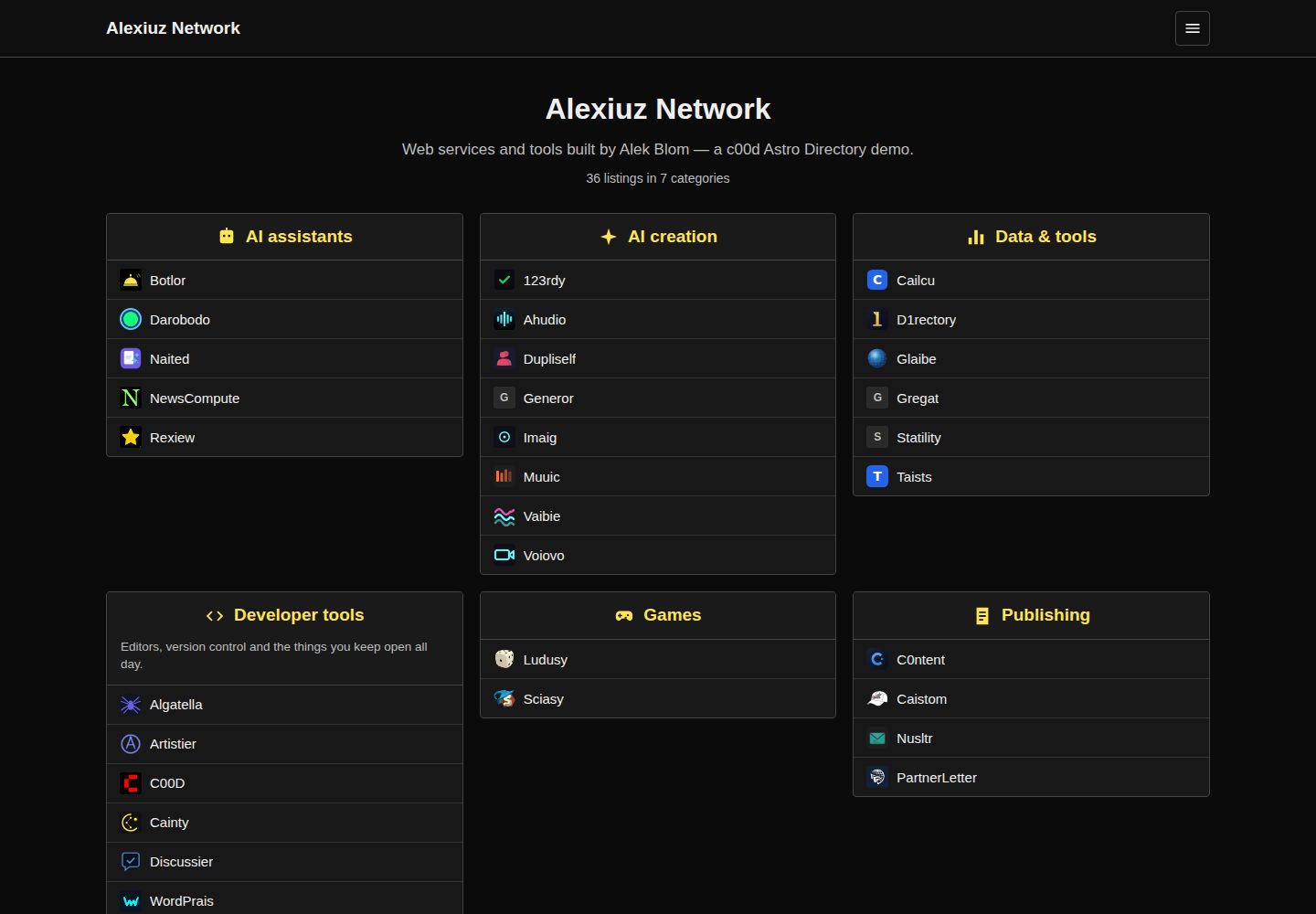
c00d-astro-directory
A ranked link directory as a static Astro site — category boxes, ratings, per-category pages and client-side s…
Astro · 目录站
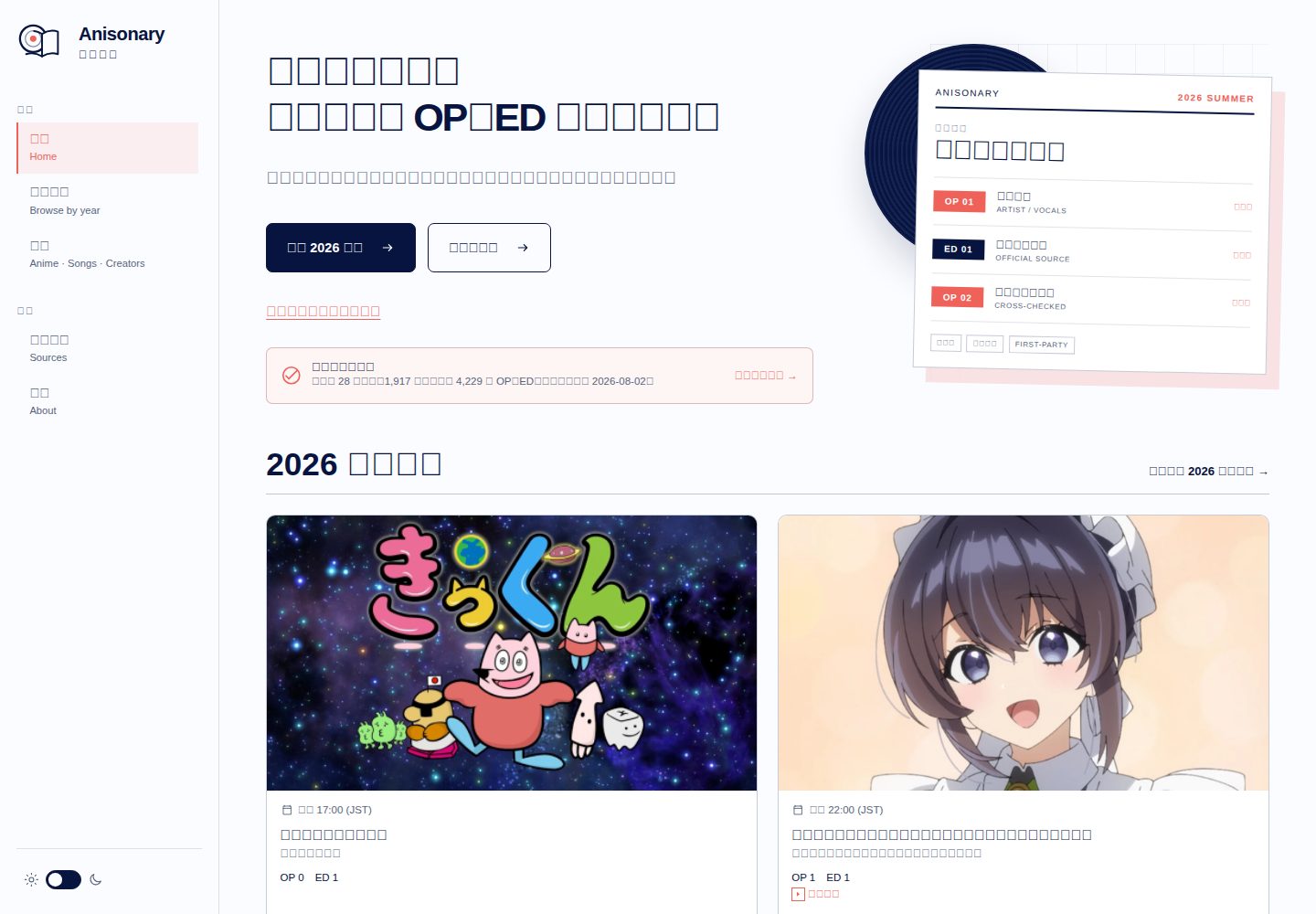
anisonary
具來源記錄的動畫 OP/ED 季度目錄,提供本地搜尋與靜態 API。 / Source-traceable seasonal anime theme directory.
Astro · 目录站
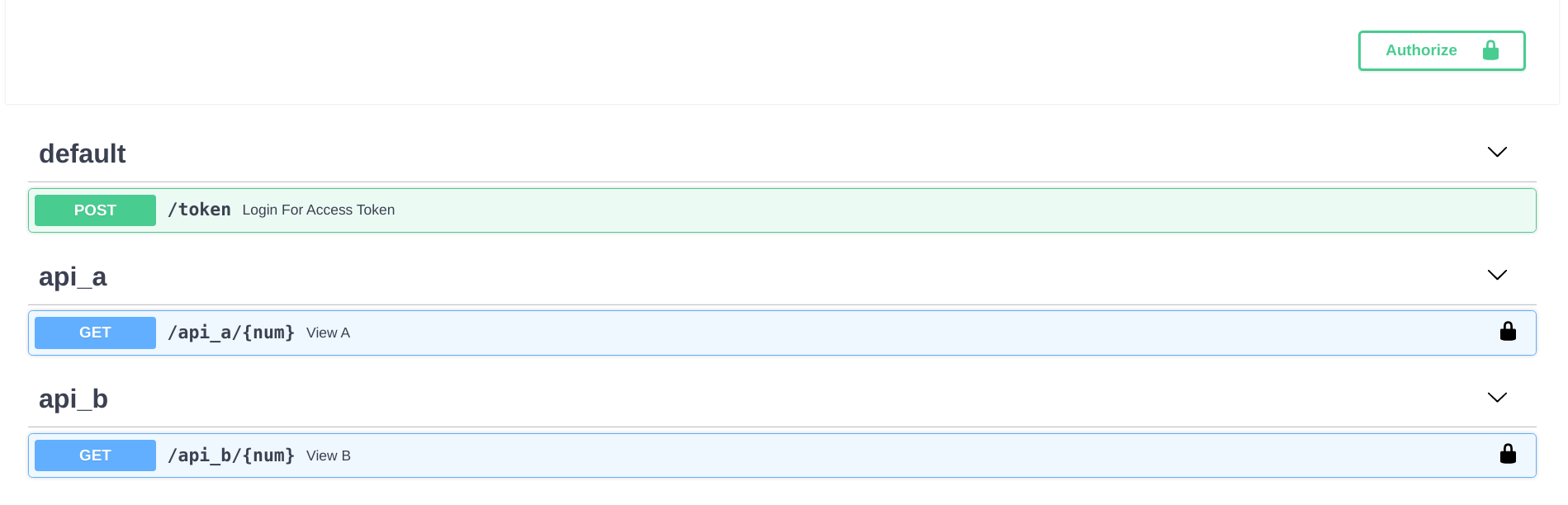
fastapi-nano
🐍 Simple FastAPI template that mimics Flask's blueprint directory structure
Flask · 目录站
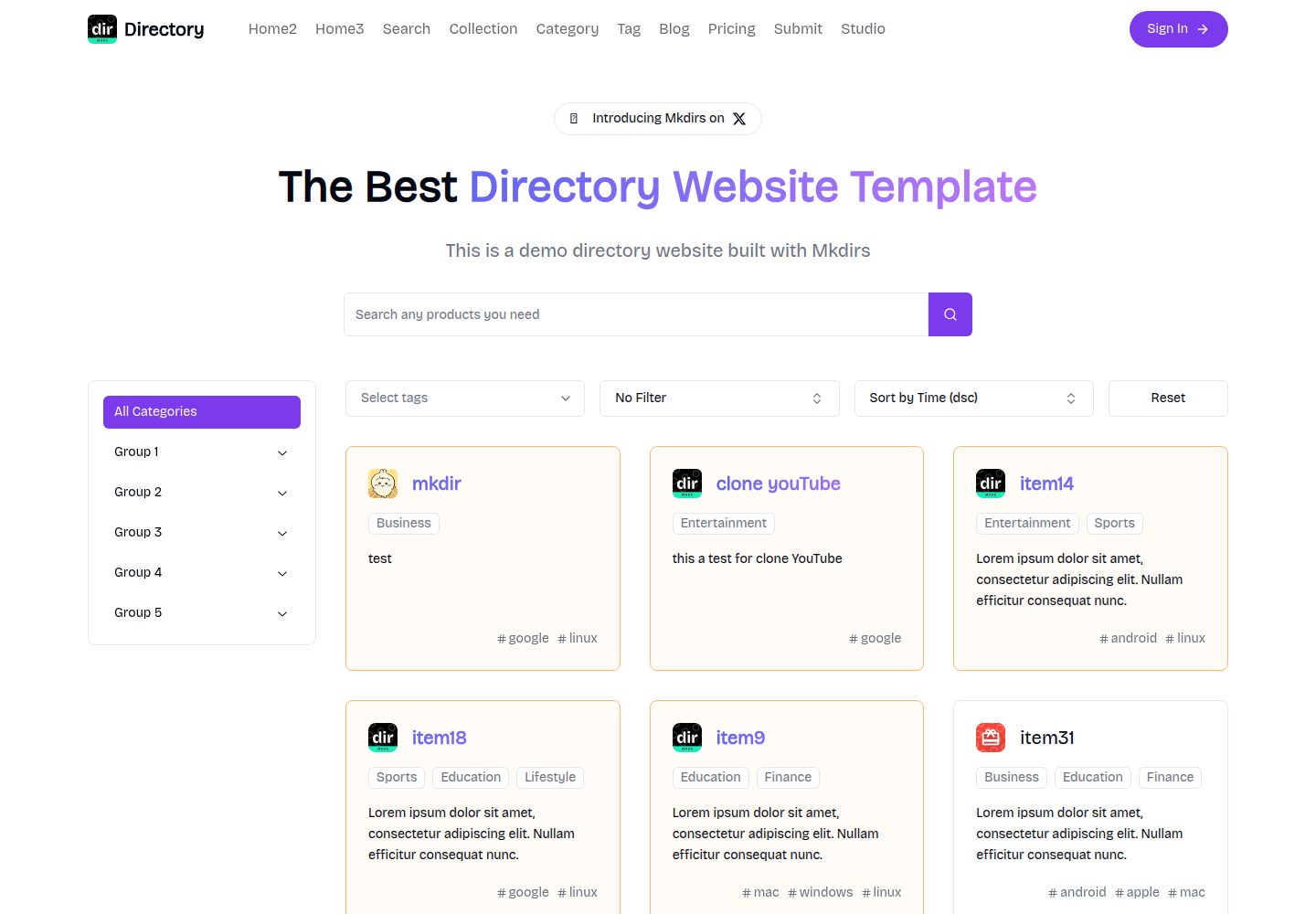
mkdirs
Open-source AI-powered directory website template built with Next.js
Next.js · 目录站
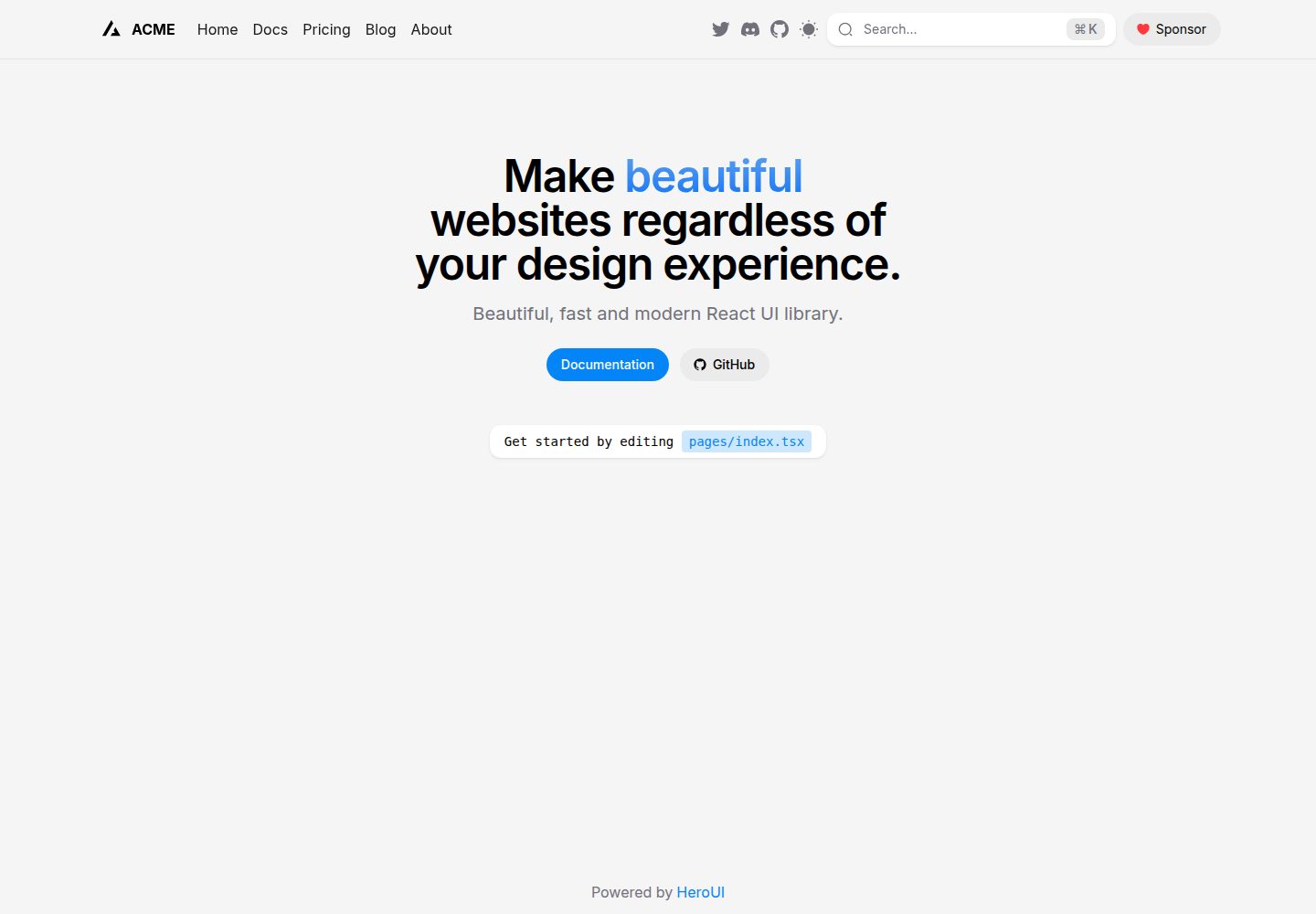
next-pages-template
A Next.js 16 with pages directory template pre-configured with HeroUI (v3) and Tailwind CSS (v4).
Next.js · 目录站
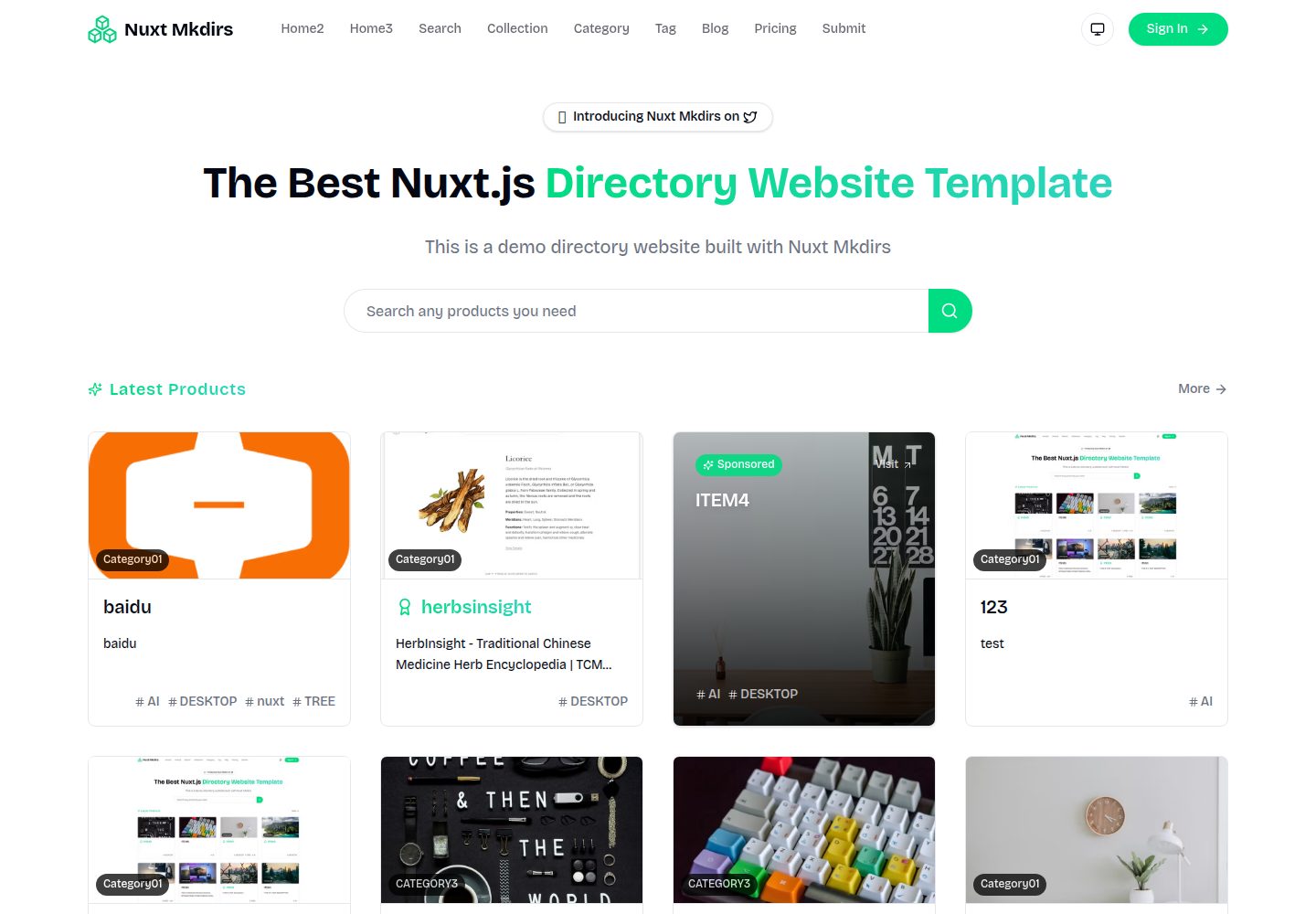
Nuxt_Mkdirs
🚀 Open-source directory website template built with Nuxt 4 + Sanity CMS. 3 layouts, OAuth, payments, blog & m…
Nuxt · 博客