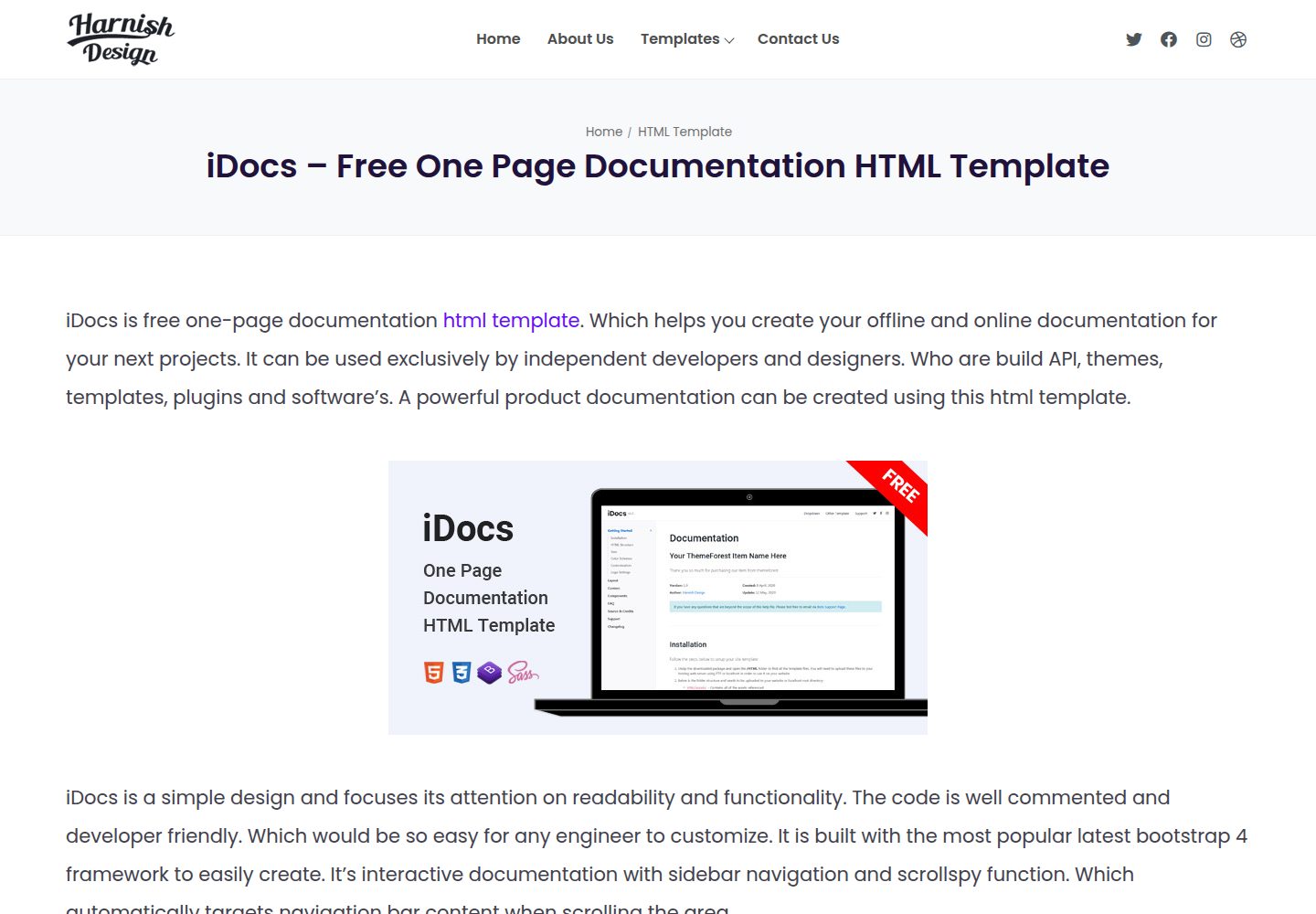
Single-page HTML documentation template suitable for writing documentation for software, plugins, and themes
HTMLDocumentation
iDocs — HTML Documentation Template
By harnishdesign
iDocs is a Bootstrap 4-based one-page documentation HTML template for creating offline or online documentation for themes, templates, plugins, and software.
Explore the design
Compare the page layouts and mobile experience. Open any screenshot for a closer look.
Desktop homepage1 / 3
Desktop captureTop of page
Actual screenshot captured by the server browser.
All pages & views 3
Screenshots show visual appearance; interactive behavior may differ.
Recorded 2026-10-02View source
What stands out
A quick read of the recorded project description.
Built on Bootstrap 4 and integrates scripts such as jQuery and jQuery easing
Uses Highlight.js to display code snippets and Magnific Popup to handle modal content
The repository is under the MIT license, allowing use, modification, commercial use, and distribution
The README provides links to a template overview page, an online demo, and help documentation
Template Details
iDocs is a free one-page documentation HTML template released by Harnish Design, with the repository under the MIT license. It is aimed at users who need to write documentation for their own themes, templates, plugins, or software, providing a single-page documentation layout that can be opened offline or deployed online.
The template is built on Bootstrap 4 and includes front-end dependencies such as jQuery, jQuery easing, Magnific Popup, Font Awesome, and Highlight.js, where Highlight.js is used for code highlighting and Magnific Popup for modal displays. The README provides three external links: a template overview page, an online demo, and help documentation; usage instructions must be referenced from the author's site.
The repository itself contains only HTML template files, with no backend, database, or build tools; page content must be replaced by the user. Images in the demo come from Unsplash, and third-party assets such as fonts and icons must be checked separately under their respective licenses; the MIT license for the code does not cover these assets.
HTMLDocumentation
Is it right for your project?
Use Cases
- Writing usage instructions for a self-developed WordPress theme or plugin
- Creating offline HTML help documentation for desktop software or script tools
- Building an online documentation site for a front-end template product
Suitable For
- Front-end developers who need a ready-made single-page documentation layout
- Product authors who want to distribute offline documentation in HTML form
- Users familiar with Bootstrap 4 who plan to replace the content themselves
Getting started & customization
Use these recorded setup notes alongside the repository instructions for your chosen version.
- 1
The repository is a pure HTML template with no build step; page files can be opened directly in a browser
- 2
Before use, replace the sample text, links, and images with your own content
- 3
The usage instructions in the README point to the help documentation page on the author's site
- 4
Demo images come from Unsplash; third-party assets such as fonts and icons must be checked under their respective licenses
License & source material
Usage conditions & limitations
Free to use · keep license noticeThis entry covers the free version under the MIT license in the public repository; the free scope applies to that version's code and does not mean external services or third-party assets are free.
Must comply with when using
- Free use, modification, commercial use, and distribution of this version's code are permitted.
- When distributing copies or substantial portions of the code, retain the original author's copyright notice and the full MIT license notice.
- The code is provided as is; warranties and limitations of liability are governed by the original license and applicable law.
Additional costs & items to verify
- Demo images, fonts, icons, and other third-party assets must be checked under their respective licenses and cannot be judged solely by the code's MIT license.
- External services such as domains, hosting, databases, payments, or AI may incur additional charges.
View Original Text Basis
https://github.com/harnishdesign/iDocs/blob/main/LICENSEhttps://github.com/harnishdesign/iDocs/blob/main/README.mdPermission is hereby granted, free of charge
Original License Text
Compiled by DeepSeek based on repository license and README ·2026-10-02. Results only cover the materials read; dependencies, images, fonts, and subsequent term changes are subject to their respective original texts.
Project checks & description sources
Template Information
- Source platforms
- GitHub
- Documentation and maintenance reference score
- More documented · 76 / 100
- Technologies
- HTML
- Website type
- Documentation
How this score is calculated
Our heuristic uses license records (up to 30), a demo link (12), a preview (10), stars (15), recorded maintenance (15), description completeness (8), feature records (5) and classification data (5). It is not a code, security or performance test, or a Google score. A link does not establish tested functionality.
What to verify for this project
- Repository update recorded
- 2024-02-26
- Screenshot last checked
- 2026-10-02
A demo link is listed. Check it with your own content and viewport sizes; its presence does not confirm that forms, authentication or payments work.
The catalog identifies HTML as the primary stack. Check the actual dependency manifest and lockfile for versions and hosting requirements. These notes use recorded metadata, not a code audit or a deployment test.
Use a selection guide →How this description was prepared
AI-assisted description based on catalog records and repository material. Repository authors are not automatically the reviewers of this description.
Automatically checked against source and license rules; no manual editorial review.
Inspect the recorded source material
SHA-256: 205873cb0865ed17b8a6e263d840ee2a3445a2299004677ee609b850db0cbebc
2026-10-02T07:47:08.406Z
Source file / repository# iDocs iDocs is free one page documentation html template built with Bootstrap 4. Which helps you to create your offline and online documentation for your themes, templates, plugins and software. ## Overview: <a href="https://harnishdesign.net/idocs-free-one-page-documentation-html-template.html">Template Overview Page</a> ## Demo: Click this link for a live demo : <a href="https://harnishdesign.net/demo/html/idocs/demos.html">View a Demo here</a> ## How to Use: You can read details documentation here - <a href="https://harnishdesign.net/demo/html/idocs/help/">View Documentation Here</a> ## Bugs and Issues Have an issue with this template? <a href="https://github.com/harnishdesign/iDocs/issues">Open a new issue here</a> OR Leave a comment on the <a href="https://harnishdesign.net/idocs-free-one-page-documentation-html-template.html">Template Overview Page at Harnish Design</a> for general inquiry. ## Credits: <ul> <li><a href="https://getbootstrap.com/">Bootstrap 4</a></li> <li><a href="http://www.jquery.com/">jQuery</a></li> <li><a href="http://gsgd.co.uk/sandbox/jquery/easing/">jQuery easing</a></li> <li><a href="http://dimsemenov.com/plugins/magnific-popup/">Magnific Popup</a></li> <li><a href="https://fontawesome.com/">Font Awesome</a></li> <li><a href="https://highlightjs.org/">Highlight Js</a></li> <li><a href="https://unsplash.com/">Unsplash</a></li> </ul> ## Created By: <a href="https://www.harnishdesign.net/">Harnish Design</a> ## Donations & Support My Brain needs two urgent coffees to continue working. Buy one or two coffees for me here: https://opencollective.com/idocs ## License: See the <a href="https://github.com/harnishdesign/iDocs/blob/main/LICENSE">LICENSE</a> file for license rights and limitations (MIT).
Explore similar templates
Compare previews and descriptions within the same stack and category.
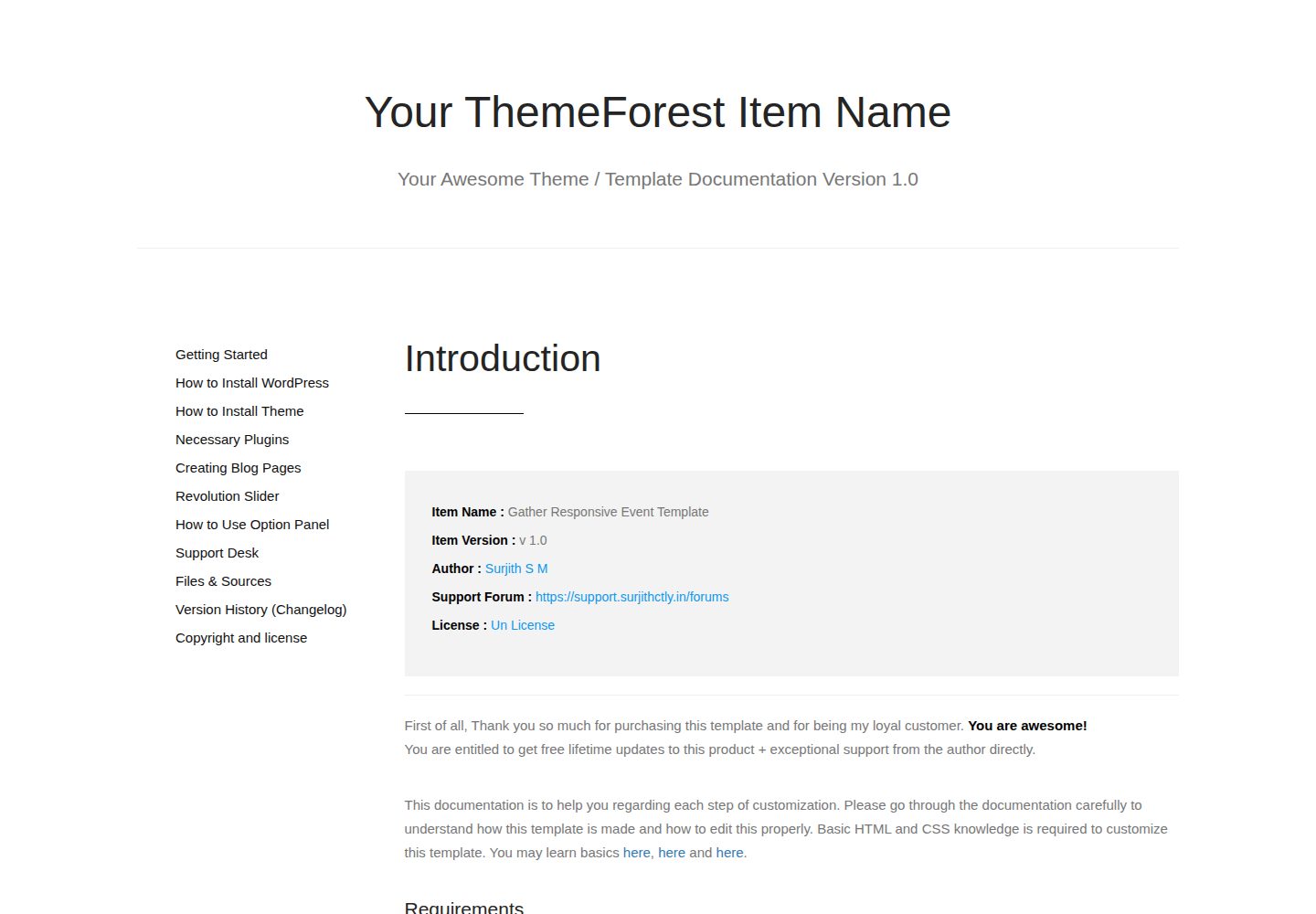
documentation-html-template
A static HTML documentation template built on Bootstrap 3 for WordPress themes, HTML templates and plugins. It has no build process or backend dependency; download the ZIP and edit the HTML and CSS directly.
HTML · Documentation
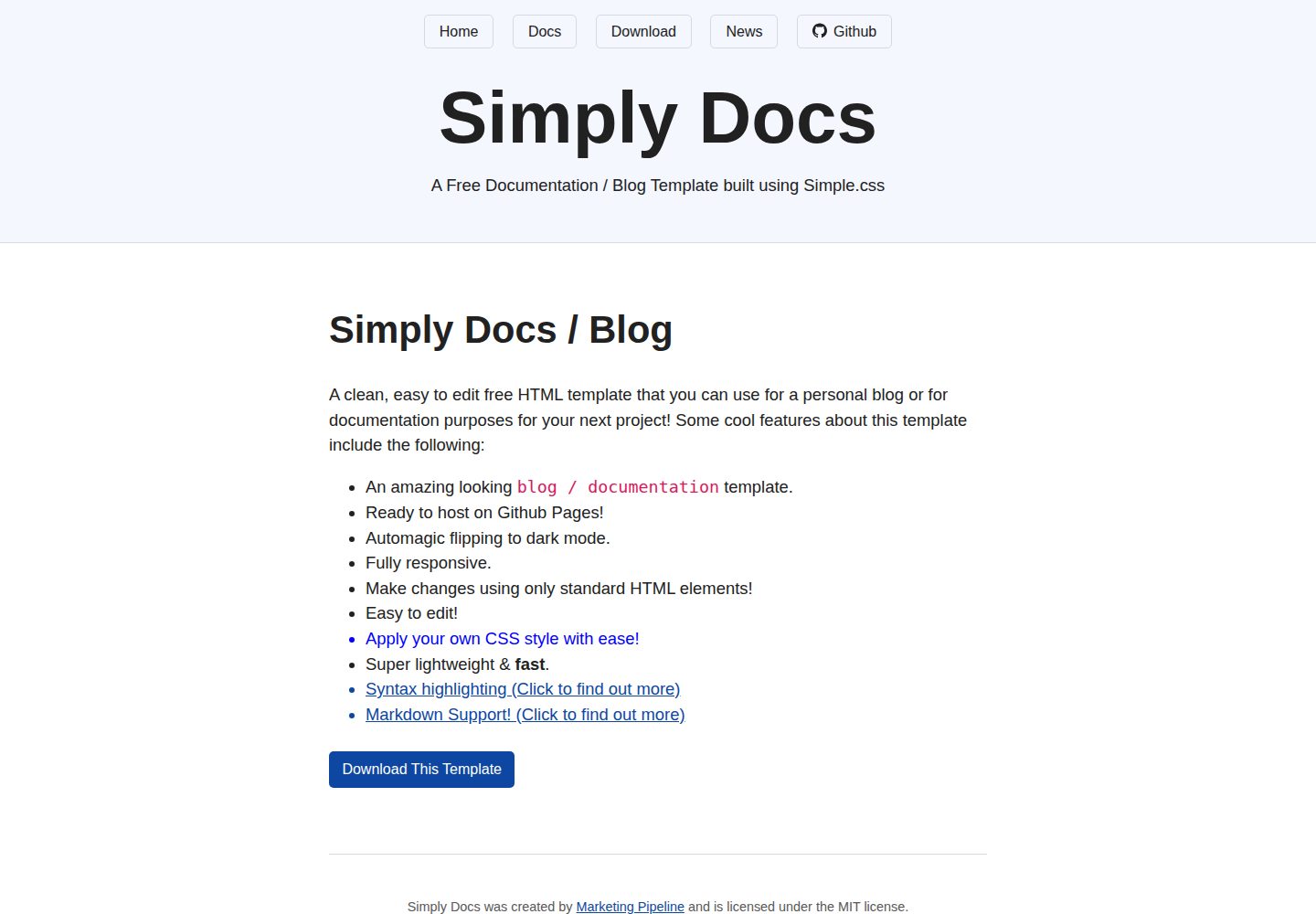
Simply-Docs
Simply-Docs is a pure HTML static template for quickly building a personal blog or technical documentation site.
HTML · Blog
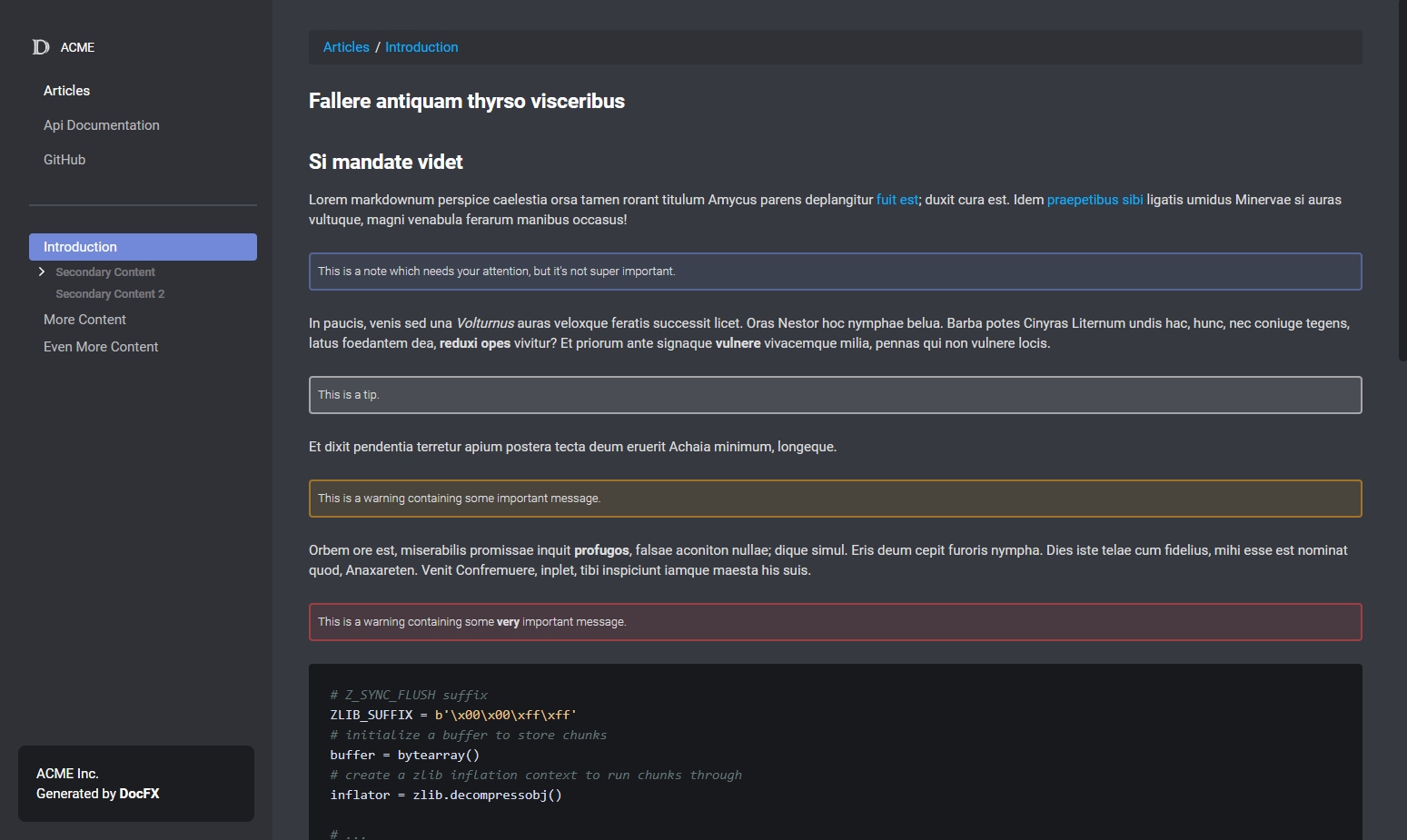
DiscordFX
DiscordFX is a DocFX template that gives documentation sites a dark, compact look similar to Discord developer documentation. It works alongside DocFX's default template, supports color customization via CSS variables in colors.css, and includes a responsive mobile layout.
HTML · Documentation
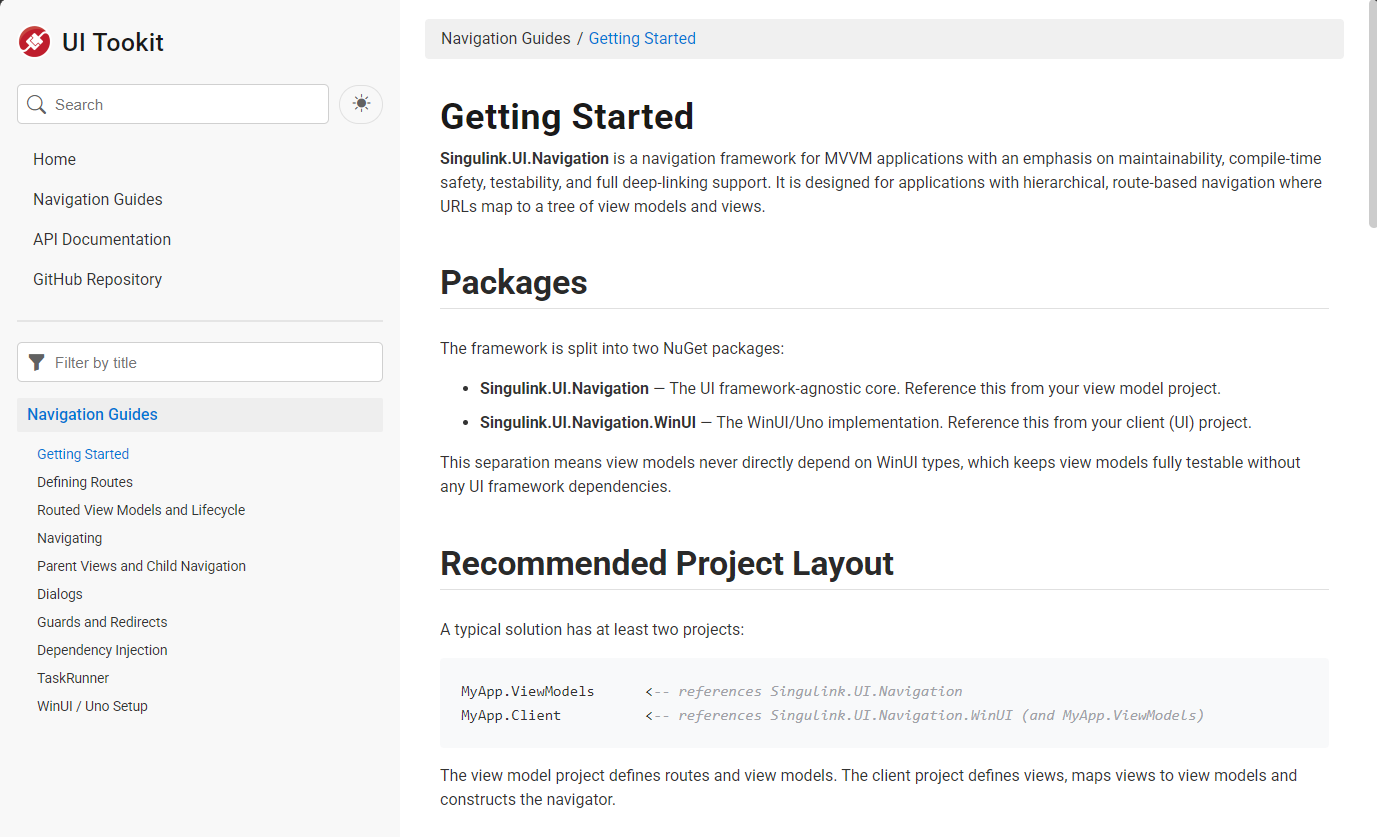
SingulinkFX
A responsive DocFX template for .NET libraries that mimics Microsoft's official .NET documentation style. It supports a four-level table of contents, separate pages per member, light/dark themes, configurable colors and sidebar width, automatic removal of empty table columns, and built-in Bootstrap Icons.
HTML · Documentation
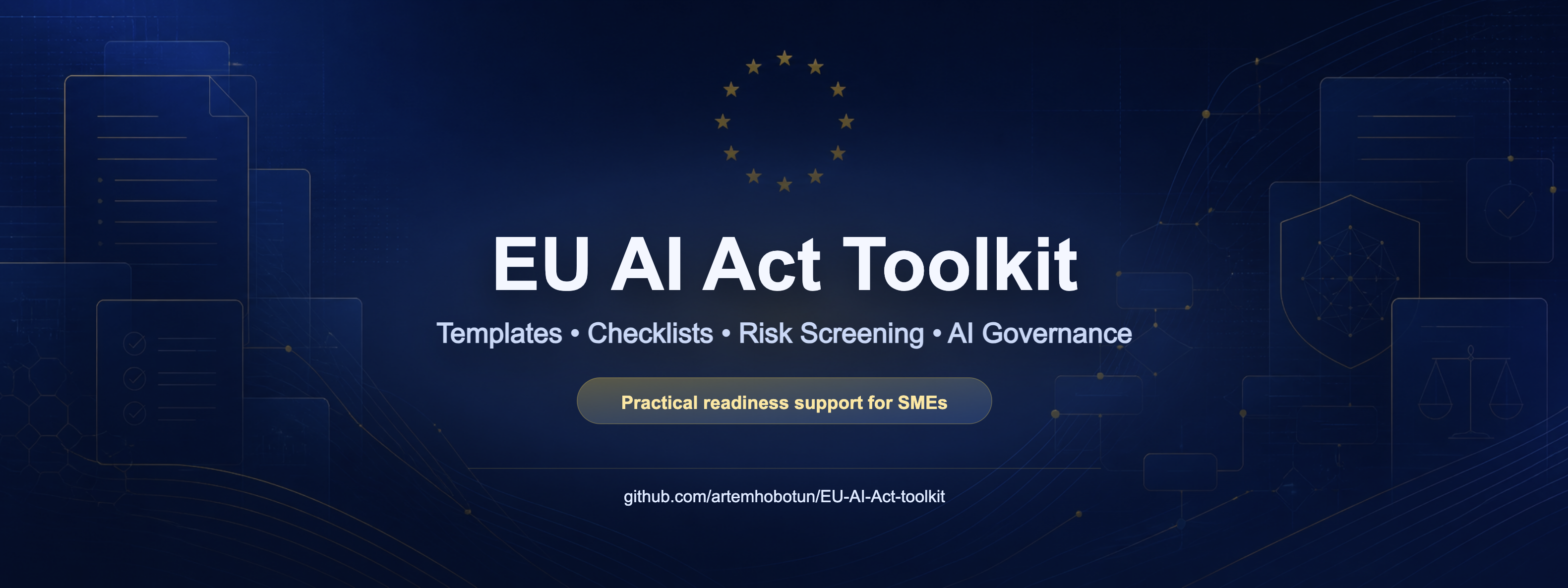
EU-AI-Act-Toolkit
A practical EU AI Act readiness toolkit for SMEs, maintained by legal professionals, with templates for AI system inventory, risk screening, vendor questionnaires, internal policies, and employee AI literacy records, plus industry packs for internal productivity, customer support, HR, and marketing.
HTML · Documentation
checklistfabrik
ChecklistFabrik is a Python tool that renders YAML templates into interactive HTML checklists, with a built-in local web server and dashboard for executing and recording recurring operational processes.
HTML · Admin dashboard