Record accessibility issues in Markdown files, with YAML frontmatter providing metadata such as success criterion, severity, and difficulty
EleventyStarter
eleventy-wcag-reporter — Eleventy Starter Template
By hidde
An Eleventy-based starter for generating WCAG accessibility conformance reports, where issue entries are written in Markdown and automatically compiled into an HTML report.
Explore the design
Compare the page layouts and mobile experience. Open any screenshot for a closer look.
Desktop homepage1 / 2
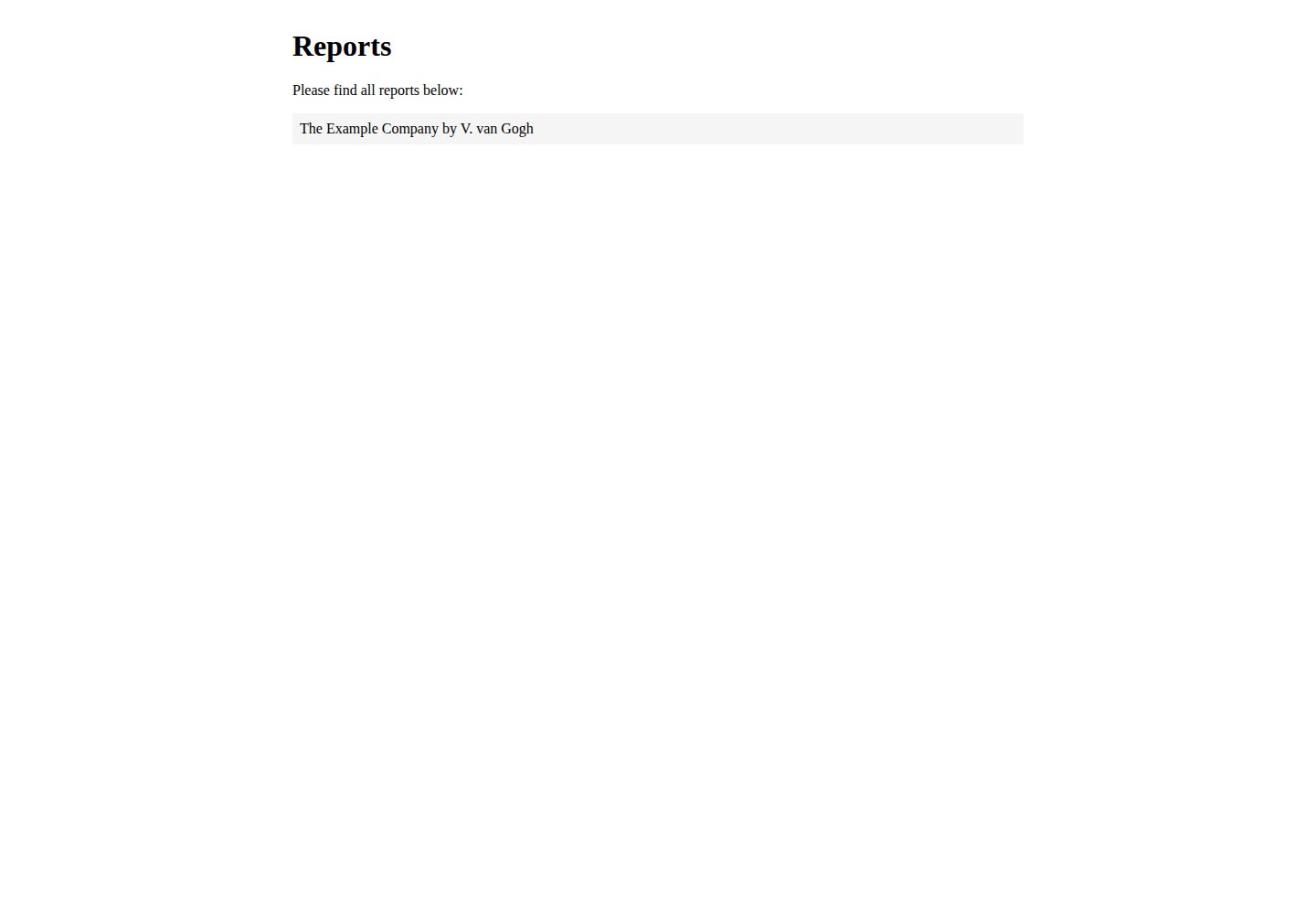
Desktop captureTop of page
Actual screenshot captured by the server browser.
All pages & views 2
Screenshots show visual appearance; interactive behavior may differ.
Recorded 2026-09-30View source
What stands out
A quick read of the recorded project description.
Automatically generate an HTML report containing a scorecard and results table
Supports Brazilian Portuguese, Dutch, English, Finnish, German, and Latin American Spanish
Provides a success criterion link filter pointing to the WCAG QuickRef
Report templates, styles, translations, and shared content can all be adjusted to project needs
Template Details
This is an Eleventy starter for creating WCAG evaluation reports. It combines individual Markdown issue files with report templates to produce a complete HTML report.
In use, each issue is written as a Markdown file, with YAML frontmatter providing metadata such as sc (success criterion number), severity, difficulty, title, and sample; the reports themselves are organized by reports.json, with each report having its own folder under src/reports where language, scope, baseline, evaluator, and other information can be set. The project includes built-in shortcodes for success criterion links to the WCAG QuickRef, result tables, and example screenshots, helping reduce repetitive formatting work.
Regarding languages, the README lists support for Brazilian Portuguese, Dutch, English, Finnish, German, and Latin American Spanish, with corresponding translations for the report interface and WCAG 2.0/1 content. The report's appearance, copy, layout, and styles can all be modified, and the relevant file locations are described in the README.
Limitations: the project is positioned to generate WCAG EM reports and does not include automated accessibility testing or auditing features; report content still requires manual writing and judgment. Licensing for third-party assets (such as demo images, fonts, and icons) must be checked separately, and externally hosted services may incur costs.
EleventyStarter
Is it right for your project?
Use Cases
- Write WCAG 2.0/2.1 conformance evaluation reports for websites or products
- Organize multiple accessibility issues into structured documentation by severity and difficulty
- Maintain multiple evaluation reports with different languages and scopes for different clients or projects
Suitable For
- Accessibility evaluators who need to output reports in WCAG EM format
- Teams using Markdown and a static site generator to manage report content
- Developers who want to customize report templates, styles, and translations
Getting started & customization
Use these recorded setup notes alongside the repository instructions for your chosen version.
- 1
First install Eleventy globally, then clone the project and run npm install to install dependencies
- 2
Use npm run dev or eleventy --serve to start a local server and view reports
- 3
Create a new report with npm run add-report, or manually copy the example folder and register it in reports.json
- 4
Configure the report's language, scope, baseline, evaluator, and other information in src/reports/[report name]/index.njk
License & source material
Usage conditions & limitations
Free to use · keep license noticeThis entry covers the free version under the MIT license in the public repository; the free scope is the code of that version and does not mean external services or third-party assets are free.
Must comply with when using
- Free use, modification, commercial use, and distribution of this version's code are permitted.
- When distributing copies or substantial portions of the code, retain the original author's copyright notice and the complete MIT license notice.
- The code is provided as is; warranties and limitations of liability are governed by the original license and applicable law.
Additional costs & items to verify
- Before use, Eleventy must be installed globally on the command line (npm install -g @11ty/eleventy), and npm install must be run to install project dependencies; these are external tool and dependency requirements.
- The README recommends forking before cloning the project files, using a GitHub account and repository workflow.
- Example content uses cipsum placeholder text and must be replaced with real content; the README does not state the license for third-party assets such as demo images and fonts, which must be checked separately.
- The README references a Netlify deployment status badge; using similar hosted deployment may involve external services and their costs.
- The README contains a Ko-fi sponsorship link, which is voluntary donation and does not affect free use of the code.
- Demo images, fonts, icons, and other third-party assets must be checked against their respective licenses and cannot be judged solely by the code's MIT license.
- External services such as domains, hosting, databases, payments, or AI may incur additional charges.
View Original Text Basis
Permission is hereby granted, free of charge
Original License Text
install [Eleventy](https://www.11ty.dev/) globally with `npm install -g @11ty/eleventy`
Original README
Get the project files; best [fork this project](https://docs.github.com/en/github/getting-started-with-github/quickstart/fork-a-repo), then [clone](https://docs.github.com/en/[email protected]/github/creating-cloning-and-archiving-repositories/cloning-a-repository-from-github/cloning-a-repository) your copy.
Original README
Customise the reports: add your own logo, colors, typography and content. There is [cipsum](https://cipsum.com/) everywhere.
Original README
[](https://app.netlify.com/sites/eleventy-wcag-reporter/deploys)
Original README
https://github.com/hidde/eleventy-wcag-reporter/blob/main/LICENSEhttps://github.com/hidde/eleventy-wcag-reporter/blob/main/README.mdLike this? <a href='https://ko-fi.com/D1D1619P3' target='_blank'>
Original README
Compiled by DeepSeek based on repository license and README ·2026-10-01. Results only cover the materials read; dependencies, images, fonts, and subsequent term changes are subject to their respective original texts.
Project checks & description sources
Template Information
- Source platforms
- GitHub
- Documentation and maintenance reference score
- More documented · 76 / 100
- Technologies
- Eleventy
- Website type
- Starter
How this score is calculated
Our heuristic uses license records (up to 30), a demo link (12), a preview (10), stars (15), recorded maintenance (15), description completeness (8), feature records (5) and classification data (5). It is not a code, security or performance test, or a Google score. A link does not establish tested functionality.
What to verify for this project
- Repository update recorded
- 2023-12-18
- Screenshot last checked
- 2026-10-01
A demo link is listed. Check it with your own content and viewport sizes; its presence does not confirm that forms, authentication or payments work.
The catalog identifies Eleventy as the primary stack. Check the actual dependency manifest and lockfile for versions and hosting requirements. These notes use recorded metadata, not a code audit or a deployment test.
Use a selection guide →How this description was prepared
AI-assisted description based on catalog records and repository material. Repository authors are not automatically the reviewers of this description.
Automatically checked against source and license rules; no manual editorial review.
Inspect the recorded source material
SHA-256: 3d005f230ed1df497158184885c72c5d1c00afecf2ef1e3fac7526208a911b9a
2026-10-01T15:06:02.689Z
Source file / repository# WCAG Reporter This repository lets you create WCAG EM Reports using [Eleventy](https://www.11ty.dev/). * Write issues as Markdown files * Create reports in English, Dutch, Brazilian Portuguese, Spanish or German * Automatically output a score card in the report * Include your boilerplate easily, so that you can focus on describing issues Eleventy is a static site generator. In this project we use it to combine all Markdown files into one HTML file that is a report. Some more context in: [Introducing an Eleventy starter project for WCAG reports](https://hiddedevries.nl/en/blog/2021-05-24-introducing-an-eleventy-starter-project-for-wcag-reports) [](https://app.netlify.com/sites/eleventy-wcag-reporter/deploys) ## Buy me a coffee Like this? <a href='https://ko-fi.com/D1D1619P3' target='_blank'><img height='35' style='display:block;border:0px;height:36px;' src='https://cdn.ko-fi.com/cdn/kofi2.png?v=3' border='0' alt='Buy Me a Coffee at ko-fi.com' /></a> ## Supported languages | Language | Code | Supports | Credits | |----------------------|---------|------------------------------|-------------------| | Brazilian Portuguese | pt-br | Report itself, WCAG 2.0/1 | @brunopulis | | Dutch | nl | Report itself, WCAG 2.0/1 | @hidde | | English | en | Report itself, WCAG 2.0/1 | @hidde | | Finnish | fi | Report itself, WCAG 2.0/1 | @eevajonnapanula | | German | de | Report itself, WCAG 2.0/1 | @mfranzke | | Latinamerican Spanish | es | Report itself, WCAG 2.0/1 | @danisaurio | Want to contribute a language? [Create an issue](https://github.com/hidde/eleventy-wcag-reporter/issues/new?assignees=&labels=i18n&template=add-language-support.md&title=Add+translation%3A+%5Blanguage%5D) (to indicate you'd like to take this on; the template has some instructions) and file a Pull Request. ## Set up 1. On the command line, install [Eleventy](https://www.11ty.dev/) globally with `npm install -g @11ty/eleventy` 3. Get the project files; best [fork this project](https://docs.github.com/en/github/getting-started-with-github/quickstart/fork-a-repo), then [clone](https://docs.github.com/en/[email protected]/github/creating-cloning-and-archiving-repositories/cloning-a-repository-from-github/cloning-a-repository) your copy. 4. When the project files are on your computer, go to folder that contains the project files 5. Run `npm install` to install all dependencies this project needs. 6. Run `npm run dev` or `eleventy --serve` to start a local server and look at the reports 7. Customise the reports: add your own logo, colors, typography and content. There is [cipsum](https://cipsum.com/) everywhere. 8. [Create a new report](#create-a-report) From now on, you'll onlly need to run that last step: `npm run dev` or `eleventy --serve`. ## Create a report ### Use the npm script You can run `npm run add-report`, which will ask for a name and duplicate the example folder with that name. ### Manually 1. Copy the demo folder and give it a unique name (for instance: “mysite”) 2. Add “mysite” into `reports.json`. This will tell 11ty to group its issues. 3. Provide meta data in `mysite/index.njk` ## Add issues 1. Add issues as Markdown files the report's folder 2. Add metadata as YAML frontmatter ### Metadata Issues accept some meta data to help create the report: | Key | Example | Description | |------|----------|------| | sc | 2.4.7 | The Success Criterion the issue falls under, numbers only, separated by dots or `none` to render as tip | | severity | Low, Medium, High | Group issues by severity (these are just strings, use what works for you or your client) | | difficulty | Low, Medium, High | Group issues by difficulty | | title | Focus style missing | Name for the issue | | sample | homepage | Refer issue back to sample ID, or `all` if not related to specific example | ## View your reports 1. After initial [setup](https://github.com/hidde/eleventy-wcag-reporter#set-up), run `eleventy --serve` to start a server, this should show you links to all your reports ## Tweak the report to your liking This tool is meant to help generate WCAG EM reports effectively. Nothing is set in stone, you can change it to your liking. This section explains where things live. | Component | Explanation | Where to change | |----------------|----------|---------------| | About this report | Explains to reader how the report was created, how to interpret, etc | `src/_shared-content/[language]/about-this-report.md` | | Executive summary | High level summary of results | `summary.md` in the root of the report's folder | | Report template | Blueprint for the report, decides order, etc | `src/_layouts/report.njk` | | Surrounding HTML | `head`, etc | `src/_layouts/base.njk` | | Translations | Strings in multiple languages, used in the templates | `src/_data/translations.json` | | Styles for the report itself | | `src/_assets/report.css` | | Scope, baseline, evaluators etc | Meta information displayed in the report | `src/reports/[your-report]/index.njk` | | Language | Language for the report, also used for pulling in the correct translations and explanations | `src/reports/[your-report]/index.njk` | ## Filters and shortcodes There are a couple of reporting-related filters available. ### Filter: link to success criterion Creates a link to a success criterion in the [WCAG QuickRef](https://www.w3.org/WAI/WCAG21/quickref/?versions=2.1), based on a WCAG SC number. The mapping from number (e.g. `1.1.1`) to slug (e.g. `non-text-content`) is done in `.src/data/sc_to_slug.json`. For instance: ``` {% 1.1.1 | sc_uri(targetWcagVersion, language) %} ``` where: * `language` is the page's language (required) * `targetWcagVersion` is the WCAG version you're evaluating against, for example `2.1` or `"2.0"` (required) displays: https://www.w3.org/WAI/WCAG21/quickref/?versions=2.1&showtechniques=248#non-text-content This can be used in a link, like so: ``` <a href="{% 1.1.1 | sc_uri(targetWcagVersion, language) %}">1.1.1</a> ``` And this content can be variable. If the SC number is in a variable called `sc`, this is how to link: ``` <a href="{% sc | sc_uri(targetWcagVersion, language) %}">{{ sc }}</a> ``` ### Shortcode: results table A table of results can be generated like this: ``` {% sc_table issueList, language, targetLevel %} ``` where: * `issueList` is an object with all issues for this report (assumes each issue has `sc` in front matter with a number, like `1.1.1`) (required) * `language` is the page's language (required) * `targetLevel` is the evaluation target, one of these options: `A`, `AA` or `AAA` (required) * `targetWcagVersion` is the WCAG version you're evaluating against, for example: `2.1` (required) ### Shortcode: sample image With the `sample_image` shortcode, you can output the URL of a screenshot for a sample. ``` {% sample_image id, reportName %} ``` You'll need to add the id of the sample (e.g. `sample-1`) and the folder name of the report (e.g. `example`). This will then output either `images/sample-1.png` (if it exists) or the URL to a default image. The default can be changed by updating `.src/reports/example/images/default-screenshot.png`.
Explore similar templates
Compare previews and descriptions within the same stack and category.

eleventy-base-blog
The officially maintained Eleventy blog starter template, MIT licensed, includes posts, tag pages, archives, an about page, a 404 page, an Atom feed, and sitemap.xml, with per-page CSS bundling, syntax highlighting, and image optimization.
Eleventy · Blog

eleventy-garden
An Eleventy-based digital garden starter template for building a personal knowledge site organized through hyperlinks. It supports Roam-style double-bracket links, backlink display, and hover cards for backlinks.
Eleventy · Starter

eleventastic
Eleventastic is an Eleventy starter kit by Max Böck, used as the base for new 11ty projects. It integrates Sass, Webpack, SVG icon sprites, critical CSS, and HTML minification into the 11ty build without external steps.
Eleventy · Starter

neat-starter
An Eleventy-based static site starter template integrating Netlify CMS, Alpine.js, and Tailwind CSS. It provides a ready-to-run example site, a one-click Netlify deploy button, and an MIT-licensed codebase.
Eleventy · Starter

Eleventy-Starter-Boilerplate
An Eleventy-based blog starter template with Tailwind CSS, Webpack, PostCSS, ESLint, and Prettier, optional Netlify CMS, and built-in SEO metadata, sitemap, and 404 page.
Eleventy · Blog

eleventy-plus-vite
A static site starter combining Eleventy and Vite, with a live-reloading development server, Vite-based production post-processing, a PostCSS pipeline with Autoprefixer and cssnano, critical CSS inlining and asynchronous CSS loading, a web font loading strategy example, fluid typography, basic dark mode, an…
Eleventy · Starter