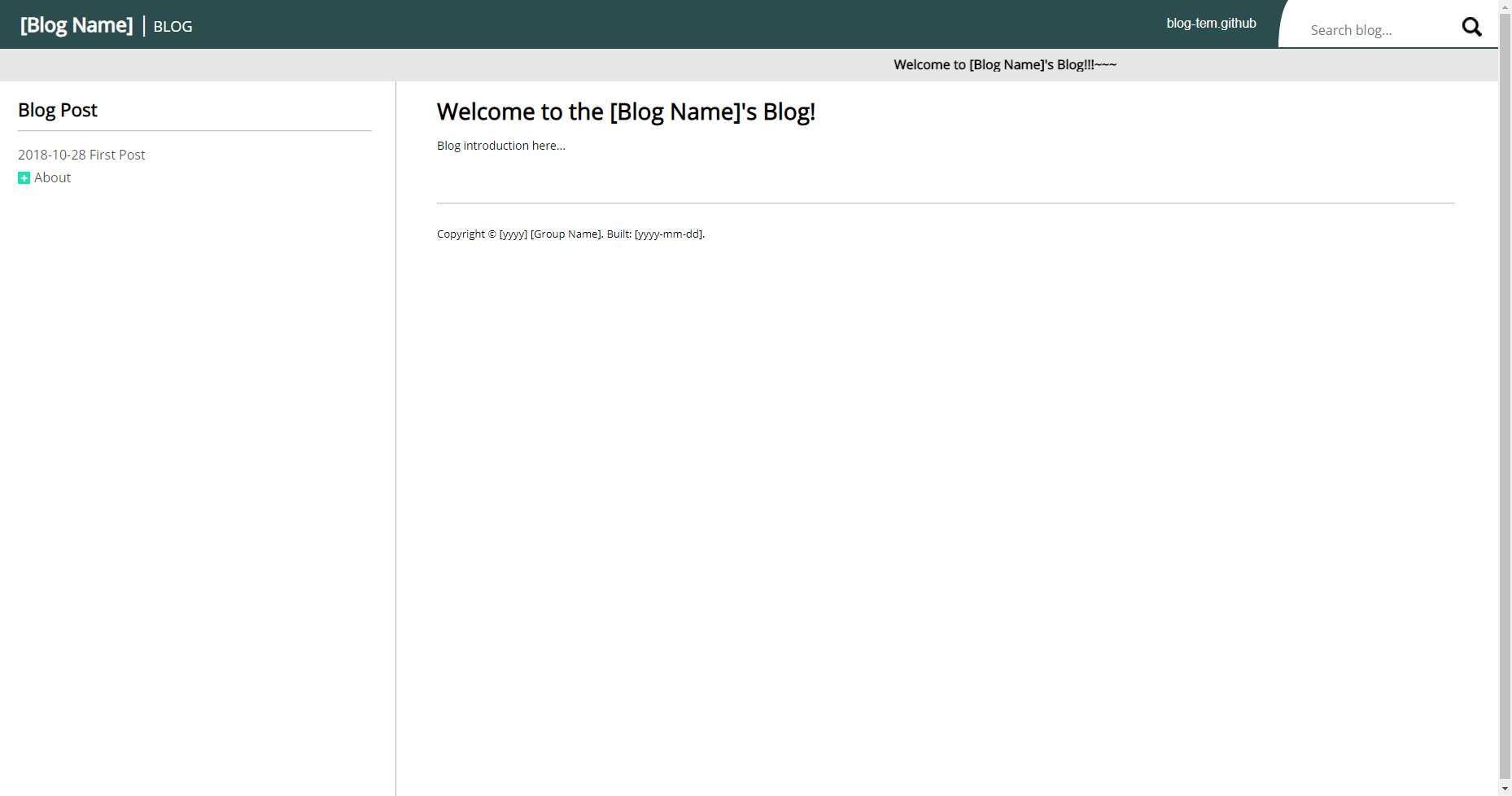
Each blog post is an individual .html file that can be linked directly to the home page once written
HTMLBlog
Blog_Template (jcs-legacy) — HTML Blog Template
By jcs-legacy
A blog template based on basic HTML/CSS and jQuery, where articles are written as individual .html files and organized by category through a Node.js/Express backend and linked to the home page.
Explore the design
Compare the page layouts and mobile experience. Open any screenshot for a closer look.
Author preview
Author-provided preview
Preview provided in the project README.
One original preview is available. Open the full image to inspect the design.
Screenshots show visual appearance; interactive behavior may differ.
Recorded 2026-10-13View source
What stands out
A quick read of the recorded project description.
The backend uses Node.js and express.js, while the front end uses only HTML, CSS, and jQuery
Articles are stored by default in ./website/Blog/doc and organized by category rather than by time
Page navigation uses the _sl_ and _sp_ keywords to convert slashes and spaces
Search is implemented by case-insensitive comparison between file names and keywords
Paths, site name, version number, copyright text, and CSS can all be adjusted through configuration and style files
Template Details
This project is aimed at people who want to write a blog using basic HTML/CSS: each article is an individual .html file, and once written it can be linked to the home page by convention without needing a complex front-end framework. The backend uses Node.js and express.js, while the front end uses only HTML, CSS, and jQuery, so extending or modifying it requires basic knowledge of these tools.
Blog content is stored by default under ./website/Blog/doc, and the system organizes articles by category rather than by time; if you insist on organizing by time, you need to name files or directories with dates yourself. Articles navigate between each other through query parameters, and slashes and spaces in paths are converted using the two keywords _sl_ and _sp_. For example, ?page=About_sl_More_sl_2018-10-30_sp_Third_sp_Post points to ./doc/About/More/2018-10-30 Third Post.md.
Search is implemented by comparing file names with keywords in a case-insensitive way. Paths, site name, version number, copyright text, and similar settings can be adjusted in ./config.js and ./website/js/config.js; styles can be replaced by changing the CSS loaded in ./website/css-lib.html, or by directly modifying ./website/css/style.css, with body text styles in ./website/css/content.css.
The author explicitly states that this is a blog template and its visual design is not attractive, but it already implements most of the basic features needed for a plain blog.
HTMLBlog
Is it right for your project?
Use Cases
- Writing personal blog articles with basic HTML/CSS and manually linking them to the home page
- Organizing articles by category directories rather than by publication date
- Starting the service locally with Node.js and previewing the blog at localhost:4000
- Adjusting the site name, paths, and appearance by modifying config.js and CSS files
Suitable For
- Writers who know or are willing to learn basic HTML, CSS, and jQuery
- Blogs that need to organize content by category rather than by time
- Users who accept a plain appearance and only require the basic features of a pure blog
- People with basic Node.js and express.js knowledge who may extend the backend themselves
Getting started & customization
Use these recorded setup notes alongside the repository instructions for your chosen version.
- 1
First install Node.js on your operating system
- 2
Run ./scripts/setup.bat (use .sh on Linux/bash) to install dependencies
- 3
Run ./scripts/run.bat (or .sh) to start the server, then open localhost:4000 in a browser
- 4
To deploy to a server, run ./scripts/start_forever.bat; stop it with ./scripts/stop_forever.bat
- 5
Blog articles are stored by default under ./website/Blog/doc
License & source material
Usage conditions & limitations
Free to use · keep license noticeThis entry covers the free version in a public repository under the MIT license; the free scope is the code of that version and does not mean that external services or third-party assets are free.
Must comply with when using
- You may use, modify, commercialize, and distribute the code of this version for free.
- When distributing copies or substantial portions of the code, retain the original author's copyright notice and the full MIT license notice.
- The code is provided as is; warranties and limitations of liability are governed by the original license and applicable law.
Additional costs & items to verify
- Demo images, fonts, icons, and other third-party assets must be checked against their respective licenses and cannot be judged solely by the code's MIT license.
- External services such as domains, hosting, databases, payments, or AI may incur separate charges.
- Using or extending this template requires a Node.js backend environment and basic express.js knowledge; otherwise the application cannot be extended.
- Node.js must be installed on the operating system before running; otherwise the blog template cannot be started.
- The blog system organizes articles by category rather than by time; if you want time-based organization, you must name files or directories with dates yourself.
- The author explicitly states that the template's visual design is poor and only implements the basic features needed for a plain blog, so it is not suitable for scenarios that pursue polished design.
View Original Text Basis
Permission is hereby granted, free of charge
Original License Text
This application is using NodeJS for the backend. You might need some knowledge of `express.js` in order to expand the application if you need to.
Original README
Before you run the application, make sure you install node.js to your OS environment.
Original README
The blog system is design for organizing by category instead oranizing by time. If you are planning on using this project and organize by time then you will have to manually name the file/directory by time.
Original README
https://github.com/jcs-legacy/Blog_Template/blob/master/LICENSE.txthttps://github.com/jcs-legacy/Blog_Template/blob/master/README.mdCaution, this is a blog template and does not have a good looking design but this project have most of the stuffs and features implemented to be just a plain blog.
Original README
Compiled by DeepSeek based on repository license and README ·2026-10-13. Results only cover the materials read; dependencies, images, fonts, and subsequent term changes are subject to their respective original texts.
Project checks & description sources
Template Information
- Source platforms
- GitHub
- Documentation and maintenance reference score
- Less documented · 53 / 100
- Technologies
- HTML
- Website type
- Blog
How this score is calculated
Our heuristic uses license records (up to 30), a demo link (12), a preview (10), stars (15), recorded maintenance (15), description completeness (8), feature records (5) and classification data (5). It is not a code, security or performance test, or a Google score. A link does not establish tested functionality.
What to verify for this project
- Repository update recorded
- 2023-10-20
- Screenshot last checked
- 2026-10-13
No demo link is recorded. Use the repository instructions to evaluate the project locally; the screenshot alone cannot establish interactive behavior.
The catalog identifies HTML as the primary stack. Check the actual dependency manifest and lockfile for versions and hosting requirements. These notes use recorded metadata, not a code audit or a deployment test.
Use a selection guide →How this description was prepared
AI-assisted description based on catalog records and repository material. Repository authors are not automatically the reviewers of this description.
Review declaration: [email protected] · 2026-10-13
Inspect the recorded source material
SHA-256: 0f8b3824cd96dce88c91fa0be1a3851d213c0fe6cc377083c4ee1b6eaf2f2712
2026-10-13T06:11:43.272Z
Source file / repository[](https://opensource.org/licenses/MIT) [](https://github.com/jcs090218/Blog_Template/releases/latest) # Blog Template [](https://travis-ci.com/jcs090218/Blog_Template) * Demo: [Blog_Template](http://www.jcs-profile.com:4000) The goal of this project is easy to implement blog post in basic HTML/CSS. User can create individual `.html` file and start wrting the blog without hassle linking the page to the home website. Caution, this is a blog template and does not have a good looking design but this project have most of the stuffs and features implemented to be just a plain blog. ## Acknowledge This application is using NodeJS for the backend. You might need some knowledge of `express.js` in order to expand the application if you need to. The frontend are only using the basic `HTML`, `CSS`, and `jQuery`. You will also need the minimal knowledge of these tools. ## How to use? All the blog post file are search default under `./website/Blog/doc` directory. The blog system is design for organizing by category instead oranizing by time. If you are planning on using this project and organize by time then you will have to manually name the file/directory by time. ## Run the application Before you run the application, make sure you install node.js to your OS environment. Step one, run `./scripts/setup.bat`, this file will install all the dependencies you need for this project. Step two, run `./scripts/run.bat` in order to start the server. If you are running of Linux environment with bash installed, just execute the same scripts but with `.sh` extension behind. Step three, run you favorite web browser with `localhost:4000` and the following screens should appear infront of you. ### Introduction Screen <img src="./screenshot/intro_demo.png" width="930" height="490"/> ## Deploy on to server If you are ready to deploy your scripting manual application, run `./scripts/start_forever.bat` and the server will run even you terminated the console. If you want to stop the server, run `./scripts/stop_forever.bat` to terminate the previous started server. If you are on linux distro with bash installed, run the same script but with `.sh` extension behind. ## Directing to other page ### Path Keyword Conversion List | Key | Entity | |------|--------| | _sl_ | / | | _sp_ | | If you wish to direct to other page, see the code below for example. This line of code will direct user to `./doc/About/More/2018-10-30 Third Post.md` page. ``` <!-- Here _sl_ will convert to slash. And _sp_ will convert to space. --> <a href="?page=About_sl_More_sl_2018-10-30_sp_Third_sp_Post">Third Post</a> ``` ## Search Engine Search engine is implemented by simply comparing the file name with keyword case insensitively. <img src="./screenshot/search_demo.png" width="930" height="490"/> ## Configuration If you do not like any of these settings, checkout `./config.js` and `./website/js/config.js`. You can change the path, manual name, version number, copyright text, etc. Basically anything you need to make a API reference document website. If you do not like style you can load you own CSS file at `./website/css-lib.html`. Or change the CSS property in `./website/css/style.css`. For the content's style can be found in `./website/css/content.css`. ## Example * [Jen-Chieh's Blog](http://www.jcs-profile.com:4001)
Explore similar templates
Compare previews and descriptions within the same stack and category.

Casper
Casper is Ghost's official classic blog theme, long used as the default and still maintained.
HTML · Magazine
startbootstrap-clean-blog
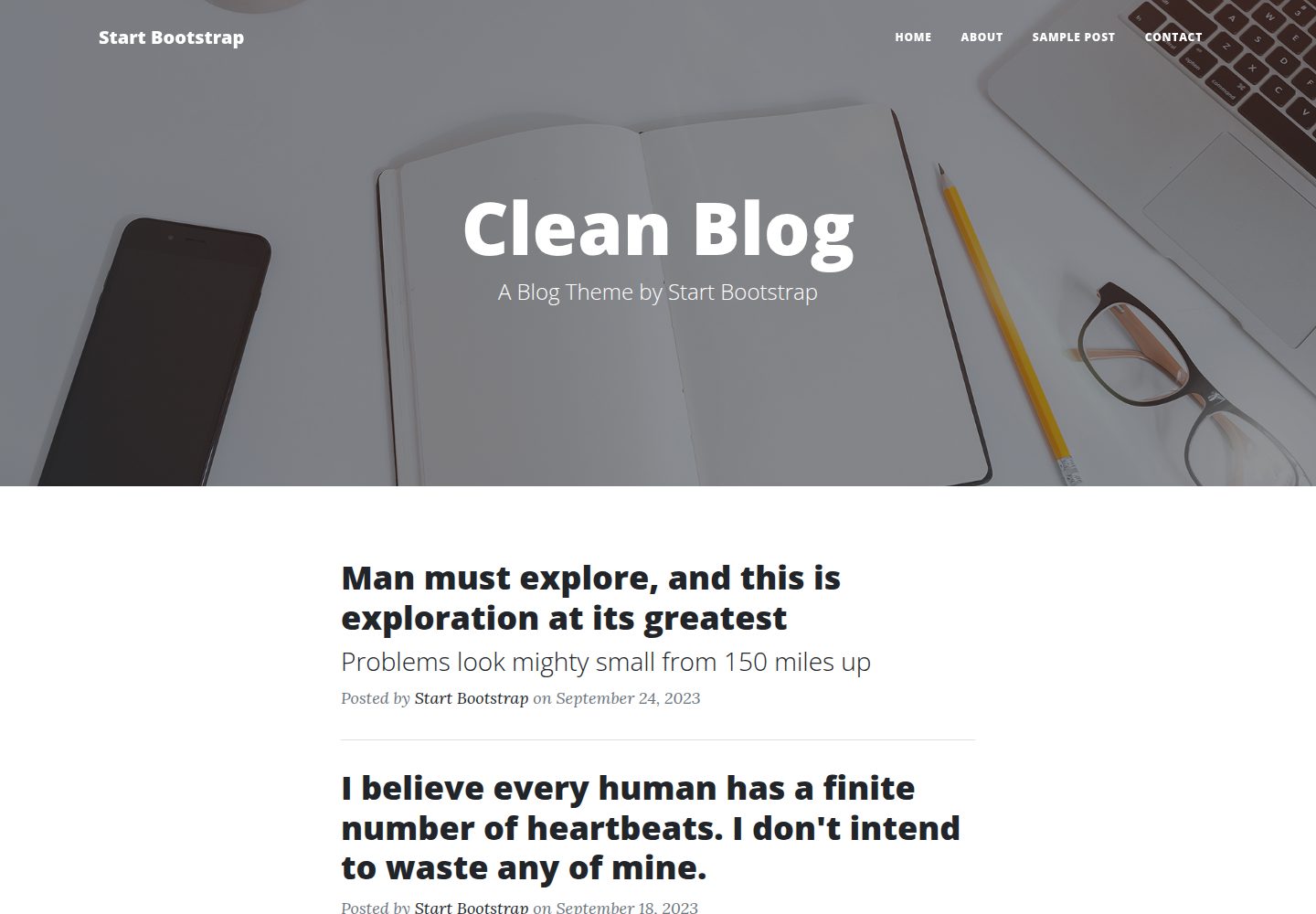
Clean Blog by Start Bootstrap is a responsive Bootstrap blog theme with a home page, about page, contact page, and sample post page, plus a working PHP contact form preconfigured for SB Forms.
HTML · Blog
halo-theme-sakura
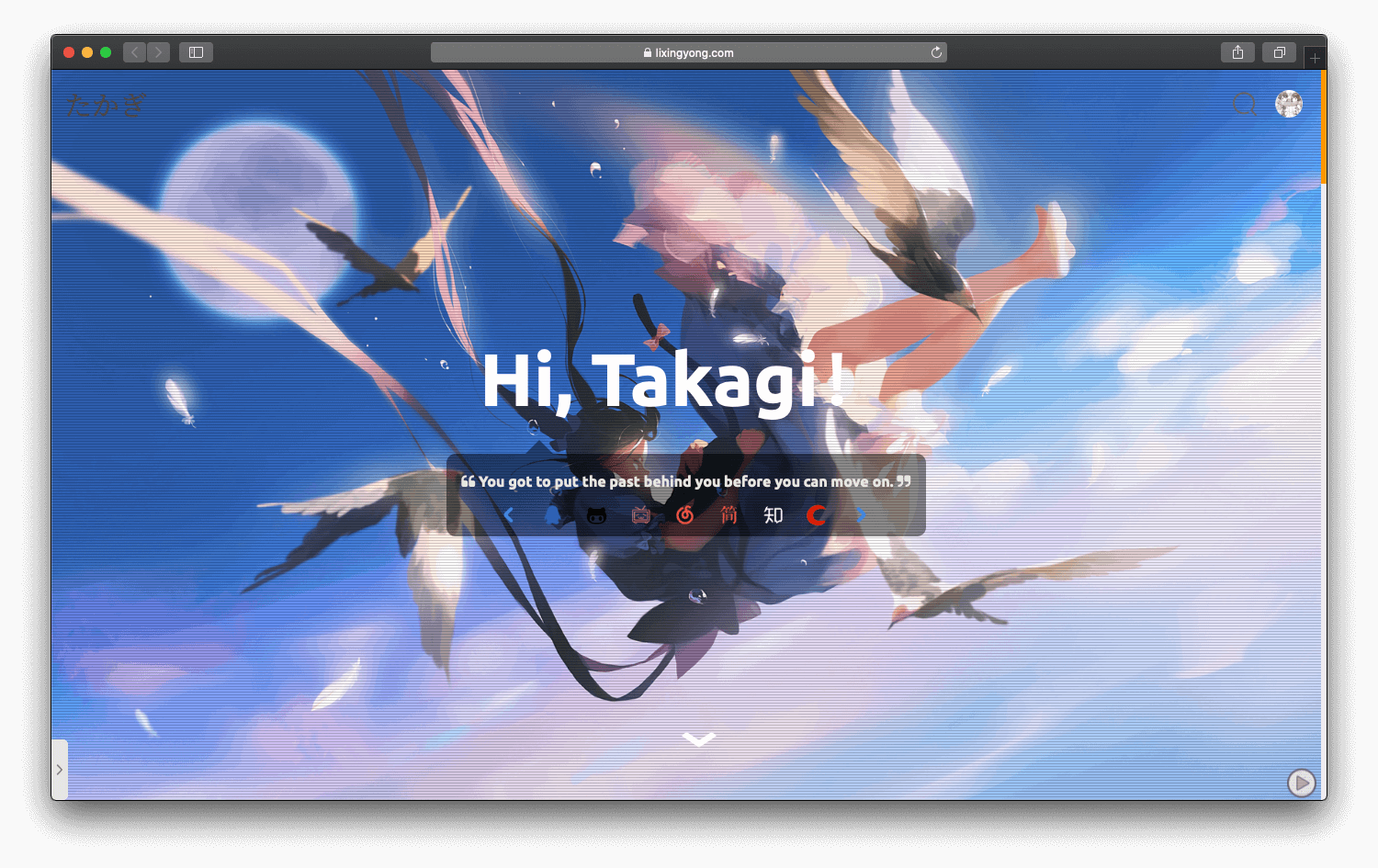
A Sakura-style blog theme for Halo 2.x, rebuilt after 2.0.0 for improved performance with asynchronous and deferred resource loading.
HTML · Blog
bleak
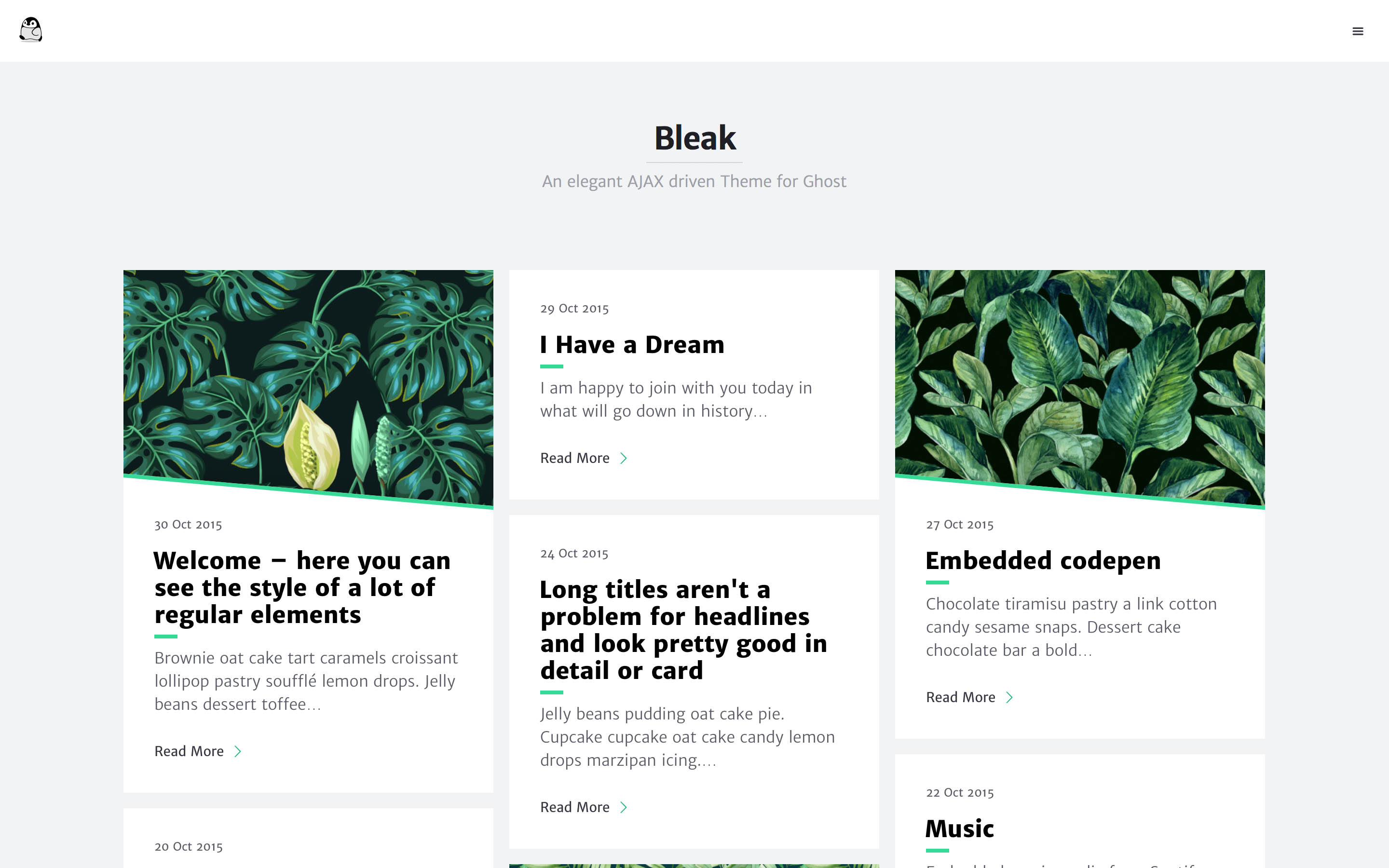
Bleak is an AJAX-driven Ghost blog theme with a clean, reading-focused layout. It offers responsive design, built-in code syntax highlighting with line numbers, customizable primary color via Code injection, Disqus comments, and an optional fixed navigation bar.
HTML · Blog
serene
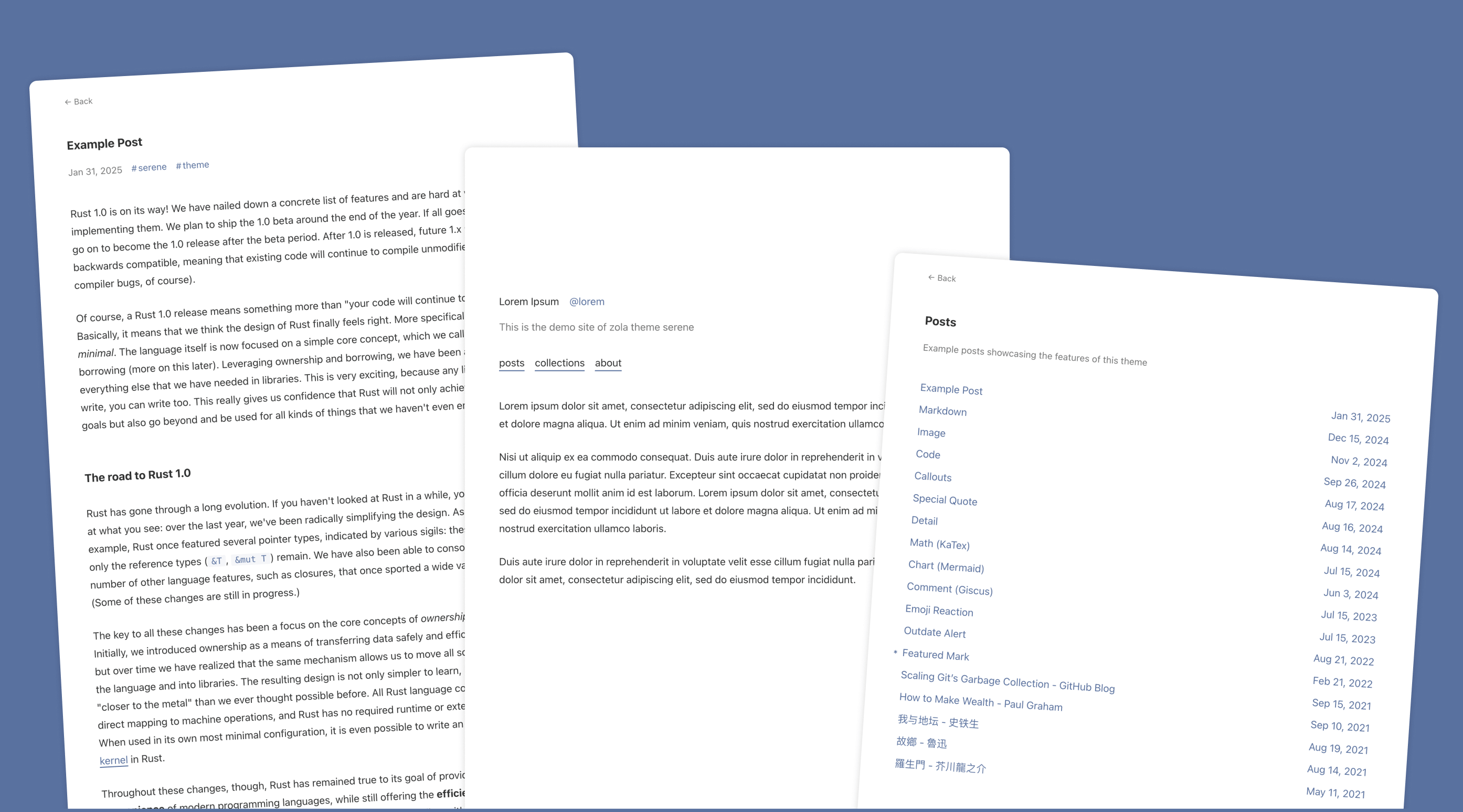
Serene is a minimal blog theme for Zola, focused on typography and reading experience. Built on Zola's template system with HTML and CSS, it has no front-end framework dependencies and loads lightly.
HTML · Blog
startbootstrap-blog-home
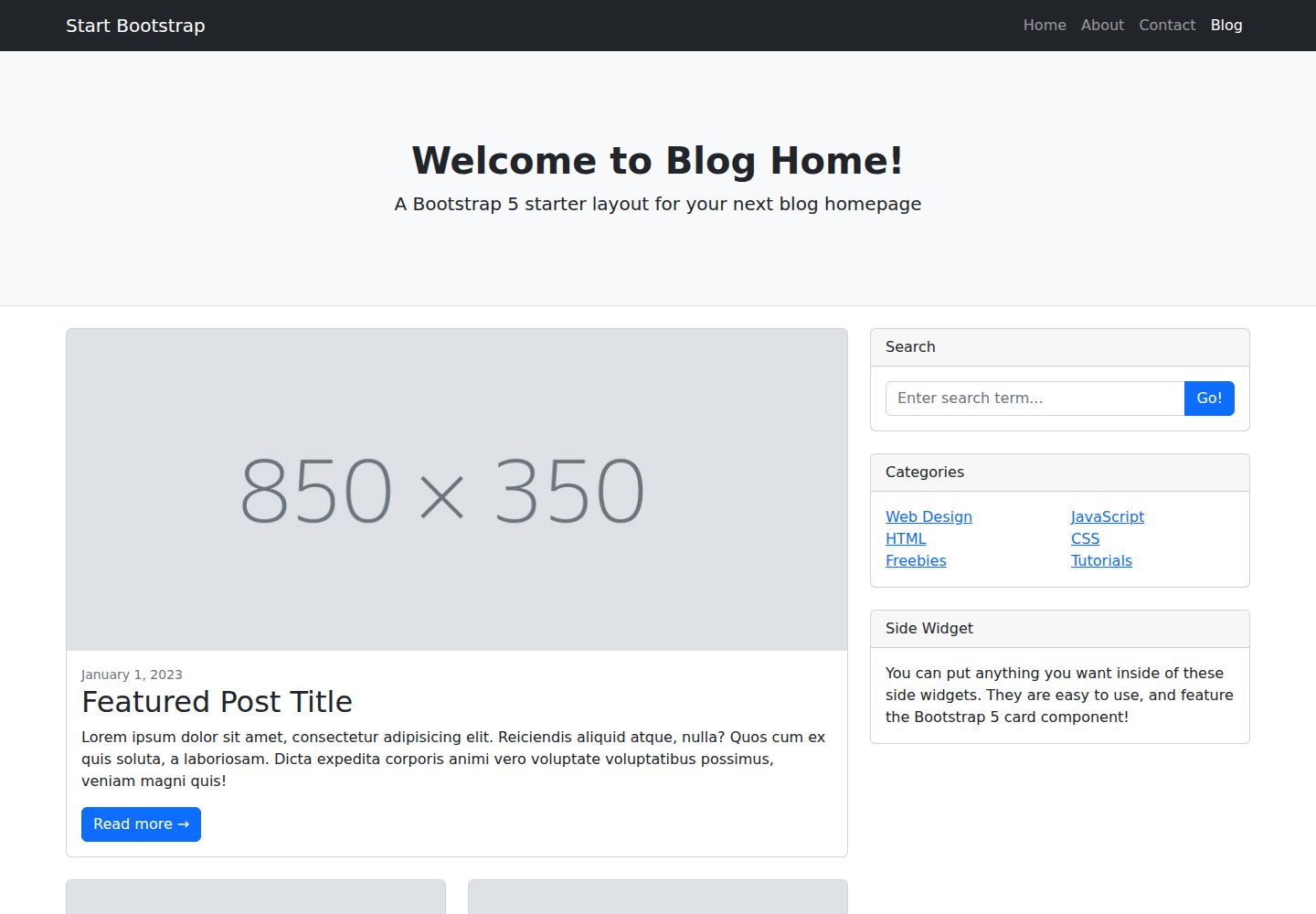
A Bootstrap blog homepage HTML starter template by Start Bootstrap, with post lists, sidebars, and pagination. Edit HTML/CSS in dist directly, or build from Pug, SCSS, and JS via npm scripts with local preview and live refresh.
HTML · Blog