Includes user registration, login, and JWT authentication flow
ReactE-commerce
ecommerce-react — React Ecommerce Template
By jdomindev
An e-commerce template built on React and the MERN stack, including account registration and login, a shopping cart, a Stripe test-mode checkout flow, and seed data scripts for products and categories.
Explore the design
Compare the page layouts and mobile experience. Open any screenshot for a closer look.
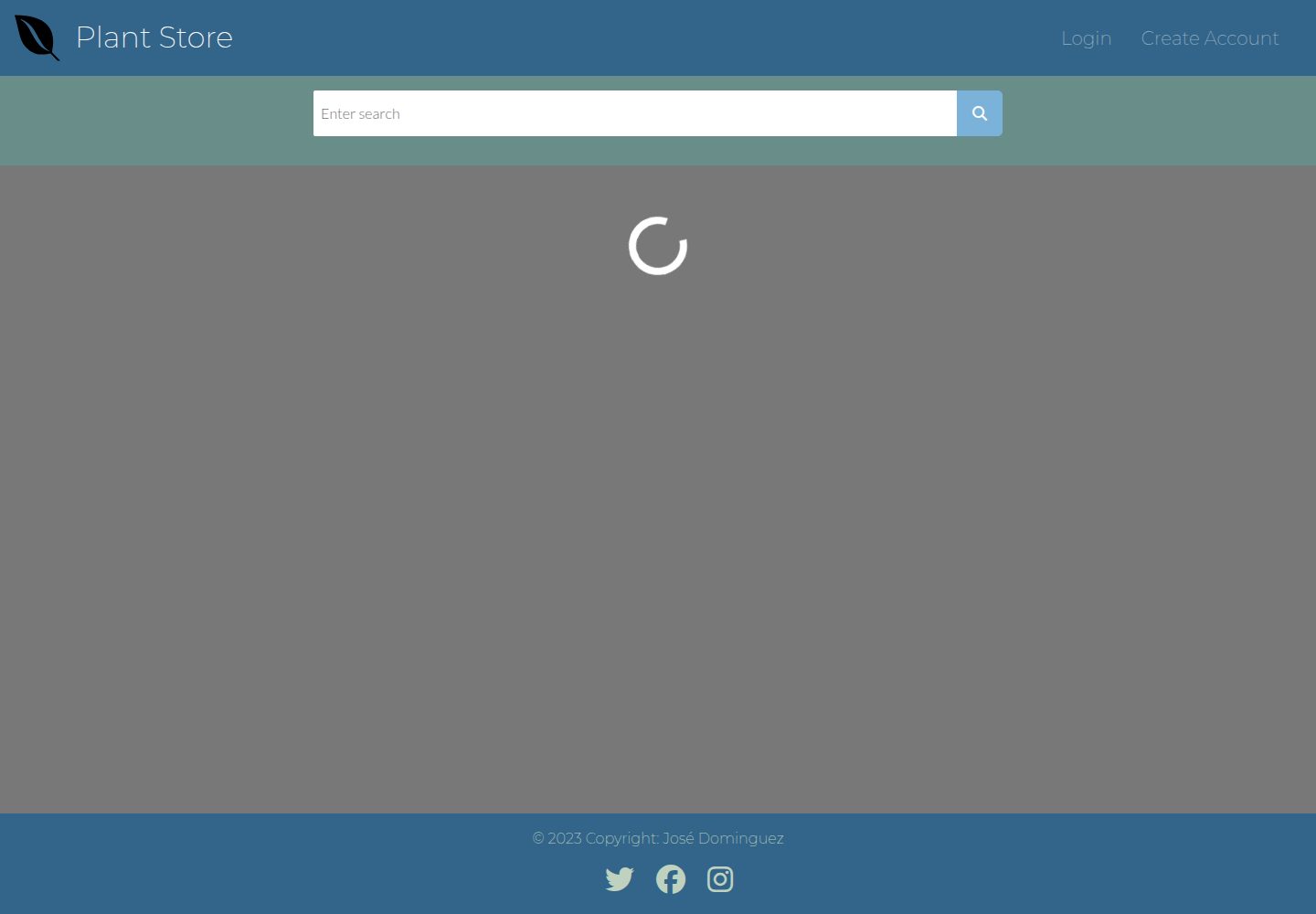
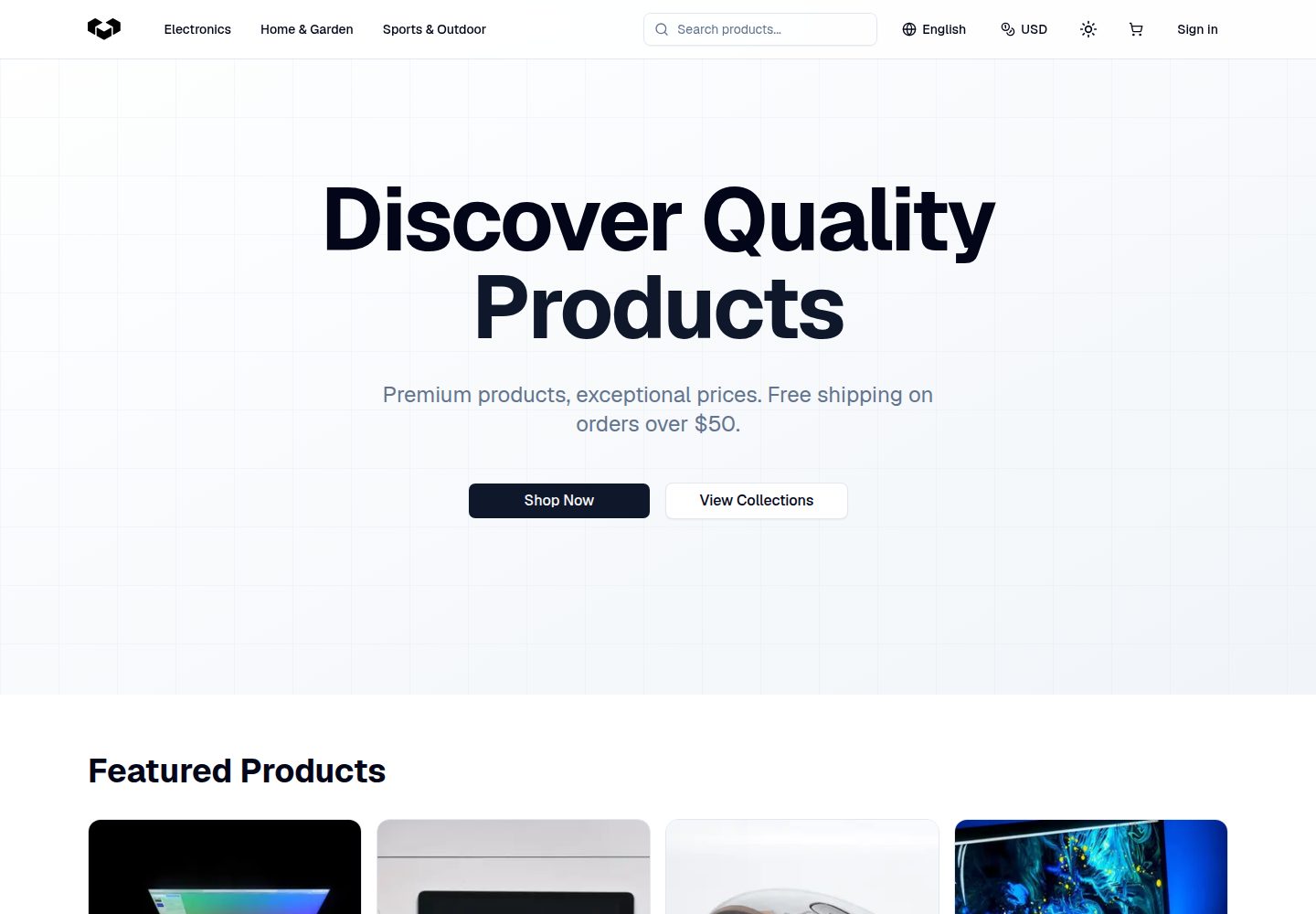
Desktop homepage
Desktop captureTop of page
Actual screenshot captured by the server browser.
One original preview is available. Open the full image to inspect the design.
Screenshots show visual appearance; interactive behavior may differ.
Recorded 2026-10-02View source
What stands out
A quick read of the recorded project description.
Supports adding products to a shopping cart and checking out via Stripe
Stripe checkout defaults to test mode, so demos do not create real transactions
Provides JSON seed files for products and categories plus an npm run seed script
Combines React, Node, Express, MongoDB, GraphQL, and Bootstrap
MIT license, permitting free use, modification, commercial use, and distribution
Template Details
This is a template project for e-commerce scenarios, positioned by its author as a starting point for a "simple e-commerce site." The front end uses React, while the back end and data layer involve Node, Express, MongoDB, GraphQL (Apollo), and JWT authentication, with styling based on Bootstrap.
Functional scope covers user registration and login, adding products to a shopping cart, and checkout via Stripe. The repository notes explicitly state that Stripe is in Test Mode, so the demo environment does not incur real transaction fees; checkout requires Stripe's official test card number (e.g., 4242 4242 4242 4242). The demo site provides a guest account [email protected] / password for preview.
For data, products and categories are maintained through the productSeeds and categorySeeds JSON files in the seeders directory, and are written to the database by running npm run seed. Category IDs are generated by MongoDB after the seed is written, so you must run the category seed first, then fill the category IDs into the product JSON; the author recommends using MongoDB Compass to view the generated category IDs.
Usage constraints: before running, you need to provide your own MongoDB database, Stripe keys, and JWT session secret, and write them into an env file; the template itself does not include free quotas for these external services. The license is MIT, permitting free use, modification, commercial use, and distribution of this version of the code, but copyright and license notices must be retained when distributing, and third-party assets such as demo images, fonts, and icons require separate license verification.
ReactE-commerce
Is it right for your project?
Use Cases
- Learning how e-commerce front end and back end are organized under the MERN stack
- Using the existing code as a starting point to build your own simple e-commerce site
- Demonstrating or testing the Stripe checkout flow (test mode)
- Practicing writing product and category data to MongoDB via seed scripts
Suitable For
- Developers who want to build on an existing React e-commerce template
- Learners who need an example with login, shopping cart, and Stripe checkout
- Teams that can prepare their own MongoDB and Stripe accounts
Getting started & customization
Use these recorded setup notes alongside the repository instructions for your chosen version.
- 1
First fork the repository, run npm install to install dependencies, then use npm run start to start both the server and client; to start only the back end, use npm run server.
- 2
You need to create an env file and fill in MONGODB_URI, STRIPE_PRIVATE_KEY, STRIPE_PUBLIC_KEY, and SESSION_SECRET.
- 3
Stripe checkout is in test mode, so you must use Stripe's official test card number, e.g., 4242 4242 4242 4242, any three-digit CVC, and a future expiration date.
- 4
Before adding your own products, first fill in categorySeeds in the seeders directory, run npm run seed to generate category IDs, then fill the IDs into productSeeds and run the seed script again.
- 5
The demo guest account is [email protected] with password password; the author requires linking back to the original GitHub repository when using this repository as a template.
License & source material
Usage conditions & limitations
Free to use · keep license noticeThis entry covers the free version under the MIT license in the public repository; the free scope is the code of this version and does not mean external services or third-party assets are free.
Must comply with when using
- You may freely use, modify, commercially use, and distribute this version of the code.
- When distributing copies or substantial portions of the code, retain the original author's copyright notice and the full MIT license notice.
- The code is provided as is; warranties and limitations of liability are governed by the original license and applicable law.
Additional costs & items to verify
- The author requires appropriate attribution and a link back to the original GitHub repository when using this repository as a template.
- Running it requires your own MongoDB database and creating an env file with your own MongoDB URI.
- Using Stripe checkout requires registering your own Stripe account and writing the public and private keys into the env file.
- Login authentication depends on JWT, so you must provide your own session secret; otherwise authentication will not work.
- The demo environment's Stripe checkout is in test mode, does not incur real transaction fees, and requires official test card numbers.
- Demo images, fonts, icons, and other third-party assets must be checked against their respective licenses; they cannot be judged solely by the code's MIT license.
- External services such as domains, hosting, databases, payments, or AI may incur additional charges.
View Original Text Basis
Permission is hereby granted, free of charge
Original License Text
all I ask is that you give me proper credit by linking back to my [GitHub Repo](https://github.com/jdomindev/ecommerce-react).
Original README
A [Mongo database](https://www.mongodb.com/basics/create-database) is needed to store the product and user information. You will need create an env file and enter your own MongoDB URI.
Original README
if you plan to use Stripe for the checkout process, you will need to [create an account](https://dashboard.stripe.com/register) and add your public key and private key to your env file.
Original README
Login authentication is handled by JSON Web Tokens. A secret is required for authentication to work.
Original README
https://github.com/jdomindev/ecommerce-react/blob/main/LICENSEhttps://github.com/jdomindev/ecommerce-react/blob/main/README.mdStripe checkout is in *Test Mode* so there are no transaction costs for the user.
Original README
Compiled by DeepSeek based on repository license and README ·2026-10-02. Results only cover the materials read; dependencies, images, fonts, and subsequent term changes are subject to their respective original texts.
Project checks & description sources
Template Information
- Source platforms
- GitHub
- Documentation and maintenance reference score
- Partly documented · 57 / 100
- Technologies
- React
- Website type
- E-commerce
How this score is calculated
Our heuristic uses license records (up to 30), a demo link (12), a preview (10), stars (15), recorded maintenance (15), description completeness (8), feature records (5) and classification data (5). It is not a code, security or performance test, or a Google score. A link does not establish tested functionality.
What to verify for this project
- Repository update recorded
- 2023-06-21
- Screenshot last checked
- 2026-10-02
A demo link is listed. Check it with your own content and viewport sizes; its presence does not confirm that forms, authentication or payments work.
The catalog identifies React as the primary stack. Check the actual dependency manifest and lockfile for versions and hosting requirements. These notes use recorded metadata, not a code audit or a deployment test.
Use a selection guide →How this description was prepared
AI-assisted description based on catalog records and repository material. Repository authors are not automatically the reviewers of this description.
Automatically checked against source and license rules; no manual editorial review.
Inspect the recorded source material
SHA-256: 521e62542547b0c2b0616c6fd33dcb6b6076fb1f81057eb28a3cb50206d753bf
2026-10-02T18:30:21.626Z
Source file / repository# E-Commerce Template Site ## About this App This website was created to be a template for users to build their own simple e-commerce site. Users of the e-commerce site can create an account, log in, select items to add to their cart, and checkout out using stripe’s secure checkout process. ## Site Demo ### Credentials To preview the site as a guest user, these credentials may be used: ```Email: [email protected]``` ```Password: password``` ### Checkout <mark>Stripe checkout is in *Test Mode* so there are no transaction costs for the user.</mark> Use any info you like for the name and zip code section of checkout, however since this Stripe instance is in *Test Mode* you must use one of the test cards from the test card list as specified in the [Stripe API](https://stripe.com/docs/testing#cards). Here is the test Visa card: ``` Credit Card: 4242 4242 4242 4242 CVC: any 3 digits Expiration Date: any future date ``` # Installation and setup Once the repo is forked: 1. ```run npm install``` to install all the dependencies needed. 2. Then run ```npm run start``` to start up the server and client. To start only the backend: 1. ```npm run server``` ## Forking app as template For those who wish to use this template, all I ask is that you give me proper credit by linking back to my [GitHub Repo](https://github.com/jdomindev/ecommerce-react). ### Prerequisites #### MongoDB A [Mongo database](https://www.mongodb.com/basics/create-database) is needed to store the product and user information. You will need create an env file and enter your own MongoDB URI. #### Stripe In addition, if you plan to use Stripe for the checkout process, you will need to [create an account](https://dashboard.stripe.com/register) and add your public key and private key to your env file. #### JWT Login authentication is handled by JSON Web Tokens. A secret is required for authentication to work. The secret can be any thing you like, just add it to the env file. ##### Example of the env file: ``` MONGODB_URI = YOUR_MONGO_URI STRIPE_PRIVATE_KEY = YOUR_PRIVATE_KEY STRIPE_PUBLIC_KEY = YOUR_PUBLIC_KEY SESSION_SECRET = YOUR_OWN_SECRET ``` ## Adding Your Own Products To add your own products you need to fill out the *productSeeds* and *categorySeeds* jsons in the *seeders* folder with your own products and categories. For products to have an associated category, you need to enter its ID into the product json. - Category IDs are generated in MongoDB after seeding the categories, so the <mark>category json should be run first.</mark> - It may be helpful to have MongoDB Compass installed to see the category IDs and then add those to each product. Once a json is filled out run `npm run seed` to populate your database. ## Screenshots ## Badges            ## License MIT License Copyright (c) 2023 Jose Dominguez Permission is hereby granted, free of charge, to any person obtaining a copy of this software and associated documentation files (the "Software"), to deal in the Software without restriction, including without limitation the rights to use, copy, modify, merge, publish, distribute, sublicense, and/or sell copies of the Software, and to permit persons to whom the Software is furnished to do so, subject to the following conditions: The above copyright notice and this permission notice shall be included in all copies or substantial portions of the Software. THE SOFTWARE IS PROVIDED "AS IS", WITHOUT WARRANTY OF ANY KIND, EXPRESS OR IMPLIED, INCLUDING BUT NOT LIMITED TO THE WARRANTIES OF MERCHANTABILITY, FITNESS FOR A PARTICULAR PURPOSE AND NONINFRINGEMENT. IN NO EVENT SHALL THE AUTHORS OR COPYRIGHT HOLDERS BE LIABLE FOR ANY CLAIM, DAMAGES OR OTHER LIABILITY, WHETHER IN AN ACTION OF CONTRACT, TORT OR OTHERWISE, ARISING FROM, OUT OF OR IN CONNECTION WITH THE SOFTWARE OR THE USE OR OTHER DEALINGS IN THE SOFTWARE.
Explore similar templates
Compare previews and descriptions within the same stack and category.
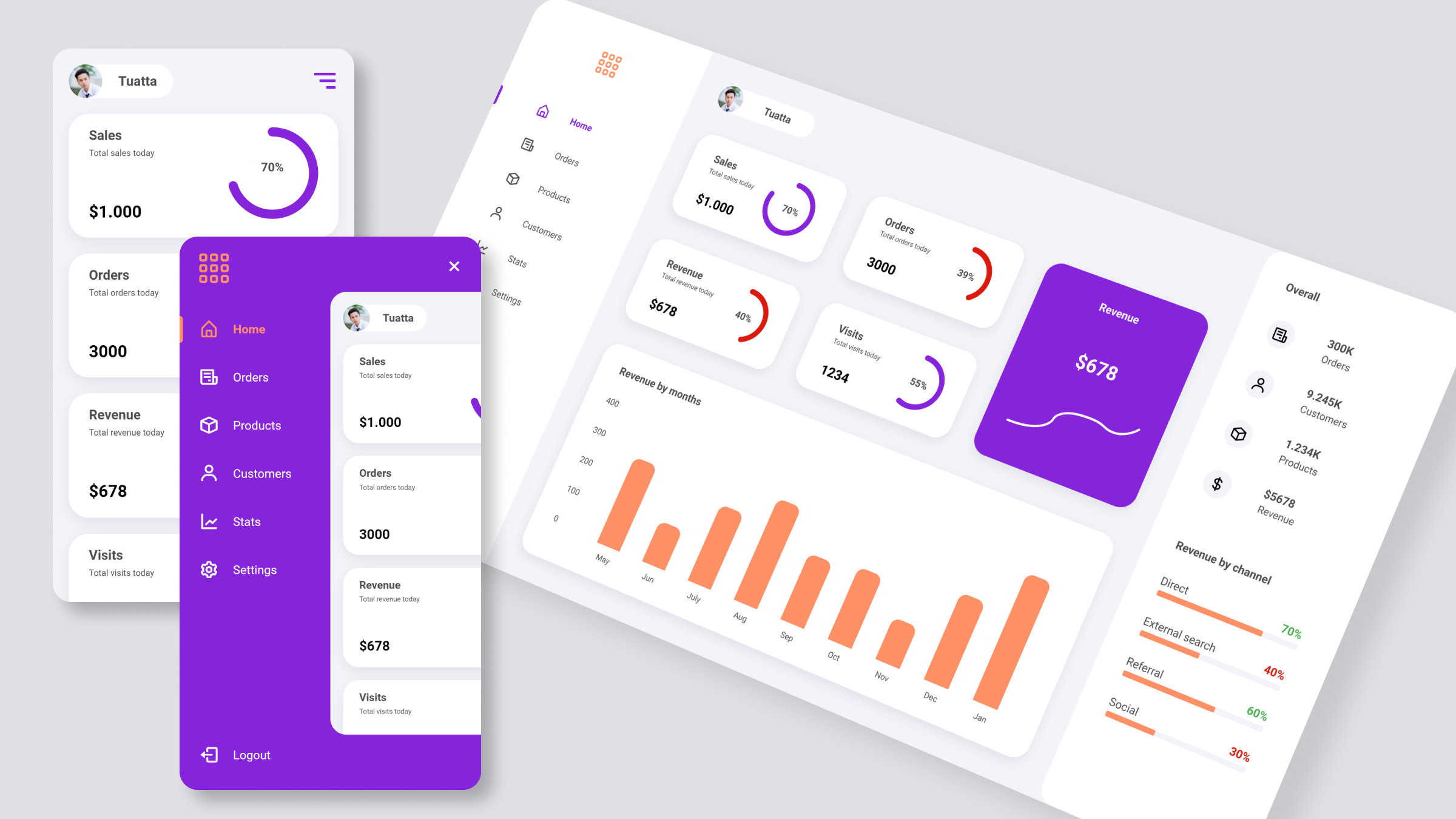
ecommerce-dashboard
A React-based e-commerce admin dashboard template from the trananhtuat/ecommerce-dashboard repository, offering a data interface layout with a YouTube video tutorial and preview images. It uses SASS for styles and Boxicons for icons, and references Figma and Google Font.
React · Admin dashboard
Fashion-eCommerce-Shop-in-React
A React and TypeScript fashion eCommerce front-end template with a complete shopping flow from product browsing to checkout, using Redux Toolkit, TailwindCSS, and a JSON Server mock backend for local demos.
React · E-commerce
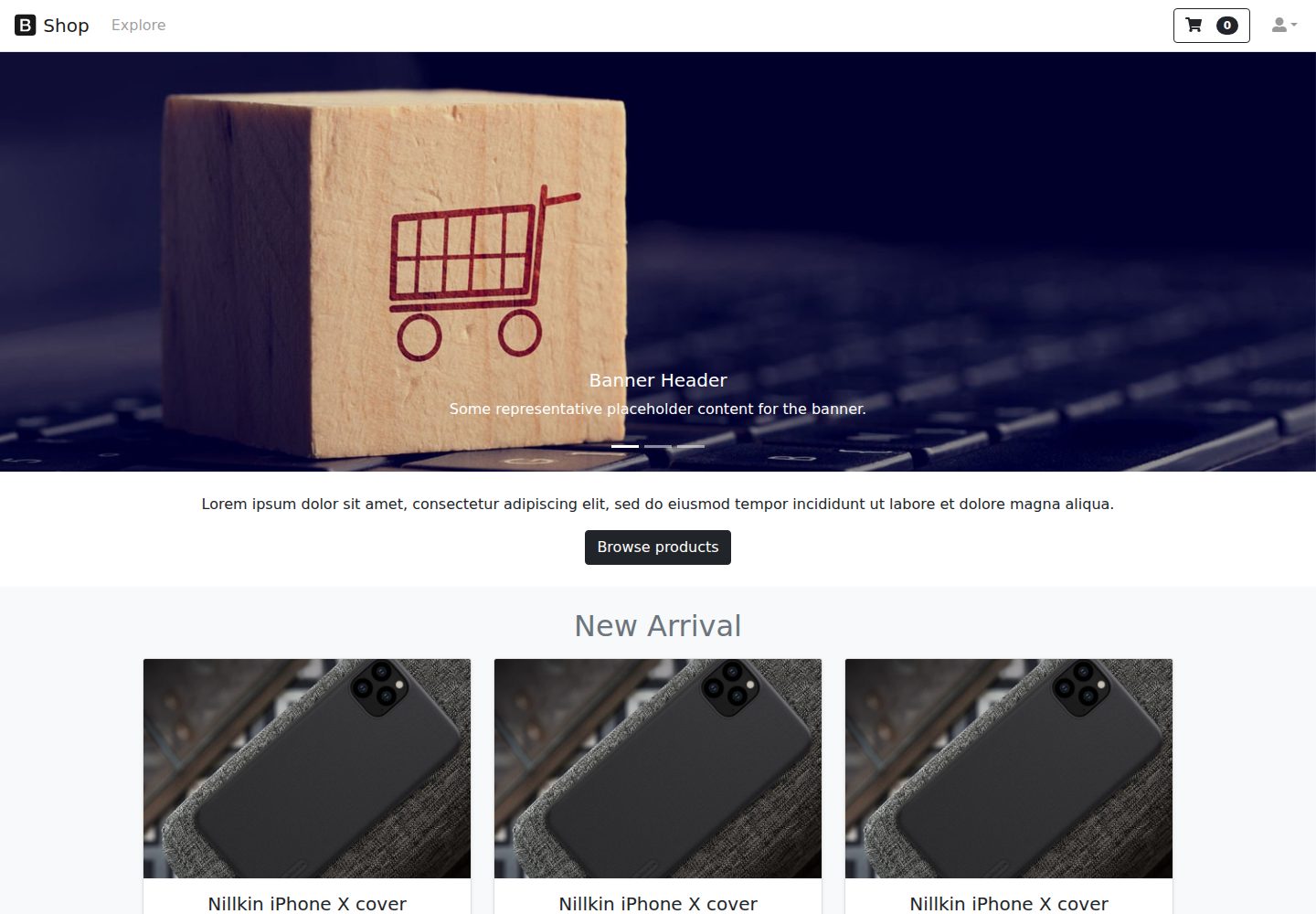
react-ecommerce-template
A React and Bootstrap e-commerce front-end template that provides product display page structures, includes an online demo, and is licensed under MIT for free use and modification, suitable as a starting point for e-commerce page structures.
React · E-commerce
Free-Admin-Dashboard
A free e-commerce admin dashboard template built with React, TypeScript, and Tailwind CSS, designed in Figma. It includes product, order, user, and review management pages, Chart.js dynamic charts, sortable/filterable/paginated data tables, light/dark themes, and responsive layout.
React · Admin dashboard
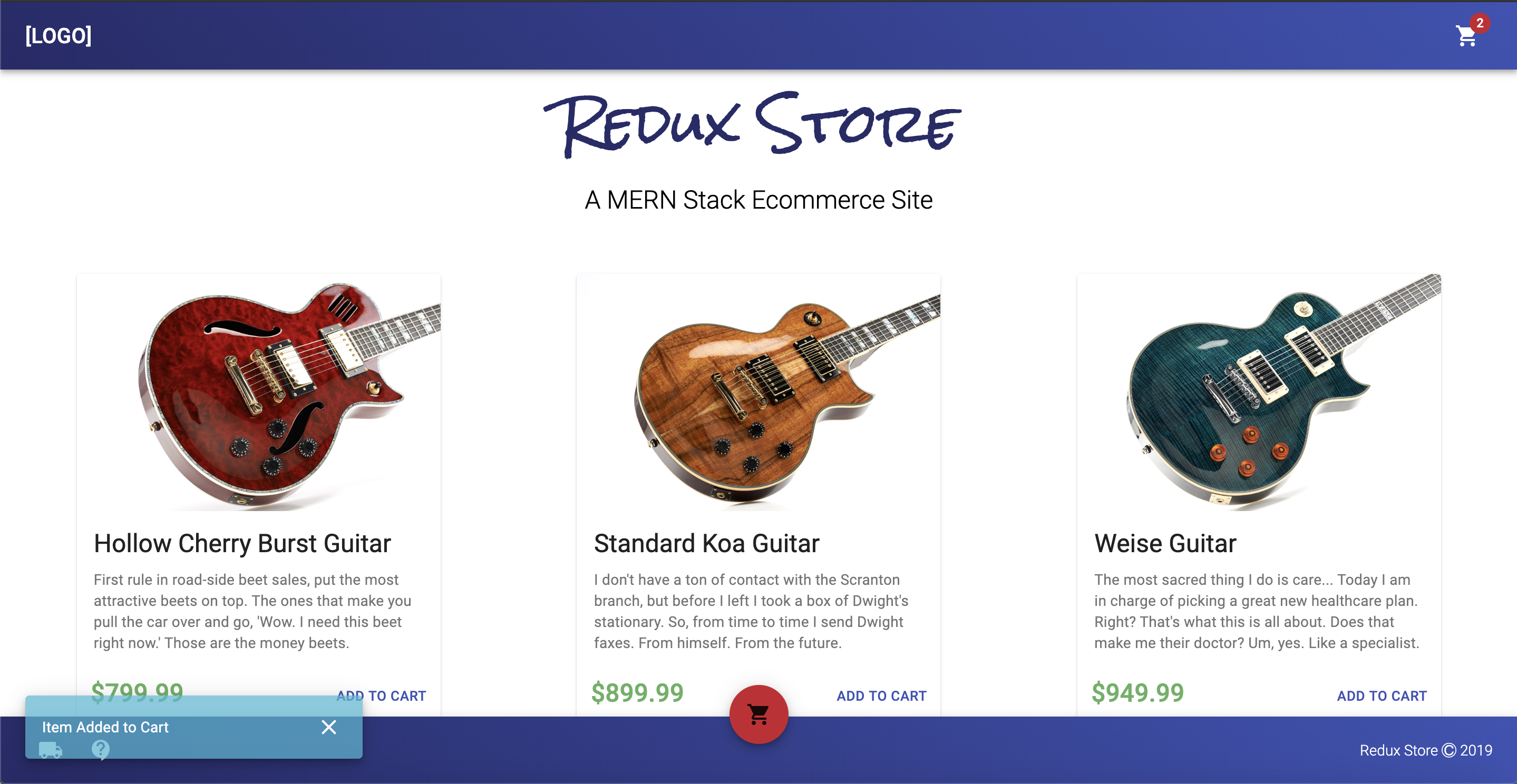
react-redux-ecommerce
react-redux-ecommerce is a React and Redux ecommerce template with a Node.js backend, Stripe payments, Easyship logistics, and a companion Order Manager.
React · E-commerce
tanstack-starter-vendure
Vendure's official TanStack Start storefront starter for building a frontend store for a Vendure headless e-commerce backend.
React · E-commerce