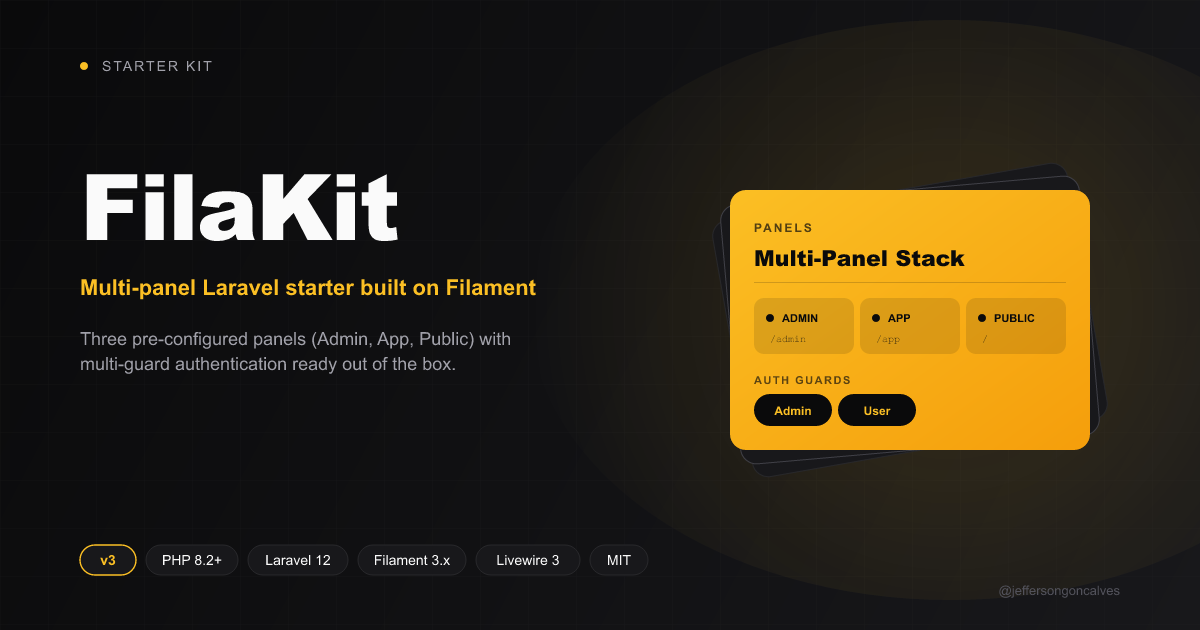
Starter kit built on Laravel 12.x and Filament 3.x
LaravelStarter
filakit — Laravel Starter Template
By jeffersongoncalves
FilaKit is a starter kit built on Laravel 12.x and Filament 3.x, preconfigured with three panels—Admin, App, and Public—and separate Admin and User authentication guards.
Explore the design
Compare the page layouts and mobile experience. Open any screenshot for a closer look.
Author preview
Author-provided preview
Preview provided in the project README.
One original preview is available. Open the full image to inspect the design.
Screenshots show visual appearance; interactive behavior may differ.
Recorded 2026-10-01View source
What stands out
A quick read of the recorded project description.
Preconfigured Admin (/admin), App (/app), and Public panels
Multi-auth guard structure separating Admin and User
Centralized management of panel routing, middleware, branding, and authentication guards via config/filakit.php
Multiple installation methods: laravel new, FilaKit CLI, install.php script, and manual installation
Includes Docker installation instructions for Laravel Sail
Template Details
FilaKit is a starter template for Laravel applications, built on Laravel 12.x and Filament 3.x. It splits the admin back office, the authenticated user application interface, and the visitor-facing front end into three preconfigured panels: the Admin Panel mounted at /admin, the App Panel mounted at /app, and the Public Panel providing the front-end interface. For authentication, two user types—Admin and User—are predefined, corresponding to access to the admin panel and the app panel respectively. Panel routing, middleware, branding (logo, colors), and authentication guards are managed centrally in config/filakit.php, and can also be adjusted separately in the three PanelProviders under app/Providers/Filament.
Installation options include: using laravel new with this repository as the template, creating a project via the FilaKit CLI, running the repository's php install.php to automatically complete dependency installation and environment initialization, or following the README to manually run Composer and pnpm installs, copy .env, generate a key, migrate the database, and build front-end assets. Docker installation steps based on Laravel Sail are also provided, requiring you to configure ports for the application, MySQL, Redis, and Mailpit yourself.
The runtime requires PHP 8.2 or higher, along with Composer, Node.js, and PNPM. During development, composer dev can start the server, queue listener, and front-end asset compilation together, or you can run php artisan serve, php artisan queue:listen, and pnpm run dev separately. The template itself is MIT licensed, and the code may be used, modified, commercialized, and distributed for free, but third-party assets such as demo images, fonts, and icons, as well as external services such as domains, hosting, and databases, require separate verification of licensing and costs.
LaravelStarter
Is it right for your project?
Use Cases
- Laravel projects that need to provide an admin back office, an authenticated user application interface, and a public front end at the same time
- Developers who want to quickly build multi-role access entry points based on Filament panels
- Laravel applications that need separate authentication systems for administrators and regular users
- Teams that want to create new projects directly from the template via laravel new or the FilaKit CLI
Suitable For
- PHP developers familiar with Laravel and Filament
- Projects that need a starting structure with multiple panels and multiple authentication guards
- Teams comfortable adjusting configuration through config/filakit.php and PanelProviders
- Development environments using PHP 8.2+, Composer, Node.js, and PNPM
Getting started & customization
Use these recorded setup notes alongside the repository instructions for your chosen version.
- 1
Requires PHP 8.2 or higher, plus Composer, Node.js, and PNPM.
- 2
Create a project with laravel new my-app --using=jeffersongoncalves/filakit --database=mysql, or run filakit new via the FilaKit CLI.
- 3
The repository provides the php install.php automatic installation script; you can also manually run composer install, pnpm install, copy .env, generate a key, migrate, and build assets.
- 4
When using Docker, start containers via Laravel Sail and configure ports such as APP_PORT, FORWARD_DB_PORT, FORWARD_REDIS_PORT, and FORWARD_MAILPIT_PORT as needed.
- 5
During development, composer dev can run the server, queue listener, and front-end asset compilation together.
License & source material
Usage conditions & limitations
Free to use · keep license noticeThis entry covers the free version in the public repository under the MIT license; the free scope is the code of that version and does not mean external services or third-party assets are free.
Must comply with when using
- The code of this version may be used, modified, commercialized, and distributed for free.
- When distributing copies or substantial portions of the code, retain the original author's copyright notice and the full MIT license notice.
- The code is provided as is; warranties and limitations of liability are governed by the original license and applicable law.
Additional costs & items to verify
- Demo images, fonts, icons, and other third-party assets must be checked against their respective licenses and cannot be judged solely by the code's MIT license.
- External services such as domains, hosting, databases, payments, or AI may incur separate charges.
View Original Text Basis
https://github.com/jeffersongoncalves/filakit/blob/main/LICENSE.mdhttps://github.com/jeffersongoncalves/filakit/blob/main/README.mdPermission is hereby granted, free of charge
Original License Text
Compiled by DeepSeek based on repository license and README ·2026-10-01. Results only cover the materials read; dependencies, images, fonts, and subsequent term changes are subject to their respective original texts.
Project checks & description sources
Template Information
- Source platforms
- GitHub
- Documentation and maintenance reference score
- Partly documented · 71 / 100
- Technologies
- Laravel
- Website type
- Starter
How this score is calculated
Our heuristic uses license records (up to 30), a demo link (12), a preview (10), stars (15), recorded maintenance (15), description completeness (8), feature records (5) and classification data (5). It is not a code, security or performance test, or a Google score. A link does not establish tested functionality.
What to verify for this project
- Repository update recorded
- 2026-09-28
- Screenshot last checked
- 2026-10-01
No demo link is recorded. Use the repository instructions to evaluate the project locally; the screenshot alone cannot establish interactive behavior.
The catalog identifies Laravel as the primary stack. Check the actual dependency manifest and lockfile for versions and hosting requirements. These notes use recorded metadata, not a code audit or a deployment test.
Use a selection guide →How this description was prepared
AI-assisted description based on catalog records and repository material. Repository authors are not automatically the reviewers of this description.
Automatically checked against source and license rules; no manual editorial review.
Inspect the recorded source material
SHA-256: 508c1aa431fdfcfb6cc1ff6aff0cacc577797b1c20ae5368e9f4bd240afa1fb0
2026-10-01T02:22:51.066Z
Source file / repository<div class="filament-hidden">
</div>
# FilaKit Start Kit Filament 3.x and Laravel 12.x
[](https://buymeacoffee.com/jeffersongoncalves)
## About FilaKit
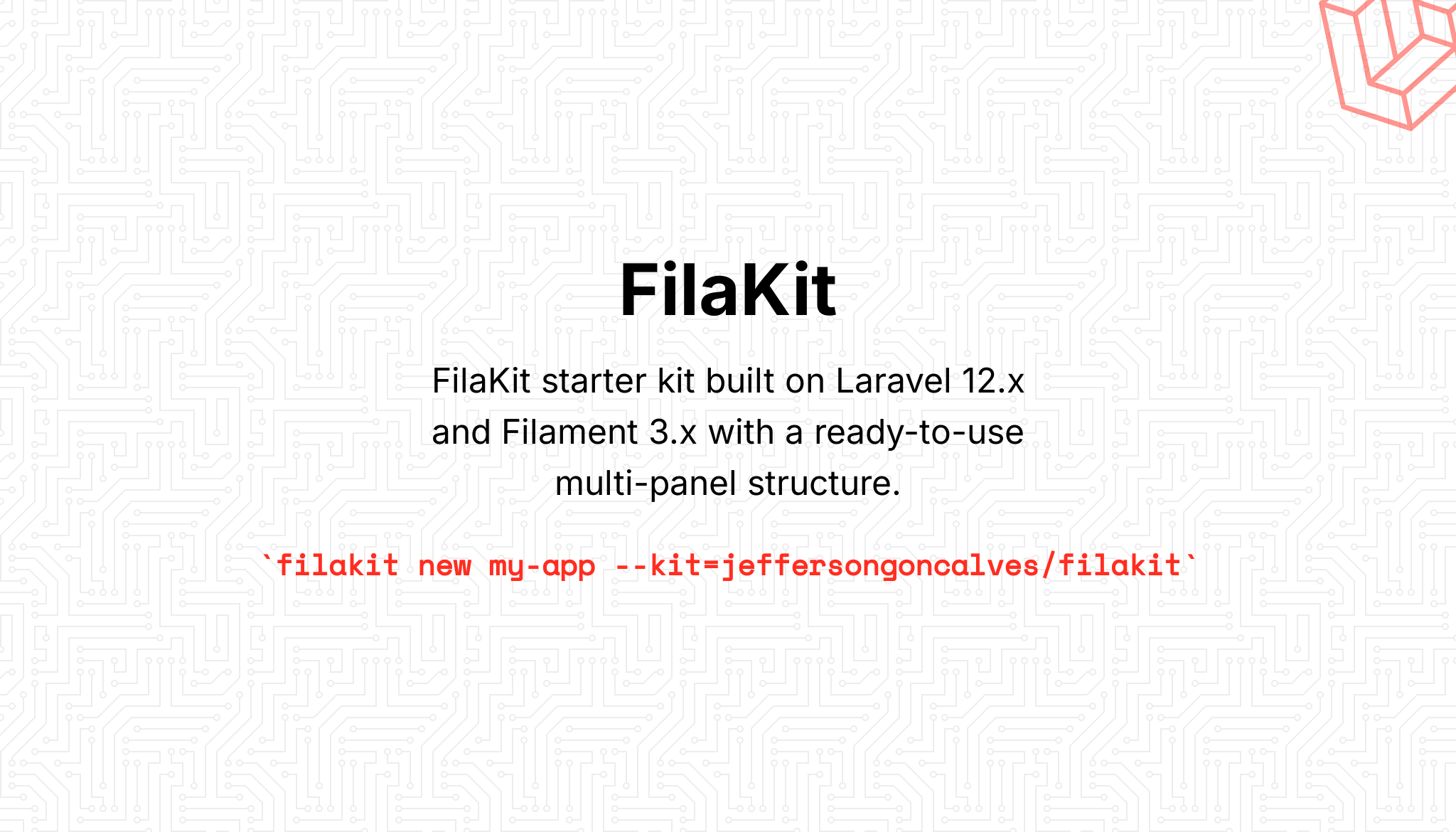
FilaKit is a robust starter kit built on Laravel 12.x and Filament 3.x, designed to accelerate the development of modern
web applications with a ready-to-use multi-panel structure.
## Features
- **Laravel 12.x** - The latest version of the most elegant PHP framework
- **Filament 3.x** - Powerful and flexible admin framework
- **Multi-Panel Structure** - Includes three pre-configured panels:
- Admin Panel (`/admin`) - For system administrators
- App Panel (`/app`) - For authenticated application users
- Public Panel (frontend interface) - For visitors
- **Environment Configuration** - Centralized configuration through the `config/filakit.php` file
## System Requirements
- PHP 8.2 or higher
- Composer
- Node.js and PNPM
## Installation
Clone the repository
``` bash
laravel new my-app --using=jeffersongoncalves/filakit --database=mysql
```
### Using FilaKit CLI
Or use [FilaKit CLI](https://github.com/jeffersongoncalves/filakit-cli) for a simplified setup:
```bash
filakit new my-app --kit=jeffersongoncalves/filakit
```
> Install FilaKit CLI: `composer global require jeffersongoncalves/filakit-cli`
### Easy Installation
FilaKit can be easily installed using the following command:
```bash
php install.php
```
This command automates the installation process by:
- Installing Composer dependencies
- Setting up the environment file
- Generating application key
- Setting up the database
- Running migrations
- Installing Node.js dependencies
- Building assets
- Configuring Herd (if used)
### Manual Installation
Install JavaScript dependencies
``` bash
pnpm install
```
Install Composer dependencies
``` bash
composer install
```
Set up environment
``` bash
cp .env.example .env
php artisan key:generate
```
Configure your database in the .env file
Run migrations
``` bash
php artisan migrate
```
Build frontend assets
``` bash
pnpm run build
```
Run the server
``` bash
php artisan serve
```
## Installation with Docker
Clone the repository
```bash
laravel new my-app --using=jeffersongoncalves/filakit --database=mysql
```
Move into the project directory
```bash
cd my-app
```
Install Composer dependencies
```bash
composer install
```
Set up environment
```bash
cp .env.example .env
```
Configuring custom ports may be necessary if you have other services running on the same ports.
```bash
# Application Port (ex: 8080)
APP_PORT=8080
# MySQL Port (ex: 3306)
FORWARD_DB_PORT=3306
# Redis Port (ex: 6379)
FORWARD_REDIS_PORT=6379
# Mailpit Port (ex: 1025)
FORWARD_MAILPIT_PORT=1025
```
Start the Sail containers
```bash
./vendor/bin/sail up -d
```
You won’t need to run `php artisan serve`, as Laravel Sail automatically handles the development server within the container.
Attach to the application container
```bash
./vendor/bin/sail shell
```
Generate the application key
```bash
php artisan key:generate
```
Install JavaScript dependencies
```bash
pnpm install
```
## Authentication Structure
FilaKit comes pre-configured with a custom authentication system that supports different types of users:
- `Admin` - For administrative panel access
- `User` - For application panel access
## Development
``` bash
# Run the development server with logs, queues and asset compilation
composer dev
# Or run each component separately
php artisan serve
php artisan queue:listen --tries=1
pnpm run dev
```
## Customization
### Panel Configuration
Panels can be customized through their respective providers:
- `app/Providers/Filament/AdminPanelProvider.php`
- `app/Providers/Filament/AppPanelProvider.php`
- `app/Providers/Filament/PublicPanelProvider.php`
Alternatively, these settings are also consolidated in the `config/filakit.php` file for easier management.
### Themes and Colors
Each panel can have its own color scheme, which can be easily modified in the corresponding Provider files or in the
`filakit.php` configuration file.
### Configuration File
The `config/filakit.php` file centralizes the configuration of the starter kit, including:
- Panel routes
- Middleware for each panel
- Branding options (logo, colors)
- Authentication guards
## Resources
FilaKit includes support for:
- User and admin management
- Multi-guard authentication system
- Tailwind CSS integration
- Database queue configuration
- Customizable panel routing and branding
## License
This project is licensed under the [MIT License](LICENSE).
## Credits
Developed by [Jefferson Gonçalves](https://github.com/jeffersongoncalves).
Explore similar templates
Compare previews and descriptions within the same stack and category.

sage
Sage is a WordPress starter theme maintained by Roots, using Laravel Blade components and templates, Vite builds, Tailwind CSS, and built-in block editor support.
Laravel · Starter

wave
Wave is an open-source SaaS starter kit built on Laravel and released under the MIT license.
Laravel · SaaS

filament-starter
A Laravel TALL stack starter template maintained by Log1x, with a preconfigured Filament admin panel and plugins including Curator, Gravatar, Exceptions, Jobs Monitor, Breezy, Peek, and Logger.
Laravel · Starter

electrik
Electrik is a Laravel SaaS starter kit installed as a Composer package, with authentication, teams, Stripe subscription billing, and the Slate 3 interface under the Electrik\ namespace rather than copied into App\.
Laravel · SaaS

php-saas
php-saas is a Laravel-based SaaS starter positioned as an everything-included kit. It generates new projects via a global Composer command and includes authentication with two-factor, API tokens, Stripe and Paddle billing, and project, team, and organization management.
Laravel · SaaS

filament-jetstream
A Laravel starter kit that implements Jetstream-like authentication and account features using Filament's native panels and components. It includes login, registration, two-factor authentication, session management, user profiles, and optional teams and API tokens.
Laravel · Starter