Built with Astro, TailwindCSS and Alpine.js, using the Lucide Icons icon library
AstroAdmin dashboard
myjerat-admin-dashboard — Astro Admin dashboard Template
By jeratpapua
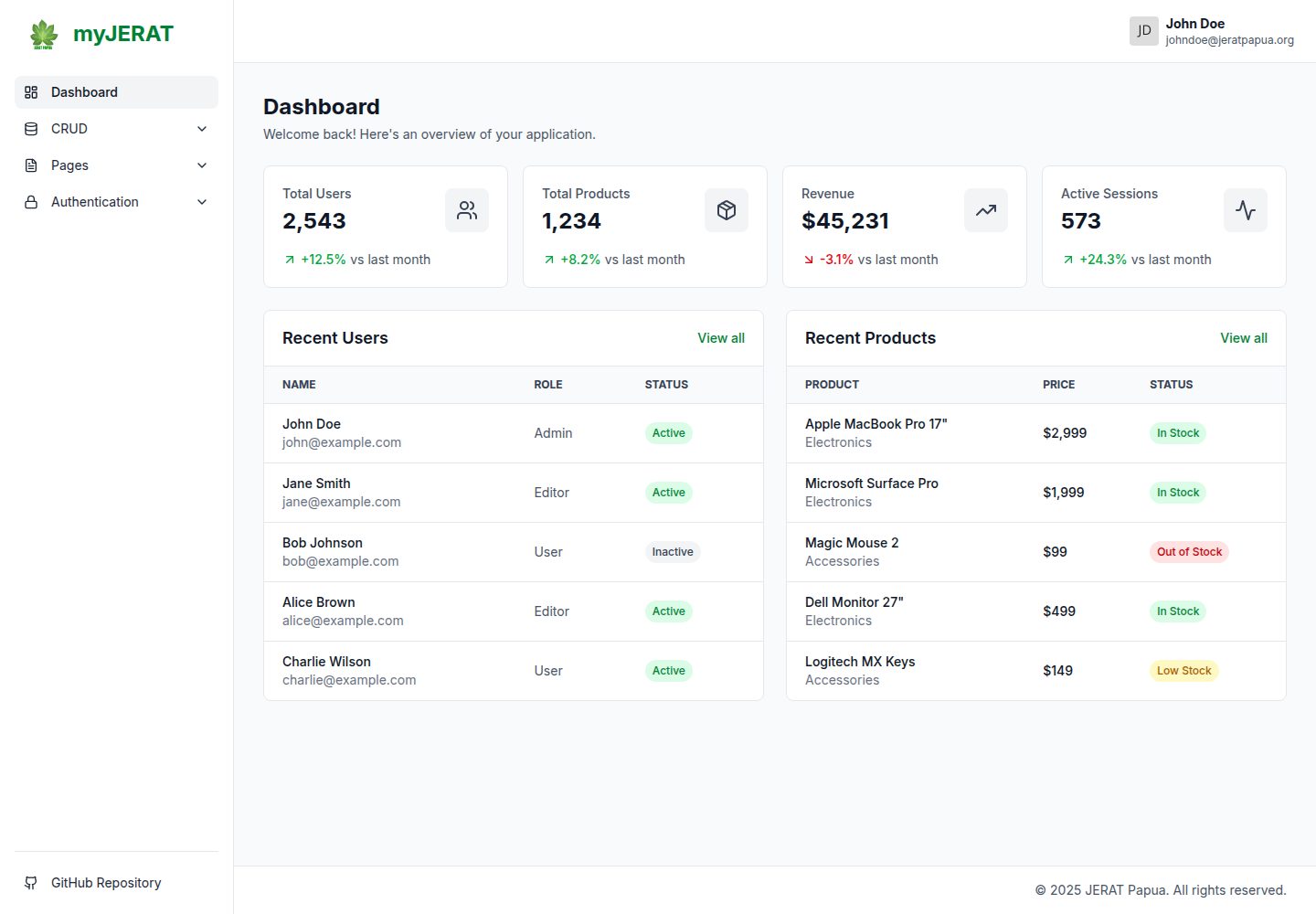
myJERAT Admin Dashboard is an open-source admin panel template built with Astro, TailwindCSS and Alpine.js. It includes a responsive sidebar, stat cards, data tables, CRUD pages, authentication pages, profile and settings pages, and error pages, inspired by the Flowbite Admin Dashboard.
Explore the design
Compare the page layouts and mobile experience. Open any screenshot for a closer look.
Desktop homepage1 / 3
Desktop captureTop of page
Actual screenshot captured by the server browser.
All pages & views 3
Screenshots show visual appearance; interactive behavior may differ.
Recorded 2026-10-15View source
What stands out
A quick read of the recorded project description.
Responsive sidebar navigation with collapsible menus and a dark overlay on mobile
Dashboard includes stat cards and data tables
Provides two CRUD pages for users and products
Includes four authentication pages: login, register, forgot password, and reset password
Comes with profile, settings, 404 and 500 error pages, plus breadcrumb navigation
Template Details
The template uses Astro as the static site generator, TailwindCSS for styling, Alpine.js for interactions, and the Lucide Icons icon library. Features listed in the README include: a responsive sidebar with collapsible menus, a dashboard with stat cards and data tables, two CRUD pages for users and products, four authentication pages (login, register, forgot password, reset password), profile and settings pages, 404 and 500 error pages, a dark overlay for the mobile sidebar, and breadcrumb navigation. The project structure is given in the README and includes components, layouts, pages (with auth, crud, and pages subdirectories), and styles directories. Installation steps require Node.js 18+ and npm or pnpm; install dependencies with pnpm install, start the development server with pnpm run dev (default http://localhost:4321), build the production version with pnpm run build, and preview the production build with pnpm run preview. The README does not describe details such as data sources, backend APIs, state management, testing, internationalization, or accessibility support; the CRUD and authentication pages exist only as pages, and the README does not describe their actual data interactions or authentication logic.
AstroAdmin panel
Is it right for your project?
Use Cases
- As a starting template for an admin panel to quickly build dashboard and data table interfaces
- Reference the page structure of its authentication pages (login, register, forgot password, reset password)
- Reuse its responsive sidebar, navigation bar and breadcrumb components in an Astro project
- Extend management features based on the user and product CRUD pages
Suitable For
- Developers who need an admin template with the Astro + TailwindCSS + Alpine.js stack
- Teams looking to customize an admin panel interface based on an open-source template
- Static site projects that need ready-made authentication page and error page layouts
Getting started & customization
Use these recorded setup notes alongside the repository instructions for your chosen version.
- 1
Requires Node.js 18+ and npm or pnpm
- 2
After cloning the repository, enter the project directory and run pnpm install to install dependencies
- 3
Run pnpm run dev to start the development server, default address http://localhost:4321
- 4
Run pnpm run build to build the production version, and pnpm run preview to preview the production build
License & source material
Usage conditions & limitations
Free to use · keep license noticeThis entry covers the free version under the MIT license in the public repository; the free scope is the code of this version and does not mean external services or third-party assets are free.
Must comply with when using
- You may use, modify, commercially use, and distribute the code of this version for free.
- When distributing copies or substantial portions of the code, retain the original author's copyright notice and the full MIT license notice.
- The code is provided as is; warranties and limitations of liability are governed by the original license and applicable law.
Additional costs & items to verify
- Demo images, fonts, icons and other third-party assets must be checked against their respective licenses and cannot be judged solely by the code's MIT license.
- External services such as domains, hosting, databases, payments or AI may incur separate charges.
View Original Text Basis
https://github.com/jeratpapua/myjerat-admin-dashboard/blob/master/LICENSEhttps://github.com/jeratpapua/myjerat-admin-dashboard/blob/master/README.mdPermission is hereby granted, free of charge
Original License Text
Compiled by DeepSeek based on repository license and README ·2026-10-15. Results only cover the materials read; dependencies, images, fonts, and subsequent term changes are subject to their respective original texts.
Project checks & description sources
Template Information
- Source platforms
- GitHub
- Documentation and maintenance reference score
- More documented · 83 / 100
- Technologies
- Astro
- Website type
- Admin dashboard
How this score is calculated
Our heuristic uses license records (up to 30), a demo link (12), a preview (10), stars (15), recorded maintenance (15), description completeness (8), feature records (5) and classification data (5). It is not a code, security or performance test, or a Google score. A link does not establish tested functionality.
What to verify for this project
- Repository update recorded
- 2025-12-11
- Screenshot last checked
- 2026-10-15
A demo link is listed. Check it with your own content and viewport sizes; its presence does not confirm that forms, authentication or payments work.
The catalog identifies Astro as the primary stack. Check the actual dependency manifest and lockfile for versions and hosting requirements. These notes use recorded metadata, not a code audit or a deployment test.
Use a selection guide →How this description was prepared
AI-assisted description based on catalog records and repository material. Repository authors are not automatically the reviewers of this description.
Review declaration: codex-user-requested-batch-review-20261015 · 2026-10-15
Inspect the recorded source material
SHA-256: 7ad7395af5a54d7ceb100399dad4cc4d5beecb162ec221dbf576a56aea964185
2026-10-15T01:28:35.017Z
Source file / repository# myJERAT Admin Dashboard
A modern, open-source admin dashboard template built with Astro, TailwindCSS, and Alpine.js. Inspired by Flowbite Admin Dashboard, designed with a clean and minimal approach.
## Tech Stack
- [Astro](https://astro.build) - Static site generator
- [TailwindCSS](https://tailwindcss.com) - Utility-first CSS framework
- [Alpine.js](https://alpinejs.dev) - Lightweight JavaScript framework
- [Lucide Icons](https://lucide.dev) - Icon library
## Features
- Responsive sidebar navigation with collapsible menus
- Dashboard with statistics cards and data tables
- CRUD pages (Users, Products)
- Authentication pages (Login, Register, Forgot Password, Reset Password)
- Profile and Settings pages
- Error pages (404, 500)
- Dark overlay for mobile sidebar
- Breadcrumb navigation
## Getting Started
### Prerequisites
- Node.js 18+
- npm or pnpm
### Installation
```bash
# Clone the repository
git clone https://github.com/jeratpapua/myjerat-admin-dashboard.git
# Navigate to the project directory
cd myjerat-admin-dashboard
# Install dependencies
pnpm install
# Start the development server
pnpm run dev
```
The application will be available at `http://localhost:4321`.
### Build
```bash
# Build for production
pnpm run build
# Preview the production build
pnpm run preview
```
## Project Structure
```
src/
├── components/
│ ├── BaseHead.astro
│ ├── Breadcrumbs.astro
│ ├── Footer.astro
│ ├── Navbar.astro
│ └── Sidebar.astro
├── layouts/
│ ├── BaseLayout.astro
│ └── MainLayout.astro
├── pages/
│ ├── auth/
│ │ ├── forgot-password.astro
│ │ ├── login.astro
│ │ ├── register.astro
│ │ └── reset-password.astro
│ ├── crud/
│ │ ├── products/
│ │ │ └── index.astro
│ │ └── users/
│ │ └── index.astro
│ ├── pages/
│ │ ├── 404.astro
│ │ ├── 500.astro
│ │ ├── profile.astro
│ │ └── settings.astro
│ └── index.astro
└── styles/
└── global.css
```
## About JERAT Papua
JERAT Papua (Jaringan Kerja Rakyat Papua) is a non-governmental organization founded in 2008, based in Jayapura City, Papua, Indonesia. The organization focuses on advocacy for indigenous knowledge and public policy that supports ecological justice and recognition of collective rights of Papuan indigenous peoples.
Learn more at [jeratpapua.org](https://jeratpapua.org)
## License
This project is licensed under the MIT License. See the [LICENSE](LICENSE) file for details.Explore similar templates
Compare previews and descriptions within the same stack and category.
flowbite-astro-admin-dashboard
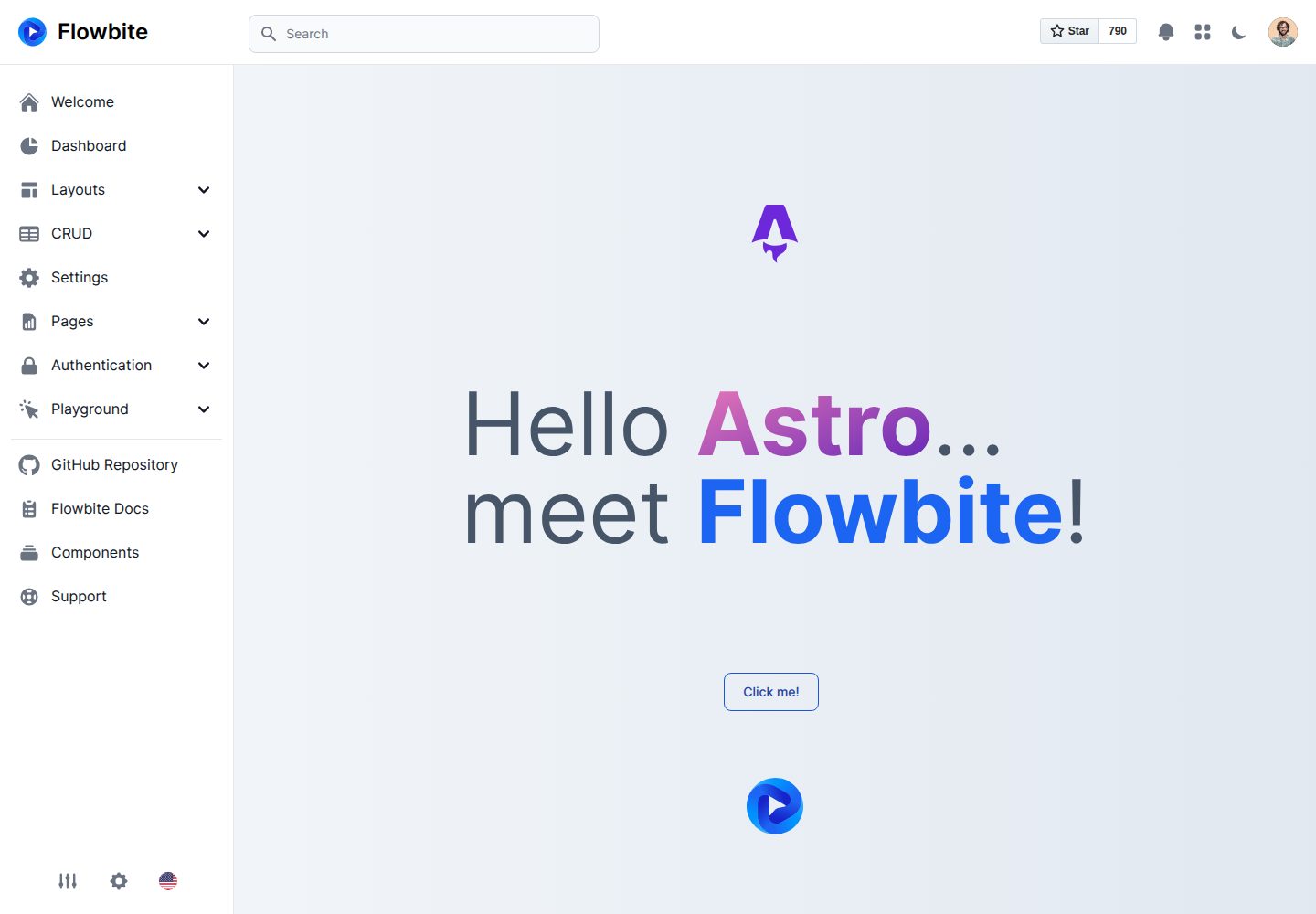
A free, open-source admin dashboard template built with Astro, Flowbite, and Tailwind CSS. It offers example pages for dashboards, stacked layouts, product and user CRUD, settings, pricing, authentication flows, and error states, plus charts, tables, widgets, modals, and drawers.
Astro · Admin dashboard
accessible-astro-dashboard
An accessibility-focused Astro admin template with a login page, dashboard overview, and example pages for media, messages, products, settings, and users. It includes SkipLinks, keyboard-operable sidebar navigation, dark mode, and localStorage-based preferences, with Accessible Astro Components and Astro Icon preinstalled.
Astro · Admin dashboard
bootstrap-admin-template
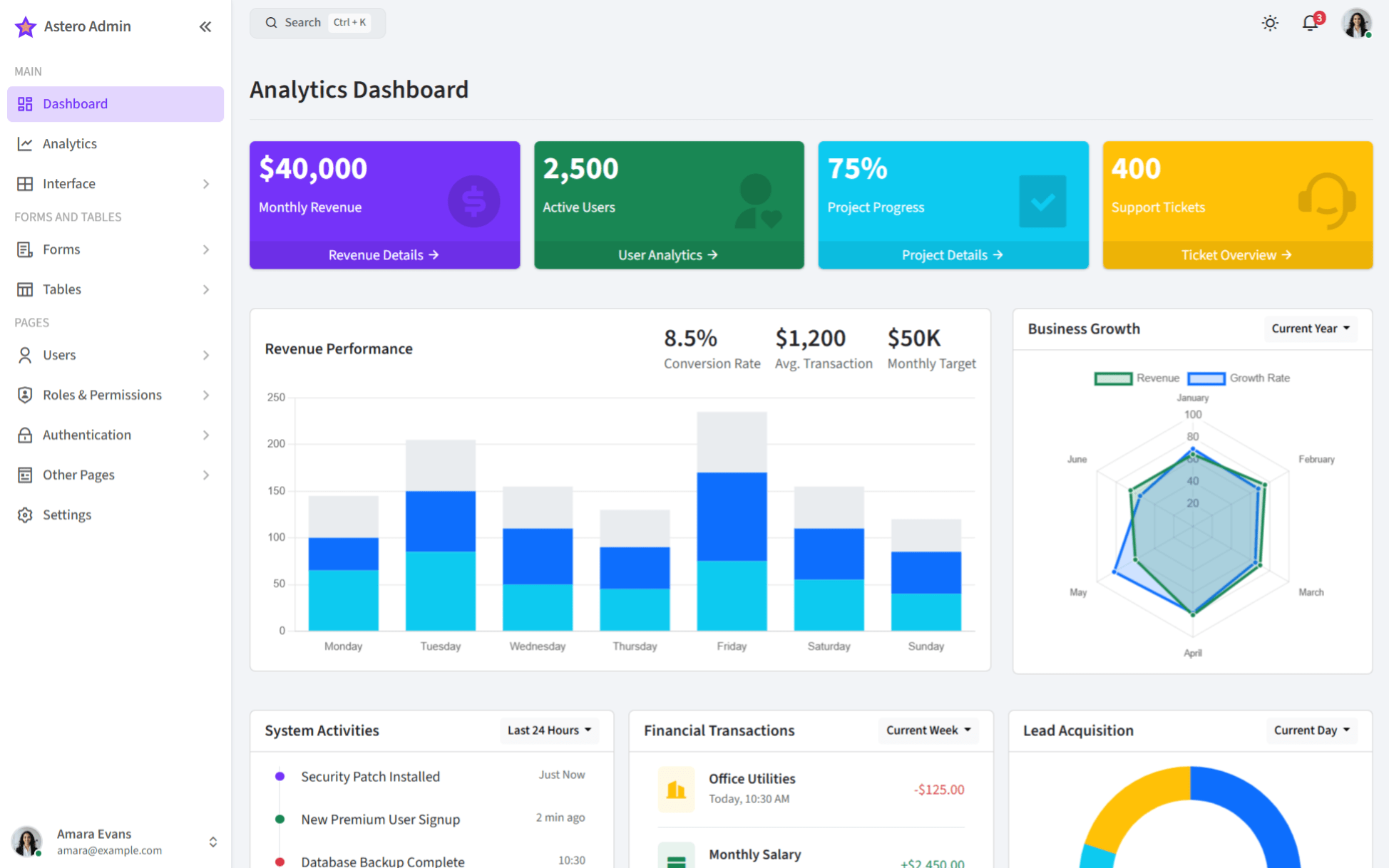
AsteroAdmin is a responsive admin template built with Astro and Bootstrap 5.3.3, offering light and dark themes, RTL support, and multiple dashboard layouts. It provides an analytics dashboard, compact sidebar, offcanvas navigation, and examples of charts, tables, and forms.
Astro · Admin dashboard
accessible-astro-docs
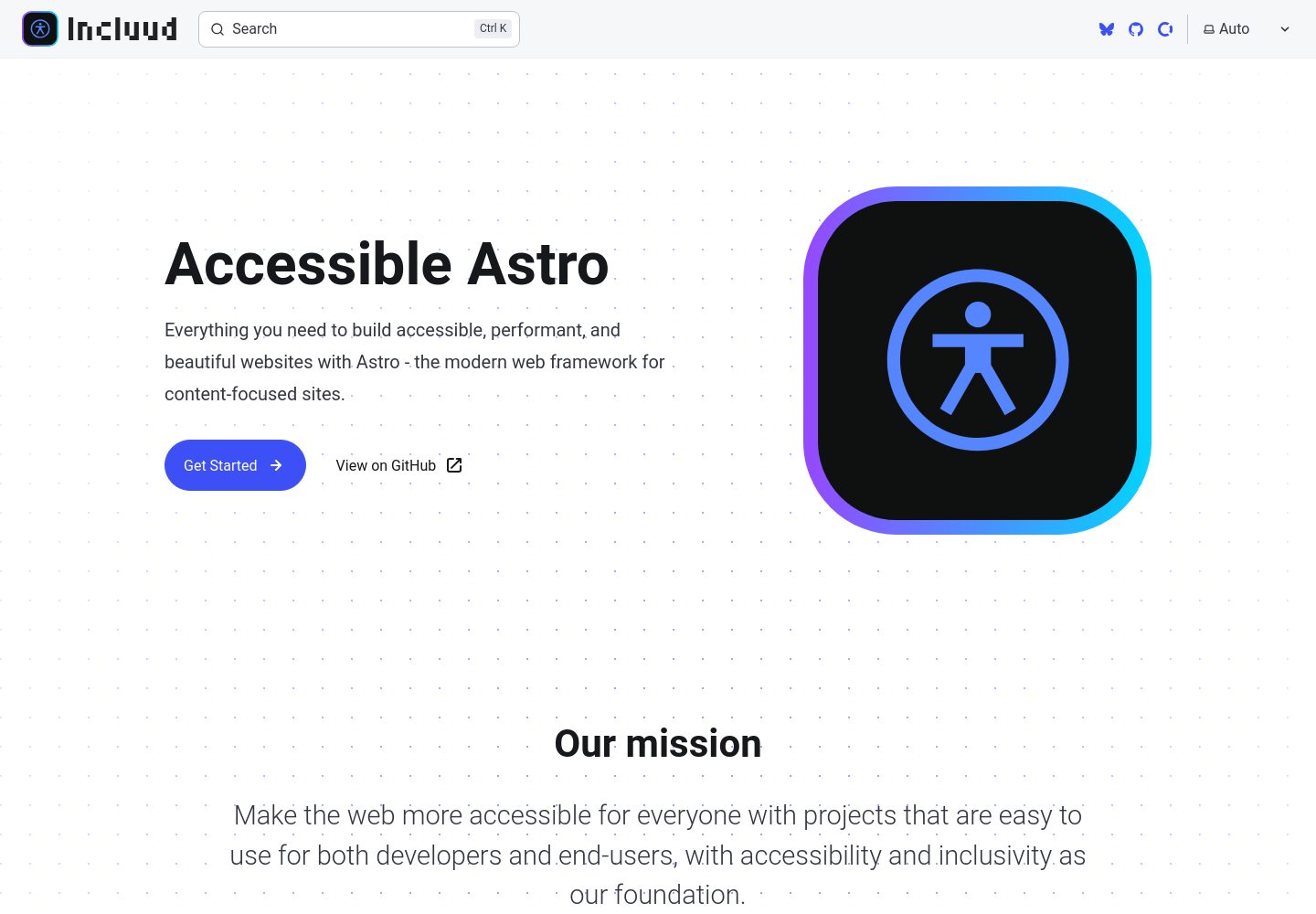
Official documentation site for the Accessible Astro projects, built with Astro's Starlight theme. It documents the Starter, Components, and Dashboard accessibility tools, with component descriptions, interactive examples, code snippets, accessibility guidelines, and TypeScript examples.
Astro · Admin dashboard
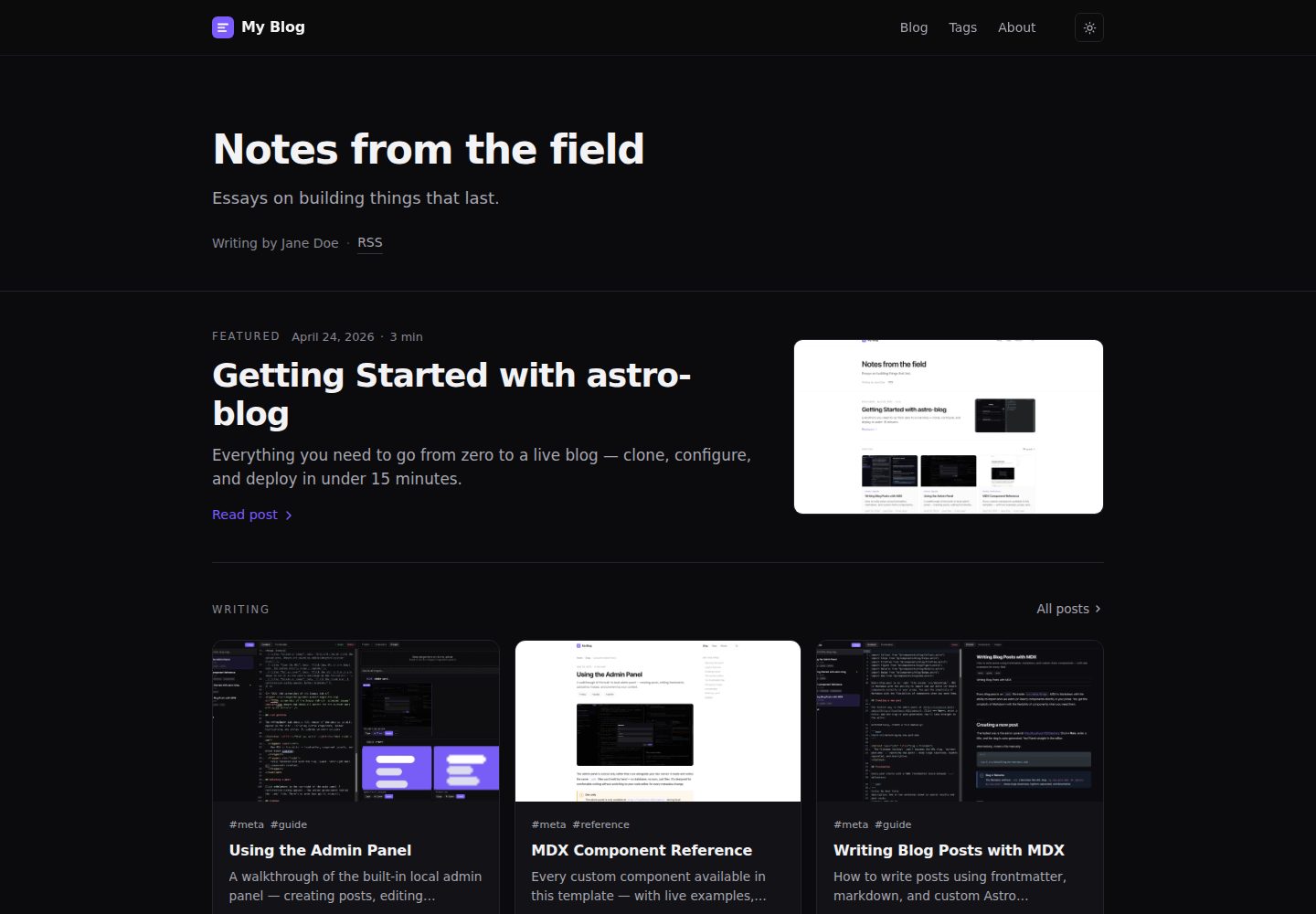
astro-blog
An Astro 6 blog template with a browser admin panel available only in development, where you write and publish MDX posts with autosave, component insertion, image upload, and live preview.
Astro · Admin dashboard
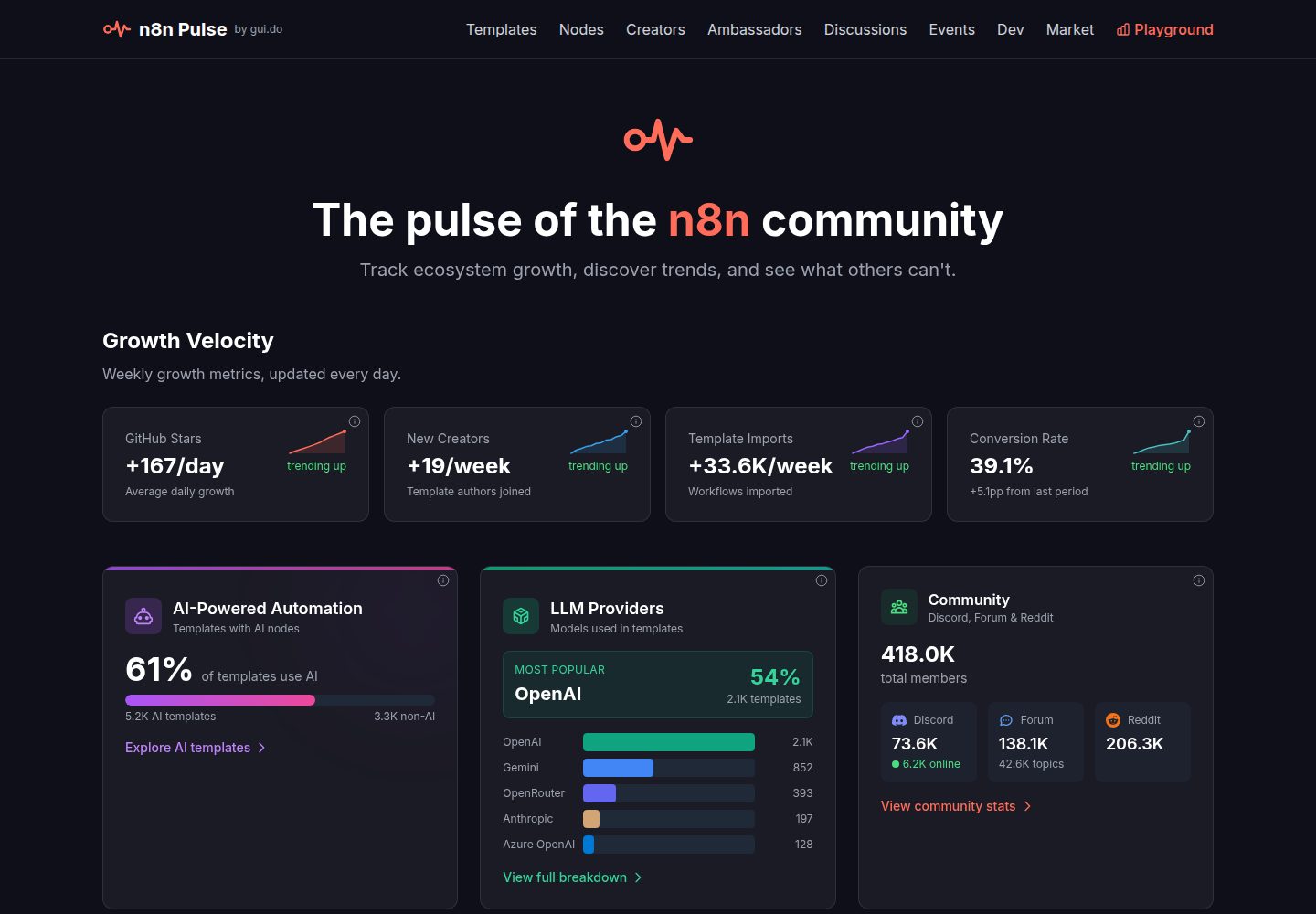
n8n-stats
n8n Pulse is an Astro-based static dashboard for the n8n community, aggregating templates, nodes, creators, discussions, events, and developer metrics from multiple APIs.
Astro · Admin dashboard