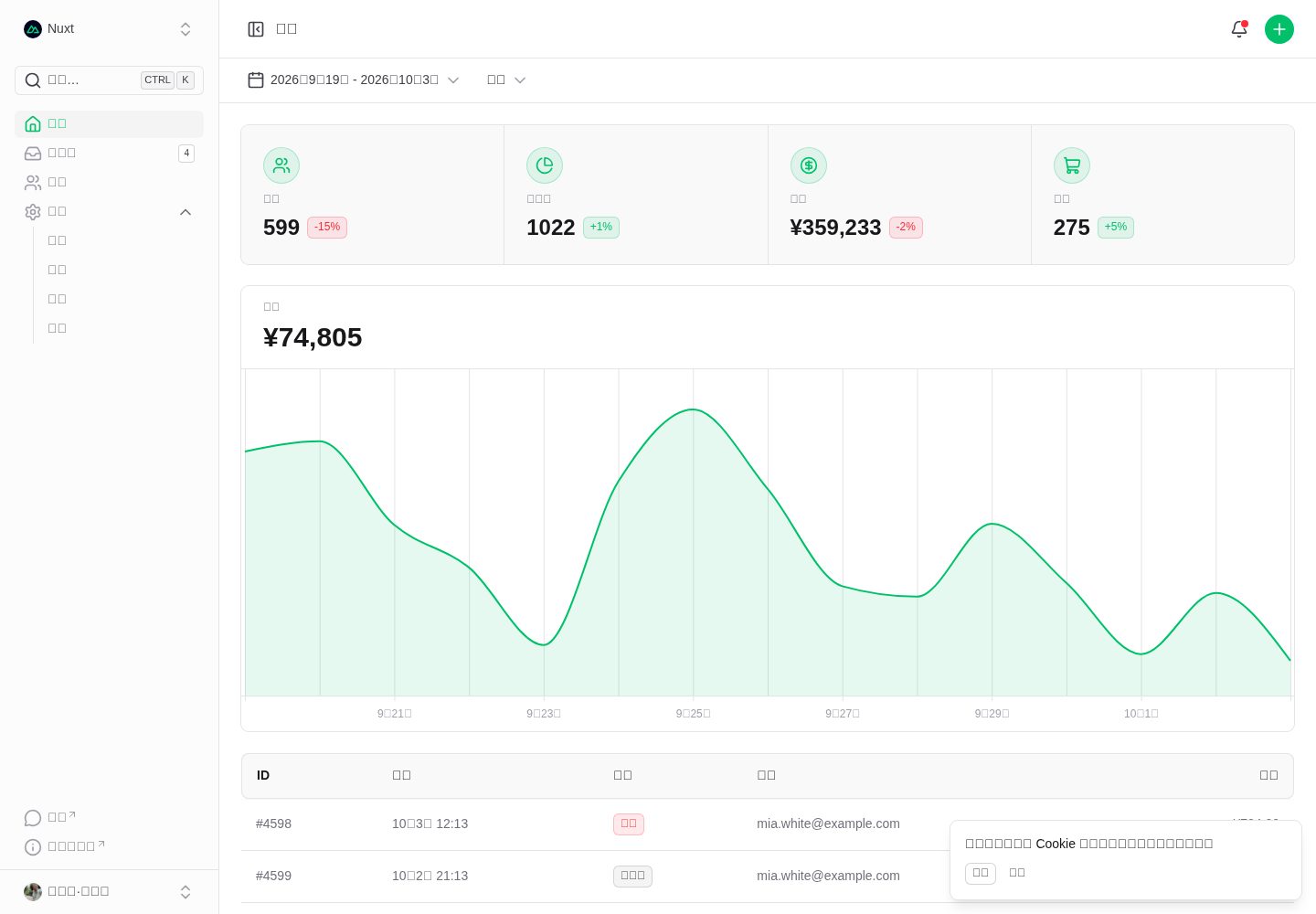
Built on Nuxt 4 and Nuxt UI 4 with Tailwind CSS 4 component styling
NuxtVueAdmin dashboard
nuxt-ui-dashboard-template — Nuxt Admin dashboard Template
By jerryshell
An admin dashboard template built with Nuxt and Nuxt UI, including a dashboard, customer table, inbox, and settings pages, using Tailwind CSS, Unovis charts, TanStack Table, and Zod validation.
Explore the design
Compare the page layouts and mobile experience. Open any screenshot for a closer look.
Desktop homepage1 / 2
Desktop captureTop of page
Actual screenshot captured by the server browser.
All pages & views 2
Screenshots show visual appearance; interactive behavior may differ.
Recorded 2026-10-03View source
What stands out
A quick read of the recorded project description.
Includes a sidebar layout and admin pages for the home dashboard, customers, inbox, and settings
The home page uses Unovis charts, and the customers page uses TanStack Table
Form validation uses Zod, and date handling uses @internationalized/date
Supports dark/light mode, with theme colors configurable in app.config.ts
Can be compiled into a standalone binary covering the current platform, Linux glibc, and Alpine/musl
Template Details
This is a Nuxt template for admin dashboards, with the repository name nuxt-ui-dashboard-template, built on Nuxt 4 and Nuxt UI 4 together with Tailwind CSS 4 component styling. The template ships with a default layout (sidebar navigation) and pages for the home dashboard, customers, inbox, and settings; settings is further divided into sub-routes such as security, notifications, and members, and it provides a 404 error page localized in Chinese.
For data display, the home page uses Unovis to render charts, the customers page uses TanStack Table to organize table columns, form validation relies on Zod, date handling uses @internationalized/date, and icons come from Lucide. Composables and utility functions live in the composables and utils directories respectively, and there are also shared/utils and server/api to support shared front-end/back-end code and Nitro API routes. Theme colors are configured in app.config.ts, with dark/light mode switching.
On the engineering side, it provides oxlint checks, oxfmt formatting, and type-check commands, and supports compiling the app into a standalone binary via nitro configuration, covering the current platform, Linux glibc, and Alpine/musl targets. The template is released under the MIT license, allowing free use, modification, commercial use, and distribution, but third-party assets such as demo images, fonts, and icons must be checked against their respective licenses, and external services such as domains, hosting, and databases may incur separate charges.
NuxtVueAdmin dashboard
Is it right for your project?
Use Cases
- Building an admin dashboard interface with sidebar navigation and multi-level settings pages
- Integrating chart and data table display pages into a Nuxt project
- Back-office projects that need dark/light mode switching and configurable themes
- Wanting to package a Nuxt app as a standalone binary without a Node runtime dependency
Suitable For
- Teams or individuals developing admin dashboards with Nuxt and Vue
- Projects that need ready-made dashboard, customer table, and settings page structures
- Developers who want to use and modify the template code for free under the MIT license
Getting started & customization
Use these recorded setup notes alongside the repository instructions for your chosen version.
- 1
After cloning the template, remove the original .git and initialize it as an independent repository, then link your own remote repository
- 2
For local development, install dependencies with bun install and start with bun run dev, accessible by default at http://localhost:3000
- 3
Building a standalone binary requires Bun 1.3.9 or later
- 4
The musl binary on Alpine requires additionally installing libstdc++ and libgcc
- 5
If deploying to an older CPU without AVX2 causes an Illegal instruction error, switch to the baseline variant
License & source material
Usage conditions & limitations
Free to use · keep license noticeThis entry covers the free version under the MIT license in the public repository; the free scope is the code of this version and does not mean external services or third-party assets are free.
Must comply with when using
- The code of this version may be used, modified, used commercially, and distributed for free.
- When distributing copies or substantial portions of the code, retain the original author's copyright notice and the full MIT license notice.
- The code is provided as is; warranties and limitations of liability are governed by the original license and applicable law.
Additional costs & items to verify
- Demo images, fonts, icons, and other third-party assets must be checked against their respective licenses and cannot be judged solely by the code's MIT license.
- External services such as domains, hosting, databases, payments, or AI may incur separate charges.
- When deploying the musl binary to an Alpine system, the libstdc++ and libgcc system libraries must be installed additionally, otherwise it will not run.
- Deploying to older CPUs from before 2013 that do not support AVX2 will cause an Illegal instruction error, requiring a rebuild with the baseline variant.
- The standalone binary automatically reads the .env file in the runtime directory; for deterministic behavior, compile with the --no-compile-autoload-dotenv flag.
- Building a standalone binary requires Bun 1.3.9 or later as a prerequisite.
View Original Text Basis
Permission is hereby granted, free of charge
Original License Text
**musl** 二进制在 Alpine 需额外 `apk add libstdc++ libgcc`
Original README
**老 CPU 兼容**:部署到 2013 年前、无 AVX2 的 CPU 出现 `Illegal instruction` 时,改用 baseline 变体(如 `bun-linux-x64-baseline`)
Original README
**`.env` 自动加载**:二进制运行时会自动读取运行目录的 `.env`;若需确定性行为,compile 时加 `--no-compile-autoload-dotenv`
Original README
https://github.com/jerryshell/nuxt-ui-dashboard-template/blob/master/LICENSEhttps://github.com/jerryshell/nuxt-ui-dashboard-template/blob/master/README.md> 前置:Bun 1.3.9+
Original README
Compiled by DeepSeek based on repository license and README ·2026-10-04. Results only cover the materials read; dependencies, images, fonts, and subsequent term changes are subject to their respective original texts.
Project checks & description sources
Template Information
- Source platforms
- GitHub
- Documentation and maintenance reference score
- More documented · 88 / 100
- Technologies
- Nuxt · Vue
- Website type
- Admin dashboard
How this score is calculated
Our heuristic uses license records (up to 30), a demo link (12), a preview (10), stars (15), recorded maintenance (15), description completeness (8), feature records (5) and classification data (5). It is not a code, security or performance test, or a Google score. A link does not establish tested functionality.
What to verify for this project
- Repository update recorded
- 2026-09-18
- Screenshot last checked
- 2026-10-04
A demo link is listed. Check it with your own content and viewport sizes; its presence does not confirm that forms, authentication or payments work.
The catalog identifies Nuxt as the primary stack. Check the actual dependency manifest and lockfile for versions and hosting requirements. These notes use recorded metadata, not a code audit or a deployment test.
Use a selection guide →How this description was prepared
AI-assisted description based on catalog records and repository material. Repository authors are not automatically the reviewers of this description.
Review declaration: [email protected] · 2026-10-04
Inspect the recorded source material
SHA-256: bc608df74f1a8cde9b663200540e438ec07750e5c9fac8f539d95e2bc1d7f1b9
2026-10-04T14:20:26.815Z
Source file / repository# Nuxt UI Dashboard Template
基于 **Nuxt 4** 和 **Nuxt UI 4** 构建的管理后台模板。
## 特性
- Nuxt UI 4 + Tailwind CSS 4 组件库
- 深色/浅色模式与可配置主题(`app.config.ts`)
- 404 错误页(已做中文本地化)
- 数据可视化(Unovis)、数据表格(TanStack Table)
- 表单校验(Zod)、全栈 TypeScript
- 可编译为独立二进制(零运行时依赖,支持 Linux glibc/musl 交叉编译)
## 快速开始
### 基于此模板创建新项目
```bash
# 克隆模板(浅克隆,只取最新一次提交)
git clone --depth 1 https://github.com/jerryshell/nuxt-ui-dashboard-template.git my-project
cd my-project
# 移除原 .git 初始化为独立仓库
rm -rf .git && git init && git add . && git commit -m "init"
# 关联到自己的远程仓库并推送
git remote add origin https://github.com/用户名/仓库名.git
git push -u origin master
```
### 本地开发
```bash
bun install
bun run dev
```
访问 http://localhost:3000
## 技术栈
| 类别 | 技术 |
| ------ | ------------------------- |
| 框架 | Nuxt 4, Vue 3 |
| UI | Nuxt UI 4, Tailwind CSS 4 |
| 工具 | VueUse (@vueuse/nuxt) |
| 图表 | @unovis/vue |
| 表格 | @tanstack/table-core |
| 图标 | Lucide |
| 校验 | Zod |
| 日期 | @internationalized/date |
| Lint | oxlint |
| Format | oxfmt |
## 目录结构
```
app/
├── app.config.ts # 主题配色
├── app.vue # 应用入口
├── error.vue # 错误页(404)
├── assets/css/main.css # 全局样式
├── components/ # 公共组件
│ ├── customers/ # 客户表格列等
│ ├── home/ # 首页图表
│ ├── inbox/ # 收件箱
│ ├── settings/ # 设置页相关
│ ├── NotificationsSlideover.vue
│ ├── TeamsMenu.vue
│ └── UserMenu.vue
├── composables/ # 组合式函数
│ ├── useDashboard.ts
│ └── useCustomersColumns.ts
├── layouts/default.vue # 默认布局(侧边栏导航)
├── pages/ # 页面
│ ├── index.vue # 首页
│ ├── customers.vue # 客户
│ ├── inbox.vue # 收件箱
│ ├── settings.vue # 设置入口
│ └── settings/ # 设置子路由
│ ├── index.vue
│ ├── security.vue
│ ├── notifications.vue
│ └── members.vue
├── types/index.d.ts # 类型定义
└── utils/ # 工具函数
├── index.ts
└── customers.ts
shared/utils/ # 前后端共享工具
server/api/ # Nitro API 路由
public/ # 静态资源
nuxt.config.ts
tsconfig.json
```
## 常用命令
| 命令 | 说明 |
| ------------------- | ------------ |
| `bun run dev` | 开发服务器 |
| `bun run build` | 生产构建 |
| `bun run preview` | 预览构建 |
| `bun run lint` | oxlint 检查 |
| `bun run format` | oxfmt 格式化 |
| `bun run typecheck` | 类型检查 |
| `bun run build:bin` | 构建二进制 |
| `bun run start:bin` | 运行二进制 |
## 构建为独立二进制
可把应用编译成单一可执行二进制(无需 node_modules / Node 运行时)。
通过 `nuxt.config.ts` 的 nitro 配置实现,零额外依赖(等价于 nuxt-bun-compile 模块)。
> 前置:Bun 1.3.9+
### 命令
| 命令 | 说明 |
| ------------------------------ | ----------------------------------------------- |
| `bun run build:bin` | 构建当前平台二进制(`nuxtbin`) |
| `bun run build:bin:linux` | 构建 glibc 二进制(`nuxtbin-linux`) |
| `bun run build:bin:linux-musl` | 构建 Alpine/musl 二进制(`nuxtbin-linux-musl`) |
| `bun run start:bin` | 运行 `./nuxtbin` |
### 一次构建多个 target
先 `build:bun`(仅 nuxt build),再复用 `.output` 产出多个二进制:
```bash
bun run build:bun
bun run compile:linux
bun run compile:linux-musl
```
### 部署注意
- **glibc** 二进制在 Debian/Ubuntu 等开箱即用(系统自带 libstdc++/libgcc)
- **musl** 二进制在 Alpine 需额外 `apk add libstdc++ libgcc`
- dev 模式不受影响(配置仅在 bun runtime + 非 dev 时启用)
- **老 CPU 兼容**:部署到 2013 年前、无 AVX2 的 CPU 出现 `Illegal instruction` 时,改用 baseline 变体(如 `bun-linux-x64-baseline`)
- **`.env` 自动加载**:二进制运行时会自动读取运行目录的 `.env`;若需确定性行为,compile 时加 `--no-compile-autoload-dotenv`
## 许可证
[MIT](LICENSE)
Explore similar templates
Compare previews and descriptions within the same stack and category.
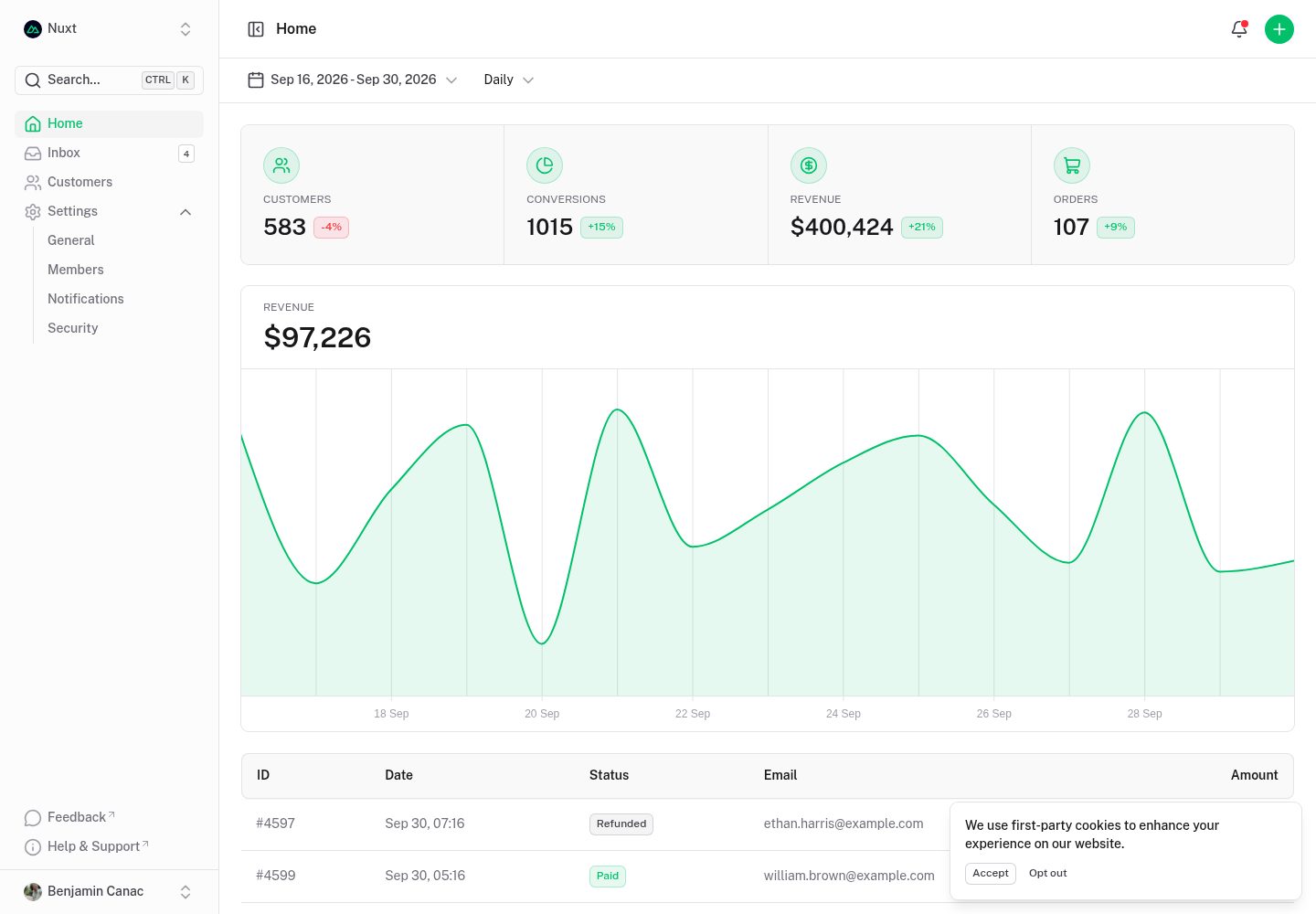
dashboard
A dashboard template built on Nuxt and Nuxt UI, offering multiple pages, a collapsible sidebar, keyboard shortcuts, light and dark modes, and a command palette.
Nuxt · Admin dashboard
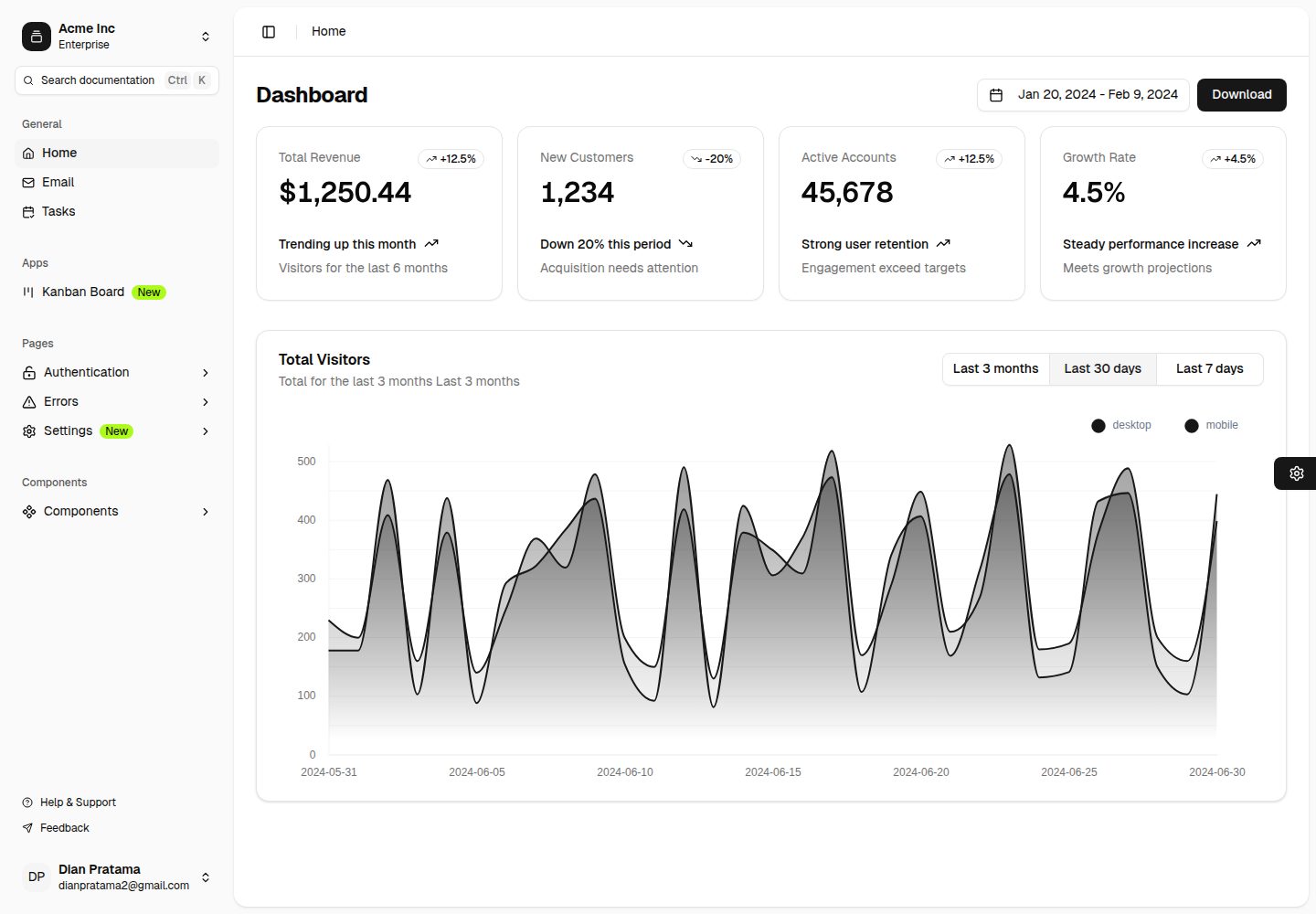
nuxt-shadcn-dashboard
A backend dashboard template built with Nuxt, Shadcn Vue, and TailwindCSS. It offers configurable sidebar collapse modes (offcanvas, icon, none), positions, and styles (sidebar, floating, inset), along with nine theme colors and three theme types.
Nuxt · Admin dashboard
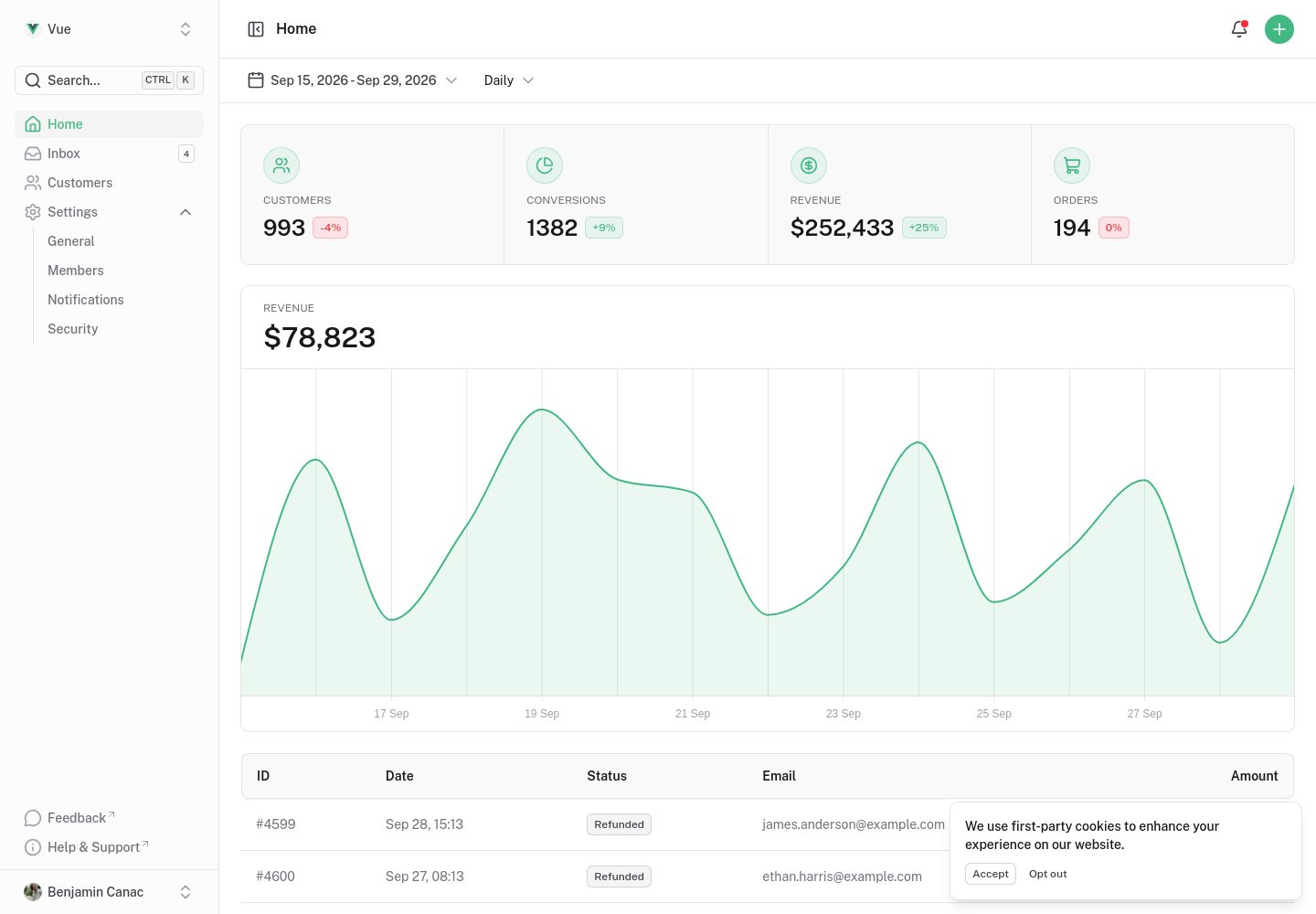
dashboard-vue
A Vue admin dashboard template built with Nuxt UI, offering multiple pages, a collapsible sidebar, keyboard shortcuts, light and dark modes, and a command palette. Suitable for admin backends, data dashboards, or as a reference for learning Nuxt UI layouts.
Nuxt · Admin dashboard
vitify-nuxt
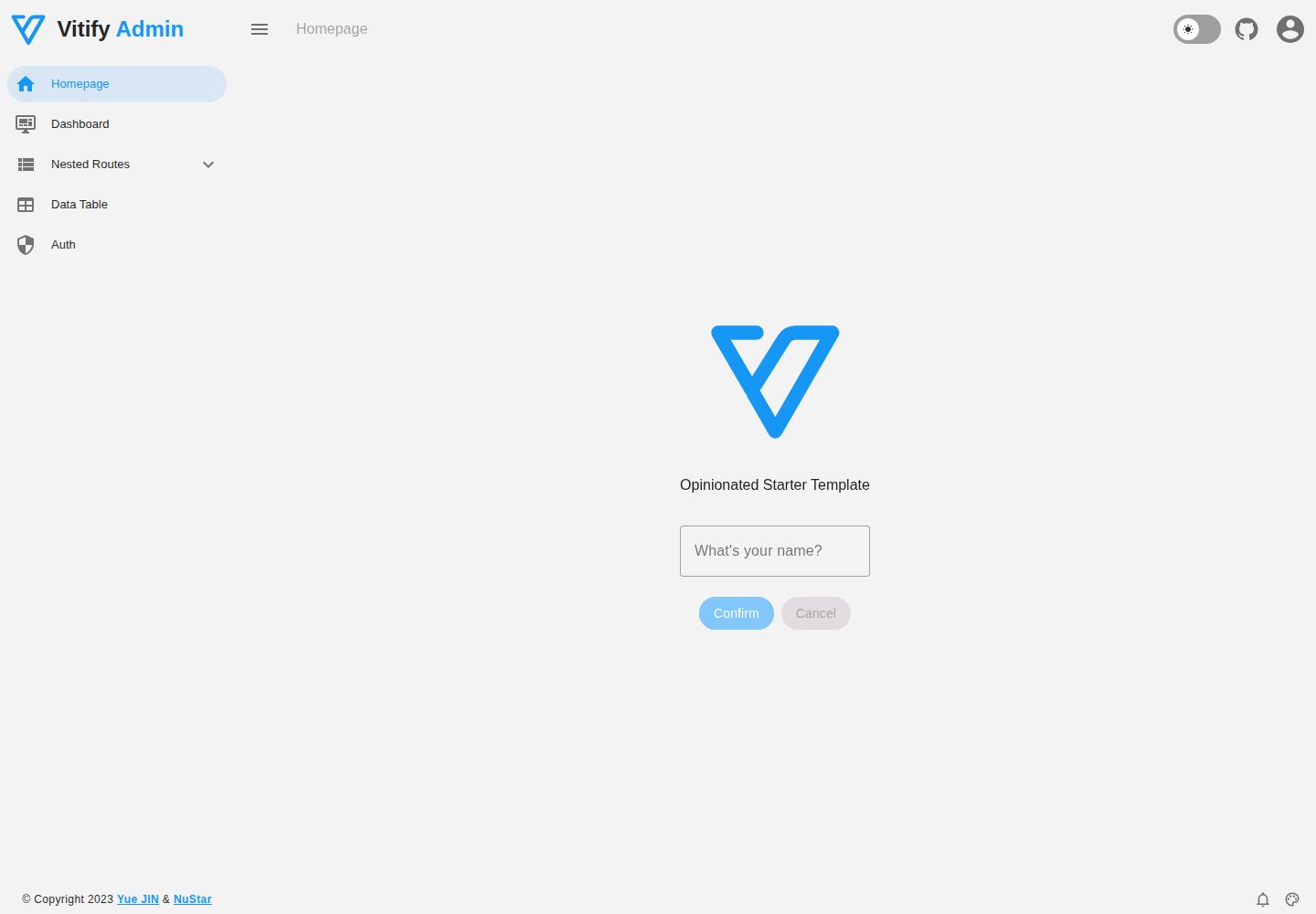
Vitify Nuxt is an admin dashboard starter template built on Nuxt and Vuetify, featuring a drawer layout, automatic navigation and breadcrumbs, notification state, ECharts charts, theming and dark mode, and authentication via nuxt-auth-utils.
Nuxt · Admin dashboard
Modernize-nuxtjs-free
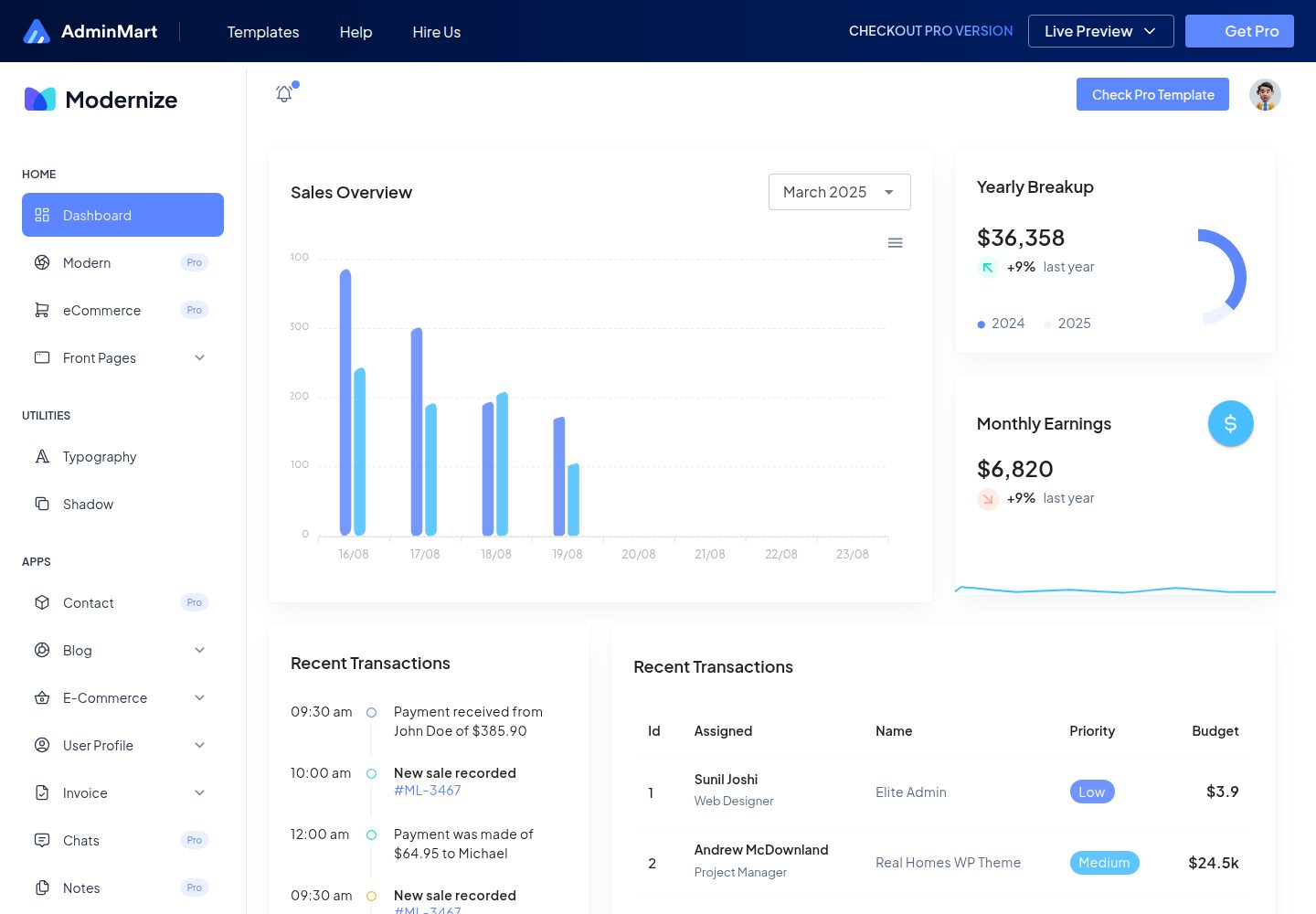
Modernize NuxtJS Free is a free, developer-oriented admin dashboard template from AdminMart, built with Nuxt, Vuetify, and TypeScript. It offers a responsive layout, basic pages and components, and Chart.js charts, making it suitable for admin panels, SaaS dashboard prototypes, and internal tools.
Nuxt · Admin dashboard
shadcn-nuxt-starter
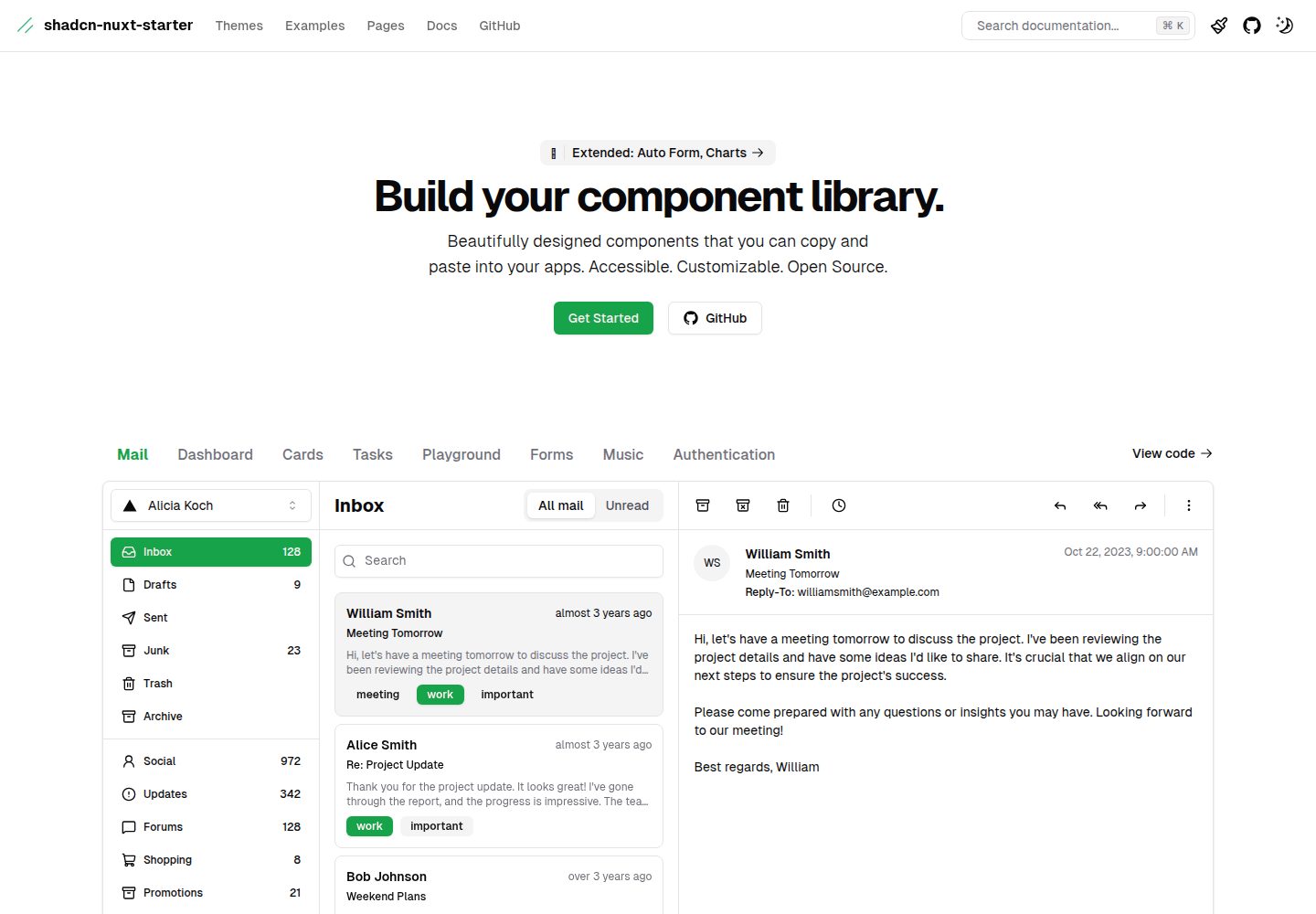
A Nuxt 3 starter template using Shadcn-vue, UnoCSS, and TypeScript, with Vite as the build tool. It supports three rendering modes from one codebase: SSR for SaaS, SSG for documentation, and CSR for admin dashboards.
Nuxt · Admin dashboard