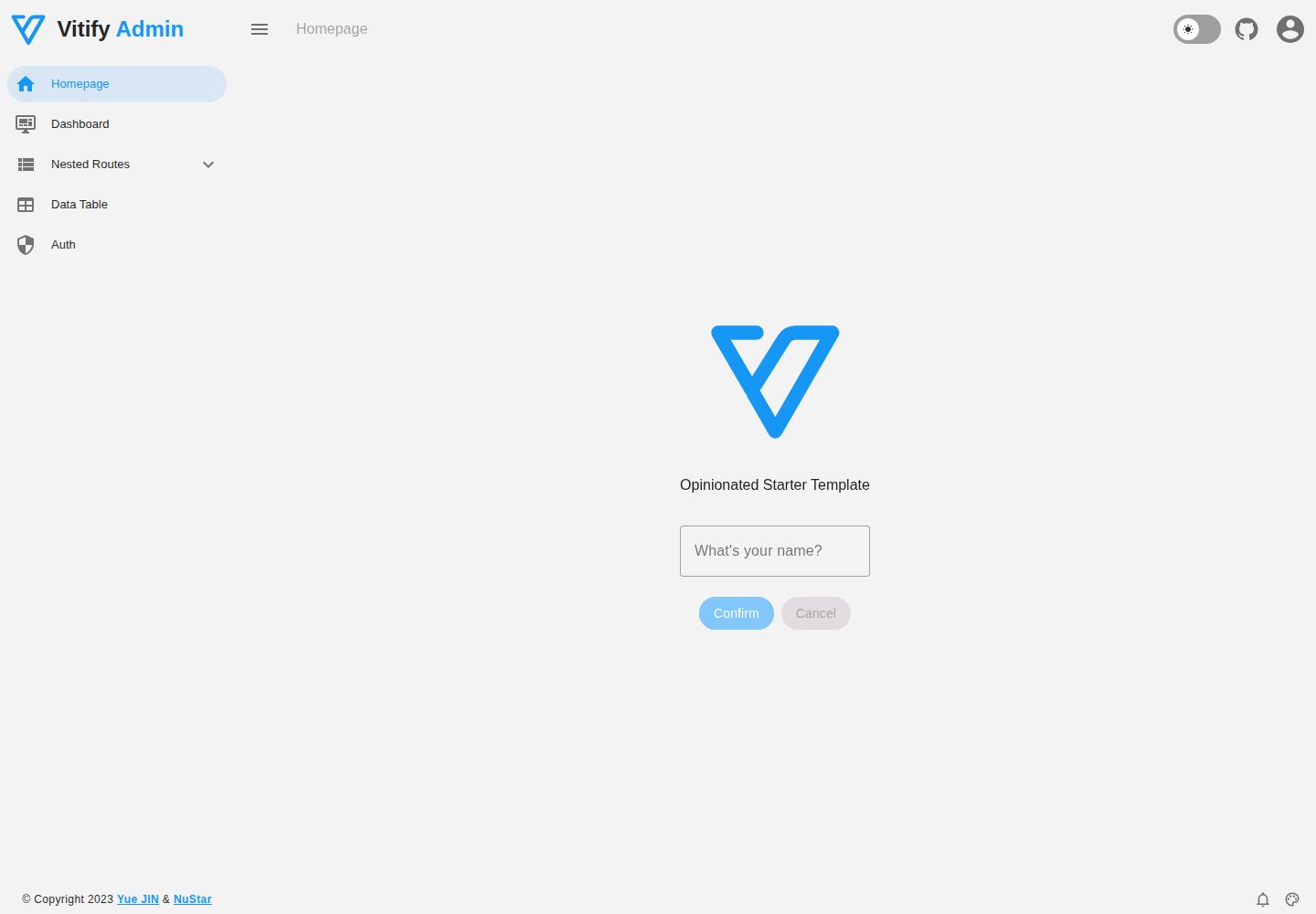
Default admin layout: drawer, header, and footer
NuxtVueViteAdmin dashboardStarter
vitify-nuxt — Nuxt Admin dashboard Template
By kingyue737
Vitify Nuxt is an admin dashboard starter template built on Nuxt and Vuetify, featuring a drawer layout, automatic navigation and breadcrumbs, notification state, ECharts charts, theming and dark mode, and authentication via nuxt-auth-utils.
Explore the design
Compare the page layouts and mobile experience. Open any screenshot for a closer look.
Desktop homepage1 / 2
Desktop captureTop of page
Actual screenshot captured by the server browser.
All pages & views 2
Screenshots show visual appearance; interactive behavior may differ.
Recorded 2026-09-30View source
What stands out
A quick read of the recorded project description.
Navigation drawer and breadcrumbs generated automatically from routes
Built-in notification store and data visualization based on nuxt-echarts
Supports theme color customization, dark mode, and responsive layout
Authentication integrated via nuxt-auth-utils, with GitHub OAuth as the README example
Full TypeScript coverage, including unit, component, and E2E test configurations
Template Details
Vitify Nuxt is a starter template for admin interfaces that combines Nuxt with Vuetify and provides a prebuilt page skeleton for common admin needs. The default layout includes a drawer, header, and footer; the navigation drawer and breadcrumbs are generated automatically from routes, reducing manual menu maintenance. The template uses Pinia for state management and includes a notification store; charts are integrated via nuxt-echarts for data visualization; the interface supports theme color customization and dark mode, and uses a responsive layout. Authentication is provided by nuxt-auth-utils; the README uses GitHub OAuth as an example configuration and notes that other OAuth providers supported by the module or a custom implementation can be used instead.
On the technical side, the project is based on Nuxt, uses Vite and pnpm, covers all code with TypeScript, and provides unit, component, and E2E test configurations based on @nuxt/test-utils. Code style uses Prettier (single quotes, no semicolons) and ESLint flat config. The README also lists optional deployment via Netlify zero-config, as well as several related variants: a Vue 3 version without Nuxt, an Electron version, and a Vue 2.7 version with i18n, browser compatibility, and a mock server.
Usage limitations: the template itself is free code under the MIT license, but third-party assets such as demo images, fonts, and icons must be checked against their respective licenses; external services such as domains, hosting, databases, payments, or AI may incur separate charges. The feature descriptions in the README do not indicate production readiness; dependencies and configuration should be verified before actual use.
NuxtVueViteAdminStarter
Is it right for your project?
Use Cases
- Quickly building an admin interface with side navigation and breadcrumbs
- Using Vuetify components and the theme system in a Nuxt project
- Admin pages that need built-in chart display and notification state
- Prototyping an admin application with OAuth login
- Starting a new project from the GitHub template or by cloning with degit
Suitable For
- Teams developing admin systems with Nuxt and Vuetify
- Developers who need a ready-made admin layout and route navigation skeleton
- Projects starting from a TypeScript and pnpm foundation
- Starter projects that need common admin capabilities such as authentication, charts, and dark mode
Getting started & customization
Use these recorded setup notes alongside the repository instructions for your chosen version.
- 1
Generate a repository from the GitHub template, or clone locally with npx degit kingyue737/vitify-nuxt my-vitify-app
- 2
Install dependencies with pnpm i; start the dev server with pnpm run dev at http://localhost:3000
- 3
When using GitHub OAuth, create an OAuth app with Homepage url set to http://localhost:3000 and Callback url set to http://localhost:3000/api/auth/github
- 4
Configure NUXT_OAUTH_GITHUB_CLIENT_ID and NUXT_OAUTH_GITHUB_CLIENT_SECRET in .env
- 5
To generate sealed sessions, set NUXT_SESSION_SECRET in .env with at least 32 characters
License & source material
Usage conditions & limitations
Free to use · keep license noticeThis entry covers the free version in the public repository under the MIT license; the free scope is the code of that version and does not mean external services or third-party assets are free.
Must comply with when using
- Use, modify, commercial use, and distribution of this version's code are permitted free of charge.
- When distributing copies or substantial portions of the code, retain the original author's copyright notice and the full MIT license notice.
- The code is provided as is; warranties and limitations of liability are governed by the original license and applicable law.
Additional costs & items to verify
- Using the built-in authentication feature requires registering a GitHub OAuth app and configuring a client ID and secret, which is an external service account requirement.
- Generating sealed sessions requires setting NUXT_SESSION_SECRET in .env with at least 32 characters; otherwise it relies on automatic generation in development mode.
- The deployment method recommended in the README depends on external hosting services such as Netlify and may incur additional costs.
- Demo images, fonts, icons, and other third-party assets must be checked against their respective licenses and cannot be judged solely by the code's MIT license.
- External services such as domains, hosting, databases, payments, or AI may incur separate charges.
View Original Text Basis
Permission is hereby granted, free of charge
Original License Text
Create a [GitHub OAuth Application](https://github.com/settings/applications/new) with:
Original README
NUXT_SESSION_SECRET=your-super-long-secret-for-session-encryption
Original README
https://github.com/kingyue737/vitify-nuxt/blob/main/LICENSEhttps://github.com/kingyue737/vitify-nuxt/blob/main/README.md- ☁️ Deploy on [Netlify](https://www.netlify.com/), zero-config
Original README
Compiled by DeepSeek based on repository license and README ·2026-10-01. Results only cover the materials read; dependencies, images, fonts, and subsequent term changes are subject to their respective original texts.
Project checks & description sources
Template Information
- Source platforms
- GitHub
- Documentation and maintenance reference score
- More documented · 96 / 100
- Technologies
- Nuxt · Vue · Vite
- Website type
- Admin dashboard · Starter
How this score is calculated
Our heuristic uses license records (up to 30), a demo link (12), a preview (10), stars (15), recorded maintenance (15), description completeness (8), feature records (5) and classification data (5). It is not a code, security or performance test, or a Google score. A link does not establish tested functionality.
What to verify for this project
- Repository update recorded
- 2026-09-29
- Screenshot last checked
- 2026-10-01
A demo link is listed. Check it with your own content and viewport sizes; its presence does not confirm that forms, authentication or payments work.
The catalog identifies Nuxt as the primary stack. Check the actual dependency manifest and lockfile for versions and hosting requirements. These notes use recorded metadata, not a code audit or a deployment test.
Use a selection guide →How this description was prepared
AI-assisted description based on catalog records and repository material. Repository authors are not automatically the reviewers of this description.
Automatically checked against source and license rules; no manual editorial review.
Inspect the recorded source material
SHA-256: ad89ba73305b2498f09ffbdcc0c3261115181a1b20d3332dbc49a83422561ca2
2026-10-01T14:20:11.937Z
Source file / repository<p align="center">
<img alt="Vitify - Opinionated Vuetify Admin Starter Template" src="public/vitify-nuxt.svg" width=100px/>
</p>
<h1 align="center">Vitify Nuxt</h1>
<p align="center">
<a href="https://github.com/vuejs/vue">
<img src="https://img.shields.io/badge/nuxt-4-brightgreen.svg" alt="nuxt">
</a>
<a href="https://github.com/vuetifyjs/vuetify">
<img src="https://img.shields.io/badge/vuetify-4-blue.svg" alt="vuetify">
</a>
<a href="https://github.com/kingyue737/vitify-admin/blob/main/LICENSE">
<img src="https://img.shields.io/github/license/mashape/apistatus.svg" alt="license">
</a>
</p>
<p align='center'>
<b>Vuetify</b> + <b>Nuxt</b>, Opinionated Admin Starter Template<br><br>
</p>
<p align='center'>
<a href="https://vitify-nuxt.netlify.app/">Live Demo<br><br></a>
</p>
## Features
- 💚 [Nuxt](https://nuxt.com/) - SPA, ESR, File-based routing, components auto importing, modules, etc
- 💥 SSR out of the box - powered by [Vuetify Nuxt module](https://github.com/vuetifyjs/nuxt-module)
- ⚡️ [Vite](https://github.com/vitejs/vite), [pnpm](https://pnpm.io/), [ESBuild](https://github.com/evanw/esbuild) - born with fastness
- 🍍 [State Management via Pinia](https://pinia.vuejs.org/)
- 📥 APIs auto importing - for Composition API, VueUse and custom composables
- ☁️ Deploy on [Netlify](https://www.netlify.com/), zero-config
- 🦾 TypeScript 100%
- 🧪 Unit, Component and E2E Testing with [@nuxt/test-utils](https://github.com/nuxt/test-utils)
<br>
### Admin Starter Template
- 🪟 Default layout with drawer, header and footer
- 🧭 Auto-generated navigation drawer and breadcrumbs based on routes
- 🔔 Notification store
- 📉 Data visualization with [nuxt-echarts](https://github.com/kingyue737/nuxt-echarts)
- 🎨 Theme color customization and dark mode
- 📱 Responsive layout
- 🛡️ Authentication backed-in using [nuxt-auth-utils](https://github.com/Atinux/nuxt-auth-utils)
## Variants
- [vitify-next](https://github.com/kingyue737/vitify-next) - Lightweight Vue 3 version without Nuxt
- [vitify-electron](https://github.com/kingyue737/vitify-electron) - Vuetify + Nuxt + Electron starter
- [vitify-admin](https://github.com/kingyue737/vitify-admin) - Vue 2.7 with i18n, browser compatibility and mock server
## Pre-packed
### Nuxt Modules
- [Vuetify Nuxt Module](https://github.com/vuetifyjs/nuxt-module) - Zero-config Nuxt Module for Vuetify
- [VueUse](https://github.com/vueuse/vueuse) - Collection of useful composition APIs
- [Pinia](https://github.com/vuejs/pinia) - Intuitive, type-safe, light and flexible Store for Vue
- [Nuxt Icon](https://github.com/nuxt/icon) - Icon module for Nuxt with 200,000+ ready to use icons from Iconify
- [Nuxt ECharts](https://github.com/kingyue737/nuxt-echarts) - Nuxt module for Apache ECharts™
- [Nuxt Auth Utils](https://github.com/Atinux/nuxt-auth-utils) - Minimalist Authentication module for Nuxt
### Coding Style
- [Prettier](https://prettier.io/), single quotes, no semi
- [ESLint flat config](https://eslint.org/docs/latest/use/configure/configuration-files-new) with adapted [@nuxt/eslint](https://github.com/nuxt/eslint), future-proof
### Dev tools
- [TypeScript](https://www.typescriptlang.org/)
- [pnpm](https://pnpm.js.org/) - Fast, disk space efficient package manager
- [Netlify](https://www.netlify.com/) - zero-config deployment
- [VS Code Extensions](./.vscode/extensions.json)
- [Vue - Official](https://marketplace.visualstudio.com/items?itemName=Vue.volar) - TypeScript support inside Vue SFCs
- [ESLint](https://marketplace.visualstudio.com/items?itemName=dbaeumer.vscode-eslint) - Find and fix problems in your code
- [Prettier](https://marketplace.visualstudio.com/items?itemName=esbenp.prettier-vscode) - Code formatter
- [EditorConfig for VS Code](https://marketplace.visualstudio.com/items?itemName=EditorConfig.EditorConfig)
## Try it now!
### GitHub Template
[Create a repo from this template on GitHub](https://github.com/kingyue737/vitify-nuxt/generate).
### Clone to local
If you prefer to do it manually with the cleaner git history
```bash
npx degit kingyue737/vitify-nuxt my-vitify-app
cd my-vitify-app
pnpm i
```
### Authentication Setup
> You can switch to any [OAuth Providers](https://github.com/Atinux/nuxt-auth-utils#supported-oauth-providers) supported by [Nuxt Auth Utils](https://github.com/Atinux/nuxt-auth-utils) or write your own.
Create a [GitHub OAuth Application](https://github.com/settings/applications/new) with:
- Homepage url: `http://localhost:3000`
- Callback url: `http://localhost:3000/api/auth/github`
Add the variables in the `.env` file:
```bash
NUXT_OAUTH_GITHUB_CLIENT_ID="my-github-oauth-app-id"
NUXT_OAUTH_GITHUB_CLIENT_SECRET="my-github-oauth-app-secret"
```
To create sealed sessions, you also need to add `NUXT_SESSION_SECRET` in the `.env` with at least 32 characters:
```bash
NUXT_SESSION_SECRET=your-super-long-secret-for-session-encryption
```
Nuxt Auth Utils generates one for you when running Nuxt in development the first time if no `NUXT_SESSION_PASSWORD` is set.
### Development
Start the development server on http://localhost:3000
```bash
pnpm run dev
```
## License
[MIT License](./LICENSE)
Explore similar templates
Compare previews and descriptions within the same stack and category.

laravel-nuxt
A Laravel + Nuxt decoupled starter kit with built-in login, registration, email verification, password reset, and Socialite third-party login (GitHub example), switchable between SPA and SSR.
Nuxt · Starter
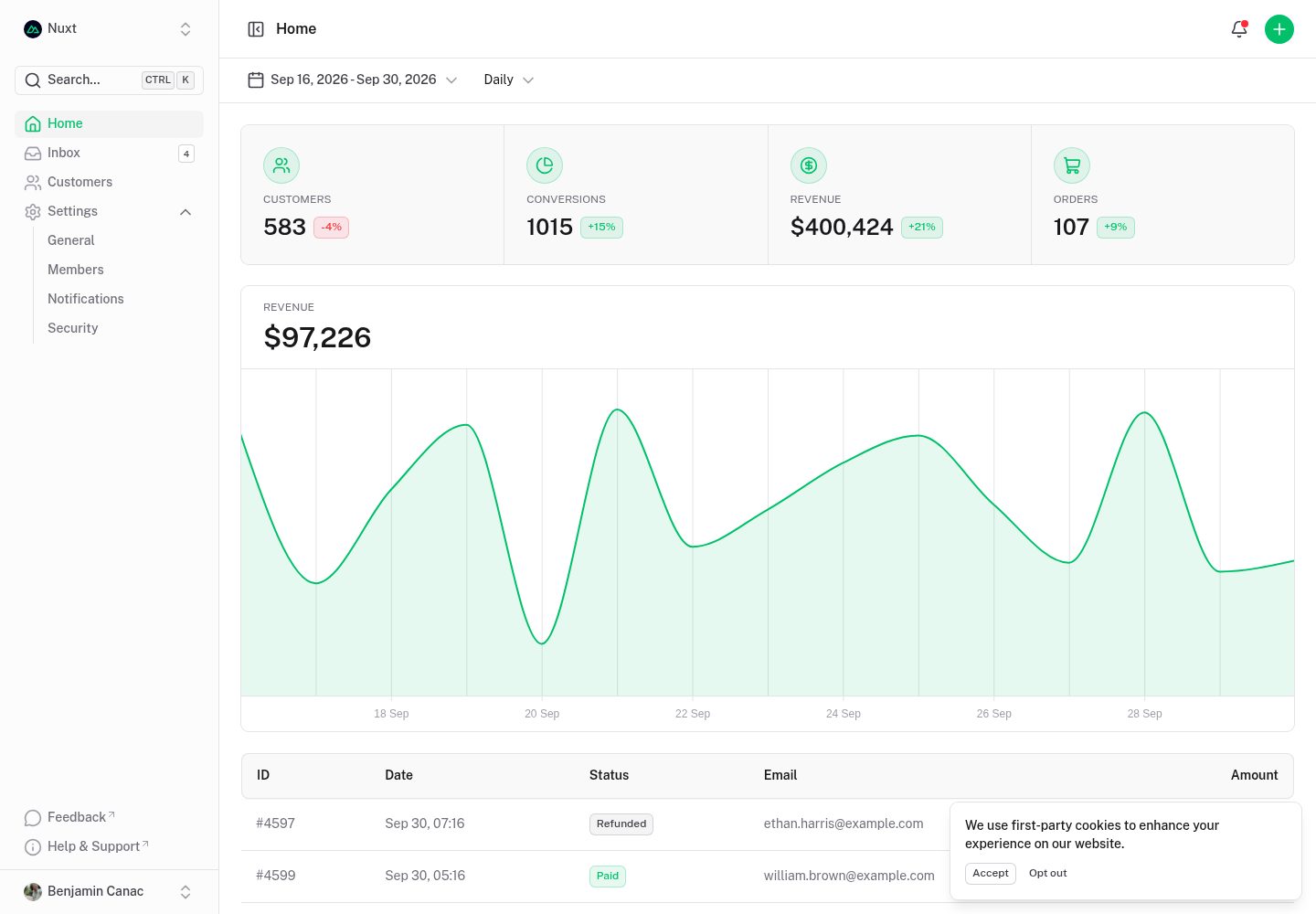
dashboard
A dashboard template built on Nuxt and Nuxt UI, offering multiple pages, a collapsible sidebar, keyboard shortcuts, light and dark modes, and a command palette.
Nuxt · Admin dashboard
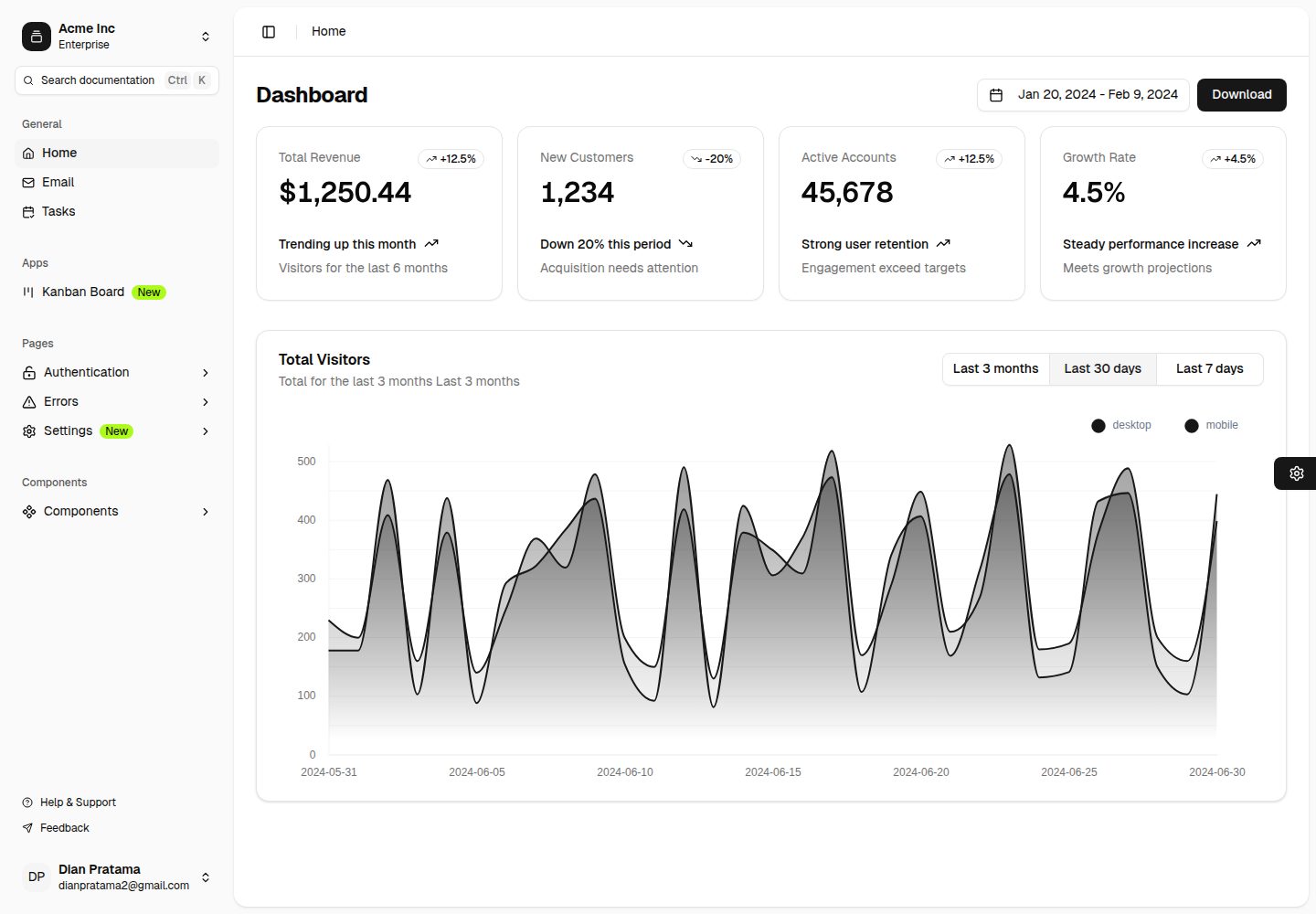
nuxt-shadcn-dashboard
A backend dashboard template built with Nuxt, Shadcn Vue, and TailwindCSS. It offers configurable sidebar collapse modes (offcanvas, icon, none), positions, and styles (sidebar, floating, inset), along with nine theme colors and three theme types.
Nuxt · Admin dashboard

canvas
Canvas is a Nuxt-based portfolio template that uses Nuxt Content for content management and Nuxt UI with Tailwind CSS for pages.
Nuxt · Portfolio

nuxt3-starter
A Nuxt 3 starter template generated by nuxi, preconfigured with UnoCSS, unplugin-icons, Pinia, and VueUse. It suits developers who need a quick Nuxt 3 project skeleton with atomic CSS and auto-import workflows, and is available under the MIT license.
Nuxt · Starter

starter
The official Nuxt starter template for Nuxt UI, based on Nuxt and Vue. It provides a runnable project skeleton, an online demo, and Nuxt UI installation documentation, with README commands for creating, installing, developing, building, and previewing.
Nuxt · Starter