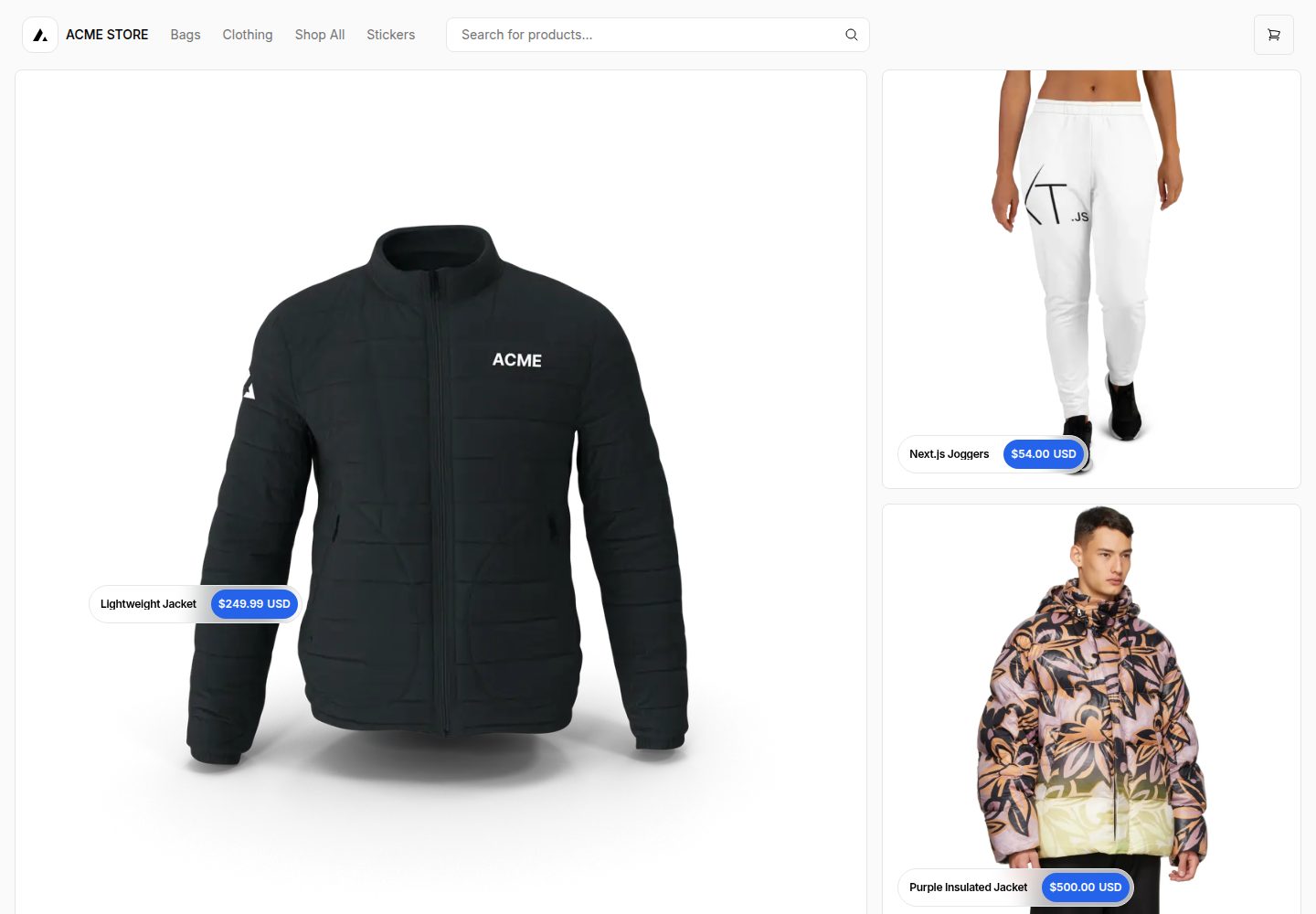
Based on the Next.js App Router, using React Server Components, Server Actions, Suspense, and useOptimistic
Next.jsReactE-commerce
ecommerce-nextjs-template — Next.js Ecommerce Template
By jxhnmcclain
An e-commerce template based on the Next.js App Router, using React Server Components, Server Actions, Suspense, and useOptimistic, with Shopify as the default headless e-commerce backend.
Explore the design
Compare the page layouts and mobile experience. Open any screenshot for a closer look.
Desktop homepage1 / 3
Desktop captureTop of page
Actual screenshot captured by the server browser.
All pages & views 3
Screenshots show visual appearance; interactive behavior may differ.
Recorded 2026-10-14View source
What stands out
A quick read of the recorded project description.
Shopify is the default backend; Vercel states that it only actively maintains the Shopify version
Other e-commerce providers can fork and replace the lib/shopify implementation, leaving the rest of the template largely unchanged
The README lists third-party adaptation repositories and demos for BigCommerce, Medusa, Saleor, Shopware, Wix, and others
Orama integration can upgrade search, supporting typeahead, vector similarity search, and browser/CDN execution
React Bricks integration enables visual editing of pages, product details, and footer content
Template Details
This template is the Shopify version of Next.js Commerce. The README describes it as a server-rendered Next.js App Router e-commerce application that uses features such as React Server Components, Server Actions, Suspense, and useOptimistic. Vercel states that it only actively maintains the Shopify version; other e-commerce providers can fork this repository and replace the lib/shopify implementation, while the rest of the template remains largely unchanged. The README lists third-party adaptation repositories and demo addresses for BigCommerce, Ecwid, Geins, Medusa, Prodigy Commerce, Saleor, Shopware, Swell, Umbraco, Wix, Fourthwall, and others. Regarding integrations, the README mentions that Orama can upgrade search (supporting typeahead, dynamic re-rendering, vector similarity search, and JS-based configuration, with search running in the browser or on a CDN), and that React Bricks, a visual headless CMS, can edit pages, product details, and footer content. Running locally requires the environment variables defined in .env.example. The README recommends using Vercel environment variables, though a .env file can also be used, and warns not to commit .env to avoid leaking control access to the Shopify store. The README does not specify the template's detailed feature list, performance metrics, or production readiness.
Next.jsE-commerce
Is it right for your project?
Use Cases
- Building a headless e-commerce storefront with Shopify as the backend
- Deploying Next.js Commerce on Vercel and configuring Shopify environment variables
- Forking this template and replacing lib/shopify to connect to other e-commerce providers
- Adding Orama search or React Bricks visual editing capabilities to the template
Suitable For
- Developers who need a Next.js App Router and Shopify headless e-commerce solution
- Front-end teams looking to reference or reuse the Next.js Commerce template structure
- Providers or integrators planning to replace the e-commerce backend implementation
Getting started & customization
Use these recorded setup notes alongside the repository instructions for your chosen version.
- 1
Running locally requires the environment variables defined in .env.example. The README recommends managing them through Vercel environment variables, though a .env file can also be used
- 2
Do not commit the .env file, otherwise keys that can control the Shopify store will be exposed
- 3
Install the Vercel CLI (npm i -g vercel), run vercel link to link the local instance, then use vercel env pull to retrieve environment variables
- 4
Install dependencies and start the development server: pnpm install, pnpm dev. The application runs on localhost:3000 by default
- 5
The README provides links to integration guides for Vercel, Next.js Commerce, and Shopify, including steps to configure Shopify as a headless CMS
License & source material
Usage conditions & limitations
Free to use · keep license noticeThis entry covers the free version under the MIT license in the public repository; the free scope applies to that version's code and does not mean that external services or third-party assets are free.
Must comply with when using
- Free use, modification, commercial use, and distribution of this version's code are permitted.
- When distributing copies or substantial portions of the code, retain the original author's copyright notice and the full MIT license notice.
- The code is provided as is; warranties and limitations of liability are governed by the original license and applicable law.
Additional costs & items to verify
- Demo images, fonts, icons, and other third-party assets must be checked against their respective licenses; the code's MIT license alone is not sufficient to determine this.
- External services such as domains, hosting, databases, payments, or AI may incur separate charges.
- Vercel only actively maintains the Shopify version; versions for other e-commerce providers are maintained by third parties and may lack official support and updates.
- Running locally requires the environment variables defined in .env.example, and you must prepare the relevant credentials for your Shopify store yourself.
- Do not commit the .env file, otherwise keys that can control the Shopify store will be leaked.
- The local run process depends on the Vercel CLI, and you need to install it and link Vercel and GitHub accounts.
- Connecting Shopify as a headless CMS requires configuration according to Vercel's integration guide and is an external service dependency.
View Original Text Basis
Permission is hereby granted, free of charge
Original License Text
Vercel will only be actively maintaining a Shopify version [as outlined in our vision and strategy for Next.js Commerce](https://github.com/vercel/commerce/pull/966).
Original README
You will need to use the environment variables [defined in `.env.example`](.env.example) to run Next.js Commerce. It's recommended you use [Vercel Environment Variables](https://vercel.com/docs/concepts/projects/environment-variables) for this, but a `.env` file is all that is necessary.
Original README
> Note: You should not commit your `.env` file or it will expose secrets that will allow others to control your Shopify store.
Original README
1. Install Vercel CLI: `npm i -g vercel`
Original README
https://github.com/jxhnmcclain/ecommerce-nextjs-template/blob/main/license.mdhttps://github.com/jxhnmcclain/ecommerce-nextjs-template/blob/main/README.mdYou can use this comprehensive [integration guide](https://vercel.com/docs/integrations/ecommerce/shopify) with step-by-step instructions on how to configure Shopify as a headless CMS using Next.js Commerce as your headless Shopify storefront on Vercel.
Original README
Compiled by DeepSeek based on repository license and README ·2026-10-14. Results only cover the materials read; dependencies, images, fonts, and subsequent term changes are subject to their respective original texts.
Project checks & description sources
Template Information
- Source platforms
- GitHub
- Documentation and maintenance reference score
- More documented · 80 / 100
- Technologies
- Next.js · React
- Website type
- E-commerce
How this score is calculated
Our heuristic uses license records (up to 30), a demo link (12), a preview (10), stars (15), recorded maintenance (15), description completeness (8), feature records (5) and classification data (5). It is not a code, security or performance test, or a Google score. A link does not establish tested functionality.
What to verify for this project
- Repository update recorded
- 2026-02-06
- Screenshot last checked
- 2026-10-14
A demo link is listed. Check it with your own content and viewport sizes; its presence does not confirm that forms, authentication or payments work.
The catalog identifies Next.js as the primary stack. Check the actual dependency manifest and lockfile for versions and hosting requirements. These notes use recorded metadata, not a code audit or a deployment test.
Use a selection guide →How this description was prepared
AI-assisted description based on catalog records and repository material. Repository authors are not automatically the reviewers of this description.
Review declaration: codex-user-requested-batch-review-20261015 · 2026-10-15
Inspect the recorded source material
SHA-256: 72e18363efb465957de54d84cb975b2046a13a3167ce15efd917468aa745f3e3
2026-10-14T16:31:26.353Z
Source file / repository[](https://vercel.com/new/clone?repository-url=https%3A%2F%2Fgithub.com%2Fvercel%2Fcommerce&project-name=commerce&repo-name=commerce&demo-title=Next.js%20Commerce&demo-url=https%3A%2F%2Fdemo.vercel.store&demo-image=https%3A%2F%2Fbigcommerce-demo-asset-ksvtgfvnd.vercel.app%2Fbigcommerce.png&env=COMPANY_NAME,SHOPIFY_REVALIDATION_SECRET,SHOPIFY_STORE_DOMAIN,SHOPIFY_STOREFRONT_ACCESS_TOKEN,SITE_NAME) # Next.js Commerce A high-performance, server-rendered Next.js App Router ecommerce application. This template uses React Server Components, Server Actions, `Suspense`, `useOptimistic`, and more. <h3 id="v1-note"></h3> > Note: Looking for Next.js Commerce v1? View the [code](https://github.com/vercel/commerce/tree/v1), [demo](https://commerce-v1.vercel.store), and [release notes](https://github.com/vercel/commerce/releases/tag/v1). ## Providers Vercel will only be actively maintaining a Shopify version [as outlined in our vision and strategy for Next.js Commerce](https://github.com/vercel/commerce/pull/966). Vercel is happy to partner and work with any commerce provider to help them get a similar template up and running and listed below. Alternative providers should be able to fork this repository and swap out the `lib/shopify` file with their own implementation while leaving the rest of the template mostly unchanged. - Shopify (this repository) - [BigCommerce](https://github.com/bigcommerce/nextjs-commerce) ([Demo](https://next-commerce-v2.vercel.app/)) - [Ecwid by Lightspeed](https://github.com/Ecwid/ecwid-nextjs-commerce/) ([Demo](https://ecwid-nextjs-commerce.vercel.app/)) - [Geins](https://github.com/geins-io/vercel-nextjs-commerce) ([Demo](https://geins-nextjs-commerce-starter.vercel.app/)) - [Medusa](https://github.com/medusajs/vercel-commerce) ([Demo](https://medusa-nextjs-commerce.vercel.app/)) - [Prodigy Commerce](https://github.com/prodigycommerce/nextjs-commerce) ([Demo](https://prodigy-nextjs-commerce.vercel.app/)) - [Saleor](https://github.com/saleor/nextjs-commerce) ([Demo](https://saleor-commerce.vercel.app/)) - [Shopware](https://github.com/shopwareLabs/vercel-commerce) ([Demo](https://shopware-vercel-commerce-react.vercel.app/)) - [Swell](https://github.com/swellstores/verswell-commerce) ([Demo](https://verswell-commerce.vercel.app/)) - [Umbraco](https://github.com/umbraco/Umbraco.VercelCommerce.Demo) ([Demo](https://vercel-commerce-demo.umbraco.com/)) - [Wix](https://github.com/wix/headless-templates/tree/main/nextjs/commerce) ([Demo](https://wix-nextjs-commerce.vercel.app/)) - [Fourthwall](https://github.com/FourthwallHQ/vercel-commerce) ([Demo](https://vercel-storefront.fourthwall.app/)) > Note: Providers, if you are looking to use similar products for your demo, you can [download these assets](https://drive.google.com/file/d/1q_bKerjrwZgHwCw0ovfUMW6He9VtepO_/view?usp=sharing). ## Integrations Integrations enable upgraded or additional functionality for Next.js Commerce - [Orama](https://github.com/oramasearch/nextjs-commerce) ([Demo](https://vercel-commerce.oramasearch.com/)) - Upgrades search to include typeahead with dynamic re-rendering, vector-based similarity search, and JS-based configuration. - Search runs entirely in the browser for smaller catalogs or on a CDN for larger. - [React Bricks](https://github.com/ReactBricks/nextjs-commerce-rb) ([Demo](https://nextjs-commerce.reactbricks.com/)) - Edit pages, product details, and footer content visually using [React Bricks](https://www.reactbricks.com) visual headless CMS. ## Running locally You will need to use the environment variables [defined in `.env.example`](.env.example) to run Next.js Commerce. It's recommended you use [Vercel Environment Variables](https://vercel.com/docs/concepts/projects/environment-variables) for this, but a `.env` file is all that is necessary. > Note: You should not commit your `.env` file or it will expose secrets that will allow others to control your Shopify store. 1. Install Vercel CLI: `npm i -g vercel` 2. Link local instance with Vercel and GitHub accounts (creates `.vercel` directory): `vercel link` 3. Download your environment variables: `vercel env pull` ```bash pnpm install pnpm dev ``` Your app should now be running on [localhost:3000](http://localhost:3000/). <details> <summary>Expand if you work at Vercel and want to run locally and / or contribute</summary> 1. Run `vc link`. 1. Select the `Vercel Solutions` scope. 1. Connect to the existing `commerce-shopify` project. 1. Run `vc env pull` to get environment variables. 1. Run `pnpm dev` to ensure everything is working correctly. </details> ## Vercel, Next.js Commerce, and Shopify Integration Guide You can use this comprehensive [integration guide](https://vercel.com/docs/integrations/ecommerce/shopify) with step-by-step instructions on how to configure Shopify as a headless CMS using Next.js Commerce as your headless Shopify storefront on Vercel.
Explore similar templates
Compare previews and descriptions within the same stack and category.

Next.js Commerce
Vercel's officially maintained Next.js App Router ecommerce starter with deep Shopify integration, offering a complete product catalog, cart, and checkout flow. Core logic is modular for swapping backends, and community provider versions exist for BigCommerce, Medusa, and Saleor.
Next.js · E-commerce
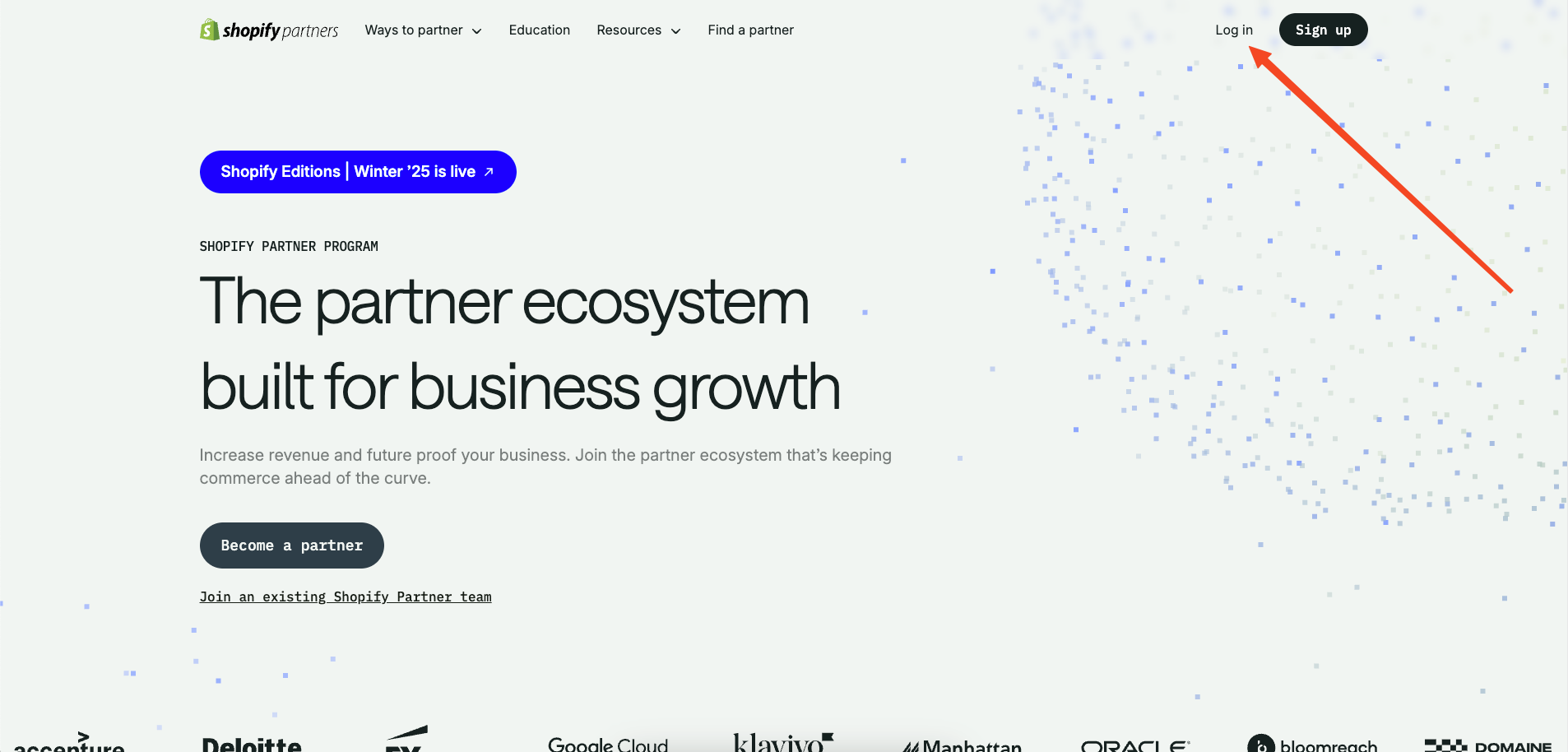
commerceplate
A free Shopify e-commerce starter template built with Next.js 16, Tailwind CSS 4, and TypeScript, using the Shopify Storefront API (GraphQL).
Next.js · E-commerce
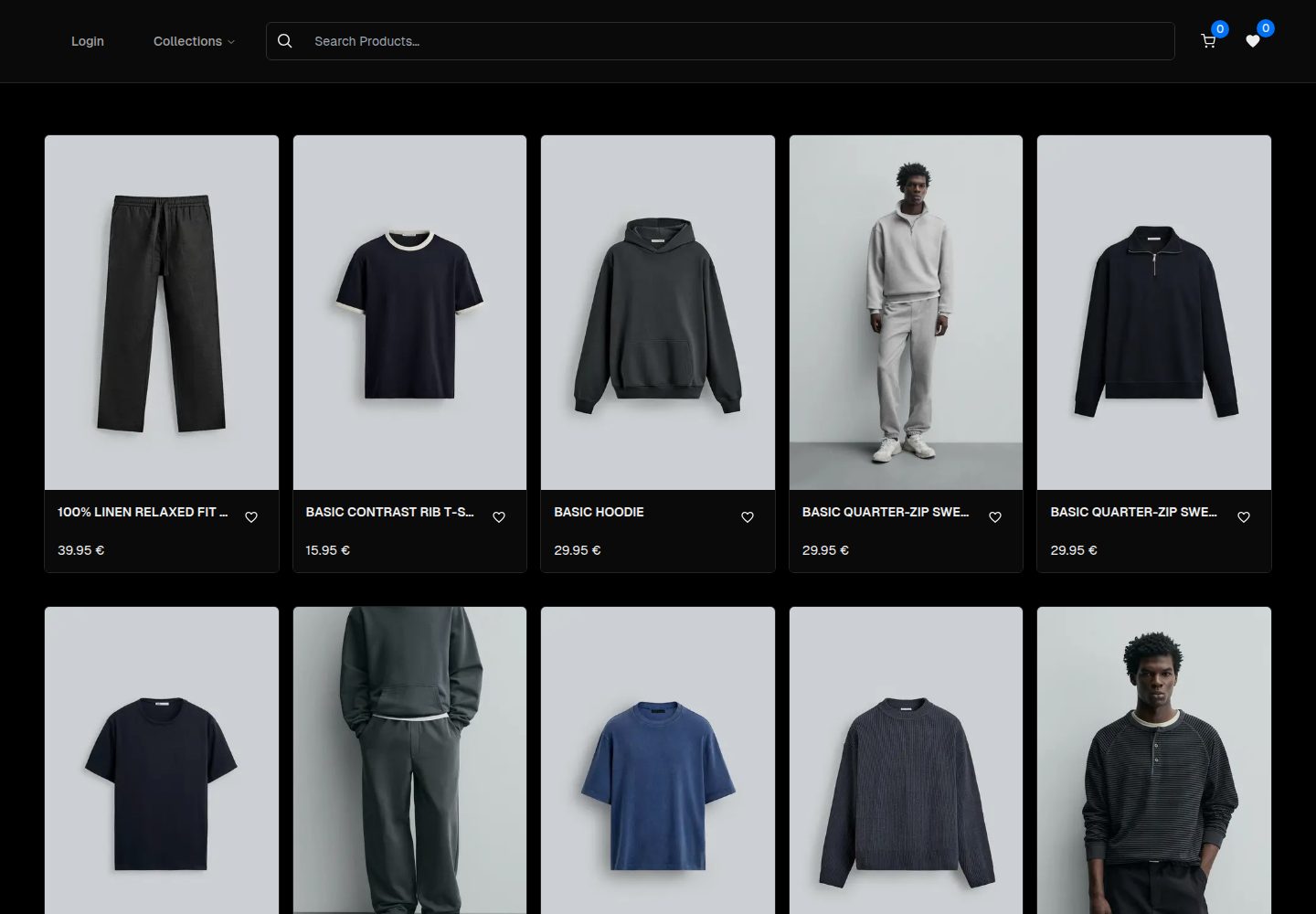
ecommerce-template
A Next.js App Router ecommerce template built with TypeScript, Tailwind CSS, Radix UI, and TanStack Query.
Next.js · E-commerce
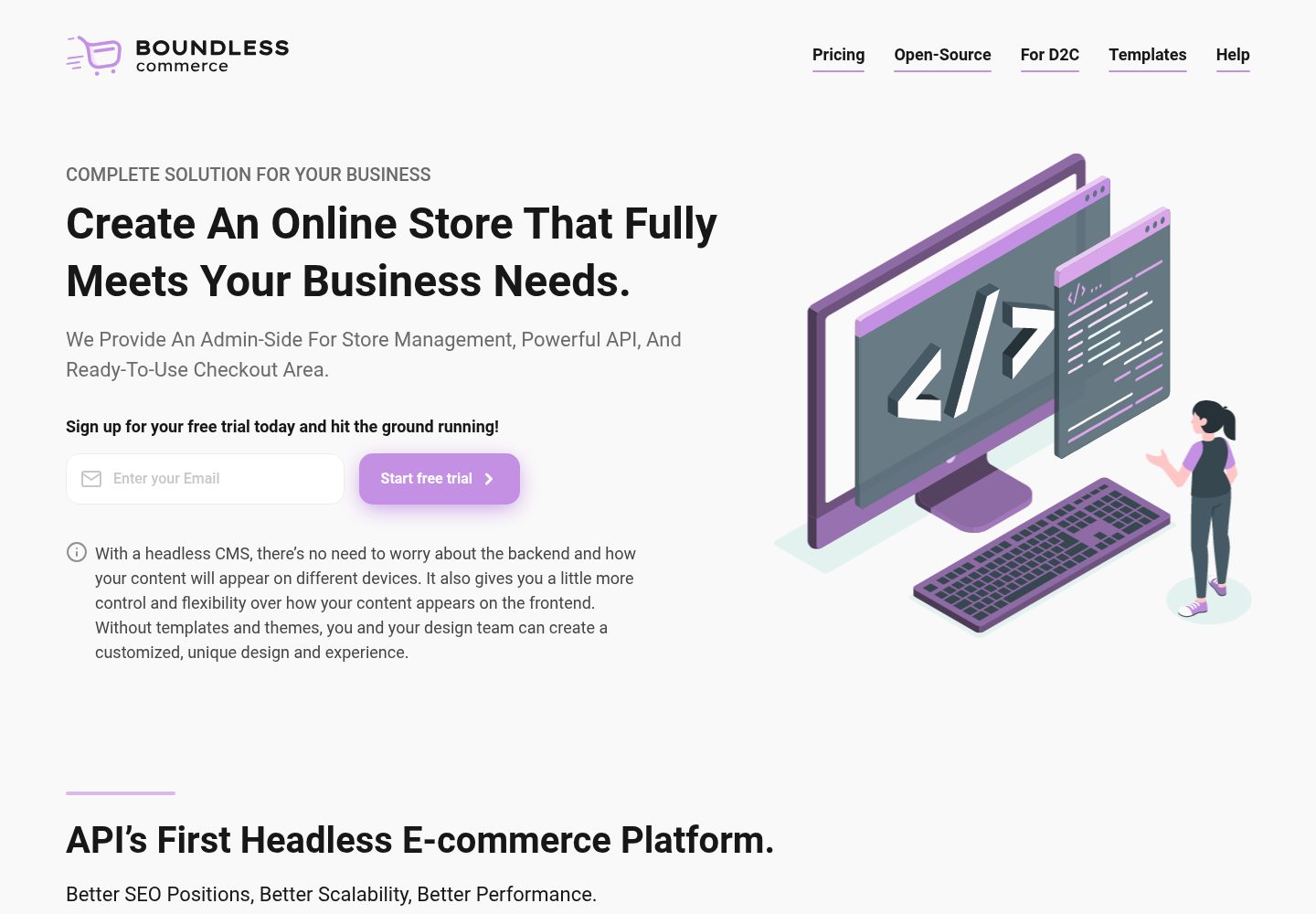
boundless-nextjs-ecommerce-template
A free Next.js and TypeScript e-commerce frontend starter kit from Boundless Commerce.
Next.js · E-commerce
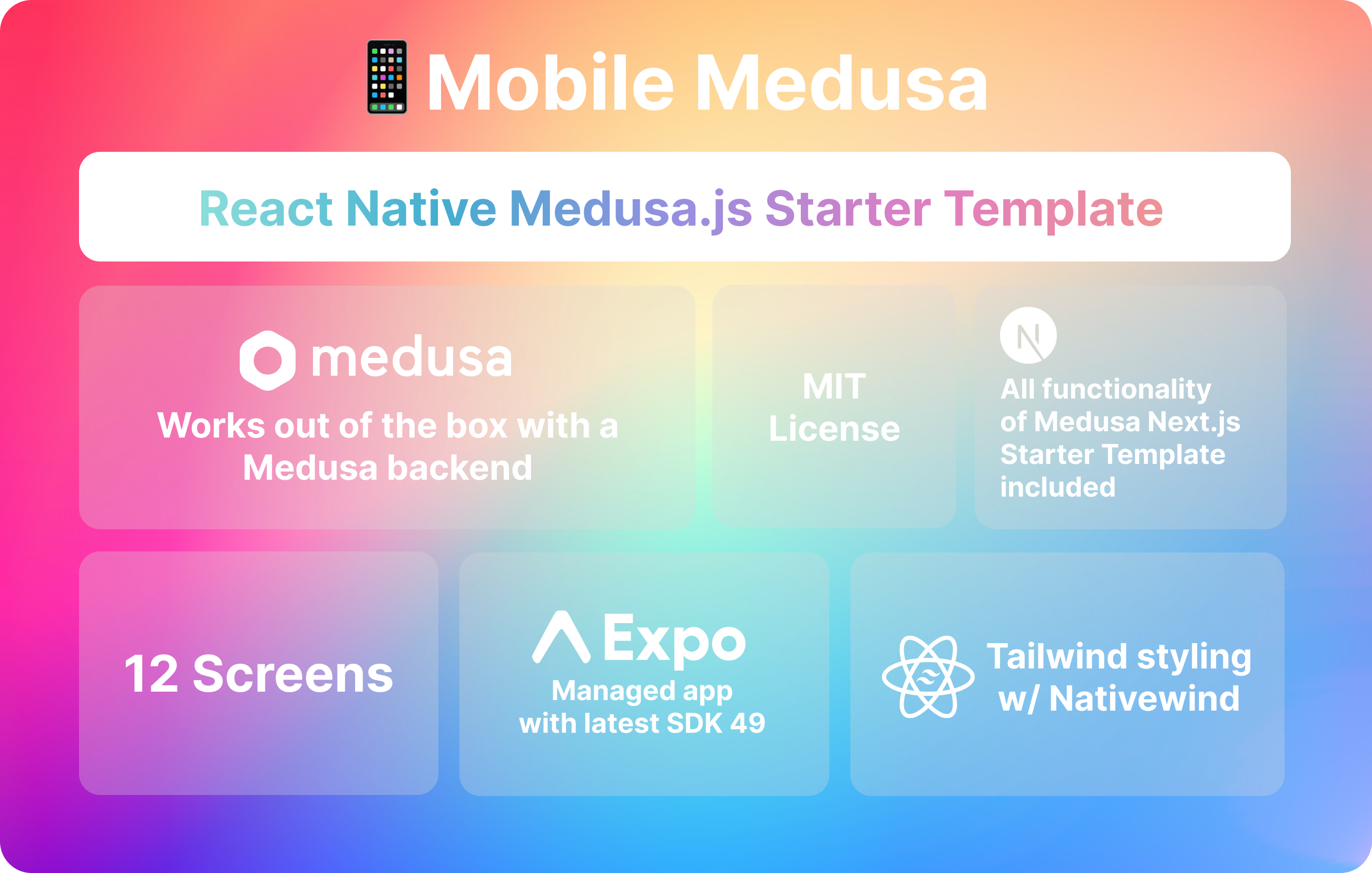
mobile-medusa
Mobile Medusa is an Expo-based React Native mobile e-commerce starter template that connects to a Medusa backend and aligns its pages and user flows with the Medusa Next.js Starter.
Next.js · E-commerce
template-ecommerce-webapp-nextjs
An official Contentful-maintained Next.js ecommerce starter template that fetches content via the Contentful GraphQL API and uses graphql-codegen to generate a type-safe SDK.
Next.js · E-commerce