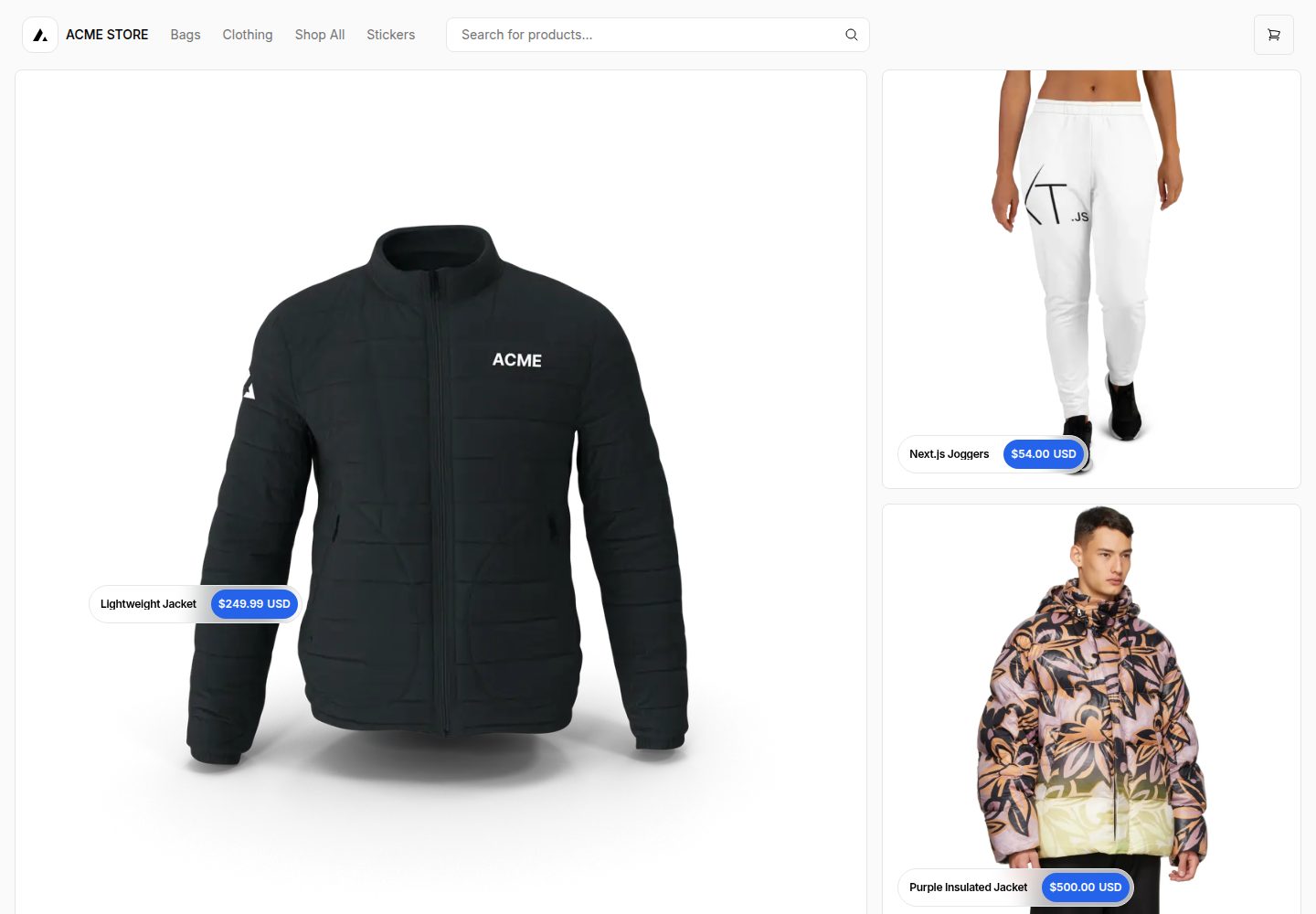
基于 Next.js App Router,使用 React Server Components、Server Actions、Suspense 和 useOptimistic
Next.jsReact电商
ecommerce-nextjs-template — Next.js 电商模板
作者 jxhnmcclain
基于 Next.js App Router 的电商模板,使用 React Server Components、Server Actions、Suspense 和 useOptimistic,默认对接 Shopify 作为无头电商后端。
看看你的网站会是什么样
浏览真实页面截图,比较内容排版与手机效果。点击下方缩略图切换,放大查看整页细节。
全部页面与视图 3
截图用于了解视觉与布局,交互效果请以实际项目为准。
采集于 2026-10-14查看来源
值得关注的模板亮点
从已有项目资料中,快速了解它的特点。
默认对接 Shopify,Vercel 表示只主动维护 Shopify 版本
其他电商服务商可 fork 后替换 lib/shopify 实现,其余模板部分基本不变
README 列出 BigCommerce、Medusa、Saleor、Shopware、Wix 等第三方适配仓库与演示
Orama 集成可升级搜索,支持 typeahead、向量相似度搜索和浏览器/CDN 运行
React Bricks 集成可可视化编辑页面、商品详情和页脚内容
模板详细介绍
该模板是 Next.js Commerce 的 Shopify 版本,README 将其描述为服务端渲染的 Next.js App Router 电商应用,使用 React Server Components、Server Actions、Suspense 和 useOptimistic 等特性。Vercel 表示只主动维护 Shopify 版本,其他电商服务商可 fork 本仓库并替换 lib/shopify 实现,其余部分基本保持不变。README 列出了 BigCommerce、Ecwid、Geins、Medusa、Prodigy Commerce、Saleor、Shopware、Swell、Umbraco、Wix、Fourthwall 等第三方适配仓库及演示地址。集成方面,README 提到 Orama 可升级搜索(支持 typeahead、动态重渲染、向量相似度搜索和基于 JS 的配置,搜索可在浏览器或 CDN 运行),React Bricks 可视化无头 CMS 可编辑页面、商品详情和页脚内容。本地运行需要 .env.example 中定义的环境变量,README 建议使用 Vercel 环境变量,也可用 .env 文件,并提示不要提交 .env 以免泄露 Shopify 店铺控制权限。README 未说明模板的具体功能清单、性能指标或生产就绪程度。
Next.js电商
适合你的项目吗?
适用场景
- 以 Shopify 为后端搭建无头电商店面
- 在 Vercel 上部署 Next.js Commerce 并配置 Shopify 环境变量
- 基于该模板 fork 并替换 lib/shopify,接入其他电商服务商
- 为模板增加 Orama 搜索或 React Bricks 可视化编辑能力
适合人群
- 需要 Next.js App Router 与 Shopify 无头电商方案的开发者
- 希望参考或复用 Next.js Commerce 模板结构的前端团队
- 计划替换电商后端实现的服务商或集成方
上手与定制指南
结合仓库当前版本的说明,按下面的资料检查内容、配置与运行要求。
- 1
本地运行需使用 .env.example 中定义的环境变量,README 建议通过 Vercel 环境变量管理,也可使用 .env 文件
- 2
不要提交 .env 文件,否则会暴露可控制 Shopify 店铺的密钥
- 3
安装 Vercel CLI(npm i -g vercel),执行 vercel link 关联本地实例,再用 vercel env pull 拉取环境变量
- 4
安装依赖并启动开发服务器:pnpm install、pnpm dev,应用默认运行在 localhost:3000
- 5
README 提供 Vercel、Next.js Commerce 与 Shopify 的集成指南链接,包含配置 Shopify 为无头 CMS 的步骤
授权与来源资料
使用条件与限制
免费使用 · 保留许可声明本次收录的是公开仓库中采用 MIT 许可的免费版本;免费范围为该版本代码,不代表外部服务或第三方素材免费。
使用时需要遵守
- 允许免费使用、修改、商用和分发该版本代码。
- 分发代码副本或实质性部分时,保留原作者版权声明和完整 MIT 许可声明。
- 代码按现状提供;担保与责任限制以原许可证及适用法律为准。
额外费用与待核对事项
- 演示图片、字体、图标及其他第三方素材需按各自许可核对,不能仅凭代码的 MIT 许可判断。
- 域名、托管、数据库、支付或 AI 等外部服务可能另外收费。
- Vercel 仅主动维护 Shopify 版本,其他电商服务商版本由第三方自行维护,可能缺少官方支持与更新。
- 本地运行必须使用 .env.example 中定义的环境变量,并需自行准备 Shopify 店铺相关凭据。
- 不得提交 .env 文件,否则会泄露可控制 Shopify 店铺的密钥。
- 本地运行流程依赖 Vercel CLI,需要安装并关联 Vercel 与 GitHub 账号。
- 对接 Shopify 作为无头 CMS 需按 Vercel 集成指南完成配置,属于外部服务依赖。
查看原文依据
Permission is hereby granted, free of charge
许可证原文
Vercel will only be actively maintaining a Shopify version [as outlined in our vision and strategy for Next.js Commerce](https://github.com/vercel/commerce/pull/966).
README 原文
You will need to use the environment variables [defined in `.env.example`](.env.example) to run Next.js Commerce. It's recommended you use [Vercel Environment Variables](https://vercel.com/docs/concepts/projects/environment-variables) for this, but a `.env` file is all that is necessary.
README 原文
> Note: You should not commit your `.env` file or it will expose secrets that will allow others to control your Shopify store.
README 原文
1. Install Vercel CLI: `npm i -g vercel`
README 原文
https://github.com/jxhnmcclain/ecommerce-nextjs-template/blob/main/license.mdhttps://github.com/jxhnmcclain/ecommerce-nextjs-template/blob/main/README.mdYou can use this comprehensive [integration guide](https://vercel.com/docs/integrations/ecommerce/shopify) with step-by-step instructions on how to configure Shopify as a headless CMS using Next.js Commerce as your headless Shopify storefront on Vercel.
README 原文
DeepSeek 根据仓库许可证和 README 整理 ·2026-10-14。结果仅覆盖已读取资料,依赖、图片、字体及后续条款变更以各自原文为准。
项目核对记录与介绍依据
模板资料
- 来源平台
- GitHub
- 资料与维护参考分
- 资料较完整 · 80 / 100
- 技术栈
- Next.js · React
- 网站类型
- 电商
这个分数如何计算
本站按许可资料(最高30分)、演示链接(12分)、预览图(10分)、Star数(15分)、记录的维护时间(15分)、描述完整度(8分)、功能记录(5分)和分类资料(5分)计算。它不是代码、安全或性能测试,也不是 Google 评分;有链接不代表已实测可用。
这个项目需要核对什么
- 记录的仓库更新时间
- 2026-02-06
- 截图检查日期
- 2026-10-14
已收录演示链接。请用你的内容与屏幕尺寸检查;有演示不代表表单、认证或支付已经可用。
目录记录的主要技术栈是 Next.js。请通过依赖清单和锁文件核对实际版本与托管要求。这些说明基于收录资料,不代表代码审计或部署实测。
查看具体选型方法 →介绍的制作与核对状态
介绍由 AI 辅助整理目录与仓库资料。仓库作者不等于这篇介绍的审核者。
审核声明: codex-user-requested-batch-review-20261015 · 2026-10-15
查看当时使用的来源资料
SHA-256: 72e18363efb465957de54d84cb975b2046a13a3167ce15efd917468aa745f3e3
2026-10-14T16:31:26.353Z
来源文件 / 仓库[](https://vercel.com/new/clone?repository-url=https%3A%2F%2Fgithub.com%2Fvercel%2Fcommerce&project-name=commerce&repo-name=commerce&demo-title=Next.js%20Commerce&demo-url=https%3A%2F%2Fdemo.vercel.store&demo-image=https%3A%2F%2Fbigcommerce-demo-asset-ksvtgfvnd.vercel.app%2Fbigcommerce.png&env=COMPANY_NAME,SHOPIFY_REVALIDATION_SECRET,SHOPIFY_STORE_DOMAIN,SHOPIFY_STOREFRONT_ACCESS_TOKEN,SITE_NAME) # Next.js Commerce A high-performance, server-rendered Next.js App Router ecommerce application. This template uses React Server Components, Server Actions, `Suspense`, `useOptimistic`, and more. <h3 id="v1-note"></h3> > Note: Looking for Next.js Commerce v1? View the [code](https://github.com/vercel/commerce/tree/v1), [demo](https://commerce-v1.vercel.store), and [release notes](https://github.com/vercel/commerce/releases/tag/v1). ## Providers Vercel will only be actively maintaining a Shopify version [as outlined in our vision and strategy for Next.js Commerce](https://github.com/vercel/commerce/pull/966). Vercel is happy to partner and work with any commerce provider to help them get a similar template up and running and listed below. Alternative providers should be able to fork this repository and swap out the `lib/shopify` file with their own implementation while leaving the rest of the template mostly unchanged. - Shopify (this repository) - [BigCommerce](https://github.com/bigcommerce/nextjs-commerce) ([Demo](https://next-commerce-v2.vercel.app/)) - [Ecwid by Lightspeed](https://github.com/Ecwid/ecwid-nextjs-commerce/) ([Demo](https://ecwid-nextjs-commerce.vercel.app/)) - [Geins](https://github.com/geins-io/vercel-nextjs-commerce) ([Demo](https://geins-nextjs-commerce-starter.vercel.app/)) - [Medusa](https://github.com/medusajs/vercel-commerce) ([Demo](https://medusa-nextjs-commerce.vercel.app/)) - [Prodigy Commerce](https://github.com/prodigycommerce/nextjs-commerce) ([Demo](https://prodigy-nextjs-commerce.vercel.app/)) - [Saleor](https://github.com/saleor/nextjs-commerce) ([Demo](https://saleor-commerce.vercel.app/)) - [Shopware](https://github.com/shopwareLabs/vercel-commerce) ([Demo](https://shopware-vercel-commerce-react.vercel.app/)) - [Swell](https://github.com/swellstores/verswell-commerce) ([Demo](https://verswell-commerce.vercel.app/)) - [Umbraco](https://github.com/umbraco/Umbraco.VercelCommerce.Demo) ([Demo](https://vercel-commerce-demo.umbraco.com/)) - [Wix](https://github.com/wix/headless-templates/tree/main/nextjs/commerce) ([Demo](https://wix-nextjs-commerce.vercel.app/)) - [Fourthwall](https://github.com/FourthwallHQ/vercel-commerce) ([Demo](https://vercel-storefront.fourthwall.app/)) > Note: Providers, if you are looking to use similar products for your demo, you can [download these assets](https://drive.google.com/file/d/1q_bKerjrwZgHwCw0ovfUMW6He9VtepO_/view?usp=sharing). ## Integrations Integrations enable upgraded or additional functionality for Next.js Commerce - [Orama](https://github.com/oramasearch/nextjs-commerce) ([Demo](https://vercel-commerce.oramasearch.com/)) - Upgrades search to include typeahead with dynamic re-rendering, vector-based similarity search, and JS-based configuration. - Search runs entirely in the browser for smaller catalogs or on a CDN for larger. - [React Bricks](https://github.com/ReactBricks/nextjs-commerce-rb) ([Demo](https://nextjs-commerce.reactbricks.com/)) - Edit pages, product details, and footer content visually using [React Bricks](https://www.reactbricks.com) visual headless CMS. ## Running locally You will need to use the environment variables [defined in `.env.example`](.env.example) to run Next.js Commerce. It's recommended you use [Vercel Environment Variables](https://vercel.com/docs/concepts/projects/environment-variables) for this, but a `.env` file is all that is necessary. > Note: You should not commit your `.env` file or it will expose secrets that will allow others to control your Shopify store. 1. Install Vercel CLI: `npm i -g vercel` 2. Link local instance with Vercel and GitHub accounts (creates `.vercel` directory): `vercel link` 3. Download your environment variables: `vercel env pull` ```bash pnpm install pnpm dev ``` Your app should now be running on [localhost:3000](http://localhost:3000/). <details> <summary>Expand if you work at Vercel and want to run locally and / or contribute</summary> 1. Run `vc link`. 1. Select the `Vercel Solutions` scope. 1. Connect to the existing `commerce-shopify` project. 1. Run `vc env pull` to get environment variables. 1. Run `pnpm dev` to ensure everything is working correctly. </details> ## Vercel, Next.js Commerce, and Shopify Integration Guide You can use this comprehensive [integration guide](https://vercel.com/docs/integrations/ecommerce/shopify) with step-by-step instructions on how to configure Shopify as a headless CMS using Next.js Commerce as your headless Shopify storefront on Vercel.
看看同类模板
对比同技术栈与用途的模板,找到更适合的视觉与内容结构。

Next.js Commerce
Next.js Commerce 是 Vercel 团队维护的电商启动模板,基于 Next.js App Router 构建,采用服务端渲染、React Server Components、Server Actions …
Next.js · 电商
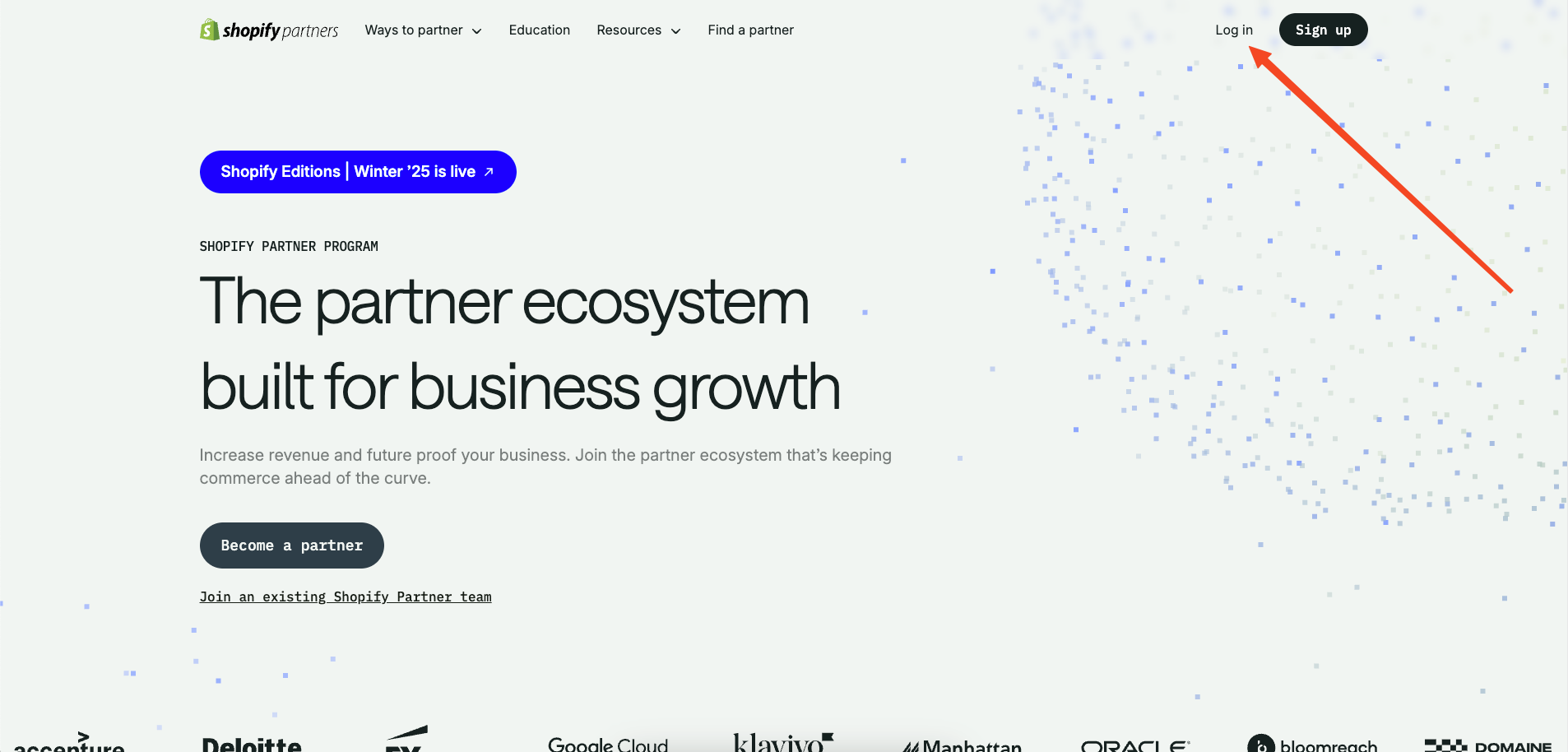
commerceplate
Commerceplate 是一个基于 Next.js 16、Tailwind CSS 4 和 TypeScript 的 Shopify 电商启动模板,由 Zeon Studio 开发并免费开源。
Next.js · 电商
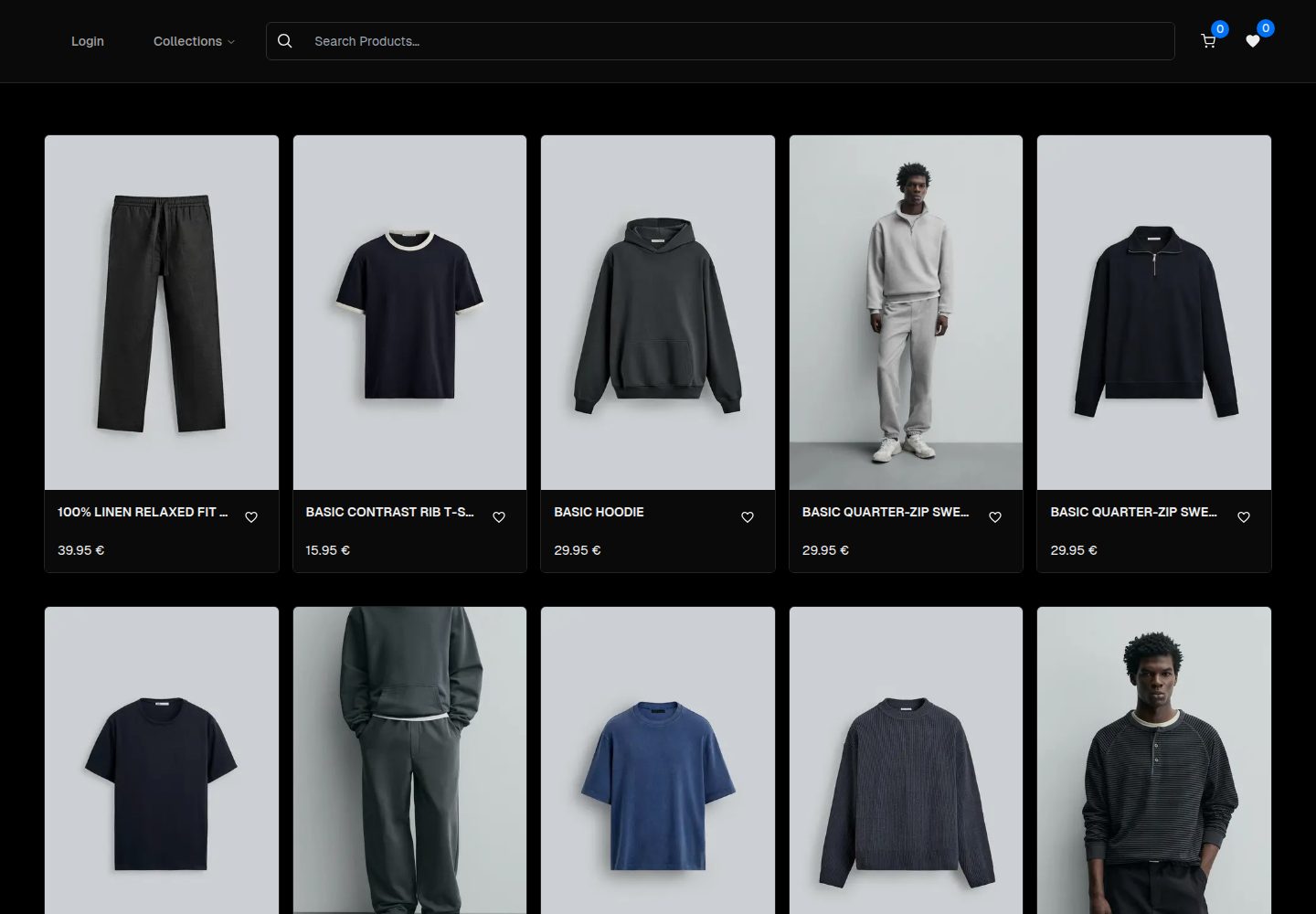
ecommerce-template
An ecommerce template built with NextJS 16, TypeScript and TailwindCSS
Next.js · 电商
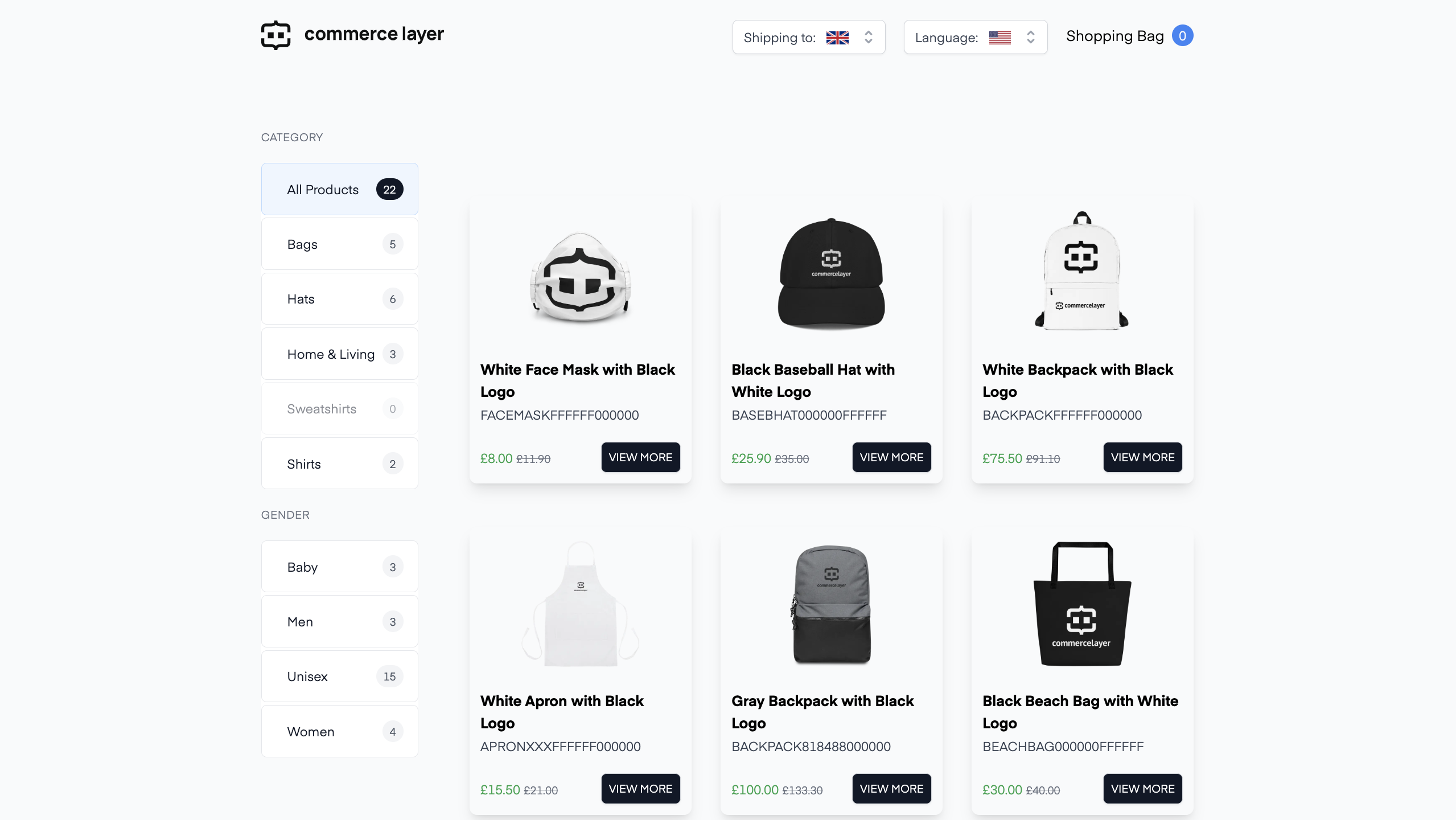
commercelayer-sanity-template
A multi-country ecommerce template built with Commerce Layer, Next.js, Sanity studio, and deployed to Netlify.
Next.js · 电商
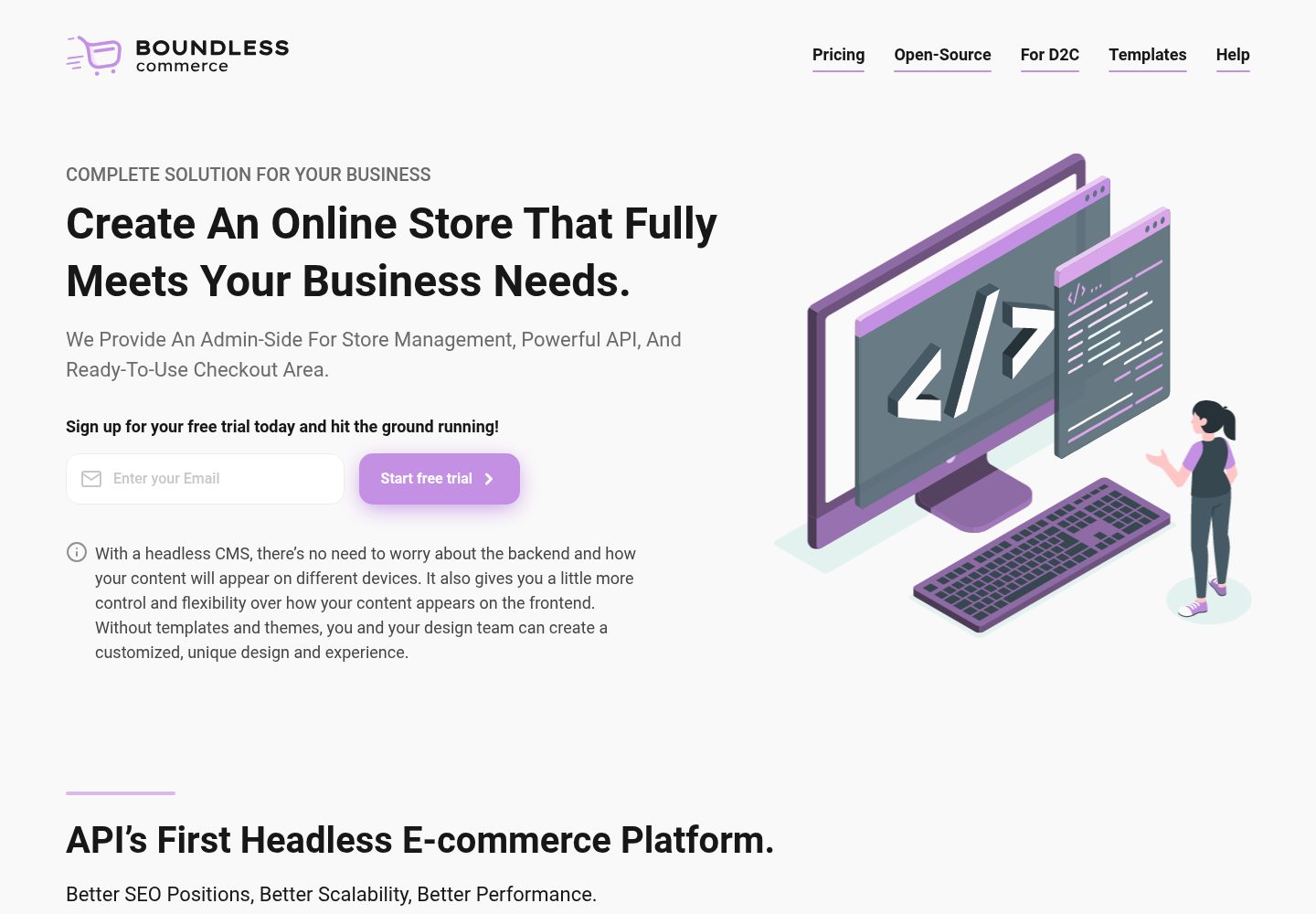
boundless-nextjs-ecommerce-template
Next.js E-Commerce template. Strong TypeScript, Ready to use, For high-performance e-commerce websites.
Next.js · 电商
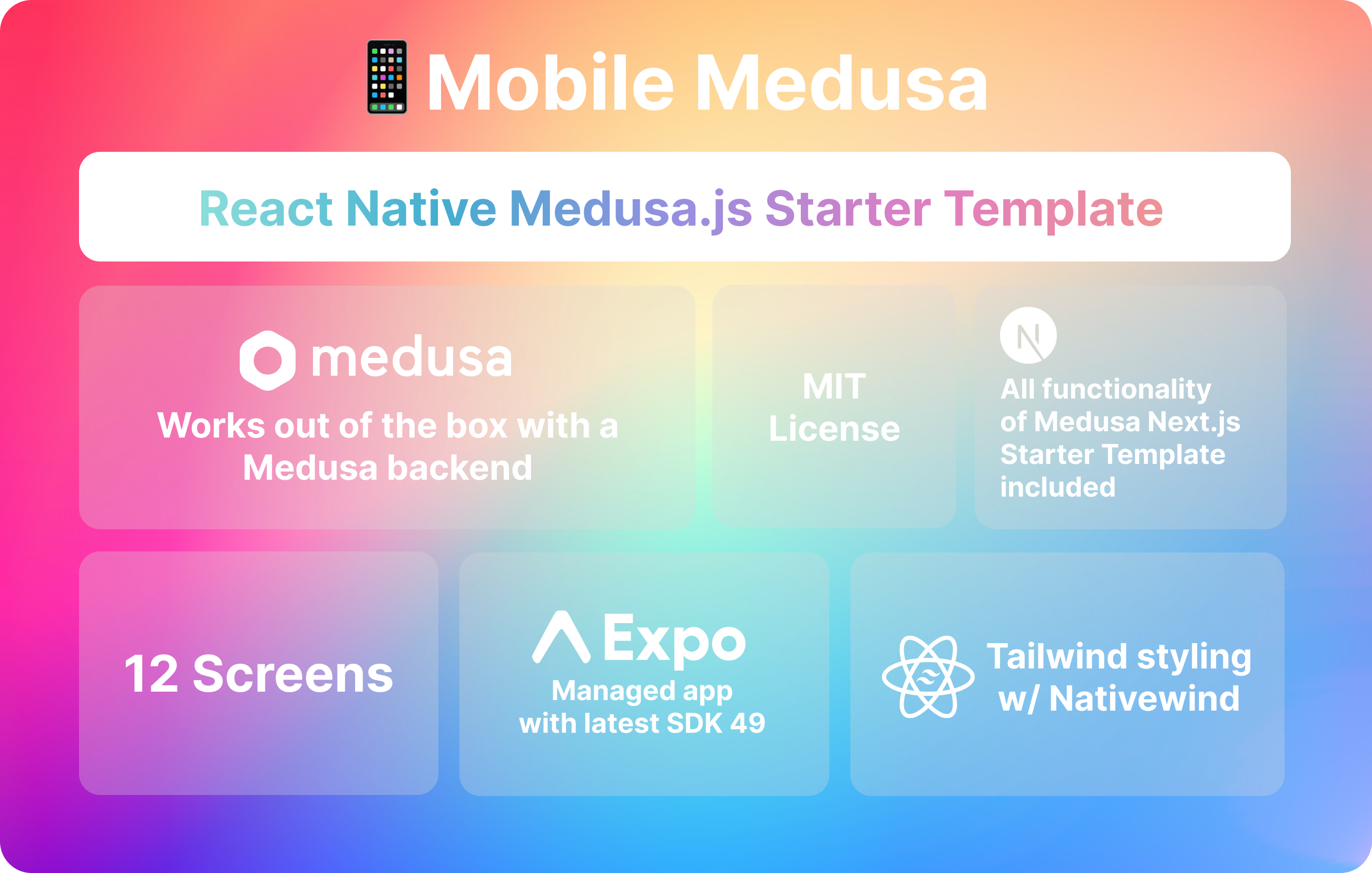
mobile-medusa
📱 Combine your Medusa.js e-commerce backend and/or web storefront with a Expo mobile app that matches Medusa …
Next.js · 电商