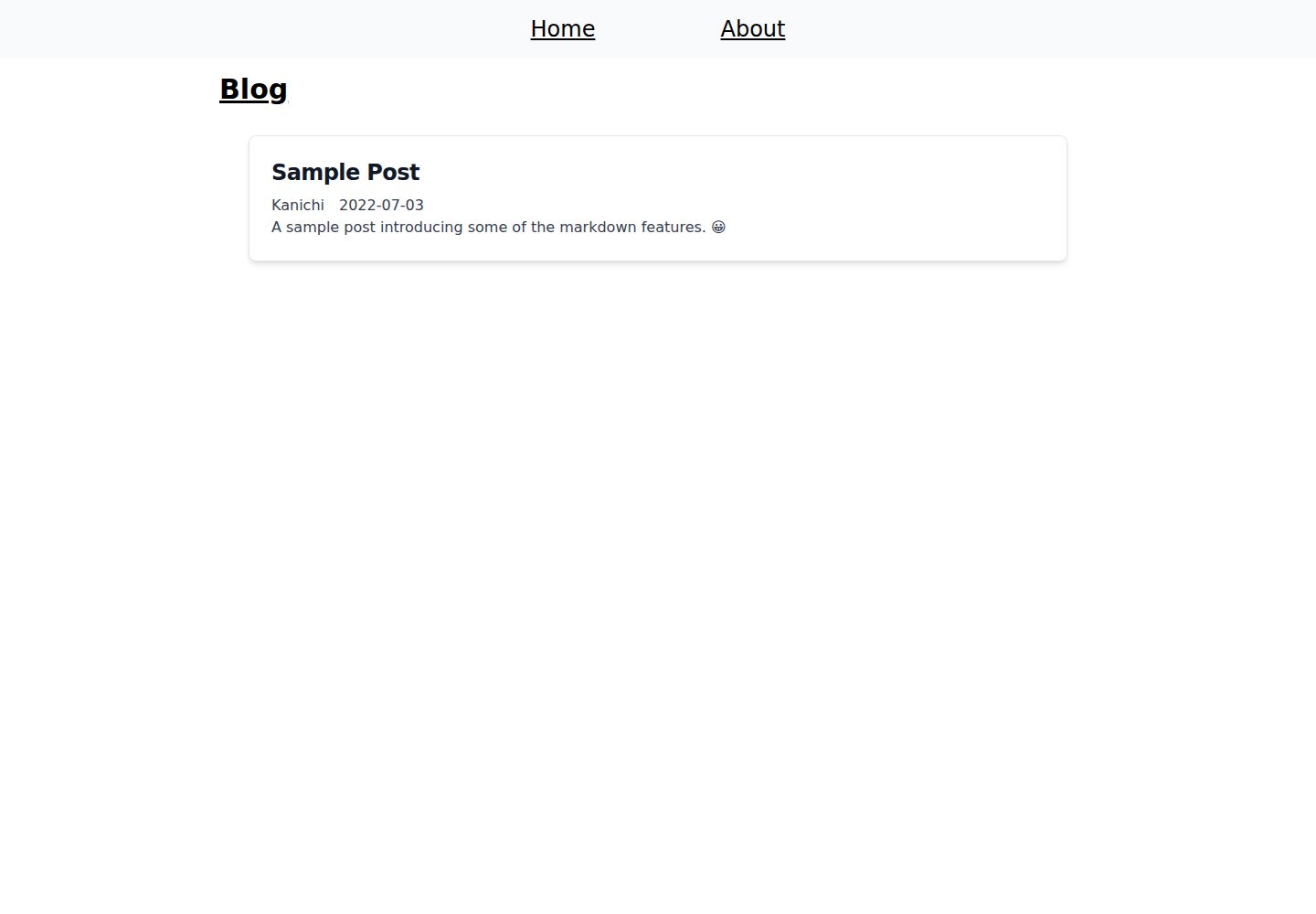
Articles are managed as Markdown files in the contents directory
SvelteBlog
svelte-markdown-blog-template — Svelte Blog Template
By kan1-u
A Markdown blog template built with Svelte, where articles are stored as Markdown files in the contents directory, with a GitHub Pages deployment workflow included.
Explore the design
Compare the page layouts and mobile experience. Open any screenshot for a closer look.
Desktop homepage1 / 3
Desktop captureTop of page
Actual screenshot captured by the server browser.
All pages & views 3
Screenshots show visual appearance; interactive behavior may differ.
Recorded 2026-10-01View source
What stands out
A quick read of the recorded project description.
Each Markdown file must provide title, author, date, and description metadata at the top
kit.paths.base in svelte.config.js must be set to the repository name to match the deployment path
The repository includes a GitHub Actions workflow that publishes build output to the gh-pages branch
Local development and build commands are npm run dev and npm run build, respectively
Under the MIT license, free use, modification, commercial use, and distribution are allowed
Template Details
This is a Svelte-based blog template driven by Markdown files. Markdown files in the repository's contents directory are recognized as articles; it initially includes a sample.md example file, which can be deleted to create your own articles. Each Markdown file must provide metadata at the top, including title, author, date, and description fields.
The template's deployment path requires manual configuration: in svelte.config.js, set kit.paths.base to the repository name; the README gives an example value of /svelte-markdown-blog-template. The repository includes a GitHub Actions workflow that, on pushes to the main branch, installs, builds, and publishes the build directory to the gh-pages branch via peaceiris/actions-gh-pages, so the site can be published using GitHub Pages.
Local development uses npm run dev, and building uses npm run build. The repository is under the MIT license, allowing free use, modification, commercial use, and distribution of this version of the code, but third-party assets such as demo images, fonts, and icons require separate license verification, and external services such as domains and hosting may incur costs. The template provides no information about features such as styling, categories, tags, pagination, or comments, so these must be confirmed before use.
SvelteBlog
Is it right for your project?
Use Cases
- A personal blog site where articles are written as Markdown files
- Hosting a static blog for free via GitHub Pages
- Extending blog features on a Svelte project base
Suitable For
- Writers familiar with Markdown who want content separated from code
- Developers who manage and publish static sites using GitHub repositories
- Users willing to manually modify configuration files and deployment paths
Getting started & customization
Use these recorded setup notes alongside the repository instructions for your chosen version.
- 1
Change kit.paths.base in svelte.config.js to your own repository name
- 2
Add Markdown files to the contents directory as articles; the sample sample.md can be deleted
- 3
Each Markdown file must include title, author, date, and description metadata at the top
- 4
After pushing to the main branch, the included workflow builds and publishes to the gh-pages branch
- 5
Use npm run dev for local preview and npm run build for building
License & source material
Usage conditions & limitations
Free to use · keep license noticeThis entry covers the free version under the MIT license in a public repository; the free scope is the code of this version and does not imply that external services or third-party assets are free.
Must comply with when using
- Free use, modification, commercial use, and distribution of this version of the code are allowed.
- When distributing copies or substantial portions of the code, retain the original author's copyright notice and the full MIT license notice.
- The code is provided as is; warranties and limitations of liability are governed by the original license and applicable law.
Additional costs & items to verify
- Before use, kit.paths.base in svelte.config.js must be manually changed to the actual deployment repository name, otherwise site asset paths will be incorrect.
- Each Markdown article must provide title, author, date, and description metadata at the top; missing metadata will prevent the article from being generated correctly.
- Publishing relies on the GitHub Pages service, requires a GitHub account and repository, and may be subject to that external service's terms and fees.
- Demo images, fonts, icons, and other third-party assets must be checked against their respective licenses and cannot be judged solely by the code's MIT license.
- External services such as domains, hosting, databases, payments, or AI may incur additional charges.
View Original Text Basis
Permission is hereby granted, free of charge
Original License Text
Set the `base` property in `svelte.config.js` to the repository name.
Original README
Metadata is always required at the beginning of the markdown file.
Original README
https://github.com/kan1-u/svelte-markdown-blog-template/blob/main/LICENSEhttps://github.com/kan1-u/svelte-markdown-blog-template/blob/main/README.mdYou can easily publish using [Github Pages](https://docs.github.com/en/pages/getting-started-with-github-pages/about-github-pages).
Original README
Compiled by DeepSeek based on repository license and README ·2026-10-01. Results only cover the materials read; dependencies, images, fonts, and subsequent term changes are subject to their respective original texts.
Project checks & description sources
Template Information
- Source platforms
- GitHub
- Documentation and maintenance reference score
- Partly documented · 65 / 100
- Technologies
- Svelte
- Website type
- Blog
How this score is calculated
Our heuristic uses license records (up to 30), a demo link (12), a preview (10), stars (15), recorded maintenance (15), description completeness (8), feature records (5) and classification data (5). It is not a code, security or performance test, or a Google score. A link does not establish tested functionality.
What to verify for this project
- Repository update recorded
- 2022-07-03
- Screenshot last checked
- 2026-10-01
A demo link is listed. Check it with your own content and viewport sizes; its presence does not confirm that forms, authentication or payments work.
The catalog identifies Svelte as the primary stack. Check the actual dependency manifest and lockfile for versions and hosting requirements. These notes use recorded metadata, not a code audit or a deployment test.
Use a selection guide →How this description was prepared
AI-assisted description based on catalog records and repository material. Repository authors are not automatically the reviewers of this description.
Automatically checked against source and license rules; no manual editorial review.
Inspect the recorded source material
SHA-256: 8f61075d8d20f69d7e68134581611c5f60f339f5eb0875a439b9ae6a21ae79b6
2026-10-01T00:29:03.989Z
Source file / repository# Svelte Markdown Blog Template
A Markdown-based blog template developed in Svelte.
## Setup
Set the `base` property in `svelte.config.js` to the repository name.
```javascript
const config = {
kit: {
paths: {
base: '/svelte-markdown-blog-template' // Change to the your repository name.
}
}
};
```
## Write Post
The markdown files in `contents` are recognized as posts.
This repository has `sample.md` at the initially.
You can delete it to create your own posts.
Metadata is always required at the beginning of the markdown file.
```markdown
---
title: Sample Post
author: Uegaki
date: 2022-07-03
description: A sample post introducing some of the features. 😀
---
```
## Publish
You can easily publish using [Github Pages](https://docs.github.com/en/pages/getting-started-with-github-pages/about-github-pages).
This repository has a Github Workflow for that, just publish the `gh-pages` branch.
```yaml
name: github pages
on:
push:
branches:
- main
jobs:
deploy:
runs-on: ubuntu-latest
steps:
- uses: actions/checkout@v3
- uses: actions/setup-node@v3
with:
node-version: 16
cache: 'npm'
- name: Install
run: npm i
- name: Build
run: npm run build
- name: Deploy
uses: peaceiris/actions-gh-pages@v3
with:
github_token: ${{ secrets.GITHUB_TOKEN }}
publish_dir: ./build
```
## Development
You can free to develop in any environment you like.
```shell
npm run dev
```
- build
```shell
npm run build
```
Explore similar templates
Compare previews and descriptions within the same stack and category.

CMSaasStarter
CMSaasStarter is an MIT-licensed SaaS starter template built with SvelteKit, TailwindCSS, DaisyUI, and Supabase, with Stripe Checkout and Stripe Portal for payments.
Svelte · Admin dashboard
sveltepress
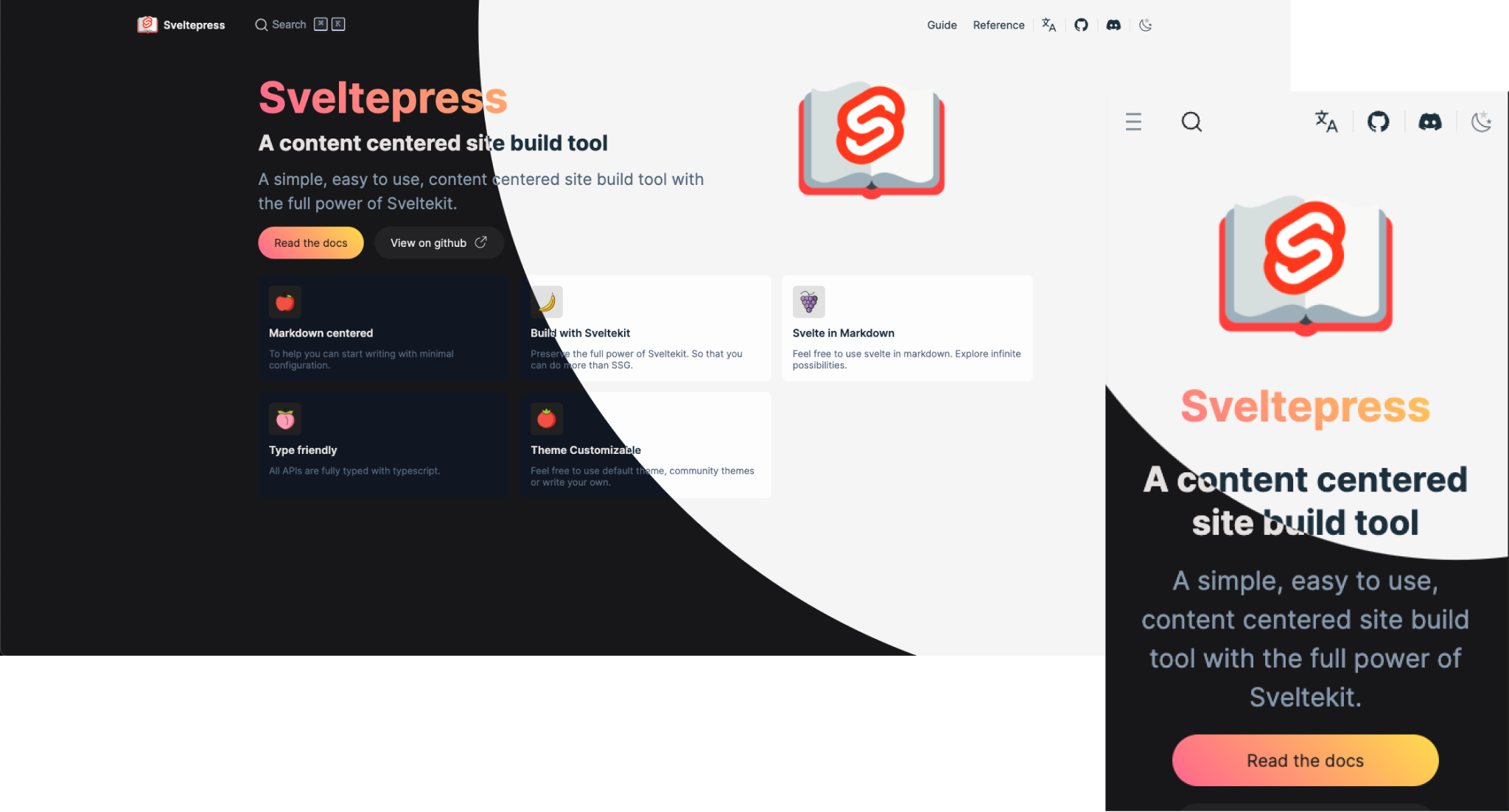
Sveltepress is a SvelteKit-based static site generator for documentation and blogs, with Markdown that can use Svelte 5 Runes, components, and interactive islands.
Svelte · Tool Site
sveltekit-blog-template
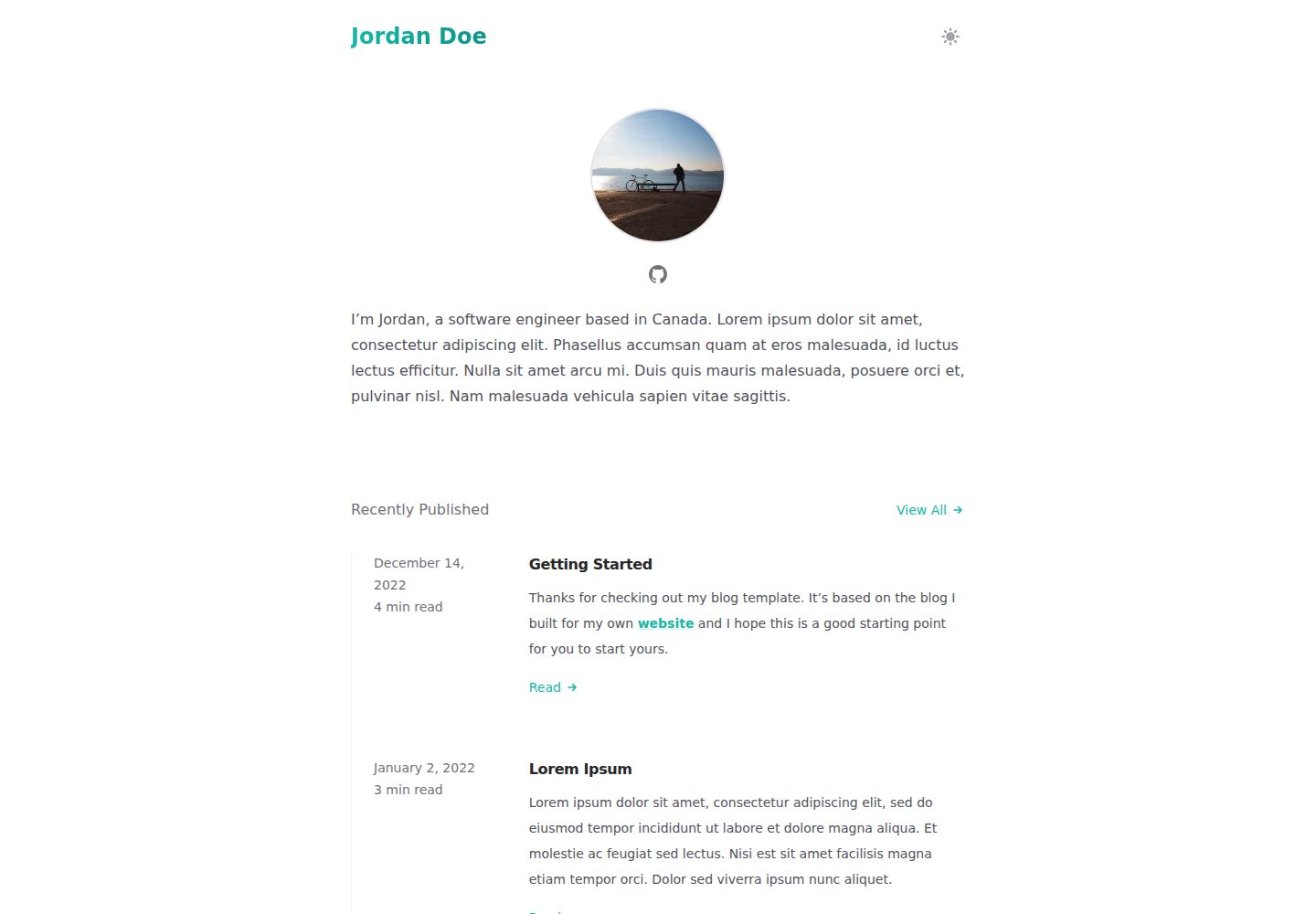
A SvelteKit blog template that uses mdsvex for Markdown content and Tailwind for styling, with a theme referencing Tailwind's Spotlight blog template.
Svelte · Blog
sveltekit-mdsvex-blog
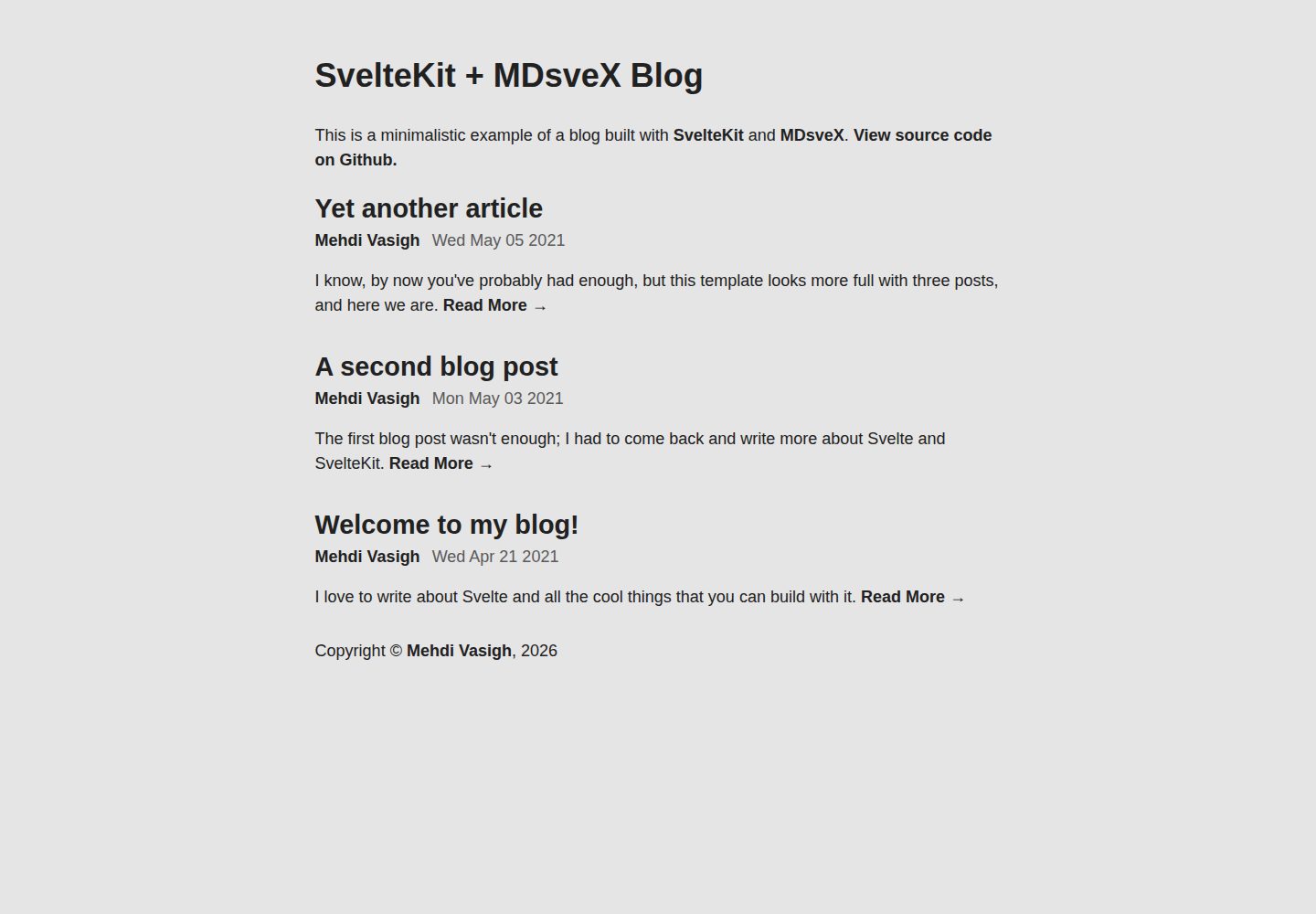
A minimal blog template built with SvelteKit and MDsveX, written in TypeScript. It supports writing articles in Markdown with embedded Svelte components, recognizes .svelte.md, .md, and .svx files, and is preconfigured with @sveltejs/adapter-static for static hosting deployment.
Svelte · Blog
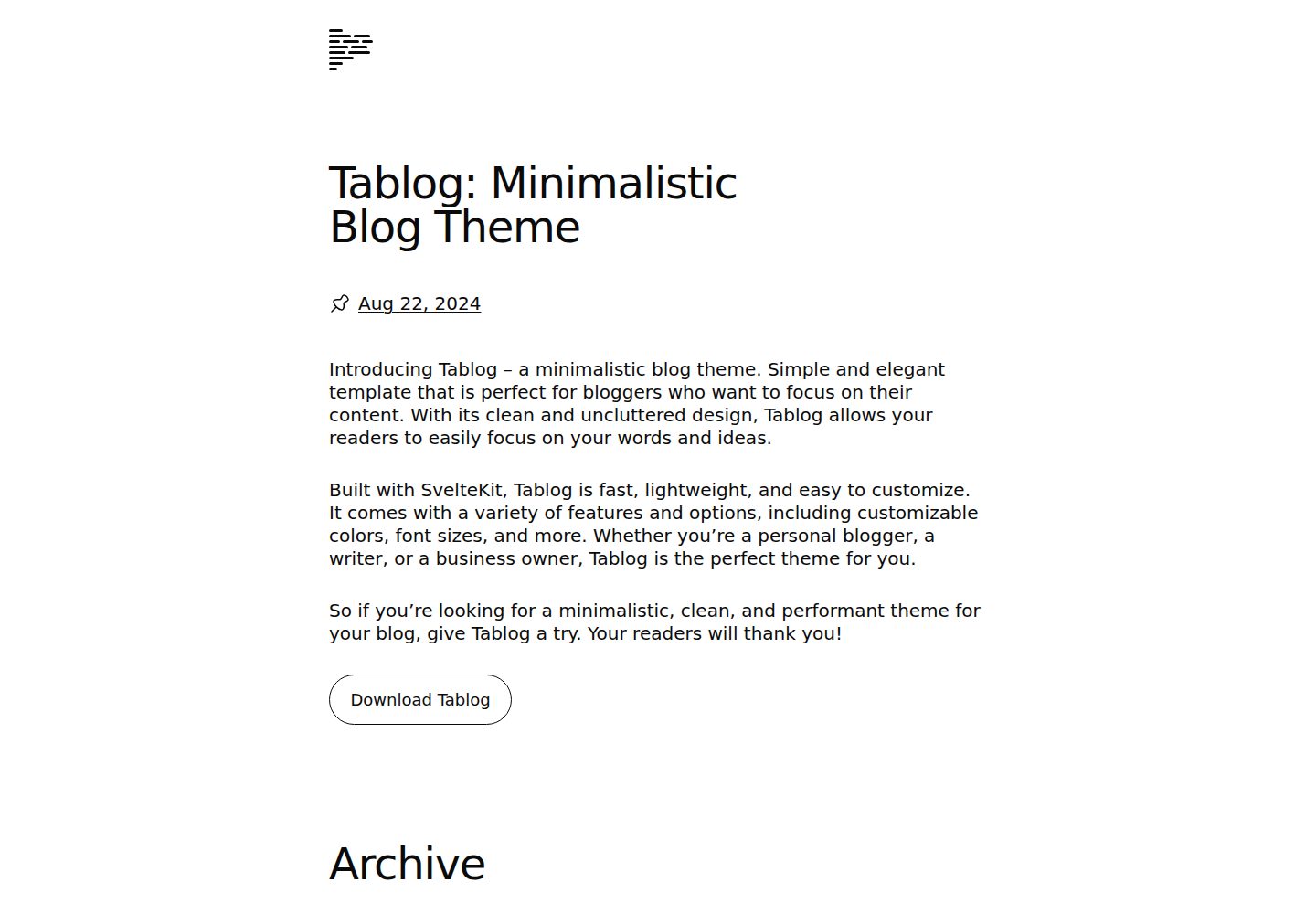
tablog-svelte
A minimalist SvelteKit blog theme that generates all content from Markdown files in /content via mdsvex, with site configuration centralized in /src/config.js. Entries with a date attribute become posts, those without become static pages, and draft: true entries are inaccessible.
Svelte · Blog

sveltekit-mdsvex-blog-template
A SvelteKit and MDsveX blog starter for Markdown writing with embedded Svelte components, Tailwind CSS typography, tags, dark mode, SEO metadata, and Cloudflare Workers deployment configuration. Requires Node.js 22.12+ and pnpm 11.17.0; third-party demo assets need separate license verification.
Svelte · Portfolio