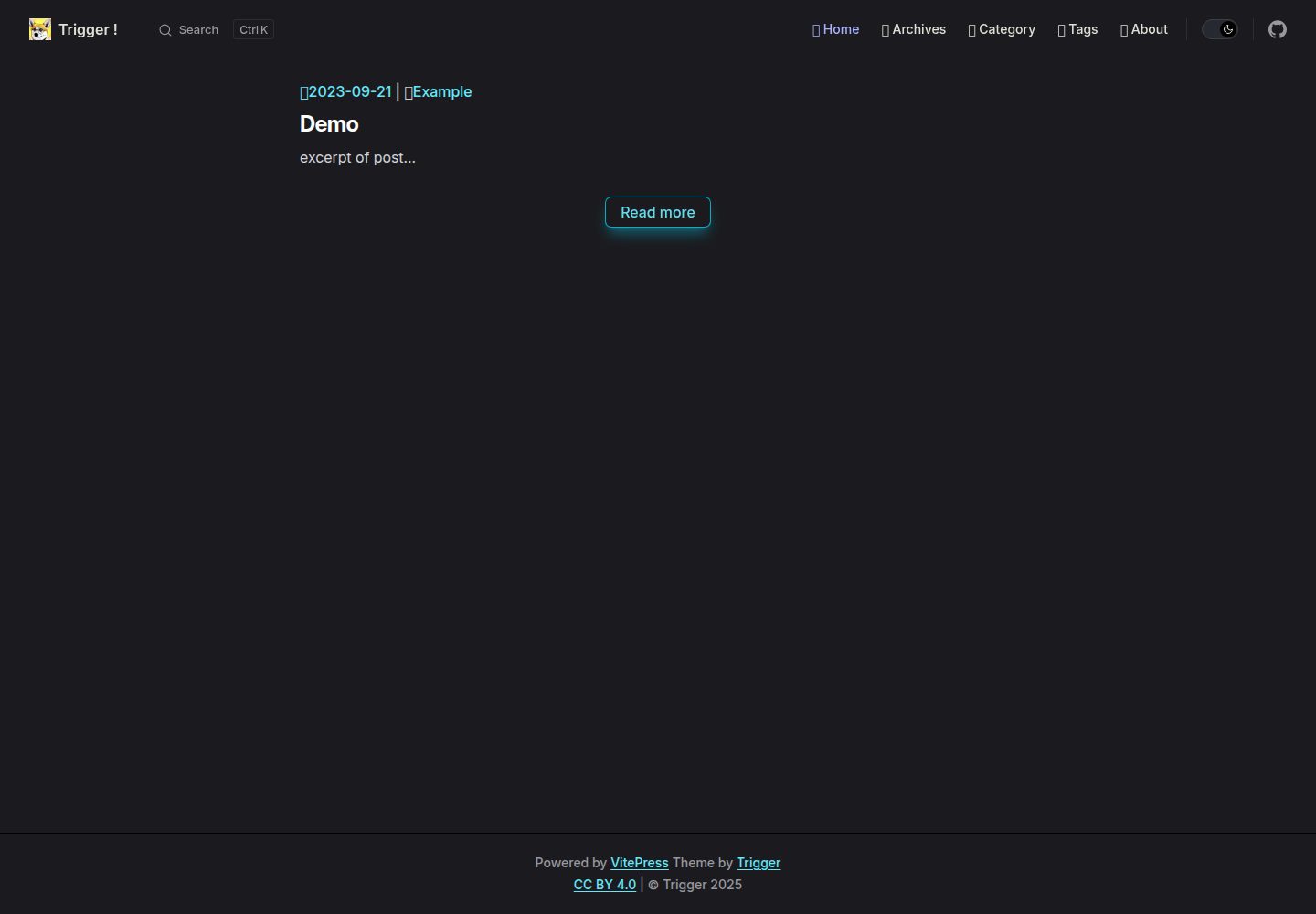
Generate new posts in the posts directory via CLI commands
VitePressBlog
vitepress-theme-trigger — VitePress Blog Template
By laplacetw
vitepress-theme-trigger is a blog theme based on VitePress and Tailwind CSS, offering CLI post creation, AI summaries, JSON-LD, pagination, comments, and math formula rendering.
Explore the design
Compare the page layouts and mobile experience. Open any screenshot for a closer look.
Desktop homepage1 / 3
Desktop captureTop of page
Actual screenshot captured by the server browser.
All pages & views 3
Screenshots show visual appearance; interactive behavior may differ.
Recorded 2026-10-01View source
What stands out
A quick read of the recorded project description.
Integrate Cloudflare Workers AI for real-time post summaries
Automatically inject JSON-LD structured data into each post page
Build a responsive light/dark mode interface with Tailwind CSS
History API-based post list pagination and automatic sitemap
Utterances comments that automatically sync with light/dark mode
Template Details
vitepress-theme-trigger is a blog theme for VitePress, using Tailwind CSS to build the interface. The repository is released under the MIT license, and the demo site is deployed on GitHub Pages. The theme name comes from the author's favorite anime, World Trigger.
In terms of features, the theme provides CLI generation of new posts, real-time AI summaries, automatic injection of JSON-LD structured data into each post, post list pagination based on the History API, automatic sitemap generation, modular configuration, Utterances comments that follow light and dark modes, optimized MathJax formula rendering, automatic previous/next post links, and footnote support based on markdown-it-footnote.
For usage and deployment, Node.js 18 or higher is required. After cloning the project, you can edit .vitepress/theme/config.ts and the public/ directory for customization; use npm or pnpm to run install, new post, development, build, and local preview commands. The repository includes a GitHub Actions workflow. After configuring themeConfig.base, pushing to GitHub triggers automatic deployment to GitHub Pages. The README also provides an example build configuration for AWS Amplify.
Important limitations: real-time AI summaries depend on Cloudflare Workers AI and AI Gateway. You need to register with Cloudflare yourself, create a Worker and Gateway, and fill in the Worker API address in the theme configuration; this feature is not ready out of the box. Third-party assets such as demo images, fonts, and icons must be checked separately under their respective licenses and cannot be judged solely by the code's MIT license.
VitePressBlog
Is it right for your project?
Use Cases
- Building a personal blog with VitePress and wanting a ready-made theme
- Needing blog features such as post list pagination, previous/next links, and sitemap
- Quickly creating post drafts via CLI
- Technical writing scenarios requiring comments, footnotes, and math formula rendering
Suitable For
- Developers familiar with VitePress or the Vue ecosystem who are willing to modify configuration themselves
- Users who can accept and configure Cloudflare Workers AI to enable AI summaries
- Individuals or teams needing a blog theme that can be freely modified and distributed under the MIT license
Getting started & customization
Use these recorded setup notes alongside the repository instructions for your chosen version.
- 1
Node.js 18 or higher is required.
- 2
After cloning the project, edit .vitepress/theme/config.ts and the public/ directory for customization.
- 3
Use npm or pnpm to run commands such as install, new, dev, build, and preview.
- 4
To enable AI summaries, register with Cloudflare, create an AI Worker and AI Gateway, and fill in the Worker API in the theme configuration.
- 5
Before deploying to GitHub Pages, correctly configure themeConfig.base; after pushing, the built-in workflow deploys automatically.
License & source material
Usage conditions & limitations
Free to use · keep license noticeThis entry covers the free version in the public repository under the MIT license; the free scope is the code of this version and does not mean external services or third-party assets are free.
Must comply with when using
- Free use, modification, commercial use, and distribution of this version's code are permitted.
- When distributing copies or substantial portions of the code, retain the original author's copyright notice and the full MIT license notice.
- The code is provided as is; warranties and liability limitations are governed by the original license and applicable law.
Additional costs & items to verify
- The real-time AI summary feature is not ready out of the box: you must register a Cloudflare account, create an AI Worker and AI Gateway, and fill in the Worker API address in the theme configuration before use.
- AI summaries depend on the Cloudflare Workers AI gateway; you need to fill in your own userID and AI Gateway name in the Worker code and configure the authentication key env.key.
- Before using the built-in GitHub Actions workflow to automatically deploy to GitHub Pages, themeConfig.base must be correctly configured, otherwise the deployment path will be wrong.
- Demo images, fonts, icons, and other third-party assets must be checked under their respective licenses and cannot be judged solely by the code's MIT license.
- External services such as domains, hosting, databases, payments, or AI may incur additional charges.
View Original Text Basis
Permission is hereby granted, free of charge
Original License Text
To enable the AI-powered realtime summary, you need to sign up for [Cloudflare](https://www.cloudflare.com), create your own AI Worker (free) and AI Gateway (traffic control), and configure the Worker API in the theme config.
Original README
const userID = 'YOUR_USER_ID'; const gatewayID = 'YOUR_AI_GATEWAY_NAME'
Original README
https://github.com/laplacetw/vitepress-theme-trigger/blob/main/LICENSEhttps://github.com/laplacetw/vitepress-theme-trigger/blob/main/README.mdYou just need to ensure that the [themeConfig.base](https://github.com/laplacetw/vitepress-theme-trigger/blob/main/.vitepress/theme/config.ts) is properly configured and GitHub pages auto-deployment will be triggered after push to GitHub.
Original README
Compiled by DeepSeek based on repository license and README ·2026-10-01. Results only cover the materials read; dependencies, images, fonts, and subsequent term changes are subject to their respective original texts.
Project checks & description sources
Template Information
- Source platforms
- GitHub
- Documentation and maintenance reference score
- More documented · 81 / 100
- Technologies
- VitePress
- Website type
- Blog
How this score is calculated
Our heuristic uses license records (up to 30), a demo link (12), a preview (10), stars (15), recorded maintenance (15), description completeness (8), feature records (5) and classification data (5). It is not a code, security or performance test, or a Google score. A link does not establish tested functionality.
What to verify for this project
- Repository update recorded
- 2025-08-08
- Screenshot last checked
- 2026-10-01
A demo link is listed. Check it with your own content and viewport sizes; its presence does not confirm that forms, authentication or payments work.
The catalog identifies VitePress as the primary stack. Check the actual dependency manifest and lockfile for versions and hosting requirements. These notes use recorded metadata, not a code audit or a deployment test.
Use a selection guide →How this description was prepared
AI-assisted description based on catalog records and repository material. Repository authors are not automatically the reviewers of this description.
Automatically checked against source and license rules; no manual editorial review.
Inspect the recorded source material
SHA-256: 85d56b943eabb31668df52b5ff3370aadb60789220674a9df2e83339d96d0018
2026-10-01T04:02:07.464Z
Source file / repository


# vitepress-theme-trigger
Blog theme for [VitePress](https://vitepress.dev) with [Tailwind CSS](https://tailwindcss.com).
- [中文 README](./README_CH.md)

## Introduction
"Trigger" is a out-of-the-box VitePress theme, named after my favorite Anime "[World Trigger](https://en.wikipedia.org/wiki/World_Trigger)". You can use it directly or customize it to better suit your needs.
More info about customization :
- [VitePress Doc - Using Vue in Markdown](https://vitepress.dev/guide/using-vue)
- [VitePress Doc - Extending the Default Theme](https://vitepress.dev/guide/extending-default-theme)
- [VitePress Doc - Build-Time Data Loading](https://vitepress.dev/guide/data-loading)
If there has any problem please feel free to create issue.
## Changelog
Detailed changes are documented in the [CHANGELOG](./CHANGELOG.md).
## Features
- 🖋️ **Generate new posts via CLI** – Scaffold articles instantly with a single command
- 🤖 **AI-powered summary** – Real-time article overview powered by AI
- 📈 **SEO-ready with JSON-LD** – Auto-injected schema data on every post page
- 🎨 **Style with Tailwind CSS** – Responsive design that looks great in both light/dark mode
- 📚 **Pagination powered by History API** – Smooth navigation between post lists
- 🗺️ [**Automatic sitemap generation**](https://vitepress.dev/guide/sitemap-generation#sitemap-generation) – Boost your site's visibility in search engines
- 🧩 **Modular config integration** – Centralized control for site and theme settings
- 💬 [**Utterances for comments**](https://utteranc.es) – GitHub-powered commenting system
- 🔄 **Theme-aware Utterances** – Auto-sync comment box with light/dark mode
- 📐 [**Optimized MathJax rendering**](https://github.com/vuejs/vitepress/issues/3914#issuecomment-2138527325) – Clean, responsive math formulas on mobile
- ⏭️ **Prev/Next post links** – Auto-generated without extra frontmatter
- 🦶 **Footnote support** – Powered by [markdown-it-footnote](https://github.com/markdown-it/markdown-it-footnote) for scholarly notes
## Prerequisite
- [Node.js](https://nodejs.org) version 18 or higher.
## Usage
- Clone the project.
- Edit [theme config](/.vitepress/theme/config.ts) and [public files](/public/) for custom.
- To enable the AI-powered realtime summary, you need to sign up for [Cloudflare](https://www.cloudflare.com), create your own AI Worker (free) and AI Gateway (traffic control), and configure the Worker API in the theme config.
```
# worker.js
const corsHeaders = {
'Access-Control-Allow-Origin': 'YOUR_HOST',
'Access-Control-Allow-Methods': 'POST, OPTIONS',
'Access-Control-Allow-Headers': 'Content-Type',
'Content-Type': 'application/json'
};
const sendErrorResponse = (message, status = 500) => {
return new Response(JSON.stringify({ error: message }), {
status,
headers: corsHeaders
});
};
export default {
async fetch(request, env) {
if (request.method === 'OPTIONS') {
return new Response(null, { headers: corsHeaders });
}
if (request.method !== 'POST') {
return sendErrorResponse('Only POST requests are allowed', 405);
}
try {
const { message } = await request.json();
if (!message) {
return sendErrorResponse('Missing message in request body', 400);
}
const model = '@cf/meta/llama-3.1-8b-instruct';
const userID = 'YOUR_USER_ID';
const gatewayID = 'YOUR_AI_GATEWAY_NAME'
const gateway = `https://gateway.ai.cloudflare.com/v1/${userID}/{gatewayID}/workers-ai/${model}`;
const prompt = `You are a professional summarization assistant. Based on the content I provide, generate a summary no longer than 60 characters, and return only the summary—no additional text: ${message}`;
const apiResponse = await fetch(
gateway,
{
method: 'POST',
headers: {
'Content-Type': 'application/json',
'Authorization': `${env.key}`
},
body: JSON.stringify({'prompt': prompt})
}
);
if (!apiResponse.ok) {
throw new Error(`Cloudflare Workers AI error: ${apiResponse.statusText}`);
}
const response = await apiResponse.json();
return new Response(JSON.stringify({ response }), { headers: corsHeaders });
} catch (error) {
return sendErrorResponse(error.message);
}
}
};
```
- Launch terminal and execute commands as follows :
```shell
# install devDependencies
(p)npm install
# create new post under /posts
(p)npm run new {new-post-filename}
# start local dev server
(p)npm run dev
# build for production
(p)npm run build
# Locally preview the production build
(p)npm run preview
```
## Deploy
Our project includes the GitHub workflow. You just need to ensure that the [themeConfig.base](https://github.com/laplacetw/vitepress-theme-trigger/blob/main/.vitepress/theme/config.ts) is properly configured and GitHub pages auto-deployment will be triggered after push to GitHub.
- [Deploy Your VitePress Site](https://vitepress.dev/guide/deploy)
- AWS Amplify
```yml
# amplify.yml
version: 1
frontend:
phases:
preBuild:
commands:
- nvm use 20
- npm install -g pnpm
- pnpm install --no-frozen-lockfile
build:
commands:
- pnpm run build
artifacts:
baseDirectory: ./.vitepress/dist
files:
- '**/*'
cache:
paths:
- node_modules/**/*
```
## Reference
- [vuejs/blog](https://github.com/vuejs/blog)
- [airene/vitepress-blog-pure](https://github.com/airene/vitepress-blog-pure)
- [clark-cui/vitepress-blog-zaun](https://github.com/clark-cui/vitepress-blog-zaun)
Explore similar templates
Compare previews and descriptions within the same stack and category.
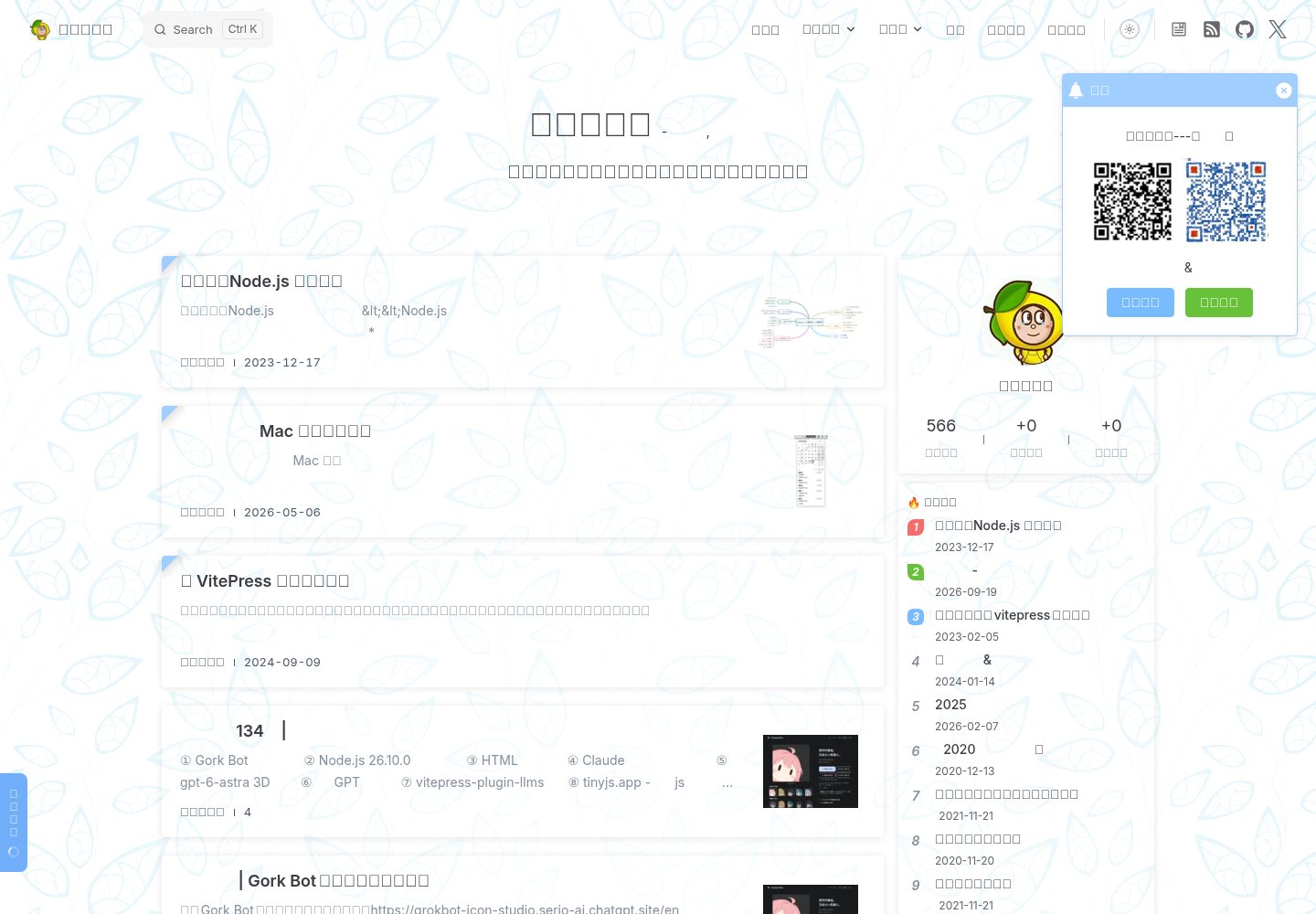
sugar-blog
A VitePress-based personal blog monorepo that separates blog content, the reusable @sugarat/theme theme, shared utilities, and a creation template, and also maintains plugins for image preview, pagefind offline full-text search, RSS, 51.la analytics, announcements, back-to-top, product cards, and comments.
VitePress · Blog
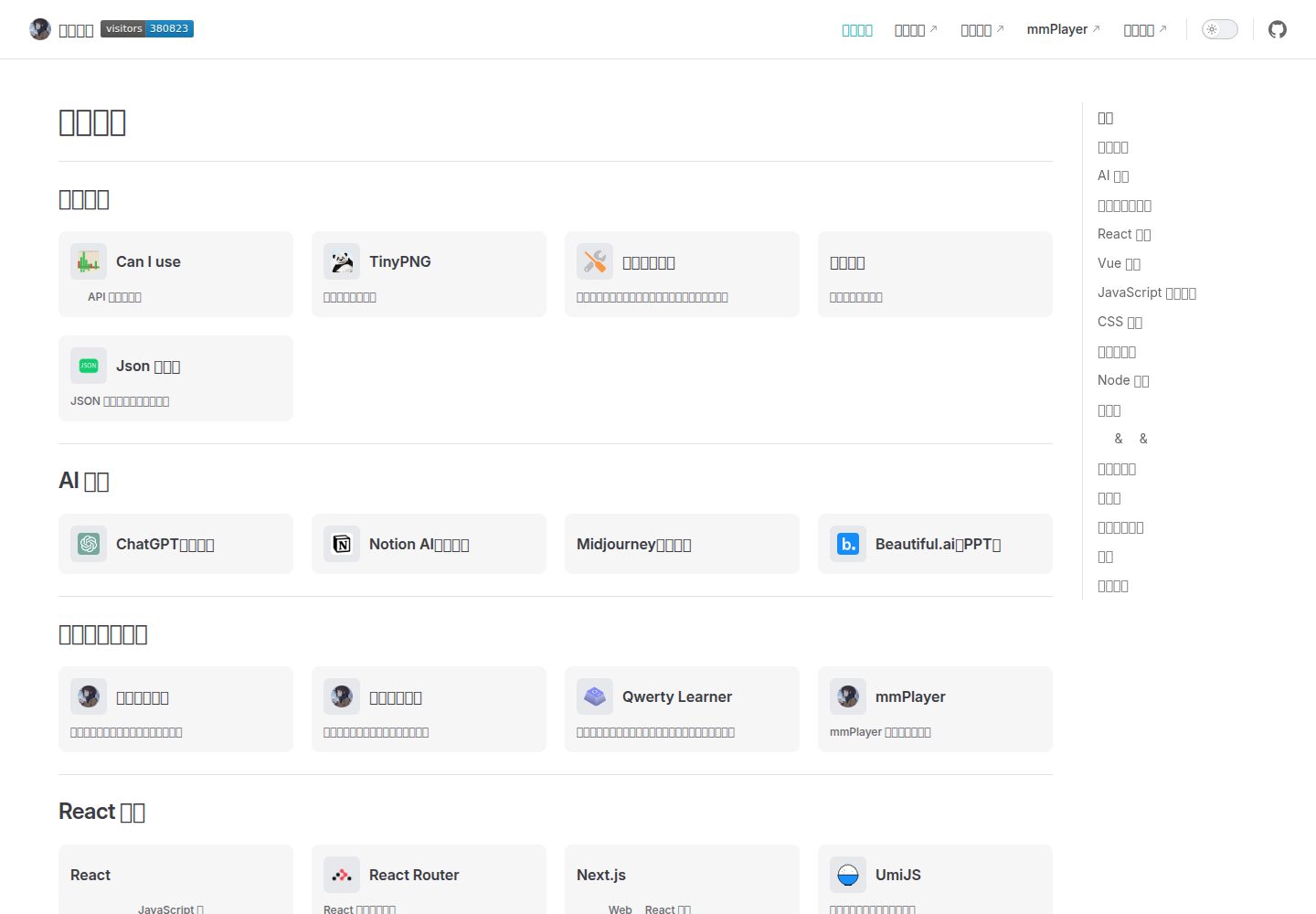
vitepress-nav-template
A personal front-end navigation page template built on VitePress, created by maomao1996 under the MIT license.
VitePress · Blog
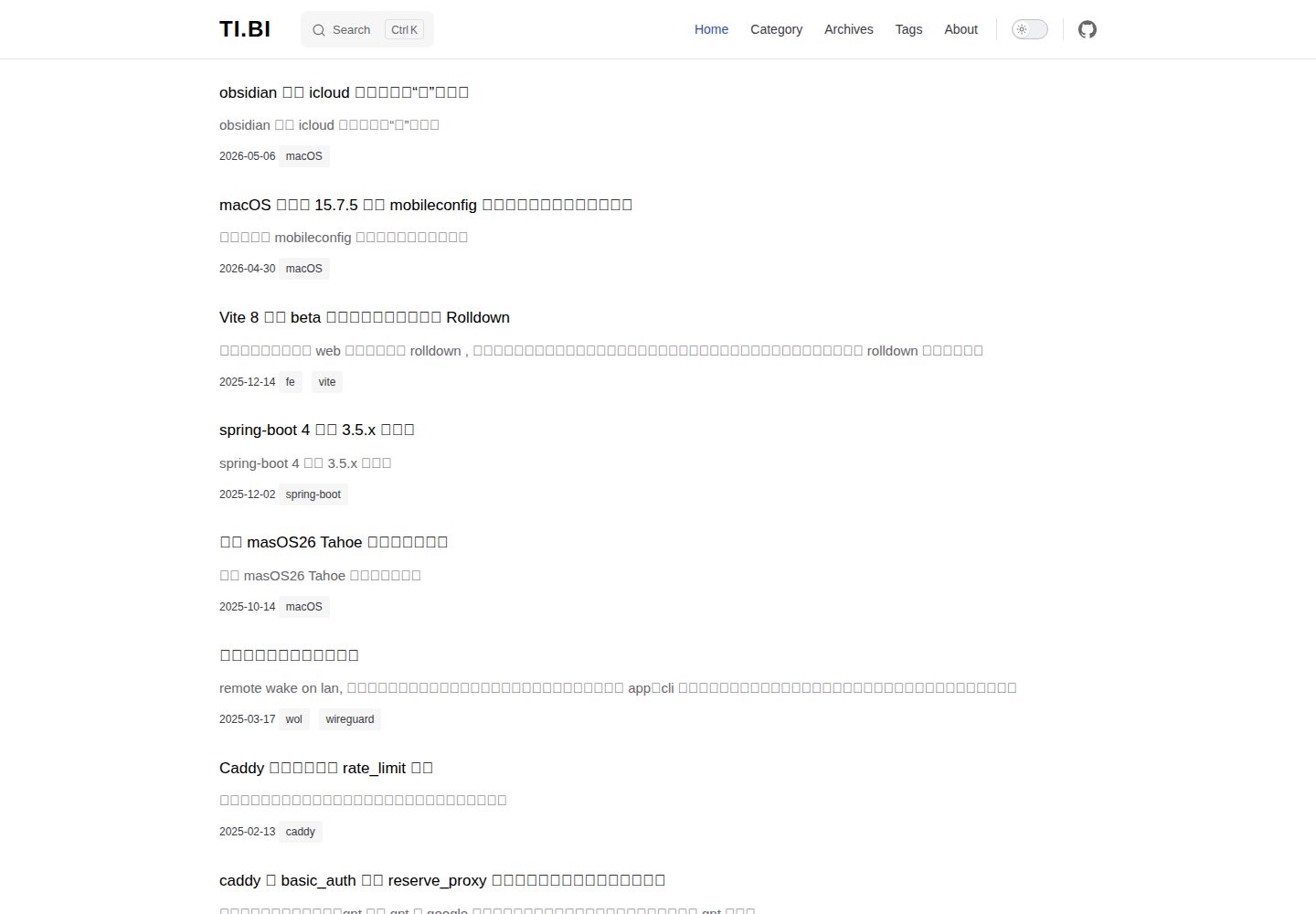
vitepress-blog-pure
A minimalist VitePress blog theme used by copying files into the project root. It provides post lists, tags, archives, local search, and Giscus comments, with posts placed in the posts directory and title required in frontmatter.
VitePress · Blog
vitepress-blog-starter
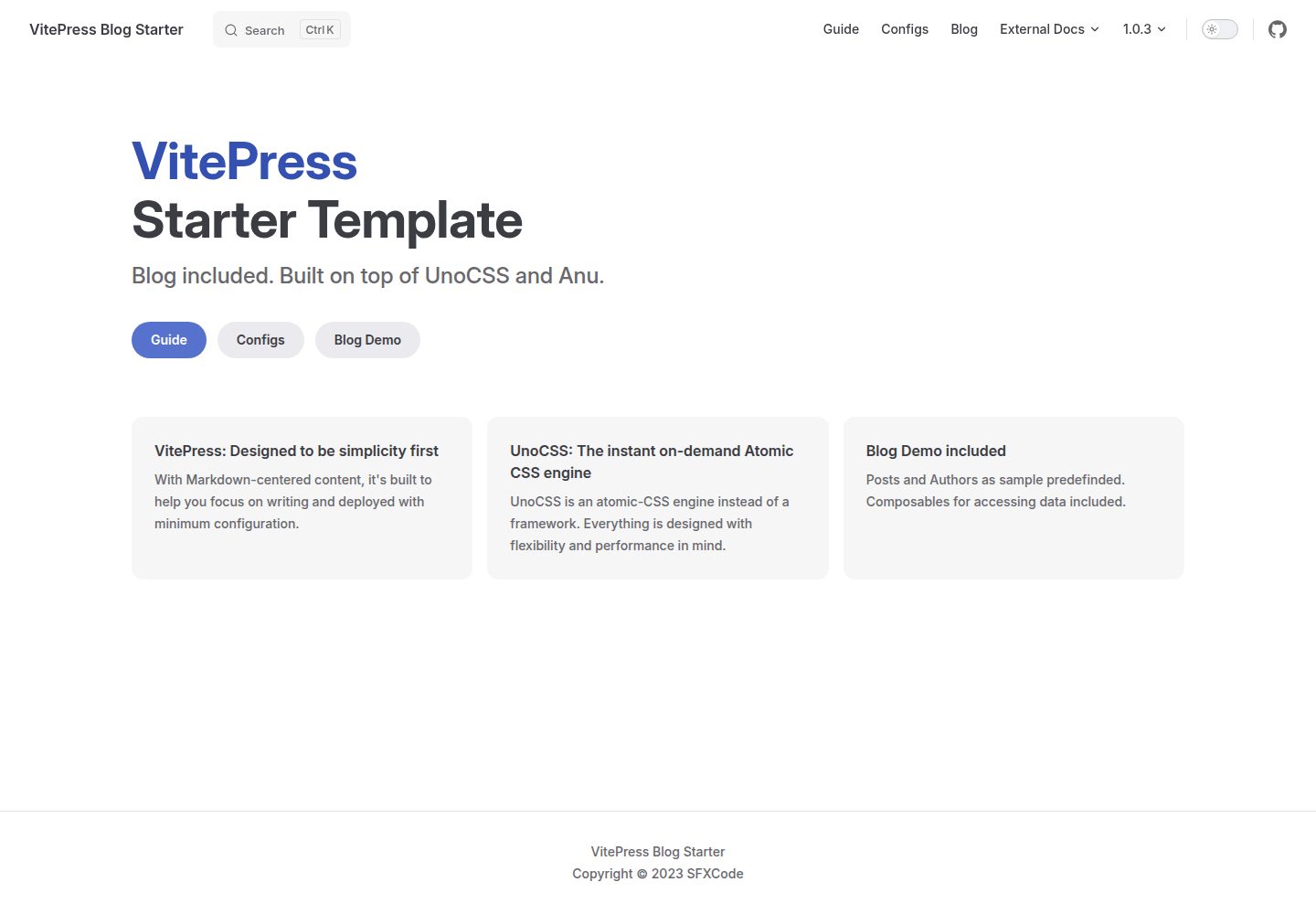
A VitePress-based blog starter template with runnable example content for posts and authors, blog logic organized through Composables, UnoCSS styling, and VitePress's built-in local search. It uses pnpm for installation, development, and build, and the repository is MIT licensed.
VitePress · Blog
KiwiBlog
KiwiBlog is a Chinese personal blog template built on VitePress for publishing daily shares and articles.
VitePress · Blog
vitepress-theme-ououe
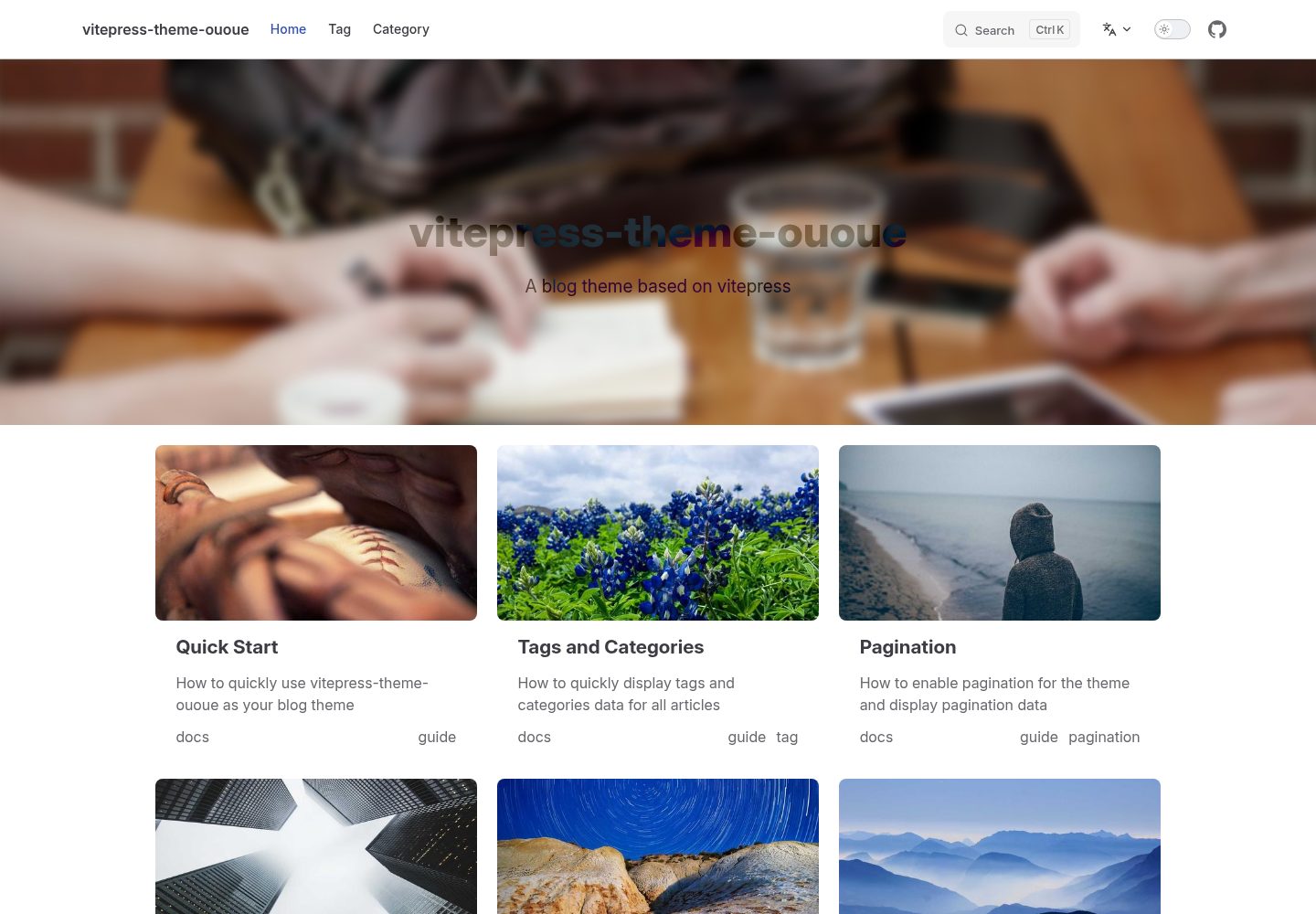
A VitePress-based blog theme maintained by tolking and licensed under MIT. It is installed via npm, imported and default-exported in .vitepress/theme/index.ts, and configured in .vitepress/config.ts with defineConfigWithTheme and the Theme type.
VitePress · Blog