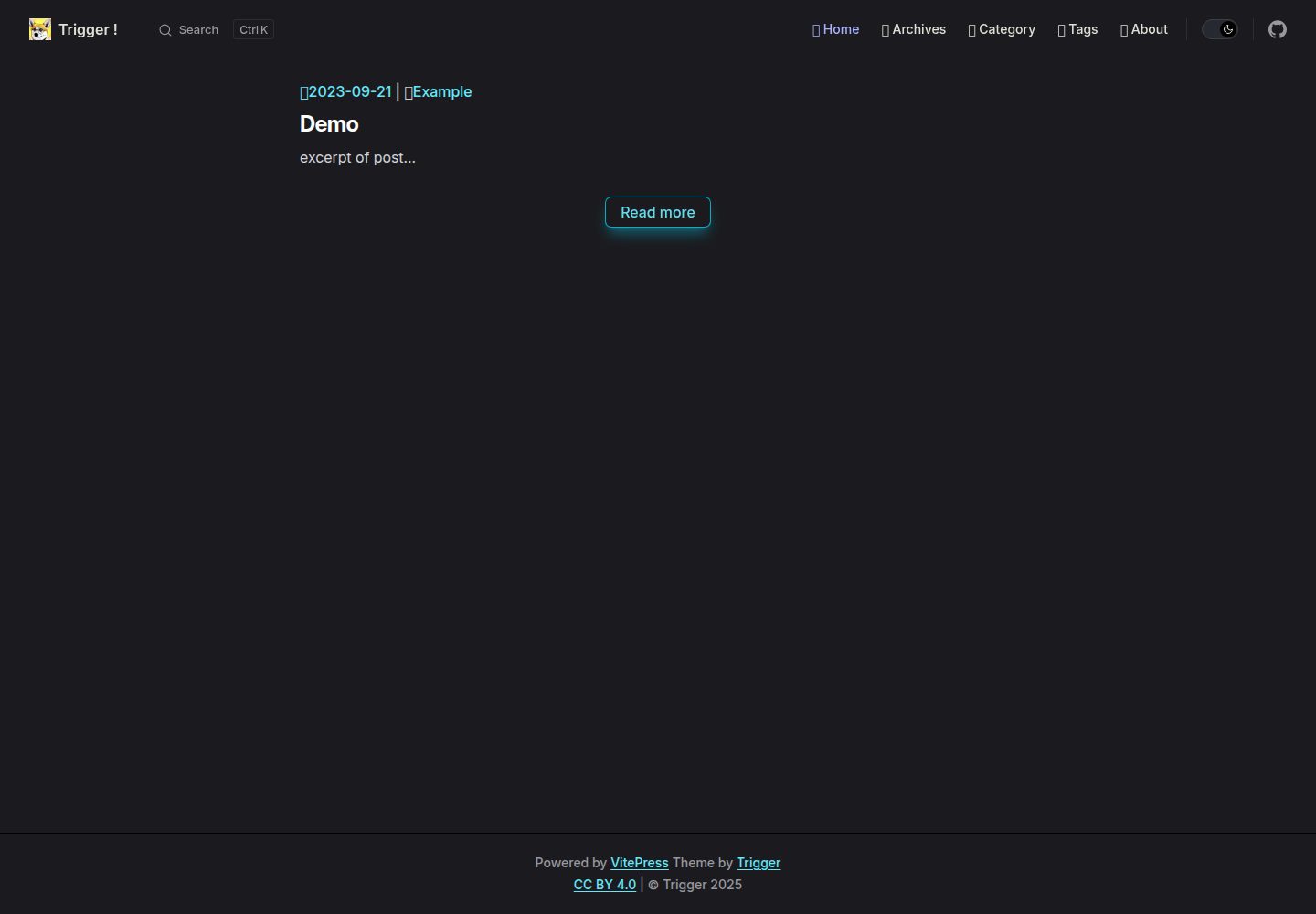
通过 CLI 命令在 posts 目录下生成新文章
VitePress博客
vitepress-theme-trigger — VitePress 博客模板
作者 laplacetw
vitepress-theme-trigger 是一个基于 VitePress 与 Tailwind CSS 的博客主题,提供 CLI 新建文章、AI 摘要、JSON-LD、分页、评论与数学公式渲染等能力。
看看你的网站会是什么样
浏览真实页面截图,比较内容排版与手机效果。点击下方缩略图切换,放大查看整页细节。
全部页面与视图 3
截图用于了解视觉与布局,交互效果请以实际项目为准。
采集于 2026-10-01查看来源
值得关注的模板亮点
从已有项目资料中,快速了解它的特点。
集成 Cloudflare Workers AI 实现文章实时摘要
每篇文章页面自动注入 JSON-LD 结构化数据
使用 Tailwind CSS 构建响应式明暗模式界面
基于 History API 的文章列表分页与自动 sitemap
Utterances 评论并自动同步明暗模式
模板详细介绍
vitepress-theme-trigger 是面向 VitePress 的博客主题,使用 Tailwind CSS 构建界面,仓库以 MIT 许可发布,演示站点部署在 GitHub Pages。主题名称取自作者喜欢的动画《World Trigger》。
功能方面,主题提供通过 CLI 生成新文章、AI 实时摘要、每篇文章自动注入 JSON-LD 结构化数据、基于 History API 的文章列表分页、自动生成 sitemap、模块化配置、Utterances 评论并跟随明暗模式、MathJax 公式渲染优化、自动生成上一篇/下一篇链接,以及基于 markdown-it-footnote 的脚注支持。
使用与部署方面,需要 Node.js 18 或更高版本。克隆项目后,可编辑 .vitepress/theme/config.ts 与 public/ 目录进行定制;通过 npm 或 pnpm 执行安装、新建文章、开发、构建与本地预览命令。仓库内置 GitHub Actions 工作流,配置好 themeConfig.base 后推送到 GitHub 即可触发 GitHub Pages 自动部署,README 也给出了 AWS Amplify 的构建配置示例。
需要注意的限制:AI 实时摘要依赖 Cloudflare Workers AI 与 AI Gateway,需要自行注册 Cloudflare、创建 Worker 与 Gateway,并在主题配置中填写 Worker API 地址;该功能并非开箱即用。演示图片、字体、图标等第三方素材需按各自许可单独核对,不能仅凭代码的 MIT 许可判断。
VitePress博客
适合你的项目吗?
适用场景
- 使用 VitePress 搭建个人博客并希望获得现成主题
- 需要文章列表分页、上一篇/下一篇与 sitemap 等博客功能
- 希望通过 CLI 快速创建文章草稿
- 需要评论、脚注与数学公式渲染的技术写作场景
适合人群
- 熟悉 VitePress 或 Vue 生态、愿意自行修改配置的开发者
- 能接受并配置 Cloudflare Workers AI 以启用 AI 摘要的用户
- 需要 MIT 许可下可自由修改与分发的博客主题的个人或团队
上手与定制指南
结合仓库当前版本的说明,按下面的资料检查内容、配置与运行要求。
- 1
需要 Node.js 18 或更高版本。
- 2
克隆项目后编辑 .vitepress/theme/config.ts 和 public/ 目录进行定制。
- 3
使用 npm 或 pnpm 执行 install、new、dev、build、preview 等命令。
- 4
启用 AI 摘要需注册 Cloudflare,创建 AI Worker 与 AI Gateway,并在主题配置中填写 Worker API。
- 5
部署到 GitHub Pages 前需正确配置 themeConfig.base,推送后由内置工作流自动部署。
授权与来源资料
使用条件与限制
免费使用 · 保留许可声明本次收录的是公开仓库中采用 MIT 许可的免费版本;免费范围为该版本代码,不代表外部服务或第三方素材免费。
使用时需要遵守
- 允许免费使用、修改、商用和分发该版本代码。
- 分发代码副本或实质性部分时,保留原作者版权声明和完整 MIT 许可声明。
- 代码按现状提供;担保与责任限制以原许可证及适用法律为准。
额外费用与待核对事项
- AI 实时摘要功能并非开箱即用:需自行注册 Cloudflare 账号,创建 AI Worker 与 AI Gateway,并在主题配置中填写 Worker API 地址后方可使用。
- AI 摘要依赖 Cloudflare Workers AI 网关,需在 Worker 代码中填入自己的 userID 与 AI Gateway 名称,并配置鉴权密钥 env.key。
- 使用内置 GitHub Actions 工作流自动部署到 GitHub Pages 前,必须正确配置 themeConfig.base,否则部署路径会出错。
- 演示图片、字体、图标及其他第三方素材需按各自许可核对,不能仅凭代码的 MIT 许可判断。
- 域名、托管、数据库、支付或 AI 等外部服务可能另外收费。
查看原文依据
Permission is hereby granted, free of charge
许可证原文
To enable the AI-powered realtime summary, you need to sign up for [Cloudflare](https://www.cloudflare.com), create your own AI Worker (free) and AI Gateway (traffic control), and configure the Worker API in the theme config.
README 原文
const userID = 'YOUR_USER_ID'; const gatewayID = 'YOUR_AI_GATEWAY_NAME'
README 原文
https://github.com/laplacetw/vitepress-theme-trigger/blob/main/LICENSEhttps://github.com/laplacetw/vitepress-theme-trigger/blob/main/README.mdYou just need to ensure that the [themeConfig.base](https://github.com/laplacetw/vitepress-theme-trigger/blob/main/.vitepress/theme/config.ts) is properly configured and GitHub pages auto-deployment will be triggered after push to GitHub.
README 原文
DeepSeek 根据仓库许可证和 README 整理 ·2026-10-01。结果仅覆盖已读取资料,依赖、图片、字体及后续条款变更以各自原文为准。
项目核对记录与介绍依据
模板资料
- 来源平台
- GitHub
- 资料与维护参考分
- 资料较完整 · 81 / 100
- 技术栈
- VitePress
- 网站类型
- 博客
这个分数如何计算
本站按许可资料(最高30分)、演示链接(12分)、预览图(10分)、Star数(15分)、记录的维护时间(15分)、描述完整度(8分)、功能记录(5分)和分类资料(5分)计算。它不是代码、安全或性能测试,也不是 Google 评分;有链接不代表已实测可用。
这个项目需要核对什么
- 记录的仓库更新时间
- 2025-08-08
- 截图检查日期
- 2026-10-01
已收录演示链接。请用你的内容与屏幕尺寸检查;有演示不代表表单、认证或支付已经可用。
目录记录的主要技术栈是 VitePress。请通过依赖清单和锁文件核对实际版本与托管要求。这些说明基于收录资料,不代表代码审计或部署实测。
查看具体选型方法 →介绍的制作与核对状态
介绍由 AI 辅助整理目录与仓库资料。仓库作者不等于这篇介绍的审核者。
已完成服务器许可规则与 AI 来源核对;未经过人工编辑审核。
查看当时使用的来源资料
SHA-256: 85d56b943eabb31668df52b5ff3370aadb60789220674a9df2e83339d96d0018
2026-10-01T04:02:07.464Z
来源文件 / 仓库


# vitepress-theme-trigger
Blog theme for [VitePress](https://vitepress.dev) with [Tailwind CSS](https://tailwindcss.com).
- [中文 README](./README_CH.md)

## Introduction
"Trigger" is a out-of-the-box VitePress theme, named after my favorite Anime "[World Trigger](https://en.wikipedia.org/wiki/World_Trigger)". You can use it directly or customize it to better suit your needs.
More info about customization :
- [VitePress Doc - Using Vue in Markdown](https://vitepress.dev/guide/using-vue)
- [VitePress Doc - Extending the Default Theme](https://vitepress.dev/guide/extending-default-theme)
- [VitePress Doc - Build-Time Data Loading](https://vitepress.dev/guide/data-loading)
If there has any problem please feel free to create issue.
## Changelog
Detailed changes are documented in the [CHANGELOG](./CHANGELOG.md).
## Features
- 🖋️ **Generate new posts via CLI** – Scaffold articles instantly with a single command
- 🤖 **AI-powered summary** – Real-time article overview powered by AI
- 📈 **SEO-ready with JSON-LD** – Auto-injected schema data on every post page
- 🎨 **Style with Tailwind CSS** – Responsive design that looks great in both light/dark mode
- 📚 **Pagination powered by History API** – Smooth navigation between post lists
- 🗺️ [**Automatic sitemap generation**](https://vitepress.dev/guide/sitemap-generation#sitemap-generation) – Boost your site's visibility in search engines
- 🧩 **Modular config integration** – Centralized control for site and theme settings
- 💬 [**Utterances for comments**](https://utteranc.es) – GitHub-powered commenting system
- 🔄 **Theme-aware Utterances** – Auto-sync comment box with light/dark mode
- 📐 [**Optimized MathJax rendering**](https://github.com/vuejs/vitepress/issues/3914#issuecomment-2138527325) – Clean, responsive math formulas on mobile
- ⏭️ **Prev/Next post links** – Auto-generated without extra frontmatter
- 🦶 **Footnote support** – Powered by [markdown-it-footnote](https://github.com/markdown-it/markdown-it-footnote) for scholarly notes
## Prerequisite
- [Node.js](https://nodejs.org) version 18 or higher.
## Usage
- Clone the project.
- Edit [theme config](/.vitepress/theme/config.ts) and [public files](/public/) for custom.
- To enable the AI-powered realtime summary, you need to sign up for [Cloudflare](https://www.cloudflare.com), create your own AI Worker (free) and AI Gateway (traffic control), and configure the Worker API in the theme config.
```
# worker.js
const corsHeaders = {
'Access-Control-Allow-Origin': 'YOUR_HOST',
'Access-Control-Allow-Methods': 'POST, OPTIONS',
'Access-Control-Allow-Headers': 'Content-Type',
'Content-Type': 'application/json'
};
const sendErrorResponse = (message, status = 500) => {
return new Response(JSON.stringify({ error: message }), {
status,
headers: corsHeaders
});
};
export default {
async fetch(request, env) {
if (request.method === 'OPTIONS') {
return new Response(null, { headers: corsHeaders });
}
if (request.method !== 'POST') {
return sendErrorResponse('Only POST requests are allowed', 405);
}
try {
const { message } = await request.json();
if (!message) {
return sendErrorResponse('Missing message in request body', 400);
}
const model = '@cf/meta/llama-3.1-8b-instruct';
const userID = 'YOUR_USER_ID';
const gatewayID = 'YOUR_AI_GATEWAY_NAME'
const gateway = `https://gateway.ai.cloudflare.com/v1/${userID}/{gatewayID}/workers-ai/${model}`;
const prompt = `You are a professional summarization assistant. Based on the content I provide, generate a summary no longer than 60 characters, and return only the summary—no additional text: ${message}`;
const apiResponse = await fetch(
gateway,
{
method: 'POST',
headers: {
'Content-Type': 'application/json',
'Authorization': `${env.key}`
},
body: JSON.stringify({'prompt': prompt})
}
);
if (!apiResponse.ok) {
throw new Error(`Cloudflare Workers AI error: ${apiResponse.statusText}`);
}
const response = await apiResponse.json();
return new Response(JSON.stringify({ response }), { headers: corsHeaders });
} catch (error) {
return sendErrorResponse(error.message);
}
}
};
```
- Launch terminal and execute commands as follows :
```shell
# install devDependencies
(p)npm install
# create new post under /posts
(p)npm run new {new-post-filename}
# start local dev server
(p)npm run dev
# build for production
(p)npm run build
# Locally preview the production build
(p)npm run preview
```
## Deploy
Our project includes the GitHub workflow. You just need to ensure that the [themeConfig.base](https://github.com/laplacetw/vitepress-theme-trigger/blob/main/.vitepress/theme/config.ts) is properly configured and GitHub pages auto-deployment will be triggered after push to GitHub.
- [Deploy Your VitePress Site](https://vitepress.dev/guide/deploy)
- AWS Amplify
```yml
# amplify.yml
version: 1
frontend:
phases:
preBuild:
commands:
- nvm use 20
- npm install -g pnpm
- pnpm install --no-frozen-lockfile
build:
commands:
- pnpm run build
artifacts:
baseDirectory: ./.vitepress/dist
files:
- '**/*'
cache:
paths:
- node_modules/**/*
```
## Reference
- [vuejs/blog](https://github.com/vuejs/blog)
- [airene/vitepress-blog-pure](https://github.com/airene/vitepress-blog-pure)
- [clark-cui/vitepress-blog-zaun](https://github.com/clark-cui/vitepress-blog-zaun)
看看同类模板
对比同技术栈与用途的模板,找到更适合的视觉与内容结构。
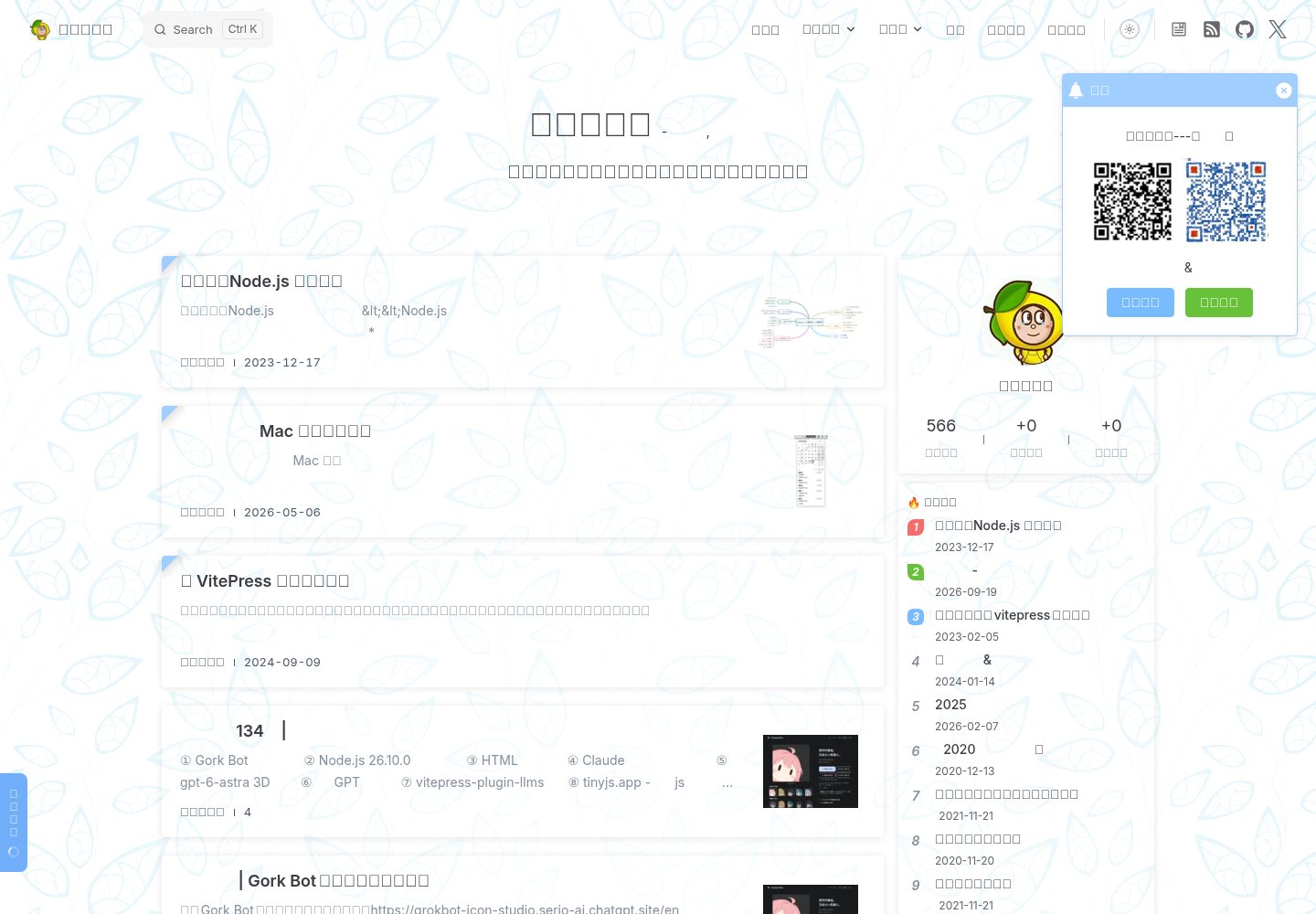
sugar-blog
✍️📚我写博客的地方🤪🤪🤪记录随笔与学习笔记,仓库包含:博客内容,博客主题、博客模板、vitepress离线全文搜索插件、VitePress RSS 支持插件,图片预览插件;a blog theme use vi…
VitePress · 博客
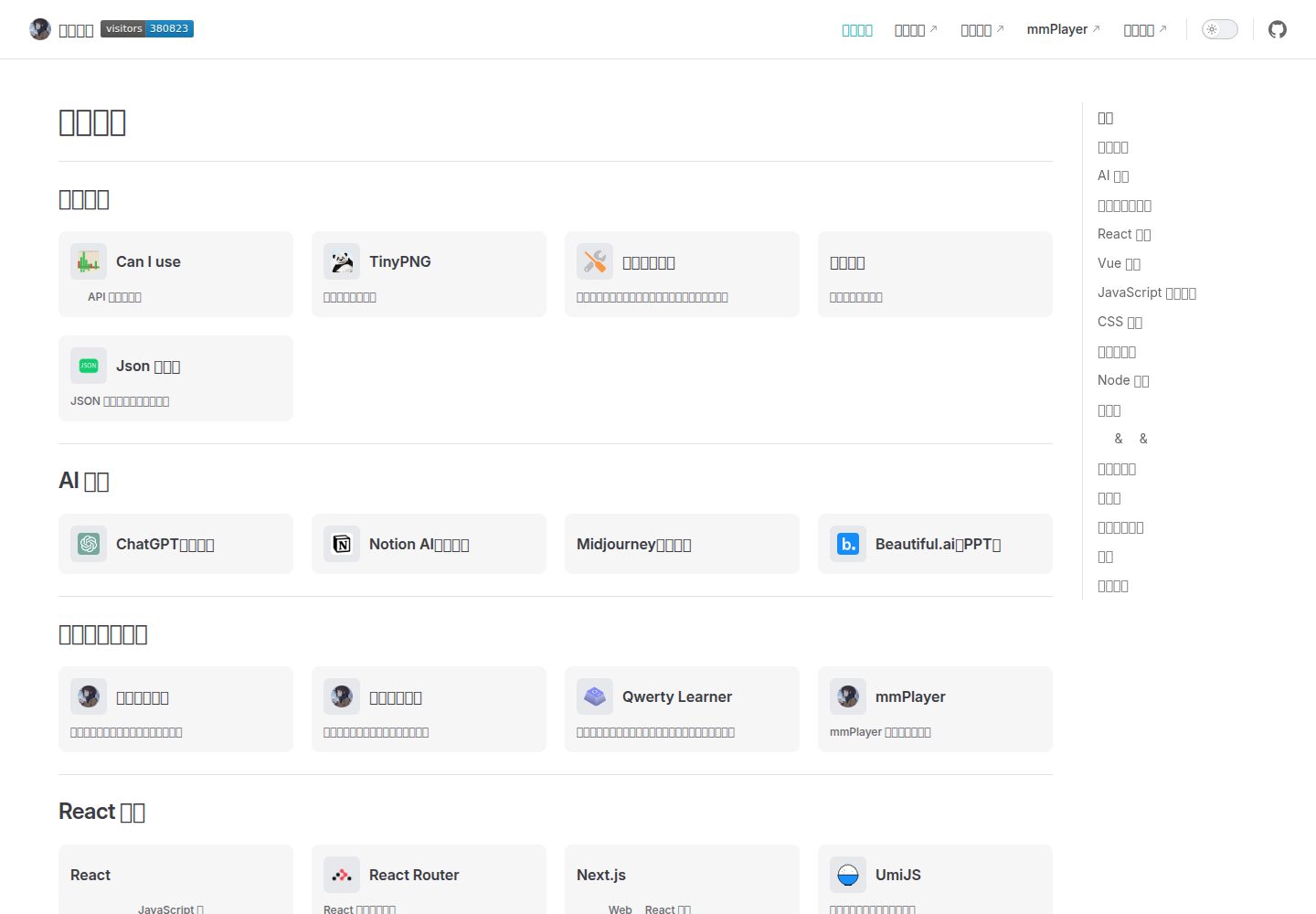
vitepress-nav-template
基于 VitePress 的个人前端导航页面模板
VitePress · 博客
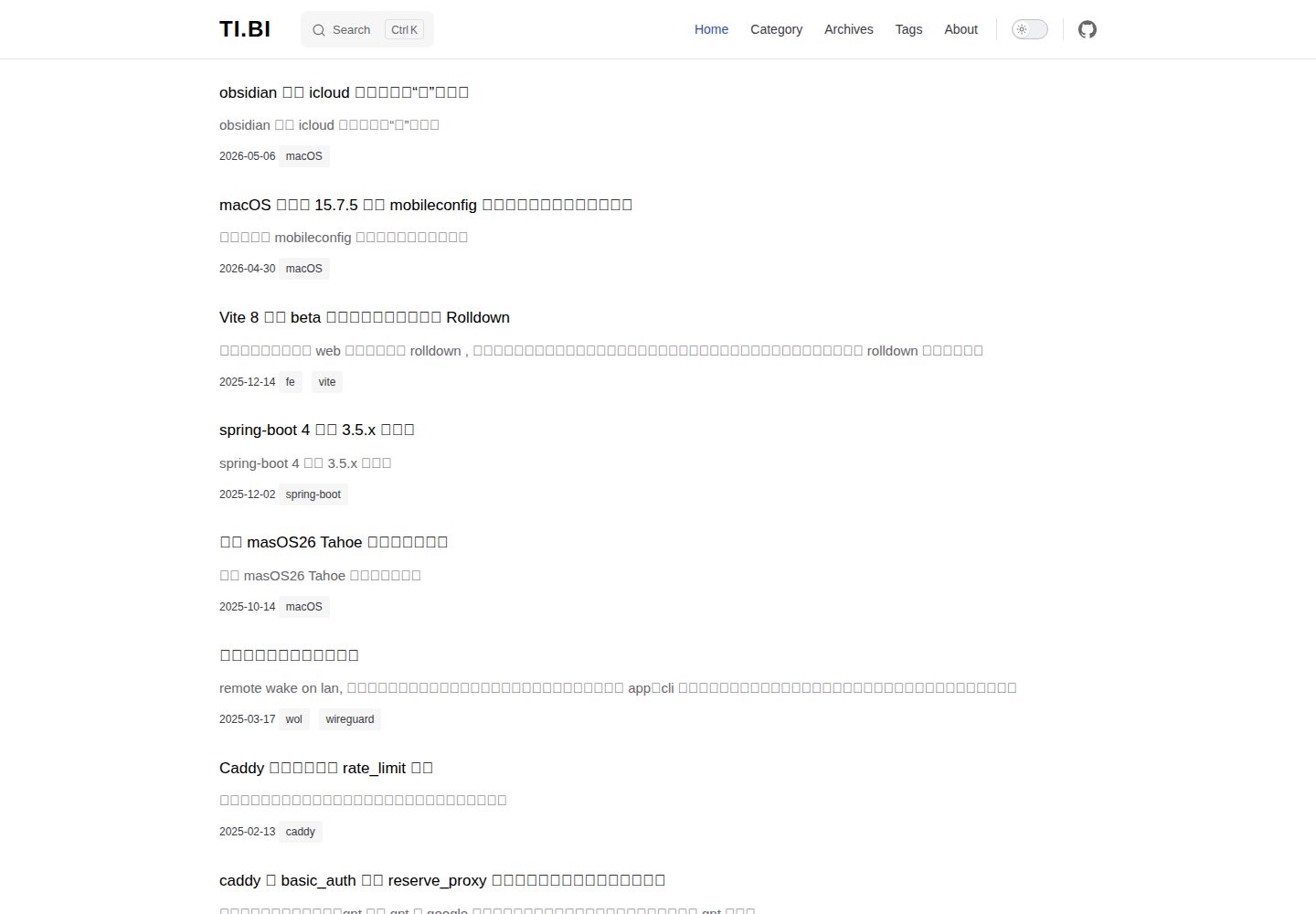
vitepress-blog-pure
a vitepress theme for blog, demo ↓
VitePress · 博客
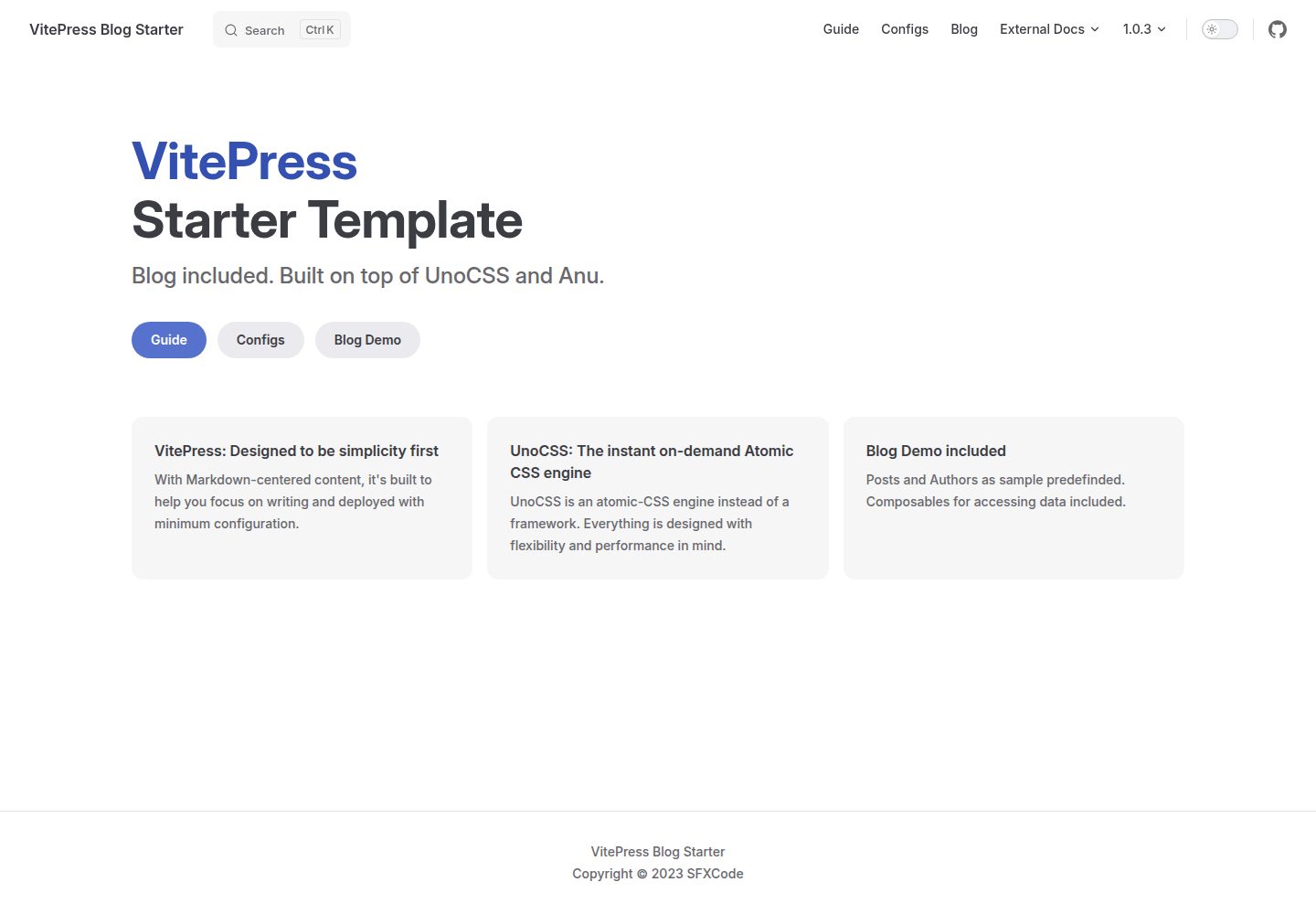
vitepress-blog-starter
Vitepress Blog Starter Template
VitePress · 博客
KiwiBlog
一个分享日常的博客,这个平台上可以找到很多有趣的博客内容 🥝
VitePress · 博客
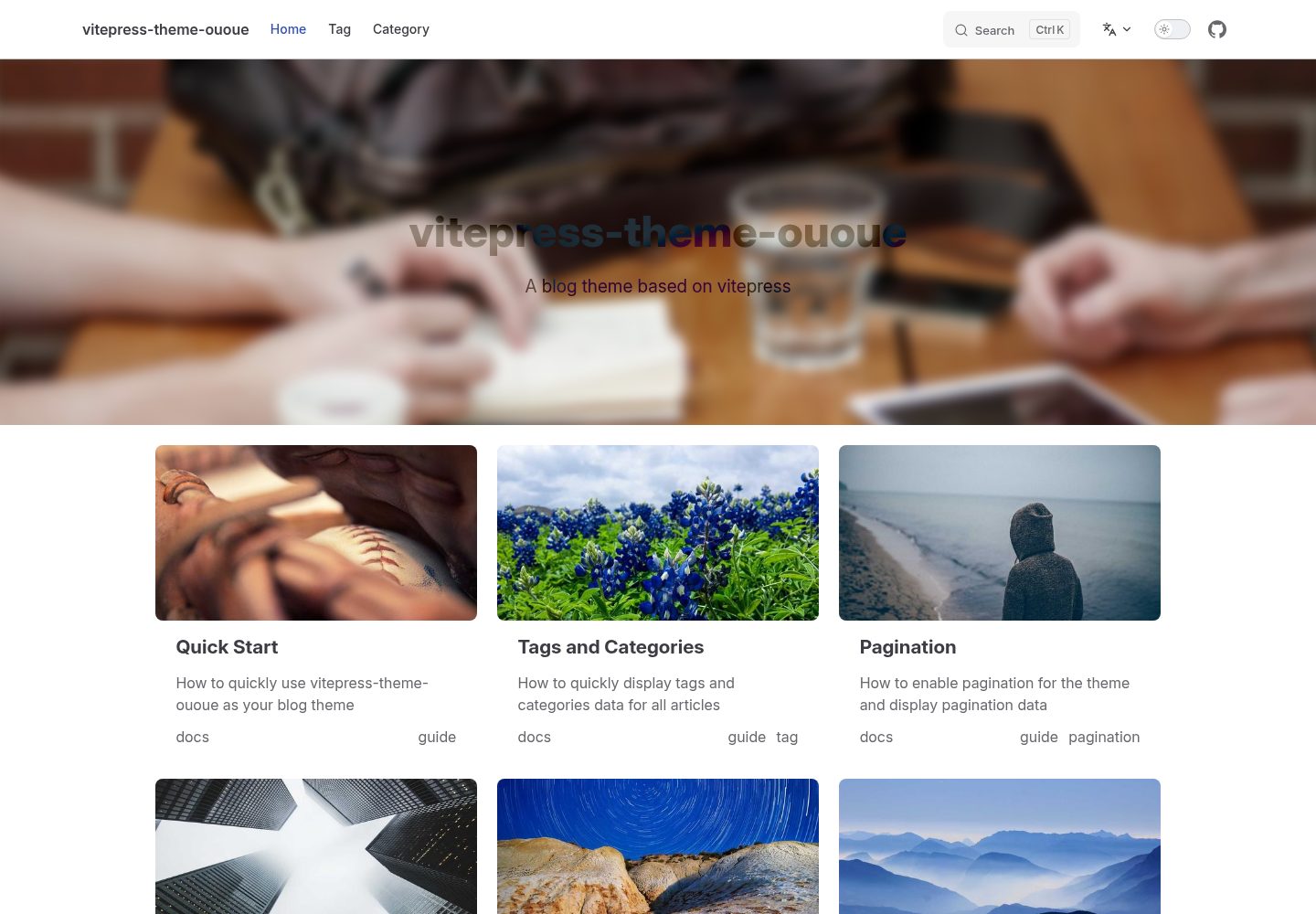
vitepress-theme-ououe
A vitepress blog theme
VitePress · 博客