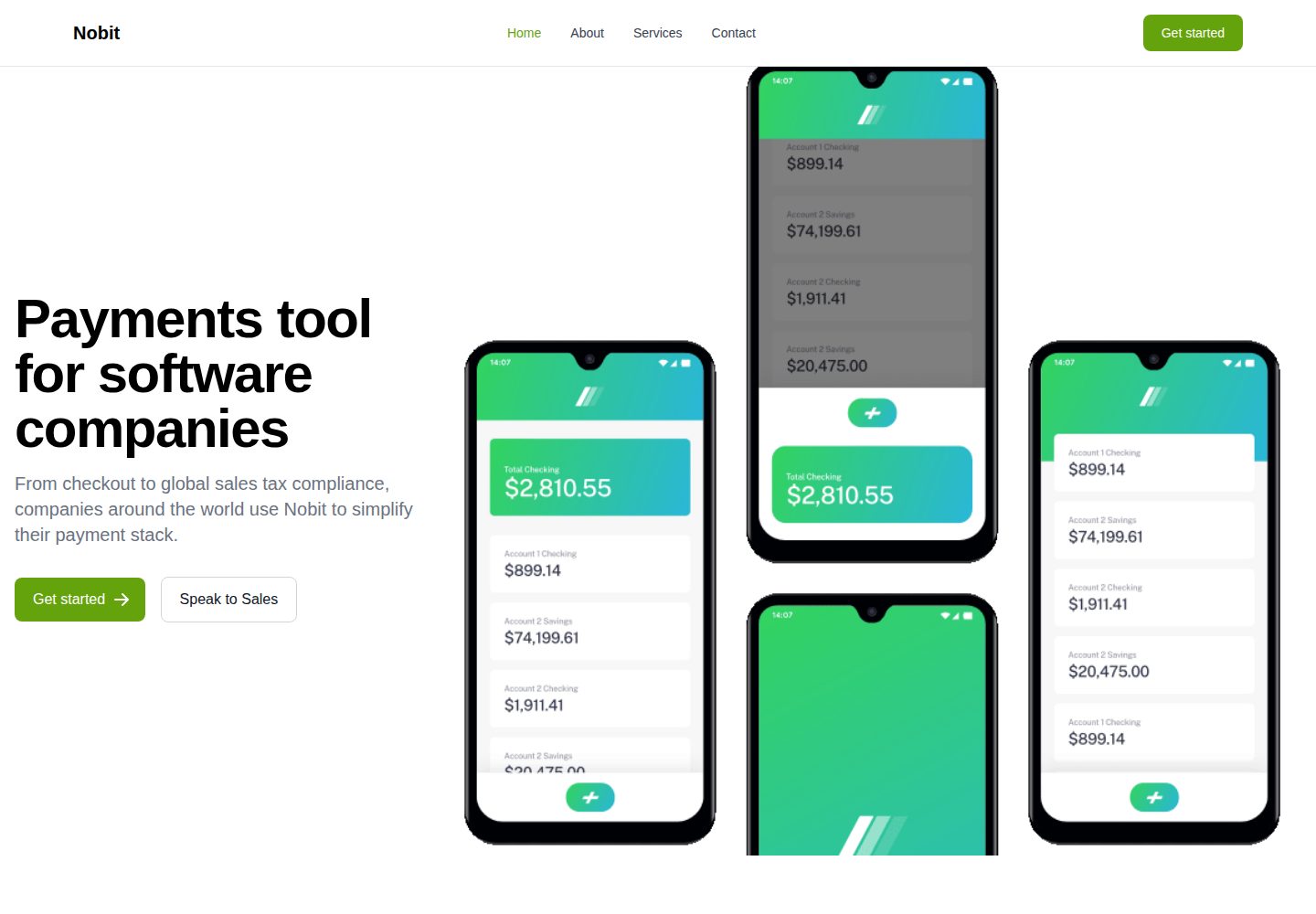
Svelte-based marketing landing page template, positioned in the README as a product introduction page for a fictional startup
SvelteCorporate Website
nobit-svelte — Svelte Business Template
By luigimorel
nobit-svelte is a Svelte-based marketing landing page template for showcasing a fictional startup's product introduction page.
Explore the design
Compare the page layouts and mobile experience. Open any screenshot for a closer look.
Desktop homepage1 / 2
Desktop captureTop of page
Actual screenshot captured by the server browser.
All pages & views 2
Screenshots show visual appearance; interactive behavior may differ.
Recorded 2026-10-03View source
What stands out
A quick read of the recorded project description.
The repository provides desktop and mobile homepage screenshots, along with a Netlify online demo for comparison
Generated by the create-svelte scaffold, following its development, build, and preview commands
The repository contains a standard MIT license file, permitting free use, modification, commercial use, and distribution
Template Details
nobit-svelte is a Svelte project open-sourced by luigimorel on GitHub. The README positions it as "a landing page for a fictional startup," i.e., a single-page website template for marketing scenarios. The repository provides desktop and mobile homepage screenshots, and an online preview of the actual rendering is available.
The project was generated by the create-svelte scaffold, and the README retains the scaffold's general instructions: use npm create svelte to create a project, npm install to install dependencies, npm run dev to start the development server, npm run build to build the production version, and npm run preview to preview the build result; when deploying to a target environment, you need to install the corresponding adapter yourself. Apart from these general steps, the README does not describe page sections, component structure, or configurable options; the specifics require inspecting the source code.
Regarding licensing, the repository includes a standard MIT license file, permitting free use, modification, commercial use, and distribution of this version of the code, provided the copyright and license notice are retained upon distribution. The licensing of third-party assets such as demo images, fonts, and icons must be verified separately, and external services like domains and hosting may incur additional charges.
SvelteCorporate website
Is it right for your project?
Use Cases
- Building a single-page marketing landing page for a startup or new product
- Serving as a starting point for a Svelte landing page project, with sections added or removed as needed
- Learning the project structure and development workflow generated by the create-svelte scaffold
Suitable For
- Front-end developers familiar with or willing to use Svelte
- Individuals or small teams needing a quick start for a marketing single page
- Projects intending to make secondary modifications based on MIT-licensed code
Getting started & customization
Use these recorded setup notes alongside the repository instructions for your chosen version.
- 1
Install dependencies with npm install (or pnpm, yarn)
- 2
Start the development server with npm run dev; add --open to automatically open the browser
- 3
Build the production version with npm run build, and preview the build result with npm run preview
- 4
Before deploying to a target environment, install the corresponding adapter according to the SvelteKit documentation
- 5
Third-party assets such as demo images, fonts, and icons require separate license verification
License & source material
Usage conditions & limitations
Free to use · keep license noticeThis entry covers the free version under the MIT license in the public repository; the free scope applies to this version of the code and does not imply that external services or third-party assets are free.
Must comply with when using
- Permits free use, modification, commercial use, and distribution of this version of the code.
- When distributing copies or substantial portions of the code, retain the original author's copyright notice and the full MIT license notice.
- The code is provided as is; warranties and limitations of liability are governed by the original license and applicable law.
Additional costs & items to verify
- Demo images, fonts, icons, and other third-party assets must be verified under their respective licenses and cannot be judged solely by the code's MIT license.
- External services such as domains, hosting, databases, payments, or AI may incur additional charges.
View Original Text Basis
https://github.com/luigimorel/nobit-svelte/blob/master/LICENSEhttps://github.com/luigimorel/nobit-svelte/blob/master/README.mdPermission is hereby granted, free of charge
Original License Text
Compiled by DeepSeek based on repository license and README ·2026-10-03. Results only cover the materials read; dependencies, images, fonts, and subsequent term changes are subject to their respective original texts.
Project checks & description sources
Template Information
- Source platforms
- GitHub
- Documentation and maintenance reference score
- Partly documented · 60 / 100
- Technologies
- Svelte
- Website type
- Corporate Website
How this score is calculated
Our heuristic uses license records (up to 30), a demo link (12), a preview (10), stars (15), recorded maintenance (15), description completeness (8), feature records (5) and classification data (5). It is not a code, security or performance test, or a Google score. A link does not establish tested functionality.
What to verify for this project
- Repository update recorded
- 2022-09-25
- Screenshot last checked
- 2026-10-03
A demo link is listed. Check it with your own content and viewport sizes; its presence does not confirm that forms, authentication or payments work.
The catalog identifies Svelte as the primary stack. Check the actual dependency manifest and lockfile for versions and hosting requirements. These notes use recorded metadata, not a code audit or a deployment test.
Use a selection guide →How this description was prepared
AI-assisted description based on catalog records and repository material. Repository authors are not automatically the reviewers of this description.
Review declaration: [email protected] · 2026-10-04
Inspect the recorded source material
SHA-256: 9c424281da9caee420857829a4b0144da3a4b5012e5a1a7ebf8ba9b4dd7ed78a
2026-10-03T21:26:40.181Z
Source file / repository# Introduction A landing page for a hypothetical startup  Live link: [https://master--svelte-app-luigi.netlify.app/](https://master--svelte-app-luigi.netlify.app/) # create-svelte Everything you need to build a Svelte project, powered by [`create-svelte`](https://github.com/sveltejs/kit/tree/master/packages/create-svelte). ## Creating a project If you're seeing this, you've probably already done this step. Congrats! ```bash # create a new project in the current directory npm create svelte@latest # create a new project in my-app npm create svelte@latest my-app ``` ## Developing Once you've created a project and installed dependencies with `npm install` (or `pnpm install` or `yarn`), start a development server: ```bash npm run dev # or start the server and open the app in a new browser tab npm run dev -- --open ``` ## Building To create a production version of your app: ```bash npm run build ``` You can preview the production build with `npm run preview`. > To deploy your app, you may need to install an [adapter](https://kit.svelte.dev/docs/adapters) for your target environment.
Explore similar templates
Compare previews and descriptions within the same stack and category.

CMSaasStarter
CMSaasStarter is an MIT-licensed SaaS starter template built with SvelteKit, TailwindCSS, DaisyUI, and Supabase, with Stripe Checkout and Stripe Portal for payments.
Svelte · Admin dashboard
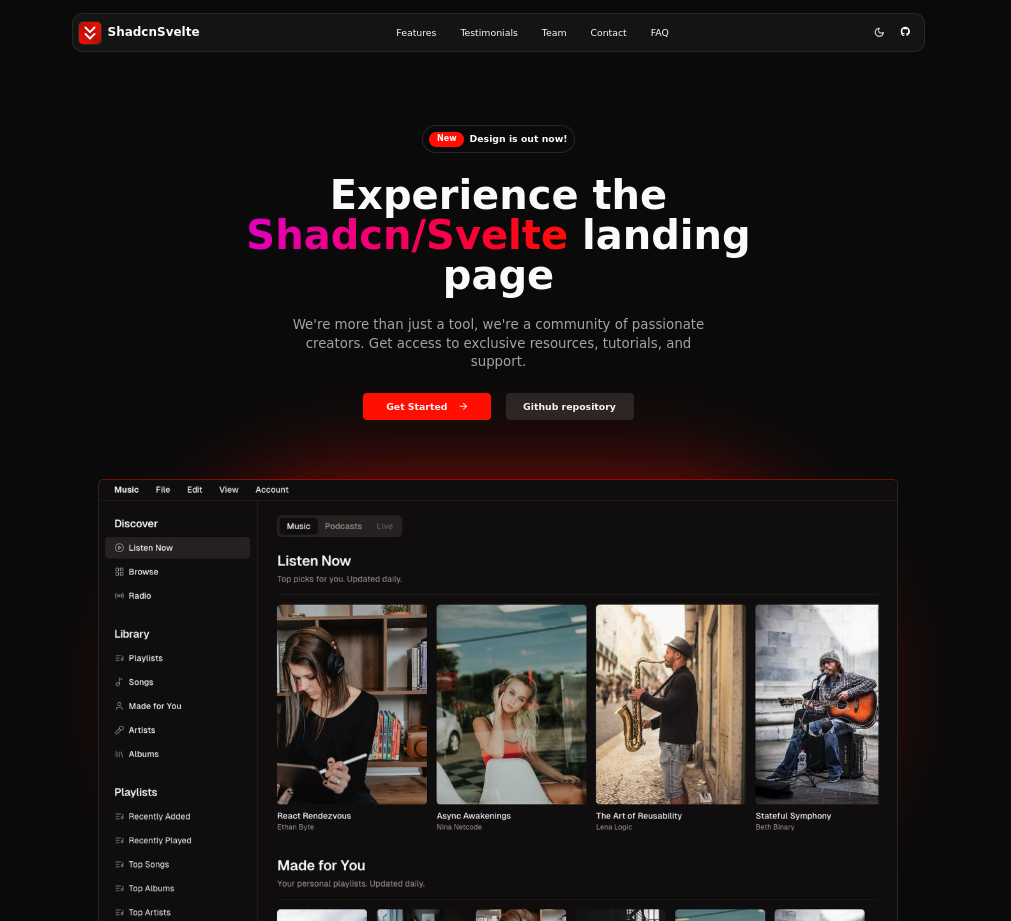
shadcn-sveltekit-landing-page
A SvelteKit landing page template converted from shadcn-vue-landing-page, built with shadcn-svelte, TypeScript, and Tailwind CSS. It includes 15 sections covering navigation, hero, features, pricing, FAQ, team, and more, with dark mode and responsive design.
Svelte · Corporate Website
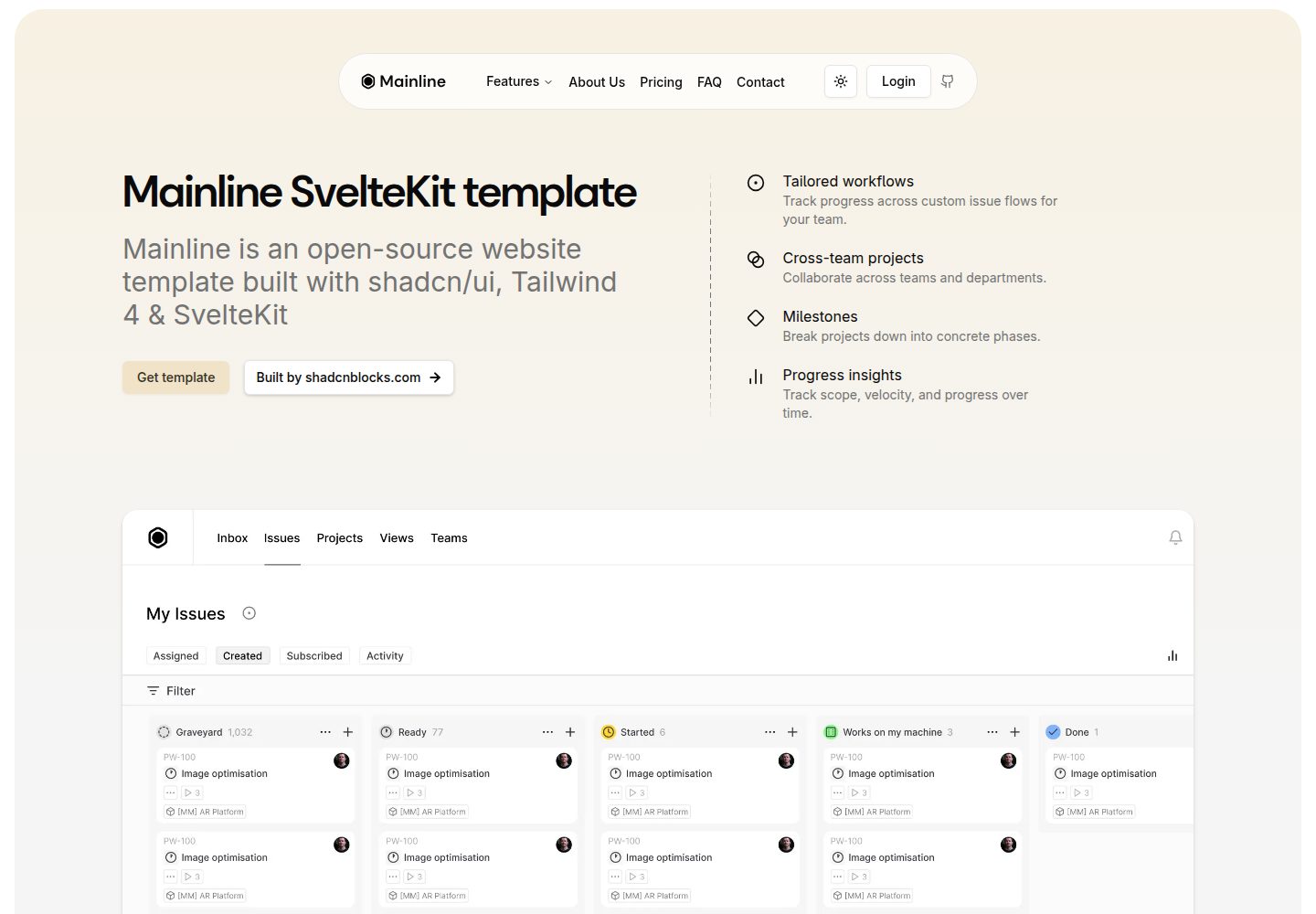
mainline-svelte-template
A free corporate website template built with SvelteKit, Tailwind CSS, and shadcn-svelte, featuring preset pages for home, about, pricing, FAQ, contact, login/register, and privacy policy, along with reusable UI blocks such as hero, logo marquee, features, testimonial carousel, pricing table, FAQ accordion…
Svelte · Corporate Website
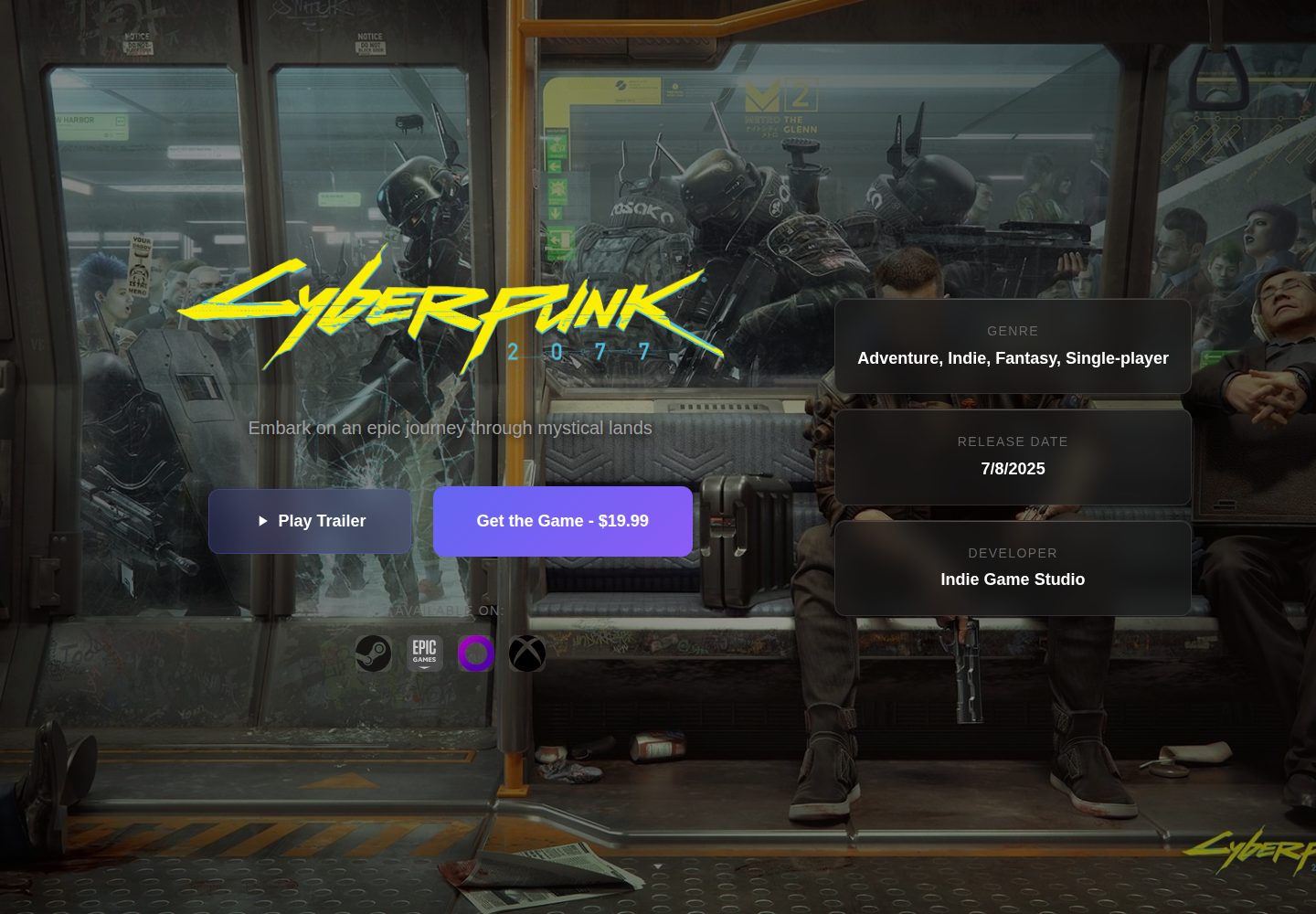
Game-Presskit-Template
A static presskit template for indie game developers, built with Svelte. It manages game information, media, team, reviews, and press materials through multiple JSON files under public/data/, with each file providing an enabled field to control section display.
Svelte · Portfolio
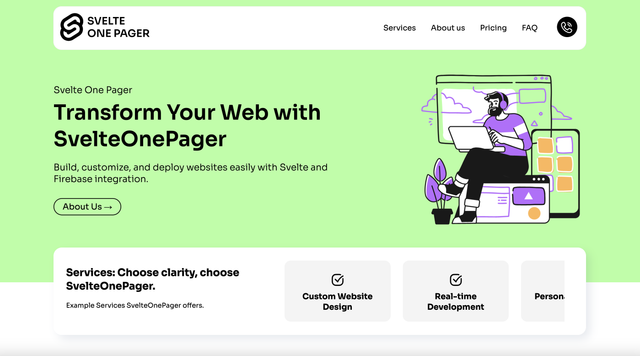
SvelteOnePager
SvelteOnePager is an MIT-licensed one-page website template built with Svelte and integrated with Firebase Hosting.
Svelte · Corporate Website
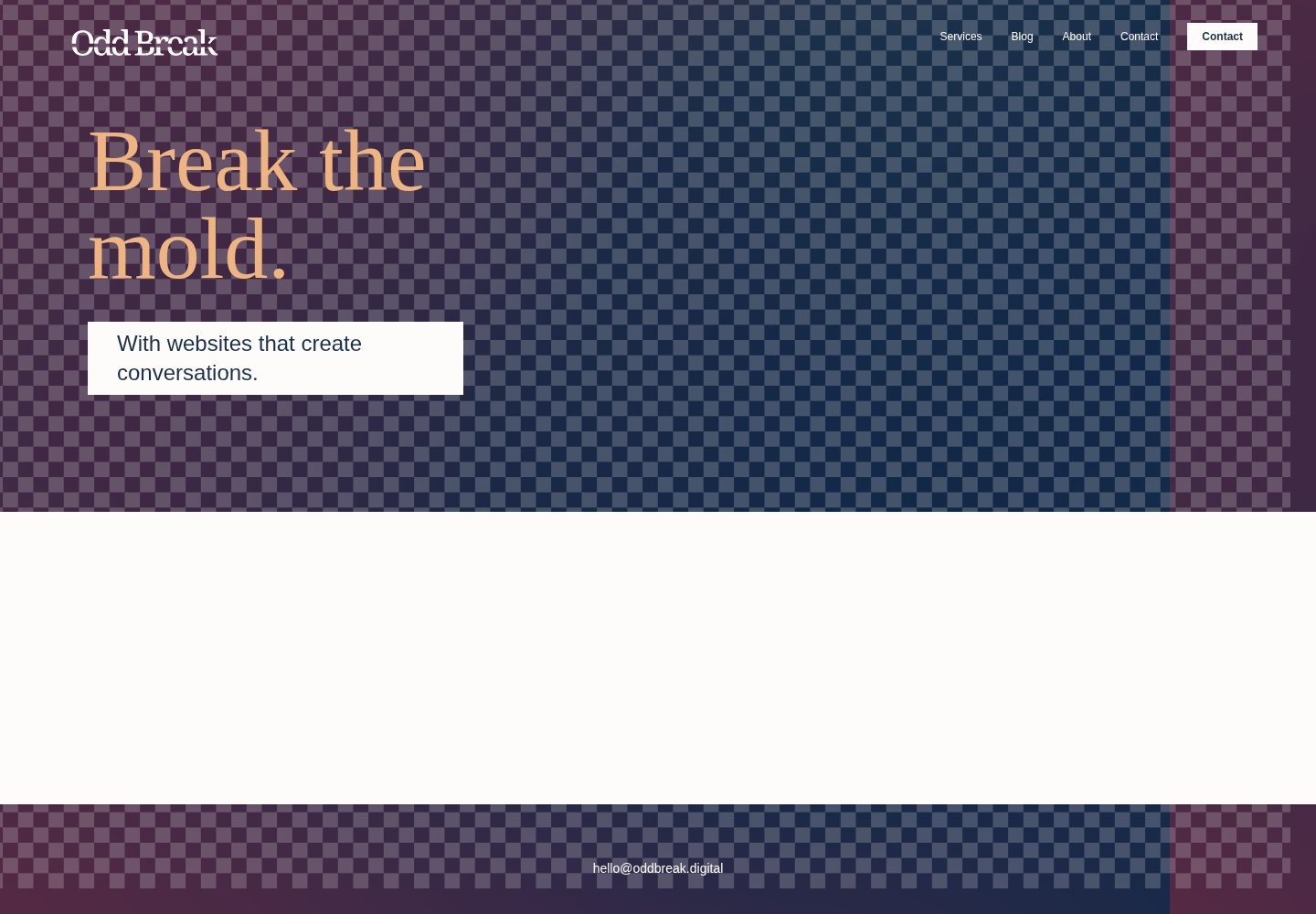
agency-template
A digital agency website template built with SvelteKit, MIT-licensed, with a Vercel online demo.
Svelte · Corporate Website