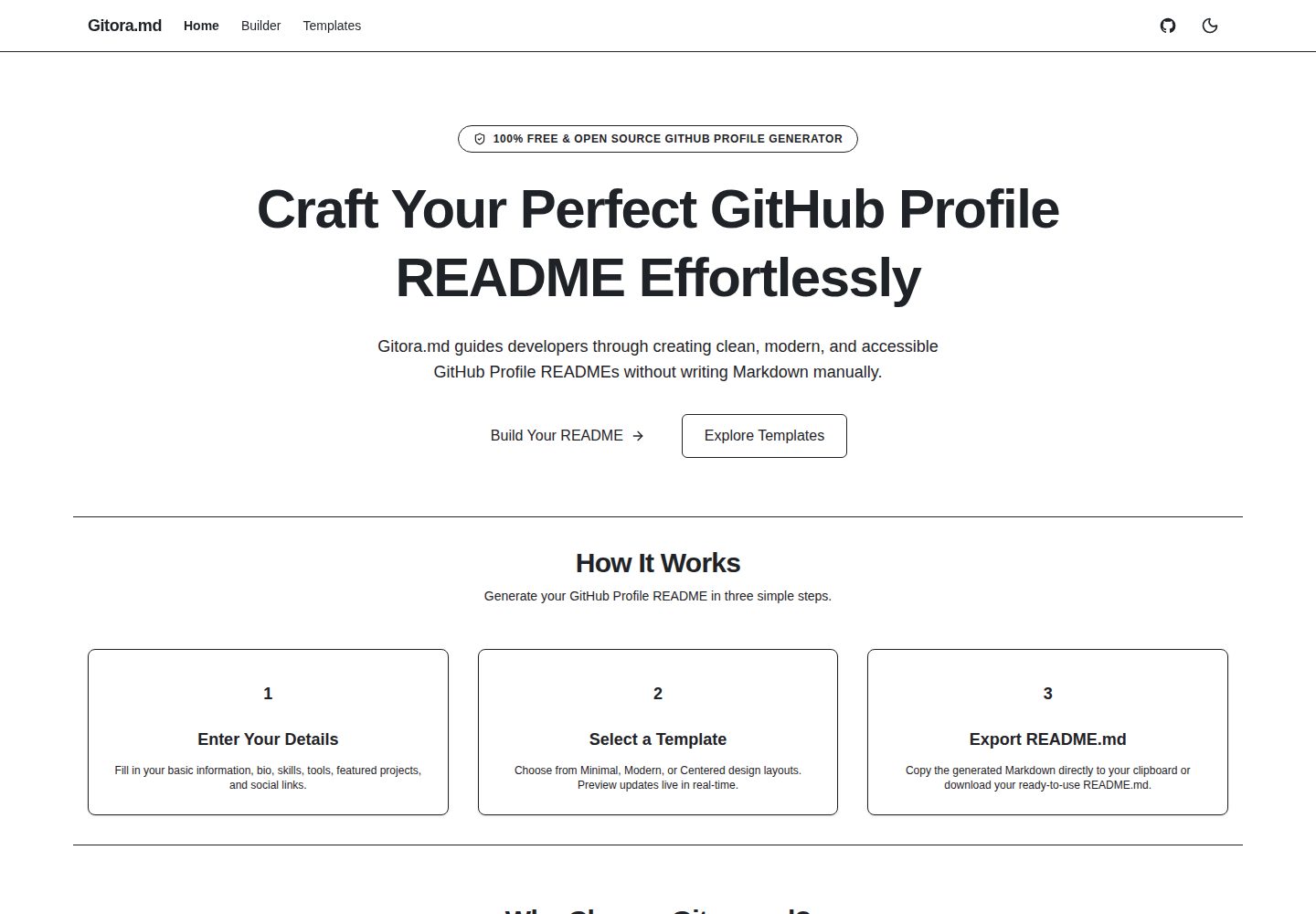
7-step guided build flow: Template, Profile, Tech Stack, Projects, Social, Layout, Preview & Export
Next.jsReactTool Site
gitora-md — Next.js Tool Template
By manujayagunathilaka
Gitora.md is a local-first visual GitHub Profile README builder that generates Markdown through a 7-step guided flow, 10 templates, and a live GitHub-style preview.
Explore the design
Compare the page layouts and mobile experience. Open any screenshot for a closer look.
Desktop homepage1 / 2
Desktop captureTop of page
Actual screenshot captured by the server browser.
All pages & views 2
Screenshots show visual appearance; interactive behavior may differ.
Recorded 2026-10-14View source
What stands out
A quick read of the recorded project description.
10 GitHub-compatible templates grouped into four categories: Minimal, Professional, Portfolio, Community
5 tech display modes: text, code-pills, gitora-icons, skill-icons, shields
Catalog of 34 technologies with exact, prefix, alias, and substring 5-level ranked search and category filtering
Local-first: form data stored only in localStorage; default code-pills mode makes zero network requests
Export supports copying to clipboard or downloading a UTF-8 README.md; drafts auto-save with version migration
Template Details
Gitora.md is a visual tool for building GitHub Profile READMEs, positioned as local-first. The README states it targets software engineers, open-source maintainers, educators, and students, generating clean, accessible, GitHub-compatible Profile READMEs through a guided flow.
The build flow has 7 steps: Template → Profile → Tech Stack → Projects → Social → Layout → Preview & Export. It includes 10 built-in templates grouped into four categories: Minimal, Professional, Portfolio, and Community; each template supports different combinations of tech display modes. The tech icon system offers 5 display modes (text, code-pills, gitora-icons, skill-icons, shields) and includes a selection catalog of 34 technologies, supporting 5-level ranked search (exact → prefix → alias → substring) and category filtering.
The preview renders sanitized Markdown using react-markdown, remark-gfm, rehype-raw, and rehype-sanitize. The Layout section provides keyboard-operable section visibility toggles and Move Up / Move Down ordering controls, with aria-live screen reader announcements. Export supports copying Markdown to the clipboard or downloading a UTF-8 README.md file. Drafts are auto-saved via debounced localStorage, including v1 → v2 version migration, corrupted draft recovery, and a reset confirmation dialog.
Regarding privacy, the README states that Profile form data is stored only in browser localStorage and is not transmitted to Gitora.md servers or external databases; the default display mode code-pills makes no network requests. If gitora-icons, skill-icons, or shields are selected, the browser fetches public icon assets from gitora-md.vercel.app, skillicons.dev, and img.shields.io; the interface indicates external asset loading and an estimated request count, and allows one-click fallback to code-pills.
For the tech stack, the README lists Next.js (App Router), TypeScript (strict mode), Tailwind CSS v4 with Radix UI, React Hook Form with Zod, react-markdown/remark-gfm/rehype-raw/rehype-sanitize/github-markdown-css, testing with Vitest, React Testing Library, and Playwright E2E, and pnpm as the package manager. Local running requires Node.js 24 (as specified in .nvmrc) and [email protected] (as specified in packageManager). The README does not provide information about deployment processes, performance metrics, or production readiness.
Next.jsTool site
Is it right for your project?
Use Cases
- Generate a Profile README for a GitHub profile and export a Markdown file
- Compare different layouts across multiple templates and choose one to customize
- Filter and search tech icons by category, and switch between different icon display modes
- Adjust README section order and visibility using keyboard operations
- Save drafts in the local browser and continue editing at any time
Suitable For
- Software engineers who need to maintain a GitHub Profile README
- Open-source project maintainers and contributors
- Educators and students
- Users who want to generate Markdown visually
Getting started & customization
Use these recorded setup notes alongside the repository instructions for your chosen version.
- 1
Requires Node.js 24, version as specified in the repository .nvmrc
- 2
Requires [email protected], version as specified in package.json packageManager
- 3
Run git clone, pnpm install, cp .env.example .env.local, pnpm dev in sequence, then visit http://localhost:3000
- 4
Optional environment variables: APP_URL, NEXT_PUBLIC_GITORA_ASSET_BASE_URL, NEXT_PUBLIC_ENABLE_GITORA_ICONS
- 5
Quality check commands: pnpm lint && pnpm typecheck && pnpm test && pnpm build && pnpm test:e2e
License & source material
Usage conditions & limitations
Free to use · keep license noticeThis entry covers the free version under the MIT license in the public repository; the free scope is the code of that version and does not mean external services or third-party assets are free.
Must comply with when using
- The code of this version may be used, modified, used commercially, and distributed for free.
- When distributing copies or substantial portions of the code, retain the original author's copyright notice and the full MIT license notice.
- The code is provided as is; warranties and limitations of liability are governed by the original license and applicable law.
Additional costs & items to verify
- Demo images, fonts, icons, and other third-party assets must be checked against their respective licenses and cannot be judged solely by the code's MIT license.
- External services such as domains, hosting, databases, payments, or AI may incur separate charges.
- When selecting gitora-icons, skill-icons, or shields display modes, the browser loads public icon assets from third-party hosts such as gitora-md.vercel.app, skillicons.dev, and img.shields.io; the default code-pills mode makes no network requests.
- Gitora hosted vector icons are controlled by the NEXT_PUBLIC_ENABLE_GITORA_ICONS feature flag, which defaults to false and must be explicitly enabled.
- Using Gitora icons requires configuring NEXT_PUBLIC_GITORA_ASSET_BASE_URL to point to an HTTPS origin hosting /assets/icons/v1/ SVGs.
- APP_URL is an optional server-side variable with a default value of https://gitora-md.vercel.app.
- Local running requires Node.js 24 as declared in .nvmrc.
- Local running requires [email protected] as declared in package.json packageManager.
View Original Text Basis
Permission is hereby granted, free of charge
Original License Text
- **Optional Third-Party Asset Loading**: If you select optional image providers (`gitora-icons`, `skill-icons`, `shields`), your browser fetches public icon assets from allowlisted HTTPS hosts (`gitora-md.vercel.app`, `skillicons.dev`, `img.shields.io`). Profile data is never sent in those requests.
Original README
| `NEXT_PUBLIC_ENABLE_GITORA_ICONS` | Optional | Public | Feature flag enabling Gitora-hosted vector icons (Defaults to `false`). |
Original README
| `NEXT_PUBLIC_GITORA_ASSET_BASE_URL` | Optional | Public | HTTPS origin hosting `/assets/icons/v1/` SVGs. |
Original README
| `APP_URL` | Optional | Server-Only | Application base origin (Defaults to `https://gitora-md.vercel.app`). |
Original README
- **Node.js**: use the exact version declared in `.nvmrc` (Node.js `24`)
Original README
https://github.com/manujayagunathilaka/gitora-md/blob/main/LICENSEhttps://github.com/manujayagunathilaka/gitora-md/blob/main/README.md- **pnpm**: use the exact version declared by `packageManager` in `package.json` (`[email protected]`)
Original README
Compiled by DeepSeek based on repository license and README ·2026-10-14. Results only cover the materials read; dependencies, images, fonts, and subsequent term changes are subject to their respective original texts.
Project checks & description sources
Template Information
- Source platforms
- GitHub
- Documentation and maintenance reference score
- More documented · 83 / 100
- Technologies
- Next.js · React
- Website type
- Tool Site
How this score is calculated
Our heuristic uses license records (up to 30), a demo link (12), a preview (10), stars (15), recorded maintenance (15), description completeness (8), feature records (5) and classification data (5). It is not a code, security or performance test, or a Google score. A link does not establish tested functionality.
What to verify for this project
- Repository update recorded
- 2026-09-18
- Screenshot last checked
- 2026-10-14
A demo link is listed. Check it with your own content and viewport sizes; its presence does not confirm that forms, authentication or payments work.
The catalog identifies Next.js as the primary stack. Check the actual dependency manifest and lockfile for versions and hosting requirements. These notes use recorded metadata, not a code audit or a deployment test.
Use a selection guide →How this description was prepared
AI-assisted description based on catalog records and repository material. Repository authors are not automatically the reviewers of this description.
Review declaration: codex-user-requested-batch-review-20261017 · 2026-10-16
Inspect the recorded source material
SHA-256: 309115235d78aba65115f7bc82f1fddcb3f7c142efd073fd2a9855cfb3f7996b
2026-10-14T21:02:24.151Z
Source file / repository# Gitora.md **A visual, local-first GitHub Profile README builder.** [Live Demo](https://gitora-md.vercel.app) · [Browse Templates](https://gitora-md.vercel.app/templates) · [Open Builder](https://gitora-md.vercel.app/builder) · [Contributing](CONTRIBUTING.md) · [Report Bug](https://github.com/manujayagunathilaka/gitora-md/issues) · [Request Feature](https://github.com/manujayagunathilaka/gitora-md/issues) Gitora.md allows software engineers, open-source maintainers, educators, and students to build clean, accessible, and GitHub-compatible Profile READMEs with curated templates, technology icons, layout reordering controls, and live GitHub-style preview. [](https://github.com/manujayagunathilaka/gitora-md/actions/workflows/ci.yml) [](LICENSE) [](CHANGELOG.md) [](https://nextjs.org/) [](https://www.typescriptlang.org/) [](https://pnpm.io/) [](#privacy-and-local-first-behavior) --- ## Product Preview  *Gitora.md 7-step builder pipeline with live GitHub-style Markdown preview.* <details> <summary><strong>View Additional Interface Screenshots</strong></summary> ### Landing Page & Gallery  ### README Templates Gallery  ### GitHub-Style Preview Step  ### Mobile Responsive Interface  </details> --- ## Key Features - **7-Step Guided Builder**: Progressive, structured pipeline (`Template` → `Profile` → `Tech Stack` → `Projects` → `Social` → `Layout` → `Preview & Export`). - **10 Curated README Templates**: Distinct, GitHub-compatible layouts categorized into `Minimal`, `Professional`, `Portfolio`, and `Community`. - **Multi-Provider Technology Icon System**: 5 presentation modes (`text`, `code-pills`, `gitora-icons`, `skill-icons`, `shields`) with URL-length chunking, theme toggles, and zero-network default fallback. - **Technology Selector**: Curated catalog of 34 technologies with 5-tier ranked search (`exact` → `prefix` → `alias` → `substring`), category filtering, and provider presentation controls. - **GitHub-Style Live Preview**: Sanitized Markdown rendering engine powered by `react-markdown`, `remark-gfm`, `rehype-raw`, and `rehype-sanitize`. - **Accessible Layout Customization**: Keyboard-operable section visibility toggles and `Move Up` / `Move Down` reordering controls with `aria-live` screen-reader announcements. - **One-Click Export**: Copy generated Markdown directly to your clipboard or download as a UTF-8 `README.md` file. - **Local Draft Persistence**: Debounced `localStorage` auto-saving, versioned migration (v1 → v2), corrupted-draft recovery, and confirmation reset modal. - **External Asset Disclosure**: Transparent notifications when remote image providers (Gitora SVGs, Skill Icons, Shields.io) are enabled, including estimated request counts and 1-click fallback to code-pills. --- ## Template Inventory Gitora.md includes ten distinct, GitHub-compatible README templates: | Template ID | Name | Category | Primary Audience & Layout Highlights | Supported Presentations | |---|---|---|---|---| | `minimal` | Minimal | **Minimal** | Text-focused, clean headings, simple bullet points, no emojis. | `text`, `code-pills` | | `compact` | Compact | **Minimal** | Ultra-concise single-screen profile layout. | `text`, `code-pills` | | `modern` | Modern | **Minimal** | Blockquote headline, tech pills, and structured project cards. | `text`, `code-pills`, `shields` | | `professional` | Professional | **Professional** | Recruiter-friendly formal tone with categorized tech stack. | `text`, `code-pills`, `shields` | | `technical` | Technical | **Professional** | Terminal prompt hero, categorized tech stack, systems architecture. | `text`, `code-pills`, `gitora-icons`, `skill-icons`, `shields` | | `centered` | Centered | **Portfolio** | Centered hero header with balanced visual layout. | `text`, `code-pills`, `gitora-icons`, `skill-icons`, `shields` | | `portfolio` | Portfolio | **Portfolio** | Showcase-first layout highlighting top projects & demo links. | `text`, `code-pills`, `gitora-icons`, `skill-icons` | | `creative` | Creative | **Portfolio** | Expressive layout for frontend engineers and UI coders. | `text`, `code-pills`, `gitora-icons`, `skill-icons`, `shields` | | `open-source` | Open Source | **Community** | Repository-first hierarchy for maintainers & contributors. | `text`, `code-pills`, `shields` | | `community` | Community | **Community** | Developer advocates, educators, and community mentors. | `text`, `code-pills`, `skill-icons`, `shields` | --- ## Technology Presentation Modes 1. **Text (`text`)**: Pure Markdown text lists with zero remote images or badges. 2. **Code Pills (`code-pills`)**: Network-free Markdown inline code blocks (`\`React\``). 3. **Gitora Icons (`gitora-icons`)**: Clean vector SVGs hosted on Gitora CDN (`public/assets/icons/v1/`). 4. **Skill Icons (`skill-icons`)**: Consolidated tech stack grids powered by `skillicons.dev`. 5. **Shields Badges (`shields`)**: Flat badges powered by `img.shields.io`. --- ## Privacy and Local-First Behavior - **Browser Storage Only**: Profile form inputs are stored locally in your browser's `localStorage`. - **Zero Profile Tracking**: Profile form data is never transmitted to Gitora.md servers or external databases. - **Network-Free Default**: The default presentation mode (`"code-pills"`) makes 0 network requests. - **Optional Third-Party Asset Loading**: If you select optional image providers (`gitora-icons`, `skill-icons`, `shields`), your browser fetches public icon assets from allowlisted HTTPS hosts (`gitora-md.vercel.app`, `skillicons.dev`, `img.shields.io`). Profile data is never sent in those requests. --- ## Tech Stack - **Framework**: Next.js 16 (App Router) - **Language**: TypeScript (Strict Mode) - **Styling**: Tailwind CSS v4 & Radix UI primitives - **Form & Validation**: React Hook Form & Zod - **Markdown & Sanitization**: `react-markdown`, `remark-gfm`, `rehype-raw`, `rehype-sanitize`, `github-markdown-css` - **Testing**: Vitest, React Testing Library, Playwright E2E - **Package Manager**: `pnpm` --- ## Getting Started ### Prerequisites - **Node.js**: use the exact version declared in `.nvmrc` (Node.js `24`) - **pnpm**: use the exact version declared by `packageManager` in `package.json` (`[email protected]`) ### Local Setup ```bash # 1. Clone the repository git clone https://github.com/manujayagunathilaka/gitora-md.git cd gitora-md # 2. Install dependencies pnpm install # 3. Copy environment configuration template cp .env.example .env.local # 4. Start development server pnpm dev ``` Open [http://localhost:3000](http://localhost:3000) in your browser. --- ## Environment Variables Documented in `.env.example`: | Variable Name | Required | Scope | Purpose & Default | |---|---|---|---| | `APP_URL` | Optional | Server-Only | Application base origin (Defaults to `https://gitora-md.vercel.app`). | | `NEXT_PUBLIC_GITORA_ASSET_BASE_URL` | Optional | Public | HTTPS origin hosting `/assets/icons/v1/` SVGs. | | `NEXT_PUBLIC_ENABLE_GITORA_ICONS` | Optional | Public | Feature flag enabling Gitora-hosted vector icons (Defaults to `false`). | --- ## Available Scripts ```bash pnpm dev # Start development server pnpm build # Build Next.js production bundle (SSG prerendering) pnpm start # Start local production server pnpm lint # Run ESLint check pnpm typecheck # Run TypeScript strict typecheck pnpm test # Run Vitest unit & component tests pnpm test:e2e # Run Playwright end-to-end tests ``` --- ## Automated Verification & Quality Gates The repository uses automated linting, strict typechecking, unit and component tests, production builds, and Playwright end-to-end verification: ```bash pnpm lint && pnpm typecheck && pnpm test && pnpm build && pnpm test:e2e ``` --- ## Contributing We welcome open-source contributions! Please read [CONTRIBUTING.md](CONTRIBUTING.md) and [CODE_OF_CONDUCT.md](CODE_OF_CONDUCT.md) before submitting pull requests. --- ## Security Policy Security vulnerabilities should be reported privately to: **[email protected]** See [SECURITY.md](SECURITY.md) for details. --- ## License This project is licensed under the [MIT License](LICENSE). See [THIRD_PARTY_NOTICES.md](THIRD_PARTY_NOTICES.md) for open-source asset disclosures and trademark acknowledgments.
Explore similar templates
Compare previews and descriptions within the same stack and category.
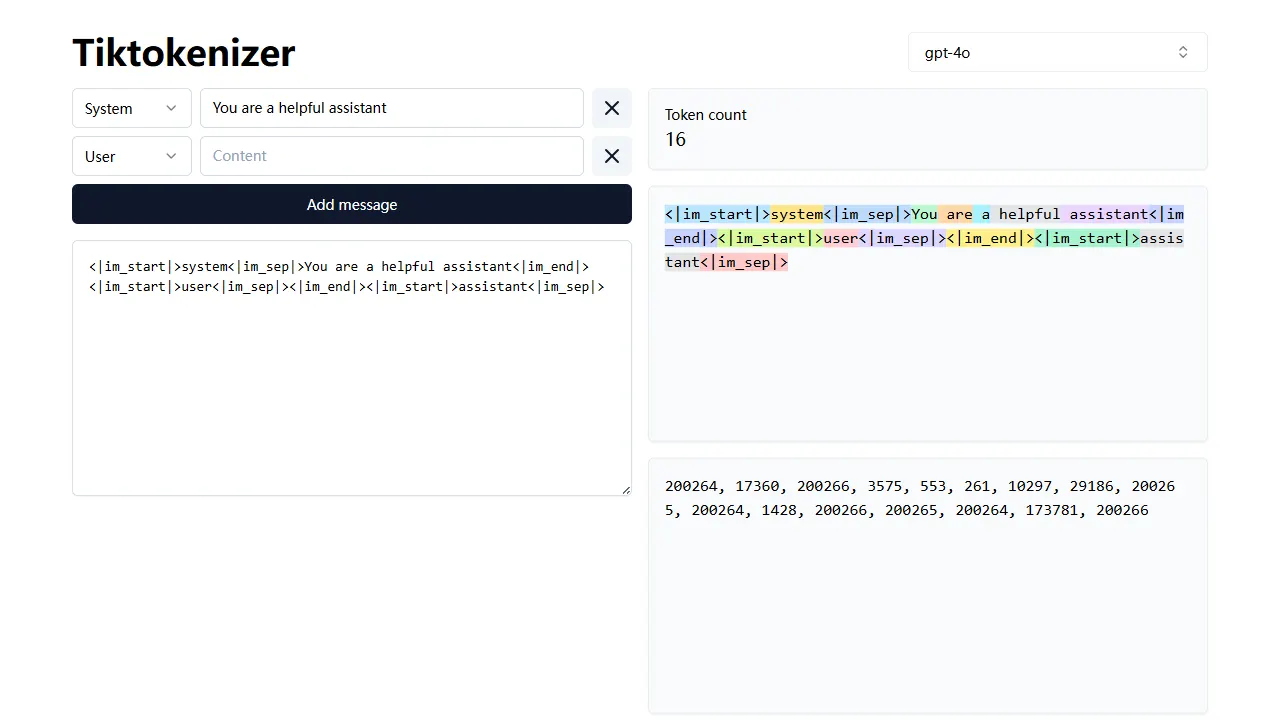
tiktokenizer
tiktokenizer is an open-source online tool site built with Next.js, TypeScript, and React that calculates token counts for text using the openai/tiktoken library.
Next.js · Tool Site
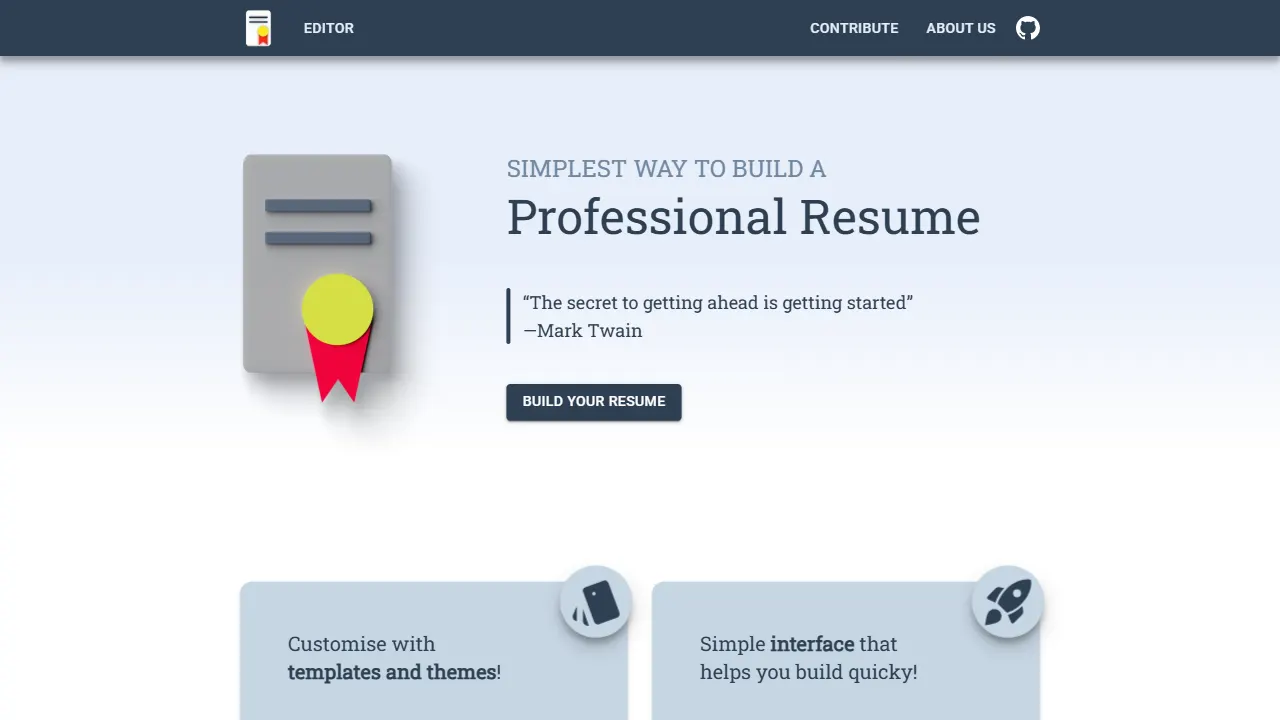
resume builder
An open-source resume builder built with Next.js, TypeScript, Material UI, and Zustand. It offers multiple templates and themes, real-time editing and preview, and requires no registration.
Next.js · Tool Site
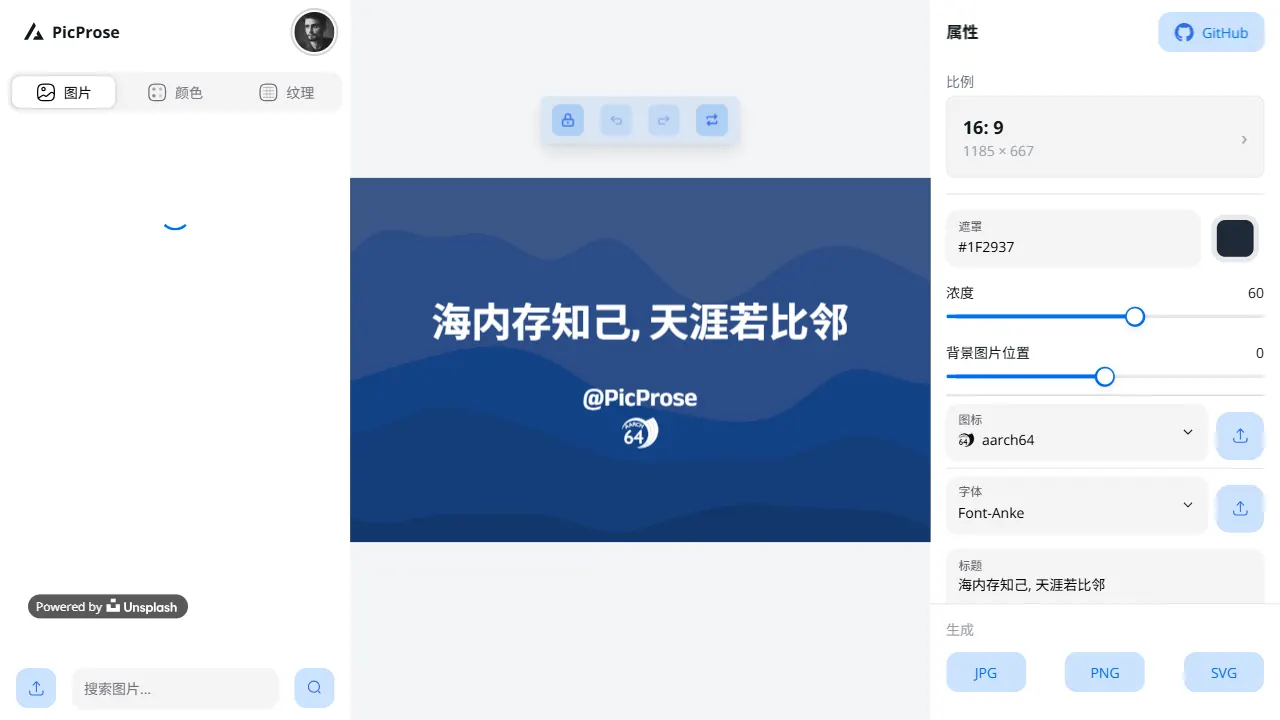
picprose
PicProse is an open-source, Next.js-based cover image generator for bloggers, content creators, and developers. It fetches images via the Unsplash API, supports custom titles, author info, fonts, colors, and transparency, offers multiple aspect ratios, and exports to JPG, PNG, and SVG.
Next.js · Tool Site
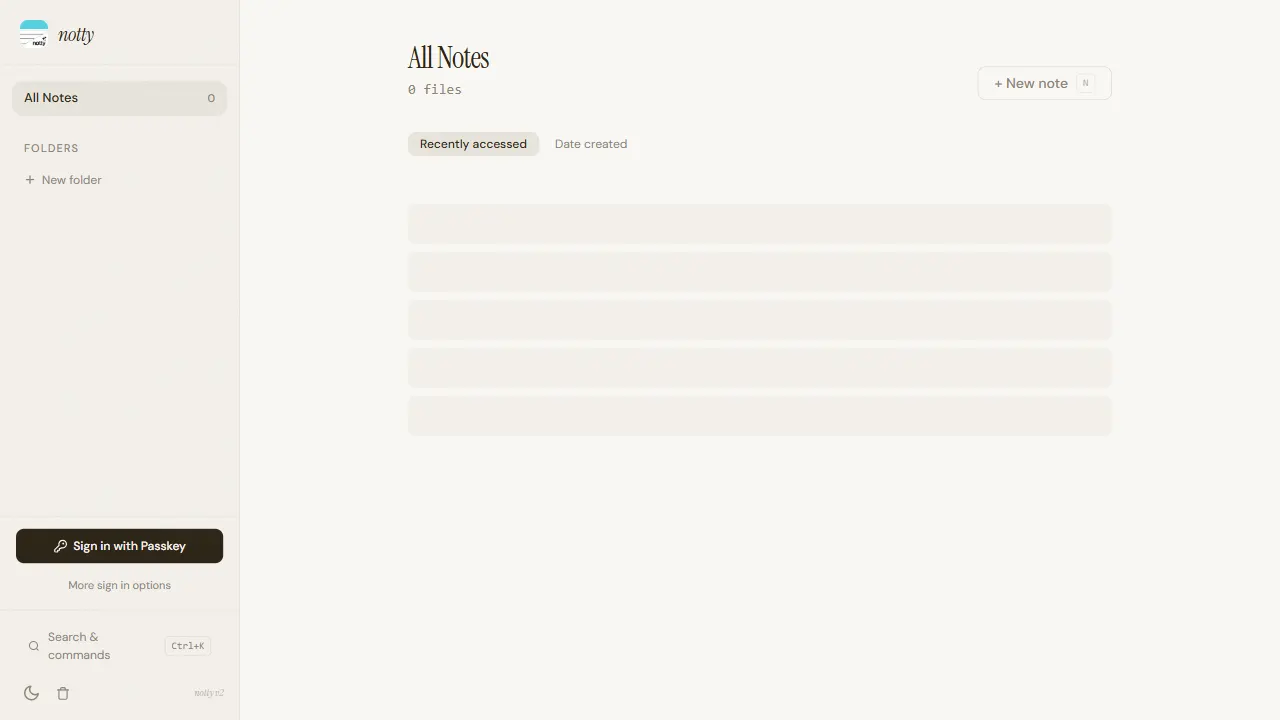
notty
Notty is an offline-first note-taking app template built with Next.js, TypeScript, React, Cloudflare Workers, and Yjs.
Next.js · Tool Site
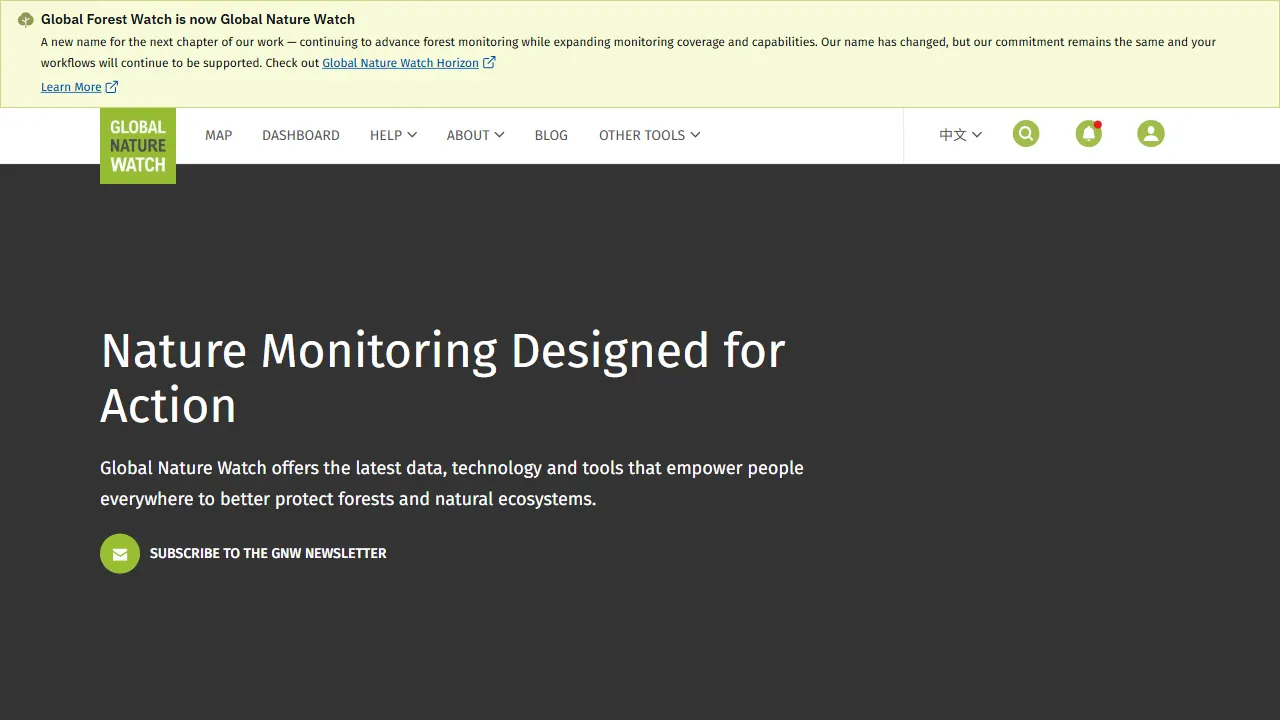
gfw
gfw is the official Global Forest Watch web application, an open-source tool site with a live online demo.
Next.js · Tool Site
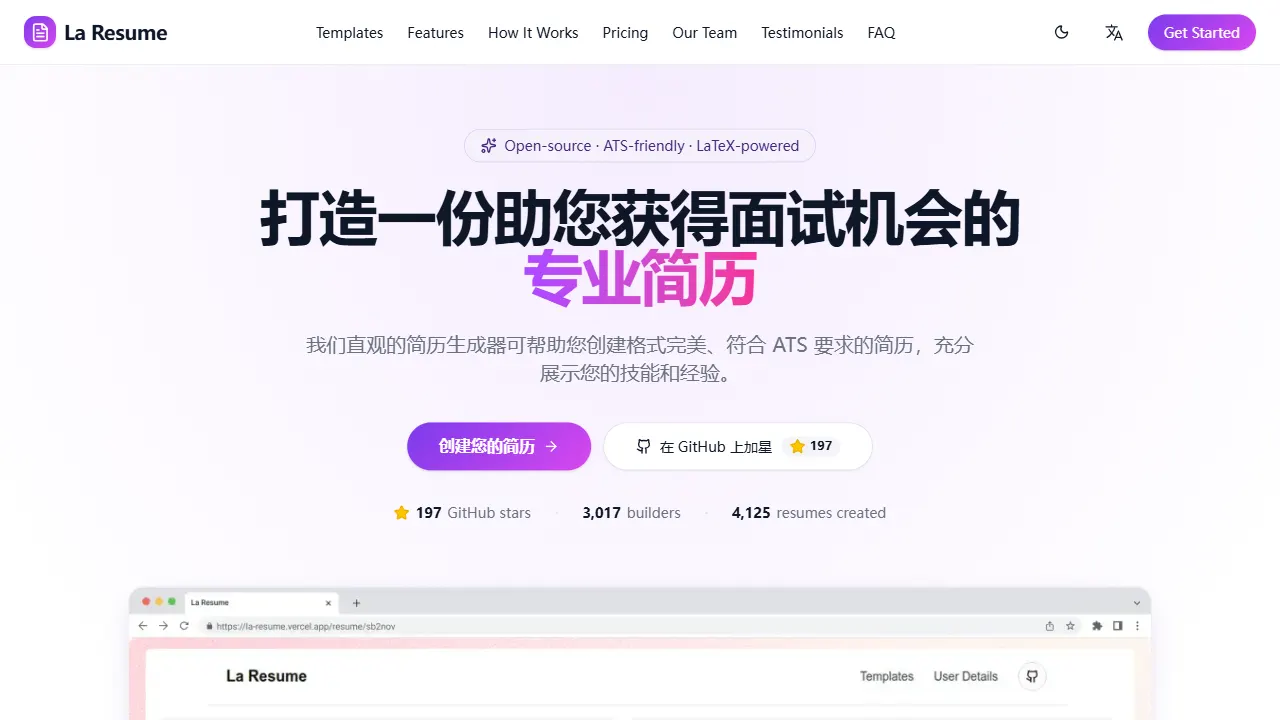
la resume
la resume is an open-source online resume builder built with Next.js, TypeScript, and React. It provides ATS-optimized templates, one-click PDF/LaTeX export, requires no registration, and supports PWA installation.
Next.js · Tool Site