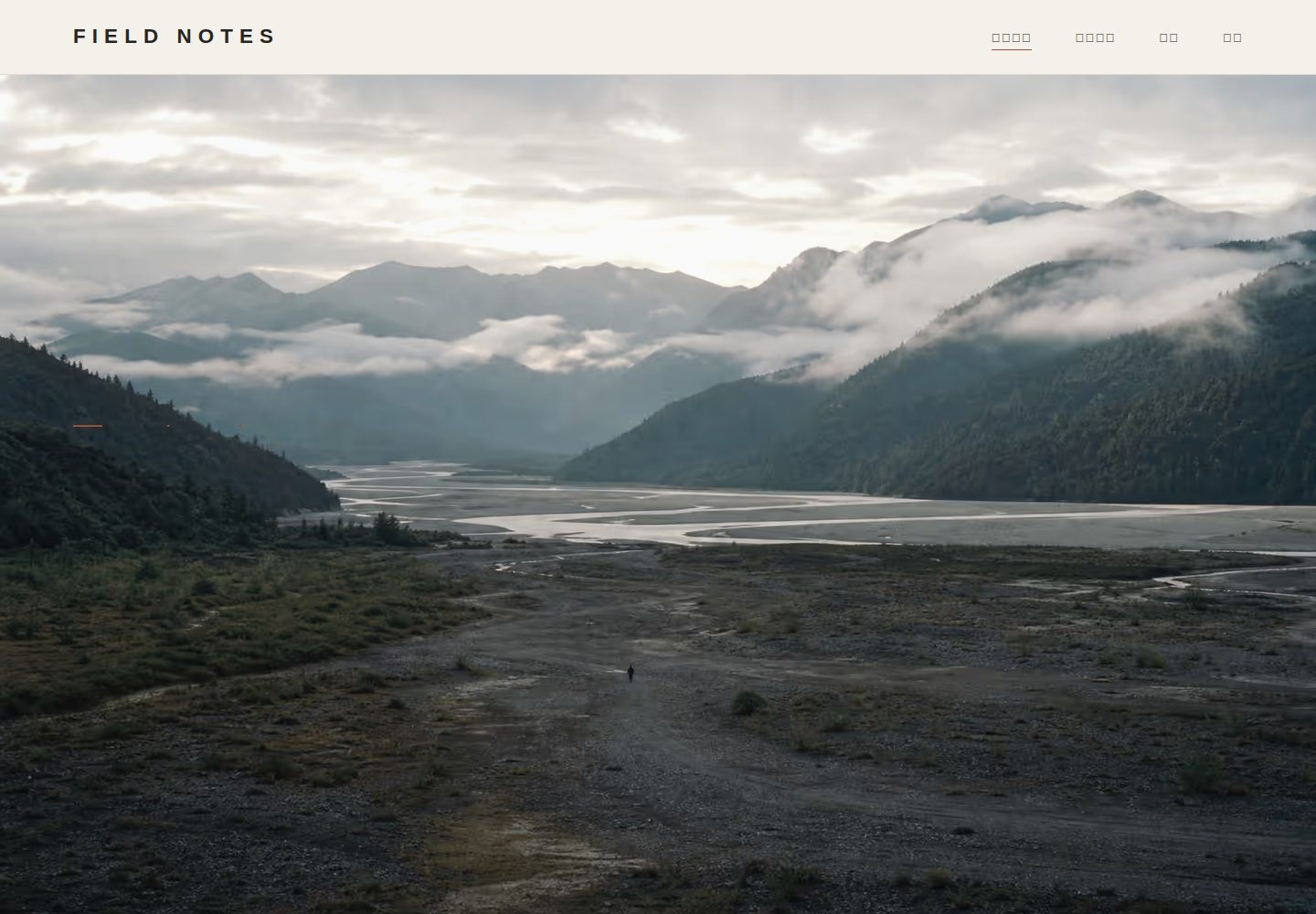
Static portfolio built with Eleventy, supporting themed photo essays, responsive images, and a full-screen lightbox
EleventyPortfolioBlog
photography-portfolio-template — Eleventy Portfolio Template
By mason2048
An open-source portfolio template for landscape, documentary, and editorial photographers, built with Eleventy, maintained through Pages CMS for themed photo essays, and automatically deployed to GitHub Pages via GitHub Actions.
Explore the design
Compare the page layouts and mobile experience. Open any screenshot for a closer look.
Desktop homepage1 / 3
Desktop captureTop of page
Actual screenshot captured by the server browser.
All pages & views 3
Screenshots show visual appearance; interactive behavior may differ.
Recorded 2026-10-01View source
What stands out
A quick read of the recorded project description.
Maintain the homepage, photographer introduction, contact information, and themed photo essays in the browser through Pages CMS
Provides a photo processing script that automatically generates AVIF, WebP, and JPEG web versions
Built-in GitHub Actions workflow automatically checks and deploys to GitHub Pages
The initialization wizard can configure the brand name, photographer name, contact information, and custom domain
Template Details
This is a photography portfolio template centered on themed photo essays. It uses Eleventy to generate static pages, maintains content visually through Pages CMS, and deploys automatically to GitHub Pages via GitHub Actions. The template includes a homepage, a list of themed photo essays, and detail pages, supports responsive images and a full-screen lightbox, and provides a photo compression script that converts original files into AVIF, WebP, and JPEG web versions.
In use, the repository does not store 10MB–50MB original files; it keeps only web photos with a longest edge of 2560px. Images over 2MB trigger a warning, and images over 5MB block the build. Each theme is stored as a JSON file in content/projects/, site data is in src/_data/site.json, and Pages CMS field definitions are in .pages.yml.
Running locally requires Node.js 22 or newer. The initialization wizard asks for the brand name, photographer name, contact information, and custom domain, and also supports non-interactive parameters. The code is MIT licensed, but third-party assets such as demo photos, fonts, and icons must be checked against their respective licenses; copyright for photos uploaded by users remains with the respective photographers.
EleventyPortfolioBlog
Is it right for your project?
Use Cases
- Landscape, documentary, or editorial photographers building a personal portfolio website
- Organizing photo essays by theme and uploading photos or adjusting order in the browser
- Using free hosting on GitHub Pages and publishing automatically through GitHub Actions
- Running a local development server with Node.js to preview the site
Suitable For
- Individual photographers who want to publish photography work using a static site
- Users willing to maintain content using a GitHub repository and Pages CMS
- Portfolio projects that need responsive images and a lightbox browsing experience
- Users who can install Node.js 22 or newer locally for building
Getting started & customization
Use these recorded setup notes alongside the repository instructions for your chosen version.
- 1
Running locally requires Node.js 22 or newer; run npm install, npm run setup, npm run check, and npm run dev in sequence
- 2
After creating a repository from the GitHub template, set Source to GitHub Actions in Settings → Pages and wait for the deployment workflow to complete
- 3
Do not commit original files directly to the repository; use the scripts in the tools directory or npm run photos to generate web versions
- 4
Images over 2MB trigger a warning, and images over 5MB block the build
- 5
For a custom domain, run npm run setup to enter the domain and generate a CNAME, and complete DNS settings in GitHub Pages and with the domain provider
License & source material
Usage conditions & limitations
Free to use · keep license noticeThis listing covers the free version under the MIT license in the public repository; the free scope is the code of that version and does not mean that external services or third-party assets are free.
Must comply with when using
- The code of this version may be used, modified, used commercially, and distributed free of charge.
- When distributing copies or substantial portions of the code, retain the original author's copyright notice and the complete MIT license notice.
- The code is provided as is; warranties and limitations of liability are governed by the original license and applicable law.
Additional costs & items to verify
- Maintaining content with Pages CMS requires registering and logging into a Pages CMS account and authorizing its GitHub App to access your repository, which is an external service dependency.
- You must authorize the third-party Pages CMS GitHub App to access the repository to perform visual content maintenance.
- Local building and development require installing Node.js 22 or newer.
- A single web image over 5MB will cause the build to fail and must be compressed below the limit first.
- Large original files should not be committed to the repository; convert them to web versions before use.
- Demo photos use a separate license file, which differs from the MIT code license and must be checked separately before use.
- Demo images, fonts, icons, and other third-party assets must be checked against their respective licenses and cannot be judged solely by the code's MIT license.
- External services such as domains, hosting, databases, payments, or AI may incur additional charges.
View Original Text Basis
Permission is hereby granted, free of charge
Original License Text
打开 [Pages CMS](https://app.pagescms.org/) 并用 GitHub 登录。
Original README
授权 Pages CMS GitHub App 访问你创建的仓库。
Original README
需要 Node.js 22 或更新版本:
Original README
图片超过 2MB 会显示提醒,超过 5MB 会阻止构建。
Original README
不要把 10MB–50MB 原片直接提交到 GitHub。
Original README
https://github.com/mason2048/photography-portfolio-template/blob/main/LICENSEhttps://github.com/mason2048/photography-portfolio-template/blob/main/README.md演示照片:[LICENSE-PHOTOS.md](LICENSE-PHOTOS.md)
Original README
Compiled by DeepSeek based on repository license and README ·2026-10-01. Results only cover the materials read; dependencies, images, fonts, and subsequent term changes are subject to their respective original texts.
Project checks & description sources
Template Information
- Source platforms
- GitHub
- Documentation and maintenance reference score
- More documented · 88 / 100
- Technologies
- Eleventy
- Website type
- Portfolio · Blog
How this score is calculated
Our heuristic uses license records (up to 30), a demo link (12), a preview (10), stars (15), recorded maintenance (15), description completeness (8), feature records (5) and classification data (5). It is not a code, security or performance test, or a Google score. A link does not establish tested functionality.
What to verify for this project
- Repository update recorded
- 2026-07-14
- Screenshot last checked
- 2026-10-01
A demo link is listed. Check it with your own content and viewport sizes; its presence does not confirm that forms, authentication or payments work.
The catalog identifies Eleventy as the primary stack. Check the actual dependency manifest and lockfile for versions and hosting requirements. These notes use recorded metadata, not a code audit or a deployment test.
Use a selection guide →How this description was prepared
AI-assisted description based on catalog records and repository material. Repository authors are not automatically the reviewers of this description.
Automatically checked against source and license rules; no manual editorial review.
Inspect the recorded source material
SHA-256: b5cb8819a379f16f3a397532fbe4eccfdd0e13e7c3e2a5ffbebd66cbbacef29a
2026-10-01T15:37:37.651Z
Source file / repository# FIELD NOTES Photography Portfolio [](https://github.com/mason2048/photography-portfolio-template/actions/workflows/ci.yml) [](https://github.com/mason2048/photography-portfolio-template/actions/workflows/deploy-pages.yml) [](LICENSE) 一个面向风景、人文与纪实摄影师的开源作品集模板。采用 Eleventy、Pages CMS 和 GitHub Pages,支持专题影集、响应式图片、全屏灯箱、可视化内容维护和自动部署。 - 在线演示:[https://mason2048.github.io/photography-portfolio-template/](https://mason2048.github.io/photography-portfolio-template/) - English guide: [docs/README.en.md](docs/README.en.md) - 不需要数据库或付费服务器 - 原片保留在本地,网站自动生成 AVIF、WebP 和 JPEG 响应式版本 ## 最快开始 ### 方式一:直接创建自己的仓库 1. 点击 [`Use this template`](https://github.com/new?template_name=photography-portfolio-template&template_owner=mason2048)。 2. 创建一个公开仓库。 3. 在新仓库打开 `Settings → Pages`,将 Source 设为 `GitHub Actions`。 4. 等待 `Deploy photography portfolio` 工作流完成。 5. 打开 `https://你的用户名.github.io/你的仓库名/`。 工作流会自动识别用户主页或项目仓库路径,无需手动修改 `/repository-name/`。 ### 方式二:下载到本地 需要 Node.js 22 或更新版本: ```bash npm install npm run setup npm run check npm run dev ``` 然后打开 `http://localhost:8080/`。 初始化向导会询问品牌名称、摄影师名称、联系方式和自定义域名。也支持自动化参数: ```bash npm run setup -- \ --non-interactive \ --name="YOUR NAME" \ --author="YOUR NAME" \ --title="YOUR NAME — Photography" \ --contact-url="mailto:[email protected]" \ --contact-label="Email me" ``` ## 使用 Pages CMS 维护影集 1. 打开 [Pages CMS](https://app.pagescms.org/) 并用 GitHub 登录。 2. 授权 Pages CMS GitHub App 访问你创建的仓库。 3. 在“网站资料”中修改首页、摄影师介绍和联系方式。 4. 在“专题影集”中新建专题、上传网页照片并安排照片顺序。 5. 保存后 GitHub Actions 自动重新发布。 每个专题保存在 `content/projects/*.json`,Pages CMS 字段定义位于 [`.pages.yml`](.pages.yml)。完整说明见 [Pages CMS 使用指南](docs/pages-cms.md)。 ## 照片工作流 不要把 10MB–50MB 原片直接提交到 GitHub。原片继续存放在硬盘或云盘,仓库只保存最长边 2560px 的网页版本。 macOS:把照片拖到: ```text tools/prepare-photos.command ``` Windows:把照片拖到: ```text tools/prepare-photos.cmd ``` 所有平台也可以运行: ```bash npm run photos -- my-project /path/to/photo-01.jpg /path/to/photo-02.heic ``` 图片超过 2MB 会显示提醒,超过 5MB 会阻止构建。更多说明见 [照片处理指南](docs/photo-workflow.md)。 ## 主要目录 ```text content/projects/ 专题数据 assets/images/ 网页照片 src/_data/site.json 网站、首页和联系方式 src/ 页面模板与样式 scripts/setup.mjs 初始化向导 scripts/prepare-photos.mjs 照片压缩 .pages.yml Pages CMS 配置 .github/workflows/ 检查与发布 ``` ## 自定义域名 运行 `npm run setup` 并填写域名,会生成根目录 `CNAME`。随后在 GitHub Pages 和域名服务商中完成 DNS 设置。不要把模板演示仓库的域名复制到自己的仓库。详见 [自定义域名指南](docs/custom-domain.md)。 ## 开源许可 - 代码、模板和文档:[MIT License](LICENSE) - 演示照片:[LICENSE-PHOTOS.md](LICENSE-PHOTOS.md) - 使用者上传的照片版权仍属于各自摄影师,不会因为使用本模板而变更 ## 参与项目 欢迎提交问题、功能建议和 Pull Request。请先阅读 [CONTRIBUTING.md](CONTRIBUTING.md)、[CODE_OF_CONDUCT.md](CODE_OF_CONDUCT.md) 与 [SECURITY.md](SECURITY.md)。
Explore similar templates
Compare previews and descriptions within the same stack and category.

eleventy-base-blog
The officially maintained Eleventy blog starter template, MIT licensed, includes posts, tag pages, archives, an about page, a 404 page, an Atom feed, and sitemap.xml, with per-page CSS bundling, syntax highlighting, and image optimization.
Eleventy · Blog

Eleventy-Starter-Boilerplate
An Eleventy-based blog starter template with Tailwind CSS, Webpack, PostCSS, ESLint, and Prettier, optional Netlify CMS, and built-in SEO metadata, sitemap, and 404 page.
Eleventy · Blog
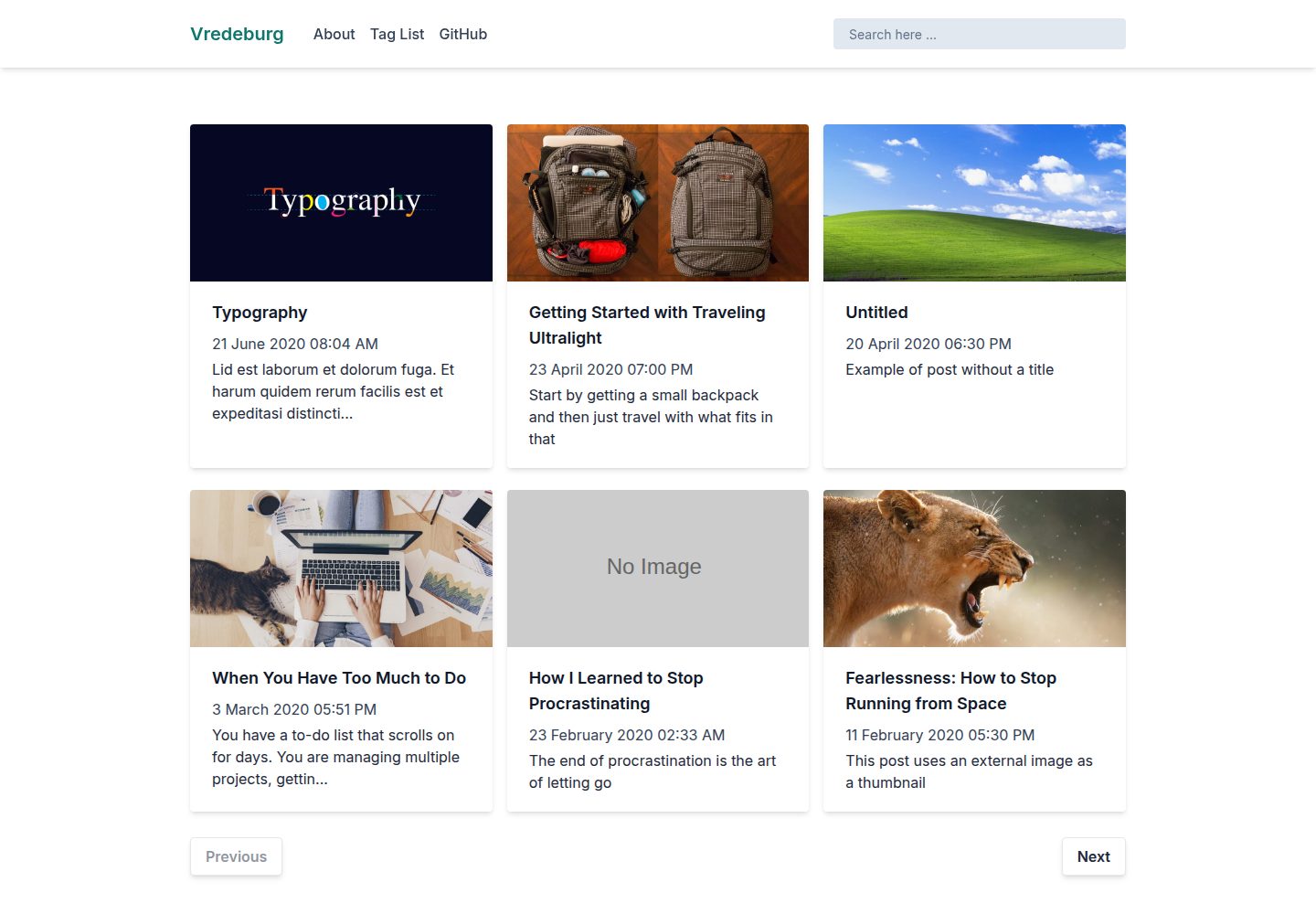
vredeburg
Vredeburg is a blog starter template built with Eleventy and Tailwind CSS, offering a homepage, article inner pages, and an about page. Site title, description, author, and menu navigation are configured centrally in src/_data/.
Eleventy · Blog
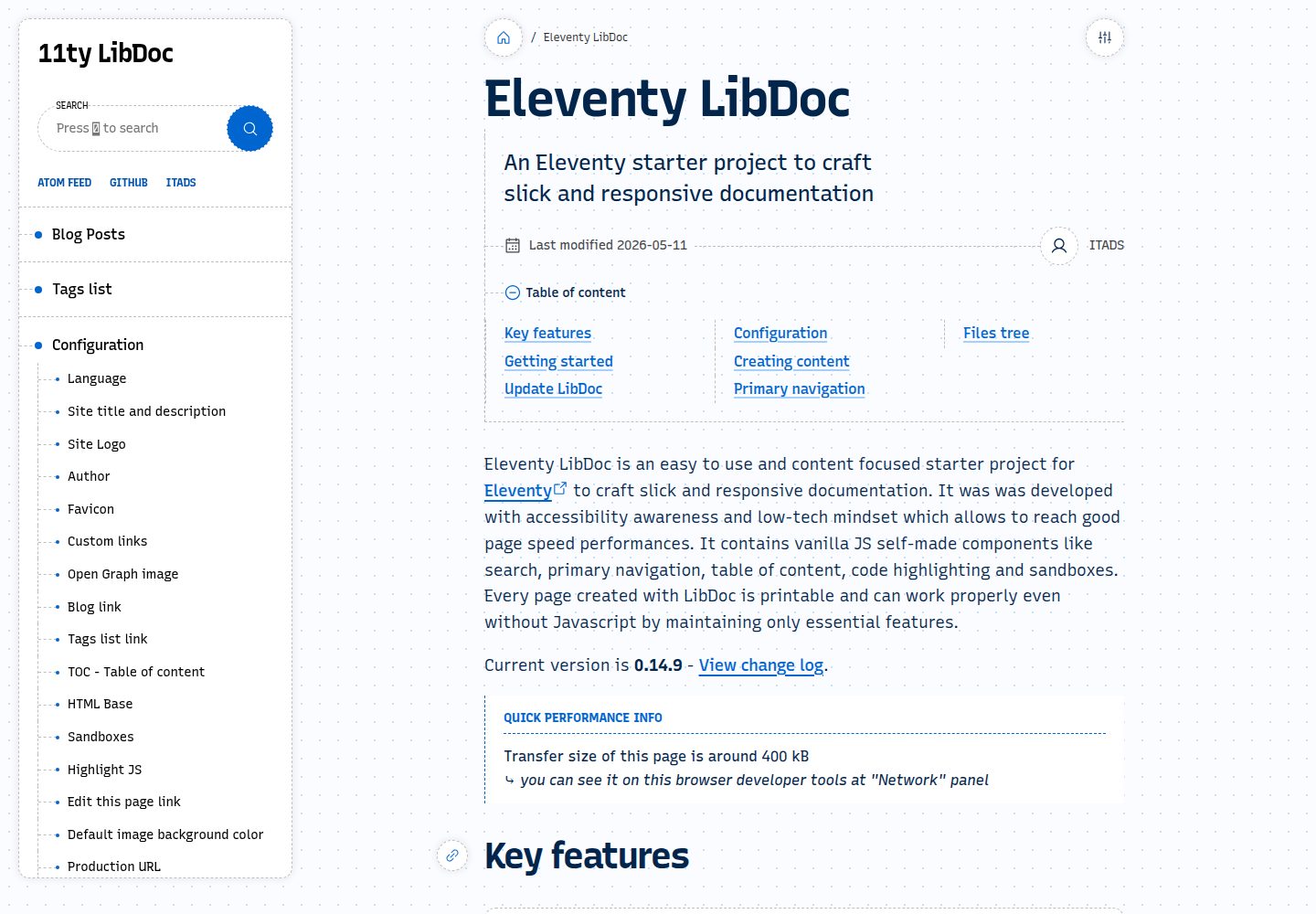
eleventy-libdoc
Eleventy LibDoc is an Eleventy-based documentation and blog starter template with built-in search, navigation, floating table of contents, code highlighting, sandbox, Atom feed, light and dark modes, and image transcoding. Pages are printable and degrade gracefully without JavaScript.
Eleventy · Blog
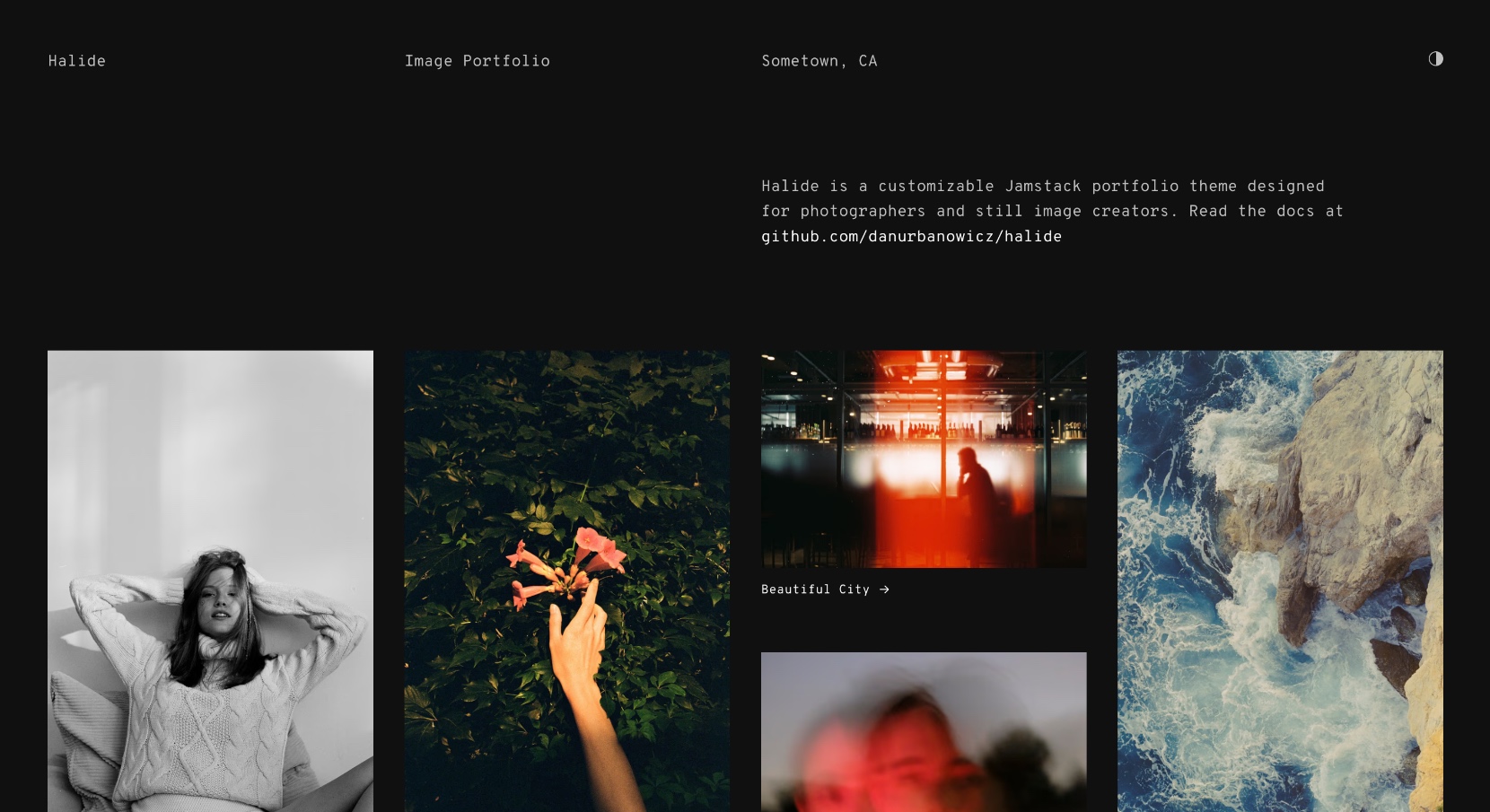
halide
A minimal, responsive image portfolio template built with Eleventy and Tina CMS.
Eleventy · Portfolio
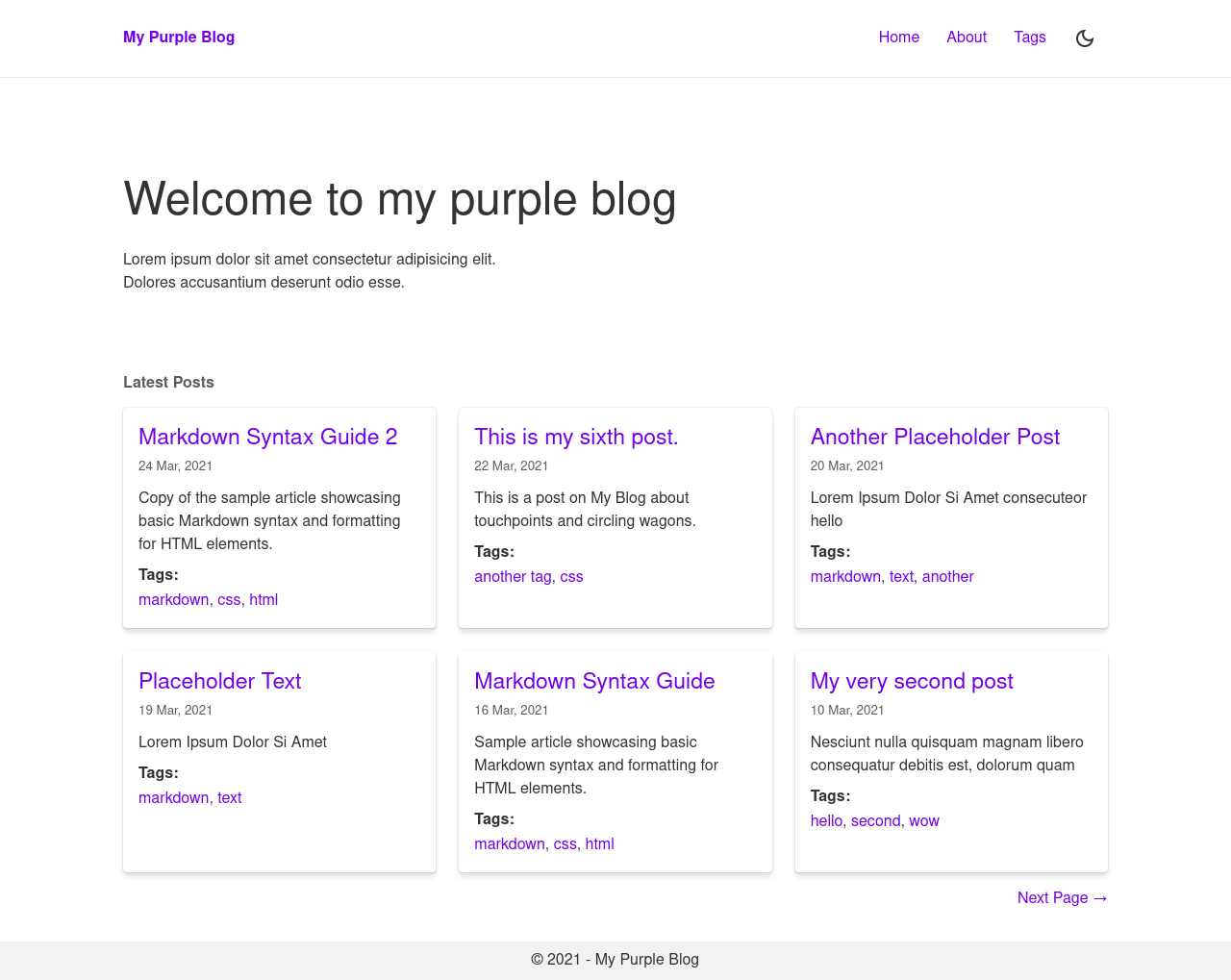
eleventy-stylus-blog-theme
An Eleventy and Stylus blog theme with a toggleable dark mode, tag taxonomy, Atom RSS, and sitemap, plus Netlify, Vercel, and GitHub Pages demo entry points.
Eleventy · Tool Site