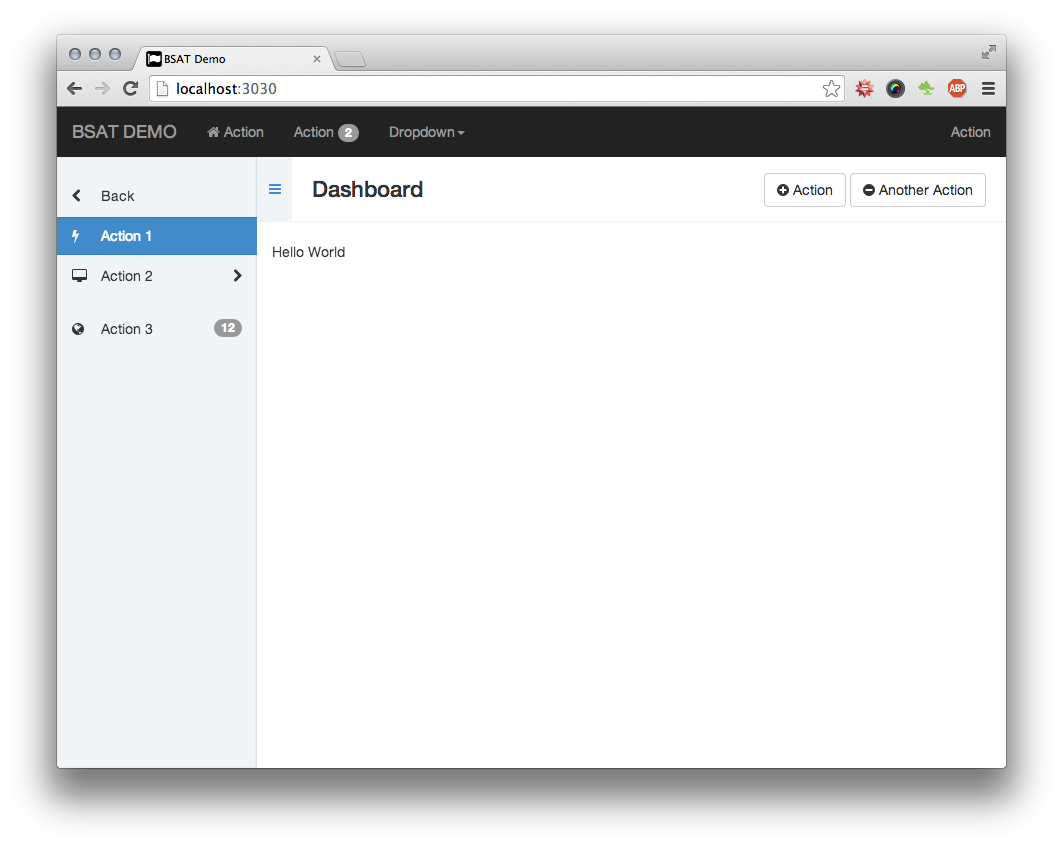
Packaged as a Rails Engine, can be mounted directly into a Rails project
RailsHTMLAdmin dashboard
bsat — Rails Admin dashboard Template
By metaminded
BSAT is an admin template packaged as a Rails Engine, based on the SASS version of Bootstrap 3, providing Rails helpers for layout, navigation, sidebar, and page actions.
Explore the design
Compare the page layouts and mobile experience. Open any screenshot for a closer look.
Author preview
Author-provided previewTop of page
Preview provided in the project README.
One original preview is available. Open the full image to inspect the design.
Screenshots show visual appearance; interactive behavior may differ.
Recorded 2026-10-03View source
What stands out
A quick read of the recorded project description.
Styles based on the SASS version of Bootstrap 3, customizable via variable overrides
Provides Rails helpers such as bsat, bsat_brand, bsat_navbar, bsat_page_title, bsat_page_actions, and bsat_sidebar_nav
Sidebar automatically collapses on small screens, and page action buttons become a dropdown menu on smaller devices
Provides the bsat_nested_form_fields helper for styling nested form fields
Licensed under MIT
Template Details
BSAT is an admin template packaged as a Rails Engine, with styles based on the SASS version of Bootstrap 3. It renders content into the BSAT template by defining a set of content_for variables, and provides Rails helpers to generate interface elements such as the brand area, navigation bar, page title, page actions, sidebar navigation, and nested form fields. The project description notes that only a basic UI skeleton is provided by default, and specific content must be filled in by the user; when additional styles are needed, Bootstrap 3 can be used directly.
Regarding dependencies, the README lists rails ~> 4.0, sass-rails ~> 4.0, bootstrap-sass ~> 3.1, coffee-rails ~> 4.0, compass-rails ~> 1.1, jquery-rails ~> 3.1, font-awesome-rails ~> 4.0, and slim ~> 2.0, and states that the project is mainly for internal use, with reducing dependencies not being a primary goal. During installation, it must be included in the Gemfile via a GitHub source (the README notes that there was no official release at the time), followed by bundle install; in Sass, styles are imported via @import "bsat", and scripts are loaded in the JavaScript manifest via //= require bsat, with bootstrap needing to be manually required first (and jquery also required first for JS).
In terms of usage, call = bsat(yield) in the application layout file to render the BSAT layout, then use helpers such as bsat_brand, bsat_navbar, bsat_page_title, bsat_page_actions, bsat_sidebar_nav, and bsat_nested_form_fields to populate each area. The README recommends defining sidebar navigation in the layout and using Rails nested layouts to simulate navigation hierarchy. The repository was last updated in 2015 and is licensed under MIT.
RailsHTMLAdmin
Is it right for your project?
Use Cases
- Building a unified admin interface for a Rails project
- Introducing Bootstrap 3-based layout and navigation components into an existing Rails application
- Using Rails helpers to quickly generate the brand area, navigation bar, page title, and page action buttons
- Defining sidebar navigation in the layout and simulating navigation hierarchy via Rails nested layouts
- Applying unified styles to admin form fields generated by nested_forms
Suitable For
- Projects using Rails 4 that have already included Bootstrap 3
- Developers who need a basic admin interface skeleton and are willing to fill in specific content themselves
- Teams that accept including the gem via a GitHub source
- Projects using Slim templates that need the corresponding helpers
Getting started & customization
Use these recorded setup notes alongside the repository instructions for your chosen version.
- 1
The README notes that there was no official release at the time, so it must be included in the Gemfile via a GitHub source: gem 'bsat', '> 0.0.1', github: 'renspr/bsat', branch: 'master', then run bundle install.
- 2
Import styles in a Sass file via @import "bsat"; variables can be overridden by redefining them before the @import; bootstrap must be manually required first.
- 3
Load scripts in the JavaScript manifest via //= require bsat; jquery and bootstrap must be manually required first.
- 4
Call = bsat(yield) in the application layout to render the BSAT layout, then use the helpers to populate the brand, navigation, page title, page actions, and sidebar content.
- 5
The dependency list includes rails ~> 4.0, sass-rails ~> 4.0, bootstrap-sass ~> 3.1, coffee-rails ~> 4.0, compass-rails ~> 1.1, jquery-rails ~> 3.1, font-awesome-rails ~> 4.0, and slim ~> 2.0; compatibility with the project's existing dependencies must be confirmed before inclusion.
License & source material
Usage conditions & limitations
Free to use · keep license noticeThis entry covers the free version from the public repository under the MIT license; the free scope is the code of this version and does not imply that external services or third-party assets are free.
Must comply with when using
- Free use, modification, commercial use, and distribution of this version's code are permitted.
- When distributing copies or substantial portions of the code, retain the original author's copyright notice and the full MIT license notice.
- The code is provided as is; warranties and limitations of liability are governed by the original license and applicable law.
Additional costs & items to verify
- The README notes that there was no official release at the time, so installation requires including it in the Gemfile via a GitHub source (github: 'renspr/bsat', branch: 'master') rather than installing an official version from RubyGems.
- Bootstrap must be manually required before using the Sass styles; BSAT does not automatically load Bootstrap styles.
- jquery and bootstrap must be manually required before loading BSAT's JavaScript, otherwise the scripts will not work properly.
- The project is tightly coupled with rails ~> 4.0, sass-rails ~> 4.0, bootstrap-sass ~> 3.1, coffee-rails ~> 4.0, compass-rails ~> 1.1, jquery-rails ~> 3.1, font-awesome-rails ~> 4.0, and slim ~> 2.0; it is mainly for internal use, has many dependencies, and does not aim to guarantee minimalism.
- BSAT provides only a basic UI skeleton by default; specific page content must be filled in by the user, and it is not a complete out-of-the-box admin system.
- Demo images, fonts, icons, and other third-party assets must be checked against their respective licenses and cannot be judged solely by the code's MIT license.
- External services such as domains, hosting, databases, payments, or AI may incur additional charges.
View Original Text Basis
Permission is hereby granted, free of charge
Original License Text
we have no official release yet, so you need to use the github source at the moment
Original README
You need to require `bootstrap` manually before you require `bsat`.
Original README
You need to require `jquery` and `bootstrap` manually before you require `bsat`.
Original README
BSAT is closely coupled with the following dependencies. As BSAT is mainly developed for in-house use, reducing dependcies is not our primary goal.
Original README
https://github.com/metaminded/bsat/blob/master/MIT-LICENSEhttps://github.com/metaminded/bsat/blob/master/README.mdBy default BSAT gives you the following UI. It's your job to fill out the gaps.
Original README
Compiled by DeepSeek based on repository license and README ·2026-10-03. Results only cover the materials read; dependencies, images, fonts, and subsequent term changes are subject to their respective original texts.
Project checks & description sources
Template Information
- Source platforms
- GitHub
- Documentation and maintenance reference score
- Partly documented · 61 / 100
- Technologies
- Rails · HTML
- Website type
- Admin dashboard
How this score is calculated
Our heuristic uses license records (up to 30), a demo link (12), a preview (10), stars (15), recorded maintenance (15), description completeness (8), feature records (5) and classification data (5). It is not a code, security or performance test, or a Google score. A link does not establish tested functionality.
What to verify for this project
- Repository update recorded
- 2015-06-08
- Screenshot last checked
- 2026-10-03
No demo link is recorded. Use the repository instructions to evaluate the project locally; the screenshot alone cannot establish interactive behavior.
The catalog identifies Rails as the primary stack. Check the actual dependency manifest and lockfile for versions and hosting requirements. These notes use recorded metadata, not a code audit or a deployment test.
Use a selection guide →How this description was prepared
AI-assisted description based on catalog records and repository material. Repository authors are not automatically the reviewers of this description.
Automatically checked against source and license rules; no manual editorial review.
Inspect the recorded source material
SHA-256: 45502a2147818e7f8cd17eb96b69fa4eb73e96fddb392d8b3ac9f230807465a7
2026-10-03T03:07:01.211Z
Source file / repositoryBSAT
----
[](https://codeclimate.com/github/renspr/bsat)
[](https://gemnasium.com/renspr/bsat)
BSAT is an admin template build with Bootstrap 3 packaged as a Rails engine. With BSAT it's
easy to build a nice and uniform admin backend for your Rails project that works on
desktops, tablets and smartphones. Based on Bootstrap 3 BSAT adds some ready to use UI elements
and Rails helpers.
By default BSAT gives you the following UI. It's your job to fill out the gaps. Need styling?
It's Bootstrap 3!

Dependencies
------------
BSAT is closely coupled with the following dependencies. As BSAT is mainly developed for
in-house use, reducing dependcies is not our primary goal.
* [rails](http://rubygems.org/gems/rails), ~> 4.0
* [sass-rails](http://rubygems.org/gems/sass-rails), ~> 4.0
* [bootstrap-sass](http://rubygems.org/gems/bootstrap-sass), ~> 3.1
* [coffee-rails](http://rubygems.org/gems/coffee-rails), ~> 4.0
* [compass-rails](http://rubygems.org/gems/compass-rails), ~> 1.1
* [jquery-rails](http://rubygems.org/gems/jquery-rails), ~> 3.1
* [font-awesome-rails](http://rubygems.org/gems/font-awesome-rails), ~> 4.0
* [slim](http://rubygems.org/gems/slim), ~> 2.0
Installation
------------
Add it to your Gemfile (__Note__: we have no official release yet, so you need to use the github source at the moment):
```ruby
gem 'bsat', '> 0.0.1', github: 'renspr/bsat', branch: 'master'
```
Run the following command to install it:
```console
bundle install
```
### Sass
Import BSAT into a Sass file (for example, `application.css.scss`) to get all of BSAT's styles, mixins and variables!
```scss
@import "bsat";
```
The full list of BSAT variables can be found [here](https://github.com/renspr/bsat/blob/master/app/assets/stylesheets/bsat/_variables.scss). You can override these by simply redefining the variable before the `@import` directive, e.g.:
```scss
$bsat-sidebar-width: 250px;
...
@import "bsat";
```
__Please note:__ You need to require `bootstrap` manually before you require `bsat`.
### Javascript
We have a helper that includes all BSAT javascripts. Put this in your Javascript manifest (usually in `application.js`) to load the files in the correct order.
```js
// Loads all BSAT javascripts
//= require bsat
```
__Please note:__ You need to require `jquery` and `bootstrap` manually before you require `bsat`.
Usage
-----
BSAT works by defining a bunch of `content_for` variables that finally renders into the bsat template. We provide Rails helpers to help you defining the _right_ content.
### Render BSAT layout
In your application layout file you normally would call `= yield` (note we are using slim syntax here) where the main content should be rendered. To render BSAT all you have to do ist to call
```slim
= bsat(yield)
```
A complete example may look like this
```slim
doctype html
html(lang="de")
head
meta(charset="utf-8")
meta(name="viewport" content="width=device-width, initial-scale=1, maximum-scale=1, user-scalable=no")
title BSAT Demo
= stylesheet_link_tag "application", "data-turbolinks-track" => true, "media" => "all"
= javascript_include_tag "application", "data-turbolinks-track" => true
= csrf_meta_tag
body
= bsat(yield)
```
The result is an empty BSAT view that looks like this

### Brand
To set the brand there is a helper called `bsat_brand`. You should provide the `title` and the `path/url` where
the `title` is linked to.
```slim
- bsat_brand title: 'BSAT DEMO', path: root_path
```

The helper also excepts a block that allows you to provide more than just a title string.
```slim
- bsat_brand path: root_path
=> fa_icon 'group'
= "Foo Bar"
```
### Navbar
For the navbar we provide a helper to create links on the left and on the right side of the navbar. The helper
is called `bsat_navbar`. It accepts one argument to set the side `:left` or `:right` and a block to set the links.
```slim
- bsat_navbar(:left) do |navbar|
- navbar.link 'Action', '#', icon: 'home'
- navbar.link 'Action', '#', badge: 2
- navbar.dropdown 'Dropdown' do |dropdown|
- dropdown.link 'Action', '#'
- dropdown.link 'Action', '#'
- dropdown.link 'Action', '#'
- bsat_navbar(:right) do |navbar|
- navbar.link 'Action', '#'
```

### Page title
For a page you can set a title using the `bsat_page_title` helper.
```slim
- bsat_page_title 'Dashboard'
```

### Page actions
On the right side of the page header section you can create page actions using the `bsat_page_actions` helper.
The helper expects a block defining the actions. Each action will result in a button on large displays. On smaller
devices the button will become a dropdown menu.
```slim
- bsat_page_actions do |actions|
- actions.add 'Action', '#', icon: 'plus-circle'
- actions.add 'Another Action', '#', icon: 'minus-circle'
```

### Sidebar
BSAT provides a nice sidebar that will collapse on small screens. To create the sidebar navigation use
the `bsat_sidebar_nav` helper.
```slim
- bsat_sidebar_nav do |nav|
- nav.back 'Back', '#'
- nav.link 'Action 1', '#', icon: 'bolt', active: /\A\//
- nav.link 'Action 2', '#', icon: 'desktop', active: /bar/, has_sublevel: true
- nav.divider
- nav.link "Action 3", '#', icon: 'globe', active: /baz/, badge: 12
```
__Protip™__: Define your sidebar navigation in layouts and use Rails nested layouts feature to simulate
navigation nesting.

### Nested Form Fields
When using nested_forms, BSAT provides a helper to style them adequately.
For example, your `_form.html.slim` contains this code:
```slim
= f.fields_for :tasks
```
You can now have a `_task_fields.html.slim` that adds the fields with the helper.
```slim
= bsat_nested_form_fields(f) do
= f.input :title
```
Explore similar templates
Compare previews and descriptions within the same stack and category.
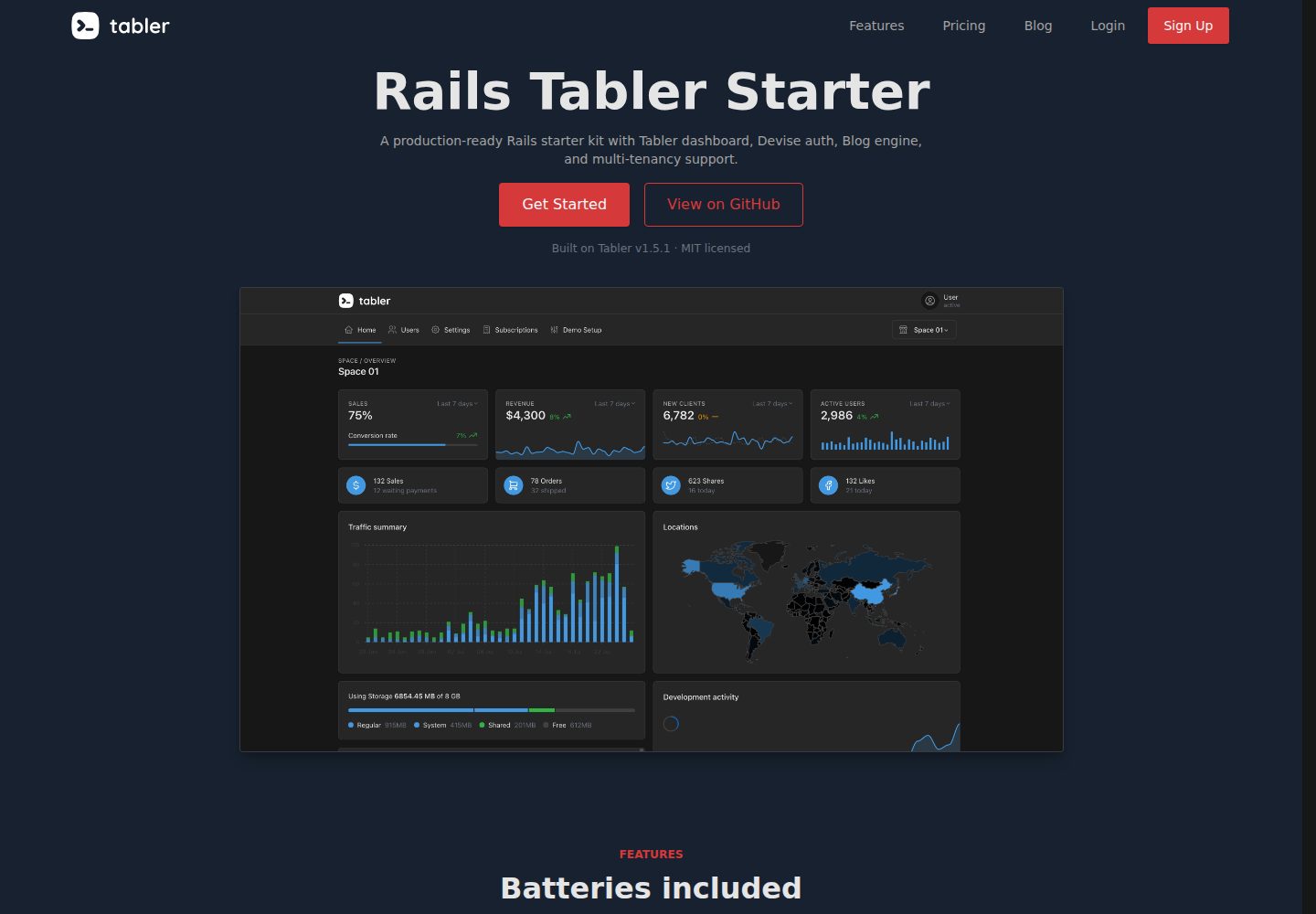
rails-tabler-starter
A free, open-source Ruby on Rails backend starter using Tabler (Bootstrap 5) with Hotwire/Turbo.
Rails · Admin dashboard
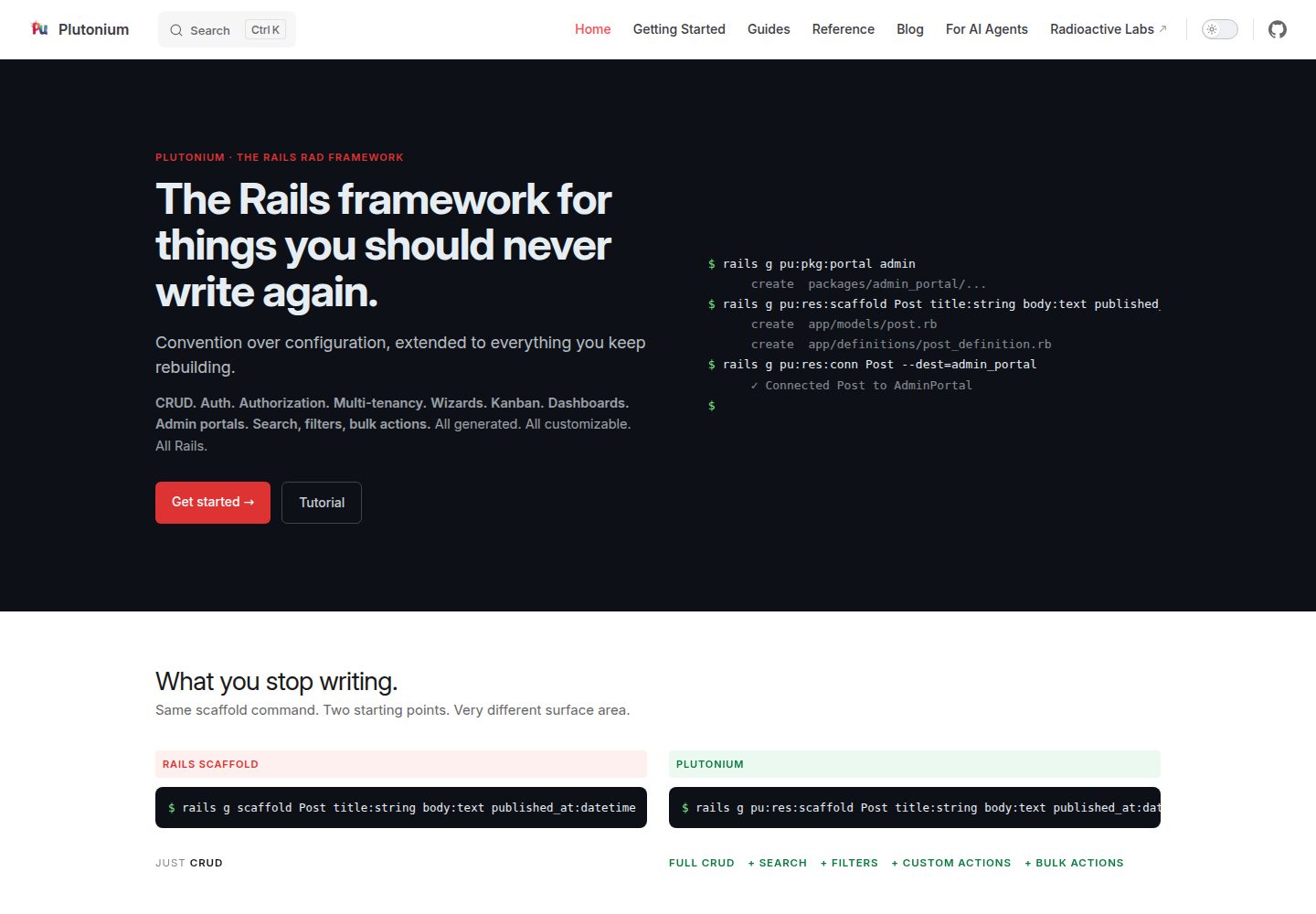
plutonium-core
Plutonium is a Rails-based admin and starter template that uses generators to write CRUD, authentication, authorization, multi-tenancy, portals, search and filtering, and bulk actions directly into project code.
Rails · Admin dashboard

AdminLTE
AdminLTE is a free, open-source admin dashboard template built on Bootstrap 5 and vanilla JavaScript, with no jQuery dependency.
Astro · Admin dashboard
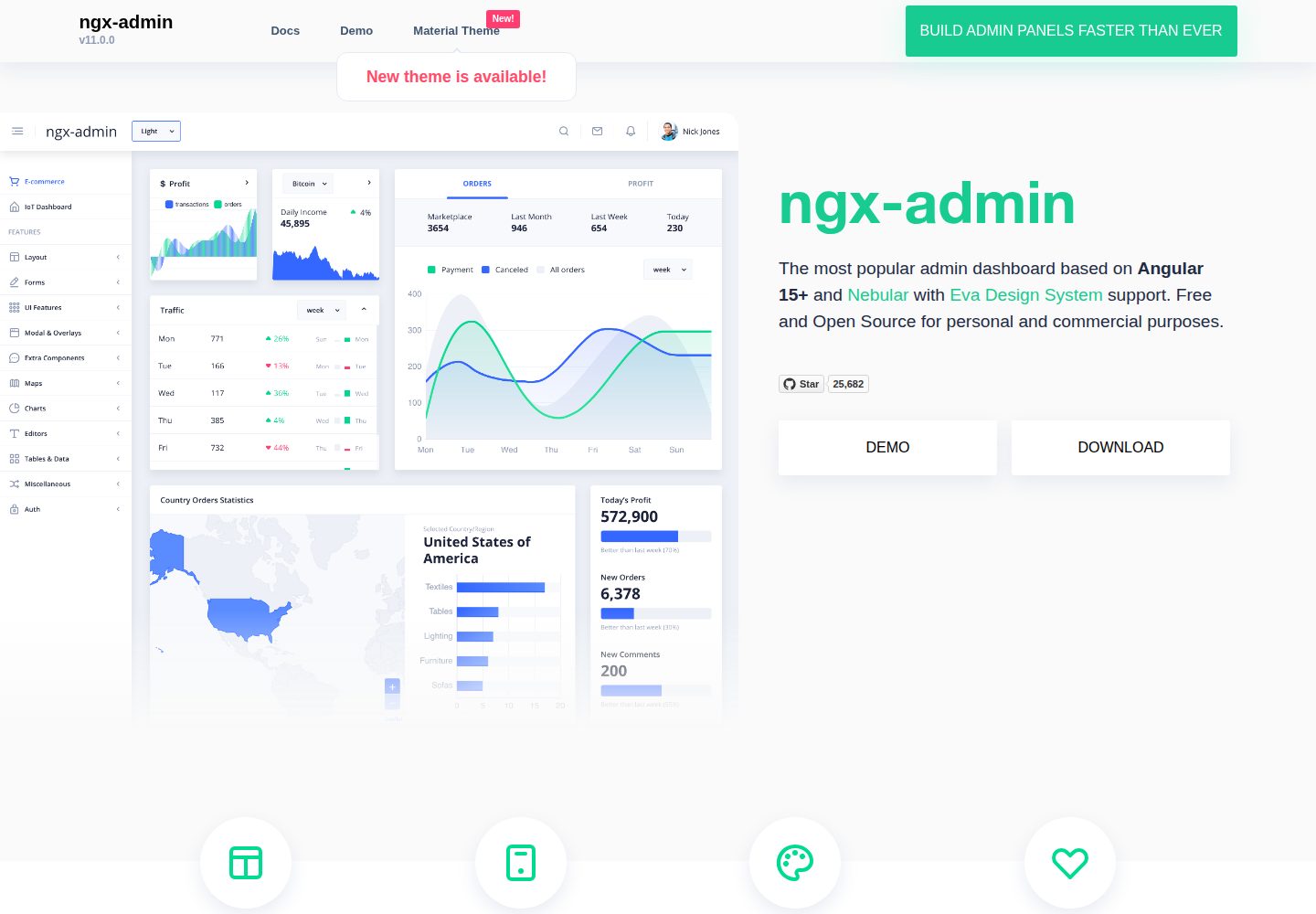
ngx-admin
ngx-admin is an Angular admin dashboard template maintained by Akveo, built on the Nebular component library and released under the MIT license.
Angular · Admin dashboard

gentelella
Gentelella v4 is a free, open-source admin dashboard template maintained by Colorlib, built with vanilla JavaScript, SCSS, and Vite 8 without Bootstrap or jQuery.
HTML · Admin dashboard

coreui-free-bootstrap-admin-template
A free Bootstrap admin template maintained by CoreUI, built on CoreUI's own UI component library. It provides compiled HTML pages and Pug template source code, covering dashboards, authentication, forms, components, icons, and error pages.
HTML · Admin dashboard