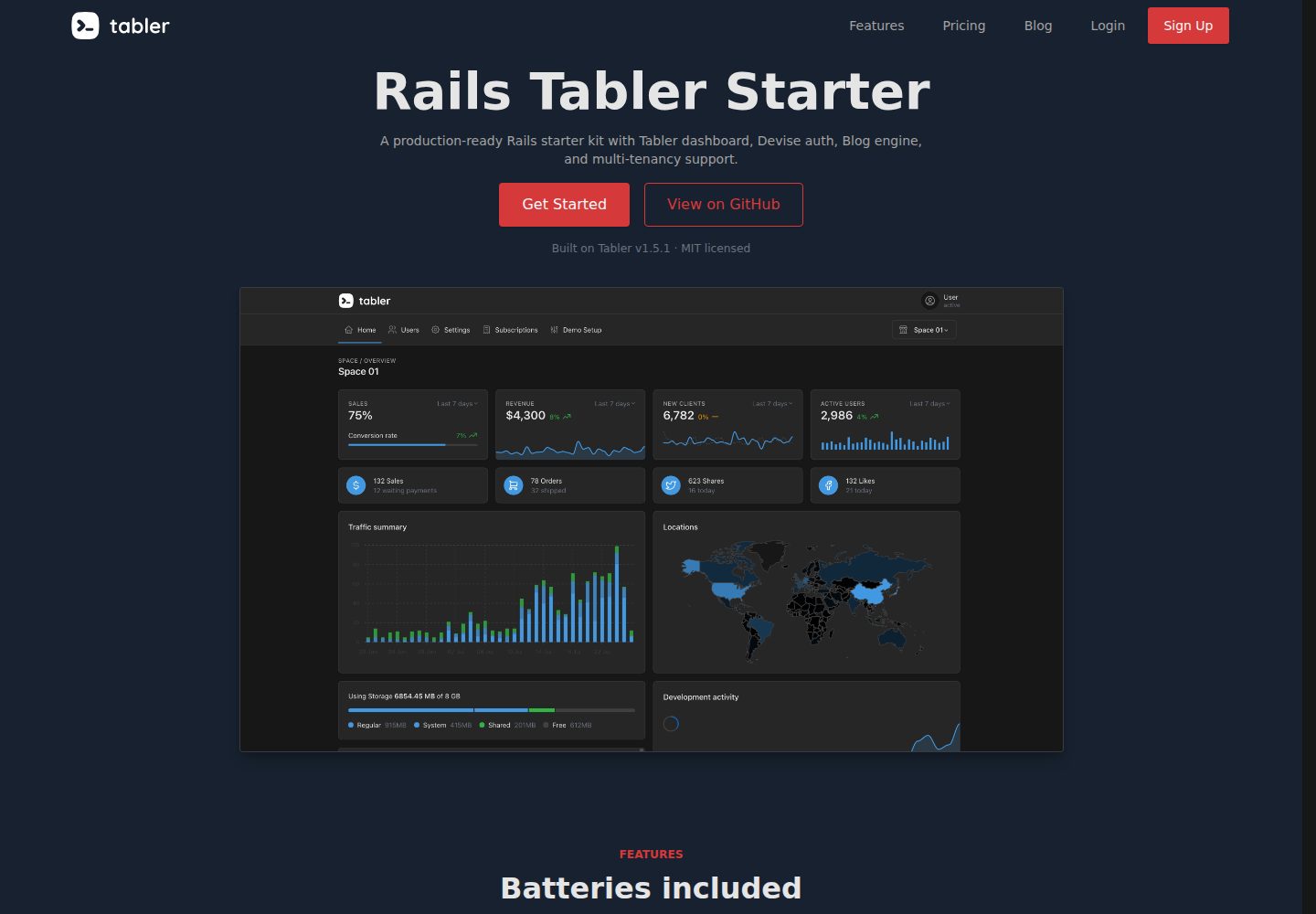
Provides a ready-made responsive dashboard interface using Tabler (Bootstrap 5) and Hotwire/Turbo
RailsHTMLAdmin dashboardStarter
rails-tabler-starter — Rails Admin dashboard Template
By tarunvelli
An open-source Rails and Tabler backend starter with built-in authentication, multi-tenant spaces, a blog, and theme configuration.
Explore the design
Compare the page layouts and mobile experience. Open any screenshot for a closer look.
Desktop homepage1 / 3
Desktop captureTop of page
Actual screenshot captured by the server browser.
All pages & views 3
Screenshots show visual appearance; interactive behavior may differ.
Recorded 2026-10-01View source
What stands out
A quick read of the recorded project description.
Built-in Devise authentication with Google/GitHub OmniAuth login, with Pundit handling authorization
Space-based multi-tenant architecture with Admin/Member roles and support for custom permissions
Theme controlled by an AppSettings singleton in the database, configurable for layout, light/dark mode, primary color, fonts, and border radius
Built-in Markdown blog engine with support for categories, pagination, code highlighting, RSS, and SEO meta tags
Background jobs and caching use Solid Queue and Solid Cache; the README states Redis is not required for small to medium deployments
Template Details
rails-tabler-starter is a Ruby on Rails backend starter that uses Tabler (Bootstrap 5) with Hotwire/Turbo for its interface. Its goal is to provide a usable dashboard UI from the start of a project, so you do not have to build the frontend from scratch. The repository is MIT licensed, allowing free use, modification, commercial use, and distribution. The demo site is rails-tabler.tarunvelli.site.
Functionally, it includes Devise authentication (with Google/GitHub OmniAuth login), Pundit authorization, Brakeman security auditing, and a Space-based multi-tenant architecture: each space has Admin and Member roles, and custom roles with fine-grained permissions are supported. Background jobs and caching use Solid Queue and Solid Cache; the README states that Redis is not required for small to medium deployments.
For UI and content, the theme is configured through an AppSettings singleton in the database, allowing adjustment of layout, light/dark mode, primary color, theme base color, fonts, and border radius. A Markdown file-based blog engine is built in, with articles placed under content/blog/ and support for categories, pagination, code highlighting, RSS, and SEO meta tags. The README also mentions deployment configurations prepared for Kamal, Fly.io, or Heroku.
Usage limitations: the materials do not provide specific version numbers in the dependency list, nor do they describe production environment validation. Third-party assets such as demo images, fonts, and icons need separate license verification. External services such as domain names, hosting, and databases may incur additional charges.
RailsHTMLBackendStarter
Is it right for your project?
Use Cases
- Quickly building a Rails backend project with a dashboard interface
- Preparing space and role permission structures for multi-team or multi-organization B2B SaaS applications
- Integrating a Markdown file-based content blog into a Rails project
- A backend system where interface layout, color scheme, and light/dark mode are switched via database configuration
Suitable For
- Developers familiar with Ruby on Rails who want to reduce frontend setup work
- SaaS projects that need authentication, authorization, and multi-tenant infrastructure
- Small to medium deployment scenarios that accept SQLite and Solid Queue/Solid Cache
Getting started & customization
Use these recorded setup notes alongside the repository instructions for your chosen version.
- 1
After cloning the repository, run bin/setup to complete initialization, then use bin/dev to start the development server
- 2
A user can be promoted to admin with User.first.update(admin: true)
- 3
Blog posts are placed as .md files in the content/blog/ directory, using frontmatter to define title, summary, date, author, category, and publication status
- 4
Multi-tenant mode and landing page display are controlled by multi_tenant_mode and show_landing_page in AppSettings
- 5
Third-party assets such as demo images, fonts, and icons must be verified separately under their respective licenses
License & source material
Usage conditions & limitations
Free to use · keep license noticeThis entry covers the free version under the MIT license in the public repository; the free scope applies to that version's code and does not mean external services or third-party assets are free.
Must comply with when using
- The code in this version may be used, modified, used commercially, and distributed for free.
- When distributing copies or substantial portions of the code, retain the original author's copyright notice and the full MIT license notice.
- The code is provided as is; warranties and limitations of liability are governed by the original license and applicable law.
Additional costs & items to verify
- Redis is not required only for small to medium deployments; large deployments may still need external services such as Redis, which may incur additional costs.
- Deployment relies on external platforms such as Kamal, Fly.io, or Heroku; using these services usually requires an account and may incur fees.
- Google/GitHub third-party login requires applying for OAuth applications and configuring API keys/credentials.
- SQLite is used by default; the README does not describe adaptation for other databases, and high-concurrency scenarios may be limited.
- Demo images, fonts, icons, and other third-party assets must be checked under their respective licenses; the code's MIT license alone cannot be used to judge them.
- External services such as domain names, hosting, databases, payments, or AI may incur separate charges.
View Original Text Basis
Permission is hereby granted, free of charge
Original License Text
Uses `solid_queue` and `solid_cache`—no Redis required for small-to-medium deployments.
Original README
Pre-configured for **Kamal**, Fly.io, or Heroku.
Original README
Auth:** Devise + OmniAuth (Google/GitHub).
Original README
https://github.com/tarunvelli/rails-tabler-starter/blob/main/licensehttps://github.com/tarunvelli/rails-tabler-starter/blob/main/README.mdSQLite (Production-optimized)
Original README
Compiled by DeepSeek based on repository license and README ·2026-10-01. Results only cover the materials read; dependencies, images, fonts, and subsequent term changes are subject to their respective original texts.
Project checks & description sources
Template Information
- Source platforms
- GitHub
- Documentation and maintenance reference score
- More documented · 96 / 100
- Technologies
- Rails · HTML
- Website type
- Admin dashboard · Starter
How this score is calculated
Our heuristic uses license records (up to 30), a demo link (12), a preview (10), stars (15), recorded maintenance (15), description completeness (8), feature records (5) and classification data (5). It is not a code, security or performance test, or a Google score. A link does not establish tested functionality.
What to verify for this project
- Repository update recorded
- 2026-09-12
- Screenshot last checked
- 2026-10-01
A demo link is listed. Check it with your own content and viewport sizes; its presence does not confirm that forms, authentication or payments work.
The catalog identifies Rails as the primary stack. Check the actual dependency manifest and lockfile for versions and hosting requirements. These notes use recorded metadata, not a code audit or a deployment test.
Use a selection guide →How this description was prepared
AI-assisted description based on catalog records and repository material. Repository authors are not automatically the reviewers of this description.
Automatically checked against source and license rules; no manual editorial review.
Inspect the recorded source material
SHA-256: 9bcdf9de793b12d6729c9f9b3ea506ce48255c1dbaf0f01f32ce8e20b65ebe94
2026-10-01T02:53:55.963Z
Source file / repository# Rails Tabler Starter **Skip the first 40 hours of setup. Build your product instead.** `rails-tabler-starter` is a production-ready boilerplate for developers who want a high-quality UI without the frontend fatigue. It uses a modern **Rails 8** stack (Solid Queue, Solid Cache) and **Tabler (Bootstrap 5)** for a clean, professional dashboard out of the box. <div align="center"> <img src="./app/assets/images/saas-example.gif" alt="Rails Tabler Preview" width="800px" style="border-radius: 8px;" /> **[Explore the Demo](https://rails-tabler.tarunvelli.site)** </div> ## The Goal 1. **Pure Rails:** No proprietary DSLs or "magic". If you know Rails, you know this starter. 2. **Readability > Cleverness:** Standard patterns over complex abstractions. 3. **Batteries Included:** Authentication, Multi-tenancy, Blog, and UI components are pre-configured. ## Why this starter? * **Zero-Config UI:** Tabler components integrated with Hotwire. Dark mode, responsive layouts, and dashboards work immediately. * **Built-in Multi-Tenancy:** "Spaces" support included. Switch between single-user and B2B SaaS modes via config. * **Simplified Infrastructure:** Built for Rails 8. Uses `solid_queue` and `solid_cache`—no Redis required for small-to-medium deployments. * **Secure:** Pre-loaded with Pundit (AuthZ), Devise (AuthN), and Brakeman security auditing. ## The Stack * **Core:** Rails 8.0+, Ruby 3.3+, SQLite (Production-optimized). * **Auth:** Devise + OmniAuth (Google/GitHub). * **UI:** Tabler (Bootstrap 5) + Hotwire/Turbo. * **Background Jobs:** Solid Queue / Active Job. * **Deployment:** Pre-configured for **Kamal**, Fly.io, or Heroku. ## Space Management & Architecture The app uses a **Space-based** architecture for teams or organizations. * **Standard Roles:** Admin and Member roles per space. * **Permissions:** Built-in support for custom roles and granular access controls via Pundit. ## Theming Engine Overhaul the UI via the `AppSettings` singleton. No CSS hunting required. All settings are database-backed and can be modified at runtime. ### Visual Configuration | Category | Setting | Options | | --- | --- | --- | | **Layout** | `interface_layout` | `VERTICAL`, `VERTICAL-TRANSPARENT`, `OVERLAP`, `CONDENSED`, `HORIZONTAL`, `FOLDED`, `FOLDED-HOVER` | | **Mode** | `color_mode` | `LIGHT`, `DARK` | | **Primary Color** | `color_scheme` | `BLUE`, `AZURE`, `INDIGO`, `PURPLE`, `PINK`, `RED`, `ORANGE`, `YELLOW`, `LIME`, `GREEN`, `TEAL`, `CYAN` | | **Theme** | `theme_base` | `NEUTRAL`, `SLATE`, `ZINC`, `GRAY`, `STONE`, `PINK` | | **Typography** | `font_family` | `SANS-SERIF`, `SERIF`, `MONOSPACE`, `COMIC` | | **Shapes** | `corner_radius` | `0` to `2` | ### Logic Configuration | Setting | Default | Description | | --- | --- | --- | | `multi_tenant_mode` | `true` | Toggle SaaS-style "Spaces" vs. a single-user app. | | `show_landing_page` | `true` | Toggle the public marketing page. | --- ## Blog Engine A file-based markdown blog is included out of the box. Posts live in `content/blog/` as `.md` files with frontmatter: ```yaml --- title: My Post summary: A brief description date: 2024-01-15 author: Author Name category: Tutorial published: true --- # My Post Your content here... ``` **Features:** - Markdown rendering with syntax highlighting for code blocks - Categories and pagination - RSS feed at `/blog/feed` - SEO meta tags (Open Graph, Twitter Cards) - HTTP caching for fast page loads --- ## ⚡ Quick Start ```bash # Clone and setup git clone https://github.com/tarunvelli/rails-tabler-starter.git my_app cd my_app bin/setup # Start server bin/dev ``` **Promote User to Admin:** ```ruby User.first.update(admin: true) ``` ## Contributing 1. Fork it. 2. Create your feature branch (`git checkout -b feature/name`). 3. Commit your changes (`git commit -m 'Add feature'`). 4. Push to the branch (`git push origin feature/name`). 5. Open a Pull Request.
Explore similar templates
Compare previews and descriptions within the same stack and category.
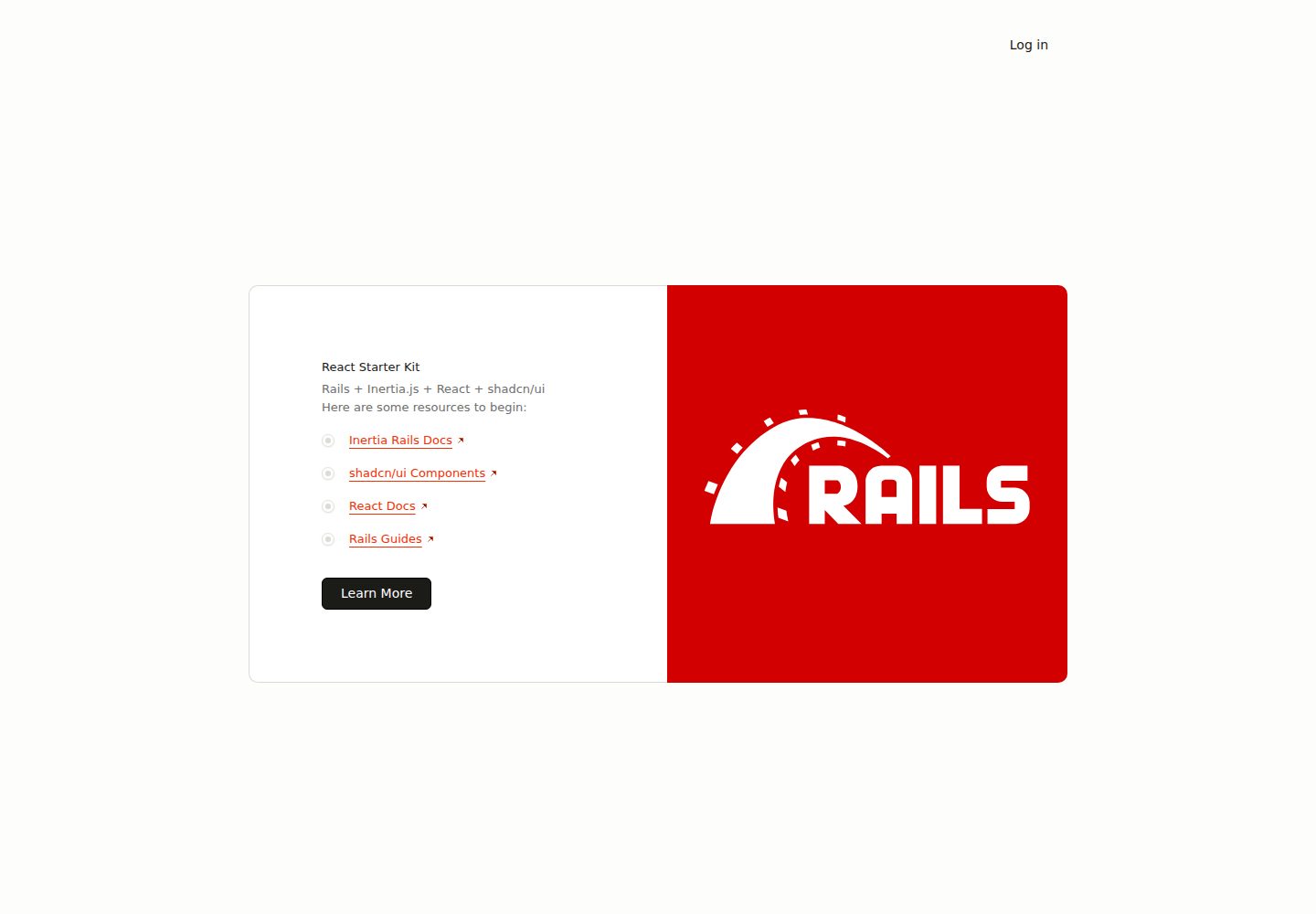
react-starter-kit
A full-stack Inertia.js starter with a Rails backend and React + TypeScript frontend, generated by inertia-rails/generator and automatically synced.
Rails · Starter
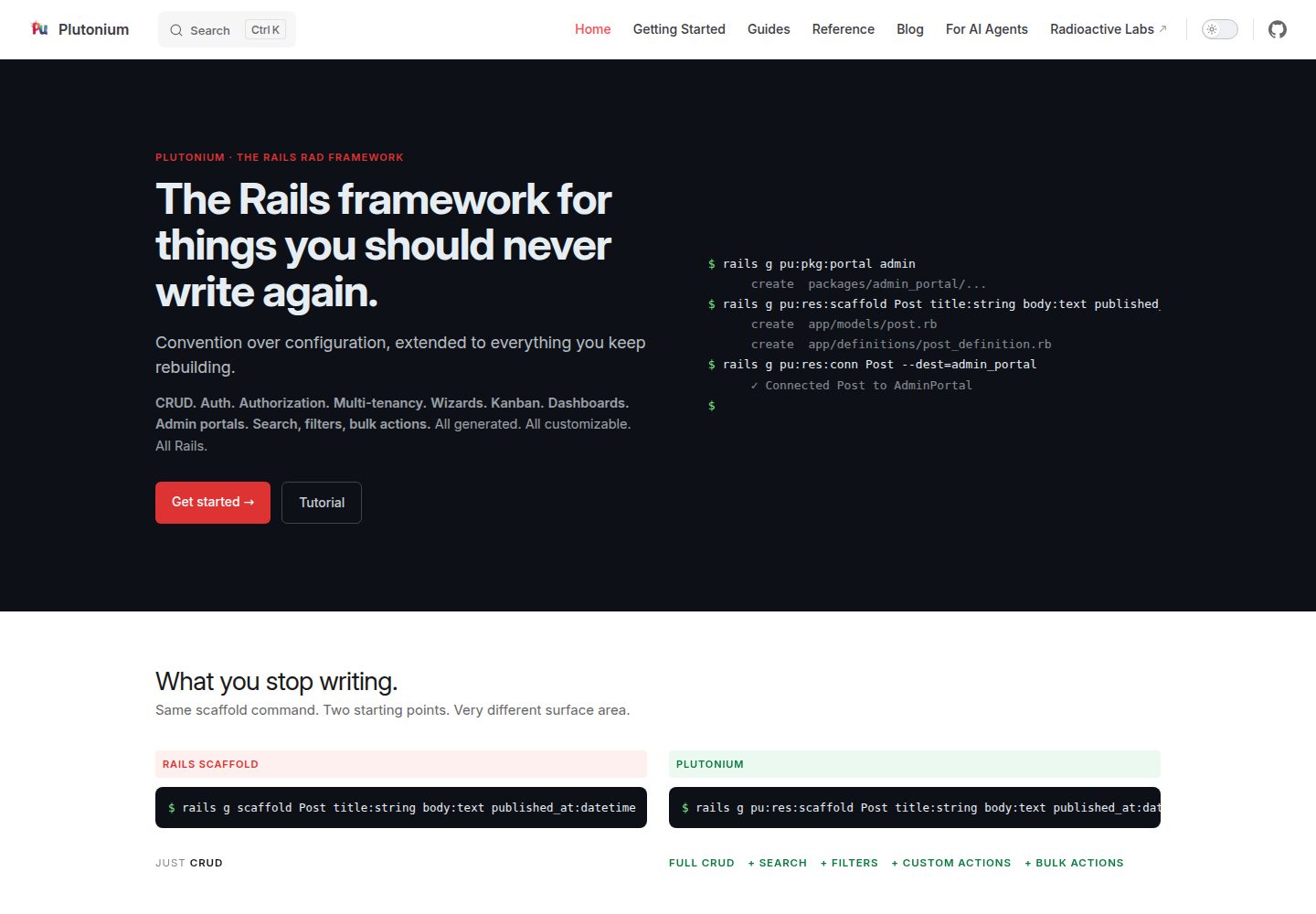
plutonium-core
Plutonium is a Rails-based admin and starter template that uses generators to write CRUD, authentication, authorization, multi-tenancy, portals, search and filtering, and bulk actions directly into project code.
Rails · Admin dashboard
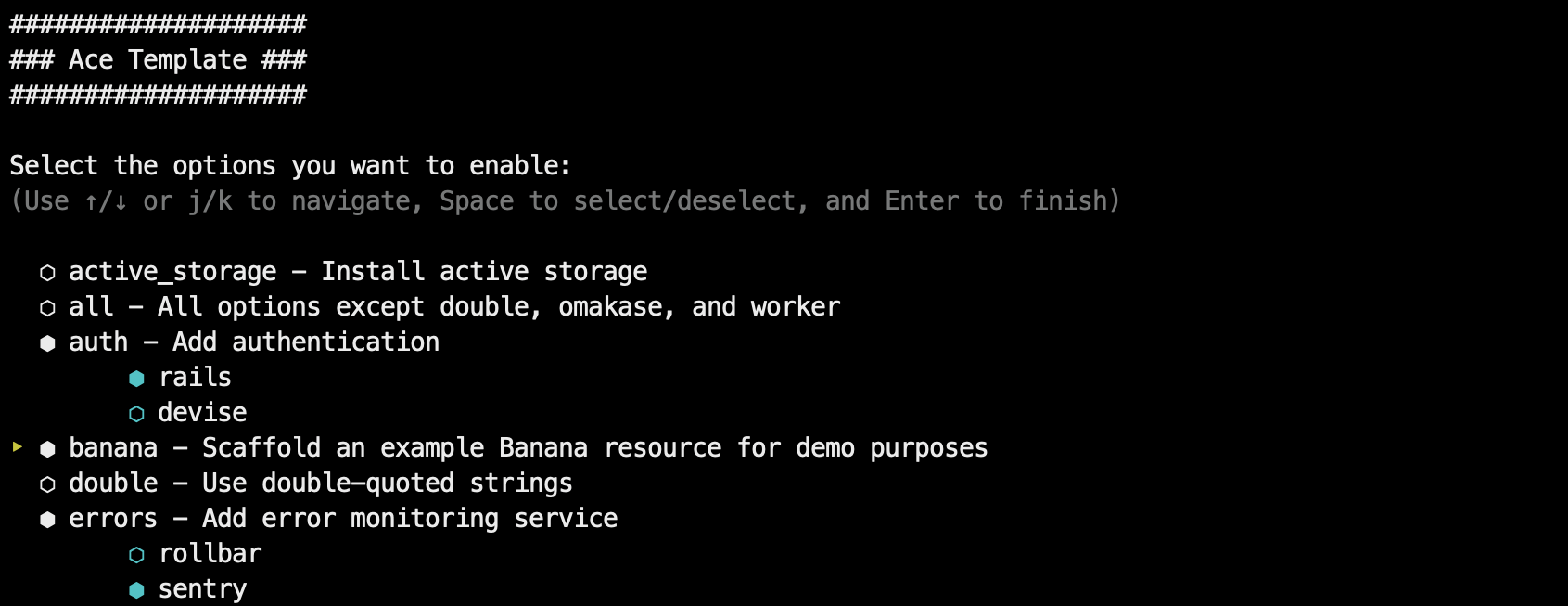
ace-template
Ace Template is a Rails application template applied via rails new, supporting interactive mode and command-line options, with SQLite, Postgres, and MySQL support, Tailwind or Bootstrap styling, and deployment instructions for Kamal, Fly.io, and Heroku.
Rails · Starter
kern
Kern is a Rails engine that provides foundational SaaS features: authentication and user settings based on Rails' authentication generator, multi-tenancy via Workspace and Member with multiple Roles, team invitations, Stripe subscription billing configured through plans.yml and credentials, plus a form builder, basic…
Rails · SaaS
rails-react-starter
Rails React Starter is an MIT-licensed starter that pairs a Rails JSON API backend with a React frontend, including TailwindCSS and Docker configuration.
Rails · Starter
SknServices
SknServices is a Rails 5 starter application focused on authentication and authorization, demonstrating content-level permission models through both XML files and a PostgreSQL database.
Rails · Starter