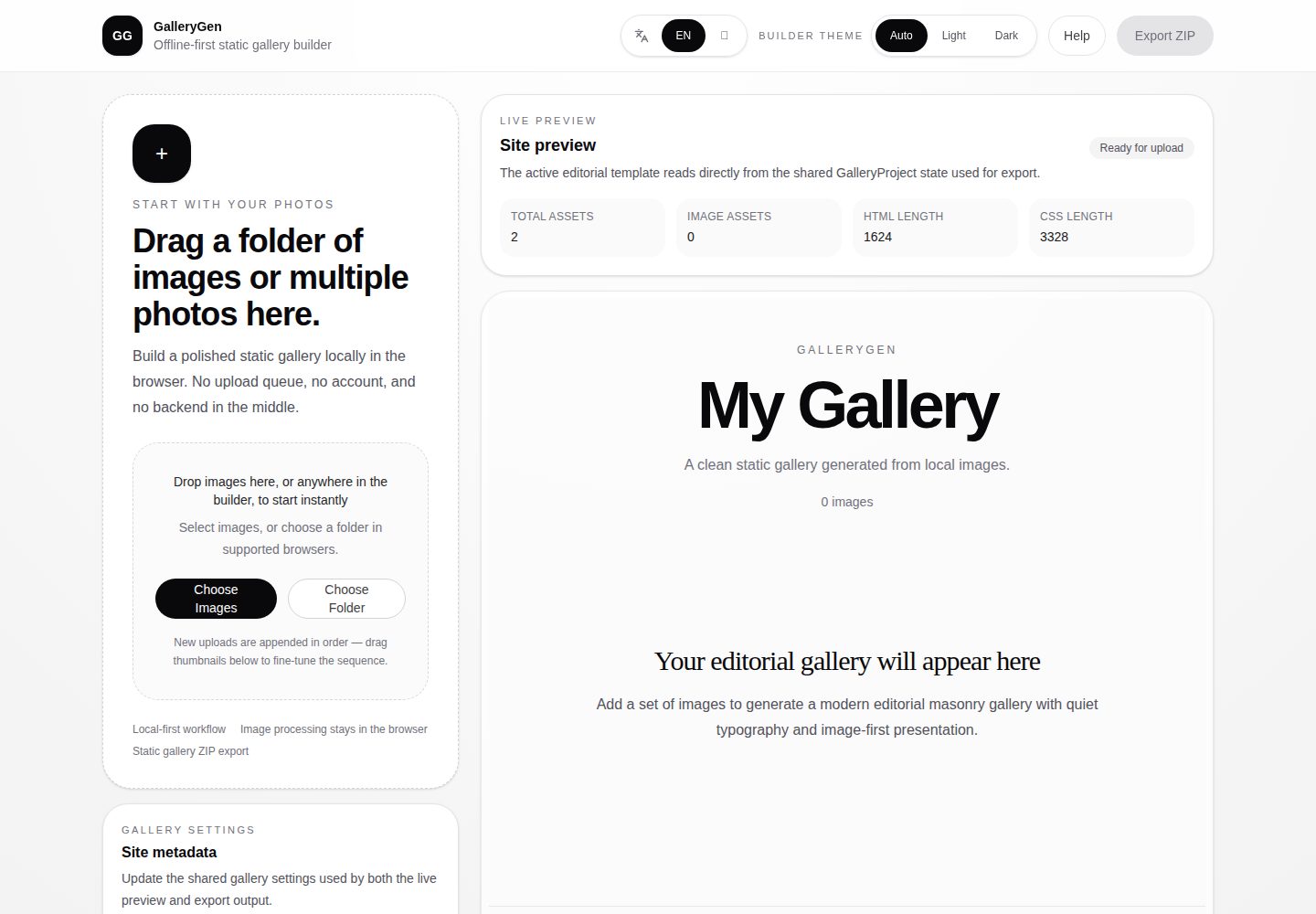
The entire flow runs locally in the browser, with no installation, registration, or backend, and images never leave your machine
Next.jsReactPortfolioTool Site
gallerygen — Next.js Portfolio Template
By miku01031
GalleryGen is a static gallery generator that runs locally in the browser: upload local images, adjust the order, choose a template, and export a ZIP containing HTML, CSS, and images that can be hosted on any static site.
Explore the design
Compare the page layouts and mobile experience. Open any screenshot for a closer look.
Desktop homepage1 / 2
Desktop captureTop of page
Actual screenshot captured by the server browser.
All pages & views 2
Screenshots show visual appearance; interactive behavior may differ.
Recorded 2026-10-14View source
What stands out
A quick read of the recorded project description.
After uploading, you can drag to reorder; the preview area and sidebar share the same order, which is synced to the exported ZIP
Includes two built-in templates for different showcase tasks: Editorial / Archive and Showcase / Product
The Builder preview area supports clicking an image to open a lightweight lightbox, switching previous/next according to the current order
The exported ZIP is purely static assets, containing index.html, styles.css, and an images directory
The export success dialog provides a bilingual Chinese-English README snippet that can be pasted back into the project after replacing placeholders
Template Details
GalleryGen is aimed at scenarios where local screenshots, product visuals, or photography need to be organized into a static showcase page. The README describes its core flow as three steps: upload images, choose a template, and export a static showcase page, all completed locally in the browser with no backend, account, or cloud upload queue. In the Builder, you can drag to reorder in the preview area, or adjust the order using the sidebar thumbnails; both share the same gallery order. Clicking an image opens a lightweight lightbox, and previous/next follows the current order. There are two templates: Template A — Editorial / Archive for art, photography, and portfolios; and Template B — Showcase / Product for SaaS screenshots, open-source project demos, and UI mockups, with desktop/mobile device frames. The exported ZIP contains index.html, styles.css, and an images directory. The README provides publishing steps for Netlify Drop and GitHub Pages, as well as a method to generate a README snippet after export.
Limitations: The README states that the lightbox currently exists only in the Builder preview area; the exported ZIP does not include the lightbox, and the exported page remains a lightweight static showcase. The project status is marked as MVP v1, with scope intentionally kept restrained; the roadmap mentions touch preview interactions, polishing the export and publishing flow, public demos, and metadata editing, but no specific timing or implementation details are given. The README does not provide information on image formats, the number of images per upload, export size, or browser compatibility.
Next.jsPortfolioTool site
Is it right for your project?
Use Cases
- Organize multiple screenshots of an open-source project into a single shareable showcase page, keeping only one preview image in the README
- Create a UI showcase page with desktop/mobile device frames for a SaaS or app product
- Organize photography or a curated visual collection using an editorial layout with generous whitespace
- Preview the final result locally first, then publish a public link via Netlify Drop or GitHub Pages
Suitable For
- Developers who need to quickly generate a static gallery page and do not want to set up a backend
- Privacy-sensitive users who want screenshots not to pass through third-party cloud services
- Designers and maintainers preparing showcase pages for open-source projects or portfolios
- Users who accept the MVP scope and do not need built-in interactive features in the exported page
Getting started & customization
Use these recorded setup notes alongside the repository instructions for your chosen version.
- 1
To run locally, execute npm install and npm run dev, then visit http://localhost:3000
- 2
Windows users can double-click open-gallerygen.bat to install dependencies and start the development server in one step
- 3
Before publishing, it is recommended to run npm run lint, npx tsc --noEmit, and npm run build for validation
- 4
After export, unzip the ZIP and open index.html directly in a browser to check the result
- 5
To publish, drag the unzipped folder into Netlify Drop, or upload it to a GitHub Pages repository and enable Pages
License & source material
Usage conditions & limitations
Free to use · keep license noticeThis entry covers the free version in the public repository under the MIT license; the free scope is the code of that version and does not mean that external services or third-party assets are free.
Must comply with when using
- You are allowed to use, modify, commercially use, and distribute the code of this version for free.
- When distributing copies or substantial portions of the code, retain the original author's copyright notice and the full MIT license notice.
- The code is provided as is; warranties and limitations of liability are governed by the original license and applicable law.
Additional costs & items to verify
- Demo images, fonts, icons, and other third-party assets must be checked against their respective licenses and cannot be judged solely by the code's MIT license.
- External services such as domains, hosting, databases, payments, or AI may incur additional charges.
- The exported static showcase page does not include lightbox interaction; the lightbox is available only in the Builder preview area.
- The current version's feature scope is intentionally restrained and is MVP v1, with limited functionality.
- Obtaining a public link requires an external static hosting service such as Netlify Drop, which may involve third-party accounts and fees.
- Long-term hosting with GitHub Pages requires creating a repository or branch and enabling Pages in the repository settings.
View Original Text Basis
Permission is hereby granted, free of charge
Original License Text
The current lightbox is available in the **builder preview only**. Exported pages remain lightweight static showcases (no lightbox in the ZIP).
Original README
Scope is intentionally narrow for this release.
Original README
The fastest path. Open [Netlify Drop](https://app.netlify.com/drop), drag the **extracted folder** (not the ZIP) onto the page, and you will immediately get a `*.netlify.app` URL. Sign in to keep and update the same link over time.
Original README
https://github.com/miku01031/gallerygen/blob/main/LICENSEhttps://github.com/miku01031/gallerygen/blob/main/README.mdPrefer to keep the showcase alongside your project? Create a new repository (or a `gh-pages` branch on an existing one), upload the exported files, and enable Pages in repository settings. Good for open-source project pages and project docs.
Original README
Compiled by DeepSeek based on repository license and README ·2026-10-14. Results only cover the materials read; dependencies, images, fonts, and subsequent term changes are subject to their respective original texts.
Project checks & description sources
Template Information
- Source platforms
- GitHub
- Documentation and maintenance reference score
- More documented · 88 / 100
- Technologies
- Next.js · React
- Website type
- Portfolio · Tool Site
How this score is calculated
Our heuristic uses license records (up to 30), a demo link (12), a preview (10), stars (15), recorded maintenance (15), description completeness (8), feature records (5) and classification data (5). It is not a code, security or performance test, or a Google score. A link does not establish tested functionality.
What to verify for this project
- Repository update recorded
- 2026-04-23
- Screenshot last checked
- 2026-10-14
A demo link is listed. Check it with your own content and viewport sizes; its presence does not confirm that forms, authentication or payments work.
The catalog identifies Next.js as the primary stack. Check the actual dependency manifest and lockfile for versions and hosting requirements. These notes use recorded metadata, not a code audit or a deployment test.
Use a selection guide →How this description was prepared
AI-assisted description based on catalog records and repository material. Repository authors are not automatically the reviewers of this description.
Review declaration: codex-user-requested-batch-review-20261015 · 2026-10-15
Inspect the recorded source material
SHA-256: acc69b132e57829da211177f1fb7692246e6cb3340e194a0d9041eede704a0f9
2026-10-14T18:13:12.329Z
Source file / repository# GalleryGen > Turn local screenshots, product visuals, and photography into a polished static showcase page — offline, in minutes. > > 把本地截图、产品视觉或摄影作品,在几分钟内整理成一页精致的静态展示站 —— 离线完成。 **Use it in 3 steps:** upload → pick a template → export a static showcase. **使用只要 3 步:** 上传 → 选模板 → 导出静态展示页。 In the builder you can also **reorder** images (preview + sidebar) and **open a quick lightbox** on any image — both use the same order that exports to your ZIP. 在 Builder 里还可以 **调整图片顺序**(预览区与侧栏共用同一顺序),并 **点击图片打开轻量预览** —— 顺序与导出的 ZIP 保持一致。  --- ## Try It Online / 在线体验 > **[→ Open the live builder](https://gallerygen.netlify.app/)** — no install, no account, no backend. Drop images and start building right now. > > **[→ 打开在线 Builder](https://gallerygen.netlify.app/)** — 无需安装、无需注册、没有后端。拖入图片就能开始。 <sub>Want to see finished output first? Browse live template examples: <a href="https://gregarious-narwhal-e05197.netlify.app/">Template A — Editorial / Archive</a> · <a href="https://elaborate-starlight-03236e.netlify.app/">Template B — Showcase / Product</a></sub> <sub>想先看成品?浏览在线模板示例:<a href="https://gregarious-narwhal-e05197.netlify.app/">Template A — Editorial / Archive</a> · <a href="https://elaborate-starlight-03236e.netlify.app/">Template B — Showcase / Product</a></sub> <sub>Developers: scroll down to **Local Development** if you prefer to run GalleryGen locally. / 开发者:如需本地运行,请滚动到下方的 **Local Development** 章节。</sub> --- ## Why GalleryGen GalleryGen fixes three things developers and designers hit over and over. - **Heavy READMEs.** A GitHub README gets unreadable once ten screenshots are inlined. GalleryGen keeps one preview image in the README and links out to a full interactive showcase page. - **Privacy.** Everything runs locally in your browser. No upload queue, no cloud, no account, and no image ever leaves your machine unless you choose to publish it. - **Professional mockups.** Raw screenshots look flat. GalleryGen wraps them in desktop or mobile device frames, arranges them with real layout rhythm, and exports a page that looks like a product site. ## 为什么使用 GalleryGen GalleryGen 针对开发者和设计师反复遇到的三个问题而生。 - **臃肿的 README。** 一旦截图超过十张,GitHub README 就会变得拖沓。GalleryGen 让你只在 README 保留一张预览图,其余跳转到完整的交互展示页。 - **隐私。** 全流程在浏览器本地完成。没有上传队列、没有云端、没有账号,图片不会离开你的设备,除非你主动发布。 - **专业感的产品图。** 纯截图看起来很扁平。GalleryGen 会把截图放进桌面或手机外壳,按真实排版节奏布局,导出的页面更像一个产品站。 --- ## Core Workflow / 核心工作流 No configuration. Everything is local. 无需配置,全程本地。 1. **Upload** — drag images or pick files in the builder. / 在 Builder 中拖入图片或选择文件。 2. **Reorder** — drag the grip handle in the preview or thumbnails in the sidebar; one shared order for all templates. / 在预览区拖动手柄,或在侧栏缩略图中调整顺序;所有模板共用同一顺序。 3. **Preview & inspect** — live template preview; click an image for a lightweight lightbox (builder only). / 实时模板预览;点击图片打开轻量 lightbox(仅 Builder)。 4. **Switch template** — choose Editorial / Archive or Showcase / Product. / 在 Editorial / Archive 与 Showcase / Product 之间切换。 5. **Export** — download a ZIP with static HTML, CSS, and images. / 下载含静态 HTML、CSS 与图片的 ZIP。 6. **Publish** — unzip and host on Netlify Drop, GitHub Pages, or any static host (see *After You Export*). / 解压后托管到 Netlify Drop、GitHub Pages 或任意静态托管(见 *导出之后怎么做*)。 --- ## Template Roles / 模板角色 GalleryGen ships with two intentionally distinct templates. They are not cosmetic variants — they target different presentation jobs. GalleryGen 自带两套方向明确的模板,不是皮肤差异,而是面向不同的展示任务。 ### Template A — Editorial / Archive Best for art, photography, curated image collections, and portfolio-style galleries. Quiet editorial rhythm, generous spacing, and image-first presentation. 适合艺术作品、摄影、精选视觉集合和作品集风格的展示页。安静的编辑感节奏、大量留白、图片优先的视觉表达。 [View cover](public/readme/template-a-cover.png) · [Live example](https://gregarious-narwhal-e05197.netlify.app/) ### Template B — Showcase / Product Best for SaaS screenshots, open-source project demos, UI mockups, and design boards. A strong lead visual, a structured supporting grid, and desktop / mobile device frames. 适合 SaaS 截图、开源项目演示、UI 样机和设计看板。更强的主视觉、结构化的辅助网格,以及桌面 / 手机设备外壳。 [View cover](public/readme/template-b-cover.png) · [Live example](https://elaborate-starlight-03236e.netlify.app/) --- ## After You Export / 导出之后怎么做 Once you click **Export ZIP**, here is the full path from local file to a shareable public URL. 点击 **Export ZIP** 之后,从本地文件到可分享公开链接的完整流程如下。 ### 1. Unzip & preview locally / 解压并本地预览 Extract `your-gallery.zip` into any folder. You can open `index.html` directly in a browser to check the final look before publishing. 把 `your-gallery.zip` 解压到任意文件夹。发布之前可以直接用浏览器打开 `index.html` 检查最终效果。 ### 2. Get a public link with Netlify Drop / 用 Netlify Drop 获取公开链接 The fastest path. Open [Netlify Drop](https://app.netlify.com/drop), drag the **extracted folder** (not the ZIP) onto the page, and you will immediately get a `*.netlify.app` URL. Sign in to keep and update the same link over time. 最快的一条路径。打开 [Netlify Drop](https://app.netlify.com/drop),把**解压后的文件夹**(不是 ZIP)拖到页面上,立刻就能拿到一个 `*.netlify.app` 公开链接。登录后可以长期保留并更新这个链接。 ### 3. (Optional) Host on GitHub Pages for long-term projects / (可选)用 GitHub Pages 做长期托管 Prefer to keep the showcase alongside your project? Create a new repository (or a `gh-pages` branch on an existing one), upload the exported files, and enable Pages in repository settings. Good for open-source project pages and project docs. 希望展示页长期挂在 GitHub 项目旁边?新建一个仓库(或在已有仓库创建 `gh-pages` 分支),上传导出的文件,在仓库 Settings 里启用 Pages。适合开源项目主页和项目文档。 ### 4. Paste the README snippet back / 把 README 片段贴回去 The export success modal gives you a bilingual Markdown snippet with a visual preview card. Replace `REPLACE_WITH_PREVIEW_IMAGE_URL` and `REPLACE_WITH_YOUR_DEPLOYED_LINK` with your own image URL and the public URL from step 2 or 3, then paste it into your project README, portfolio, or project page. 导出成功弹窗会提供一段中英双语的 Markdown 片段(带可点击的预览图卡片)。把 `REPLACE_WITH_PREVIEW_IMAGE_URL` 和 `REPLACE_WITH_YOUR_DEPLOYED_LINK` 分别替换成你自己的图片地址和第 2 或 3 步得到的公开链接,然后贴到项目 README、作品集或项目主页里。 > **Tip / 小贴士:** host your images on Netlify first (step 2), then copy the image URL back into the README snippet — that way the preview card renders directly on GitHub. / 先把图片发布到 Netlify(第 2 步),再把图片地址贴回 README 片段,这样 GitHub 上就能直接渲染预览卡片。 --- ## Best Use Cases / 适用场景 - Open-source project screenshots / 开源项目截图展示 - SaaS and app visuals / SaaS 与应用产品视觉 - Design portfolios / 设计作品集 - Curated visual collections / 各类视觉集合 --- ## Demo Assets / 演示资源 - [Template A cover](public/readme/template-a-cover.png) - [Template B cover](public/readme/template-b-cover.png) - [Builder screenshot (EN)](public/readme/builder-en.png) - [Builder screenshot (ZH)](public/readme/builder-zh.png) - [Demo video source](public/readme/demo.mp4) — GitHub does not inline-preview large MP4s; download locally for playback. / GitHub 不内联播放大 MP4,请下载到本地观看。 --- ## Tech Stack / 技术栈 Next.js App Router · React · TypeScript · Tailwind CSS · Zustand · JSZip --- ## Exported Output / 导出内容 The ZIP contains plain static assets that work on any static host: 导出的 ZIP 是标准静态资源,任意静态托管都能直接使用: - `index.html` - `styles.css` - `images/...` --- ## Project Status / 项目状态 MVP v1. The full local-to-static workflow is implemented: MVP v1。以下完整流程已经实现: - Local image upload / 本地图片导入 - Drag-to-reorder in the builder preview (grip handle) and sidebar order panel — both update the same gallery order / 在 Builder 预览区(拖动手柄)与侧栏顺序面板中拖拽排序,共用同一套画廊顺序 - Lightweight preview lightbox — click an image in the preview; previous/next follows the current order / 轻量预览 lightbox:在预览中点击图片打开;上一张 / 下一张遵循当前顺序 - Reordered images stay consistent across live preview and exported ZIP / 调整后的顺序在实时预览与导出 ZIP 中保持一致 - Live preview / 实时预览 - Template switching — Editorial / Archive and Showcase / Product / 模板切换 — Editorial / Archive 与 Showcase / Product - Independent builder theme and gallery theme / 编辑器主题与画廊主题独立 - ZIP export / ZIP 导出 - Post-export publishing guidance (Netlify, GitHub Pages) / 导出后的发布指引(Netlify、GitHub Pages) - README snippet generator / README 片段生成器 The current lightbox is available in the **builder preview only**. Exported pages remain lightweight static showcases (no lightbox in the ZIP). 当前 **lightbox 仅用于 Builder 预览区**。导出结果仍然保持轻量静态展示页(ZIP 内不含 lightbox)。 Scope is intentionally narrow for this release. 当前版本的范围有意保持克制。 --- ## Roadmap / 路线图 - Touch-friendly preview interactions where HTML5 drag-and-drop is limited / 在 HTML5 拖拽受限的环境下改进触控预览体验 - Refine export polish and publishing guidance / 打磨导出与发布流程 - Add stronger public demos / 补充更完整的公开演示 - Expand metadata editing without turning the builder into a CMS / 谨慎扩展元数据编辑,不把 Builder 做成 CMS - Introduce new templates only when meaningfully distinct / 只在模板之间有明显差异时再引入新模板 --- ## Contributing / 参与贡献 Issue reports, focused product feedback, and small PRs are welcome. 欢迎提交 issue、产品反馈和小而聚焦的 PR。 1. Open an issue or discussion first for larger changes. / 较大改动请先开 issue 或 discussion 讨论。 2. Keep PRs small and focused. / 请保持 PR 范围清晰。 3. Make sure lint, typecheck, and build pass before submitting. / 提交前确保 lint、typecheck 与 build 都能通过。 --- ## Local Development / 本地开发 Install and run: 安装并启动: ```bash npm install npm run dev ``` Open [http://localhost:3000](http://localhost:3000) in your browser. 在浏览器中打开 [http://localhost:3000](http://localhost:3000)。 Windows users can also double-click `open-gallerygen.bat` to install dependencies and start the dev server in one step. Windows 用户也可以直接双击 `open-gallerygen.bat`,一步完成依赖安装和启动开发服务器。 Validate before publishing: 发布前校验: ```bash npm run lint npx tsc --noEmit npm run build ``` --- ## License / 许可证 MIT. See [`LICENSE`](LICENSE). MIT 协议。详见 [`LICENSE`](LICENSE)。
Explore similar templates
Compare previews and descriptions within the same stack and category.

react-resume-template
A personal resume website template for software developers, built with Next.js, React, and TypeScript and styled with Tailwind CSS. Site content is driven by a single data file at /src/data/data.tsx, with types in dataDef.ts and images in src/images/.
Next.js · Portfolio
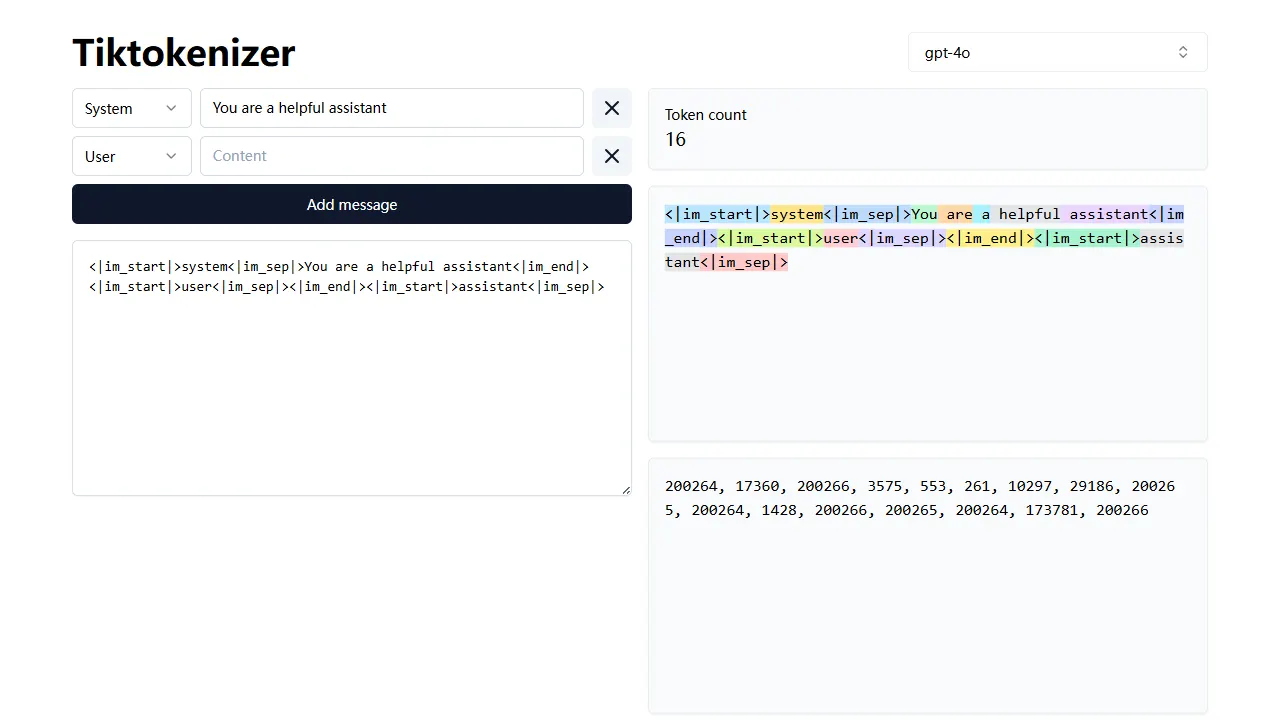
tiktokenizer
tiktokenizer is an open-source online tool site built with Next.js, TypeScript, and React that calculates token counts for text using the openai/tiktoken library.
Next.js · Tool Site
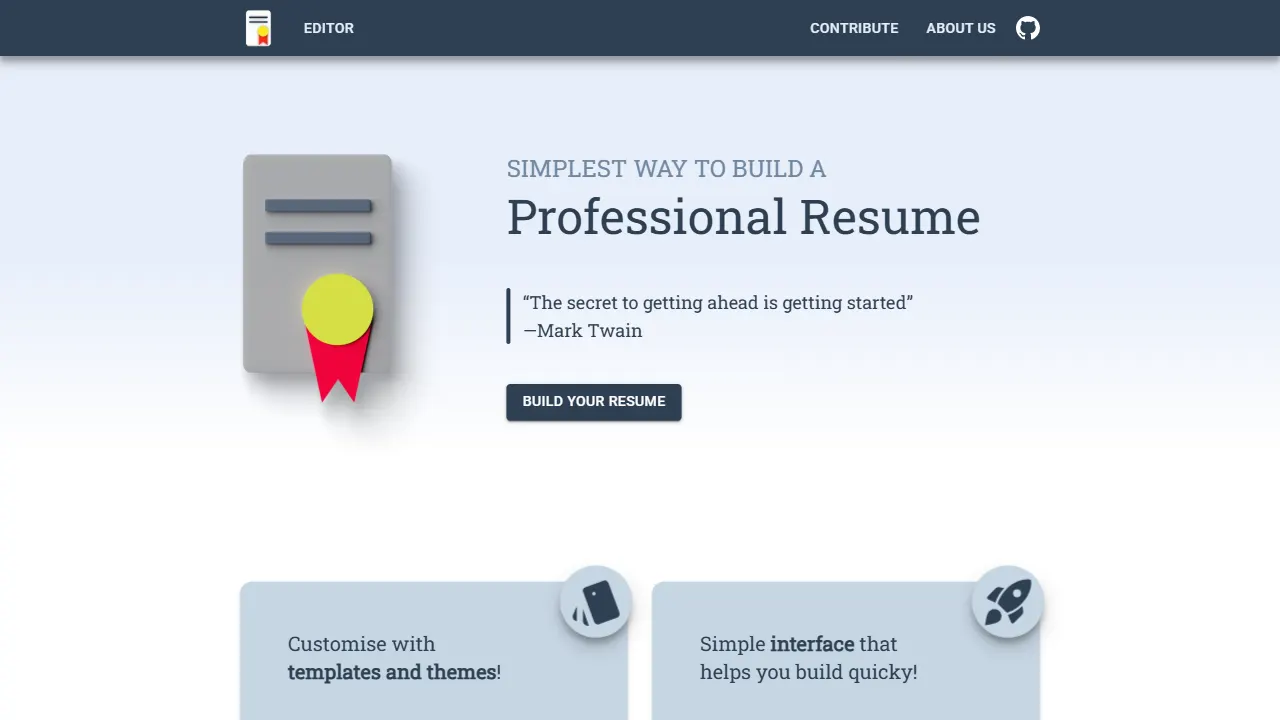
resume builder
An open-source resume builder built with Next.js, TypeScript, Material UI, and Zustand. It offers multiple templates and themes, real-time editing and preview, and requires no registration.
Next.js · Tool Site
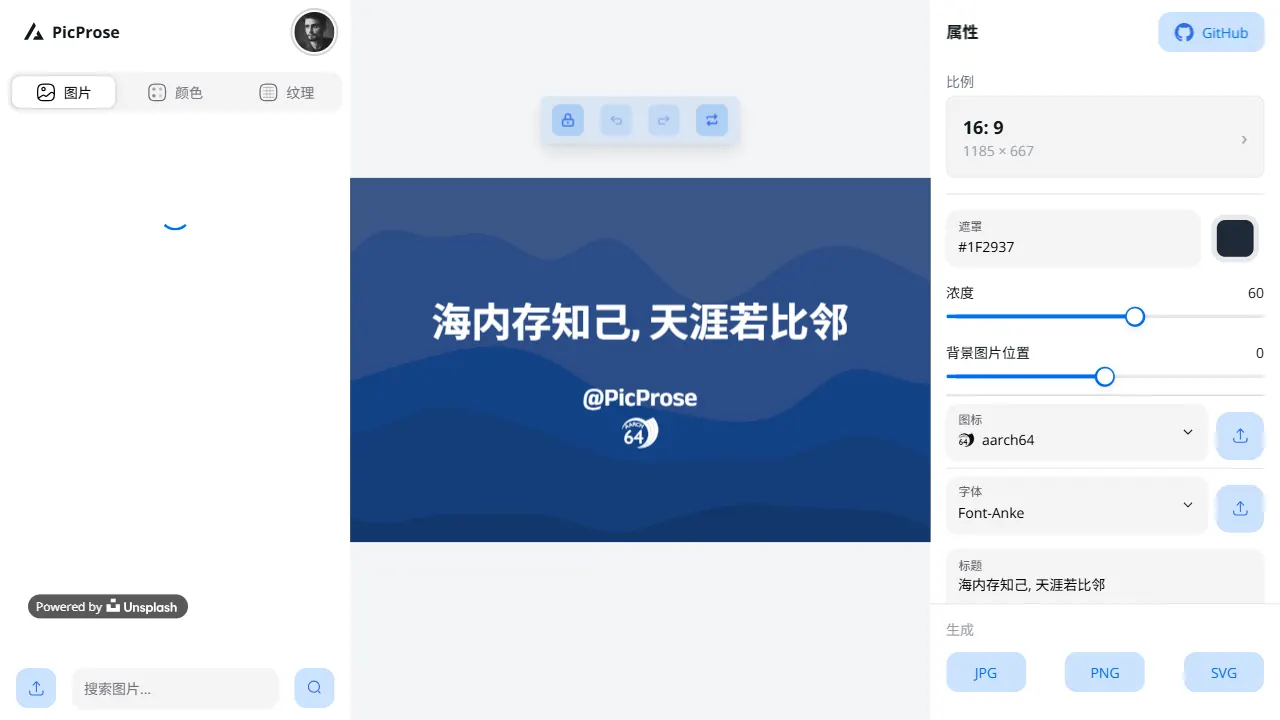
picprose
PicProse is an open-source, Next.js-based cover image generator for bloggers, content creators, and developers. It fetches images via the Unsplash API, supports custom titles, author info, fonts, colors, and transparency, offers multiple aspect ratios, and exports to JPG, PNG, and SVG.
Next.js · Tool Site
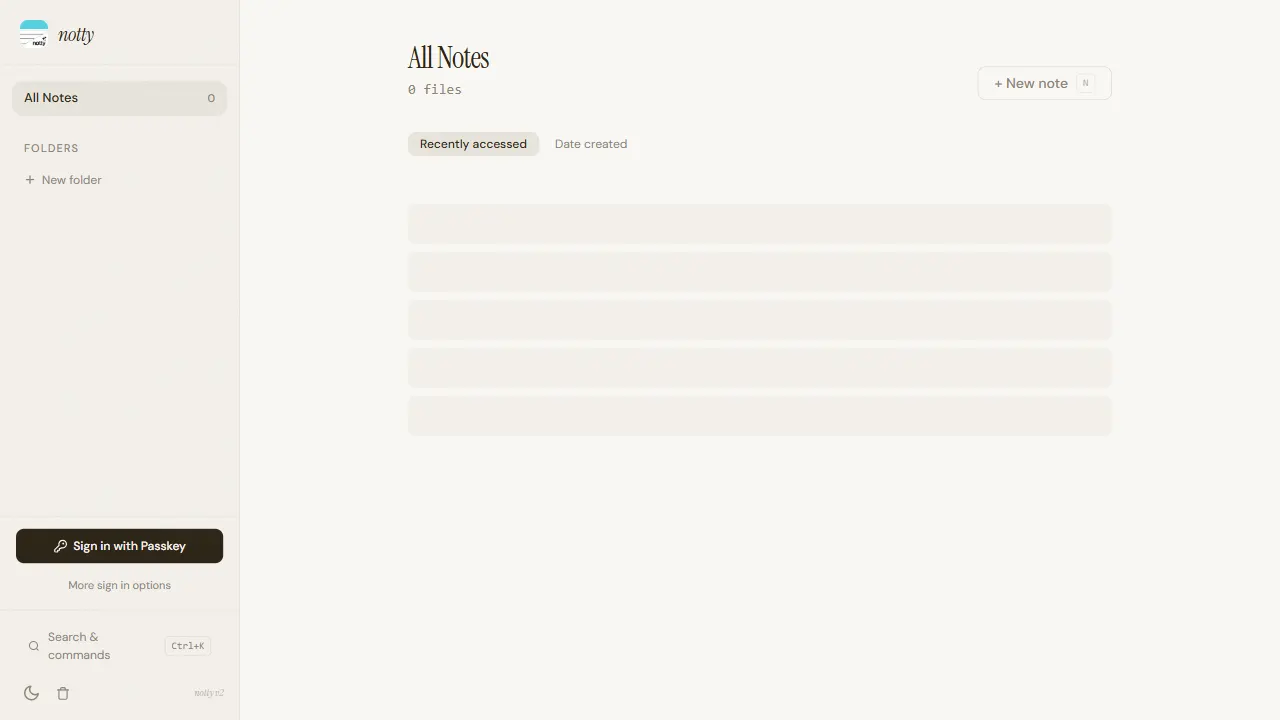
notty
Notty is an offline-first note-taking app template built with Next.js, TypeScript, React, Cloudflare Workers, and Yjs.
Next.js · Tool Site

nxt-lnk
nxt-lnk is a Next.js-based bio link page template that manages personal information and links via BioData.js and LinksData.js, positioned as a self-hosted alternative to Linktree. It groups links by type, supports enabling/disabling individual links, and offers hexagonal or oval avatars.
Next.js · Portfolio