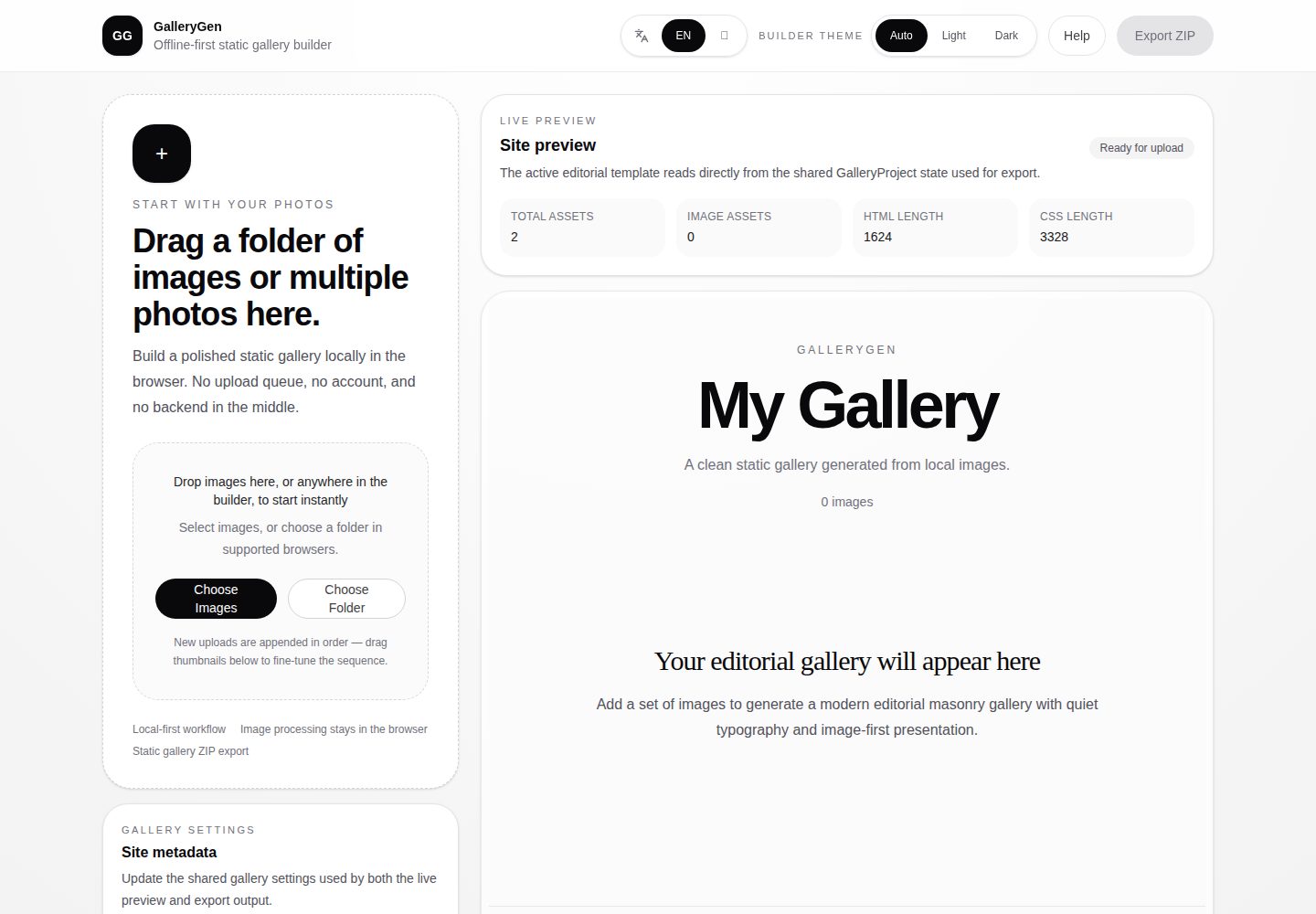
全流程在浏览器本地运行,无需安装、注册或后端,图片不会离开本机
Next.jsReact作品集工具站
gallerygen — Next.js 作品集模板
作者 miku01031
GalleryGen 是一个在浏览器本地运行的静态图库生成器:上传本地图片、调整顺序、选择模板,导出含 HTML、CSS 与图片的 ZIP,可托管到任意静态站点。
看看你的网站会是什么样
浏览真实页面截图,比较内容排版与手机效果。点击下方缩略图切换,放大查看整页细节。
全部页面与视图 2
截图用于了解视觉与布局,交互效果请以实际项目为准。
采集于 2026-10-14查看来源
值得关注的模板亮点
从已有项目资料中,快速了解它的特点。
上传后可拖拽排序,预览区与侧栏共用同一顺序,并同步到导出 ZIP
内置 Editorial / Archive 与 Showcase / Product 两套面向不同展示任务的模板
Builder 预览区支持点击图片打开轻量 lightbox,按当前顺序切换上一张/下一张
导出 ZIP 为纯静态资源,含 index.html、styles.css 与 images 目录
导出成功弹窗提供中英双语 README 片段,可替换占位符后贴回项目
模板详细介绍
GalleryGen 面向需要把本地截图、产品视觉或摄影作品整理成静态展示页的场景。README 说明其核心流程为三步:上传图片、选择模板、导出静态展示页,全程在浏览器本地完成,没有后端、账号或云端上传队列。Builder 内支持在预览区拖动排序,也可在侧栏缩略图中调整顺序,两者共用同一套画廊顺序;点击图片可打开轻量 lightbox,上一张/下一张遵循当前顺序。模板有两套:Template A — Editorial / Archive 面向艺术、摄影与作品集;Template B — Showcase / Product 面向 SaaS 截图、开源项目演示与 UI 样机,并带桌面/手机设备外壳。导出 ZIP 包含 index.html、styles.css 与 images 目录,README 给出了 Netlify Drop 与 GitHub Pages 的发布步骤,以及导出后生成 README 片段的方法。
限制方面:README 明确当前 lightbox 仅存在于 Builder 预览区,导出的 ZIP 内不含 lightbox,导出页保持轻量静态展示。项目状态标注为 MVP v1,范围有意保持克制;路线图提到触控预览交互、导出与发布流程打磨、公开演示与元数据编辑等方向,但均未说明具体时间或实现细节。README 未提供图片格式、单次上传数量、导出体积或浏览器兼容性等说明。
Next.js作品集工具站
适合你的项目吗?
适用场景
- 把开源项目的多张截图整理成一页可分享的展示页,README 只保留一张预览图
- 为 SaaS 或应用产品制作带桌面/手机设备外壳的 UI 展示页
- 整理摄影作品或精选视觉集合,使用留白较多的编辑式排版
- 在本地先预览最终效果,再通过 Netlify Drop 或 GitHub Pages 发布公开链接
适合人群
- 需要快速生成静态图库页、不想搭建后端的开发者
- 希望截图不经过第三方云服务的隐私敏感用户
- 为开源项目或作品集准备展示页的设计师与维护者
- 接受 MVP 范围、不需要导出页内置交互功能的用户
上手与定制指南
结合仓库当前版本的说明,按下面的资料检查内容、配置与运行要求。
- 1
本地运行需执行 npm install 与 npm run dev,然后访问 http://localhost:3000
- 2
Windows 用户可双击 open-gallerygen.bat 一步安装依赖并启动开发服务器
- 3
发布前建议运行 npm run lint、npx tsc --noEmit 与 npm run build 进行校验
- 4
导出后解压 ZIP,可直接用浏览器打开 index.html 检查效果
- 5
发布可将解压后的文件夹拖入 Netlify Drop,或上传到 GitHub Pages 仓库并启用 Pages
授权与来源资料
使用条件与限制
免费使用 · 保留许可声明本次收录的是公开仓库中采用 MIT 许可的免费版本;免费范围为该版本代码,不代表外部服务或第三方素材免费。
使用时需要遵守
- 允许免费使用、修改、商用和分发该版本代码。
- 分发代码副本或实质性部分时,保留原作者版权声明和完整 MIT 许可声明。
- 代码按现状提供;担保与责任限制以原许可证及适用法律为准。
额外费用与待核对事项
- 演示图片、字体、图标及其他第三方素材需按各自许可核对,不能仅凭代码的 MIT 许可判断。
- 域名、托管、数据库、支付或 AI 等外部服务可能另外收费。
- 导出的静态展示页不含 lightbox 交互,lightbox 仅在 Builder 预览区可用。
- 当前版本功能范围有意保持克制,属于 MVP v1,功能有限。
- 获取公开链接需使用 Netlify Drop 等外部静态托管服务,可能涉及第三方账号与费用。
- 使用 GitHub Pages 长期托管需创建仓库或分支并在仓库设置中启用 Pages。
查看原文依据
Permission is hereby granted, free of charge
许可证原文
The current lightbox is available in the **builder preview only**. Exported pages remain lightweight static showcases (no lightbox in the ZIP).
README 原文
Scope is intentionally narrow for this release.
README 原文
The fastest path. Open [Netlify Drop](https://app.netlify.com/drop), drag the **extracted folder** (not the ZIP) onto the page, and you will immediately get a `*.netlify.app` URL. Sign in to keep and update the same link over time.
README 原文
https://github.com/miku01031/gallerygen/blob/main/LICENSEhttps://github.com/miku01031/gallerygen/blob/main/README.mdPrefer to keep the showcase alongside your project? Create a new repository (or a `gh-pages` branch on an existing one), upload the exported files, and enable Pages in repository settings. Good for open-source project pages and project docs.
README 原文
DeepSeek 根据仓库许可证和 README 整理 ·2026-10-14。结果仅覆盖已读取资料,依赖、图片、字体及后续条款变更以各自原文为准。
项目核对记录与介绍依据
模板资料
- 来源平台
- GitHub
- 资料与维护参考分
- 资料较完整 · 88 / 100
- 技术栈
- Next.js · React
- 网站类型
- 作品集 · 工具站
这个分数如何计算
本站按许可资料(最高30分)、演示链接(12分)、预览图(10分)、Star数(15分)、记录的维护时间(15分)、描述完整度(8分)、功能记录(5分)和分类资料(5分)计算。它不是代码、安全或性能测试,也不是 Google 评分;有链接不代表已实测可用。
这个项目需要核对什么
- 记录的仓库更新时间
- 2026-04-23
- 截图检查日期
- 2026-10-14
已收录演示链接。请用你的内容与屏幕尺寸检查;有演示不代表表单、认证或支付已经可用。
目录记录的主要技术栈是 Next.js。请通过依赖清单和锁文件核对实际版本与托管要求。这些说明基于收录资料,不代表代码审计或部署实测。
查看具体选型方法 →介绍的制作与核对状态
介绍由 AI 辅助整理目录与仓库资料。仓库作者不等于这篇介绍的审核者。
审核声明: codex-user-requested-batch-review-20261015 · 2026-10-15
查看当时使用的来源资料
SHA-256: acc69b132e57829da211177f1fb7692246e6cb3340e194a0d9041eede704a0f9
2026-10-14T18:13:12.329Z
来源文件 / 仓库# GalleryGen > Turn local screenshots, product visuals, and photography into a polished static showcase page — offline, in minutes. > > 把本地截图、产品视觉或摄影作品,在几分钟内整理成一页精致的静态展示站 —— 离线完成。 **Use it in 3 steps:** upload → pick a template → export a static showcase. **使用只要 3 步:** 上传 → 选模板 → 导出静态展示页。 In the builder you can also **reorder** images (preview + sidebar) and **open a quick lightbox** on any image — both use the same order that exports to your ZIP. 在 Builder 里还可以 **调整图片顺序**(预览区与侧栏共用同一顺序),并 **点击图片打开轻量预览** —— 顺序与导出的 ZIP 保持一致。  --- ## Try It Online / 在线体验 > **[→ Open the live builder](https://gallerygen.netlify.app/)** — no install, no account, no backend. Drop images and start building right now. > > **[→ 打开在线 Builder](https://gallerygen.netlify.app/)** — 无需安装、无需注册、没有后端。拖入图片就能开始。 <sub>Want to see finished output first? Browse live template examples: <a href="https://gregarious-narwhal-e05197.netlify.app/">Template A — Editorial / Archive</a> · <a href="https://elaborate-starlight-03236e.netlify.app/">Template B — Showcase / Product</a></sub> <sub>想先看成品?浏览在线模板示例:<a href="https://gregarious-narwhal-e05197.netlify.app/">Template A — Editorial / Archive</a> · <a href="https://elaborate-starlight-03236e.netlify.app/">Template B — Showcase / Product</a></sub> <sub>Developers: scroll down to **Local Development** if you prefer to run GalleryGen locally. / 开发者:如需本地运行,请滚动到下方的 **Local Development** 章节。</sub> --- ## Why GalleryGen GalleryGen fixes three things developers and designers hit over and over. - **Heavy READMEs.** A GitHub README gets unreadable once ten screenshots are inlined. GalleryGen keeps one preview image in the README and links out to a full interactive showcase page. - **Privacy.** Everything runs locally in your browser. No upload queue, no cloud, no account, and no image ever leaves your machine unless you choose to publish it. - **Professional mockups.** Raw screenshots look flat. GalleryGen wraps them in desktop or mobile device frames, arranges them with real layout rhythm, and exports a page that looks like a product site. ## 为什么使用 GalleryGen GalleryGen 针对开发者和设计师反复遇到的三个问题而生。 - **臃肿的 README。** 一旦截图超过十张,GitHub README 就会变得拖沓。GalleryGen 让你只在 README 保留一张预览图,其余跳转到完整的交互展示页。 - **隐私。** 全流程在浏览器本地完成。没有上传队列、没有云端、没有账号,图片不会离开你的设备,除非你主动发布。 - **专业感的产品图。** 纯截图看起来很扁平。GalleryGen 会把截图放进桌面或手机外壳,按真实排版节奏布局,导出的页面更像一个产品站。 --- ## Core Workflow / 核心工作流 No configuration. Everything is local. 无需配置,全程本地。 1. **Upload** — drag images or pick files in the builder. / 在 Builder 中拖入图片或选择文件。 2. **Reorder** — drag the grip handle in the preview or thumbnails in the sidebar; one shared order for all templates. / 在预览区拖动手柄,或在侧栏缩略图中调整顺序;所有模板共用同一顺序。 3. **Preview & inspect** — live template preview; click an image for a lightweight lightbox (builder only). / 实时模板预览;点击图片打开轻量 lightbox(仅 Builder)。 4. **Switch template** — choose Editorial / Archive or Showcase / Product. / 在 Editorial / Archive 与 Showcase / Product 之间切换。 5. **Export** — download a ZIP with static HTML, CSS, and images. / 下载含静态 HTML、CSS 与图片的 ZIP。 6. **Publish** — unzip and host on Netlify Drop, GitHub Pages, or any static host (see *After You Export*). / 解压后托管到 Netlify Drop、GitHub Pages 或任意静态托管(见 *导出之后怎么做*)。 --- ## Template Roles / 模板角色 GalleryGen ships with two intentionally distinct templates. They are not cosmetic variants — they target different presentation jobs. GalleryGen 自带两套方向明确的模板,不是皮肤差异,而是面向不同的展示任务。 ### Template A — Editorial / Archive Best for art, photography, curated image collections, and portfolio-style galleries. Quiet editorial rhythm, generous spacing, and image-first presentation. 适合艺术作品、摄影、精选视觉集合和作品集风格的展示页。安静的编辑感节奏、大量留白、图片优先的视觉表达。 [View cover](public/readme/template-a-cover.png) · [Live example](https://gregarious-narwhal-e05197.netlify.app/) ### Template B — Showcase / Product Best for SaaS screenshots, open-source project demos, UI mockups, and design boards. A strong lead visual, a structured supporting grid, and desktop / mobile device frames. 适合 SaaS 截图、开源项目演示、UI 样机和设计看板。更强的主视觉、结构化的辅助网格,以及桌面 / 手机设备外壳。 [View cover](public/readme/template-b-cover.png) · [Live example](https://elaborate-starlight-03236e.netlify.app/) --- ## After You Export / 导出之后怎么做 Once you click **Export ZIP**, here is the full path from local file to a shareable public URL. 点击 **Export ZIP** 之后,从本地文件到可分享公开链接的完整流程如下。 ### 1. Unzip & preview locally / 解压并本地预览 Extract `your-gallery.zip` into any folder. You can open `index.html` directly in a browser to check the final look before publishing. 把 `your-gallery.zip` 解压到任意文件夹。发布之前可以直接用浏览器打开 `index.html` 检查最终效果。 ### 2. Get a public link with Netlify Drop / 用 Netlify Drop 获取公开链接 The fastest path. Open [Netlify Drop](https://app.netlify.com/drop), drag the **extracted folder** (not the ZIP) onto the page, and you will immediately get a `*.netlify.app` URL. Sign in to keep and update the same link over time. 最快的一条路径。打开 [Netlify Drop](https://app.netlify.com/drop),把**解压后的文件夹**(不是 ZIP)拖到页面上,立刻就能拿到一个 `*.netlify.app` 公开链接。登录后可以长期保留并更新这个链接。 ### 3. (Optional) Host on GitHub Pages for long-term projects / (可选)用 GitHub Pages 做长期托管 Prefer to keep the showcase alongside your project? Create a new repository (or a `gh-pages` branch on an existing one), upload the exported files, and enable Pages in repository settings. Good for open-source project pages and project docs. 希望展示页长期挂在 GitHub 项目旁边?新建一个仓库(或在已有仓库创建 `gh-pages` 分支),上传导出的文件,在仓库 Settings 里启用 Pages。适合开源项目主页和项目文档。 ### 4. Paste the README snippet back / 把 README 片段贴回去 The export success modal gives you a bilingual Markdown snippet with a visual preview card. Replace `REPLACE_WITH_PREVIEW_IMAGE_URL` and `REPLACE_WITH_YOUR_DEPLOYED_LINK` with your own image URL and the public URL from step 2 or 3, then paste it into your project README, portfolio, or project page. 导出成功弹窗会提供一段中英双语的 Markdown 片段(带可点击的预览图卡片)。把 `REPLACE_WITH_PREVIEW_IMAGE_URL` 和 `REPLACE_WITH_YOUR_DEPLOYED_LINK` 分别替换成你自己的图片地址和第 2 或 3 步得到的公开链接,然后贴到项目 README、作品集或项目主页里。 > **Tip / 小贴士:** host your images on Netlify first (step 2), then copy the image URL back into the README snippet — that way the preview card renders directly on GitHub. / 先把图片发布到 Netlify(第 2 步),再把图片地址贴回 README 片段,这样 GitHub 上就能直接渲染预览卡片。 --- ## Best Use Cases / 适用场景 - Open-source project screenshots / 开源项目截图展示 - SaaS and app visuals / SaaS 与应用产品视觉 - Design portfolios / 设计作品集 - Curated visual collections / 各类视觉集合 --- ## Demo Assets / 演示资源 - [Template A cover](public/readme/template-a-cover.png) - [Template B cover](public/readme/template-b-cover.png) - [Builder screenshot (EN)](public/readme/builder-en.png) - [Builder screenshot (ZH)](public/readme/builder-zh.png) - [Demo video source](public/readme/demo.mp4) — GitHub does not inline-preview large MP4s; download locally for playback. / GitHub 不内联播放大 MP4,请下载到本地观看。 --- ## Tech Stack / 技术栈 Next.js App Router · React · TypeScript · Tailwind CSS · Zustand · JSZip --- ## Exported Output / 导出内容 The ZIP contains plain static assets that work on any static host: 导出的 ZIP 是标准静态资源,任意静态托管都能直接使用: - `index.html` - `styles.css` - `images/...` --- ## Project Status / 项目状态 MVP v1. The full local-to-static workflow is implemented: MVP v1。以下完整流程已经实现: - Local image upload / 本地图片导入 - Drag-to-reorder in the builder preview (grip handle) and sidebar order panel — both update the same gallery order / 在 Builder 预览区(拖动手柄)与侧栏顺序面板中拖拽排序,共用同一套画廊顺序 - Lightweight preview lightbox — click an image in the preview; previous/next follows the current order / 轻量预览 lightbox:在预览中点击图片打开;上一张 / 下一张遵循当前顺序 - Reordered images stay consistent across live preview and exported ZIP / 调整后的顺序在实时预览与导出 ZIP 中保持一致 - Live preview / 实时预览 - Template switching — Editorial / Archive and Showcase / Product / 模板切换 — Editorial / Archive 与 Showcase / Product - Independent builder theme and gallery theme / 编辑器主题与画廊主题独立 - ZIP export / ZIP 导出 - Post-export publishing guidance (Netlify, GitHub Pages) / 导出后的发布指引(Netlify、GitHub Pages) - README snippet generator / README 片段生成器 The current lightbox is available in the **builder preview only**. Exported pages remain lightweight static showcases (no lightbox in the ZIP). 当前 **lightbox 仅用于 Builder 预览区**。导出结果仍然保持轻量静态展示页(ZIP 内不含 lightbox)。 Scope is intentionally narrow for this release. 当前版本的范围有意保持克制。 --- ## Roadmap / 路线图 - Touch-friendly preview interactions where HTML5 drag-and-drop is limited / 在 HTML5 拖拽受限的环境下改进触控预览体验 - Refine export polish and publishing guidance / 打磨导出与发布流程 - Add stronger public demos / 补充更完整的公开演示 - Expand metadata editing without turning the builder into a CMS / 谨慎扩展元数据编辑,不把 Builder 做成 CMS - Introduce new templates only when meaningfully distinct / 只在模板之间有明显差异时再引入新模板 --- ## Contributing / 参与贡献 Issue reports, focused product feedback, and small PRs are welcome. 欢迎提交 issue、产品反馈和小而聚焦的 PR。 1. Open an issue or discussion first for larger changes. / 较大改动请先开 issue 或 discussion 讨论。 2. Keep PRs small and focused. / 请保持 PR 范围清晰。 3. Make sure lint, typecheck, and build pass before submitting. / 提交前确保 lint、typecheck 与 build 都能通过。 --- ## Local Development / 本地开发 Install and run: 安装并启动: ```bash npm install npm run dev ``` Open [http://localhost:3000](http://localhost:3000) in your browser. 在浏览器中打开 [http://localhost:3000](http://localhost:3000)。 Windows users can also double-click `open-gallerygen.bat` to install dependencies and start the dev server in one step. Windows 用户也可以直接双击 `open-gallerygen.bat`,一步完成依赖安装和启动开发服务器。 Validate before publishing: 发布前校验: ```bash npm run lint npx tsc --noEmit npm run build ``` --- ## License / 许可证 MIT. See [`LICENSE`](LICENSE). MIT 协议。详见 [`LICENSE`](LICENSE)。
看看同类模板
对比同技术栈与用途的模板,找到更适合的视觉与内容结构。

react-resume-template
A personal resume website template built with React.js, Typescript, Next.js, and styled with Tailwind css
Next.js · 作品集
full-stack-ai-agent-template
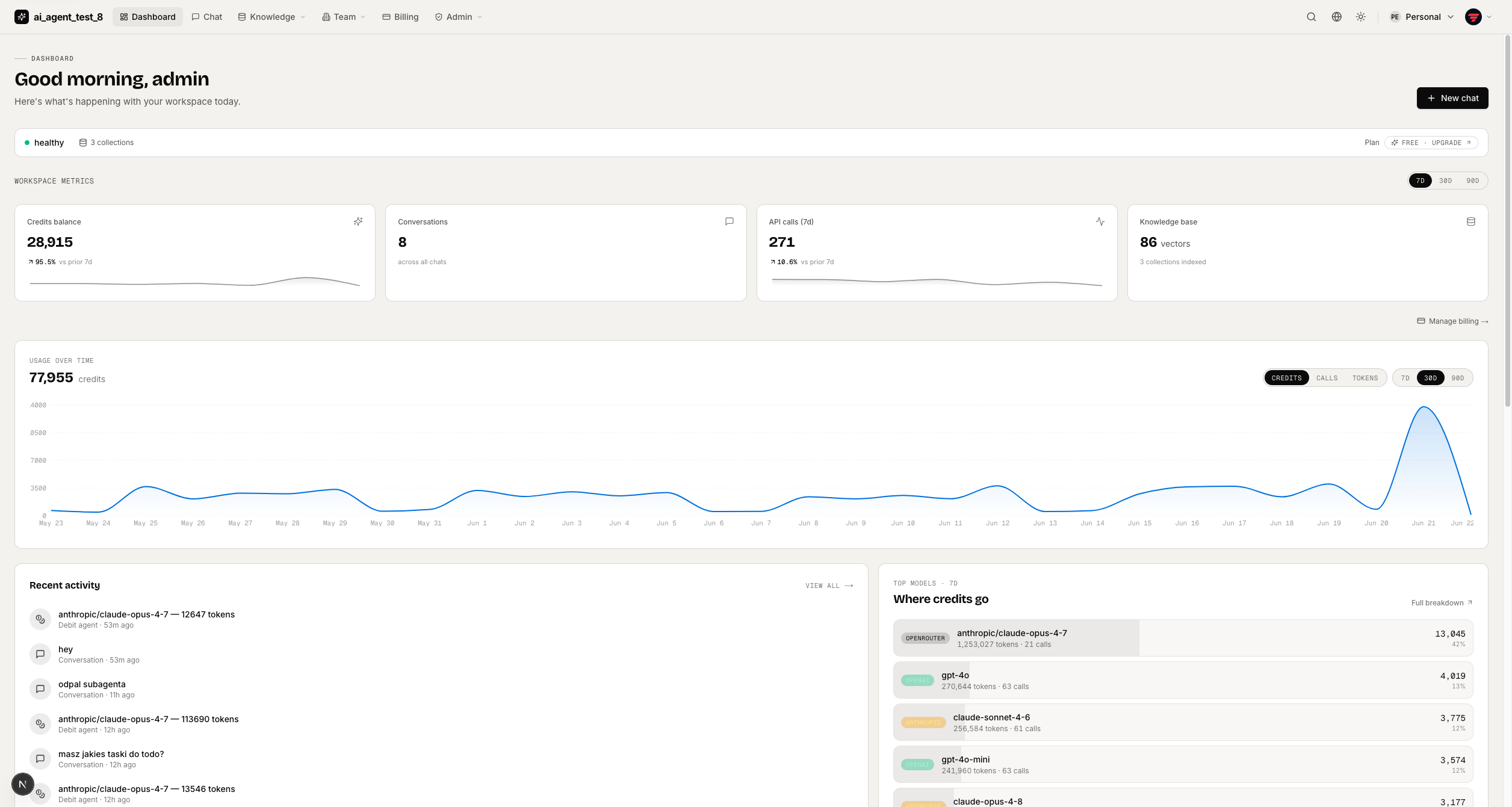
Full-stack AI app generator — FastAPI + Next.js with AI Agents, RAG, streaming, auth, and 20+ integrations out…
Next.js · 工具站
tiktokenizer
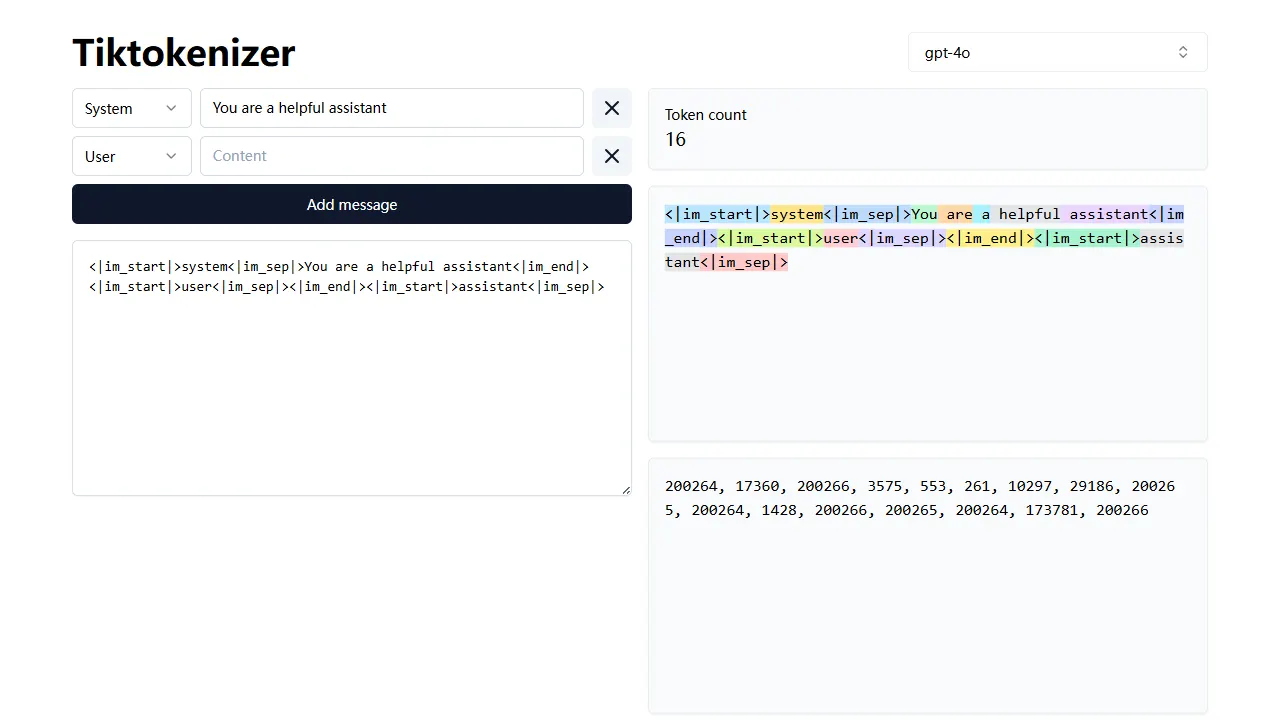
tiktokenizer 是一个开源的在线工具站项目,核心功能是计算文本对应的 token 数量,服务于 openai/tiktoken 库。
Next.js · 工具站
resume builder
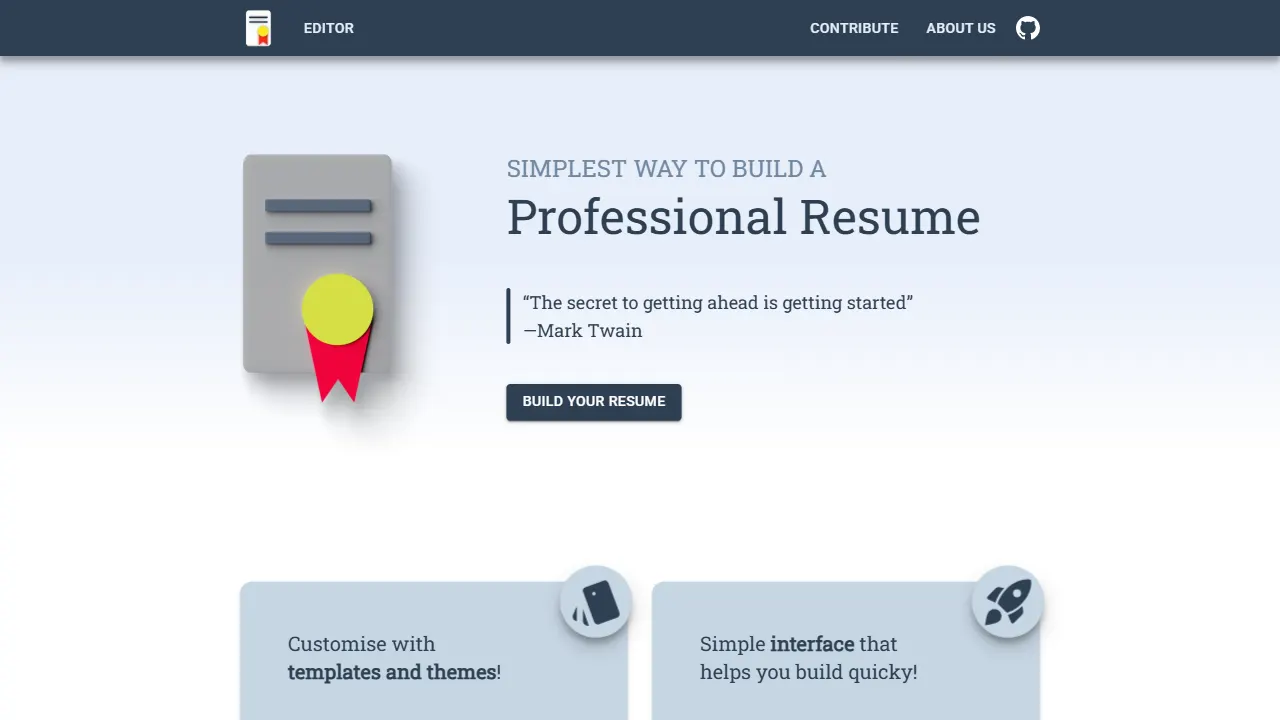
resume builder 是一个开源的在线简历生成工具,演示站点可直接体验。 它基于 Next.js、TypeScript 和 Material UI 构建,前端状态管理采用 Zustand,整体界面简洁,交互流畅。
Next.js · 工具站
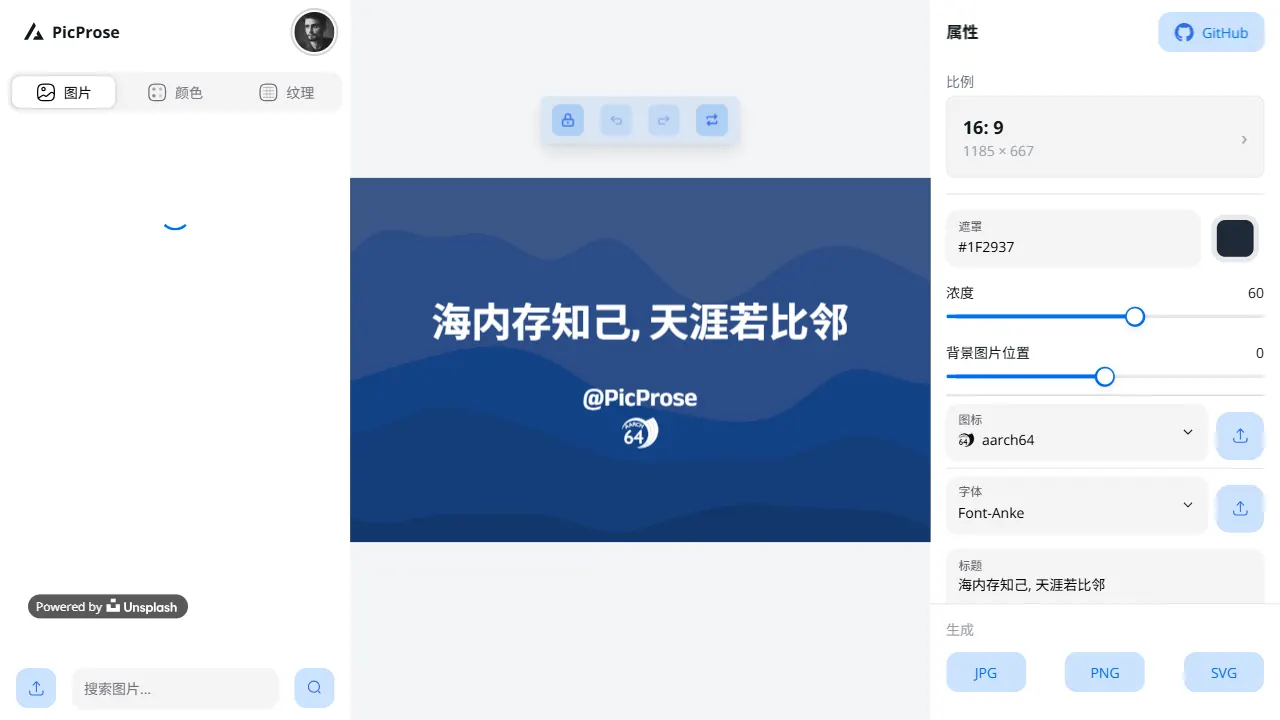
picprose
PicProse 是一个开源的封面图生成工具,专为博客作者、内容创作者和开发者设计。 它通过直观的界面,让用户快速为 Medium、YouTube、B站等平台生成专业封面。
Next.js · 工具站
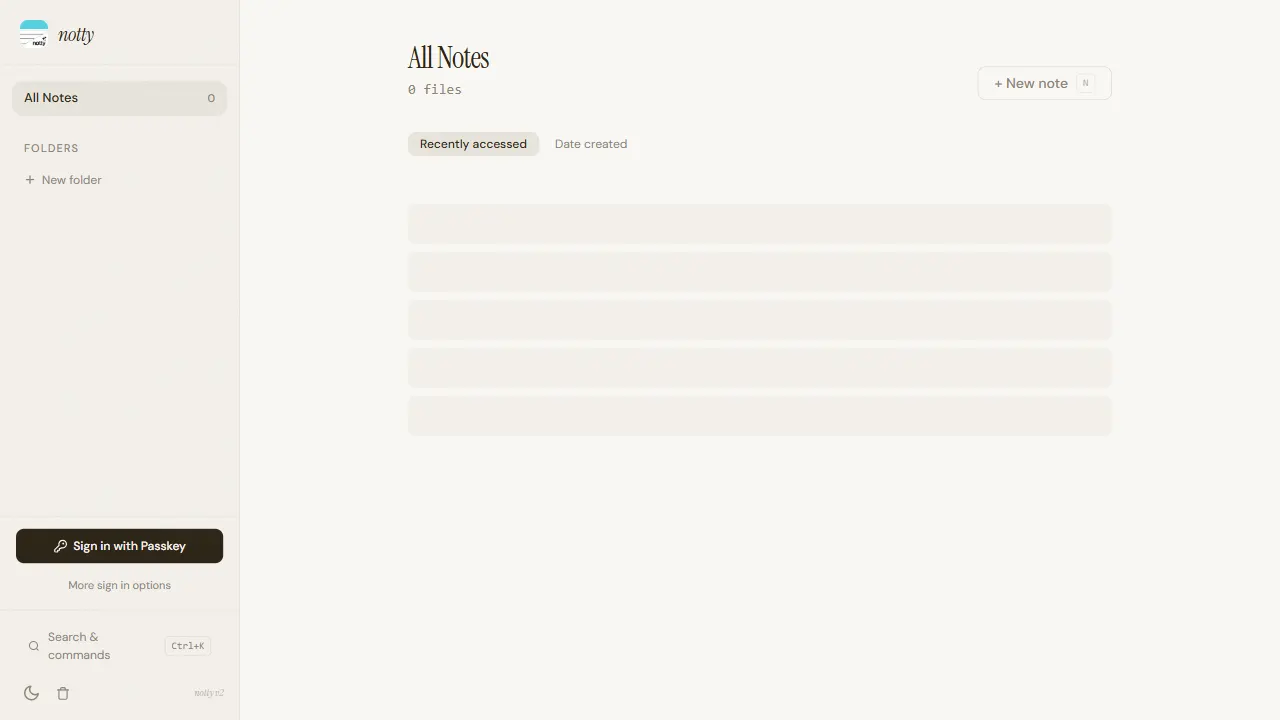
notty
Notty 是一个定位明确的笔记应用模板,核心卖点是“离线优先 + 实时协作 + 数据自主”。
Next.js · 工具站