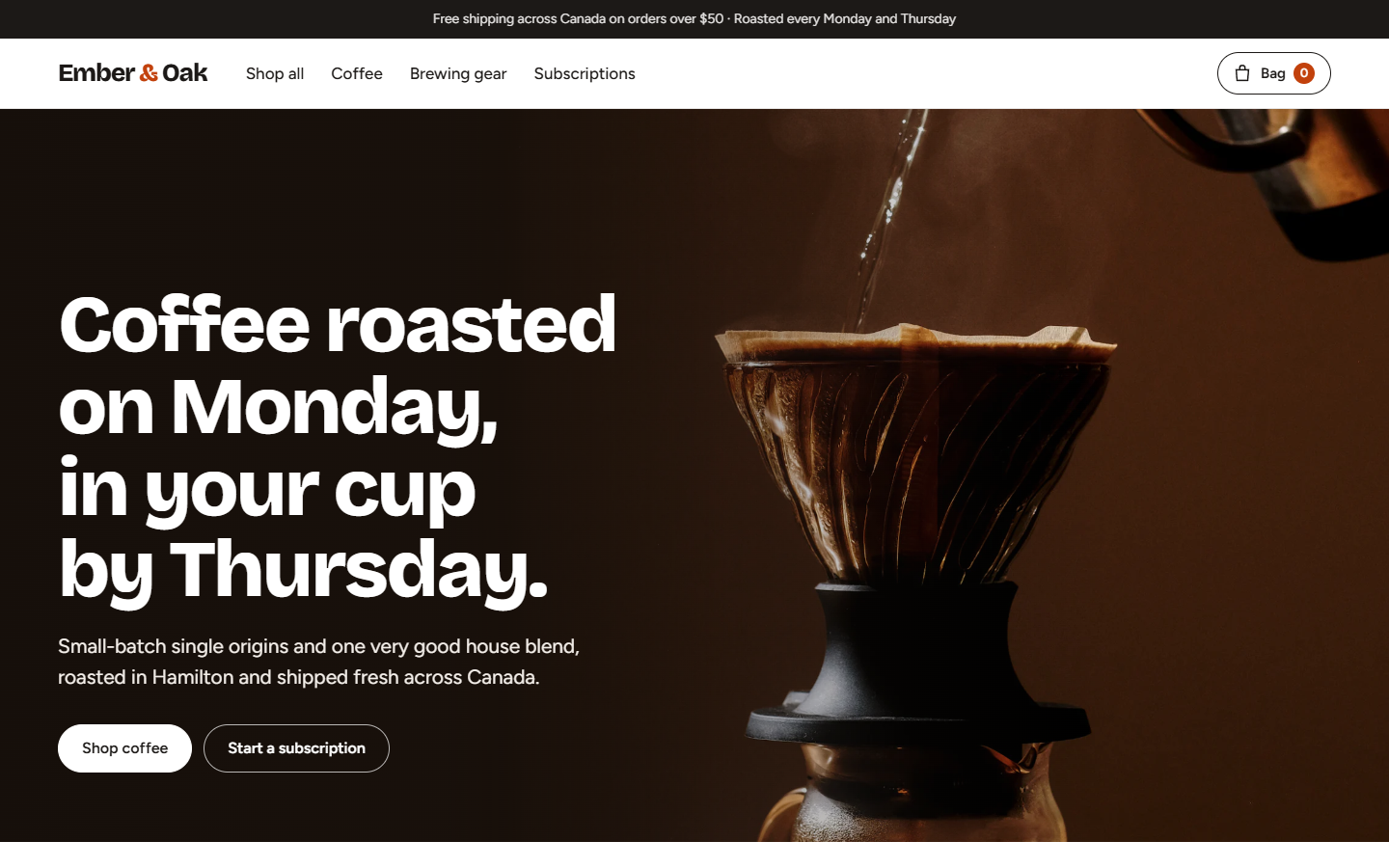
Shop page supports filtering by type and roast level plus sorting
NuxtVueE-commerce
ecommerce-template — Nuxt Ecommerce Template
By nicolascadet-ops
A Nuxt and Vue-based coffee roaster e-commerce template with product filtering, variant options, subscriptions, a cart drawer and a demo checkout flow, exportable as a static site.
Explore the design
Compare the page layouts and mobile experience. Open any screenshot for a closer look.
Author preview
Author-provided preview
Preview provided in the project README.
One original preview is available. Open the full image to inspect the design.
Screenshots show visual appearance; interactive behavior may differ.
Recorded 2026-10-03View source
What stands out
A quick read of the recorded project description.
Product pages offer size, grind and quantity options with subscription discount pricing
Cart drawer and cart page include quantity controls, a free-shipping progress bar and totals, with state stored in the browser
Checkout includes inline validation (including Canadian postal codes) and an order confirmation page, without card number fields
Product illustrations are generated from product data, with each coffee having its own color scheme for packaging, keeping the catalog visually consistent
Accessibility supports keyboard operation, a focus-trapping drawer, visible focus, WCAG AA contrast and reduced motion
Template Details
This is an e-commerce store template for specialty coffee roasters, built with Nuxt (Vue) and output as a purely static site through static generation. Using the fictional brand Ember & Oak as an example, the project provides a complete store page structure: a shop page with filtering by type and roast level plus sorting, product detail pages supporting variants (size, grind, quantity) and subscription discount pricing, a coffee selector that returns recommendations based on two questions, and a cart drawer and cart page with quantity controls, a free-shipping progress bar and totals. Cart data is stored in the browser and persists across page refreshes. The checkout flow includes inline form validation (including Canadian postal codes) and an order confirmation page, but contains no card input fields; production use requires integrating Stripe Checkout or Shopify.
The template's product images are generated from product data, with each coffee having its own color scheme for the packaging illustration, and brewing equipment drawn in the same style, so the catalog remains visually consistent. For accessibility, it supports keyboard-operable options, a cart drawer using a native dialog for focus trapping, visible focus styles, WCAG AA contrast and reduced-motion preferences. The site is static HTML, with self-hosted fonts and pre-generated WebP image sizes.
Note that this is a demo store: it does not process real payments or orders, and products, prices and copy are sample content; product illustrations are placeholders, and lifestyle photos come from Unsplash. The README outlines local running, content customization, payment integration and deployment to Cloudflare Pages, but does not provide a production backend or database implementation.
NuxtVueE-commerce
Is it right for your project?
Use Cases
- Building the front-end presentation layer for a small e-commerce store selling specialty coffee or food products
- Using it as a reference implementation for a Nuxt static-site e-commerce structure
- Demonstrating interaction flows for cart, product options and subscription pricing
- Using it for front-end prototype validation before integrating Stripe Checkout or Shopify
Suitable For
- Developers who need a Nuxt/Vue e-commerce front-end template
- Teams that want to deploy a store front end as a static site
- Developers who need a reference implementation for product options and cart interactions
Getting started & customization
Use these recorded setup notes alongside the repository instructions for your chosen version.
- 1
Running locally requires Node.js 22.19 or later; run npm install and npm run dev, then access http://localhost:3000 by default
- 2
Products, prices, variants, grind options and shipping rules are modified in app/utils/products.ts, and currency formatting is controlled by formatPrice in that file (default CAD)
- 3
Colors, fonts and spacing are adjusted via the CSS variables at the top of app/assets/css/main.css, and font files are located in public/fonts/
- 4
npm run build runs nuxt generate, pre-rendering pages to .output/public/, which can be deployed to Cloudflare Pages (build command npm run build, output directory .output/public)
- 5
Integrating payments requires adding your own server-side logic, such as using a serverless function to create a Stripe Checkout Session, or using the Shopify Storefront API to create a cart and checkout
License & source material
Usage conditions & limitations
Free to use · keep license noticeThis listing covers the free version under the MIT license in the public repository; the free scope is the code of that version and does not mean external services or third-party assets are free.
Must comply with when using
- You may use, modify, commercialize and distribute the code of this version for free.
- When distributing copies or substantial portions of the code, retain the original author's copyright notice and the complete MIT license notice.
- The code is provided as is; warranties and limitations of liability are governed by the original license and applicable law.
Additional costs & items to verify
- Demo images, fonts, icons and other third-party assets must be checked against their respective licenses and cannot be judged solely by the code's MIT license.
- External services such as domains, hosting, databases, payments or AI may incur separate charges.
- This is a demo store: it does not process real payments or orders, and products, prices and copy are sample content, so it cannot be launched directly as a real store.
- Product images are placeholders, and lifestyle photos come from Unsplash; using these photos requires complying with the Unsplash license and verifying authorization yourself.
- Checkout contains no card number fields; production use requires integrating external payment services such as Stripe Checkout or Shopify yourself.
- Integrating Stripe payments requires writing your own server-side code (such as a Cloudflare Worker) to create a Checkout Session, involving external services and accounts.
- Integrating Shopify requires using its Storefront API to create a cart and checkout, involving external services and accounts.
- Running locally requires Node.js 22.19 or later.
View Original Text Basis
Permission is hereby granted, free of charge
Original License Text
> **Ember & Oak is a fictional business and this is a demo store.** No payments are taken and no orders are placed. Products, prices and copy are sample content.
Original README
Product images (coffee bags and brewing gear) are illustrations; lifestyle photos are from Unsplash.
Original README
No card fields: in production this step hands off to Stripe Checkout or Shopify.
Original README
1. **Stripe Checkout**: add a small serverless function (for example a Cloudflare Worker) that creates a Checkout Session from the cart lines, and redirect to it from `app/pages/checkout/index.vue`.
Original README
2. **Shopify Storefront API**: keep this front end and create the cart and checkout through Shopify.
Original README
https://github.com/nicolascadet-ops/ecommerce-template/blob/main/LICENSEhttps://github.com/nicolascadet-ops/ecommerce-template/blob/main/README.mdRequires Node.js 22.19 or later.
Original README
Compiled by DeepSeek based on repository license and README ·2026-10-04. Results only cover the materials read; dependencies, images, fonts, and subsequent term changes are subject to their respective original texts.
Project checks & description sources
Template Information
- Source platforms
- GitHub
- Documentation and maintenance reference score
- Partly documented · 73 / 100
- Technologies
- Nuxt · Vue
- Website type
- E-commerce
How this score is calculated
Our heuristic uses license records (up to 30), a demo link (12), a preview (10), stars (15), recorded maintenance (15), description completeness (8), feature records (5) and classification data (5). It is not a code, security or performance test, or a Google score. A link does not establish tested functionality.
What to verify for this project
- Repository update recorded
- 2026-10-03
- Screenshot last checked
- 2026-10-04
No demo link is recorded. Use the repository instructions to evaluate the project locally; the screenshot alone cannot establish interactive behavior.
The catalog identifies Nuxt as the primary stack. Check the actual dependency manifest and lockfile for versions and hosting requirements. These notes use recorded metadata, not a code audit or a deployment test.
Use a selection guide →How this description was prepared
AI-assisted description based on catalog records and repository material. Repository authors are not automatically the reviewers of this description.
Review declaration: [email protected] · 2026-10-05
Inspect the recorded source material
SHA-256: f34445e623aaf9529ae520406cdd547e6283fa1271d3252c44a6786e4b48735b
2026-10-04T21:30:48.675Z
Source file / repository# Ember & Oak: E-commerce Store Template A complete online store for a specialty coffee roaster, built with [Nuxt](https://nuxt.com) (Vue) and generated as a fast static site. Product pages, options, subscriptions, a slide-out cart and a validated checkout flow, ready to connect to Stripe or Shopify.  > **Ember & Oak is a fictional business and this is a demo store.** No payments are taken and no orders are placed. Products, prices and copy are sample content. Product images (coffee bags and brewing gear) are illustrations; lifestyle photos are from Unsplash. ## Features - **Shop** with filters (type, roast) and sorting. - **Product pages** with size, grind and quantity options, plus **subscribe & save** pricing. - **Coffee finder**: two questions, one recommendation. - **Cart drawer** and cart page with quantity controls, free-shipping progress bar and totals. The cart is saved in the browser, so it survives page reloads. - **Checkout** with inline validation (including Canadian postal codes) and an order confirmation page. No card fields: in production this step hands off to Stripe Checkout or Shopify. - **Illustrated product art**: each coffee gets a bag in its own colour, generated from the product data, and brewing gear is drawn in the same style, so the catalogue always looks consistent. - **Accessible**: keyboard-friendly options, a focus-trapped cart drawer (native `<dialog>`), visible focus, WCAG AA contrast, reduced-motion support. - **Fast**: static HTML, self-hosted fonts, pre-sized WebP images, small Vue bundle. ## Run it locally Requires Node.js 22.19 or later. ```bash npm install npm run dev ``` Open http://localhost:3000. ## Customise | What | Where | |---|---| | Products, prices, sizes, grinds, shipping rules | `app/utils/products.ts` | | Currency | `formatPrice` in `app/utils/products.ts` (CAD by default) | | Colours, fonts, spacing | CSS variables at the top of `app/assets/css/main.css`, font files in `public/fonts/` | | Coffee finder answers | `PICKS` in `app/components/CoffeeFinder.vue` | | Home page sections | `app/pages/index.vue` | | Cart logic (saved in localStorage) | `app/composables/useCart.ts` | | Site title, meta tags, pre-rendered routes | `nuxt.config.ts` | ### Going live with payments The cart already holds everything a checkout needs (product, size, grind, subscription, quantity). Two common routes: 1. **Stripe Checkout**: add a small serverless function (for example a Cloudflare Worker) that creates a Checkout Session from the cart lines, and redirect to it from `app/pages/checkout/index.vue`. 2. **Shopify Storefront API**: keep this front end and create the cart and checkout through Shopify. To preview the built site locally: `npm run build` then `npm run preview`. ## Deploy to Cloudflare Pages `npm run build` runs `nuxt generate`, which pre-renders every page into a plain static site in `.output/public/`. - **Dashboard:** Workers & Pages → Create → Pages → Connect to Git → pick this repo. Build command: `npm run build`. Output directory: `.output/public`. - **CLI:** ```bash npm run build npx wrangler pages deploy .output/public --project-name ember-and-oak ``` ## Credits - Typefaces: [Bricolage Grotesque](https://fonts.google.com/specimen/Bricolage+Grotesque) and [Figtree](https://fonts.google.com/specimen/Figtree), SIL Open Font License. - Photos from [Unsplash](https://unsplash.com) (Unsplash License): | File | Photographer | Source | |---|---|---| | `public/images/hero.webp` | Beau Carpenter | https://images.unsplash.com/photo-1729277133095-bff46b56c29a | | `public/images/brewing.webp` | kayla phaneuf | https://images.unsplash.com/photo-1548818251-53e9da6f0655 | | `public/images/farm.webp` | Faris Ristiansyah | https://images.unsplash.com/photo-1782974501096-90a2249b417a | | `public/images/roastery.webp` | Yanapi Senaud | https://images.unsplash.com/photo-1511537190424-bbbab87ac5eb | - Built by **NC Atelier**. --- ### Want a store like this for your business? NC Atelier designs and builds fast, accessible websites for businesses in the UK, US and Canada. **Get in touch:** [ncatelier.com](https://ncatelier.com) · [LinkedIn](https://www.linkedin.com/in/cadetnicolas)
Explore similar templates
Compare previews and descriptions within the same stack and category.
nitrogen
Nitrogen is a Nuxt-based Shopify headless e-commerce template inspired by the Hydrogen starter theme.
Nuxt · E-commerce
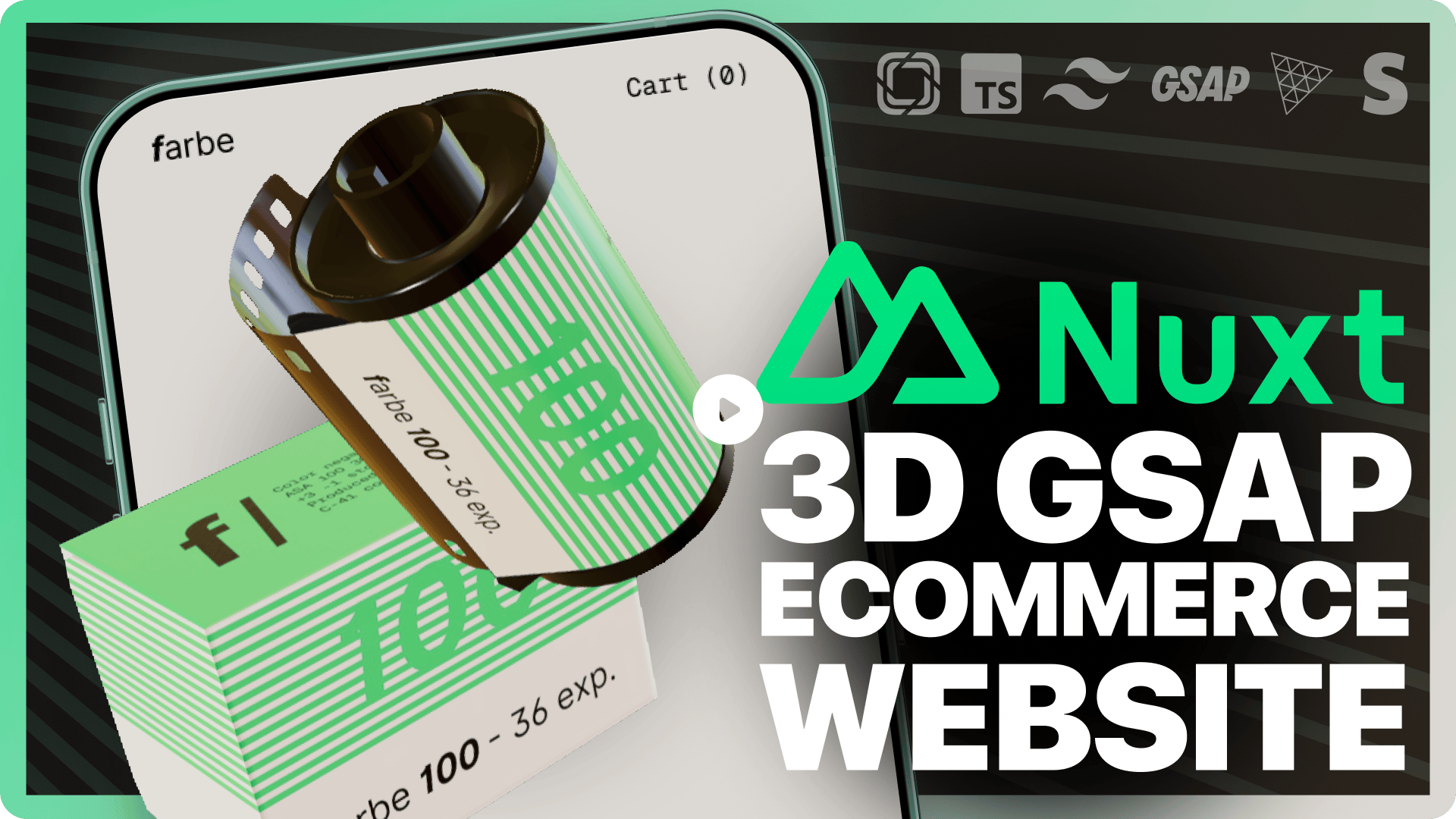
nuxt-starter-prismic-farbe
A 3D eCommerce website starter template from prismicio-community, built on Nuxt and Vue with Prismic for content management, TresJS for 3D scenes, GSAP for animations, Stripe for payments, and Tailwind CSS for styling.
Nuxt · E-commerce
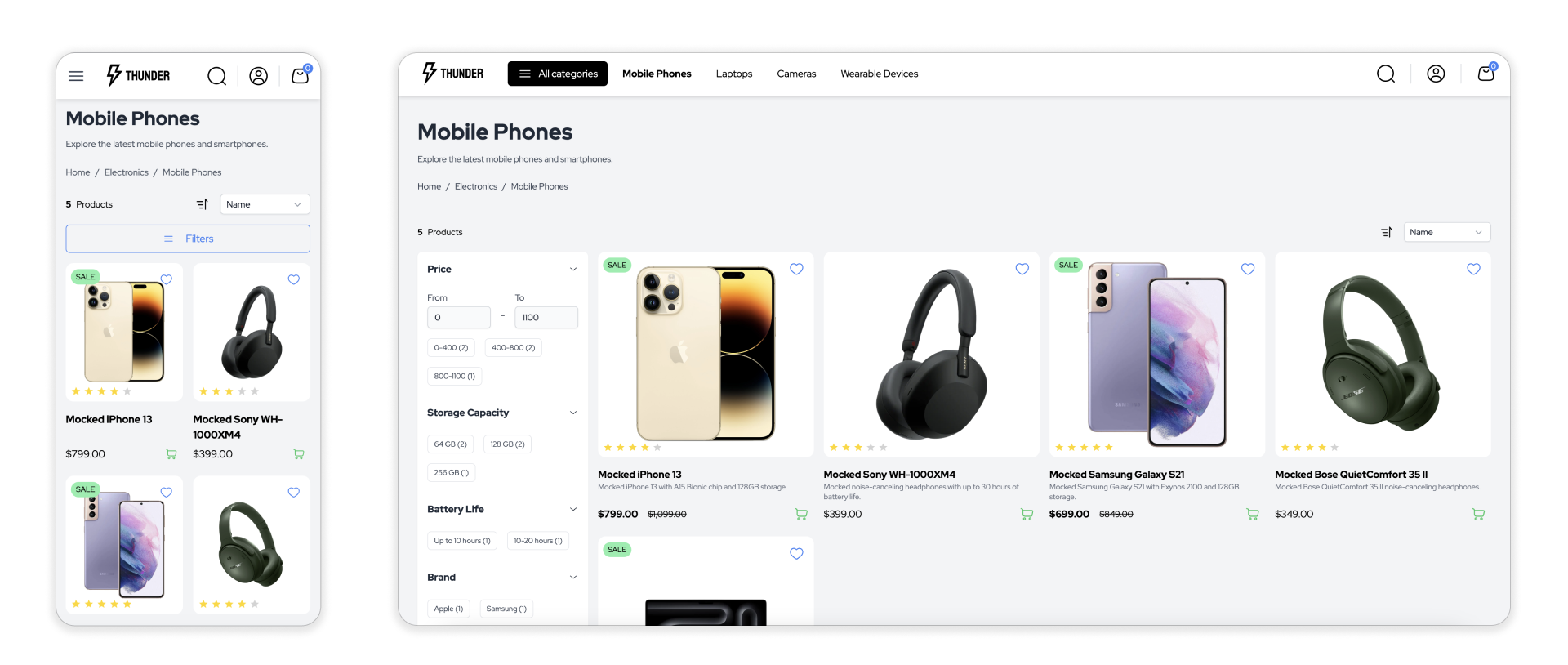
thunder
Thunder is a Nuxt 3-based headless e-commerce frontend template under active development. It uses a layered architecture that separates types, API, SDK, and template, and adopts a BFF pattern so the default mock API layer can be replaced with any e-commerce backend.
Nuxt · E-commerce
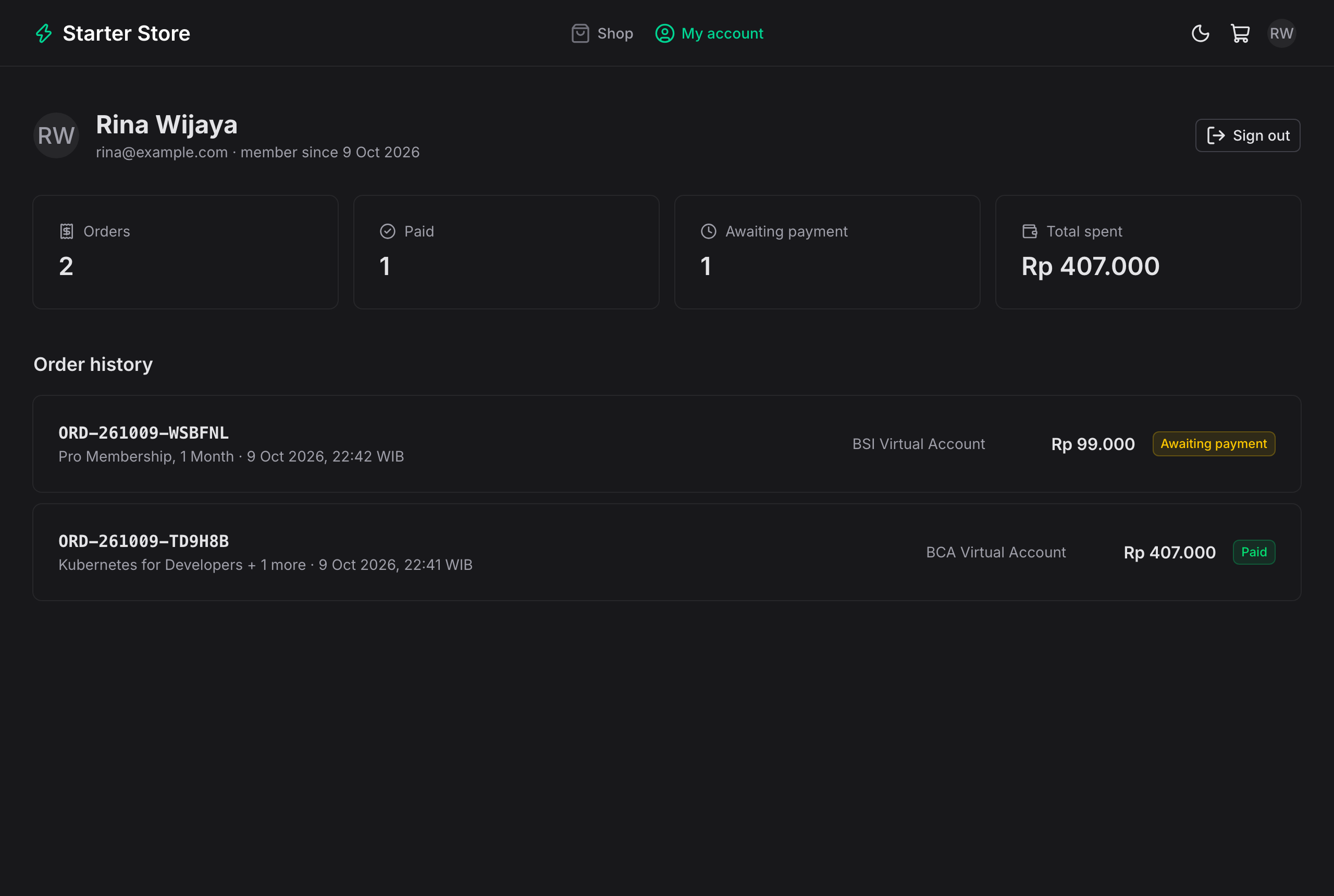
payment-gateway-starter-web
A Nuxt 4 + Nuxt UI frontend for the payment-gateway-starter Spring Boot API, providing a customer storefront with catalog, cookie-based cart, Google (Firebase) login, checkout, and payment pages for virtual accounts, QRIS, e-wallets, and retail outlets, plus an admin dashboard for revenue…
Nuxt · Admin dashboard
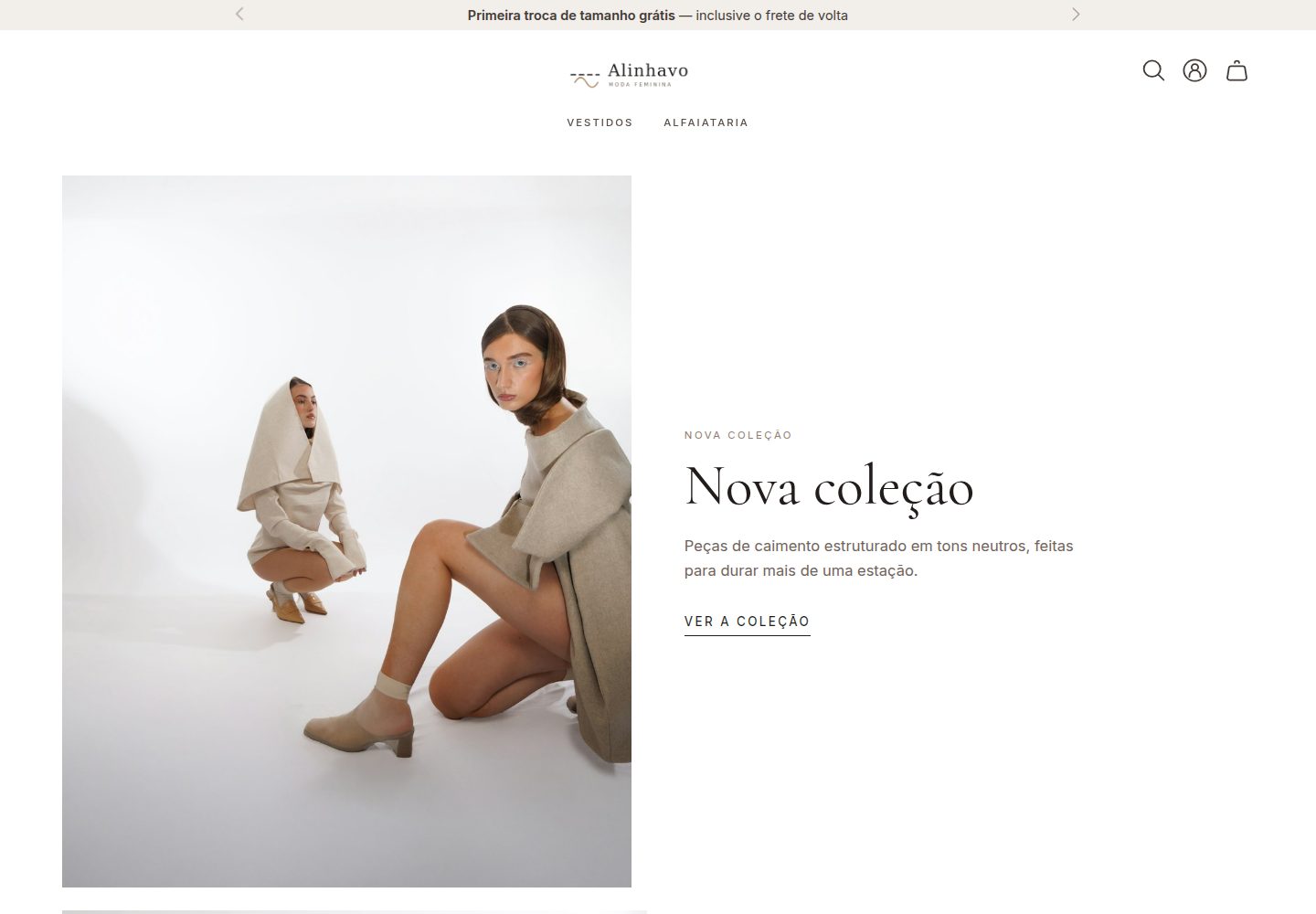
tema-alinhavo
Alinhavo is a women's fashion e-commerce theme for E-Com Plus Cloud Commerce, built on Astro and Vue as a category variant of the official ecomplus/store starter template.
Astro · E-commerce
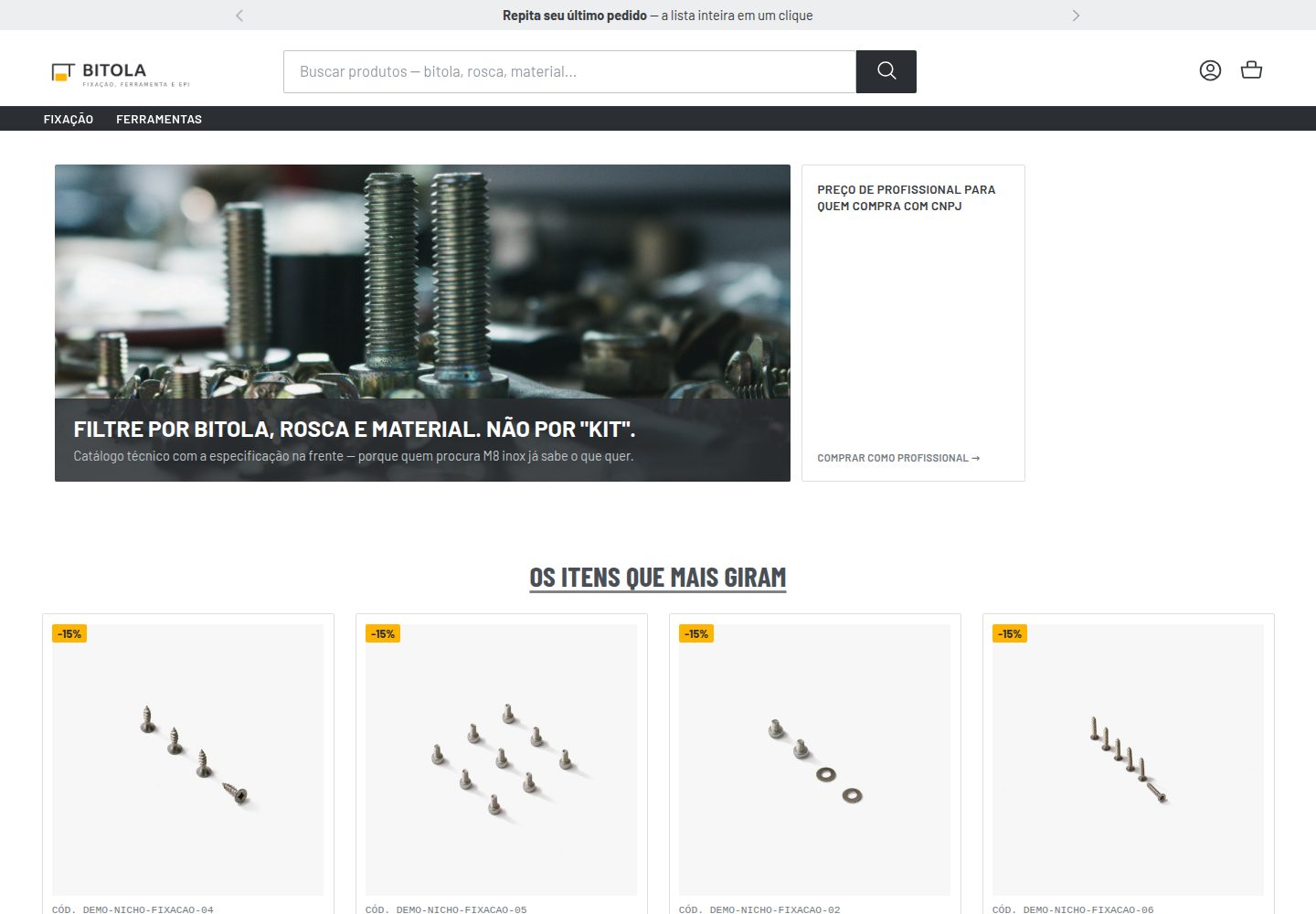
tema-bitola
tema-bitola is an MIT-licensed Astro and Vue storefront theme for the E-Com Plus cloud commerce platform, aimed at construction, tools, and personal protective equipment (EPI) categories.
Astro · E-commerce