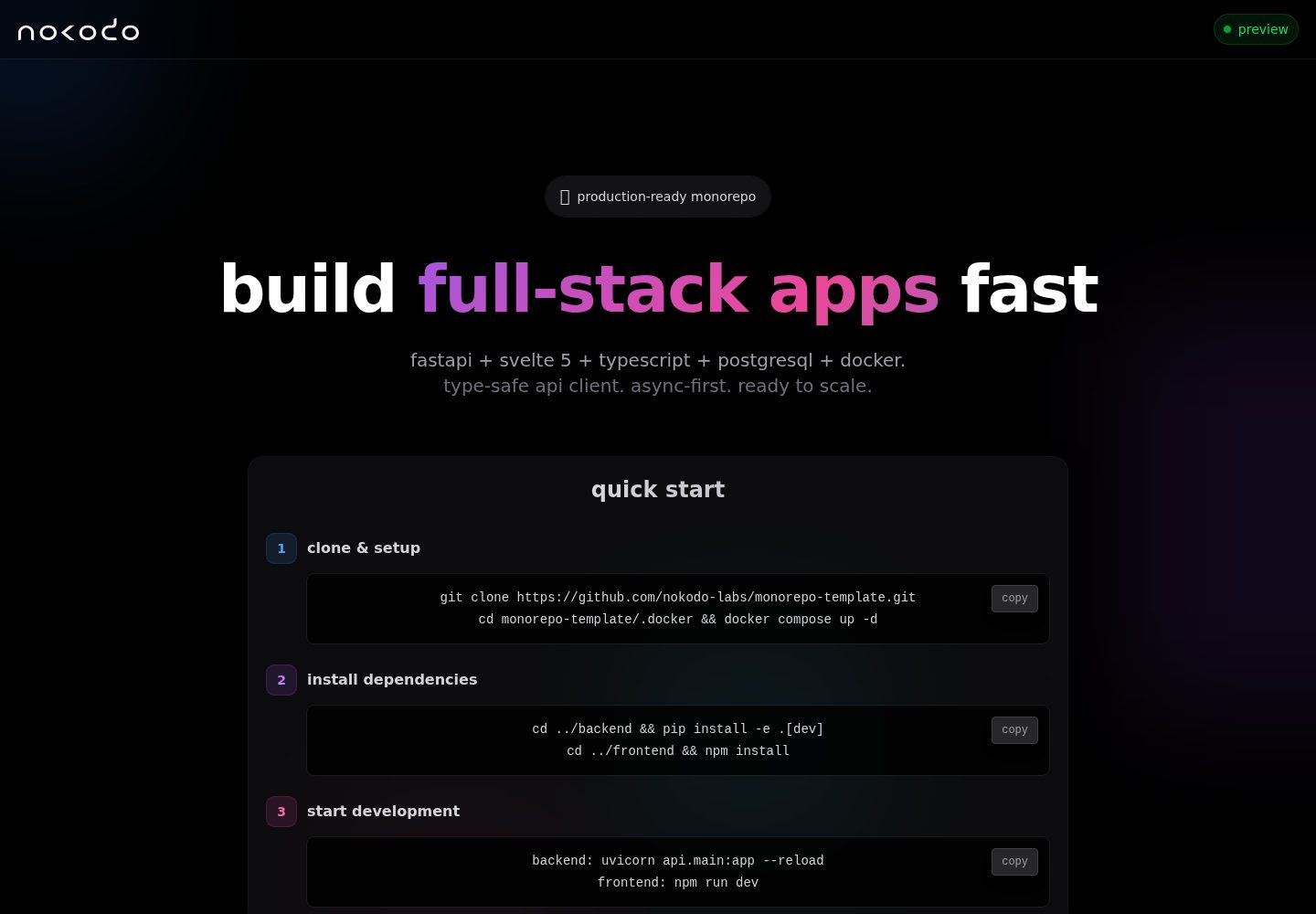
A monorepo structure consisting of a FastAPI backend and a Svelte 5 frontend, divided into backend/ and frontend/
SvelteViteStarter
monorepo-template — Svelte Starter Template
By nokodo-labs
A FastAPI + Svelte 5 full-stack monorepo starter with Docker, CI/CD, and OpenAPI type synchronization.
Explore the design
Compare the page layouts and mobile experience. Open any screenshot for a closer look.
Desktop homepage1 / 2
Desktop captureTop of page
Actual screenshot captured by the server browser.
All pages & views 2
Screenshots show visual appearance; interactive behavior may differ.
Recorded 2026-10-02View source
What stands out
A quick read of the recorded project description.
Automatically generates TypeScript types from OpenAPI to keep frontend and backend types in sync
Provides multi-stage Docker builds, development and production Docker Compose configurations, and Nginx configuration
GitHub Actions CI/CD automatically tests and pushes images to GHCR, with tags based on branches and releases
Includes pytest and Vitest test configurations, Ruff/ESLint/Prettier code standards, and VS Code integration
Within backend, project_slug/ is a business logic SDK layer that can be packaged independently
Template Details
This project is a full-stack monorepo starter. The backend is built on FastAPI (Python 3.13+), SQLAlchemy, Pydantic, PostgreSQL, and Alembic; the frontend is built on Svelte 5, Vite, Tailwind, and TypeScript. The repository is divided into backend/ and frontend/. Within backend, it further separates api/ (routes, ORM, database, migrations) from project_slug/ (a business logic SDK that can be packaged independently). Tests are split into three layers: API, SDK, and E2E. The frontend and backend keep types in sync through TypeScript types generated from OpenAPI; the frontend uses native fetch rather than introducing an HTTP library.
For development and deployment, the repository provides Docker Compose configurations (separating development and production), multi-stage Dockerfiles, Nginx configuration, and GitHub Actions-driven CI/CD: automated tests, image builds, and pushes to GHCR, with tags based on branches and releases. It also includes VS Code tasks, debug configurations, recommended extensions, code style configurations such as Ruff, ESLint, Prettier, and EditorConfig, and AI instruction files.
Limitations and notes: the template itself contains no business logic and only provides a runnable base skeleton; before use, you need to rename backend/project_slug/ according to the documentation and update references. The license is BSD-3-Clause, which permits modification and commercial use, but third-party assets such as demo images, fonts, and icons need separate license verification, and external services such as domains, hosting, and databases may incur costs.
SvelteViteLauncher
Is it right for your project?
Use Cases
- Starting a full-stack project that requires developing a Python backend and a Svelte frontend at the same time
- Wanting to manage development and production environment configurations uniformly with Docker Compose
- A deployment workflow that requires automatically building images in CI and pushing them to GHCR
- Wanting frontend and backend types to be automatically synchronized via OpenAPI to reduce handwritten interface types
- Teams using VS Code that want tasks, debug configurations, and recommended extensions
Suitable For
- Developers or small teams familiar with FastAPI and Svelte
- Full-stack projects that need PostgreSQL, Alembic migrations, and containerized deployment
- Projects that want to manage frontend and backend code and a shared SDK in a monorepo
- Users who accept the BSD-3-Clause license and need to verify third-party asset licenses themselves
Getting started & customization
Use these recorded setup notes alongside the repository instructions for your chosen version.
- 1
Click Use this template on GitHub to create a repository and clone it locally
- 2
Rename backend/project_slug/ to the project name and update related references; see docs/setup.md for details
- 3
Enter the .docker directory and run docker compose up -d to start the development environment
- 4
By default, the frontend is at http://localhost, the backend API is at http://localhost:8000, and the API documentation is at /v1/docs
- 5
For production deployment, pull the GHCR image, then run docker compose pull and up -d, and configure environment variables
License & source material
Usage conditions & limitations
Free to use · keep license noticeThis entry covers the free version in the public repository under the BSD-3-Clause license; the free scope is the code of that version and does not mean that external services or third-party assets are free.
Must comply with when using
- Free use, modification, commercial use, and distribution in source code or binary form are permitted.
- Source code distribution must retain the copyright notice, the three conditions, and the disclaimer; binary distribution must reproduce these in the documentation or accompanying materials.
- Without prior written permission, the names of the rights holder or contributors may not be used to endorse or promote derivative products.
- The code is provided as is; warranties and limitations of liability are governed by the original license and applicable law.
Additional costs & items to verify
- Before use, you must rename the backend/project_slug/ directory to your own project name and update the related references in the code; otherwise, the project structure will not match.
- The template only provides a runnable base skeleton and contains no business logic; all business functionality must be implemented by yourself.
- The default CI/CD relies on GitHub Actions and pushes images to GHCR, requiring a GitHub repository and the corresponding permissions, which is an external service dependency.
- Production deployment requires configuring environment variables yourself and referring to docs/setup.md; external services such as domains, hosting, and databases may incur costs.
- Demo images, fonts, icons, and other third-party assets must be checked against their respective licenses and cannot be judged solely by the code's BSD-3-Clause license.
- External services such as domains, hosting, databases, payments, or AI may incur additional charges.
View Original Text Basis
Redistribution and use in source and binary forms, with or without modification, are permitted
Original License Text
Rename `backend/project_slug/` to your project name and update references.
Original README
No business logic, just a working foundation
Original README
CI/CD automatically builds and pushes Docker images to **GitHub Container Registry (GHCR)** on every commit.
Original README
https://github.com/nokodo-labs/monorepo-template/blob/dev/LICENSEhttps://github.com/nokodo-labs/monorepo-template/blob/dev/README.mdSee [docs/setup.md](docs/setup.md#production-deployment) for full deployment instructions and environment configuration.
Original README
Compiled by DeepSeek based on repository license and README ·2026-10-02. Results only cover the materials read; dependencies, images, fonts, and subsequent term changes are subject to their respective original texts.
Project checks & description sources
Template Information
- Source platforms
- GitHub
- Documentation and maintenance reference score
- More documented · 92 / 100
- Technologies
- Svelte · Vite
- Website type
- Starter
How this score is calculated
Our heuristic uses license records (up to 30), a demo link (12), a preview (10), stars (15), recorded maintenance (15), description completeness (8), feature records (5) and classification data (5). It is not a code, security or performance test, or a Google score. A link does not establish tested functionality.
What to verify for this project
- Repository update recorded
- 2026-09-22
- Screenshot last checked
- 2026-10-02
A demo link is listed. Check it with your own content and viewport sizes; its presence does not confirm that forms, authentication or payments work.
The catalog identifies Svelte as the primary stack. Check the actual dependency manifest and lockfile for versions and hosting requirements. These notes use recorded metadata, not a code audit or a deployment test.
Use a selection guide →How this description was prepared
AI-assisted description based on catalog records and repository material. Repository authors are not automatically the reviewers of this description.
Automatically checked against source and license rules; no manual editorial review.
Inspect the recorded source material
SHA-256: 764640f5b54bf1fbfc81e89dee05f6312545546b2bd02d91b7ba0b166f2151dc
2026-10-02T10:36:02.506Z
Source file / repository<div align="center"> <img src="https://nokodo.net/media/images/logo_full.svg" alt="nokodo logo" width="320" /> <div style="height:32px"></div> --- <h1>Monorepo Template</h1> **Modern & production-ready full-stack template that saves you weeks of setup: FastAPI backend + Svelte 5 frontend with containerization, full CI/CD, VS Code support, and AI integrations.** [](LICENSE) [](https://github.com/nokodo-labs/monorepo-template/stargazers) [](https://github.com/nokodo-labs/monorepo-template/issues) [](https://github.com/nokodo-labs/monorepo-template/pulls) [](https://www.python.org/downloads/) [](https://nodejs.org/) </div> ## 🛠️ Stack - **Backend**: FastAPI (Python 3.13+), SQLAlchemy 2.0+, Pydantic, PostgreSQL 17, Alembic, uv - **Frontend**: Svelte 5, Vite 6, Tailwind 4, TypeScript, native fetch (zero HTTP deps) - **Type Safety**: OpenAPI TypeScript generator (auto-sync backend → frontend types) - **Dev**: VS Code (tasks, debugger, extensions), Ruff, pytest, AI instructions - **Deploy**: Docker Compose with production configs ## ✨ Features - ⚡ **Opinionated by design**: Deliberate choices, cohesive stack, no decision fatigue - 🏗️ **Production infrastructure**: PostgreSQL 17, multi-stage Docker builds, Nginx configs - 🔒 **End-to-end type safety**: Python type hints → OpenAPI → auto-generated TypeScript types - 🤖 **Full CI/CD pipeline**: Automated testing, Docker builds, GHCR publishing, releases - 🧪 **Complete test setup**: pytest (backend) + Vitest (frontend) with fixtures and full coverage - 📐 **Modern code standards**: EditorConfig, Ruff, ESLint, Prettier pre-configured - 💾 **Persistent data storage**: Volume-mounted data directory - 🛠️ **VS Code integration**: Tasks, debugger configs, recommended extensions - 🤖 **AI agents ready**: Premade instructions & prompts with extensible patterns - 🎯 **Minimal boilerplate**: No business logic, just a working foundation - 🔮 **Future-proof stack**: Latest stable versions of everything, zero tech debt from day one ## 🚀 Quick Start ### 1️⃣ Create Your Repository - Click **"Use this template"** on GitHub → Create your repo - Clone your new repository locally ### 2️⃣ Customize Project Rename `backend/project_slug/` to your project name and update references. See [docs/setup.md](docs/setup.md#initial-customization-required) for detailed instructions. ### 3️⃣ Start Development ```bash cd .docker docker compose up -d ``` **Your services:** - Frontend: http://localhost - Backend API: http://localhost:8000 - API Docs: http://localhost:8000/v1/docs > 💡 **VS Code users**: Open the workspace to get tasks, debugger configs, and recommended extensions automatically. ### 4️⃣ Deploy to Production CI/CD automatically builds and pushes Docker images to **GitHub Container Registry (GHCR)** on every commit. Images are tagged as: - `ghcr.io/your-org/your-repo:latest` → production branch - `ghcr.io/your-org/your-repo:dev` → dev branch - `ghcr.io/your-org/your-repo:v1.2.3` → releases **Deploy with Docker:** ```bash # Pull pre-built images and deploy docker compose pull docker compose up -d ``` > 💡 **Tip**: See [docs/setup.md](docs/setup.md#production-deployment) for full deployment instructions and environment configuration. ## 📁 Structure ``` backend/ ├── api/ # FastAPI application │ ├── api/v1/endpoints/ # Route handlers │ ├── core/ # Config, database │ ├── models/ # SQLAlchemy ORM │ ├── schemas/ # Pydantic validation │ ├── tests/ # API & ORM tests │ └── alembic/ # Database migrations ├── project_slug/ # SDK/service layer (rename me!) │ └── tests/ # SDK unit tests (optional) ├── tests/ # E2E integration tests └── data/ # Data storage (volume mounted) frontend/ ├── src/ │ ├── lib/ # Components │ └── main.ts # Entry point └── nginx.conf # Production server .docker/ # Docker configs ├── Dockerfile.backend # Backend build ├── Dockerfile.frontend # Frontend build ├── docker-compose.yml # Production └── docker-compose.dev.yml # Development .github/ # CI/CD, Dependabot, CODEOWNERS .vscode/ # Editor config, tasks, debugger tools/release_please/ # Release automation config ``` ### 🏗️ Architecture **Backend:** - **`api/`**: FastAPI app, routes, ORM, database setup - **`project_slug/`**: Business logic SDK that can be packaged separately for pip/uv/PyPI distribution - **Testing**: 3 tiers (API tests in `api/tests/`, SDK tests in `project_slug/tests/`, E2E in `tests/`) - **URLs**: `/v1/users` (no `/api` prefix - deploy on `api.yourdomain.com`) **Frontend:** - **Native fetch** - Zero HTTP library dependencies, uses web standards - **OpenAPI types** - Auto-generated TypeScript types from FastAPI schema - **Type safety** - Backend changes = compile errors in frontend if incompatible ## 📄 License BSD 3-Clause - See [LICENSE](LICENSE) for details.
Explore similar templates
Compare previews and descriptions within the same stack and category.

CMSaasStarter
CMSaasStarter is an MIT-licensed SaaS starter template built with SvelteKit, TailwindCSS, DaisyUI, and Supabase, with Stripe Checkout and Stripe Portal for payments.
Svelte · Admin dashboard
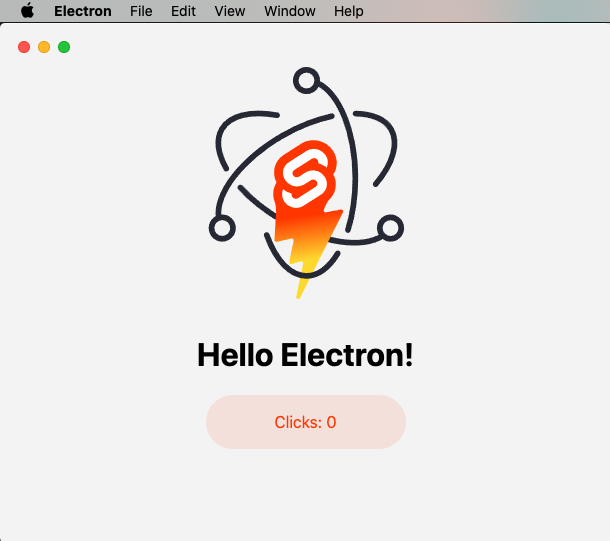
sveltekit-electron
A minimal SvelteKit + Electron starter template for cross-platform desktop applications. It provides clone, install, development, and build commands, with build targets adjustable in package.json and defaulting to Mac, Windows, and Linux.
Svelte · Starter
tauri-sveltekit
A minimal Tauri 2 and SvelteKit desktop starter template that builds the frontend as a static SPA via @sveltejs/adapter-static and loads it in Tauri's WebView.
Svelte · Starter
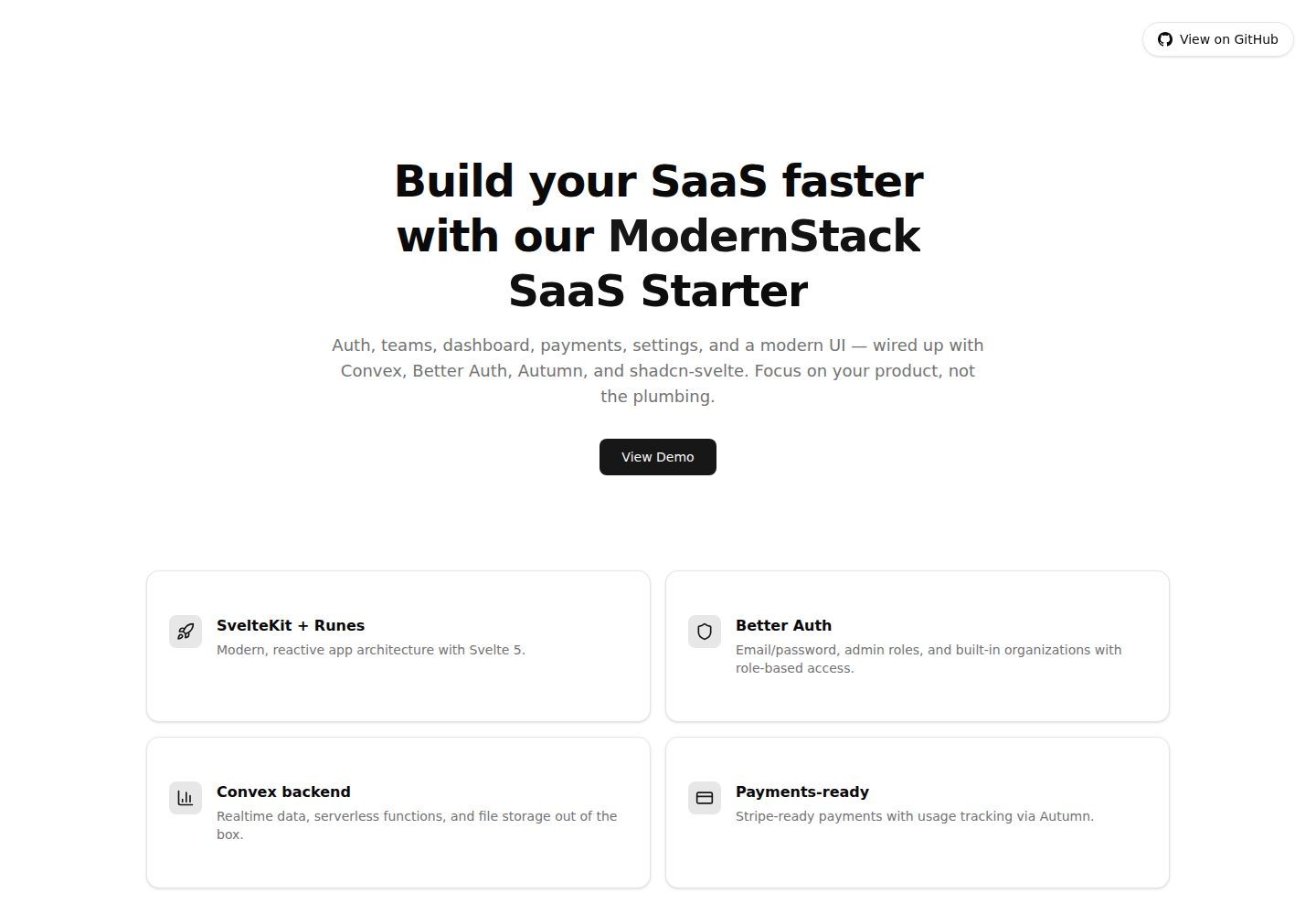
modernstack-saas
A SaaS starter template built with SvelteKit, Convex, Better Auth, and shadcn-svelte. It includes subscription billing via Autumn/Stripe, user and admin dashboards, user settings, organization multi-tenancy with roles and invitations, and a waitlist mode that can disable public registration.
Svelte · Admin dashboard

sveltekit-mdsvex-blog-template
A SvelteKit and MDsveX blog starter for Markdown writing with embedded Svelte components, Tailwind CSS typography, tags, dark mode, SEO metadata, and Cloudflare Workers deployment configuration. Requires Node.js 22.12+ and pnpm 11.17.0; third-party demo assets need separate license verification.
Svelte · Portfolio
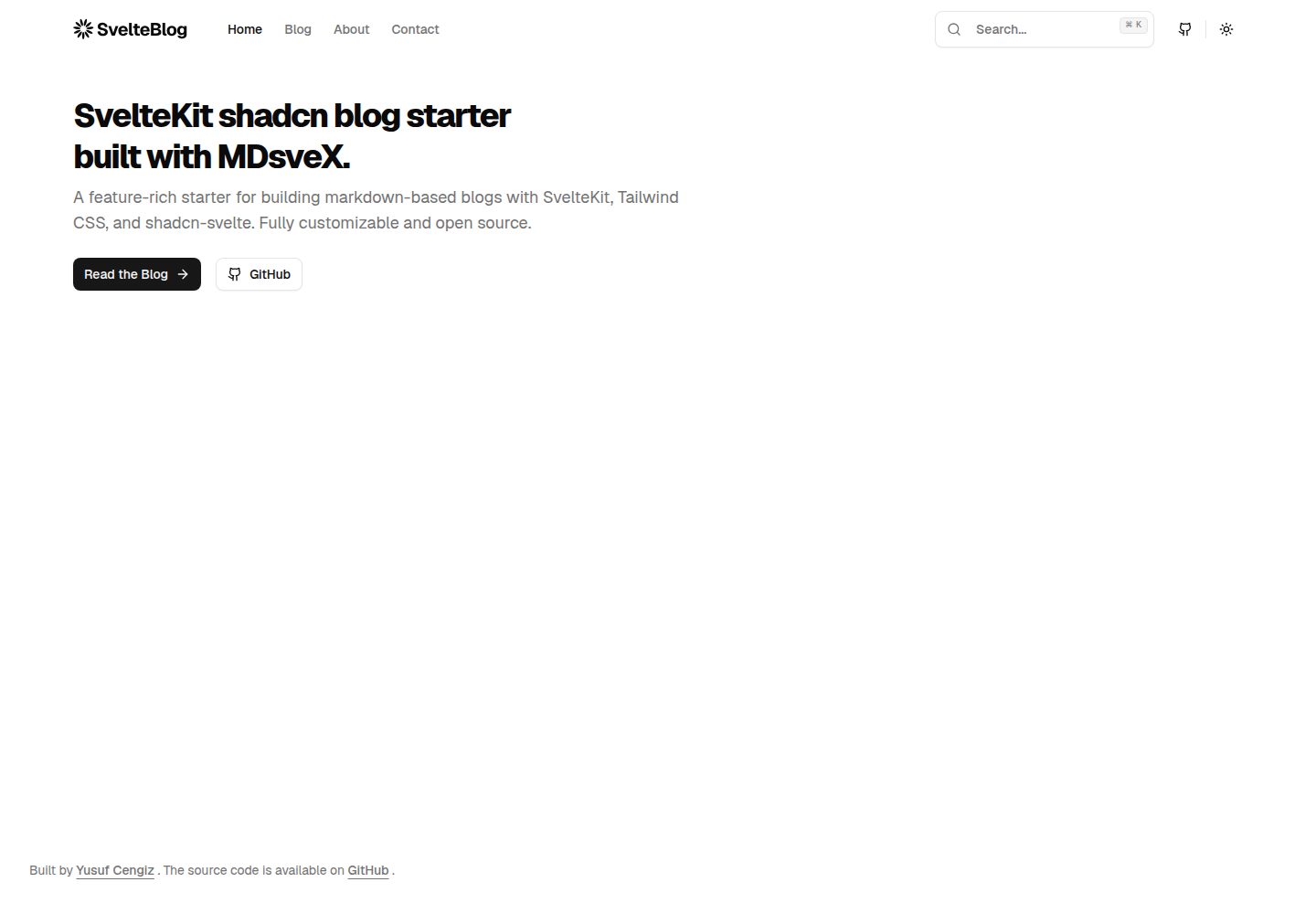
sveltekit-shadcn-blog-starter
A SvelteKit blog starter that combines shadcn-svelte, Tailwind CSS, MDsveX, and TypeScript, offering multi-author support, tag archives, built-in search, light/dark themes, and automatic sitemap and RSS generation.
Svelte · Blog