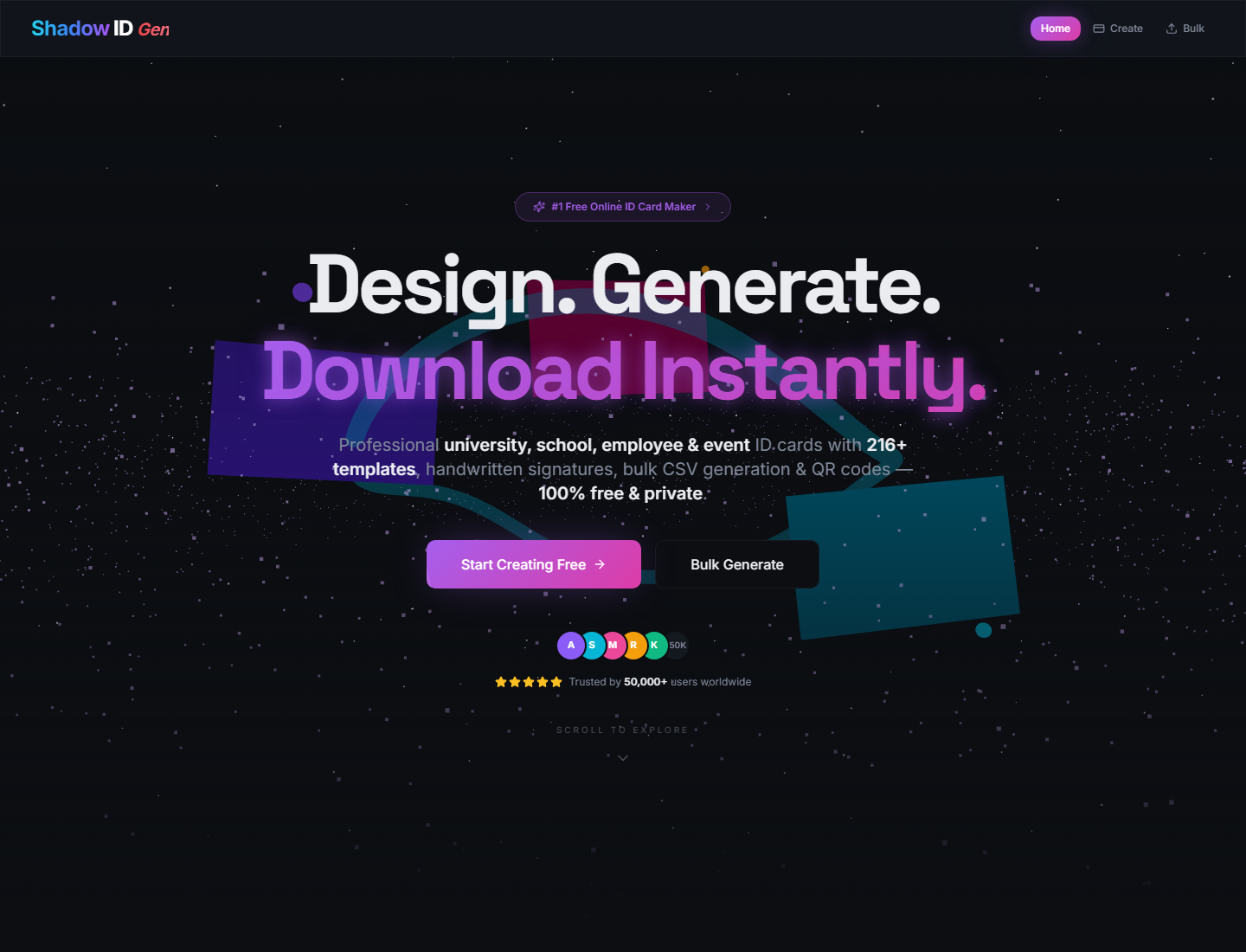
216 templates generated from 12 layouts and 18 color schemes
ReactTool Site
Shadow-ID-Gen — React Tool Template
By Nystic-Shadow
Shadow ID Gen is a React-based browser-side ID card generation tool that supports four card types—university, school, employee, and event—and provides 216 templates, live preview, QR codes, signatures, PNG/PDF export, and CSV bulk generation.
Explore the design
Compare the page layouts and mobile experience. Open any screenshot for a closer look.
Author preview
Author-provided previewTop of page
Preview provided in the project README.
One original preview is available. Open the full image to inspect the design.
Screenshots show visual appearance; interactive behavior may differ.
Recorded 2026-10-02View source
What stands out
A quick read of the recorded project description.
Supports four card types: university, school, employee, and event pass
Real-time canvas preview with switching between card front and back
Supports QR codes, 54 handwritten signature styles, and uploaded signature images
Exports PNG and PDF, with CSV bulk generation packaged as a ZIP download
Purely browser-side processing, with no need to upload data to a server
Template Details
Shadow ID Gen is a purely front-end ID card generation tool for universities, schools, corporate employees, and event passes. It combines an animated landing page with a card editor, letting users fill in institution, name, ID number, role, class, or event fields in the browser, upload photos, choose logos and signature styles, and preview the front or back of the card in real time. The tool includes 216 templates generated from 12 layouts and 18 color schemes, and supports horizontal and vertical cards. For export, it provides high-resolution PNG and PDF adapted to the card orientation; the bulk generation page accepts CSV files, maps fields by header or column order, and packages validated rows into a ZIP download. The project is written in React and TypeScript, built with Vite, and includes dependencies such as Tailwind CSS, shadcn/ui, Framer Motion, React Three Fiber, QRCode, jsPDF, and JSZip, along with a test setup using Vitest and Testing Library. For privacy, photos, logos, signatures, CSV data, previews, and exports are all processed locally in the browser without relying on a back-end API. For deployment, it can be published to static hosting platforms that support Vite builds, such as Vercel, Netlify, or GitHub Pages.
ReactTool Site
Is it right for your project?
Use Cases
- Batch-producing student IDs and staff cards for universities or schools
- Generating employee badges with photos, ID numbers, and department information for corporate staff
- Making attendee passes for conferences or events, with QR code verification support
- Importing a roster via CSV to batch-generate and export multiple cards
Suitable For
- Event organizers or school administrators who need to quickly generate ID card prototypes
- Development teams that want to deploy an internal card tool as a static site
- Users who need to batch-process CSV rosters and export PNG/PDF
- Scenarios focused on local data processing where photos and personal information should not be uploaded
Getting started & customization
Use these recorded setup notes alongside the repository instructions for your chosen version.
- 1
Requires Node.js 18 or newer, and npm 9 or newer
- 2
After cloning the repository, run npm install to install dependencies
- 3
Use npm run dev for development mode; the default port is 8080
- 4
Use npm run build for production builds; the output directory is dist
- 5
When deploying to a GitHub Pages subpath, set the correct base path in vite.config.ts
License & source material
Usage conditions & limitations
Free to use · keep license noticeThis listing covers the free version under the MIT license in the public repository; the free scope is the code of that version and does not mean that external services or third-party assets are free.
Must comply with when using
- The code of this version may be used, modified, used commercially, and distributed for free.
- When distributing copies or substantial portions of the code, retain the original author's copyright notice and the full MIT license notice.
- The code is provided as is; warranties and limitations of liability are governed by the original license and applicable law.
Additional costs & items to verify
- Demo images, fonts, icons, and other third-party assets must be checked against their respective licenses and cannot be judged solely by the code's MIT license.
- External services such as domains, hosting, databases, payments, or AI may incur separate charges.
View Original Text Basis
https://github.com/Nystic-Shadow/Shadow-ID-Gen/blob/main/LICENSEhttps://github.com/Nystic-Shadow/Shadow-ID-Gen/blob/main/README.mdPermission is hereby granted, free of charge
Original License Text
Compiled by DeepSeek based on repository license and README ·2026-10-02. Results only cover the materials read; dependencies, images, fonts, and subsequent term changes are subject to their respective original texts.
Project checks & description sources
Template Information
- Source platforms
- GitHub
- Documentation and maintenance reference score
- More documented · 83 / 100
- Technologies
- React
- Website type
- Tool Site
How this score is calculated
Our heuristic uses license records (up to 30), a demo link (12), a preview (10), stars (15), recorded maintenance (15), description completeness (8), feature records (5) and classification data (5). It is not a code, security or performance test, or a Google score. A link does not establish tested functionality.
What to verify for this project
- Repository update recorded
- 2026-06-09
- Screenshot last checked
- 2026-10-02
A demo link is listed. Check it with your own content and viewport sizes; its presence does not confirm that forms, authentication or payments work.
The catalog identifies React as the primary stack. Check the actual dependency manifest and lockfile for versions and hosting requirements. These notes use recorded metadata, not a code audit or a deployment test.
Use a selection guide →How this description was prepared
AI-assisted description based on catalog records and repository material. Repository authors are not automatically the reviewers of this description.
Automatically checked against source and license rules; no manual editorial review.
Inspect the recorded source material
SHA-256: 744b957156ab2f761edece72c49e5654f318f57591604718dbdd0586fb9d563e
2026-10-02T19:27:12.710Z
Source file / repository# Shadow ID Gen <p align="center"> <img src="https://readme-typing-svg.demolab.com?font=Space+Grotesk&weight=700&size=28&pause=900&color=8B5CF6¢er=true&vCenter=true&width=780&lines=Design+ID+Cards+in+Seconds;Generate+Bulk+Cards+from+CSV;Export+PNG%2C+PDF%2C+and+ZIP;Everything+Runs+in+Your+Browser" alt="Animated Shadow ID Gen headline" /> </p> <p align="center"> <a href="#quick-start"><img alt="Vite" src="https://img.shields.io/badge/Vite-5.x-646CFF?style=for-the-badge&logo=vite&logoColor=white"></a> <a href="#tech-stack"><img alt="React" src="https://img.shields.io/badge/React-18.x-61DAFB?style=for-the-badge&logo=react&logoColor=0B1020"></a> <a href="#tech-stack"><img alt="TypeScript" src="https://img.shields.io/badge/TypeScript-5.x-3178C6?style=for-the-badge&logo=typescript&logoColor=white"></a> <a href="#features"><img alt="Templates" src="https://img.shields.io/badge/Templates-216+-8B5CF6?style=for-the-badge"></a> <a href="#privacy"><img alt="Private" src="https://img.shields.io/badge/Privacy-Client%20Side-10B981?style=for-the-badge"></a> </p> Shadow ID Gen is a modern, client-side ID card generator for universities, schools, companies, and events. It combines a polished animated landing page with a practical card builder, canvas-based previews, QR-backed card backs, PNG/PDF exports, and CSV bulk generation. ## Screenshots | Home | Create | Bulk | | --- | --- | --- | |  |  |  | ## Features - 216 generated card templates from 12 layouts and 18 color schemes. - Four card modes: university, school, employee, and event pass. - Live canvas preview with horizontal and vertical card layouts. - Front and back card rendering with QR code support. - PNG export for high-resolution image output. - PDF export sized to the selected card orientation. - CSV bulk import with validation and ZIP download for valid rows. - Photo upload, custom logo upload, and pre-made logo gallery. - 54 handwritten signature styles plus uploaded signature images. - Animated landing page built with Framer Motion and React Three Fiber. - Responsive navigation and mobile-friendly editor layouts. - SEO metadata, Open Graph tags, JSON-LD, sitemap, and robots file. - Browser-first privacy: no server upload is required for card creation. ## Demo Flow 1. Choose a card type from the landing page or open `/create`. 2. Fill in card details such as organization, name, ID, role, class, or event fields. 3. Upload a photo, choose a logo, and select a signature style. 4. Pick a template and preview the front or back side instantly. 5. Export a single card as PNG/PDF or upload CSV data on `/bulk` to download a ZIP. ## Quick Start ### Requirements - Node.js 18 or newer - npm 9 or newer ### Install ```bash git clone https://github.com/your-username/shadow-id-gen.git cd shadow-id-gen npm install ``` ### Run Locally ```bash npm run dev ``` Open: ```text http://localhost:8080 ``` ### Production Build ```bash npm run build npm run preview ``` ## Scripts | Command | Purpose | | --- | --- | | `npm run dev` | Start the Vite development server on port 8080. | | `npm run build` | Create a production build in `dist/`. | | `npm run build:dev` | Build with development mode settings. | | `npm run preview` | Preview the production build locally. | | `npm run lint` | Run ESLint across the project. | | `npm run test` | Run Vitest once. | | `npm run test:watch` | Run Vitest in watch mode. | ## CSV Bulk Guide The bulk generator accepts a `.csv` file and maps columns by header name. If headers do not match exactly, it falls back to column order. ### University CSV ```csv universityName,studentName,department,rollNumber,year,dob,address,phone Northbridge University,Aarav Sharma,Computer Science,NU-2026-104,3rd Year,2004-05-14,Delhi,+91 98765 43210 ``` ### School CSV ```csv schoolName,studentName,className,section,rollNumber,dob,guardianName,phone Green Valley School,Anika Rao,10,A,22,2010-08-19,Rahul Rao,+91 98765 43210 ``` ### Employee CSV ```csv companyName,employeeName,designation,department,employeeId,dob,phone,bloodGroup Acme Labs,Neha Singh,Product Designer,Design,EMP-1092,1998-03-22,+91 98765 43210,O+ ``` ### Event CSV ```csv eventName,attendeeName,role,date,validThrough Design Summit 2026,Rohan Mehta,Speaker,2026-09-12,2026-09-14 ``` ## Tech Stack - React 18 and TypeScript - Vite 5 - Tailwind CSS and shadcn/ui primitives - Framer Motion for UI animation - Three.js, React Three Fiber, and Drei for 3D scenes - QRCode for verification QR rendering - jsPDF for PDF export - JSZip for bulk ZIP downloads - Vitest and Testing Library setup ## Project Structure ```text . ├── public/ # Static assets, robots.txt, sitemap.xml ├── src/ │ ├── components/ # Navbar, 3D scenes, ID card builder, UI primitives │ ├── hooks/ # SEO and shared UI hooks │ ├── lib/ # Utility helpers │ ├── pages/ # Home, create, bulk, and not-found pages │ ├── test/ # Vitest setup and catalog tests │ ├── types/ # Card types, templates, colors, signatures │ ├── App.tsx # Router and providers │ └── main.tsx # React entry point ├── docs/screenshots/ # README screenshots ├── index.html # SEO metadata and app shell ├── package.json # Scripts and dependencies └── vite.config.ts # Vite configuration ``` ## Privacy Shadow ID Gen is designed as a browser-only tool. Photos, logos, signatures, CSV rows, card previews, and generated exports are processed locally in the user's browser. The app does not include a backend API. ## Deployment This project can be deployed to any static hosting provider that supports Vite builds. ### Vercel ```bash npm run build ``` Use these settings: | Setting | Value | | --- | --- | | Framework | Vite | | Build command | `npm run build` | | Output directory | `dist` | ### Netlify Use the same build command and publish directory: ```text Build command: npm run build Publish directory: dist ``` ### GitHub Pages For GitHub Pages, set the correct base path in `vite.config.ts` if deploying under a repository subpath, then publish the `dist/` output with your preferred Pages workflow. ## Pre-Push Checklist Run this before pushing: ```bash npm run lint npm run test npm run build ``` Recommended repository hygiene: - Keep `node_modules/`, `dist/`, logs, local env files, and coverage output out of git. - Commit `package-lock.json` so installs are reproducible. - Update screenshots after major UI changes. - Add a license file before publishing as an open-source project. ## Roadmap Ideas - Export front and back cards together during bulk generation. - Add CSV template download buttons for each card type. - Add saved presets for repeated organizations. - Add optional theme packs for institutions and events.
Explore similar templates
Compare previews and descriptions within the same stack and category.
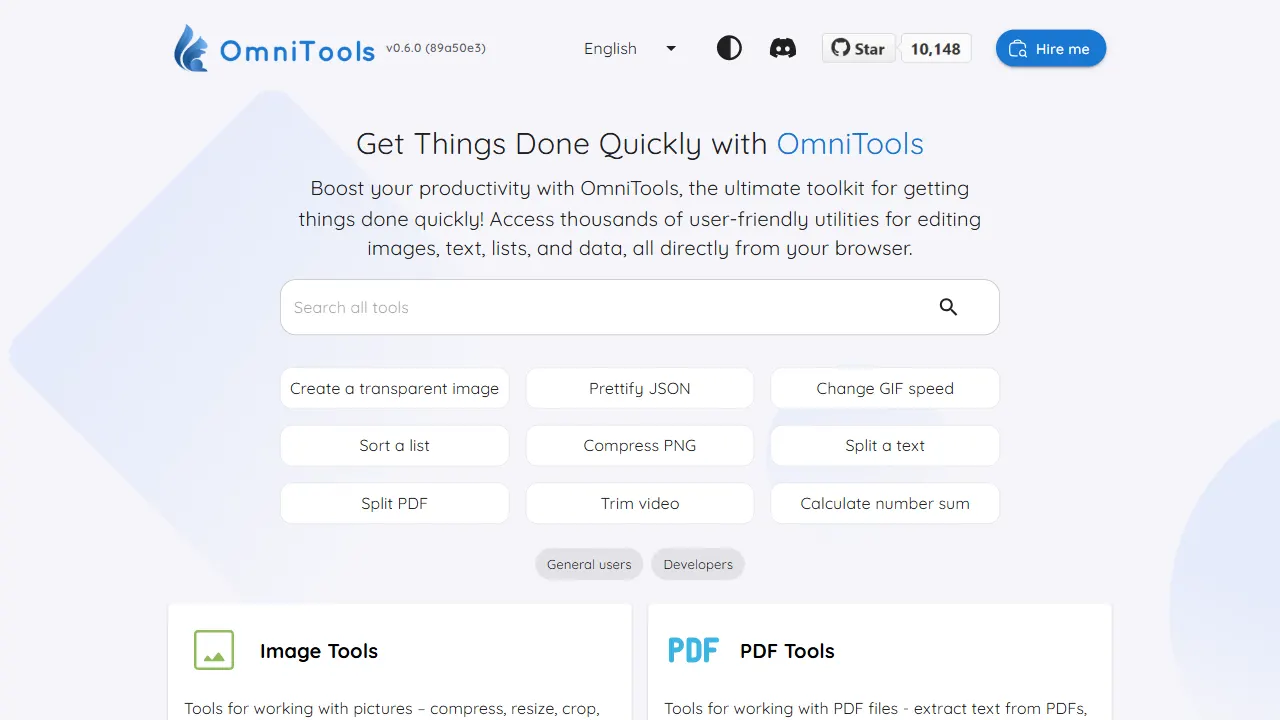
OmniTools
A self-hosted React and TypeScript tool site that runs image, video, PDF, text, date, math, and data utilities entirely in the browser.
React · Tool Site
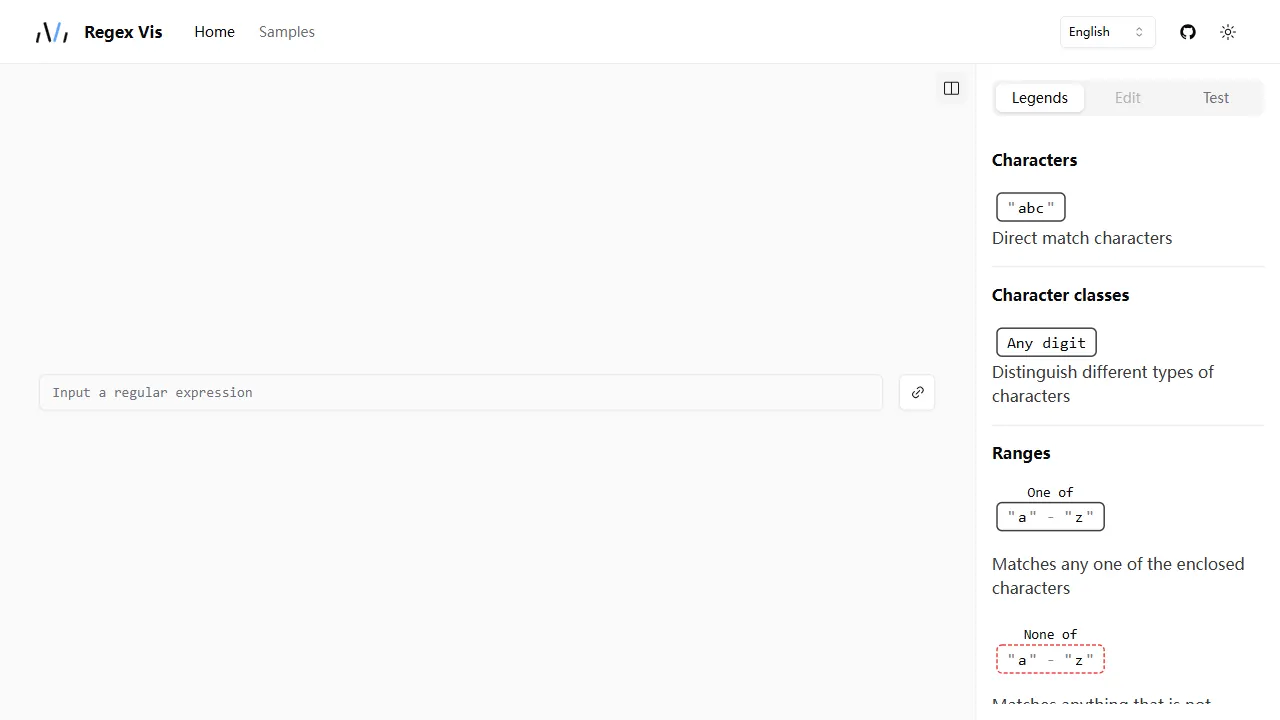
regex vis
Regex Vis is an open-source regular expression visualization and editor built with React and TypeScript, offering a live online demo for visual display, editing, and testing.
React · Tool Site
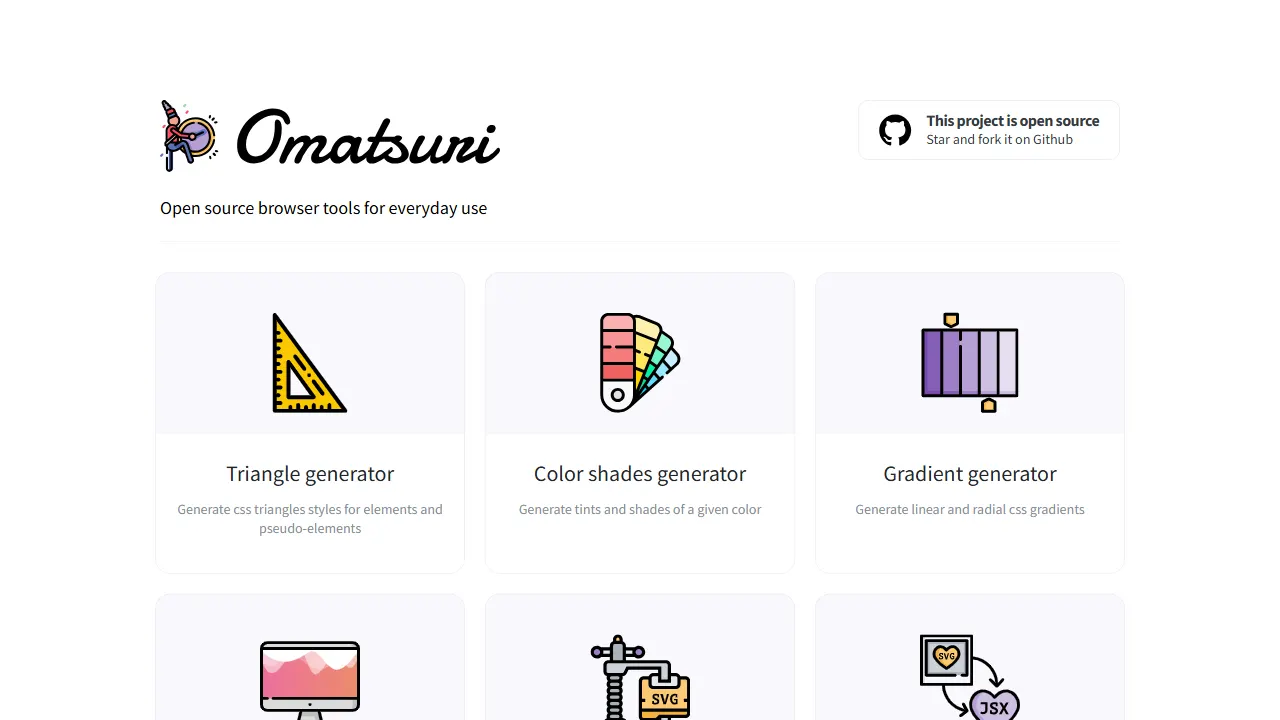
Omatsuri
Omatsuri is an open-source PWA that bundles 12 front-end visual and coding tools, including CSS triangle, gradient, and shadow generators, color scales, page dividers, SVG compression and SVG-to-JSX conversion, Base64 encoding, fake data, HTML/CSS symbols, Lorem Ipsum, CSS cursor reference, and JavaScript…
React · Tool Site
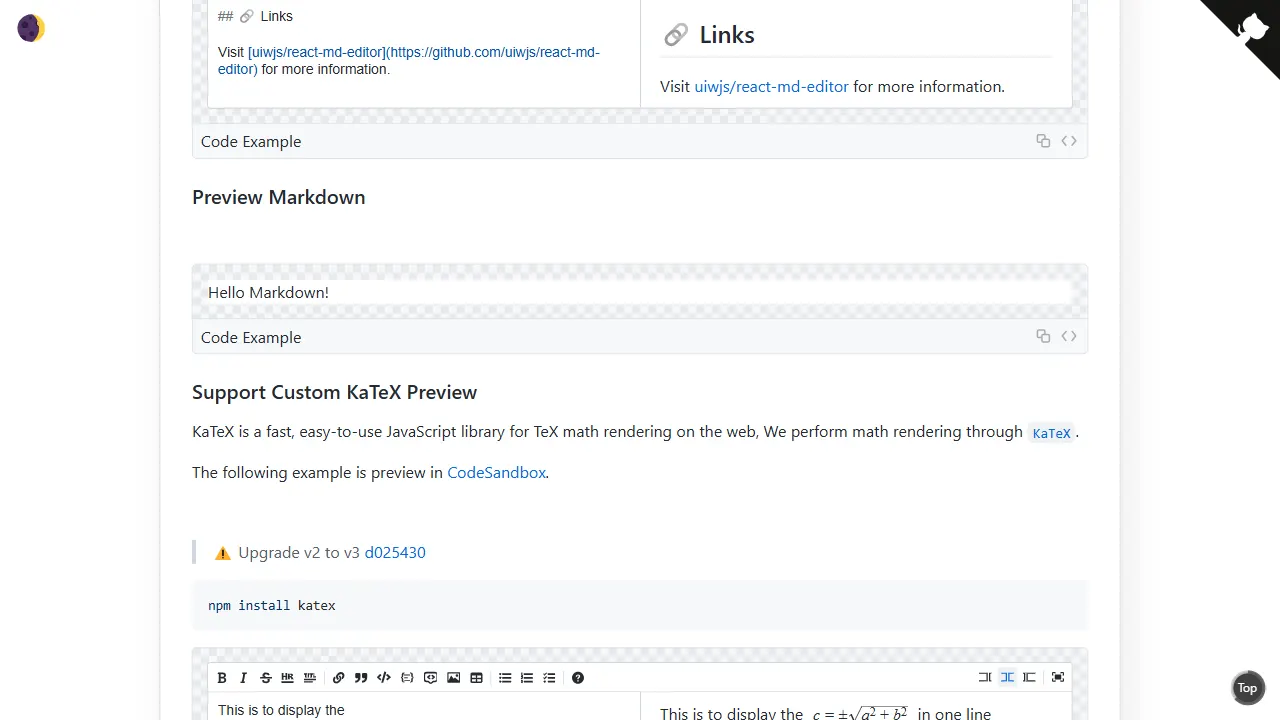
react md editor
A lightweight React Markdown editor component built on textarea, with GitHub-flavored Markdown preview, dark mode, and headless mode. It supports Tab indentation, automatic lists, line duplication and movement, and HTML-comment-based style customization or content ignoring.
React · Tool Site
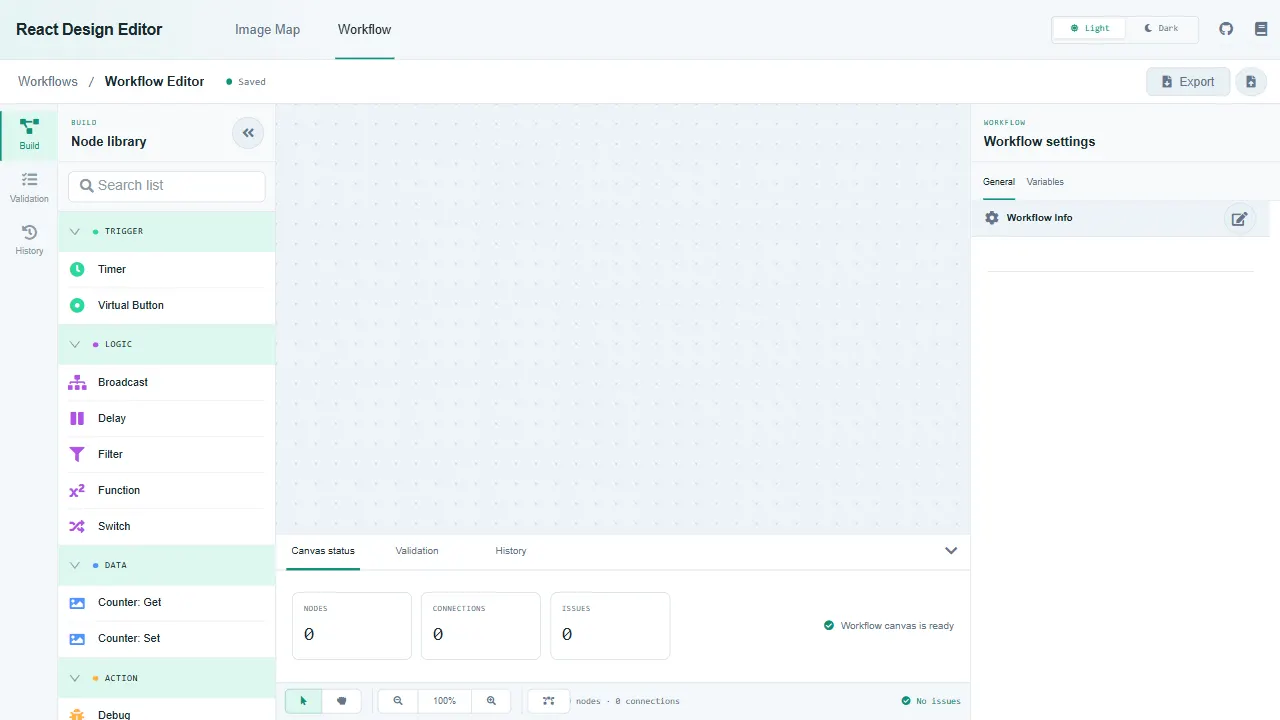
react design editor
React Design Editor is a React component library built on Fabric.js and Ant Design that provides image editing and BPM workflow design.
React · Tool Site
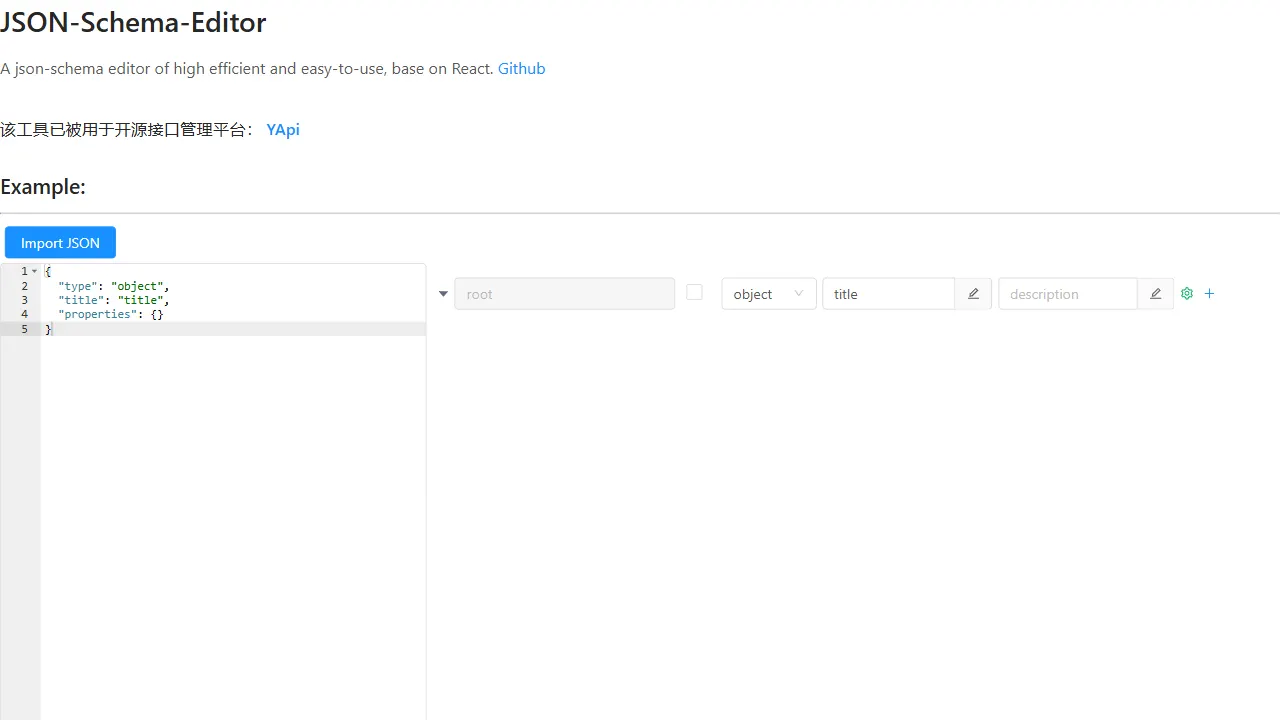
json schema editor visual
A React-based JSON Schema visual editor component with a live online demo, supporting English and Chinese interfaces (en_US/zh_CN). It provides an embeddable editor UI with concise props (data, onChange, showEditor) and is built on antd.
React · Tool Site