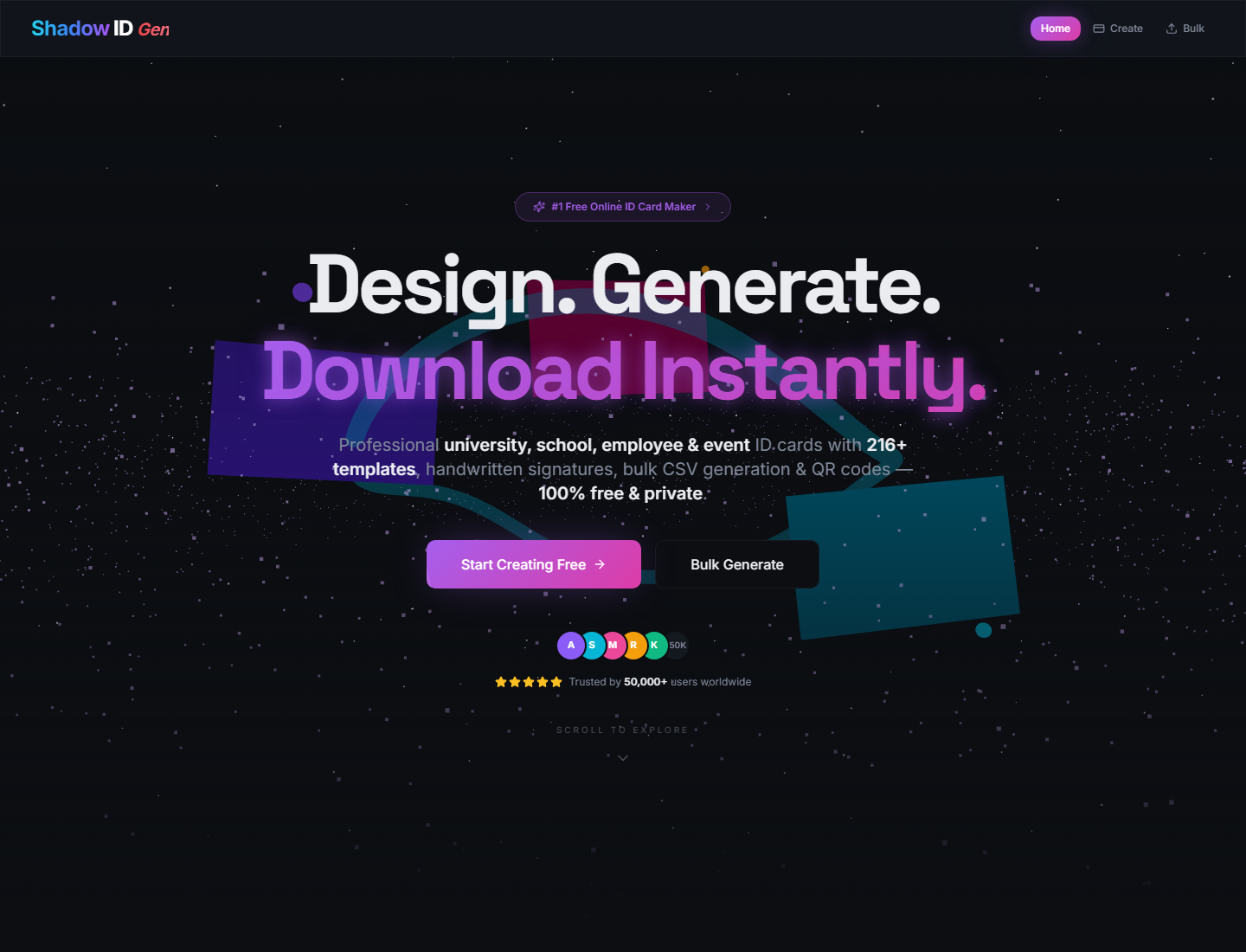
216 套模板,由 12 种布局与 18 种配色组合生成
React工具站
Shadow-ID-Gen — React 工具站模板
作者 Nystic-Shadow
Shadow ID Gen 是一个基于 React 的浏览器端证件卡生成工具,支持大学、学校、员工和活动四种卡型,提供 216 套模板、实时预览、二维码、签名、PNG/PDF 导出及 CSV 批量生成。
看看你的网站会是什么样
浏览真实页面截图,比较内容排版与手机效果。点击下方缩略图切换,放大查看整页细节。
目前有 1 张原始预览,可打开完整图片查看设计细节。
截图用于了解视觉与布局,交互效果请以实际项目为准。
采集于 2026-10-02查看来源
值得关注的模板亮点
从已有项目资料中,快速了解它的特点。
支持大学、学校、员工、活动通行证四种卡型
实时画布预览,可切换卡片正面与背面
支持二维码、54 种手写签名样式及上传签名图片
导出 PNG 与 PDF,CSV 批量生成并打包 ZIP 下载
纯浏览器端处理,无需上传数据到服务器
模板详细介绍
Shadow ID Gen 是一个纯前端的证件卡生成工具,面向大学、学校、企业员工和活动通行证等场景。它把动画落地页与卡片编辑器结合,用户可以在浏览器中填写机构、姓名、编号、角色、班级或活动字段,上传照片、选择 logo 与签名样式,并实时预览卡片正面或背面。工具内置 216 套模板,由 12 种布局和 18 种配色组合生成,支持横向与纵向卡片。导出方面提供高分辨率 PNG 和按卡片方向适配的 PDF;批量生成页面接受 CSV 文件,按表头或列顺序映射字段,校验通过的行可打包为 ZIP 下载。项目使用 React 与 TypeScript 编写,采用 Vite 构建,并包含 Tailwind CSS、shadcn/ui、Framer Motion、React Three Fiber、QRCode、jsPDF、JSZip 等依赖,同时配有 Vitest 与 Testing Library 的测试设置。隐私方面,照片、logo、签名、CSV 数据、预览和导出均在浏览器本地处理,不依赖后端 API。部署上可发布到支持 Vite 构建的静态托管平台,如 Vercel、Netlify 或 GitHub Pages。
React工具站
适合你的项目吗?
适用场景
- 为大学或学校批量制作学生证、教职工卡
- 为企业员工生成带照片、编号和部门信息的工牌
- 为会议或活动制作参会者通行证,支持二维码验证
- 通过 CSV 导入名单,批量生成并导出多张卡片
适合人群
- 需要快速生成证件卡原型的活动组织者或学校行政人员
- 希望以静态站点方式部署内部卡证工具的开发团队
- 需要批量处理 CSV 名单并导出 PNG/PDF 的用户
- 关注数据本地处理、不希望上传照片与个人信息的场景
上手与定制指南
结合仓库当前版本的说明,按下面的资料检查内容、配置与运行要求。
- 1
需要 Node.js 18 或更新版本,以及 npm 9 或更新版本
- 2
克隆仓库后运行 npm install 安装依赖
- 3
开发模式使用 npm run dev,默认端口为 8080
- 4
生产构建使用 npm run build,输出目录为 dist
- 5
部署到 GitHub Pages 子路径时需在 vite.config.ts 中设置正确的 base 路径
授权与来源资料
使用条件与限制
免费使用 · 保留许可声明本次收录的是公开仓库中采用 MIT 许可的免费版本;免费范围为该版本代码,不代表外部服务或第三方素材免费。
使用时需要遵守
- 允许免费使用、修改、商用和分发该版本代码。
- 分发代码副本或实质性部分时,保留原作者版权声明和完整 MIT 许可声明。
- 代码按现状提供;担保与责任限制以原许可证及适用法律为准。
额外费用与待核对事项
- 演示图片、字体、图标及其他第三方素材需按各自许可核对,不能仅凭代码的 MIT 许可判断。
- 域名、托管、数据库、支付或 AI 等外部服务可能另外收费。
查看原文依据
https://github.com/Nystic-Shadow/Shadow-ID-Gen/blob/main/LICENSEhttps://github.com/Nystic-Shadow/Shadow-ID-Gen/blob/main/README.mdPermission is hereby granted, free of charge
许可证原文
DeepSeek 根据仓库许可证和 README 整理 ·2026-10-02。结果仅覆盖已读取资料,依赖、图片、字体及后续条款变更以各自原文为准。
项目核对记录与介绍依据
模板资料
- 来源平台
- GitHub
- 资料与维护参考分
- 资料较完整 · 83 / 100
- 技术栈
- React
- 网站类型
- 工具站
这个分数如何计算
本站按许可资料(最高30分)、演示链接(12分)、预览图(10分)、Star数(15分)、记录的维护时间(15分)、描述完整度(8分)、功能记录(5分)和分类资料(5分)计算。它不是代码、安全或性能测试,也不是 Google 评分;有链接不代表已实测可用。
这个项目需要核对什么
- 记录的仓库更新时间
- 2026-06-09
- 截图检查日期
- 2026-10-02
已收录演示链接。请用你的内容与屏幕尺寸检查;有演示不代表表单、认证或支付已经可用。
目录记录的主要技术栈是 React。请通过依赖清单和锁文件核对实际版本与托管要求。这些说明基于收录资料,不代表代码审计或部署实测。
查看具体选型方法 →介绍的制作与核对状态
介绍由 AI 辅助整理目录与仓库资料。仓库作者不等于这篇介绍的审核者。
已完成服务器许可规则与 AI 来源核对;未经过人工编辑审核。
查看当时使用的来源资料
SHA-256: 744b957156ab2f761edece72c49e5654f318f57591604718dbdd0586fb9d563e
2026-10-02T19:27:12.710Z
来源文件 / 仓库# Shadow ID Gen <p align="center"> <img src="https://readme-typing-svg.demolab.com?font=Space+Grotesk&weight=700&size=28&pause=900&color=8B5CF6¢er=true&vCenter=true&width=780&lines=Design+ID+Cards+in+Seconds;Generate+Bulk+Cards+from+CSV;Export+PNG%2C+PDF%2C+and+ZIP;Everything+Runs+in+Your+Browser" alt="Animated Shadow ID Gen headline" /> </p> <p align="center"> <a href="#quick-start"><img alt="Vite" src="https://img.shields.io/badge/Vite-5.x-646CFF?style=for-the-badge&logo=vite&logoColor=white"></a> <a href="#tech-stack"><img alt="React" src="https://img.shields.io/badge/React-18.x-61DAFB?style=for-the-badge&logo=react&logoColor=0B1020"></a> <a href="#tech-stack"><img alt="TypeScript" src="https://img.shields.io/badge/TypeScript-5.x-3178C6?style=for-the-badge&logo=typescript&logoColor=white"></a> <a href="#features"><img alt="Templates" src="https://img.shields.io/badge/Templates-216+-8B5CF6?style=for-the-badge"></a> <a href="#privacy"><img alt="Private" src="https://img.shields.io/badge/Privacy-Client%20Side-10B981?style=for-the-badge"></a> </p> Shadow ID Gen is a modern, client-side ID card generator for universities, schools, companies, and events. It combines a polished animated landing page with a practical card builder, canvas-based previews, QR-backed card backs, PNG/PDF exports, and CSV bulk generation. ## Screenshots | Home | Create | Bulk | | --- | --- | --- | |  |  |  | ## Features - 216 generated card templates from 12 layouts and 18 color schemes. - Four card modes: university, school, employee, and event pass. - Live canvas preview with horizontal and vertical card layouts. - Front and back card rendering with QR code support. - PNG export for high-resolution image output. - PDF export sized to the selected card orientation. - CSV bulk import with validation and ZIP download for valid rows. - Photo upload, custom logo upload, and pre-made logo gallery. - 54 handwritten signature styles plus uploaded signature images. - Animated landing page built with Framer Motion and React Three Fiber. - Responsive navigation and mobile-friendly editor layouts. - SEO metadata, Open Graph tags, JSON-LD, sitemap, and robots file. - Browser-first privacy: no server upload is required for card creation. ## Demo Flow 1. Choose a card type from the landing page or open `/create`. 2. Fill in card details such as organization, name, ID, role, class, or event fields. 3. Upload a photo, choose a logo, and select a signature style. 4. Pick a template and preview the front or back side instantly. 5. Export a single card as PNG/PDF or upload CSV data on `/bulk` to download a ZIP. ## Quick Start ### Requirements - Node.js 18 or newer - npm 9 or newer ### Install ```bash git clone https://github.com/your-username/shadow-id-gen.git cd shadow-id-gen npm install ``` ### Run Locally ```bash npm run dev ``` Open: ```text http://localhost:8080 ``` ### Production Build ```bash npm run build npm run preview ``` ## Scripts | Command | Purpose | | --- | --- | | `npm run dev` | Start the Vite development server on port 8080. | | `npm run build` | Create a production build in `dist/`. | | `npm run build:dev` | Build with development mode settings. | | `npm run preview` | Preview the production build locally. | | `npm run lint` | Run ESLint across the project. | | `npm run test` | Run Vitest once. | | `npm run test:watch` | Run Vitest in watch mode. | ## CSV Bulk Guide The bulk generator accepts a `.csv` file and maps columns by header name. If headers do not match exactly, it falls back to column order. ### University CSV ```csv universityName,studentName,department,rollNumber,year,dob,address,phone Northbridge University,Aarav Sharma,Computer Science,NU-2026-104,3rd Year,2004-05-14,Delhi,+91 98765 43210 ``` ### School CSV ```csv schoolName,studentName,className,section,rollNumber,dob,guardianName,phone Green Valley School,Anika Rao,10,A,22,2010-08-19,Rahul Rao,+91 98765 43210 ``` ### Employee CSV ```csv companyName,employeeName,designation,department,employeeId,dob,phone,bloodGroup Acme Labs,Neha Singh,Product Designer,Design,EMP-1092,1998-03-22,+91 98765 43210,O+ ``` ### Event CSV ```csv eventName,attendeeName,role,date,validThrough Design Summit 2026,Rohan Mehta,Speaker,2026-09-12,2026-09-14 ``` ## Tech Stack - React 18 and TypeScript - Vite 5 - Tailwind CSS and shadcn/ui primitives - Framer Motion for UI animation - Three.js, React Three Fiber, and Drei for 3D scenes - QRCode for verification QR rendering - jsPDF for PDF export - JSZip for bulk ZIP downloads - Vitest and Testing Library setup ## Project Structure ```text . ├── public/ # Static assets, robots.txt, sitemap.xml ├── src/ │ ├── components/ # Navbar, 3D scenes, ID card builder, UI primitives │ ├── hooks/ # SEO and shared UI hooks │ ├── lib/ # Utility helpers │ ├── pages/ # Home, create, bulk, and not-found pages │ ├── test/ # Vitest setup and catalog tests │ ├── types/ # Card types, templates, colors, signatures │ ├── App.tsx # Router and providers │ └── main.tsx # React entry point ├── docs/screenshots/ # README screenshots ├── index.html # SEO metadata and app shell ├── package.json # Scripts and dependencies └── vite.config.ts # Vite configuration ``` ## Privacy Shadow ID Gen is designed as a browser-only tool. Photos, logos, signatures, CSV rows, card previews, and generated exports are processed locally in the user's browser. The app does not include a backend API. ## Deployment This project can be deployed to any static hosting provider that supports Vite builds. ### Vercel ```bash npm run build ``` Use these settings: | Setting | Value | | --- | --- | | Framework | Vite | | Build command | `npm run build` | | Output directory | `dist` | ### Netlify Use the same build command and publish directory: ```text Build command: npm run build Publish directory: dist ``` ### GitHub Pages For GitHub Pages, set the correct base path in `vite.config.ts` if deploying under a repository subpath, then publish the `dist/` output with your preferred Pages workflow. ## Pre-Push Checklist Run this before pushing: ```bash npm run lint npm run test npm run build ``` Recommended repository hygiene: - Keep `node_modules/`, `dist/`, logs, local env files, and coverage output out of git. - Commit `package-lock.json` so installs are reproducible. - Update screenshots after major UI changes. - Add a license file before publishing as an open-source project. ## Roadmap Ideas - Export front and back cards together during bulk generation. - Add CSV template download buttons for each card type. - Add saved presets for repeated organizations. - Add optional theme packs for institutions and events.
看看同类模板
对比同技术栈与用途的模板,找到更适合的视觉与内容结构。
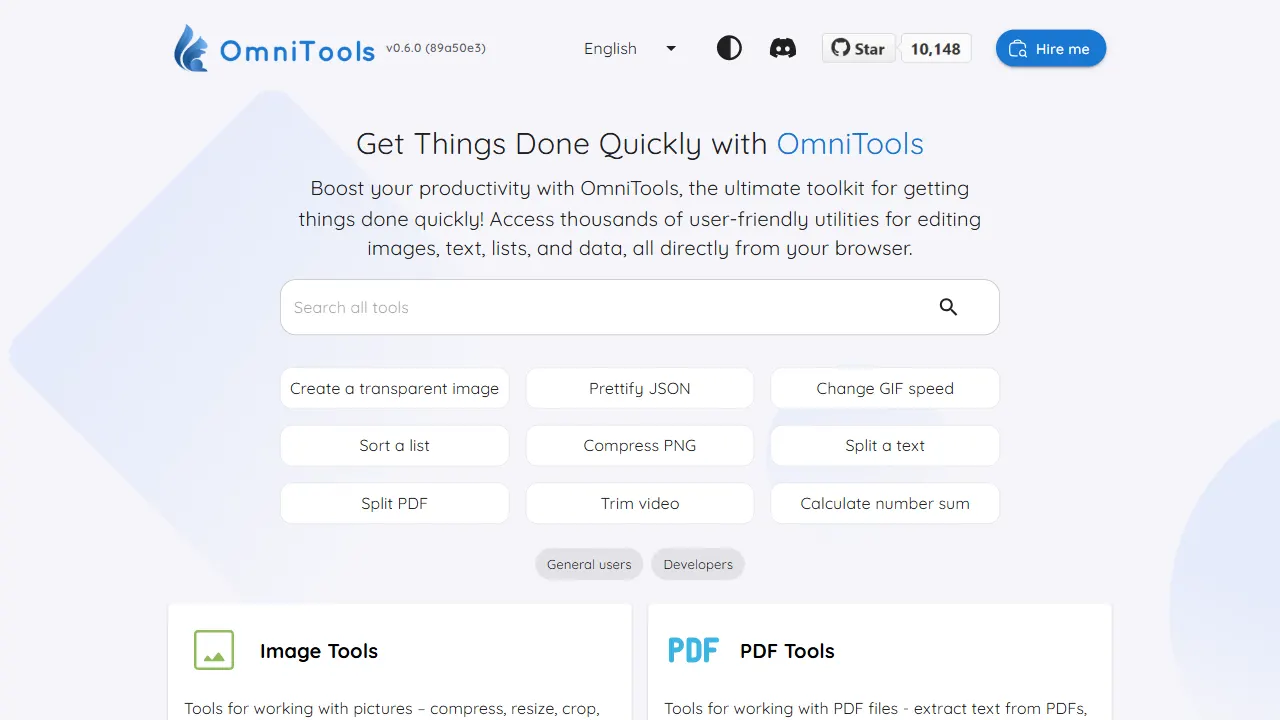
OmniTools
OmniTools 是一个基于 React 与 TypeScript 构建的自托管工具站,目标是把日常零散的小工具集中到一个界面里。
React · 工具站
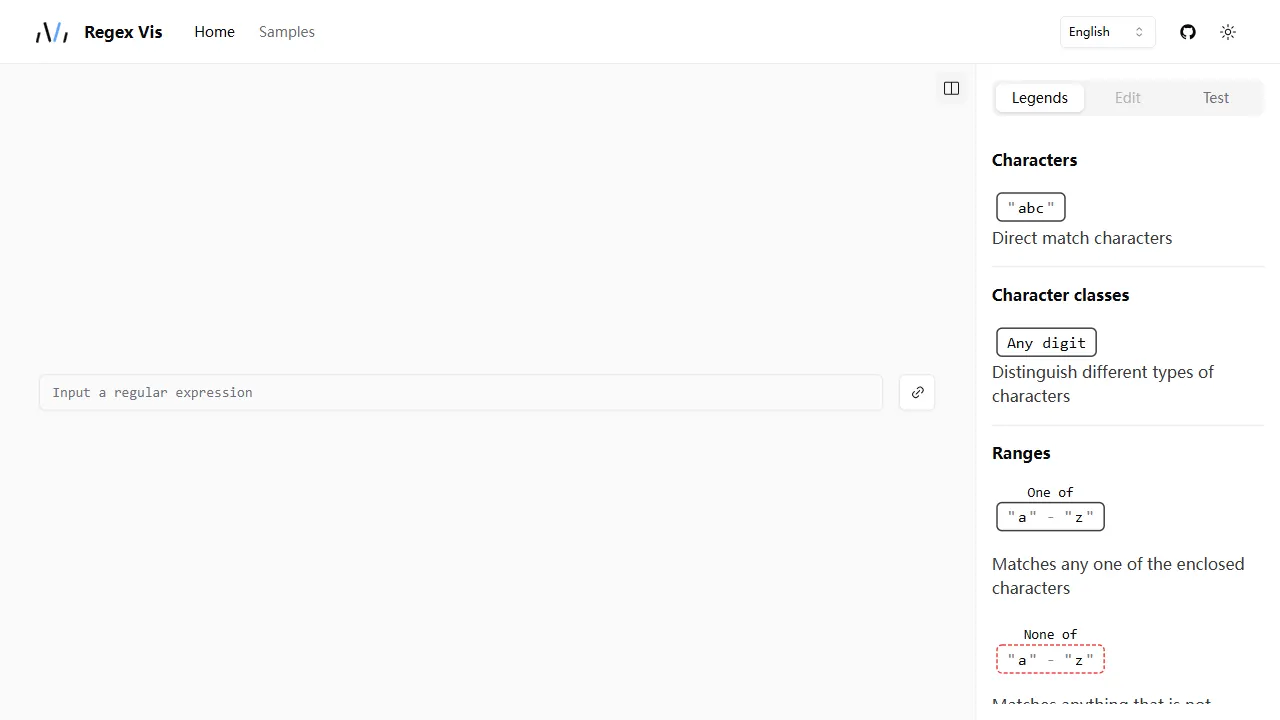
regex vis
Regex Vis 是一个开源的正则表达式可视化与编辑器项目,基于 React 和 TypeScript 构建。 它提供真实可用的在线演示,核心功能包括正则表达式的可视化展示、可视化编辑以及测试。
React · 工具站
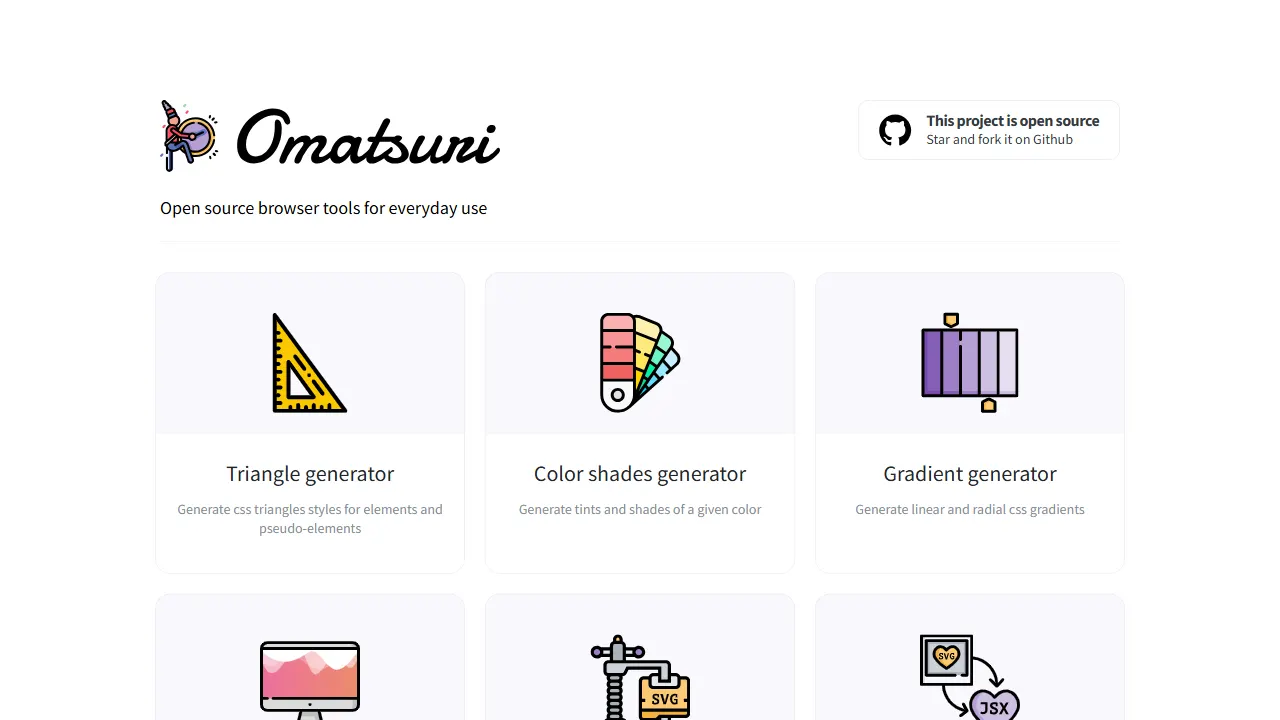
Omatsuri
Omatsuri 是一个开源的渐进式 Web 应用,集成了 12 个面向前端开发的视觉与编码小工具。 它的名字源自日语“祭”,寓意工具的小型集会。
React · 工具站
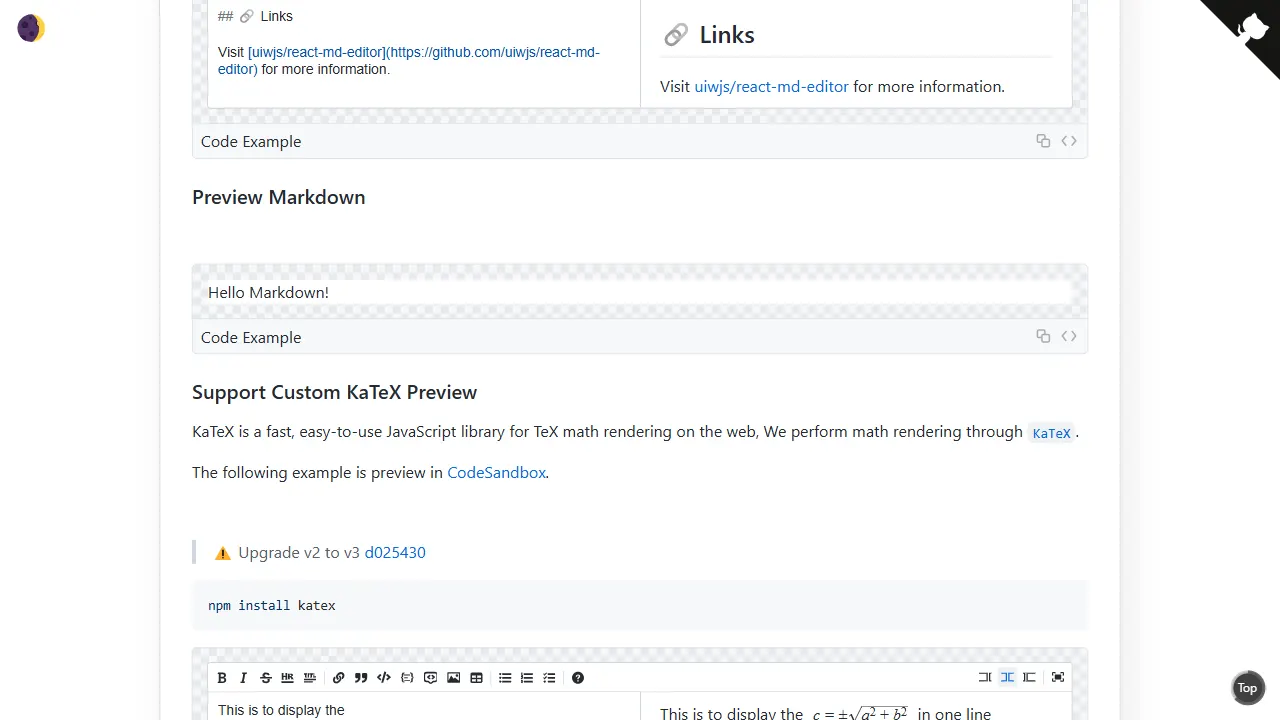
react md editor
react md editor 是一个面向 React 与 TypeScript 的 Markdown 编辑组件,核心定位是提供一个不依赖 CodeMirror、Monaco 等现代代码编辑器的轻量方案。
React · 工具站
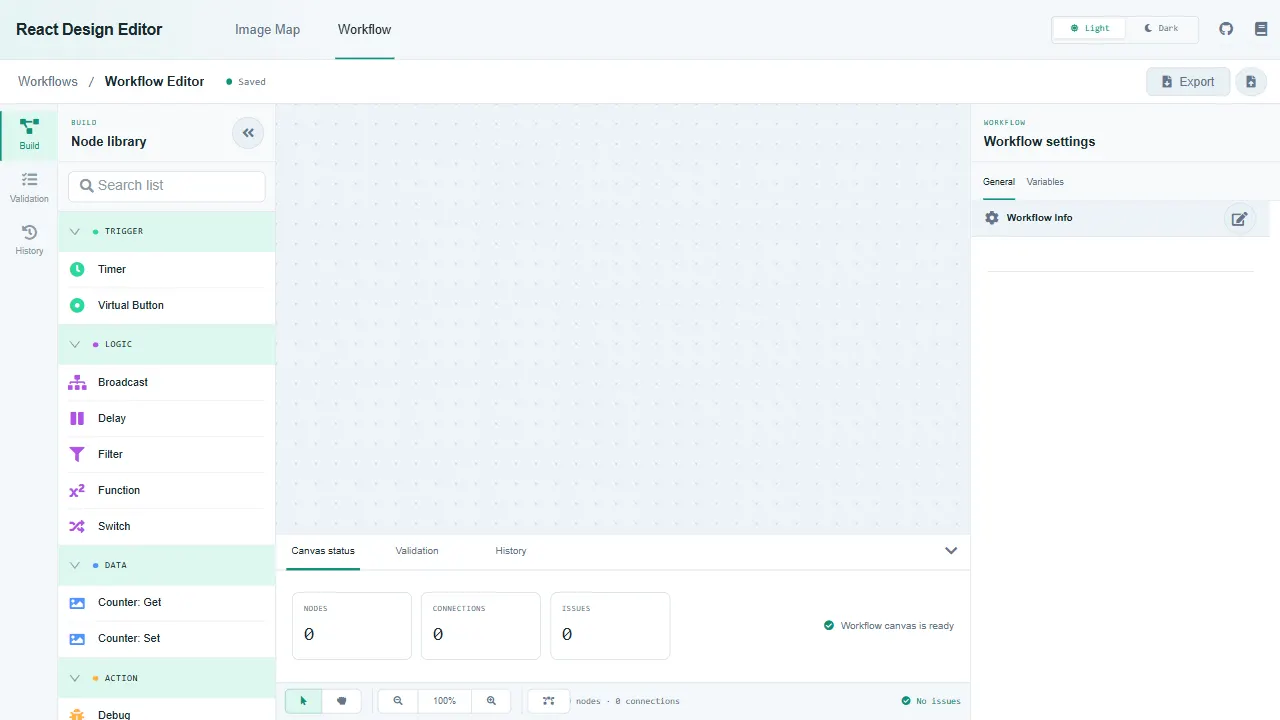
react design editor
React Design Editor 是一个面向 React 开发者的组件库,核心提供两种编辑能力:图像编辑器和业务流程建模(BPM)。
React · 工具站
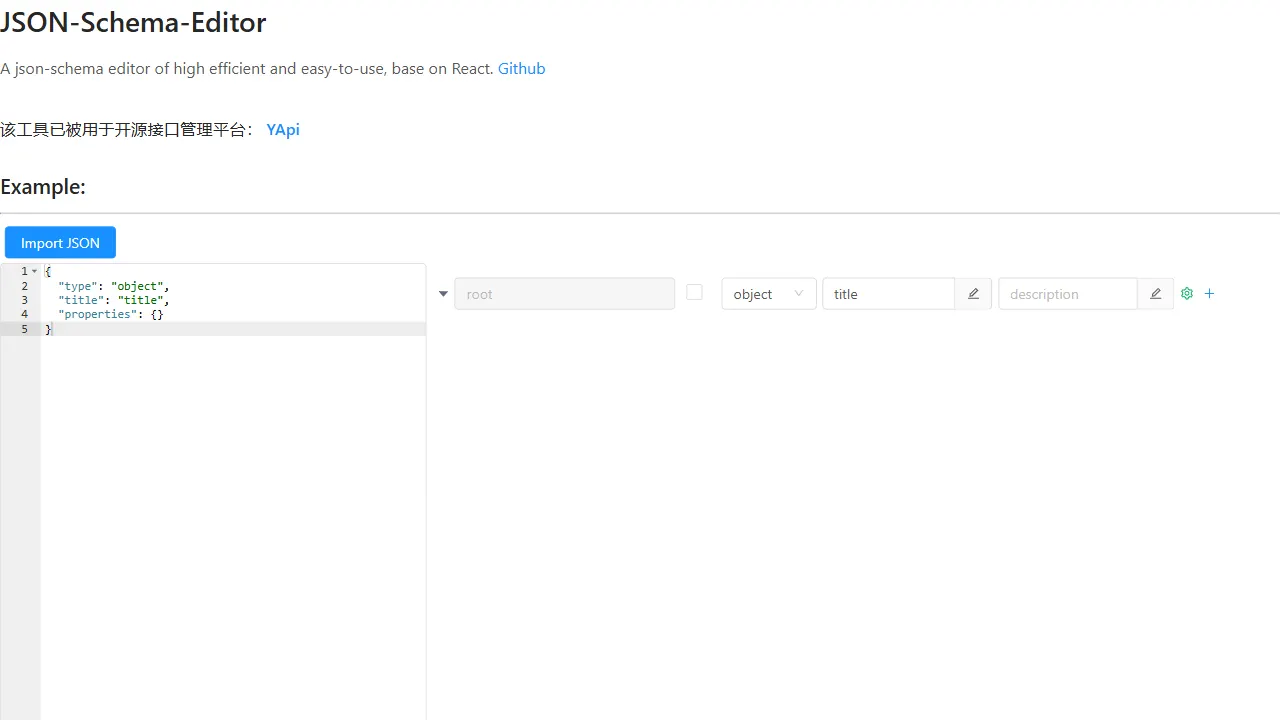
json schema editor visual
json-schema-editor-visual 是一个基于 React 的 JSON Schema 编辑器组件,定位为高效、易用的可视化编辑工具。
React · 工具站