Portfolio pages built with Nuxt 3 and TypeScript
NuxtVuePortfolio
super-portfolio — Nuxt Portfolio Template
By Rauliqbal
A personal portfolio template built with Nuxt 3 and Tailwind CSS, using TypeScript, Iconsax icons, and Nuxt Google Font, under the MIT license.
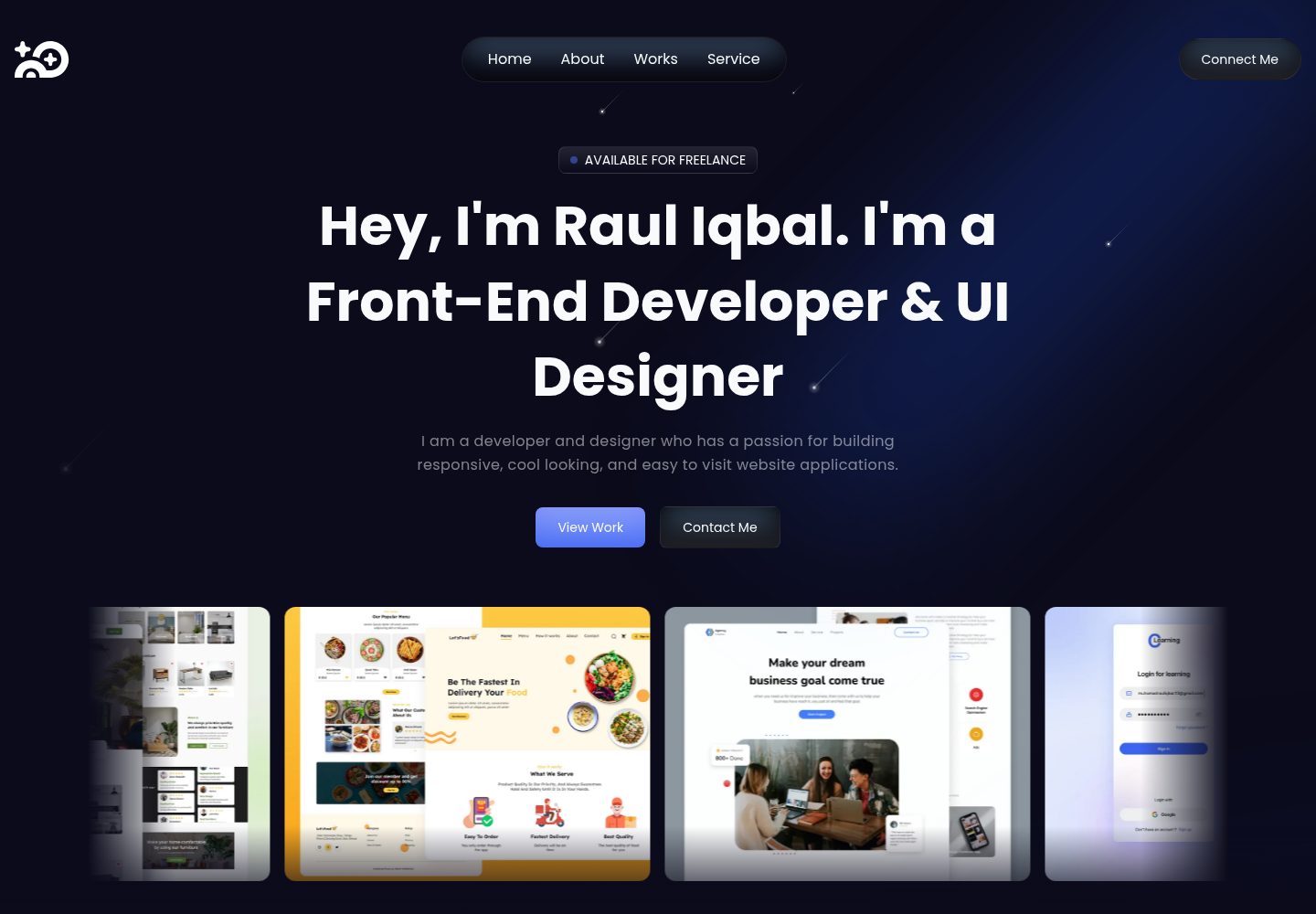
Explore the design
Compare the page layouts and mobile experience. Open any screenshot for a closer look.
Desktop homepage1 / 2
Desktop captureTop of page
Actual screenshot captured by the server browser.
All pages & views 2
Screenshots show visual appearance; interactive behavior may differ.
Recorded 2026-10-03View source
What stands out
A quick read of the recorded project description.
Styling uses Tailwind CSS
Icons use Iconsax, fonts loaded via Nuxt Google Font
README provides clone, dependency installation, and local start commands
MIT license, allowing modification, commercial use, and distribution
Template Details
Super Portfolio is a personal portfolio website template. The repository is maintained by Rauliqbal and uses Nuxt 3 as the application framework, Tailwind CSS for styling, and TypeScript for code. Icons come from Iconsax, and fonts are loaded via the Nuxt Google Font module.
The repository provides local run instructions: Node.js, Git, and PNPM (or npm) are required. After cloning the main branch, install dependencies and run the dev command to preview locally on port 3000. The README also outlines the contribution process, including creating a feature branch, following commit conventions, and submitting a pull request.
The template is released under the MIT license, allowing use, modification, commercial use, and distribution of the code, provided the copyright and license notice are retained. Third-party assets such as images, fonts, and icons in the demo site require separate license verification; the repository does not specify content data sources, deployment configuration, or accessibility support.
NuxtPortfolio
Is it right for your project?
Use Cases
- Build a personal portfolio website for a developer or designer
- Use as a learning reference for a Nuxt 3 + Tailwind CSS project
- Replace content and styles on the existing code to create your own portfolio
Suitable For
- Developers familiar with Node.js and front-end build processes
- Those who want to build a portfolio using Nuxt 3 and Tailwind CSS
- Teams needing an MIT-licensed template that can be freely modified and used commercially
Getting started & customization
Use these recorded setup notes alongside the repository instructions for your chosen version.
- 1
Node.js, Git, and PNPM (or npm) must be installed in advance
- 2
After cloning the main branch, run pnpm install or npm install to install dependencies
- 3
Run pnpm dev or npm run dev and open http://localhost:3000 in a browser to preview
- 4
Third-party assets such as demo images, fonts, and icons require separate license verification
- 5
Retain the original author's copyright notice and the MIT license notice when distributing the code or substantial portions
License & source material
Usage conditions & limitations
Free to use · keep license noticeThis listing covers the free version under the MIT license in the public repository; the free scope is the code of this version and does not imply that external services or third-party assets are free.
Must comply with when using
- Free use, modification, commercial use, and distribution of this version's code are permitted.
- When distributing copies or substantial portions of the code, retain the original author's copyright notice and the full MIT license notice.
- The code is provided as is; warranties and limitations of liability are governed by the original license and applicable law.
Additional costs & items to verify
- Demo images, fonts, icons, and other third-party assets require separate license verification and cannot be judged solely by the code's MIT license.
- External services such as domains, hosting, databases, payments, or AI may incur additional charges.
View Original Text Basis
https://github.com/Rauliqbal/super-portfolio/blob/main/LICENSEhttps://github.com/Rauliqbal/super-portfolio/blob/main/README.mdPermission is hereby granted, free of charge
Original License Text
Compiled by DeepSeek based on repository license and README ·2026-10-03. Results only cover the materials read; dependencies, images, fonts, and subsequent term changes are subject to their respective original texts.
Project checks & description sources
Template Information
- Source platforms
- GitHub
- Documentation and maintenance reference score
- More documented · 81 / 100
- Technologies
- Nuxt · Vue
- Website type
- Portfolio
How this score is calculated
Our heuristic uses license records (up to 30), a demo link (12), a preview (10), stars (15), recorded maintenance (15), description completeness (8), feature records (5) and classification data (5). It is not a code, security or performance test, or a Google score. A link does not establish tested functionality.
What to verify for this project
- Repository update recorded
- 2025-06-22
- Screenshot last checked
- 2026-10-03
A demo link is listed. Check it with your own content and viewport sizes; its presence does not confirm that forms, authentication or payments work.
The catalog identifies Nuxt as the primary stack. Check the actual dependency manifest and lockfile for versions and hosting requirements. These notes use recorded metadata, not a code audit or a deployment test.
Use a selection guide →How this description was prepared
AI-assisted description based on catalog records and repository material. Repository authors are not automatically the reviewers of this description.
Automatically checked against source and license rules; no manual editorial review.
Inspect the recorded source material
SHA-256: cedf4c98a42ebecd7669ee43b0403783391c228858342ba121f73ca8a4a0c3ae
2026-10-03T01:59:53.518Z
Source file / repository<div align="center"> <img src="./nuxt-logo.png" width="140" alt="Rauliqbal Profile Picture"/> </div> <h1 align="center" style="font-weight: bold;">Super Portfolio 💻</h1> <p align="center"> <a href="#tech">Technologies</a> | <a href="#started">Getting Started</a> | <a href="#colab">Collaborators</a> | <a href="#contribute">Contribute</a> </p> <p align="center">⚡ Build your timeless portfolio with Super Portfolio with Nuxt 3 and Tailwind CSS </p> <p align="center"> <a href="https://super-portfolioo.pages.dev/">📱 Visit this Project</a> </p> <h2 id="tech">💻 Technologies</h2> - Nuxt 3 - Tailwind CSS v3 - Typescript - Iconsax - Nuxt Google Font <h2 id="started">🚀 Getting started</h2> Here you describe how to run your project locally <h3>Prerequisites</h3> Here you list all prerequisites necessary for running your project. For example: - [Node JS](https://nodejs.org/) - [Git](https://git-scm.com/) - [PNPM](https://pnpm.io/installation) <h3>Cloning</h3> How to clone your project ```bash git clone https://github.com/Rauliqbal/super-portfolio.git --branch main ``` <h3>Starting</h3> How to start your project ```bash cd super-portfolio # Install Dependencies pnpm install # or npm install # Running on Development pnpm dev # or npm run dev ``` Open on your browser http://localhost:3000 <h2 id="colab">🤝 Collaborators</h2> <p>Special thank you for all people that contributed for this project.</p> <table> <tr> <td align="center"> <a href="https://github.com/Rauliqbal"> <img src="https://avatars.githubusercontent.com/u/89615372?v=4" width="100px;" alt="Rauliqbal Profile Picture"/><br> <sub> <b>Rauliqbal</b> </sub> </a> </td> <td align="center"> <a href="https://github.com/kkkfasya"> <img src="https://avatars.githubusercontent.com/u/69980010?v=4" width="100px;" alt="Rauliqbal Profile Picture"/><br> <sub> <b>kkkfasya</b> </sub> </a> </td> </tr> </table> <h2 id="contribute">📫 Contribute</h2> Here you will explain how other developers can contribute to your project. For example, explaining how can create their branches, which patterns to follow and how to open an pull request 1. `git clone https://github.com/Rauliqbal/super-portfolio.git` 2. `git checkout -b feature/NAME` 3. Follow commit patterns 4. Open a Pull Request explaining the problem solved or feature made, if exists, append screenshot of visual modifications and wait for the review! <h3>Documentations that might help</h3> [📝 How to create a Pull Request](https://www.atlassian.com/br/git/tutorials/making-a-pull-request) [💾 Commit pattern](https://gist.github.com/joshbuchea/6f47e86d2510bce28f8e7f42ae84c716) <div align="center"> <img src="./github-logo.png" height="140" alt="Rauliqbal Profile Picture"/> </div>
Explore similar templates
Compare previews and descriptions within the same stack and category.

canvas
Canvas is a Nuxt-based portfolio template that uses Nuxt Content for content management and Nuxt UI with Tailwind CSS for pages.
Nuxt · Portfolio
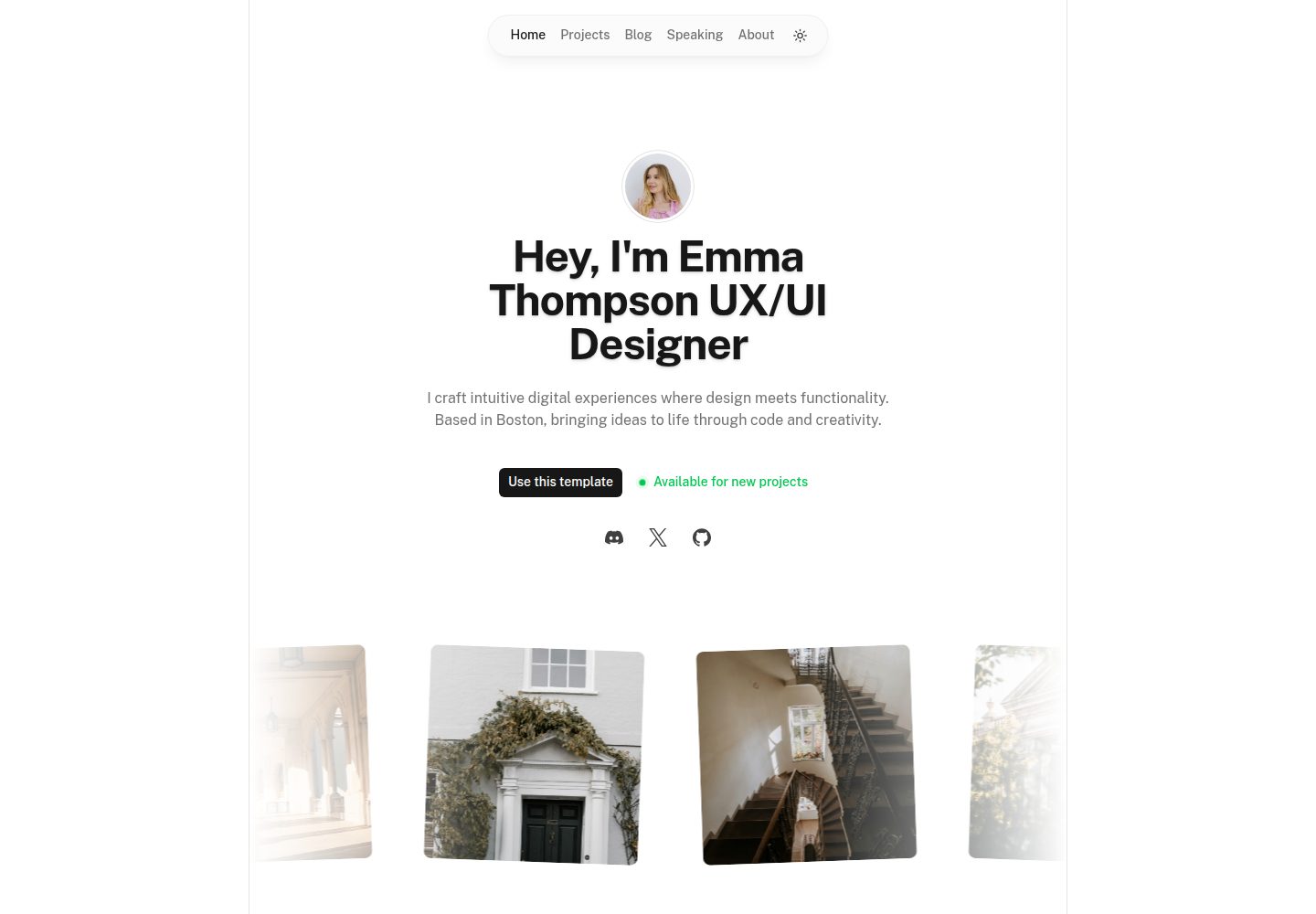
portfolio
A Nuxt portfolio template using Nuxt UI for interface components and Nuxt Content for content, intended to showcase projects, skills, and blog.
Nuxt · Portfolio
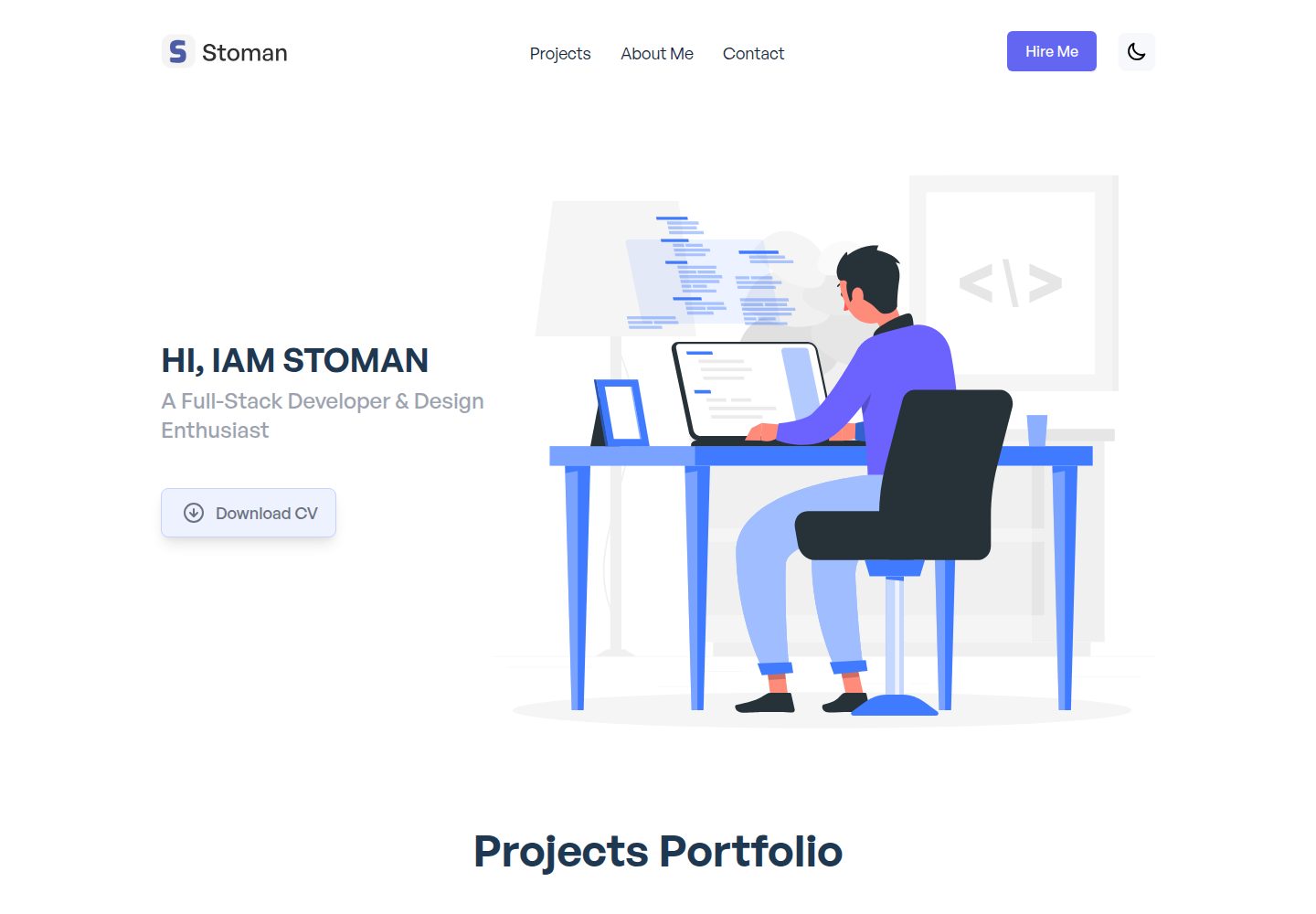
nuxtjs-tailwindcss-portfolio
A Nuxt.js and Tailwind CSS personal portfolio starter theme with dark mode, theme switching, Vuex state management, reusable components, project category filtering and title search, Vue transition animations, a project carousel, smooth scrolling, a dynamic form, a counter, and back-to-top and download…
Nuxt · Portfolio
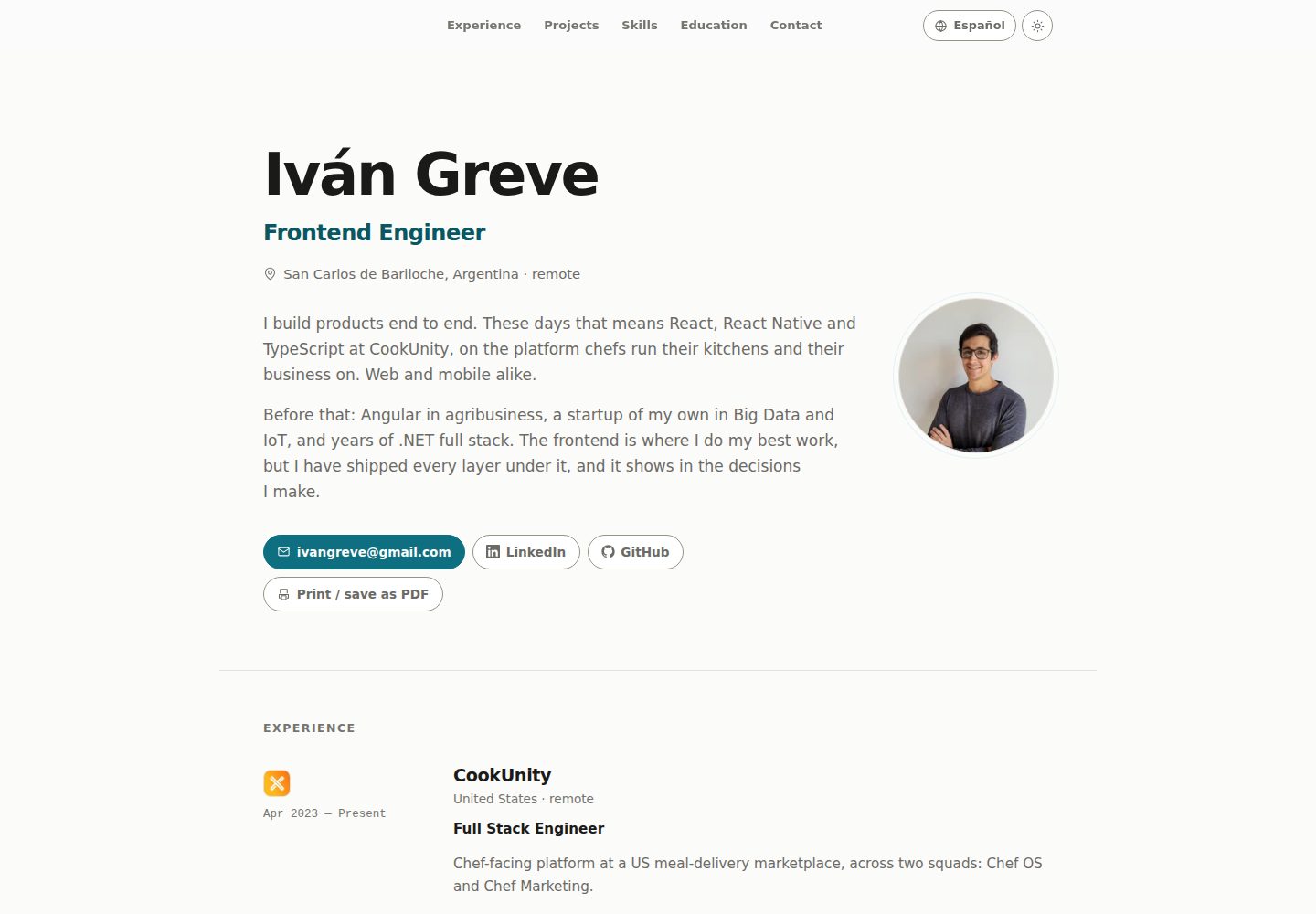
nuxt-resume
A personal resume website template built with Nuxt and Vue, with i18n multilingual support. Resume copy and page text are maintained through JSON files under locales, with English and Spanish provided by default; new languages can be registered in nuxt.config.js.
Nuxt · Portfolio
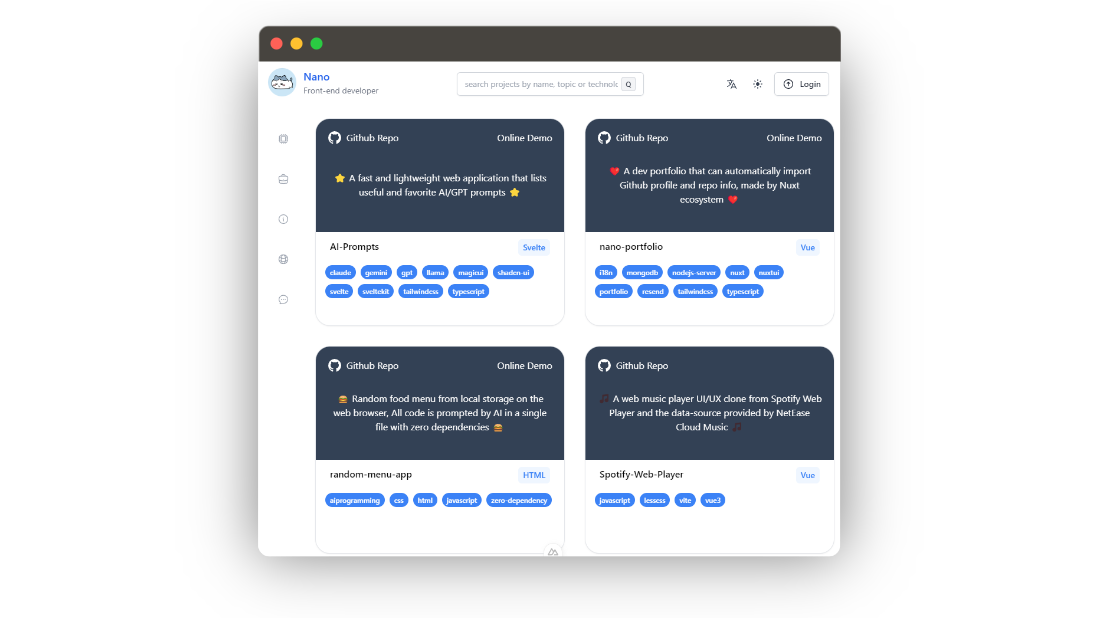
nano-portfolio
Nano Portfolio is an open-source developer portfolio template built on Nuxt 3, TypeScript, Nuxt UI, Tailwind, MongoDB, and Resend.
Nuxt · Portfolio
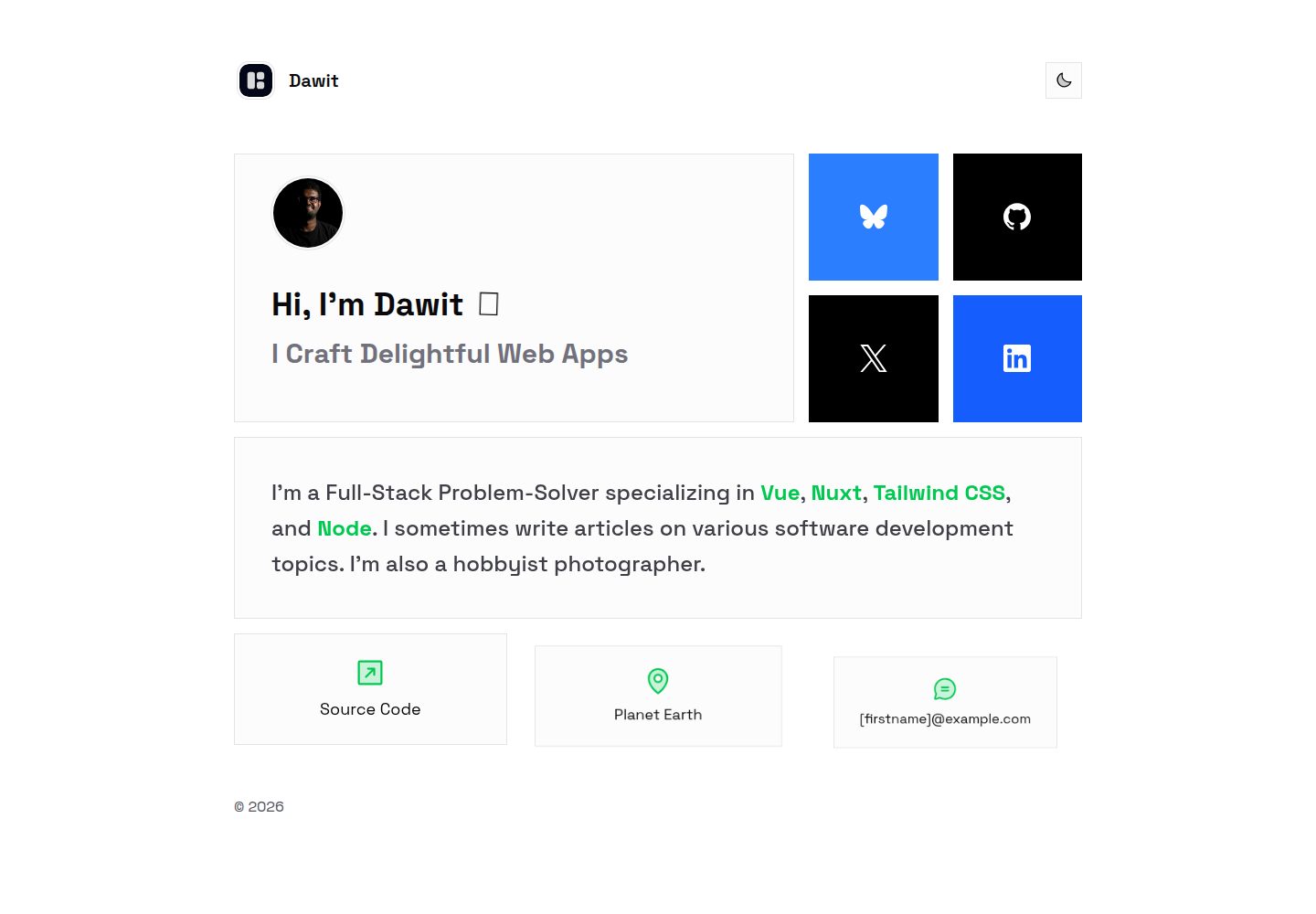
bentolio
Bentolio is a minimal Nuxt portfolio template that can also be reused as a Nuxt Layer.
Nuxt · Portfolio