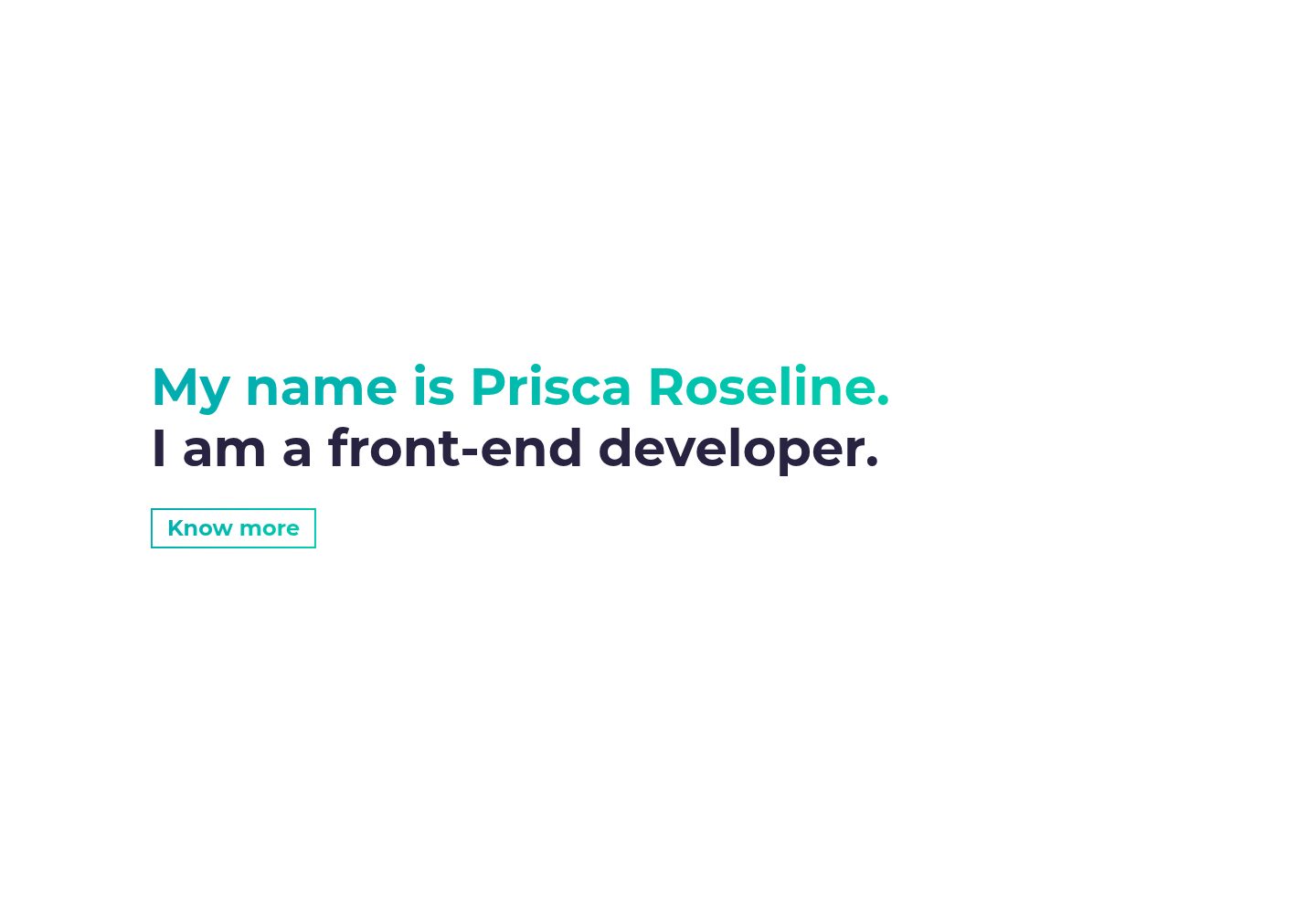
A minimal portfolio starter project built on the official Gatsby hello-world starter
GatsbyReactPortfolio
gatsby-personal-site-template — Gatsby Portfolio Template
By ravinalamada
A minimal personal portfolio template built on Gatsby. The README states it includes built-in SEO, light and dark themes, Bootstrap and Sass, and generates blog and project pages via Markdown and gatsby-node.js.
Explore the design
Compare the page layouts and mobile experience. Open any screenshot for a closer look.
Desktop homepage1 / 2
Desktop captureTop of page
Actual screenshot captured by the server browser.
All pages & views 2
Screenshots show visual appearance; interactive behavior may differ.
Recorded 2026-10-13View source
What stands out
A quick read of the recorded project description.
Built-in SEO support, using Helmet to add site SEO information
Supports light and dark mode switching, with theme managed via React Context
Uses Bootstrap and React Bootstrap to provide a styling and component foundation
Programmatically generates blog posts and project detail pages via gatsby-node.js and Markdown files
Custom styles are written with Sass, and it includes local fonts and Fontawesome icons
Template Details
This template is a Gatsby starter project positioned as a minimal personal portfolio site. The README states it is based on the official hello-world starter and adds SEO, light and dark mode, Bootstrap, Sass, the local Aurebesh font, Fontawesome icons, and Howler audio management. Blog posts and project detail pages are programmatically generated by gatsby-node.js together with Markdown files, while the About page is created via siteMetadata. The directory structure is divided into Components, Content, Templates, Styles, Utils, Pages, and Static, respectively holding reusable components, Markdown content, page templates, Sass styles, SEO and theme utilities, pages, and static assets that bypass the Gatsby pipeline. The README also reminds users to read the official Gatsby tutorial first. Note that the README does not provide information on performance, production readiness, browser compatibility, or post-deployment maintenance, nor does it give specific version numbers in the dependency list.
GatsbyPortfolio
Is it right for your project?
Use Cases
- Building a personal portfolio website to showcase projects and blog posts
- Serving as a sample project for learning Gatsby page generation, Markdown content, and theme management
- Starting a personal site that needs light and dark mode switching and basic SEO configuration
- Personal projects that want to quickly organize front-end styles with Bootstrap and Sass
Suitable For
- Front-end developers familiar with Gatsby or willing to learn it
- Users who need a minimal personal portfolio template and will modify the content themselves
- Developers who want to reference a Markdown-driven page generation approach
Getting started & customization
Use these recorded setup notes alongside the repository instructions for your chosen version.
- 1
The usage steps given in the README are: first install gatsby-cli globally, then use gatsby new to create a site based on this repository, then enter the directory and run gatsby develop.
- 2
The README suggests reading the official Gatsby tutorial before starting.
- 3
The template content is described as reconfigurable, and the Aurebesh font can be removed or replaced.
- 4
The README does not provide information on production builds, deployment configuration, or environment variables.
License & source material
Usage conditions & limitations
Free to use · keep license noticeThis entry covers the free version under the MIT license in a public repository; the free scope is the code of this version and does not mean external services or third-party assets are free.
Must comply with when using
- Free use, modification, commercial use, and distribution of this version's code are permitted.
- When distributing copies or substantial portions of the code, retain the original author's copyright notice and the complete MIT license notice.
- The code is provided as is; warranties and limitations of liability are governed by the original license and applicable law.
Additional costs & items to verify
- Demo images, fonts, icons, and other third-party assets must be checked against their respective licenses and cannot be judged solely by the code's MIT license.
- External services such as domains, hosting, databases, payments, or AI may incur separate charges.
- The template includes a locally hosted Aurebesh font, which can be removed or replaced; if kept, note the font's licensing status.
- The template uses Fontawesome icons for affiliate/external link icons, and using that icon set requires complying with its own license terms.
- The Star Wars icons in the template come from icons8.com and are third-party assets; confirm their authorization and attribution requirements before use.
- The template uses Howler to manage audio files; when audio resources are involved, ensure the licensing of the audio assets yourself.
View Original Text Basis
Permission is hereby granted, free of charge
Original License Text
- Starter comes with a locally hosted font `Aurebesh`, but feel free to remove/replace it
Original README
- Starter uses fontawesome icons for affiliate links
Original README
- Star Wars icons: https://icons8.com/icons/
Original README
https://github.com/ravinalamada/gatsby-personal-site-template/blob/main/LICENSEhttps://github.com/ravinalamada/gatsby-personal-site-template/blob/main/README.md- `Howler` is used to manage audio files
Original README
Compiled by DeepSeek based on repository license and README ·2026-10-13. Results only cover the materials read; dependencies, images, fonts, and subsequent term changes are subject to their respective original texts.
Project checks & description sources
Template Information
- Source platforms
- GitHub
- Documentation and maintenance reference score
- Partly documented · 65 / 100
- Technologies
- Gatsby · React
- Website type
- Portfolio
How this score is calculated
Our heuristic uses license records (up to 30), a demo link (12), a preview (10), stars (15), recorded maintenance (15), description completeness (8), feature records (5) and classification data (5). It is not a code, security or performance test, or a Google score. A link does not establish tested functionality.
What to verify for this project
- Repository update recorded
- 2022-01-24
- Screenshot last checked
- 2026-10-13
A demo link is listed. Check it with your own content and viewport sizes; its presence does not confirm that forms, authentication or payments work.
The catalog identifies Gatsby as the primary stack. Check the actual dependency manifest and lockfile for versions and hosting requirements. These notes use recorded metadata, not a code audit or a deployment test.
Use a selection guide →How this description was prepared
AI-assisted description based on catalog records and repository material. Repository authors are not automatically the reviewers of this description.
Review declaration: codex-user-requested-batch-review-20261015 · 2026-10-15
Inspect the recorded source material
SHA-256: 94e2e82011958acb86d09e1baa90d56306ec2412431c2f7c7dd877beaf0b3196
2026-10-13T17:26:49.608Z
Source file / repository
See me [live!](https://gatsby-starter-portfolio.herokuapp.com/)
## Usage
`npm i -g gatsby-cli`\
`gatsby new your-site-name https://github.com/surudhb/gatsby-personal-site-template.git`\
`cd your-site-name && gatsby develop`
## 📋 Starter README
- A Gatsby starter for a minimalist portfolio with `SEO` and app theming using `React Context`, `Bootstrap` and `Sass`
- I highly recommend going through Gatsby's [tutorial](https://www.gatsbyjs.org/tutorial/) before getting started.
### What does this starter offer?
- The starter is based off of the official [hello-world](https://github.com/gatsbyjs/gatsby-starter-hello-world) starter provided.
- Everything in the starter is reconfigurable.
- This starter is really a demonstation of what Gatsby is capable of.
- Built in support for `SEO`, light/dark mode and `bootstrap`
- Starter comes with a locally hosted font `Aurebesh`, but feel free to remove/replace it
- Starter uses fontawesome icons for affiliate links
- Starter uses `gatsby-node.js` and Markdown files to programatically create pages for blog posts and projects
- Starter uses `siteMetadata` to create `About` page
### The file structure is as follows:
- **Components**: Re-usable components to be used throughout the app
- **Content**: Contains relevant markdown files and images for blog posts or projects
- **Templates**: Contains files that create the template html for a blog post or project details page
- **Styles**: Contains the sass files used for adding custom styling to the app
- **Utils**: Contains helper files, seo, and theme management
- **Pages**: Contains the different pages
- **Static**: Contains static assets (i.e. self-hosted fonts or images) that bypass gatsby pipeline
### Understanding important dependencies:
- Gatbsy recommends using its plugins whenever possible, but not always. See [documentation](https://www.gatsbyjs.org/docs/plugins/) for more details.
- Gatsby plugins are used by Gatsby's build process and provide and API for certain tasks.
- `Bootstrap` is a CSS framework that comes with already defined CSS classes
- `React Bootstrap` is an abstraction of `Bootstrap` providing some basic styling built-in to its components
- `Helmet` is used to add SEO to the site making it easier for search engines to relate search keywords to your website.
- `Fontawesome` is used for icons
- `Howler` is used to manage audio files
### Credits
- Star Wars icons: https://icons8.com/icons/
- Using Context API with Gatsby: https://www.gatsbyjs.org/blog/2019-01-31-using-react-context-api-with-gatsby/
- SEO with Gatsby: https://gregberge.com/blog/gatsby-seo
- Gatsby: https://www.gatsbyjs.org/docs/
## 🚀 Quick start
1. **Create a Gatsby site.**
Use the Gatsby CLI to create a new site, specifying the hello-world starter.
```shell
# create a new Gatsby site using the hello-world starter
gatsby new my-hello-world-starter https://github.com/gatsbyjs/gatsby-starter-hello-world
```
1. **Start developing.**
Navigate into your new site’s directory and start it up.
```shell
cd my-hello-world-starter/
gatsby develop
```
1. **Open the source code and start editing!**
Your site is now running at `http://localhost:8000`!
_Note: You'll also see a second link: _`http://localhost:8000/___graphql`_. This is a tool you can use to experiment with querying your data. Learn more about using this tool in the [Gatsby tutorial](https://www.gatsbyjs.org/tutorial/part-five/#introducing-graphiql)._
Open the `my-hello-world-starter` directory in your code editor of choice and edit `src/pages/index.js`. Save your changes and the browser will update in real time!
## 🧐 What's inside?
A quick look at the top-level files and directories you'll see in a Gatsby project.
.
├── node_modules
├── src
├── .gitignore
├── .prettierrc
├── gatsby-browser.js
├── gatsby-config.js
├── gatsby-node.js
├── gatsby-ssr.js
├── LICENSE
├── package-lock.json
├── package.json
└── README.md
1. **`/node_modules`**: This directory contains all of the modules of code that your project depends on (npm packages) are automatically installed.
2. **`/src`**: This directory will contain all of the code related to what you will see on the front-end of your site (what you see in the browser) such as your site header or a page template. `src` is a convention for “source code”.
3. **`.gitignore`**: This file tells git which files it should not track / not maintain a version history for.
4. **`.prettierrc`**: This is a configuration file for [Prettier](https://prettier.io/). Prettier is a tool to help keep the formatting of your code consistent.
5. **`gatsby-browser.js`**: This file is where Gatsby expects to find any usage of the [Gatsby browser APIs](https://www.gatsbyjs.org/docs/browser-apis/) (if any). These allow customization/extension of default Gatsby settings affecting the browser.
6. **`gatsby-config.js`**: This is the main configuration file for a Gatsby site. This is where you can specify information about your site (metadata) like the site title and description, which Gatsby plugins you’d like to include, etc. (Check out the [config docs](https://www.gatsbyjs.org/docs/gatsby-config/) for more detail).
7. **`gatsby-node.js`**: This file is where Gatsby expects to find any usage of the [Gatsby Node APIs](https://www.gatsbyjs.org/docs/node-apis/) (if any). These allow customization/extension of default Gatsby settings affecting pieces of the site build process.
8. **`gatsby-ssr.js`**: This file is where Gatsby expects to find any usage of the [Gatsby server-side rendering APIs](https://www.gatsbyjs.org/docs/ssr-apis/) (if any). These allow customization of default Gatsby settings affecting server-side rendering.
9. **`LICENSE`**: Gatsby is licensed under the MIT license.
10. **`package-lock.json`** (See `package.json` below, first). This is an automatically generated file based on the exact versions of your npm dependencies that were installed for your project. **(You won’t change this file directly).**
11. **`package.json`**: A manifest file for Node.js projects, which includes things like metadata (the project’s name, author, etc). This manifest is how npm knows which packages to install for your project.
12. **`README.md`**: A text file containing useful reference information about your project.
## 🎓 Learning Gatsby
Looking for more guidance? Full documentation for Gatsby lives [on the website](https://www.gatsbyjs.org/). Here are some places to start:
- **For most developers, we recommend starting with our [in-depth tutorial for creating a site with Gatsby](https://www.gatsbyjs.org/tutorial/).** It starts with zero assumptions about your level of ability and walks through every step of the process.
- **To dive straight into code samples, head [to our documentation](https://www.gatsbyjs.org/docs/).** In particular, check out the _Guides_, _API Reference_, and _Advanced Tutorials_ sections in the sidebar.
## 💫 Deploy
[](https://app.netlify.com/start/deploy?repository=https://github.com/gatsbyjs/gatsby-starter-hello-world)
[](https://vercel.com/import/project?template=https://github.com/gatsbyjs/gatsby-starter-hello-world)
<!-- AUTO-GENERATED-CONTENT:END -->
=======
# gatsby-personal-site-template
0a1e55a75c3ea9c3d2c694d42d64008156057098
Explore similar templates
Compare previews and descriptions within the same stack and category.
yashitanamdeo.github.io
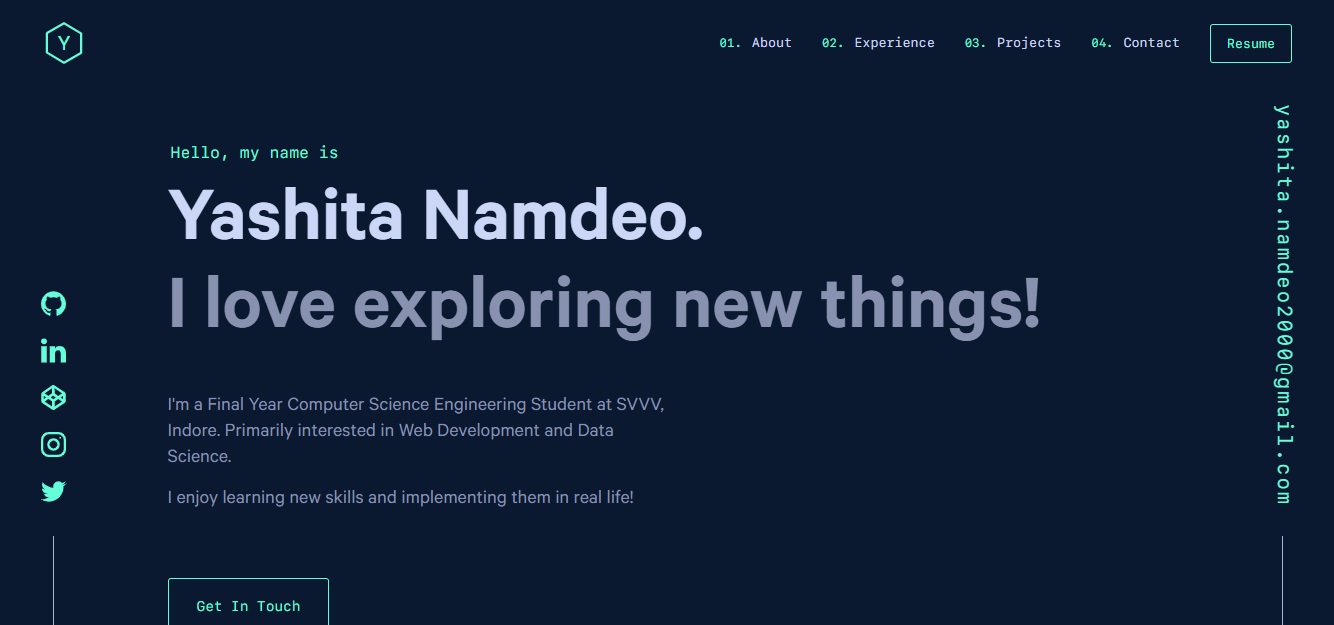
A Gatsby and React personal portfolio template with a dark theme and navy blue and green accents, based on Yashita Namdeo's first personal homepage.
Gatsby · Portfolio

clay-theme
Clay is an image-centric Gatsby theme for publishers, portfolios, and photography blogs. It includes PWA support, a preconfigured Netlify/Decap CMS, PurgeCSS, Netlify deployment settings, and Netlify Forms.
Gatsby · Portfolio
gatsby-markdown-blog
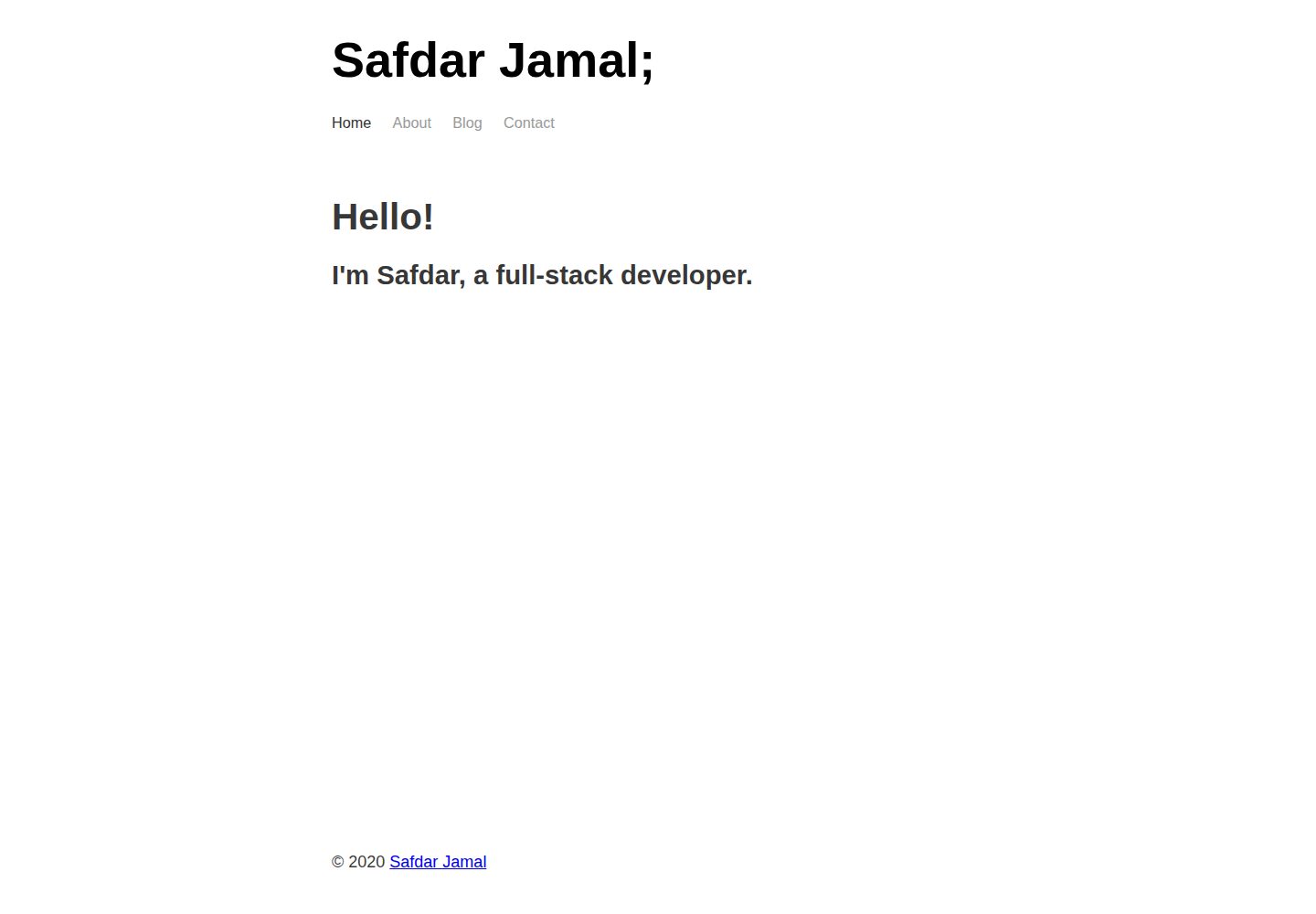
A minimal Gatsby and Markdown starter for personal blogs and portfolios, with Home, About, Blog, and Contact pages, Sass styling, React Helmet metadata, and Netlify or Vercel deployment. MIT-licensed code; third-party assets and external services require separate checks.
Gatsby · Portfolio
gatsby-theme-chronogrove
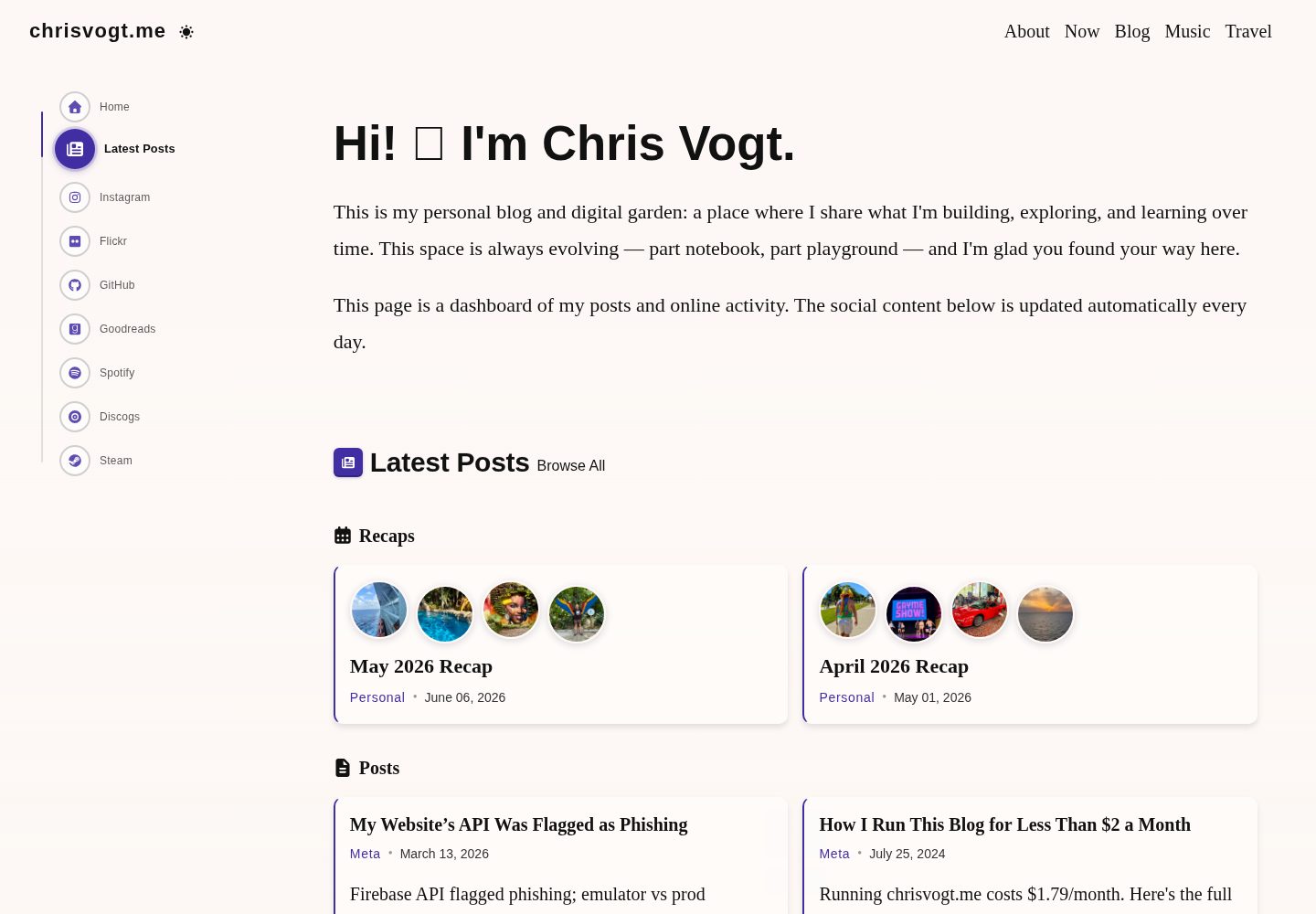
A Gatsby theme for personal websites and blogs, with a social activity dashboard homepage, built-in widgets for GitHub, Instagram, Spotify, Goodreads, Steam, and MDX blog support.
Gatsby · Portfolio
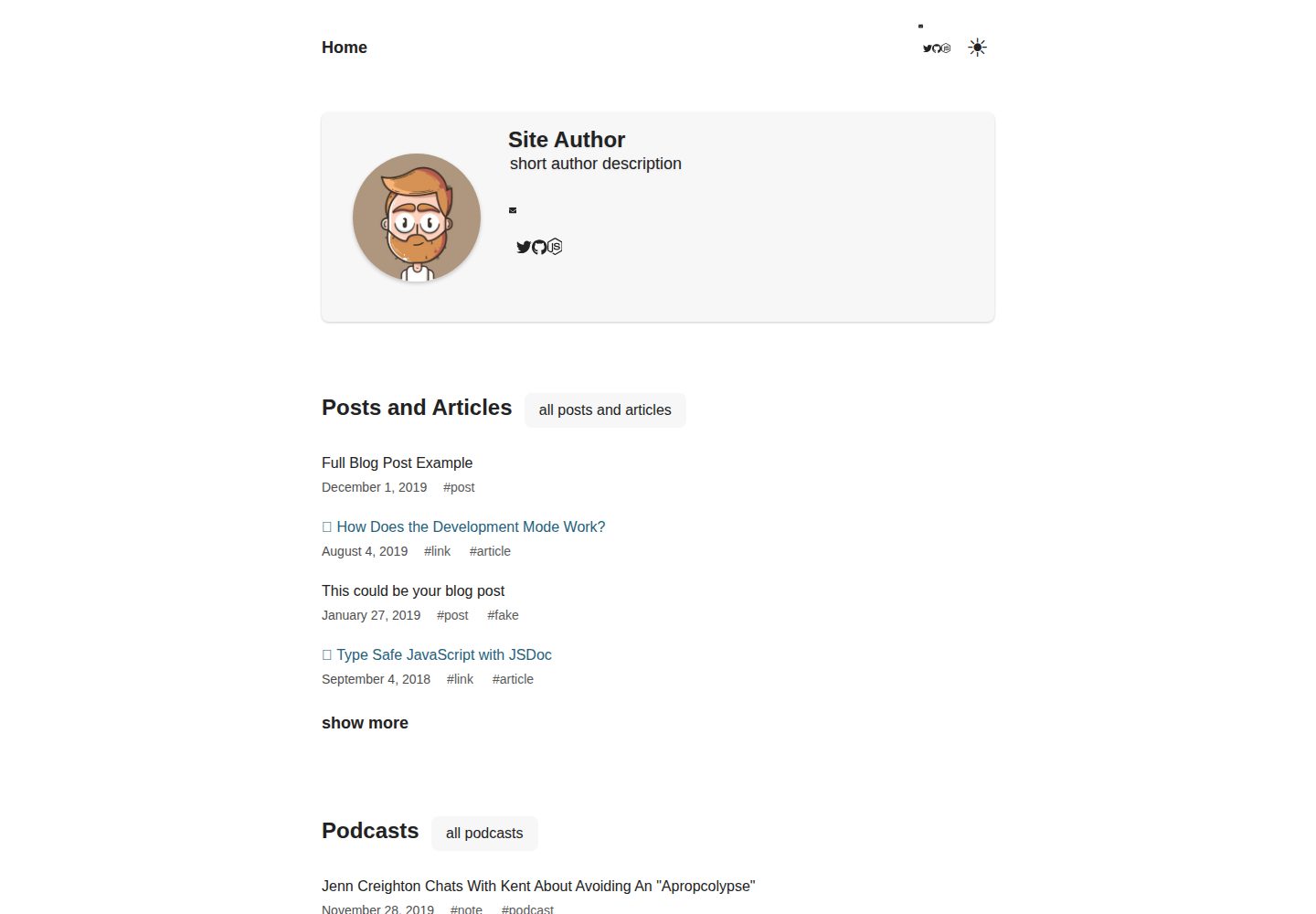
gatsby-starter-chronoblog-profile
A Chronoblog Gatsby theme starter for personal websites, with a homepage built from compact text feeds organized by tags. Content and pages use MDX, and site elements like menus and footers can also be customized with MDX.
Gatsby · Portfolio
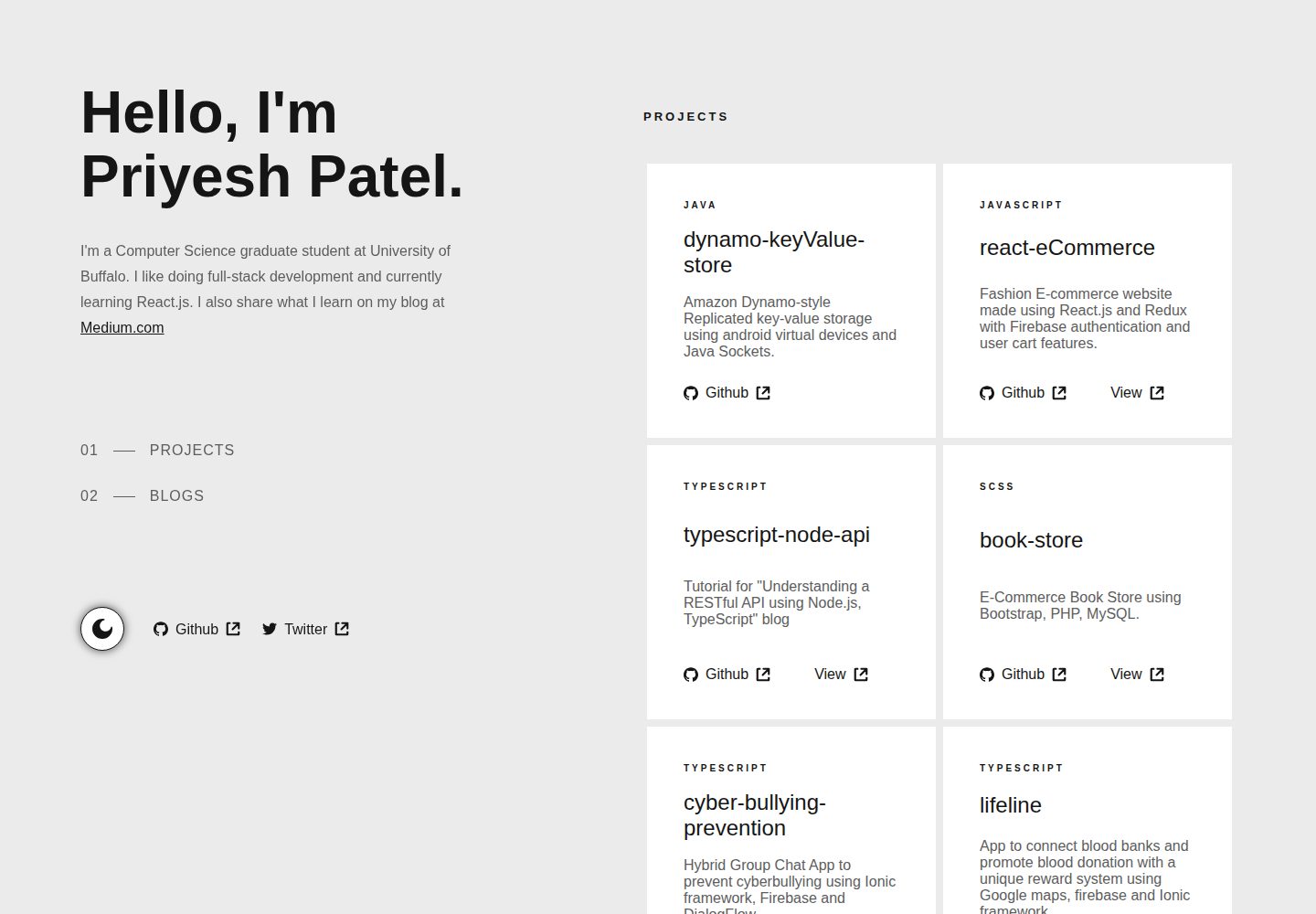
gatsby-portfolio
A Gatsby-based personal portfolio template that manages personal information, blog, and project data via JSON files under src/data, with dark/light mode toggle, mobile-first responsive layout, and smooth scrolling via react-scroll.
Gatsby · Portfolio