A minimal starter template based on Next.js and React, with no extra business code
Next.jsReactStarter
next-start — Next.js Starter Template
By riipandi
riipandi/next-start is a minimal Next.js starter template that integrates Tailwind CSS v4 and TypeScript, with optional OpenNext deployment to Cloudflare Workers.
Explore the design
Compare the page layouts and mobile experience. Open any screenshot for a closer look.
Desktop homepage1 / 2
Desktop captureTop of page
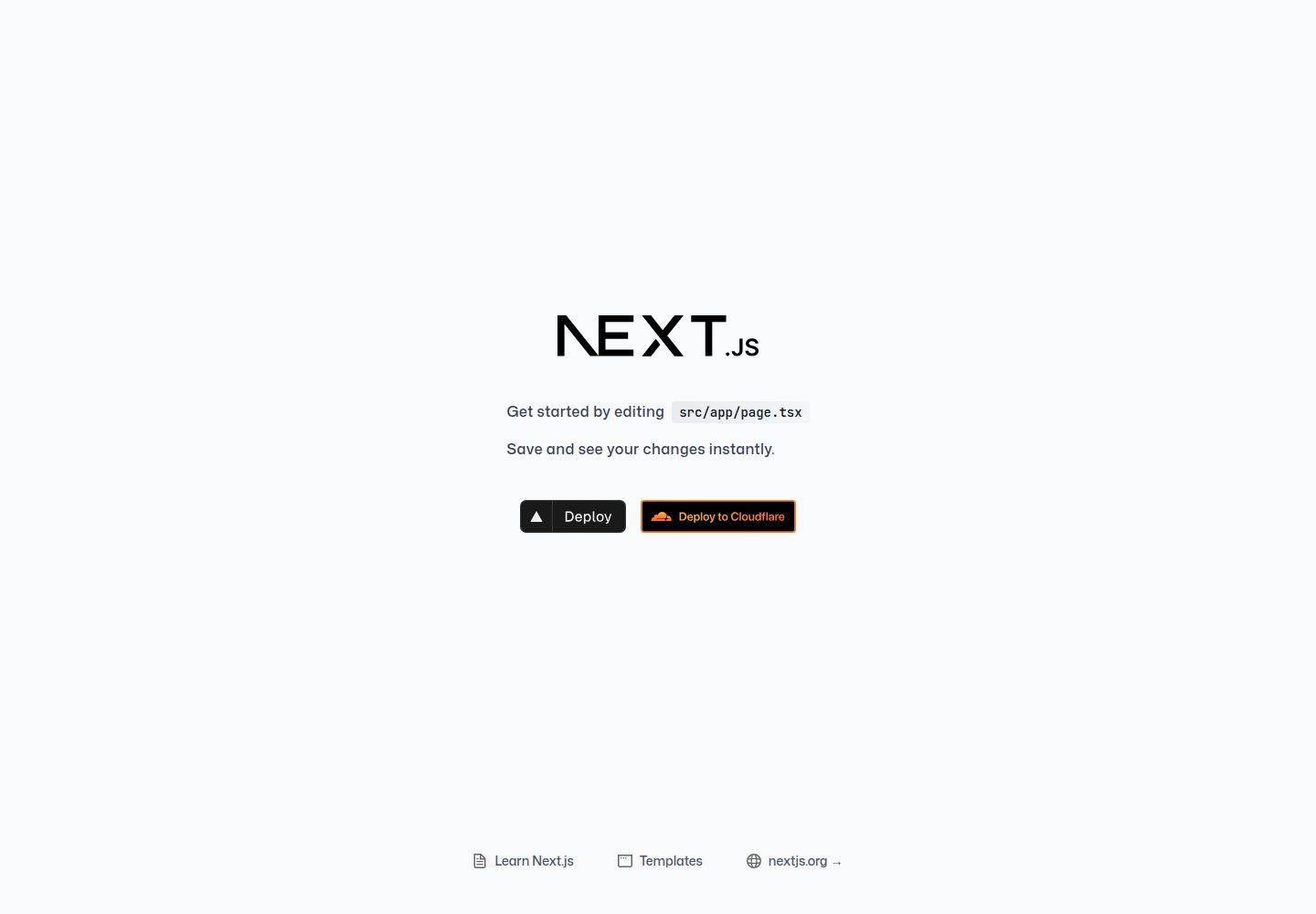
Actual screenshot captured by the server browser.
All pages & views 2
Screenshots show visual appearance; interactive behavior may differ.
Recorded 2026-10-02View source
What stands out
A quick read of the recorded project description.
Uses Tailwind CSS v4 for styling and TypeScript for the language
Optionally enables OpenNext to deploy the project to Cloudflare Workers
Uses Biome for code formatting and linting, configured in biome.json
Provides two deployment paths—Vercel and Cloudflare—with corresponding configuration instructions
Template Details
This is a bare-bones Next.js starter template, maintained by riipandi and licensed under MIT. The tech stack combines Next.js, React, Tailwind CSS v4, and TypeScript, with optional OpenNext for deployment to Cloudflare Workers. The template itself contains no business pages or component libraries; its purpose is to provide the most basic project starting point so you can build modern web applications on top of it.
The development workflow uses common Next.js scripts: dev starts hot reload, build generates a production build, start runs the built output, and by default it serves at http://localhost:3000. Code formatting and linting are handled by Biome, configured in biome.json. The README recommends installing the corresponding editor plugin for save-time auto-formatting and type hints.
For deployment, two paths are provided: Vercel and Cloudflare. When using Cloudflare, you must set the NODE_VERSION environment variable to 20.19.1 or a higher 20.x version; for preview branches, you can set NEXT_PUBLIC_BASE_URL=${CF_PAGES_URL}. If using Vercel in a monorepo, you need to point the Root Directory to the app directory (e.g., apps/web/) and configure the Ignored Build Step.
Regarding licensing, the code is MIT-licensed, allowing free use, modification, commercial use, and distribution, provided that the copyright notice and license notice are retained when distributing. The code is provided as-is. Third-party assets such as demo images, fonts, and icons, as well as external services like domains, hosting, and databases, are not covered by this license and must be checked separately or paid for.
Next.jsReactStarter
Is it right for your project?
Use Cases
- As a project starting point when building a Next.js application from scratch
- Projects that want to use Tailwind CSS v4 with TypeScript
- Scenarios where you plan to deploy a Next.js application to Cloudflare Workers
- Placing a Next.js application in a monorepo and connecting it to Vercel deployment
Suitable For
- Front-end developers familiar with Next.js and React
- Teams that prefer TypeScript and Tailwind CSS
- Developers who need a lightweight template rather than a full business scaffold
- Users planning to host a Next.js application on Vercel or Cloudflare
Getting started & customization
Use these recorded setup notes alongside the repository instructions for your chosen version.
- 1
You can pull the template with pnpm dlx tiged riipandi/next-start myapp-name or create-next-app's -e flag
- 2
After installing dependencies, run dev to start hot reload; the default address is http://localhost:3000
- 3
When deploying to Cloudflare, set NODE_VERSION to 20.19.1 or a higher 20.x version
- 4
For preview branches, you can set NEXT_PUBLIC_BASE_URL=${CF_PAGES_URL}
- 5
In a monorepo on Vercel, you need to configure the Root Directory and Ignored Build Step
License & source material
Usage conditions & limitations
Free to use · keep license noticeThis entry covers the free version under the MIT license in the public repository; the free scope is the code of this version and does not mean external services or third-party assets are free.
Must comply with when using
- You are allowed to freely use, modify, commercially use, and distribute the code of this version.
- When distributing copies or substantial portions of the code, retain the original author's copyright notice and the complete MIT license notice.
- The code is provided as-is; warranties and limitations of liability are governed by the original license and applicable law.
Additional costs & items to verify
- When deploying to Cloudflare, you must set the NODE_VERSION environment variable to 20.19.1 or a higher 20.x version, otherwise the build may fail.
- When using Vercel in a monorepo, you need to additionally configure the Root Directory (e.g., apps/web/) and Ignored Build Step, otherwise the build behavior will not be as expected.
- Deploying to Cloudflare Workers requires additionally enabling the OpenNext feature; this is an optional external hosting solution involving third-party services.
- Self-deployment requires forking the repository and configuring a hosting platform (Vercel or Cloudflare), involving external service accounts and fees.
- Demo images, fonts, icons, and other third-party assets must be checked against their respective licenses; you cannot judge solely based on the code's MIT license.
- External services such as domains, hosting, databases, payments, or AI may incur additional charges.
View Original Text Basis
Permission is hereby granted, free of charge
Original License Text
You need to add `NODE_VERSION` with value `20.19.1` or greater than version 20 on the environment variables setting.
Original README
If you are using monorepo you will need to configure a few things:
Original README
You can deploy this project to [Cloudflare Workers][cf-workers] as a fast and scalable hosting alternative to [Vercel][vercel] by enabling the [OpenNext][open-next] feature.
Original README
https://github.com/riipandi/next-start/blob/main/LICENSEhttps://github.com/riipandi/next-start/blob/main/README.mdYou'll want to fork this repository and deploy your own Next.js website.
Original README
Compiled by DeepSeek based on repository license and README ·2026-10-02. Results only cover the materials read; dependencies, images, fonts, and subsequent term changes are subject to their respective original texts.
Project checks & description sources
Template Information
- Source platforms
- GitHub
- Documentation and maintenance reference score
- More documented · 92 / 100
- Technologies
- Next.js · React
- Website type
- Starter
How this score is calculated
Our heuristic uses license records (up to 30), a demo link (12), a preview (10), stars (15), recorded maintenance (15), description completeness (8), feature records (5) and classification data (5). It is not a code, security or performance test, or a Google score. A link does not establish tested functionality.
What to verify for this project
- Repository update recorded
- 2025-11-20
- Screenshot last checked
- 2026-10-02
A demo link is listed. Check it with your own content and viewport sizes; its presence does not confirm that forms, authentication or payments work.
The catalog identifies Next.js as the primary stack. Check the actual dependency manifest and lockfile for versions and hosting requirements. These notes use recorded metadata, not a code audit or a deployment test.
Use a selection guide →How this description was prepared
AI-assisted description based on catalog records and repository material. Repository authors are not automatically the reviewers of this description.
Automatically checked against source and license rules; no manual editorial review.
Inspect the recorded source material
SHA-256: c9b3f134406b31f46067f62969e3725544ba39fd726518afedb76f01570e979d
2026-10-02T20:48:33.080Z
Source file / repository# Next.js starter template
<p align="left">
<a href="https://github.com/riipandi/next-start">
<img src="https://img.shields.io/github/languages/top/riipandi/next-start?color=blue" alt="Top language">
</a>
<a href="https://aris.mit-license.org">
<img src="https://img.shields.io/github/license/riipandi/next-start?color=blue" alt="License">
</a>
<a href="https://github.com/riipandi/next-start/pulse">
<img src="https://img.shields.io/badge/Contributions-welcome-brightgreen.svg" alt="Contribution">
</a>
</p>
## Introduction
A minimal Next.js starter with [Tailwind CSS v4][tailwindcss] and [TypeScript][typescript].
You can deploy this project to [Cloudflare Workers][cf-workers] as a fast and scalable hosting
alternative to [Vercel][vercel] by enabling the [OpenNext][open-next] feature. This bare-bones
Next.js template provides a solid foundation for building modern web applications with ease.
## Quick Start
### Installation
**Using `tiged` (recomended):**
```sh
pnpm dlx tiged riipandi/next-start myapp-name
```
**Using `create-next-app` with pnpm:**
```sh
pnpm create next-app@latest myapp-name --use-pnpm -e https://github.com/riipandi/next-start
```
**Using `create-next-app` with npm:**
```sh
npx create-next-app myapp-name --use-npm -e https://github.com/riipandi/next-start
```
> Don't forget to change `myapp-name` with your real application name.
### Up and Running
| Task | NPM | Yarn | PNPM |
|------------------------|-----------------|--------------|----------------|
| Install dependencies | `npm install` | `yarn` | `pnpm install` |
| Serve with hot reload | `npm run dev` | `yarn dev` | `pnpm dev` |
| Build for production | `npm run build` | `yarn build` | `pnpm build` |
| Launch generated build | `npm run start` | `yarn start` | `pnpm start` |
Application will run at `http://localhost:3000`
For detailed explanation on how things work, check out [Next.js docs][nextjs-docs].
- [Next.js app router playground][nextjs-playground] - learn more about Next.js app directory.
- [Dynamic Metadata][nextjs-metadata] - learn more about SEO using dynamic metadata.
## Deploy Your Own
You'll want to fork this repository and deploy your own Next.js website. Once you have an
image generator that sparks joy, you can setup [automatic GitHub](https://vercel.com/github)
deployments so that pushing to master will deploy to production! 🚀
<p align="left" style="margin-top: 20px;">
<a href="https://vercel.com/new/clone?repository-url=https://github.com/riipandi/next-start&project-name=next-start&repo-name=next-start&env=NEXT_PUBLIC_BASE_URL" style="margin-right: 12px;">
<img src="https://vercel.com/button" alt="Deploy with Vercel" height="32px" />
</a>
<a href="https://deploy.workers.cloudflare.com/?url=https://github.com/riipandi/next-start">
<img src="https://deploy.workers.cloudflare.com/button" alt="Deploy to Cloudflare Workers" height="32px" />
</a>
</p>
#### Vercel Configuration (optional)
If you are using monorepo you will need to configure a few things:
- Settings -> General -> Root Directory : `apps/web/` (assuming your app is in `apps/web`)
- Settings -> Git -> Ignored Build Step : `git diff --quiet HEAD^ HEAD ./`
#### Cloudflare Deployment
You need to add `NODE_VERSION` with value `20.19.1` or greater than version 20 on the
environment variables setting. Visit [Cloudflare pages docs][cf-pages] for more information.
For the preview branch:
```env
NEXT_PUBLIC_BASE_URL=${CF_PAGES_URL}
```
## Development
This project uses TypeScript for type checking, [Biome][biome] for code formatting
and linting which is configured in [`biome.json`](./biome.json). It's recommended to get TypeScript
set up for your editor and install an editor plugin (like the [VSCode Biome plugin][biome-vscode])
to get auto-formatting on saving and get a really great in-editor experience with type checking
and auto-complete.
## License
This project is open-sourced software licensed under the [MIT license](./LICENSE).
Copyrights in this project are retained by their contributors.
See the [license file](./LICENSE) for more information.
---
<sub>🤫 Psst! If you like my work you can support me via [GitHub sponsors](https://github.com/sponsors/riipandi).</sub>
<!-- link reference definition -->
[biome]: https://biomejs.dev
[biome-vscode]: https://marketplace.visualstudio.com/items?itemName=biomejs.biome
[cf-pages]: https://developers.cloudflare.com/pages/platform/build-configuration
[cf-workers]: https://workers.cloudflare.com
[nextjs-docs]: https://nextjs.org/docs/getting-started
[nextjs-metadata]: https://nextjs.org/blog/next-13-2#built-in-seo-support-with-new-metadata-api
[nextjs-playground]: https://github.com/vercel/app-playground
[open-next]: https://opennext.js.org/cloudflare
[tailwindcss]: https://tailwindcss.com
[typescript]: https://www.typescriptlang.org
[vercel]: https://vercel.com
Explore similar templates
Compare previews and descriptions within the same stack and category.

Next.js SaaS Starter
The official Next.js SaaS starter template, integrating email/password authentication, Stripe Checkout subscriptions, a dashboard with user/team CRUD, basic Owner/Member RBAC, and activity logging.
Next.js · SaaS

Next.js Commerce
Vercel's officially maintained Next.js App Router ecommerce starter with deep Shopify integration, offering a complete product catalog, cart, and checkout flow. Core logic is modular for swapping backends, and community provider versions exist for BigCommerce, Medusa, and Saleor.
Next.js · E-commerce

Next-js-Boilerplate
A developer-first Next.js 16 starter with Tailwind CSS 4 and TypeScript, supporting both App Router and Page Router.
Next.js · Starter

tailwind-nextjs-starter-blog
A Next.js and Tailwind CSS blog starter template using Contentlayer for Markdown/MDX, with built-in SEO, code highlighting, and tags. It targets personal technical blogs and migration from Jekyll/Hugo to React, and supports one-click Vercel deployment.
Next.js · Blog

next-forge
next-forge is a Turborepo-based Next.js template maintained by Vercel, positioned as a starting point for SaaS products.
Next.js · Starter

SaaS-Boilerplate
SaaS-Boilerplate is an open-source SaaS starter template built with Next.js App Router, React 19, TypeScript, Tailwind CSS, and Shadcn UI.
Next.js · SaaS