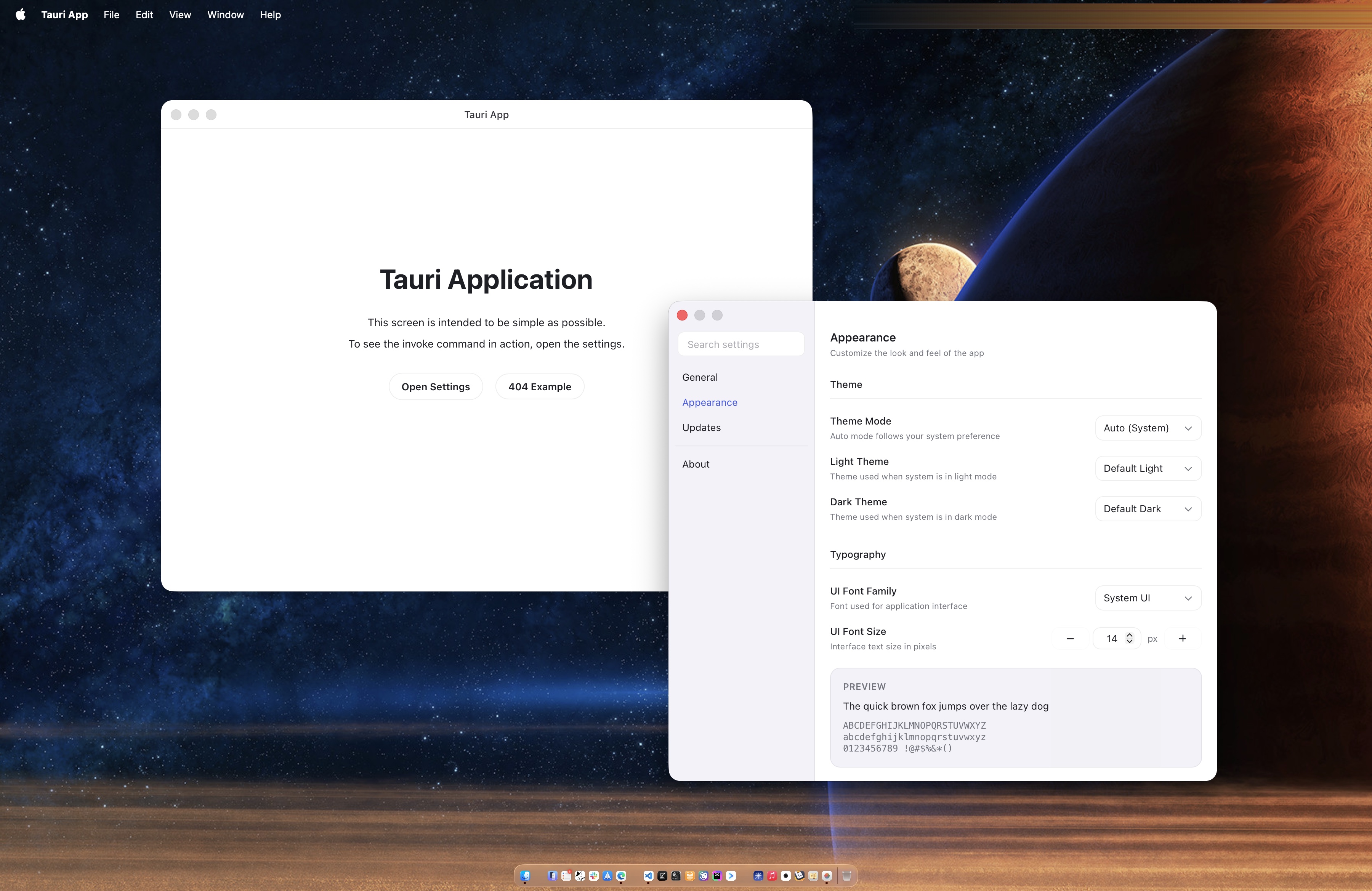
Tauri side preconfigures plugins such as dialog, http, log, notification, opener, os, positioner, process, and shell
SolidJSViteStarter
tauri-start-solid — SolidJS Starter Template
By riipandi
A cross-platform desktop application starter template based on Tauri and SolidJS, with built-in tray menu, custom title bar, application menu, updater, and other common desktop capabilities.
Explore the design
Compare the page layouts and mobile experience. Open any screenshot for a closer look.
Author preview
Author-provided previewTop of page
Preview provided in the project README.
One original preview is available. Open the full image to inspect the design.
Screenshots show visual appearance; interactive behavior may differ.
Recorded 2026-10-07View source
What stands out
A quick read of the recorded project description.
Includes a custom title bar, custom application menu, and application tray menu
Built-in application updater, dark/light theme switching, and multi-theme support
Frontend uses SolidJS, TanStack Router, Nano Stores, Tailwind CSS, and Vite
Provides a Storybook UI development environment, plus Oxlint, Oxfmt, and Lefthook toolchains
Comes with GitHub Actions for CI testing and building
Template Details
tauri-start-solid is a starter template for developing multi-platform desktop applications. The frontend uses SolidJS, TypeScript, Tailwind CSS, and Vite, with TanStack Router for routing and Nano Stores for state management, while the desktop shell is provided by Tauri. On the Tauri side, the template preconfigures plugins such as dialog, http, log, notification, opener, os, positioner, process, and shell, and includes a custom title bar, custom application menu, application tray menu, application updater, theme switching (dark/light), custom UI and editor fonts, multi-theme support, and an application settings interface in a separate window. For development, it also provides Storybook for UI development, uses Oxlint and Oxfmt for linting and formatting, configures Git hooks via Lefthook, and provides GitHub Actions for CI testing and building.
For usage, the template is pulled to a local directory via tiged. You need to first install the Rust, Node.js, PNPM, and Lefthook toolchains, then manually replace the project name in package.json, src-tauri/Cargo.toml, and src-tauri/tauri.conf.json, and find and replace strings such as tauri-start-solid, tauri_start_solid, and Tauri App. Next, set the application identifier and metadata in tauri.conf.json, and finally run pnpm install and pnpm dev to start development. Use pnpm build for building, and pnpm build:debug for debug builds to enable developer tools.
Regarding limitations, the template itself does not include signing and notarization processes. The README notes that on macOS, an unsigned build will trigger a “damaged, cannot be opened” warning, and the quarantine attribute must be removed using the xattr command. The code is released under a dual Apache-2.0 or MIT license, but third-party assets such as demo images, fonts, and icons must be checked separately for their licenses.
SolidJSViteLauncher
Is it right for your project?
Use Cases
- Starting a cross-platform desktop application that needs a tray menu and custom title bar
- Initializing a project with SolidJS as the frontend and Tauri as the desktop shell
- Developing desktop tools that need an application updater, theme switching, and a separate settings window
- Desktop projects that want to develop and debug UI components separately with Storybook
Suitable For
- Frontend developers familiar with SolidJS and TypeScript
- Individuals or teams with a foundation in Rust and Tauri desktop development
- Projects planning to build multi-platform desktop applications with a tray menu
Getting started & customization
Use these recorded setup notes alongside the repository instructions for your chosen version.
- 1
Install the Rust, Node.js, PNPM, and Lefthook toolchains first
- 2
Pull the template via pnpm dlx tiged riipandi/tauri-start-solid my-app
- 3
Replace the project name in package.json, src-tauri/Cargo.toml, and src-tauri/tauri.conf.json, and find and replace the strings tauri-start-solid, tauri_start_solid, and Tauri App
- 4
Set the application identifier and other metadata in tauri.conf.json, then run pnpm install and pnpm dev
- 5
On macOS, an unsigned build may report that the app is damaged; remove the com.apple.quarantine attribute with the xattr command
License & source material
Usage conditions & limitations
Free to use · keep license noticeThis entry covers the free version of the public repository under the Apache-2.0 license; the free scope is the code of that version and does not imply that external services or third-party assets are free.
Must comply with when using
- Free use, modification, commercial use, and distribution are permitted; when distributing, include the Apache-2.0 license.
- Modified files must be prominently marked as changed, and relevant copyright, patent, trademark, and attribution notices must be retained.
- If the original project includes a NOTICE file, applicable attribution notices in it must be retained when distributing derivative works.
- The license includes an applicable contributor patent grant; initiating patent litigation as described in the license terminates that patent grant, and no trademark rights are granted.
- The code is provided as is; warranties and limitations of liability are governed by the original license and applicable law.
Additional costs & items to verify
- Demo images, fonts, icons, and other third-party assets must be checked under their respective licenses; they cannot be judged solely by the code's Apache-2.0 license.
- External services such as domains, hosting, databases, payments, or AI may incur separate charges.
- You must install the Rust, Node.js, PNPM, and Lefthook toolchains yourself before use; without these external tools, the template cannot run or build.
- You must manually replace the project name in package.json, Cargo.toml, and tauri.conf.json; the template does not automatically complete renaming.
- You must manually find and replace the strings tauri-start-solid, tauri_start_solid, and Tauri App in the source code, otherwise template identifiers will remain.
- You must set the application identifier and other metadata in tauri.conf.json yourself; the template does not provide a default formal application identifier.
- The template does not include signing and notarization processes; on macOS, an unsigned build triggers a warning, and you must manually run the xattr command to remove the quarantine attribute.
View Original Text Basis
no-charge, royalty-free, irrevocable copyright license
Original License Text
1. Install required toolchains: [Rust][rust], [Node.js][nodejs], [PNPM][pnpm], and [Lefthook][lefthook].
Original README
2. Replace the project name in the [`package.json`](./package.json), [`Cargo.toml`](./src-tauri/Cargo.toml), and [`tauri.conf.json`](./src-tauri/tauri.conf.json) files.
Original README
3. Find and replace `tauri-start-solid`, `tauri_start_solid` and `Tauri App` strings in the source files.
Original README
4. Set application identifier and other application metadata in [`tauri.conf.json`](./src-tauri/tauri.conf.json) file.
Original README
https://github.com/riipandi/tauri-start-solid/blob/main/LICENSE-APACHEhttps://github.com/riipandi/tauri-start-solid/blob/main/README.mdThis warning is shown because the build is not signed. Run the following command to suppress this warning:
Original README
Compiled by DeepSeek based on repository license and README ·2026-10-07. Results only cover the materials read; dependencies, images, fonts, and subsequent term changes are subject to their respective original texts.
Project checks & description sources
Template Information
- Source platforms
- GitHub
- Documentation and maintenance reference score
- More documented · 84 / 100
- Technologies
- SolidJS · Vite
- Website type
- Starter
How this score is calculated
Our heuristic uses license records (up to 30), a demo link (12), a preview (10), stars (15), recorded maintenance (15), description completeness (8), feature records (5) and classification data (5). It is not a code, security or performance test, or a Google score. A link does not establish tested functionality.
What to verify for this project
- Repository update recorded
- 2026-03-20
- Screenshot last checked
- 2026-10-07
No demo link is recorded. Use the repository instructions to evaluate the project locally; the screenshot alone cannot establish interactive behavior.
The catalog identifies SolidJS as the primary stack. Check the actual dependency manifest and lockfile for versions and hosting requirements. These notes use recorded metadata, not a code audit or a deployment test.
Use a selection guide →How this description was prepared
AI-assisted description based on catalog records and repository material. Repository authors are not automatically the reviewers of this description.
Review declaration: [email protected] · 2026-10-08
Inspect the recorded source material
SHA-256: a515bcfadb394d06f955d51e33fa3738dd975850b8a559db764f1b7dc0d86527
2026-10-07T19:03:59.233Z
Source file / repository# ⚡️ Tauri Start Solid
[](https://www.rust-lang.org)
[](https://tauri.app)

[](https://github.com/riipandi/tauri-start-solid/pulse)
<!-- [](https://github.com/riipandi/tauri-start-solid/actions/workflows/test.yml) -->
---
This project template should help get you started developing a multi-platform desktop application using
Tauri, SolidJS, TanStack Router, Nano Stores, Typescript, Tailwind CSS, and Vite.
## Quick Start
```sh
pnpm dlx tiged riipandi/tauri-start-solid my-app
```
1. Install required toolchains: [Rust][rust], [Node.js][nodejs], [PNPM][pnpm], and [Lefthook][lefthook].
2. Replace the project name in the [`package.json`](./package.json), [`Cargo.toml`](./src-tauri/Cargo.toml),
and [`tauri.conf.json`](./src-tauri/tauri.conf.json) files.
3. Find and replace `tauri-start-solid`, `tauri_start_solid` and `Tauri App` strings in the source files.
4. Set application identifier and other application metadata in [`tauri.conf.json`](./src-tauri/tauri.conf.json) file.
5. Install frontend dependencies by running `pnpm install`.
6. Run `pnpm dev` to start developing.
To build the application, run `pnpm build`. You can also run `pnpm build:debug`
to build the application in debug mode, this will enable developer tools.
## What's Inside?
- [x] Tauri v2 + essential plugins:
- [x] `tauri-plugin-dialog`
- [x] `tauri-plugin-http`
- [x] `tauri-plugin-log`
- [x] `tauri-plugin-notification`
- [x] `tauri-plugin-opener`
- [x] `tauri-plugin-os`
- [x] `tauri-plugin-positioner`
- [x] `tauri-plugin-process`
- [x] `tauri-plugin-shell`
- [x] Custom titlebar (desktop)
- [x] Custom application menu
- [x] Application tray menu
- [x] Application updater
- [x] Read values from `.env` file
- [x] Theme switcher (dark & light mode)
- [x] Custom font support for UI and editor
- [x] Multiple theme support with Tailwind CSS
- [x] Application settings with separated window
- [x] Frontend app with [SolidJS][solidjs] + [Tailwind CSS][tailwindcss]
- [x] Routing with [TanStack Router][tanstack-router]
- [x] [Storybook][storybook] for developing user interface
- [x] State management with [Nano Stores][nanostores]
- [x] Linter and formatter with [Oxlint][oxlint] and [Oxfmt][oxfmt]
- [x] Git hooks tasks with [Lefthook][lefthook]
- [x] GitHub actions for CI testing and build
## Recommended IDE Setup
[Visual Studio Code](https://code.visualstudio.com/) + [Recomended extensions](./.vscode/extensions.json)
### Fix Unsigned Warning (macOS)
> Warning: "Tauri App" is damaged and can't be opened.
This warning is shown because the build is not signed. Run the following command
to suppress this warning:
```sh
xattr -r -d com.apple.quarantine "/Applications/Tauri App.app"
```
## Screenshots


# Learn More
You can learn more about all of the offerings from TanStack in the [TanStack documentation](https://tanstack.com).
Type assertion is necessary for Kobalte polymorphic components. See: https://kobalte.dev/docs/core/overview/polymorphism
## Acknowledgements
- [Tauri Examples Repo](https://github.com/tauri-apps/tauri/tree/dev/examples)
- [tauri-start-solid-example](https://github.com/dheater/tauri-start-solid-example)
- [tauri-tray-icon-animation](https://github.com/rming/tauri-tray-icon-animation)
- [tauri-tray-menu](https://github.com/rming/tauri-tray-menu)
- [tauri-window-controls](https://github.com/agmmnn/tauri-controls)
- [tauri-plugin-theme](https://github.com/wyhaya/tauri-plugin-theme)
- [hamza72x/web2app](https://github.com/hamza72x/web2app)
- [Create a Menu Bar App With Tauri](https://betterprogramming.pub/create-menubar-app-with-tauri-510ab7f7c43d)
- [Publishing Tauri to Apple's App Store](https://thinkgo.io/post/2023/02/publish_tauri_to_apples_app_store)
- [GTK Installation Docs](https://www.gtk.org/docs/installations/macos)
- [Tips For Faster Rust Compile Times](https://corrode.dev/blog/tips-for-faster-rust-compile-times)
- [Tauri State Management](https://tauri.by.simon.hyll.nu/concepts/tauri/state_management)
## License
Licensed under either of [Apache License 2.0][license-apache] or [MIT license][license-mit] at your option.
> Unless you explicitly state otherwise, any contribution intentionally submitted
> for inclusion in this project by you, as defined in the Apache-2.0 license, shall
> be dual licensed as above, without any additional terms or conditions.
Copyrights in this project are retained by their contributors.
See the [LICENSE-APACHE](./LICENSE-APACHE) and [LICENSE-MIT](./LICENSE-MIT) files for more information.
[lefthook]: https://github.com/evilmartians/lefthook
[license-apache]: https://choosealicense.com/licenses/apache-2.0/
[license-mit]: https://choosealicense.com/licenses/mit/
[nanostores]: https://github.com/nanostores/nanostores
[nodejs]: https://nodejs.org/en/download
[oxfmt]: https://oxc.rs/docs/guide/usage/formatter
[oxlint]: https://oxc.rs/docs/guide/usage/linter
[pnpm]: https://pnpm.io/installation
[riipandi-twitter]: https://twitter.com/intent/follow?screen_name=riipandi
[rust]: https://www.rust-lang.org/tools/install
[solidjs]: https://www.solidjs.com
[storybook]: https://www.npmjs.com/package/storybook-solidjs-vite
[tanstack-router]: https://tanstack.com/router
[tailwindcss]: https://tailwindcss.com
---
<sub>🤫 Psst! If you like my work you can support me via [GitHub sponsors](https://github.com/sponsors/riipandi).</sub>
[][riipandi-twitter]
Explore similar templates
Compare previews and descriptions within the same stack and category.
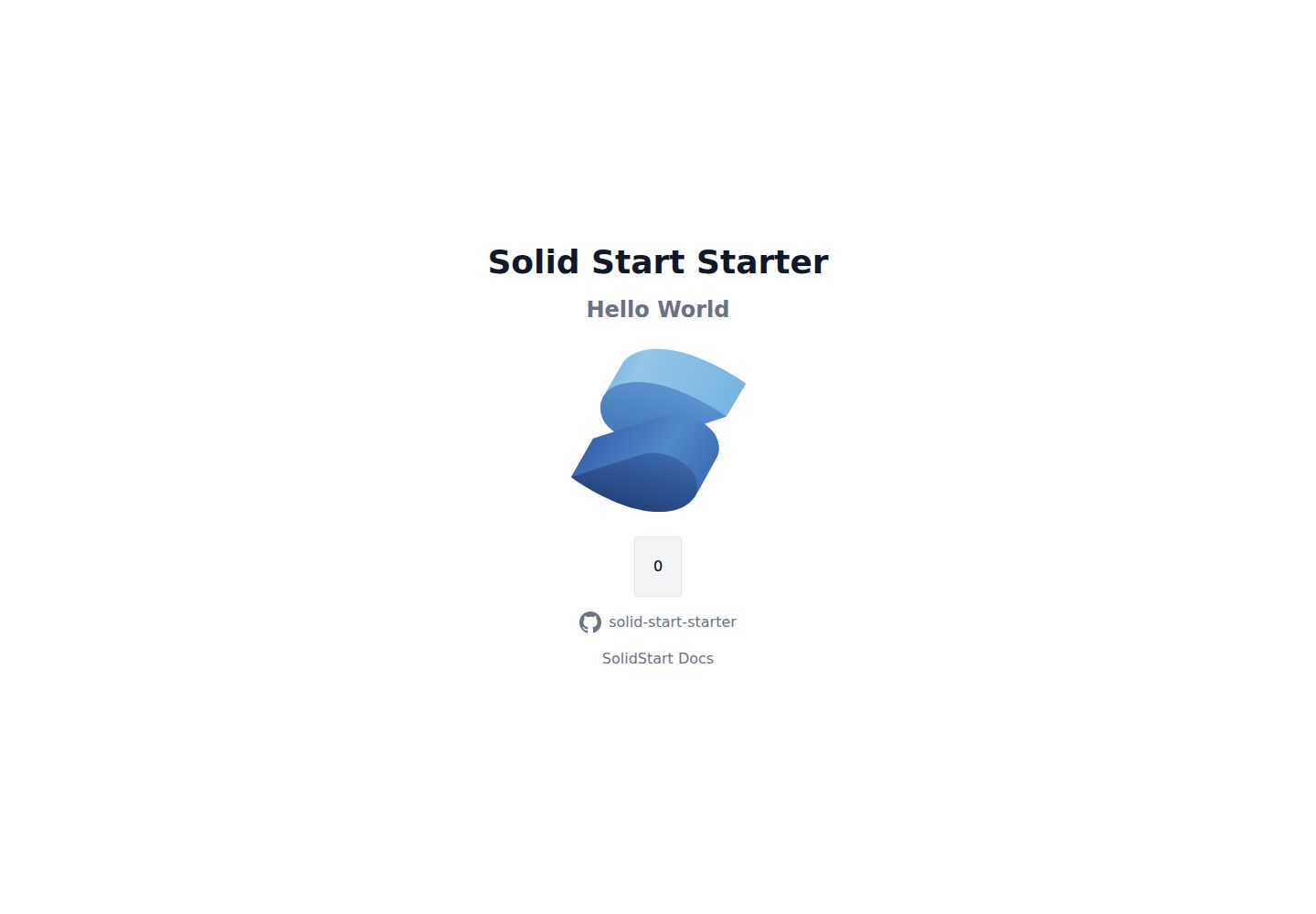
solid-start-starter
A minimal opinionated SolidStart starter template with TypeScript, Prisma, tRPC, and TailwindCSS, preconfigured with pnpm, ESLint, Prettier, husky, and lint-staged. It targets Vercel deployment (requires ENABLE_VC_BUILD=1) and Prisma (requires DATABASE_URL).
SolidJS · Starter
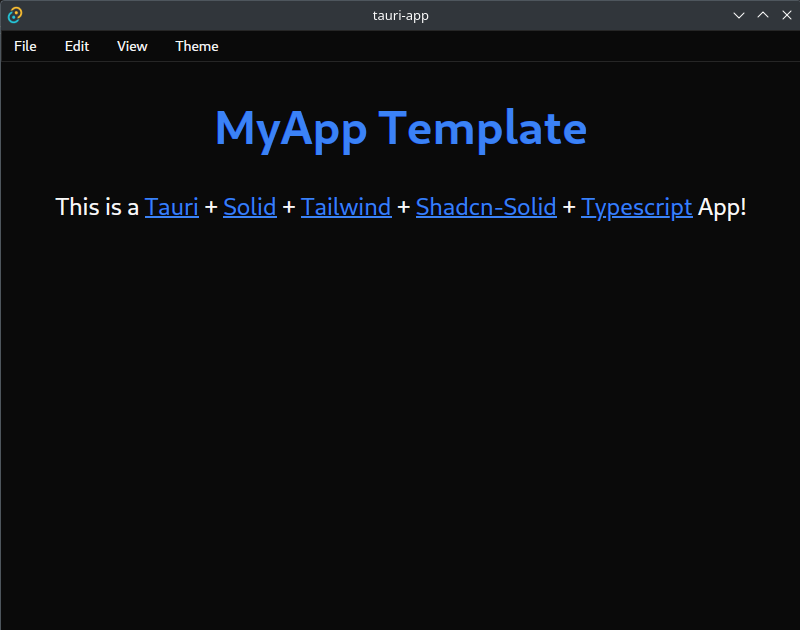
tauri-solid-tailwind-shadcn
A cross-platform desktop application starter template combining Tauri, SolidJS, TypeScript, TailwindCSS, and Shadcn-Solid, preconfigured with Vite and hot module replacement.
SolidJS · Starter
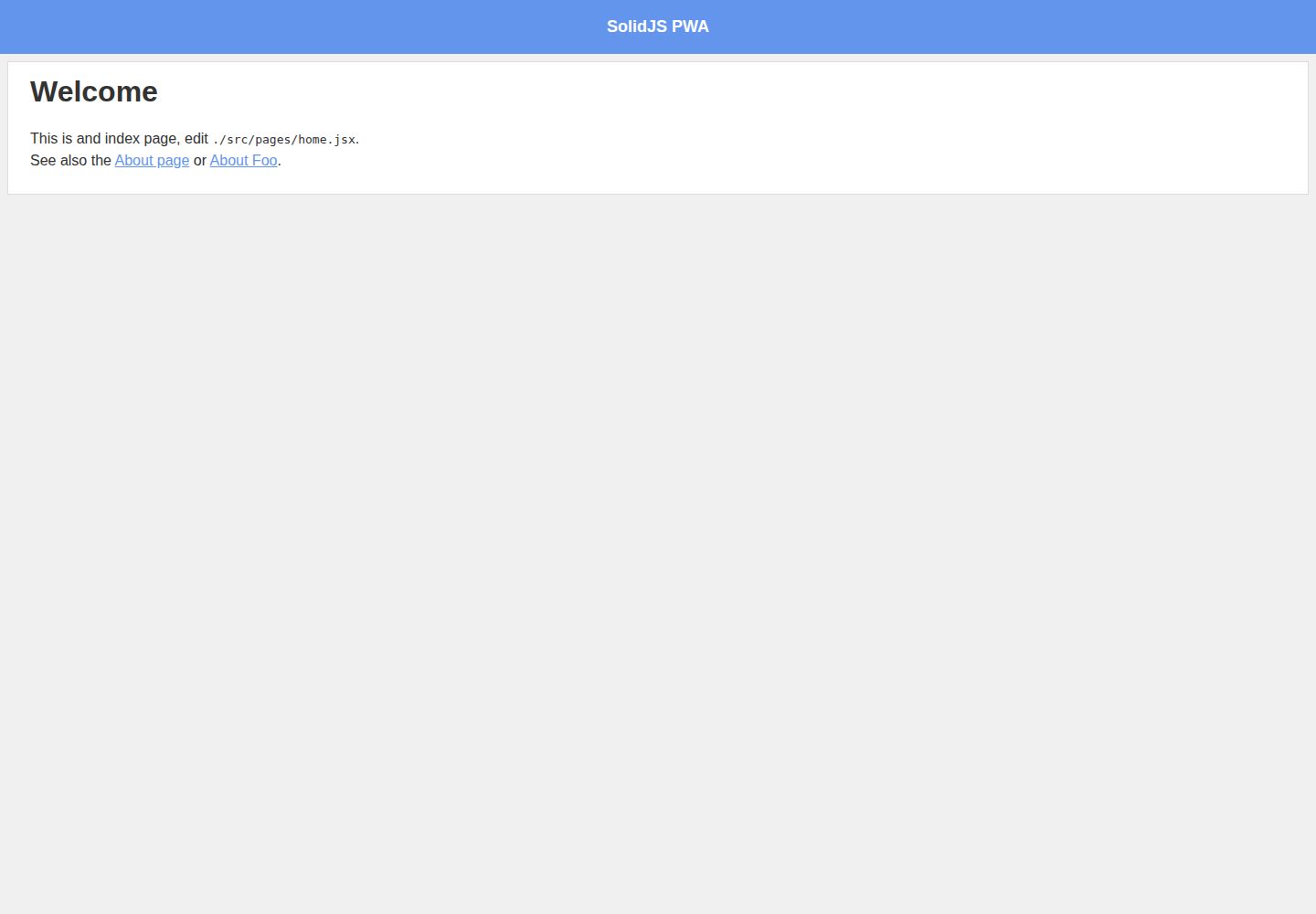
snowpack-solid-template
A SolidJS starter template extended from Create Snowpack App, providing npm start for a development server on port 8080 with auto-reload and npm run build for a static site in build/.
SolidJS · Starter
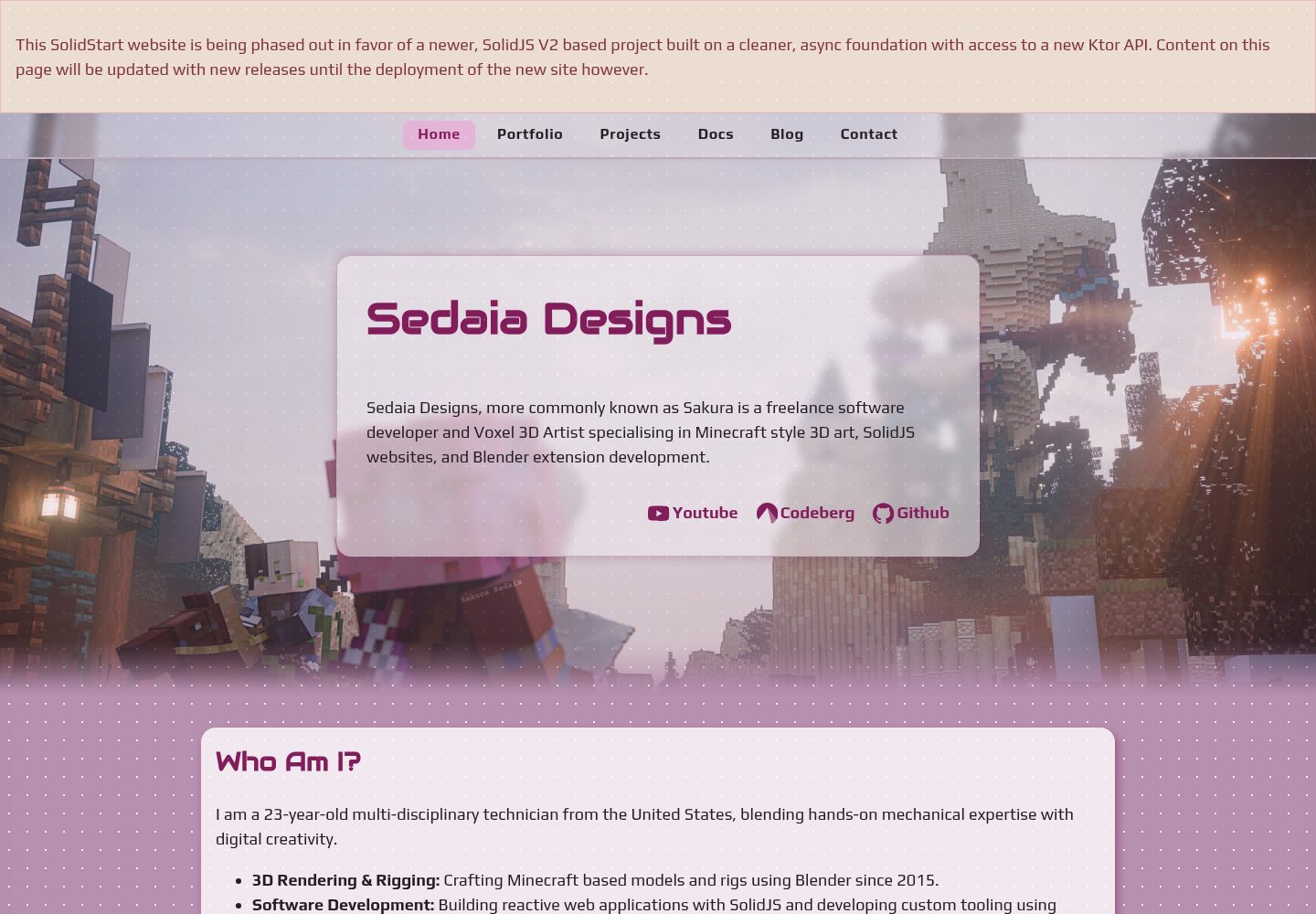
ktor-solidjs-template
A full-stack starter template pairing a Ktor/Kotlin JSON API with a SolidJS single-page frontend. Gradle builds both modules, packages frontend output as Ktor static resources for same-origin deployment, and manages pinned Node.js and pnpm versions.
SolidJS · Starter

react-starter-kit
A full-stack SaaS monorepo starter built on Vite and React, with Bun, TypeScript, tRPC, Drizzle ORM, Better Auth, Stripe, and Cloudflare Workers. It includes email OTP, passkey, Google OAuth, organizations, subscription billing, Drizzle migrations, seed scripts, and Terraform infrastructure.
Vite · SaaS

vitesse
Vitesse is an opinionated Vite + Vue 3 starter template maintained by antfu-collective, offering file-based routing, component and API auto-import, Pinia, UnoCSS, PWA, i18n, Markdown, vite-ssg, TypeScript, Vitest, and Cypress.
Vue · Starter