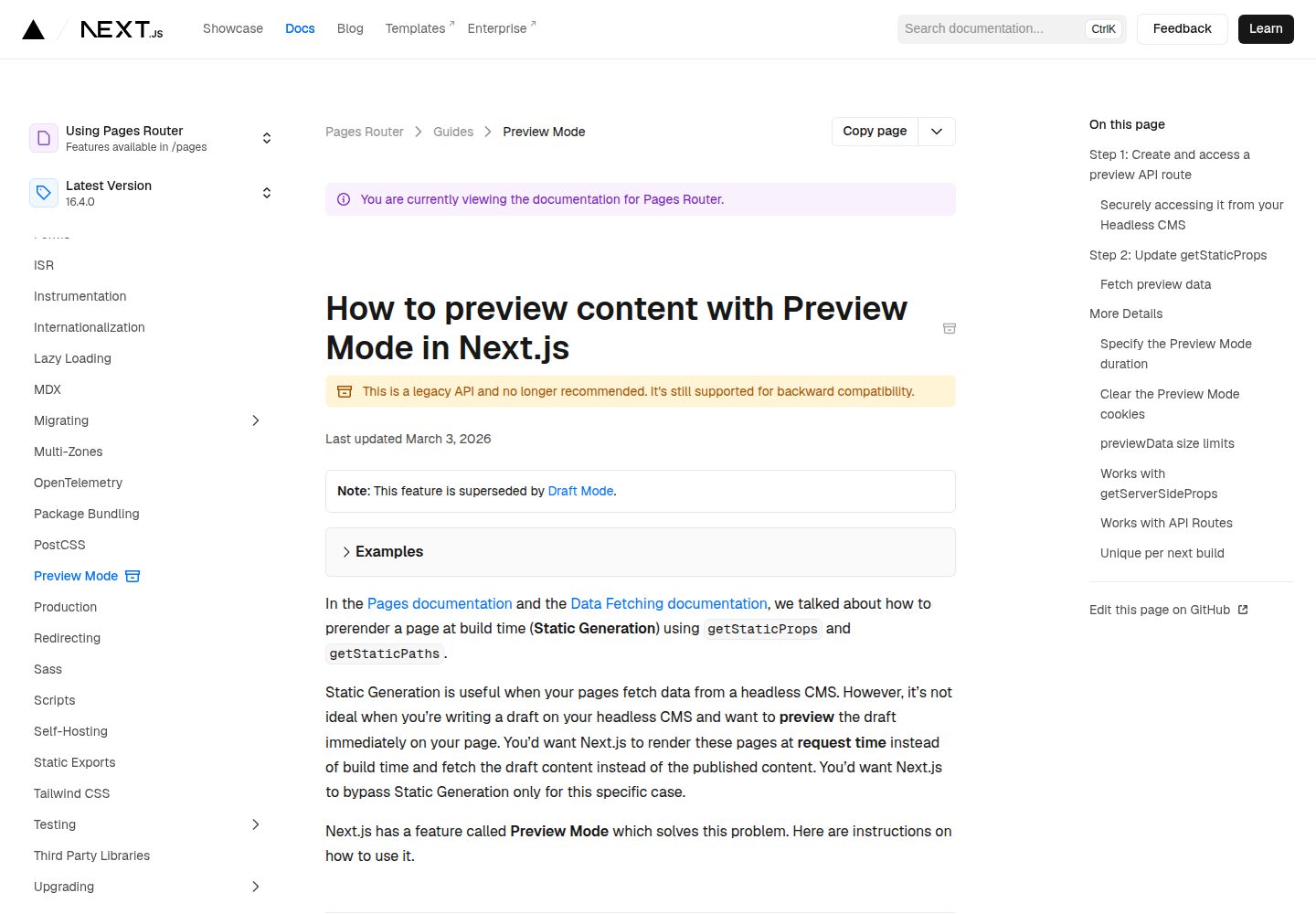
A fullstack JavaScript starter template combining a Next.js frontend with a Strapi backend
Next.jsReactStarter
strapi-next-starter — Next.js Starter Template
By rileyseaburg
A fullstack JavaScript starter template built on Next.js, Strapi, PostgreSQL, and Docker, with built-in authentication and routing; Author and Post content types must be created manually in the Strapi admin panel.
Explore the design
Compare the page layouts and mobile experience. Open any screenshot for a closer look.
Desktop homepage1 / 3
Desktop captureTop of page
Actual screenshot captured by the server browser.
All pages & views 3
Screenshots show visual appearance; interactive behavior may differ.
Recorded 2026-10-13View source
What stands out
A quick read of the recorded project description.
Uses PostgreSQL as the database and organizes the runtime environment with Docker
The repository's own description states that authentication and routing are built in
Provides scripted startup methods such as yarn setup, yarn dev:frontend, and yarn dev
The README gives complete configuration steps for the Author and Post content types and Public role permissions
Template Details
This is a starter template for fullstack JavaScript development: Next.js on the frontend, Strapi for backend content management, PostgreSQL as the database, and Docker for organizing the runtime environment. The repository's own description states that the template includes built-in authentication and routing, so development can begin directly on that foundation.
Before use, Node.js, Yarn, and Docker are required; on Windows, WSL must also be installed, otherwise installation cannot be completed. The installation process is to clone the repository, run yarn setup, then enter the frontend directory, copy .env.local.example to .env.local, and set STRAPI_PREVIEW_SECRET (any random string without spaces, used for Next.js preview mode) and NEXT_PUBLIC_STRAPI_API_URL (locally http://localhost:1337, without a trailing slash).
The template does not generate content models automatically. You must manually create two collection types, Author and Post, in Strapi's Content-Types Builder: Author includes name (short text) and picture (single media); Post includes title, content (rich text with multiple paragraphs), excerpt (long text), coverImage (single media), date, slug (UID, linked to title), author (one-to-one relation with Author), and a status enumeration (published, draft). Then, in Settings under Users & Permissions, grant the Public role count, find, and findone permissions for Author and Post, and manually enter at least 1 Author and 2 Post sample records.
During development, you can start Next.js alone with yarn dev:frontend, or start the entire project with a single yarn dev command. The repository does not provide specific deployment chapter content; the README only points to deployment instructions.
Next.jsStarter
Is it right for your project?
Use Cases
- Building a fullstack project with Strapi as the content management backend and Next.js as the frontend
- Running a JavaScript application prototype with authentication and routing locally via Docker and PostgreSQL
- Using the Author/Post blog data model as a starting point to extend custom content types and API permissions
Suitable For
- JavaScript developers familiar with Node.js, Yarn, and Docker
- Teams that need a combination of Strapi content management and a Next.js frontend
- Projects that want to continue development on top of existing authentication and routing
Getting started & customization
Use these recorded setup notes alongside the repository instructions for your chosen version.
- 1
Node.js, Yarn, and Docker must be installed in advance; Windows users must also install WSL
- 2
After cloning the repository, run yarn setup to install dependencies
- 3
Enter the frontend directory, copy .env.local.example to .env.local, and set STRAPI_PREVIEW_SECRET and NEXT_PUBLIC_STRAPI_API_URL
- 4
Manually create the Author and Post collection types in the Strapi admin panel, and grant the Public role count, find, and findone permissions
- 5
Use yarn dev:frontend to start the frontend, or yarn dev to start the entire project
License & source material
Usage conditions & limitations
Free to use · keep license noticeThis entry covers the free version of a public repository under the MIT license; the free scope is the code of that version and does not mean that external services or third-party assets are free.
Must comply with when using
- Free use, modification, commercial use, and distribution of this version's code are permitted.
- When distributing copies or substantial portions of the code, retain the original author's copyright notice and the complete MIT license notice.
- The code is provided as is; warranties and limitations of liability are governed by the original license and applicable law.
Additional costs & items to verify
- Demo images, fonts, icons, and other third-party assets must be checked against their respective licenses and cannot be judged solely by the code's MIT license.
- External services such as domains, hosting, databases, payments, or AI may incur additional charges.
- Windows users must install WSL (Windows Subsystem for Linux), otherwise installation cannot be completed successfully.
- You must set the STRAPI_PREVIEW_SECRET environment variable yourself (any random string without spaces), used for Next.js preview mode.
- You must set the NEXT_PUBLIC_STRAPI_API_URL environment variable; locally it should be http://localhost:1337 and must not have a trailing slash.
- The template does not include preset content models; you must manually create the Author collection type in Strapi's Content-Types Builder.
- You must manually create the Post collection type in the Strapi admin panel and add fields such as title, content, excerpt, coverImage, date, slug, author, and status one by one.
- You must manually grant the Public role count, find, and findone permissions for Author and Post in Settings under Users & Permissions, otherwise the API will be inaccessible.
- You must manually enter sample content; it is recommended to create at least 2 Post records (and 1 Author record) to see the full effect.
View Original Text Basis
Permission is hereby granted, free of charge
Original License Text
> **Windows subsystem for linux must be installed for a successful windows installation! **
Original README
- `STRAPI_PREVIEW_SECRET` can be any random string (but avoid spaces), like `MY_SECRET` - this is used for [Preview Mode](https://nextjs.org/docs/advanced-features/preview-mode).
Original README
- `NEXT_PUBLIC_STRAPI_API_URL` should be set as `http://localhost:1337` (no trailing slash).
Original README
#### Step 5. Create an `Author` collection From **Content-Types Builder**, **create a new collection type**.
Original README
#### Step 6. Create a `Post` collection From **Content-Types Builder**, **create a new collection type**.
Original README
From **Settings, Users & Permissions, Roles**, edit the **Public** role. Then select: `count`, `find`, and `findone` permissions for both **Author** and **Post**. Click **Save**.
Original README
https://github.com/rileyseaburg/strapi-next-starter/blob/main/LICENSEhttps://github.com/rileyseaburg/strapi-next-starter/blob/main/README.md- We recommend creating at least **2 Post records**.
Original README
Compiled by DeepSeek based on repository license and README ·2026-10-13. Results only cover the materials read; dependencies, images, fonts, and subsequent term changes are subject to their respective original texts.
Project checks & description sources
Template Information
- Source platforms
- GitHub
- Documentation and maintenance reference score
- Partly documented · 68 / 100
- Technologies
- Next.js · React
- Website type
- Starter
How this score is calculated
Our heuristic uses license records (up to 30), a demo link (12), a preview (10), stars (15), recorded maintenance (15), description completeness (8), feature records (5) and classification data (5). It is not a code, security or performance test, or a Google score. A link does not establish tested functionality.
What to verify for this project
- Repository update recorded
- 2021-03-23
- Screenshot last checked
- 2026-10-13
A demo link is listed. Check it with your own content and viewport sizes; its presence does not confirm that forms, authentication or payments work.
The catalog identifies Next.js as the primary stack. Check the actual dependency manifest and lockfile for versions and hosting requirements. These notes use recorded metadata, not a code audit or a deployment test.
Use a selection guide →How this description was prepared
AI-assisted description based on catalog records and repository material. Repository authors are not automatically the reviewers of this description.
Review declaration: [email protected] · 2026-10-13
Inspect the recorded source material
SHA-256: 89ce84cc1066eba57913bb2a282ab2acdc06da393fa9555db789b7d39f9c7aa5
2026-10-13T04:52:26.843Z
Source file / repository# Strapi Next Starter Template ## Table of Contents - [About](#about) - [Getting Started](#getting_started) - [Usage](#usage) - [Contributing](./CONTRIBUTING.md) ## About <a name = "about"></a> This is a starter template for creating fullstack javascript applications. The template includes technologies such as Docker, NextJS, Strapi, and PostgreSQL. With authentication and routing built in you should have no problem getting started building. Stop looking around for other frameworks or stacks to please your itch. This stack has everything you need as a javascript developer and it's here right now. Fork this repo today and start hacking. ## Getting Started <a name = "getting_started"></a> These instructions will get you a copy of the project up and running on your local machine for development and testing purposes. See [deployment](#deployment) for notes on how to deploy the project on a live system. ### Prerequisites - NodeJS [Click Here To Install](https://nodejs.org/en/download/) - Yarn [Click Here To Install](https://classic.yarnpkg.com/en/docs/install/) - Docker [Click Here To Install](https://docs.docker.com/engine/install/) - (Windows Only) WSL [Click Here To Install WSL](https://docs.microsoft.com/en-us/windows/wsl/install-win10) > **Windows subsystem for linux must be installed for a successful windows installation! ** ### Installing A step by step series of examples that tell you how to get a development env running. #### Step 1. Clone the repository ``` git clone https://github.com/RileySeaburg/strapi-next-starter ``` #### Step 2. Setup the project & Install dependencies. ``` yarn setup ``` #### Step 3. Set client side environment variables CD into the frontend client side directory holding your NexJS application. ``` cd frontend ``` Copy the `.env.local.example` file in this directory to `.env.local` (which will be ignored by Git): ```bash cp .env.local.example .env.local ``` #### Step 4. Set each variable on `.env.local`: - `STRAPI_PREVIEW_SECRET` can be any random string (but avoid spaces), like `MY_SECRET` - this is used for [Preview Mode](https://nextjs.org/docs/advanced-features/preview-mode). - `NEXT_PUBLIC_STRAPI_API_URL` should be set as `http://localhost:1337` (no trailing slash). #### Step 5. Create an `Author` collection From **Content-Types Builder**, **create a new collection type**. - The display name should be `Author`. Next, add these fields (you don't have to modify the settings): - **Text** field called **`name`** (**Short text**) - **Media** field called **`picture`** (**Single media**) Then click **Save**. #### Step 6. Create a `Post` collection From **Content-Types Builder**, **create a new collection type**. - The display name should be `Post`. Next, add these fields (you don't have to modify the settings unless specified): - **Text** field called **`title`** (**Short text**) - **Rich Text** field called **`content`** (**Multiple-paragraph Text**) - **Text** field called **`excerpt`** (**Long text**) - **Media** field called **`coverImage`** (**Single media**) - **Date** field called **`date`** (type should be **date**) - **UID** field called **`slug`** (attached field should be **title**) - **Relation** field called **`author`** (Post **has one** Author) - **Enumeration** field `status` (the values should be **published** and **draft**) #### Step 7. Set permissions From **Settings, Users & Permissions, Roles**, edit the **Public** role. Then select: `count`, `find`, and `findone` permissions for both **Author** and **Post**. Click **Save**. #### Step 8. Populate Content Select **Author** and click **Add New Author**. - You just need **1 Author entry**. - Use dummy data for the name. - For the image, you can download one from [Unsplash](https://unsplash.com/). Next, select **Posts** and click **Add New Post**. - We recommend creating at least **2 Post records**. - Use dummy data for the text. - You can write markdown for the **content** field. - For the images, you can download ones from [Unsplash](https://unsplash.com/). - Pick the **Author** you created earlier. - Set the **status** field to be **published**. #### Step 9. Start Next.js dev server ``` yarn dev:frontend ``` #### Bonus: Run the whole project with one command. <a name = "usage"></a> ``` yarn dev ```
Explore similar templates
Compare previews and descriptions within the same stack and category.

Next.js SaaS Starter
The official Next.js SaaS starter template, integrating email/password authentication, Stripe Checkout subscriptions, a dashboard with user/team CRUD, basic Owner/Member RBAC, and activity logging.
Next.js · SaaS

Next.js Commerce
Vercel's officially maintained Next.js App Router ecommerce starter with deep Shopify integration, offering a complete product catalog, cart, and checkout flow. Core logic is modular for swapping backends, and community provider versions exist for BigCommerce, Medusa, and Saleor.
Next.js · E-commerce

Next-js-Boilerplate
A developer-first Next.js 16 starter with Tailwind CSS 4 and TypeScript, supporting both App Router and Page Router.
Next.js · Starter

tailwind-nextjs-starter-blog
A Next.js and Tailwind CSS blog starter template using Contentlayer for Markdown/MDX, with built-in SEO, code highlighting, and tags. It targets personal technical blogs and migration from Jekyll/Hugo to React, and supports one-click Vercel deployment.
Next.js · Blog

next-forge
next-forge is a Turborepo-based Next.js template maintained by Vercel, positioned as a starting point for SaaS products.
Next.js · Starter

SaaS-Boilerplate
SaaS-Boilerplate is an open-source SaaS starter template built with Next.js App Router, React 19, TypeScript, Tailwind CSS, and Shadcn UI.
Next.js · SaaS