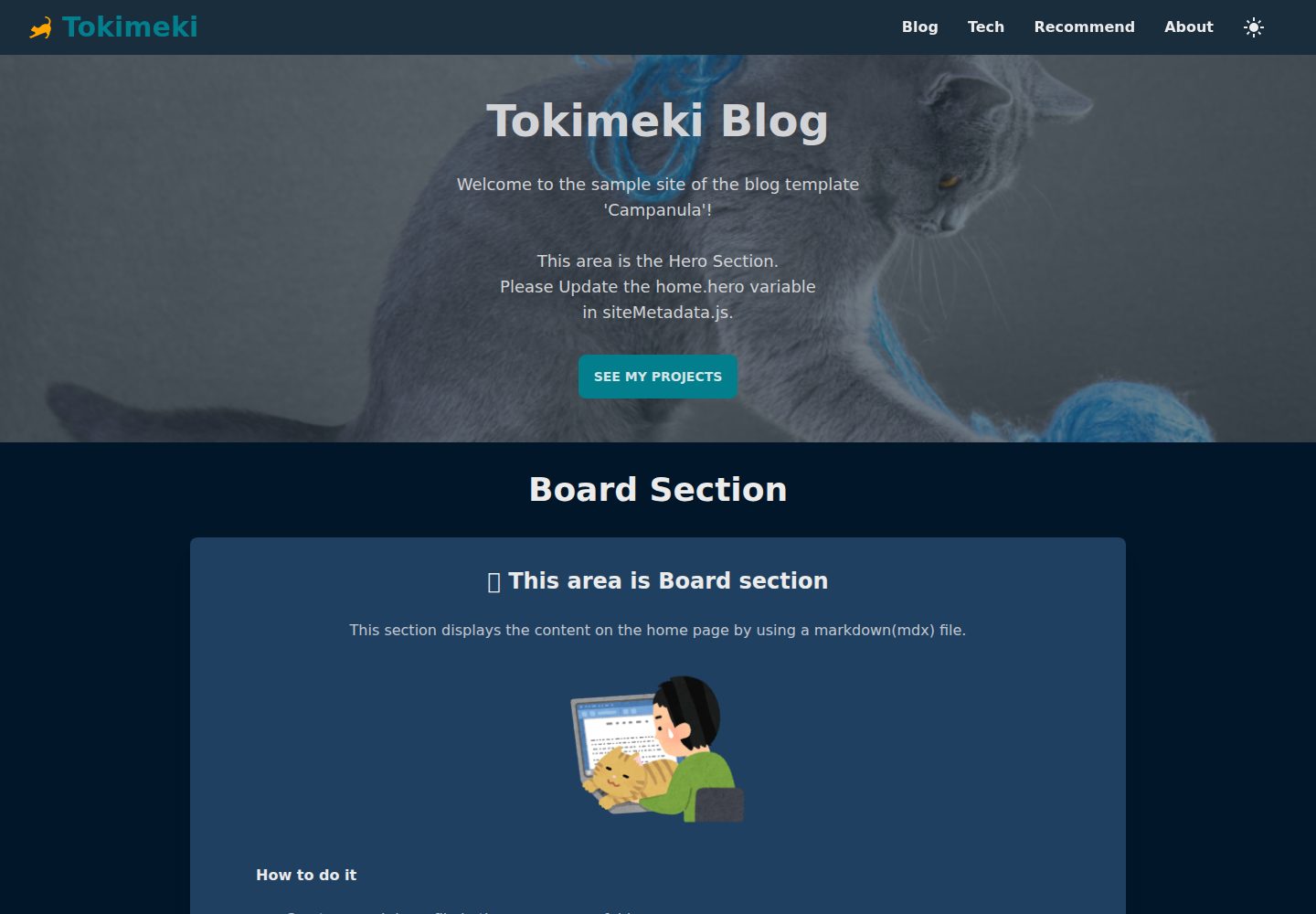
Generates static blog pages from Markdown files and supports MDX files
Next.jsReactBlogTool Site
Campanula — Next.js Blog Template
By sakurabird
Campanula is a static blog template based on Next.js that generates blog pages from Markdown/MDX files, uses Tailwind CSS with daisyUI themes, and supports dark mode, RSS/Atom feeds, and sitemaps.
Explore the design
Compare the page layouts and mobile experience. Open any screenshot for a closer look.
Desktop homepage1 / 3
Desktop captureTop of page
Actual screenshot captured by the server browser.
All pages & views 3
Screenshots show visual appearance; interactive behavior may differ.
Recorded 2026-10-13View source
What stands out
A quick read of the recorded project description.
Uses Tailwind CSS with daisyUI themes and components, allowing theme customization or creation
Provides a toggleable dark mode
Preconfigured secure response headers
Provides RSS feed, Atom feed, and sitemaps for SEO
Blog post frontmatter supports 9 fields including title, date, category, and draft
Template Details
Campanula is a simple blog template built with Next.js, primarily used to generate static blog pages from Markdown files. The README states that it uses Tailwind CSS for styling and adopts daisyUI themes and components, allowing customization via daisyUI themes or the creation of your own theme. All pages and blog posts are generated from Markdown files, with MDX files also supported. The template provides a toggleable dark mode, preconfigured secure response headers, and SEO-related outputs such as RSS feed, Atom feed, and sitemaps.
Before use, Node.js 16.8 or higher is required. Installation involves cloning the repository and running npm install. For configuration, the README requires updating site metadata in data/siteMetadata.js, placing favicon, icon, and apple-icon images directly in the app folder, editing data/headerNavLinks.ts to set top navigation items, and following instructions to create static pages and blog posts. By default, it includes two static pages, Home and About; the remaining pages are related to blog posts.
Blog posts are placed in the data/blog directory and use the .mdx extension. The filename becomes part of the URL, and the README recommends using ASCII characters to avoid URL compatibility and encoding issues. Each post must include frontmatter, currently supporting 9 fields: title, date, category, and draft are required; tags, subtitle, lastmod, metadescription, and image are optional. If image is not provided, the ogImage from siteMetadata configuration is used by default.
For deployment, the README provides npm run dev to start the development server, npm run build to build the production version, and recommends using the Vercel platform to deploy Next.js applications. The template also provides the npm run clean command to clean up files generated by frameworks or libraries without deleting source code or assets. The "Customizing the UI" section in the README is marked as TODO, so apart from daisyUI theme customization, no more detailed UI customization instructions are provided.
Next.jsReactBlogTool Site
Is it right for your project?
Use Cases
- Maintaining content with Markdown/MDX files and generating static blog pages
- Blog sites that need RSS, Atom feeds, and sitemaps
- Static sites where appearance is adjusted via daisyUI themes
- Deploying a Next.js blog on Vercel
Suitable For
- Developers familiar with Next.js and Markdown workflows
- Individuals or teams who want to manage blog posts as files
- Blog projects that need dark mode and feed outputs
Getting started & customization
Use these recorded setup notes alongside the repository instructions for your chosen version.
- 1
Requires Node.js 16.8 or higher; clone the repository and run npm install to install dependencies
- 2
Update site metadata in data/siteMetadata.js and set top navigation items in data/headerNavLinks.ts
- 3
Place favicon, icon, and apple-icon images directly in the app folder
- 4
Place blog posts in the data/blog directory with the .mdx extension; the filename becomes part of the URL, and ASCII characters are recommended
- 5
Use npm run dev to start the development server and npm run build to build the production version; the README recommends deploying with Vercel
License & source material
Usage conditions & limitations
Free to use · keep license noticeThis entry covers the free version under the MIT license in the public repository; the free scope is the code of this version and does not imply that external services or third-party assets are free.
Must comply with when using
- Free use, modification, commercial use, and distribution of this version's code are permitted.
- When distributing copies or substantial portions of the code, retain the original author's copyright notice and the full MIT license notice.
- The code is provided as is; warranties and limitations of liability are governed by the original license and applicable law.
Additional costs & items to verify
- Demo images, fonts, icons, and other third-party assets must be checked against their respective licenses and cannot be judged solely by the code's MIT license.
- External services such as domains, hosting, databases, payments, or AI may incur additional charges.
View Original Text Basis
https://github.com/sakurabird/Campanula/blob/main/LICENSEhttps://github.com/sakurabird/Campanula/blob/main/README.mdPermission is hereby granted, free of charge
Original License Text
Compiled by DeepSeek based on repository license and README ·2026-10-13. Results only cover the materials read; dependencies, images, fonts, and subsequent term changes are subject to their respective original texts.
Project checks & description sources
Template Information
- Source platforms
- GitHub
- Documentation and maintenance reference score
- Partly documented · 73 / 100
- Technologies
- Next.js · React
- Website type
- Blog · Tool Site
How this score is calculated
Our heuristic uses license records (up to 30), a demo link (12), a preview (10), stars (15), recorded maintenance (15), description completeness (8), feature records (5) and classification data (5). It is not a code, security or performance test, or a Google score. A link does not establish tested functionality.
What to verify for this project
- Repository update recorded
- 2023-11-09
- Screenshot last checked
- 2026-10-13
A demo link is listed. Check it with your own content and viewport sizes; its presence does not confirm that forms, authentication or payments work.
The catalog identifies Next.js as the primary stack. Check the actual dependency manifest and lockfile for versions and hosting requirements. These notes use recorded metadata, not a code audit or a deployment test.
Use a selection guide →How this description was prepared
AI-assisted description based on catalog records and repository material. Repository authors are not automatically the reviewers of this description.
Review declaration: codex-user-requested-batch-review-20261015 · 2026-10-15
Inspect the recorded source material
SHA-256: 96ff0f367437cc3974ae33fa51fced163bd79d9d8daf5de2754100e5215e1758
2026-10-13T22:02:15.407Z
Source file / repository# Campanula A simple blog template built with Next.js that allows you to generate static blog pages from Markdown files. - [Next.js by Vercel](https://nextjs.org/) ver13 - Styled with [Tailwind CSS](https://tailwindcss.com/) - Designed using themes and components from [daisyUI](https://daisyui.com/). You can customize it with `daisyUI` theme. You can also create your own theme. - All pages & blog articles are made with Mardown file - Switchable dark mode - Support [MDX](https://mdxjs.com/) file - Preconfigured security headers - SEO friendly with RSS feed, Atom feed, sitemaps ## Demo Check out the live demo: [https://campanula-demo.vercel.app/](https://campanula-demo.vercel.app/) ## Usage ### Prerequisites Make sure you have the following software installed: - [Node.js](https://nodejs.org/en) (version 16.8 or higher) ### Installation 1. Clone the repository: ```bash git clone https://github.com/sakurabird/Campanula.git cd Campanula ``` 2. Install the dependencies: ```bash npm install ``` ### Configuration 1. Update the site metadata in the `data/siteMetadata.js` file. 2. Please place the favicon, icon, and apple-icon images directly under the `app` folder. For detailed instructions, please refer to the official website: [Metadata Files: favicon, icon, and apple-icon | Next.js](https://nextjs.org/docs/app/api-reference/file-conventions/metadata/app-icons) 3. Please create the static pages [following the instructions below](#creating-static-pages). 4. Please create the blog posts [following the instrucsions below](#creating-blog-posts). 5. Please edit `data/headerNavLinks.ts` to set the navigation items for the header. ## Creating Static Pages By default, there are two static pages, `Home` and `About`, and all others are related to blog posts.<br> Please also check out the following article on routing:<br> [Routing and blog navigation](https://campanula-demo.vercel.app/blog/routing-and-blog-navigation)<br> Please also check out the following article on asset files:<br> [The location of asset files in Campanula](https://campanula-demo.vercel.app/blog/static-assets-in-campanula) ### Creating Home Page The `Home` page is the default page that is displayed when you visit a website created using `Campanula`.<br> The configuration method for the `Home` page has been summarized in another article.<br> Please take a look at:<br> [How to create a Home page in Campanula](https://campanula-demo.vercel.app/blog/creating-home-page) ### Creating About Page The `About` page is a static page intended for self-introductions and the like.<br> It can be accessed with the path `/about`.<br> The configuration method for the `About` page has been summarized in another article.<br> Please take a look at:<br> [How to create a About page in Campanula](https://campanula-demo.vercel.app/blog/creating-about-page) ## Creating Blog Posts 1. Create new blog posts by adding Markdown files to the `data/blog` directory. Please use the extension mdx. ex: `title-of-your-post.mdx`. The filenames of MDX files will be used as part of the URL. To avoid compatibility and encoding issues in the URL, it is recommended to use characters from the ASCII character set. 2. Add necessary frontmatter to each Markdown file, including `title`, `date`, and any other relevant information. ### Frontmatter Each blog post must have a front matter. Currently 9 fields are supported. ``` title: (required) date: (required) category: (required) tags: (optional) subtitle: (optional) lastmod: (optional) draft: (required) metadescription: (optional) image: (optional, if none provided defaults to `ogImage` in siteMetadata config) ``` Here's an example of a post's frontmatter: ``` --- title: "Cats: The Adorable Feline Friends" date: "2022-02-22" category: "Animal" tags: ["cat"] subtitle: "Lorem ipsum dolor sit amet, consectetur adipiscing elit. Mauris hendrerit rhoncus risus, nec rutrum sapien sodales sit amet." lastmod: "2023-04-23" draft: false metadescription: "Cats are cute, cuddly, and make great companions." image: "/images/blog/cat.jpg" --- ``` ### Deployment First, run the development server: ```bash npm run dev ``` Open [http://localhost:3000](http://localhost:3000) with your browser to see the result. To deploy your blog to the production server, run the following command: ```bash npm run build ``` The easiest way to deploy Next.js to production is to use the Vercel platform developed by the creators of Next.js. - [Deploy to Vercel - Deploying Your Next.js App | Learn Next.js](https://nextjs.org/learn/basics/deploying-nextjs-app/deploy) - [Next.js on Vercel | Vercel Docs](https://vercel.com/docs/frameworks/nextjs) ## Customizing the UI TODO Feel free to customize the template to suit your needs. You can modify the layout, styles, and even add new features. You can customize it with `daisyUI` theme. You can also create your own theme. ## Referenced information Thank you for the reference to quality information. Mr. timlrx's code was fantastic, and I have adopted many aspects of it in this project. Thank you so much for your contributions. - [timlrx/tailwind-nextjs-starter-blog](https://github.com/timlrx/tailwind-nextjs-starter-blog) - [NextJS 13 Tutorial: Create a Static Blog from Markdown Files - YouTube](https://www.youtube.com/watch?v=Hiabp1GY8fA) - [The Net Ninja - YouTube](https://www.youtube.com/playlist?list=PL4cUxeGkcC9g9gP2onazU5-2M-AzA8eBw) ## Resources I used the materials from the following websites. Thank you very much! - [icooon-mono cat icon](https://icooon-mono.com/13670-%e3%82%af%e3%83%ad%e3%83%8d%e3%82%b3%e3%82%a2%e3%82%a4%e3%82%b3%e3%83%b32/) - [Iconify Design: All popular icon sets, one framework.](https://iconify.design/) - [Irasutoya](https://www.irasutoya.com/) - [PAKUTASO](https://www.pakutaso.com/) - [Microsoft Designer](https://designer.microsoft.com/) - <a href="https://unsplash.com/ja/s/%E5%86%99%E7%9C%9F/cat-and-dog?utm_source=unsplash&utm_medium=referral&utm_content=creditCopyText">Unsplash</a>の<a href="https://unsplash.com/@sera_fima?utm_source=unsplash&utm_medium=referral&utm_content=creditCopyText">Serafima Lazarenko</a>が撮影した写真 ## Notes - If you change the `theme` variable in siteMetadata.js, the screen will automatically switch to the light mode when you refresh the page after building. If you want to display the dark mode, please press the theme toggle button in the header. - For cases where you have made significant changes to the file structure or renamed files and need to remove files generated by frameworks or libraries, I have prepared the command `npm run clean`. This command will not remove the source code or assets, but it will clean up generated files. ## License This project is licensed under the MIT License - see the [LICENSE](LICENSE) file for details.
Explore similar templates
Compare previews and descriptions within the same stack and category.

tailwind-nextjs-starter-blog
A Next.js and Tailwind CSS blog starter template using Contentlayer for Markdown/MDX, with built-in SEO, code highlighting, and tags. It targets personal technical blogs and migration from Jekyll/Hugo to React, and supports one-click Vercel deployment.
Next.js · Blog
tiktokenizer
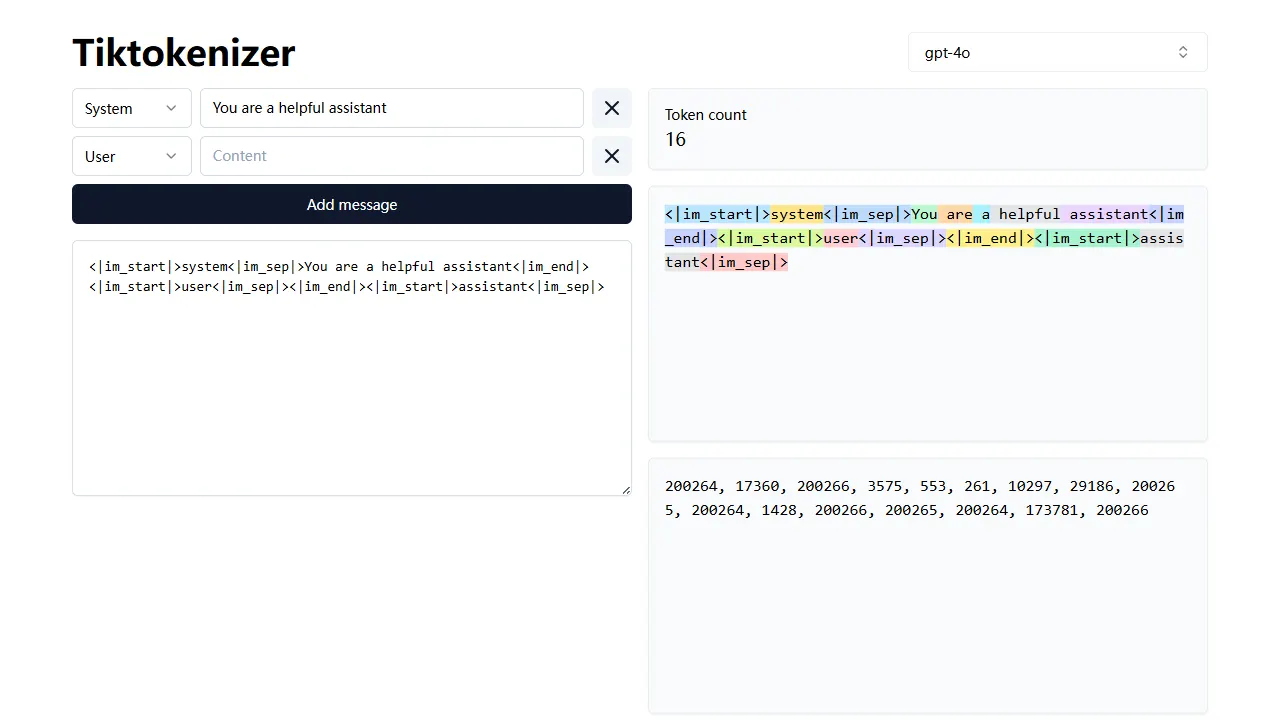
tiktokenizer is an open-source online tool site built with Next.js, TypeScript, and React that calculates token counts for text using the openai/tiktoken library.
Next.js · Tool Site
resume builder
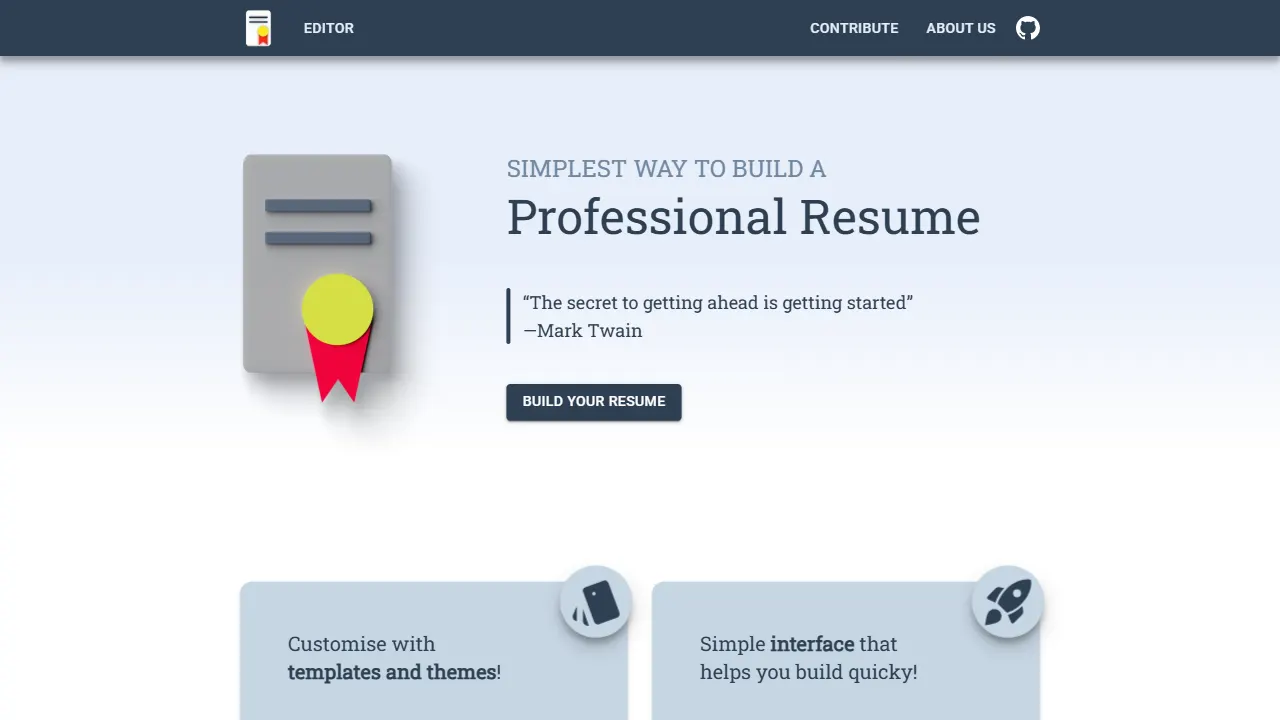
An open-source resume builder built with Next.js, TypeScript, Material UI, and Zustand. It offers multiple templates and themes, real-time editing and preview, and requires no registration.
Next.js · Tool Site

Nextjs-tailwindcss-blog-template
A Next.js blog styled with Tailwind CSS. The current branch processes Markdown with Velite; the earlier Contentlayer setup is retained in a separate historical branch.
Next.js · Blog
picprose
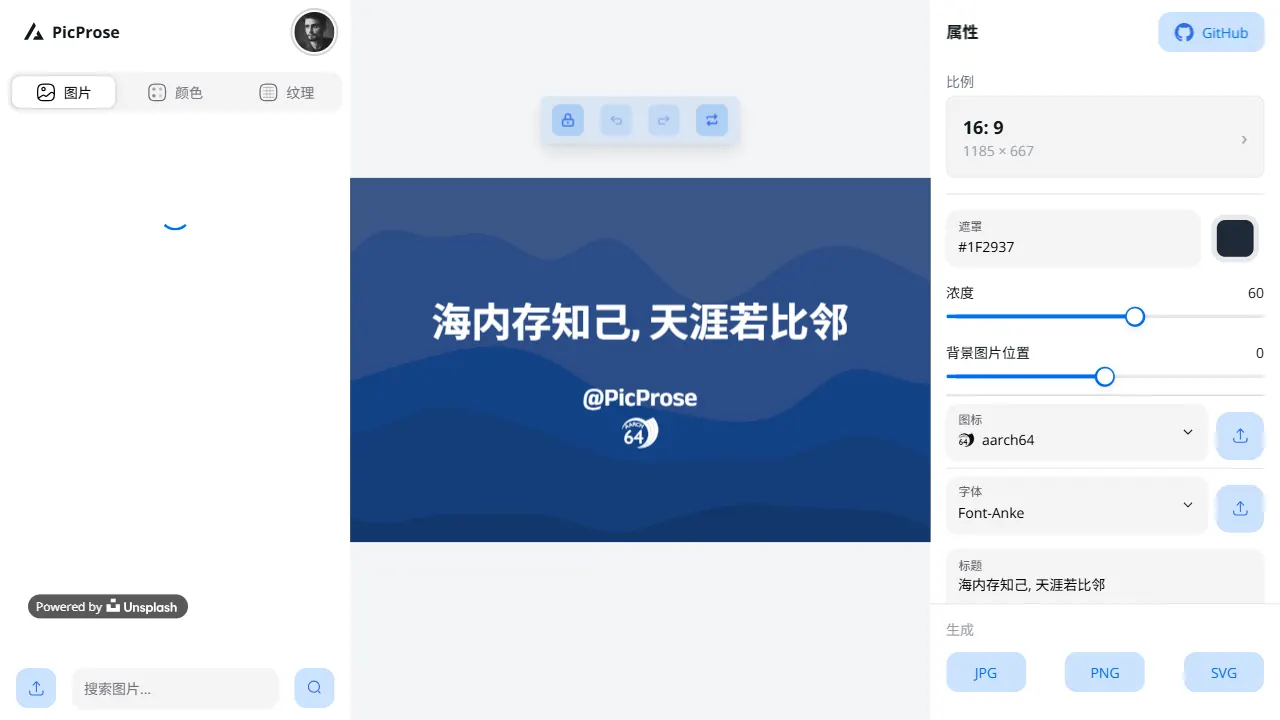
PicProse is an open-source, Next.js-based cover image generator for bloggers, content creators, and developers. It fetches images via the Unsplash API, supports custom titles, author info, fonts, colors, and transparency, offers multiple aspect ratios, and exports to JPG, PNG, and SVG.
Next.js · Tool Site

Next-js-Blog-Boilerplate
A blog starter built on Next.js 12 and Tailwind CSS 3, integrating TypeScript, ESLint, Prettier, and PostCSS.
Next.js · Blog