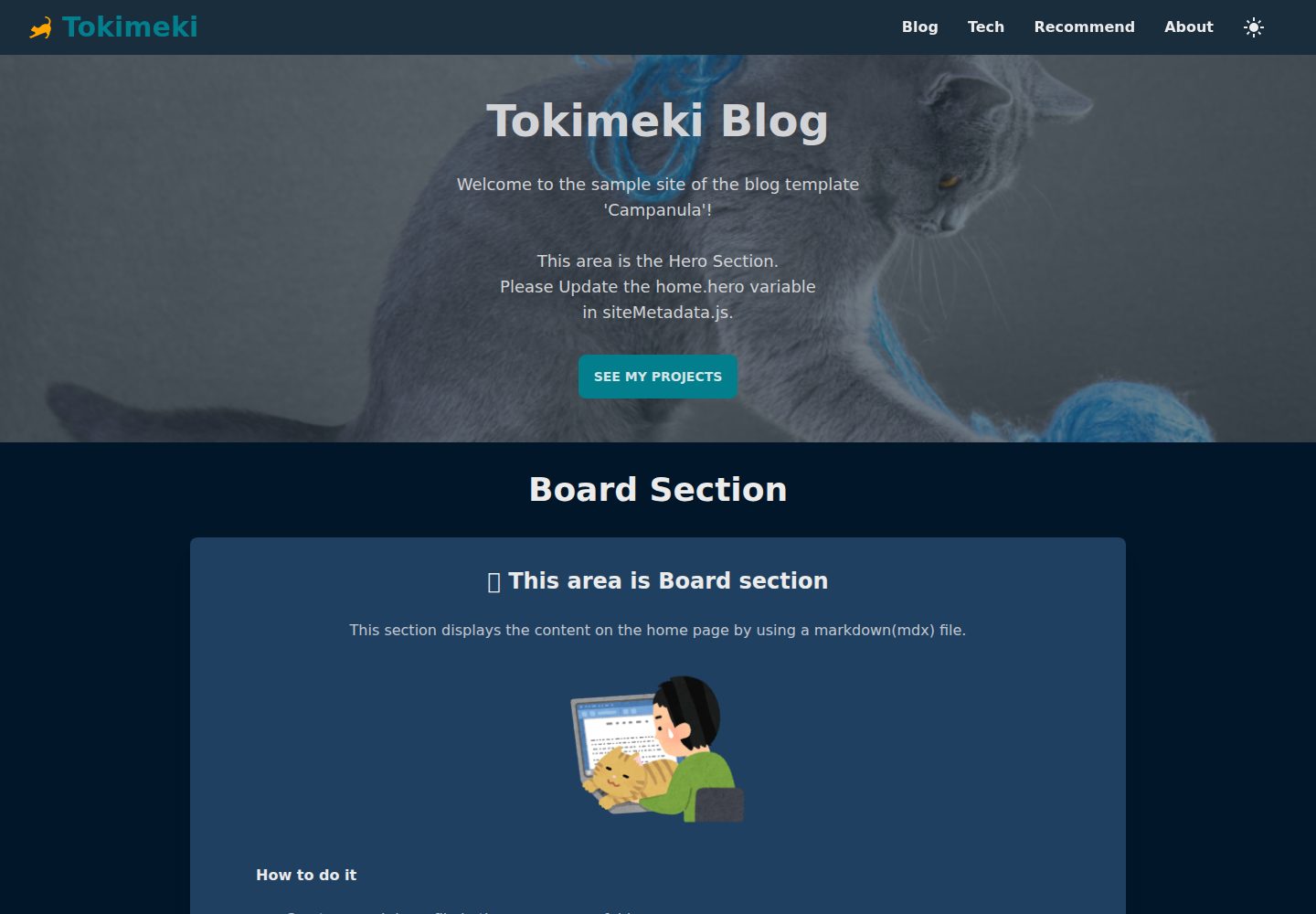
从 Markdown 文件生成静态博客页面,并支持 MDX 文件
Next.jsReact博客工具站
Campanula — Next.js 博客模板
作者 sakurabird
Campanula 是一个基于 Next.js 的静态博客模板,用 Markdown/MDX 文件生成博客页面,使用 Tailwind CSS 与 daisyUI 主题,支持深色模式、RSS/Atom 订阅和站点地图。
看看你的网站会是什么样
浏览真实页面截图,比较内容排版与手机效果。点击下方缩略图切换,放大查看整页细节。
全部页面与视图 3
截图用于了解视觉与布局,交互效果请以实际项目为准。
采集于 2026-10-13查看来源
值得关注的模板亮点
从已有项目资料中,快速了解它的特点。
使用 Tailwind CSS 与 daisyUI 主题和组件,可自定义或创建主题
提供可切换的深色模式
预配置安全响应头
提供 RSS feed、Atom feed 和 sitemaps,利于 SEO
博客文章 frontmatter 支持 title、date、category、draft 等 9 个字段
模板详细介绍
Campanula 是一个用 Next.js 构建的简单博客模板,主要用途是从 Markdown 文件生成静态博客页面。README 说明其使用 Tailwind CSS 进行样式设计,并采用 daisyUI 的主题与组件,可通过 daisyUI 主题自定义,也可以创建自己的主题。所有页面和博客文章均由 Markdown 文件生成,同时支持 MDX 文件。模板提供可切换的深色模式、预配置的安全响应头,以及 RSS feed、Atom feed 和 sitemaps 等 SEO 相关输出。
使用前需要安装 Node.js 16.8 或更高版本。安装步骤为克隆仓库并运行 npm install。配置方面,README 要求更新 data/siteMetadata.js 中的站点元数据,将 favicon、icon 和 apple-icon 图片直接放在 app 文件夹下,编辑 data/headerNavLinks.ts 设置顶部导航项,并按照说明创建静态页面和博客文章。默认包含 Home 和 About 两个静态页面,其余页面与博客文章相关。
博客文章放在 data/blog 目录,使用 .mdx 扩展名,文件名会成为 URL 的一部分,README 建议使用 ASCII 字符以避免 URL 兼容与编码问题。每篇文章必须包含 frontmatter,目前支持 9 个字段:title、date、category、draft 为必填,tags、subtitle、lastmod、metadescription、image 为可选;未提供 image 时默认使用 siteMetadata 配置中的 ogImage。
部署方面,README 给出 npm run dev 启动开发服务器,npm run build 构建生产版本,并推荐使用 Vercel 平台部署 Next.js 应用。模板还提供 npm run clean 命令,用于清理框架或库生成的文件,不会删除源代码或资源。README 中“Customizing the UI”一节标注为 TODO,因此除 daisyUI 主题自定义外,未提供更详细的 UI 定制说明。
Next.jsReact博客工具站
适合你的项目吗?
适用场景
- 用 Markdown/MDX 文件维护内容并生成静态博客页面
- 需要 RSS、Atom 订阅和站点地图的博客站点
- 希望通过 daisyUI 主题调整外观的静态站点
- 在 Vercel 上部署 Next.js 博客
适合人群
- 熟悉 Next.js 与 Markdown 工作流的开发者
- 希望以文件方式管理博客文章的个人或团队
- 需要深色模式与订阅源输出的博客项目
上手与定制指南
结合仓库当前版本的说明,按下面的资料检查内容、配置与运行要求。
- 1
需要 Node.js 16.8 或更高版本,克隆仓库后运行 npm install 安装依赖
- 2
在 data/siteMetadata.js 中更新站点元数据,在 data/headerNavLinks.ts 中设置顶部导航项
- 3
将 favicon、icon 和 apple-icon 图片直接放在 app 文件夹下
- 4
博客文章放入 data/blog 目录并使用 .mdx 扩展名,文件名会成为 URL 的一部分,建议使用 ASCII 字符
- 5
使用 npm run dev 启动开发服务器,npm run build 构建生产版本;README 推荐用 Vercel 部署
授权与来源资料
使用条件与限制
免费使用 · 保留许可声明本次收录的是公开仓库中采用 MIT 许可的免费版本;免费范围为该版本代码,不代表外部服务或第三方素材免费。
使用时需要遵守
- 允许免费使用、修改、商用和分发该版本代码。
- 分发代码副本或实质性部分时,保留原作者版权声明和完整 MIT 许可声明。
- 代码按现状提供;担保与责任限制以原许可证及适用法律为准。
额外费用与待核对事项
- 演示图片、字体、图标及其他第三方素材需按各自许可核对,不能仅凭代码的 MIT 许可判断。
- 域名、托管、数据库、支付或 AI 等外部服务可能另外收费。
查看原文依据
https://github.com/sakurabird/Campanula/blob/main/LICENSEhttps://github.com/sakurabird/Campanula/blob/main/README.mdPermission is hereby granted, free of charge
许可证原文
DeepSeek 根据仓库许可证和 README 整理 ·2026-10-13。结果仅覆盖已读取资料,依赖、图片、字体及后续条款变更以各自原文为准。
项目核对记录与介绍依据
模板资料
- 来源平台
- GitHub
- 资料与维护参考分
- 资料一般 · 73 / 100
- 技术栈
- Next.js · React
- 网站类型
- 博客 · 工具站
这个分数如何计算
本站按许可资料(最高30分)、演示链接(12分)、预览图(10分)、Star数(15分)、记录的维护时间(15分)、描述完整度(8分)、功能记录(5分)和分类资料(5分)计算。它不是代码、安全或性能测试,也不是 Google 评分;有链接不代表已实测可用。
这个项目需要核对什么
- 记录的仓库更新时间
- 2023-11-09
- 截图检查日期
- 2026-10-13
已收录演示链接。请用你的内容与屏幕尺寸检查;有演示不代表表单、认证或支付已经可用。
目录记录的主要技术栈是 Next.js。请通过依赖清单和锁文件核对实际版本与托管要求。这些说明基于收录资料,不代表代码审计或部署实测。
查看具体选型方法 →介绍的制作与核对状态
介绍由 AI 辅助整理目录与仓库资料。仓库作者不等于这篇介绍的审核者。
审核声明: codex-user-requested-batch-review-20261015 · 2026-10-15
查看当时使用的来源资料
SHA-256: 96ff0f367437cc3974ae33fa51fced163bd79d9d8daf5de2754100e5215e1758
2026-10-13T22:02:15.407Z
来源文件 / 仓库# Campanula A simple blog template built with Next.js that allows you to generate static blog pages from Markdown files. - [Next.js by Vercel](https://nextjs.org/) ver13 - Styled with [Tailwind CSS](https://tailwindcss.com/) - Designed using themes and components from [daisyUI](https://daisyui.com/). You can customize it with `daisyUI` theme. You can also create your own theme. - All pages & blog articles are made with Mardown file - Switchable dark mode - Support [MDX](https://mdxjs.com/) file - Preconfigured security headers - SEO friendly with RSS feed, Atom feed, sitemaps ## Demo Check out the live demo: [https://campanula-demo.vercel.app/](https://campanula-demo.vercel.app/) ## Usage ### Prerequisites Make sure you have the following software installed: - [Node.js](https://nodejs.org/en) (version 16.8 or higher) ### Installation 1. Clone the repository: ```bash git clone https://github.com/sakurabird/Campanula.git cd Campanula ``` 2. Install the dependencies: ```bash npm install ``` ### Configuration 1. Update the site metadata in the `data/siteMetadata.js` file. 2. Please place the favicon, icon, and apple-icon images directly under the `app` folder. For detailed instructions, please refer to the official website: [Metadata Files: favicon, icon, and apple-icon | Next.js](https://nextjs.org/docs/app/api-reference/file-conventions/metadata/app-icons) 3. Please create the static pages [following the instructions below](#creating-static-pages). 4. Please create the blog posts [following the instrucsions below](#creating-blog-posts). 5. Please edit `data/headerNavLinks.ts` to set the navigation items for the header. ## Creating Static Pages By default, there are two static pages, `Home` and `About`, and all others are related to blog posts.<br> Please also check out the following article on routing:<br> [Routing and blog navigation](https://campanula-demo.vercel.app/blog/routing-and-blog-navigation)<br> Please also check out the following article on asset files:<br> [The location of asset files in Campanula](https://campanula-demo.vercel.app/blog/static-assets-in-campanula) ### Creating Home Page The `Home` page is the default page that is displayed when you visit a website created using `Campanula`.<br> The configuration method for the `Home` page has been summarized in another article.<br> Please take a look at:<br> [How to create a Home page in Campanula](https://campanula-demo.vercel.app/blog/creating-home-page) ### Creating About Page The `About` page is a static page intended for self-introductions and the like.<br> It can be accessed with the path `/about`.<br> The configuration method for the `About` page has been summarized in another article.<br> Please take a look at:<br> [How to create a About page in Campanula](https://campanula-demo.vercel.app/blog/creating-about-page) ## Creating Blog Posts 1. Create new blog posts by adding Markdown files to the `data/blog` directory. Please use the extension mdx. ex: `title-of-your-post.mdx`. The filenames of MDX files will be used as part of the URL. To avoid compatibility and encoding issues in the URL, it is recommended to use characters from the ASCII character set. 2. Add necessary frontmatter to each Markdown file, including `title`, `date`, and any other relevant information. ### Frontmatter Each blog post must have a front matter. Currently 9 fields are supported. ``` title: (required) date: (required) category: (required) tags: (optional) subtitle: (optional) lastmod: (optional) draft: (required) metadescription: (optional) image: (optional, if none provided defaults to `ogImage` in siteMetadata config) ``` Here's an example of a post's frontmatter: ``` --- title: "Cats: The Adorable Feline Friends" date: "2022-02-22" category: "Animal" tags: ["cat"] subtitle: "Lorem ipsum dolor sit amet, consectetur adipiscing elit. Mauris hendrerit rhoncus risus, nec rutrum sapien sodales sit amet." lastmod: "2023-04-23" draft: false metadescription: "Cats are cute, cuddly, and make great companions." image: "/images/blog/cat.jpg" --- ``` ### Deployment First, run the development server: ```bash npm run dev ``` Open [http://localhost:3000](http://localhost:3000) with your browser to see the result. To deploy your blog to the production server, run the following command: ```bash npm run build ``` The easiest way to deploy Next.js to production is to use the Vercel platform developed by the creators of Next.js. - [Deploy to Vercel - Deploying Your Next.js App | Learn Next.js](https://nextjs.org/learn/basics/deploying-nextjs-app/deploy) - [Next.js on Vercel | Vercel Docs](https://vercel.com/docs/frameworks/nextjs) ## Customizing the UI TODO Feel free to customize the template to suit your needs. You can modify the layout, styles, and even add new features. You can customize it with `daisyUI` theme. You can also create your own theme. ## Referenced information Thank you for the reference to quality information. Mr. timlrx's code was fantastic, and I have adopted many aspects of it in this project. Thank you so much for your contributions. - [timlrx/tailwind-nextjs-starter-blog](https://github.com/timlrx/tailwind-nextjs-starter-blog) - [NextJS 13 Tutorial: Create a Static Blog from Markdown Files - YouTube](https://www.youtube.com/watch?v=Hiabp1GY8fA) - [The Net Ninja - YouTube](https://www.youtube.com/playlist?list=PL4cUxeGkcC9g9gP2onazU5-2M-AzA8eBw) ## Resources I used the materials from the following websites. Thank you very much! - [icooon-mono cat icon](https://icooon-mono.com/13670-%e3%82%af%e3%83%ad%e3%83%8d%e3%82%b3%e3%82%a2%e3%82%a4%e3%82%b3%e3%83%b32/) - [Iconify Design: All popular icon sets, one framework.](https://iconify.design/) - [Irasutoya](https://www.irasutoya.com/) - [PAKUTASO](https://www.pakutaso.com/) - [Microsoft Designer](https://designer.microsoft.com/) - <a href="https://unsplash.com/ja/s/%E5%86%99%E7%9C%9F/cat-and-dog?utm_source=unsplash&utm_medium=referral&utm_content=creditCopyText">Unsplash</a>の<a href="https://unsplash.com/@sera_fima?utm_source=unsplash&utm_medium=referral&utm_content=creditCopyText">Serafima Lazarenko</a>が撮影した写真 ## Notes - If you change the `theme` variable in siteMetadata.js, the screen will automatically switch to the light mode when you refresh the page after building. If you want to display the dark mode, please press the theme toggle button in the header. - For cases where you have made significant changes to the file structure or renamed files and need to remove files generated by frameworks or libraries, I have prepared the command `npm run clean`. This command will not remove the source code or assets, but it will clean up generated files. ## License This project is licensed under the MIT License - see the [LICENSE](LICENSE) file for details.
看看同类模板
对比同技术栈与用途的模板,找到更适合的视觉与内容结构。

tailwind-nextjs-starter-blog
tailwind-nextjs-starter-blog 是一个面向个人技术博客的 Next.js 与 Tailwind CSS 启动模板,其 v2 版本基于 App Router 与 React Server Comp…
Next.js · 博客
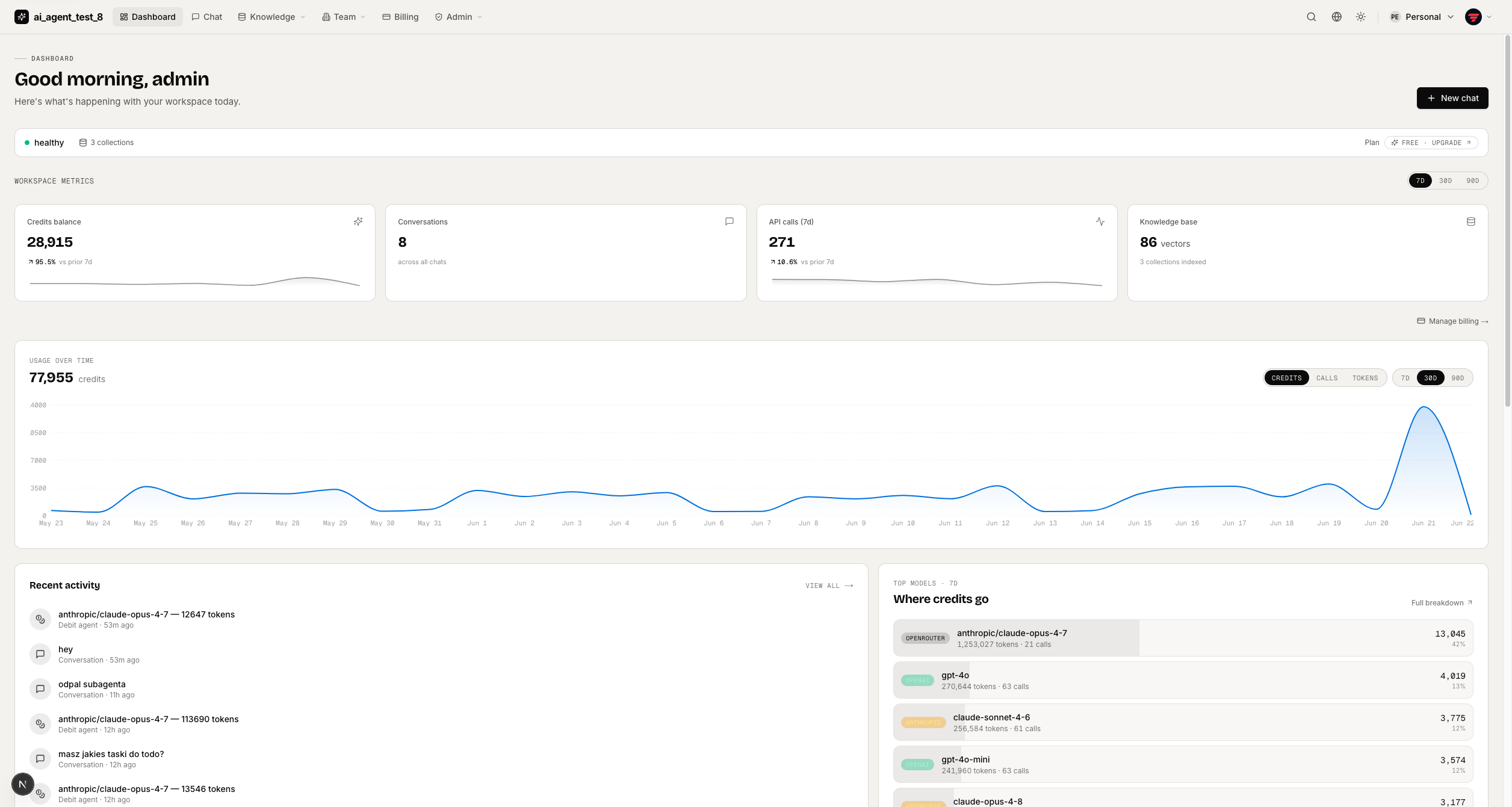
full-stack-ai-agent-template
Full-stack AI app generator — FastAPI + Next.js with AI Agents, RAG, streaming, auth, and 20+ integrations out…
Next.js · 工具站
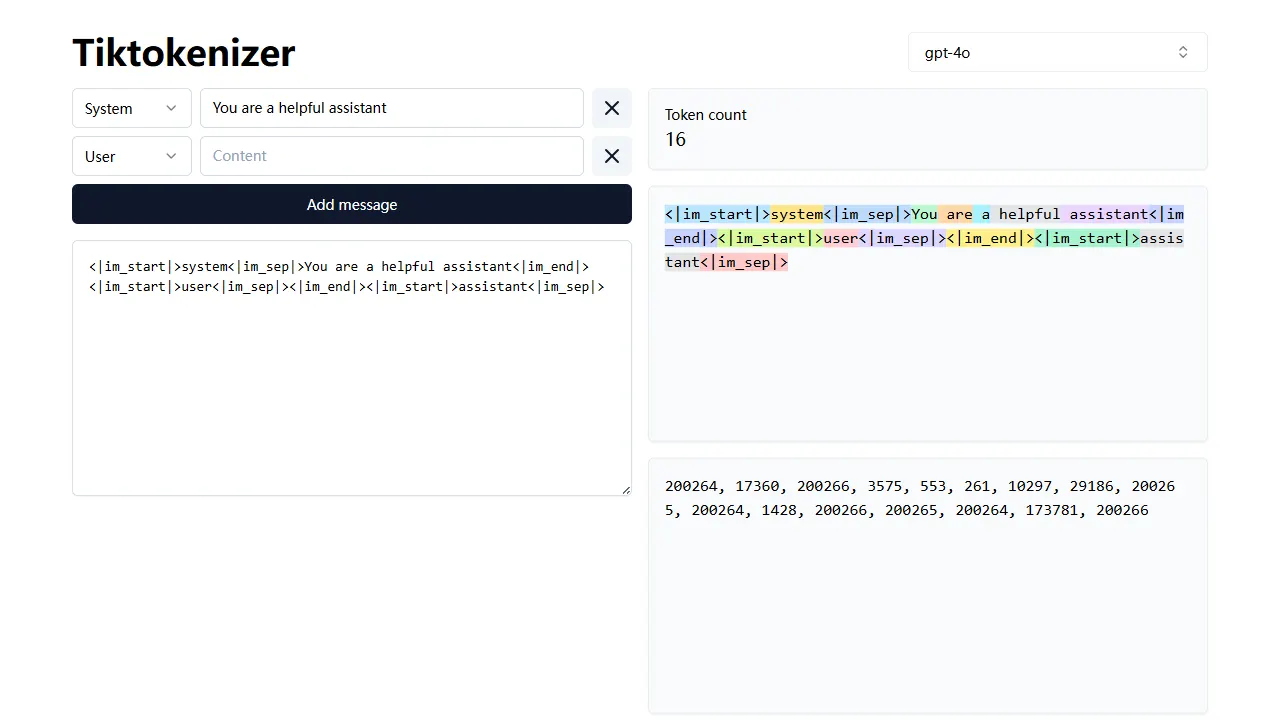
tiktokenizer
tiktokenizer 是一个开源的在线工具站项目,核心功能是计算文本对应的 token 数量,服务于 openai/tiktoken 库。
Next.js · 工具站
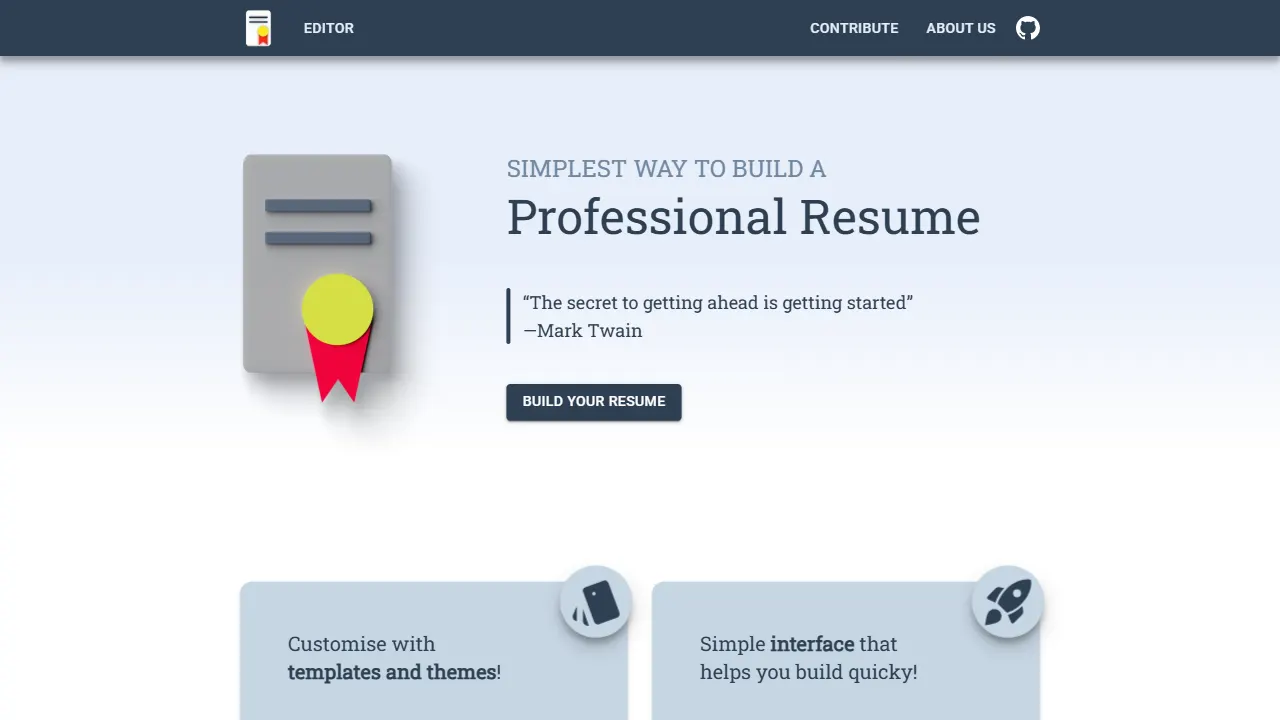
resume builder
resume builder 是一个开源的在线简历生成工具,演示站点可直接体验。 它基于 Next.js、TypeScript 和 Material UI 构建,前端状态管理采用 Zustand,整体界面简洁,交互流畅。
Next.js · 工具站

Nextjs-tailwindcss-blog-template
使用 Tailwind CSS 的 Next.js 博客。当前分支通过 Velite 处理 Markdown,早期 Contentlayer 实现保留在单独的历史分支中。
Next.js · 博客
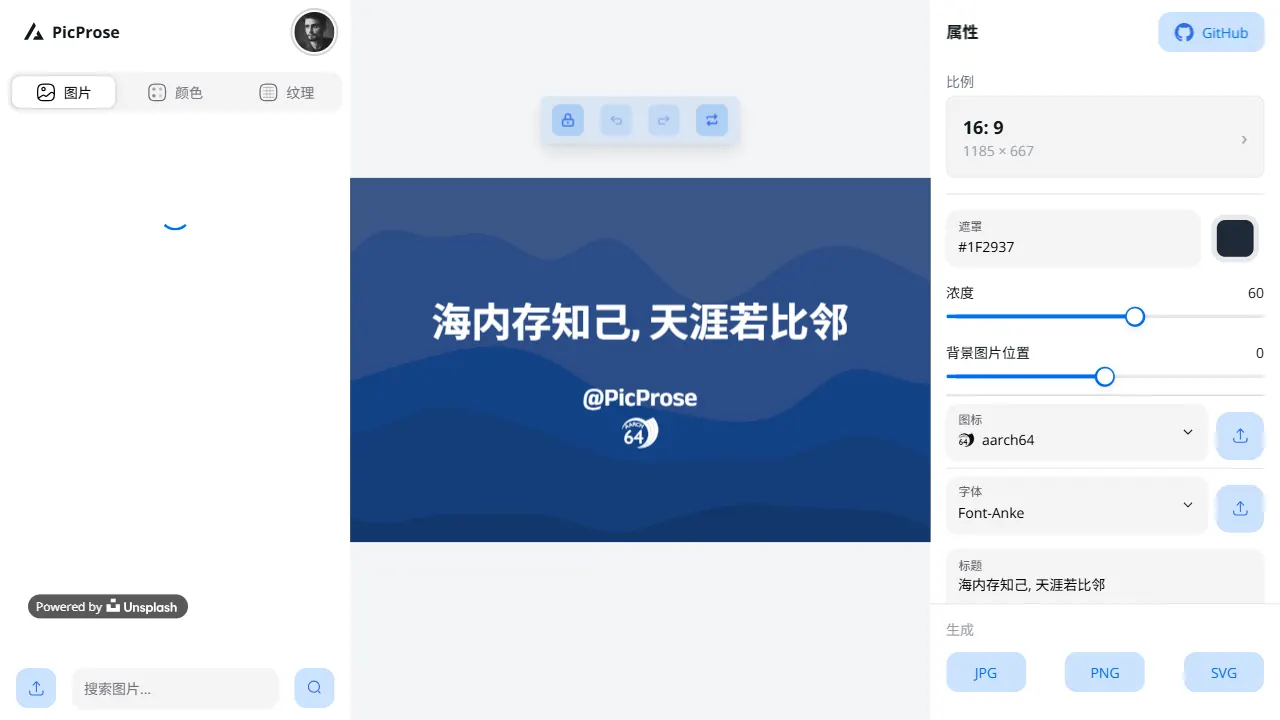
picprose
PicProse 是一个开源的封面图生成工具,专为博客作者、内容创作者和开发者设计。 它通过直观的界面,让用户快速为 Medium、YouTube、B站等平台生成专业封面。
Next.js · 工具站