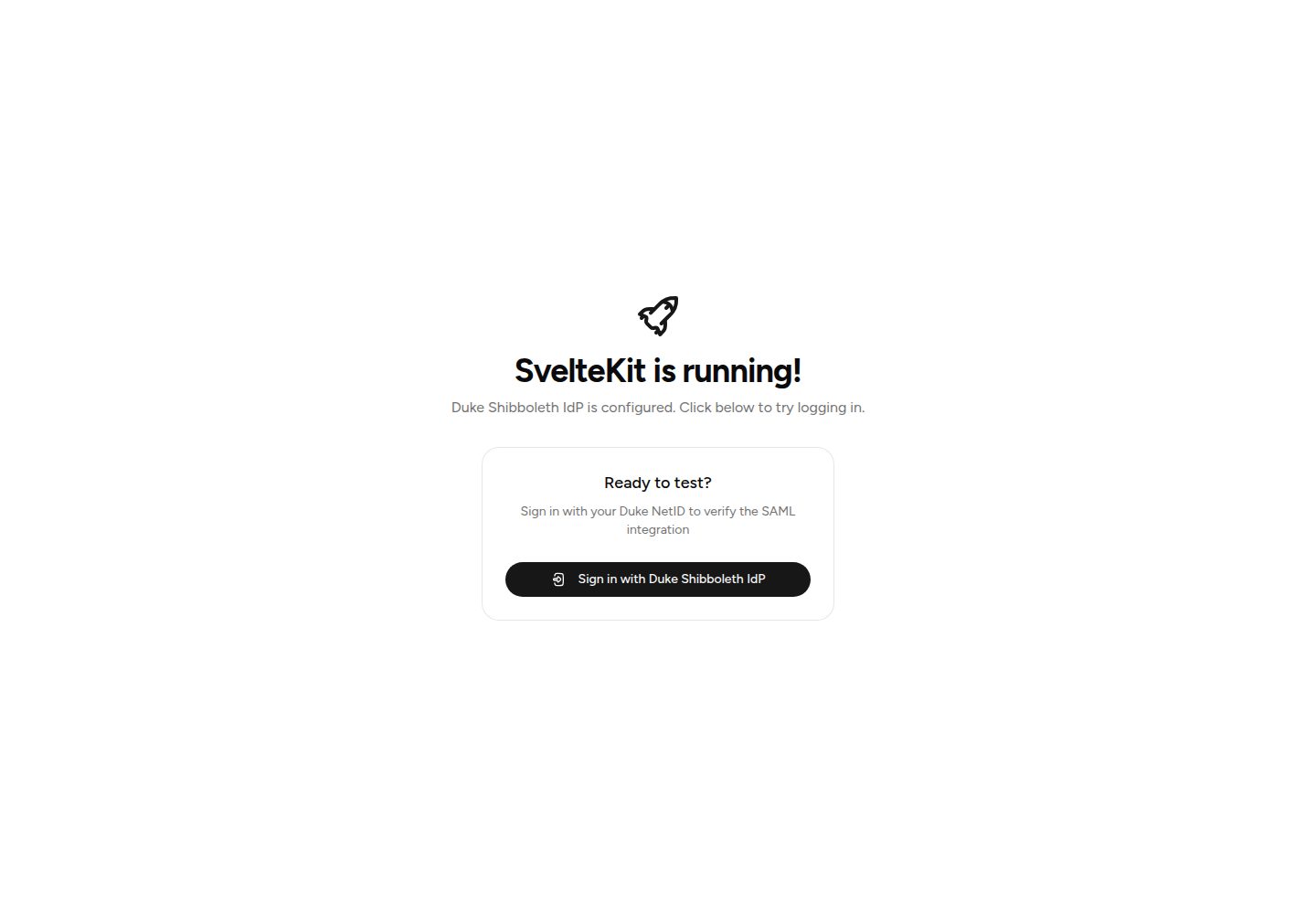
Built-in Duke University SAML SSO, including login, logout, and SP metadata endpoints
SvelteStarter
SvelteKit-Duke-Shibboleth-Template — Svelte Starter Template
By sam-packer
A SvelteKit starter template for Duke University SAML SSO, with Shibboleth IdP login, signed cookie sessions, and PostgreSQL user storage built in.
Explore the design
Compare the page layouts and mobile experience. Open any screenshot for a closer look.
Desktop homepage1 / 2
Desktop captureTop of page
Actual screenshot captured by the server browser.
All pages & views 2
Screenshots show visual appearance; interactive behavior may differ.
Recorded 2026-10-04View source
What stands out
A quick read of the recorded project description.
Uses @node-saml/node-saml to handle the SAML protocol and automatically decrypt encrypted assertions
HMAC-SHA256-verified signed cookie sessions, with PostgreSQL and Drizzle ORM storing users and sessions
Cross-platform setup script generates the SP certificate and downloads Duke IdP's certificate; certificate files are ignored by .gitignore by default
Uses Tailwind CSS and shadcn-svelte components, deployed with the Node.js adapter
Template Details
This is a SvelteKit starter template with Duke University's SAML SSO authentication flow pre-wired. The template acts as a Service Provider (SP) communicating with Duke's Shibboleth IdP, covering login, logout, and SP metadata endpoints, and uses @node-saml/node-saml to handle the SAML protocol. Sessions are maintained via HMAC-SHA256-verified signed cookies, while user and session data are stored in PostgreSQL, managed by Drizzle ORM across two tables, users and sessions, with user records automatically written on first login.
The template includes a cross-platform setup script that generates the SP private key and certificate and downloads Duke IdP's signing certificate; certificates are placed in the certs/ directory by default and are already listed in .gitignore, with fallback reading via environment variables also supported. The project requires Bun as the package manager, and the database connection, session secret, Entity ID, and ORIGIN are configured through .env. The UI uses Tailwind CSS and shadcn-svelte components, and deployment uses the Node.js adapter.
Before use, you must prepare a PostgreSQL database yourself and register the SP in Duke's self-service registration portal: enter an Entity ID exactly matching SAML_SP_ENTITY_ID, paste the SP certificate, select encrypted assertions and signed responses, and register both production and local ACS callback URLs. The template pre-parses attributes such as displayName, eduPersonPrincipalName, uid, givenName, sn, and mail; if more attributes are needed, the database schema must be modified accordingly. The README explicitly states not to check Sign Assertion, because the template's SAML configuration expects signed responses.
SvelteStarter
Is it right for your project?
Use Cases
- Quickly setting up a SvelteKit project with SAML SSO for a Duke University internal application
- SAML integrations that need to register both production and local development ACS callback URLs
- Situations where SP certificates should be managed as files and remain compatible with Docker volume mounts or deployed key files
- Projects that need to persist users and sessions in PostgreSQL and pre-parse Duke's commonly used attributes
Suitable For
- Developers familiar with SvelteKit, Bun, and PostgreSQL
- Campus applications that need to integrate with Duke University's Shibboleth IdP
- Teams able to complete Duke SP self-service registration and certificate configuration on their own
Getting started & customization
Use these recorded setup notes alongside the repository instructions for your chosen version.
- 1
Bun must be used to install dependencies; do not use npm
- 2
Run bun run setup to generate certs/sp-key.pem and sp-cert.pem and download idp-cert.pem
- 3
Prepare a PostgreSQL database, copy .env.example to .env and set DATABASE_URL, then run bun run db:push
- 4
Generate a random SESSION_SECRET and configure SAML_SP_ENTITY_ID and ORIGIN; the Entity ID must exactly match Duke registration, and ORIGIN determines the ACS callback URL
- 5
In Duke's SP registration portal, register the Entity ID, paste the SP certificate, check encrypted assertions and signed responses, and register both production and local ACS URLs
License & source material
Usage conditions & limitations
Free to use · keep license noticeThis listing covers the free version in the public repository under the MIT license; the free scope is the code of that version and does not imply that external services or third-party assets are free.
Must comply with when using
- You may use, modify, commercialize, and distribute the code of this version for free.
- When distributing copies or substantial portions of the code, retain the original author's copyright notice and the full MIT license notice.
- The code is provided as is; warranties and limitations of liability are governed by the original license and applicable law.
Additional costs & items to verify
- Demo images, fonts, icons, and other third-party assets must be checked against their respective licenses and cannot be judged solely by the code's MIT license.
- External services such as domains, hosting, databases, payments, or AI may incur separate charges.
- Bun must be used as the package manager; the README explicitly states not to install dependencies with npm.
- You must prepare a PostgreSQL database yourself before use; the template does not provide database services.
- SP registration must be completed through Duke University's self-service portal; authentication cannot be used independently of Duke's IdP.
- The registered Entity ID must exactly match SAML_SP_ENTITY_ID in .env, otherwise SAML authentication will fail.
- Duke supports only one Entity ID per SP registration, and that value cannot vary by environment.
- Both the production and local development ACS callback URLs must be registered under the same Duke SP registration.
- Encrypt Assertion must be checked during registration, otherwise Duke's security scan will be triggered.
- Sign Assertion must remain unchecked, because the template expects signed responses rather than signed assertions.
- The template's SAML configuration requires signed responses; do not check Sign Assertion in the relying party settings.
- If more attributes need to be released by Duke, you must modify the database schema yourself to receive and store them.
- For production deployment, the four environment variables DATABASE_URL, SESSION_SECRET, SAML_SP_ENTITY_ID, and ORIGIN are all required.
- The primary identifier is Duke [email protected], and the user identity system is tied to Duke accounts.
View Original Text Basis
Permission is hereby granted, free of charge
Original License Text
- **[Bun](https://bun.sh/)** as the package manager. Do not use npm.
Original README
You need a PostgreSQL database. You can use a local instance, Docker, Supabase, Neon, or any PostgreSQL provider.
Original README
Duke provides a self-service portal for SP registration:
Original README
This must **exactly match** the `SAML_SP_ENTITY_ID` in your `.env` file.
Original README
**The Entity ID stays the same across environments**: Duke only supports one Entity ID per SP registration.
Original README
You can register **multiple ACS URLs** on the same SP, which is how local development works.
Original README
- [x] **Encrypt Assertion** - Check this. Duke will encrypt the assertion so user attributes are not visible in transit. SPs that don't enable encryption are subject to Duke security scans.
Original README
- [ ] **Sign Assertion** - Leave unchecked. You must choose either Sign Assertion **or** Sign Response, not both.
Original README
The template's SAML configuration (`src/lib/server/saml.ts`) expects a signed response ( `wantAuthnResponseSigned: true`). Do not check the Sign Assertion box in the Relying Party Settings.
Original README
You can also request additional attributes, however you'll need to modify the database schema to accept and store those attributes as well.
Original README
Set these on your hosting provider. All are required.
Original README
https://github.com/sam-packer/SvelteKit-Duke-Shibboleth-Template/blob/master/LICENSE.mdhttps://github.com/sam-packer/SvelteKit-Duke-Shibboleth-Template/blob/master/README.md- `eduPersonPrincipalName` - [email protected] (primary identifier)
Original README
Compiled by DeepSeek based on repository license and README ·2026-10-05. Results only cover the materials read; dependencies, images, fonts, and subsequent term changes are subject to their respective original texts.
Project checks & description sources
Template Information
- Source platforms
- GitHub
- Documentation and maintenance reference score
- More documented · 83 / 100
- Technologies
- Svelte
- Website type
- Starter
How this score is calculated
Our heuristic uses license records (up to 30), a demo link (12), a preview (10), stars (15), recorded maintenance (15), description completeness (8), feature records (5) and classification data (5). It is not a code, security or performance test, or a Google score. A link does not establish tested functionality.
What to verify for this project
- Repository update recorded
- 2026-07-31
- Screenshot last checked
- 2026-10-05
A demo link is listed. Check it with your own content and viewport sizes; its presence does not confirm that forms, authentication or payments work.
The catalog identifies Svelte as the primary stack. Check the actual dependency manifest and lockfile for versions and hosting requirements. These notes use recorded metadata, not a code audit or a deployment test.
Use a selection guide →How this description was prepared
AI-assisted description based on catalog records and repository material. Repository authors are not automatically the reviewers of this description.
Review declaration: [email protected] · 2026-10-05
Inspect the recorded source material
SHA-256: 716c25314ce87a2543e5ffa5840a5459e1324ed4727e76952d445babcdb43217
2026-10-05T01:00:23.422Z
Source file / repository# Duke Shibboleth IdP SvelteKit Template
A SvelteKit starter template with Duke University SAML SSO authentication built in. Clone it, run the setup script,
register with Duke, and you have a fully authenticated app.
> This template uses SAML vocabulary throughout. At a minimum, you should know that the Duke login page you see when
> signing in is the **Shibboleth IdP** (Duke's Identity Provider), and this application is a **Service Provider (SP)**
> that communicates with it.
>
> In this setup, the **Entity ID** is the SP's unique identifier in Duke. It does not have to be a real or `duke.edu`
> domain, though using your app's domain is good hygiene.
>
> The **ACS URL** is the callback URL where Duke sends the user back after authentication. In this template, the ACS
> URL is `{ORIGIN}/api/auth/callback`.
>
> For a full glossary of SAML terms, see the
> [Vocabulary tab](https://authentication.oit.duke.edu/manager/documentation) on Duke's documentation page.
## What's Included
- **[Bun](https://bun.sh/)** as the package manager. Do not use npm.
- **Duke SAML SSO** via `@node-saml/node-saml` - login, logout, SP metadata endpoint
- **Signed cookie sessions** with HMAC-SHA256 verification
- **PostgreSQL + Drizzle ORM** with `users` and `sessions` tables (auto-populated on first login)
- **Tailwind CSS v4** with [shadcn-svelte](https://www.shadcn-svelte.com/) UI components
- **Node.js adapter** for deployment anywhere (Railway, Fly, VPS, Docker, etc.)
- **Cross-platform** - works on Windows, macOS, and Linux (no bash/openssl required)
## Quick Start
### 1. Clone and install
```bash
git clone https://github.com/sam-packer/SvelteKit-Duke-Shibboleth-Template
cd SvelteKit-Duke-Shibboleth-Template
bun install
```
### 2. Run the setup script
This command generates your SP certificates that you'll give to Duke, and downloads Duke's IdP signing certificate.
```bash
bun run setup
```
This creates three files in `certs/`:
| File | What it is | Share with Duke? |
|----------------|-----------------------------------------------------------|-------------------------------------------------|
| `sp-key.pem` | Private key for signing SAML requests | **No** - keep secret |
| `sp-cert.pem` | Public certificate for your SP | **Yes** - you'll paste this during registration |
| `idp-cert.pem` | Duke's IdP signing certificate (downloaded automatically) | N/A - this is Duke's certificate |
These files are `.gitignore`'d so they won't be committed.
> **How it works:** Instead of cramming PEM content into environment variables, this template reads certificates
> directly from the `certs/` directory. This is cleaner, easier to manage, and works well with Docker volume mounts and
> deployment secret files. Environment variable fallbacks (`SAML_SP_PRIVATE_KEY`, etc.) are available if you can't use
> files.
### 3. Set up your database
You need a PostgreSQL database. You can use a local instance, Docker, Supabase, Neon, or any PostgreSQL provider.
```bash
# Copy the example env file
cp .env.example .env
# Edit .env and set your DATABASE_URL
# Example: postgresql://postgres:password@localhost:5432/my_application
```
Push the schema to your database:
```bash
bun run db:push
```
### 4. Configure environment variables
Generate a random string for your session string using this command and fill it in to your secret .env file:
```shell
node -e "console.log(require('crypto').randomBytes(32).toString('hex'))"
```
Edit your `.env` file:
```env
DATABASE_URL="postgresql://postgres:password@localhost:5432/my_application"
SESSION_SECRET="your_randomly_generated_string"
SAML_SP_ENTITY_ID="https://myapp.example.com"
ORIGIN="http://localhost:5173"
```
### Understanding Entity ID, Origin, and ACS URLs
These values must be consistent with what you register with Duke. Getting them wrong is the most common source of SAML
errors.
| Value | What it is | Example |
|---------------------|----------------------------------------------------------------------------------------------------------------------------------------------------------------------------------------------------------------------------------|--------------------------------------------------------|
| `SAML_SP_ENTITY_ID` | A unique identifier for your app in Duke's IdP. Must match your Duke registration exactly. Usually your app's domain for good hygiene, but technically any unique identifier Duke accepts. It does not need to be on `duke.edu`. | `https://myapp.example.com` |
| `ORIGIN` | The URL where your app is currently reachable. Changes between environments. Used to construct the ACS callback URL. | `http://localhost:5173` or `https://myapp.example.com` |
| ACS URL | The callback URL where Duke sends the user after login and where auth finishes. Auto-generated as `{ORIGIN}/api/auth/callback`. | `http://localhost:5173/api/auth/callback` |
**The Entity ID stays the same across environments**: Duke only supports one Entity ID per SP registration. In
practice, this is just the unique name of your app in Duke. It does not have to be your production domain, though using
your domain is the cleanest convention. You can register **multiple ACS URLs** on the same SP, which is how local
development works. You register both your production ACS and a localhost ACS under the same Entity ID.
For **local development** (`.env`):
```env
SAML_SP_ENTITY_ID="https://myapp.example.com"
ORIGIN="http://localhost:5173"
```
For **production** (`.env`):
```env
SAML_SP_ENTITY_ID="https://myapp.example.com"
ORIGIN="https://myapp.example.com"
```
> Note: `SAML_SP_ENTITY_ID` stays the same in both environments. Only `ORIGIN` changes, which changes the ACS callback
> URL that gets sent in the SAML request. Both ACS URLs must be registered with Duke (see step 5).
### 5. Register your SP with Duke's Identity Provider
Duke provides a self-service portal for SP registration:
**https://authentication.oit.duke.edu/manager/register/sp**
Select **"No, I will provide registration details manually."** and fill in the following fields.
#### Entity ID
Use a unique identifier for your app. Best practice is to use your production domain, but it does not have to be a real
domain. It also does not need to be a `duke.edu` domain. Duke effectively treats this as the unique name for your
application. If you ever change it later, update both your Duke registration and `SAML_SP_ENTITY_ID` so they still
match exactly.
```
https://myapp.example.com
```
This must **exactly match** the `SAML_SP_ENTITY_ID` in your `.env` file.
#### Owners
Your NetID should automatically be selected as the owner, you can add a support group if you choose.
#### Certificate
Open `certs/sp-cert.pem` and paste the certificate content **without** the `-----BEGIN CERTIFICATE-----` and
`-----END CERTIFICATE-----` lines. Just the base64 block in the middle.
#### Relying Party Settings
These control how Duke secures the SAML response it sends back to your app.
- [x] **Encrypt Assertion** - Check this. Duke will encrypt the assertion so user attributes are not visible in
transit. SPs that don't enable encryption are subject to Duke security scans. The template decrypts assertions
automatically using your SP private key (`certs/sp-key.pem`).
- [ ] **Sign Assertion** - Leave unchecked. You must choose either Sign Assertion **or** Sign Response, not both.
- [x] **Sign Response** - Check this. Duke will cryptographically sign the entire SAML response (which includes the
assertion). The template validates this signature using the IdP certificate (`certs/idp-cert.pem`).
The template's SAML configuration (`src/lib/server/saml.ts`) expects a signed response (
`wantAuthnResponseSigned: true`). Do not check the Sign Assertion box in the Relying Party Settings.
#### ACS URLs
ACS means the callback URL where Duke redirects the user after authentication and where your app finishes the auth flow.
You can register **multiple ACS URLs** on the same SP. Add both your production URL and localhost for development.
**ACS 1 (production):**
- **Binding:** `2.0:bindings:HTTP-POST`
- **Default ACS:** checked
- **URL:** `https://myapp.example.com/api/auth/callback`
**ACS 2 (local development):**
- **Binding:** `2.0:bindings:HTTP-POST`
- **Default ACS:** unchecked
- **URL:** `http://localhost:5173/api/auth/callback`
The app sends the correct ACS URL in each SAML request based on the `ORIGIN` environment variable, so Duke knows which
one to use.
#### Attributes
Select the attributes you want Duke to release to your SP. The template is preconfigured to parse all of these:
- `displayName` - Full name (and uses preferred name)
- `eduPersonPrincipalName` - [email protected] (primary identifier)
- `eduPersonScopedAffiliation` - Relationships to Duke (student, staff, faculty, etc.)
- `uid` - NetID
- `givenName` - First legal name
- `sn` - Last legal name
- `mail` - Duke email address
You can also request additional attributes, however you'll need to modify the database schema to accept and store those
attributes as well. The correct file to do this in is: `src/lib/server/db/schema.ts`.
### 6. Run it
```bash
bun run dev
```
Visit `http://localhost:5173`. You should see the "SvelteKit is running!" page with a button to sign in. Clicking it
will redirect you directly to Duke's Shibboleth IdP, and on success you'll see your name and profile attributes.
## Project Structure
```
├── certs/ # SP and IdP certificates (gitignored)
│ ├── sp-key.pem # Your SP private key
│ ├── sp-cert.pem # Your SP certificate
│ └── idp-cert.pem # Duke's IdP certificate
├── scripts/
│ └── setup.js # Cross-platform cert generation + IdP cert download
├── src/
│ ├── app.d.ts # TypeScript types (App.Locals)
│ ├── app.html # HTML shell
│ ├── hooks.server.ts # Session verification, route protection & cleanup
│ ├── lib/
│ │ ├── components/ui/ # shadcn-svelte components
│ │ ├── utils.ts # Tailwind utilities
│ │ └── server/
│ │ ├── certs.ts # PEM normalization, cert reading & caching
│ │ ├── saml.ts # SAML protocol (login URL, validation, metadata)
│ │ ├── session.ts # Session lifecycle (create, get, delete, cleanup)
│ │ ├── url.ts # URL validation (open redirect protection)
│ │ ├── user.ts # User upsert from SAML profile
│ │ └── db/
│ │ ├── index.ts # Database client (lazy singleton)
│ │ └── schema.ts # Drizzle schema (users & sessions tables)
│ └── routes/
│ ├── +layout.svelte # Root layout
│ ├── +layout.server.ts # Passes user to all pages
│ ├── +page.svelte # Homepage (public, includes login button)
│ └── api/
│ ├── auth/
│ │ ├── login/+server.ts # Redirects to Duke Shibboleth IdP
│ │ ├── callback/+server.ts # Handles SAML response
│ │ ├── logout/+server.ts # Clears session, redirects to homepage
│ │ └── metadata/+server.ts # SP metadata XML
│ └── health/+server.ts # Health check
├── drizzle.config.ts # Drizzle ORM config
├── svelte.config.js # SvelteKit config (CSRF trusted origins)
└── package.json
```
## Protecting Routes
By default, the homepage (`/`), `/api/auth/*`, and `/api/health` are public. Everything else requires authentication.
Unauthenticated requests to protected routes are redirected straight to `/api/auth/login`, which initiates the SAML
flow with Duke's IdP.
> **Design note:** This template does not include a dedicated login page. This is a well-known pattern for
> SSO-integrated applications: don't build an intermediate login page when the IdP *is* your login page.
To change which routes are public, edit `src/hooks.server.ts`:
```typescript
// Option A: Protect everything except specific routes (current default)
const publicRoutes = ['/', '/api/auth', '/api/health'];
const isPublicRoute = publicRoutes.some(
(route) => event.url.pathname === route || event.url.pathname.startsWith(route + '/')
);
if (!event.locals.user && !isPublicRoute) {
redirect(302, '/api/auth/login');
}
// Option B: Only protect specific routes
const protectedRoutes = ['/dashboard', '/admin'];
const isProtectedRoute = protectedRoutes.some(
(route) => event.url.pathname === route || event.url.pathname.startsWith(route + '/')
);
if (!event.locals.user && isProtectedRoute) {
redirect(302, '/api/auth/login');
}
```
## Accessing the User
The authenticated user is available in all server-side code:
```typescript
// In +page.server.ts or +layout.server.ts
export const load: PageServerLoad = async ({ locals }) => {
const user = locals.user;
// user.uid, user.eppn, user.displayName, user.mail, etc.
};
// In +server.ts (API routes)
export const GET: RequestHandler = async ({ locals }) => {
if (!locals.user) return new Response('Unauthorized', { status: 401 });
return json({ user: locals.user });
};
// In form actions
export const actions: Actions = {
default: async ({ locals }) => {
const userId = locals.user?.uid;
}
};
```
The user object shape (defined as `SessionUser` in `src/lib/server/session.ts`):
```typescript
{
uid: string; // NetID (e.g., "abc123")
eppn: string; // [email protected]
displayName: string; // Full name
givenName: string; // First name
sn: string; // Last name
mail: string; // Email address
affiliation: string; // eduPersonAffiliation / eduPersonScopedAffiliation
nameID: string; // SAML NameID
}
```
## Database
The template includes two tables:
- **`users`** — automatically populated when someone logs in for the first time. Subsequent logins update the profile
and `last_login_at` timestamp.
- **`sessions`** — stores active sessions with an expiration timestamp. Each session references a user and includes the
SAML NameID for logout. Expired sessions are automatically cleaned up periodically.
To add your own tables, edit `src/lib/server/db/schema.ts` and run:
```bash
bun run db:push # Push changes directly (dev)
bun run db:generate # Generate migration SQL (prod)
bun run db:migrate # Run generated migrations (prod)
```
For production, use `db:generate` + `db:migrate` instead of `db:push` so you have versioned migration files you can
track in git.
## Deployment
### Build
```bash
bun run build
bun start
```
### Environment variables in production
Set these on your hosting provider. All are required.
| Variable | Description |
|---------------------|-----------------------------------------------------|
| `DATABASE_URL` | PostgreSQL connection string |
| `SESSION_SECRET` | Random hex string for signing sessions |
| `SAML_SP_ENTITY_ID` | Your app's entity ID (must match Duke registration) |
| `ORIGIN` | Your app's public URL |
### Certificates in production
**Option A: File-based (recommended)**
Mount your certificate files to the `certs/` directory. Works with Docker volumes, Kubernetes secrets, etc.
**Option B: Environment variables**
Set `SAML_SP_PRIVATE_KEY`, `SAML_SP_CERTIFICATE`, and `SAML_IDP_CERT` as environment variables containing the full PEM
content. The app falls back to these if the files don't exist.
## Related
- **[duke-identity-tools](https://github.com/sam-packer/duke-identity-tools)** — A TypeScript client for Duke's LDAP identity services. Use it to look up people by NetID, email, or other attributes beyond what SAML provides. Install with `bun add duke-identity-tools`.
## Reference
- **Duke SP Registration:** https://authentication.oit.duke.edu/manager/register/sp
- **Duke IdP Metadata:** https://shib.oit.duke.edu/duke-metadata-3-signed.xml
- **Duke IdP Signing Certificate:** Extracted from the metadata above by `bun run setup`
- **Duke Available Attributes:** Listed on the SP registration page
## Troubleshooting
### "Authentication failed" after Duke Shibboleth IdP redirect
- Verify `certs/idp-cert.pem` is present (run `bun run setup` to re-download)
- Check that `SAML_SP_ENTITY_ID` matches what you registered with Duke exactly
- Check that `ORIGIN` matches your actual URL (including `https://`)
### CSRF errors on SAML callback
- `svelte.config.js` already trusts `https://shib.oit.duke.edu` - make sure this hasn't been removed
### Session not persisting
- Ensure `SESSION_SECRET` is set and consistent across restarts
- If behind a reverse proxy, ensure it forwards the `X-Forwarded-Proto` header so cookies are set with `secure: true`
correctly
### Certificate errors
- Run `bun run setup` to regenerate certificates
- Make sure the certificate you pasted in Duke's registration portal matches `certs/sp-cert.pem` (without the BEGIN/END
lines)
- PEM files should start with `-----BEGIN` and end with `-----END`
## License
This template is licensed under MIT.
Explore similar templates
Compare previews and descriptions within the same stack and category.

CMSaasStarter
CMSaasStarter is an MIT-licensed SaaS starter template built with SvelteKit, TailwindCSS, DaisyUI, and Supabase, with Stripe Checkout and Stripe Portal for payments.
Svelte · Admin dashboard
sveltekit-electron
A minimal SvelteKit + Electron starter template for cross-platform desktop applications. It provides clone, install, development, and build commands, with build targets adjustable in package.json and defaulting to Mac, Windows, and Linux.
Svelte · Starter
tauri-sveltekit
A minimal Tauri 2 and SvelteKit desktop starter template that builds the frontend as a static SPA via @sveltejs/adapter-static and loads it in Tauri's WebView.
Svelte · Starter
modernstack-saas
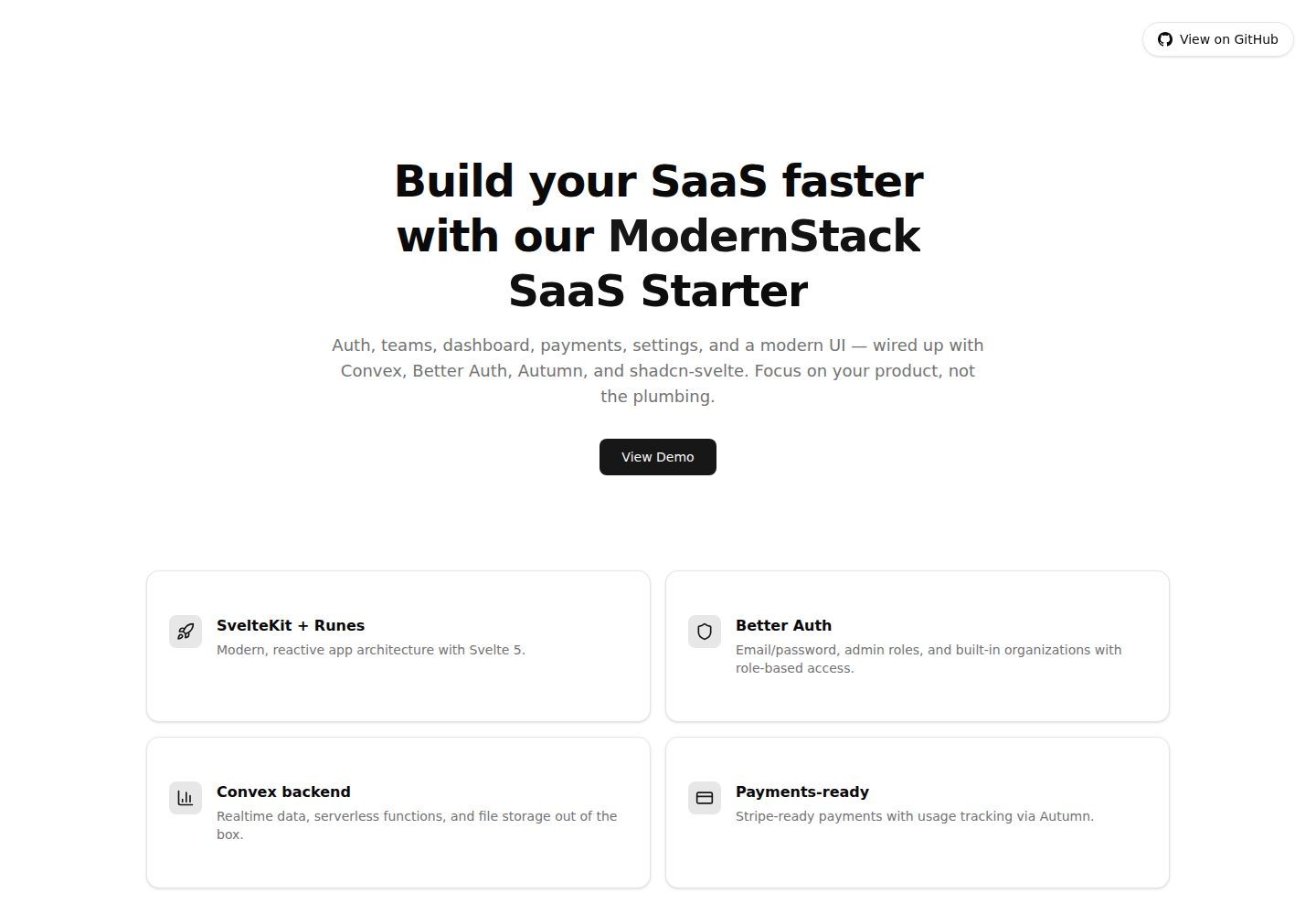
A SaaS starter template built with SvelteKit, Convex, Better Auth, and shadcn-svelte. It includes subscription billing via Autumn/Stripe, user and admin dashboards, user settings, organization multi-tenancy with roles and invitations, and a waitlist mode that can disable public registration.
Svelte · Admin dashboard

sveltekit-mdsvex-blog-template
A SvelteKit and MDsveX blog starter for Markdown writing with embedded Svelte components, Tailwind CSS typography, tags, dark mode, SEO metadata, and Cloudflare Workers deployment configuration. Requires Node.js 22.12+ and pnpm 11.17.0; third-party demo assets need separate license verification.
Svelte · Portfolio
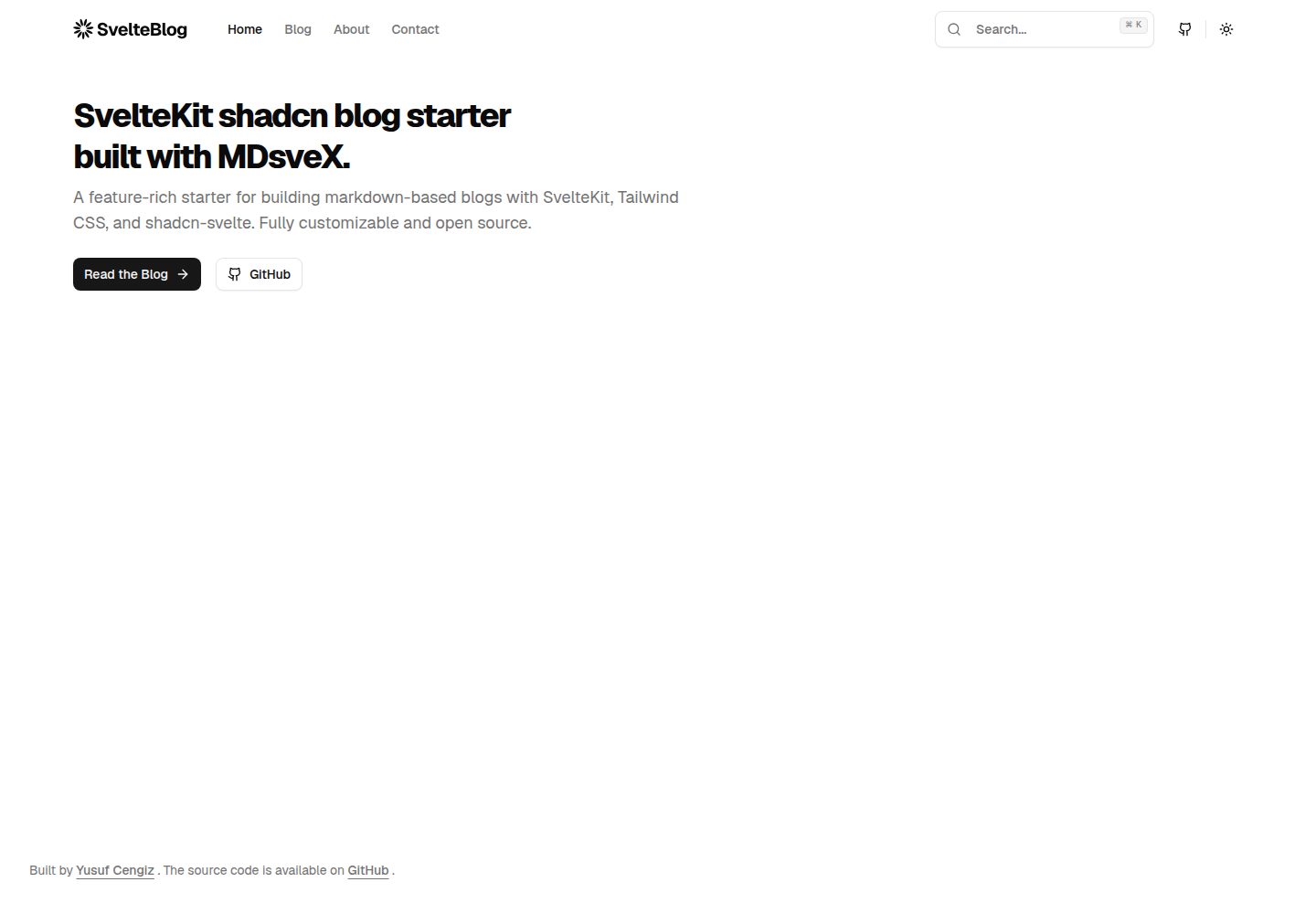
sveltekit-shadcn-blog-starter
A SvelteKit blog starter that combines shadcn-svelte, Tailwind CSS, MDsveX, and TypeScript, offering multi-author support, tag archives, built-in search, light/dark themes, and automatic sitemap and RSS generation.
Svelte · Blog