
Shared VitePress config and theme, supporting runnable code blocks and trainer/present modes
VitePressCorporate Website
course-kit — VitePress Business Template
By SciScend
Shared toolkit for SciScend course sites, providing VitePress config and theme, runnable code blocks, trainer mode, homework check script, GitHub Pages deployment workflow and course scaffolding.
Explore the design
Compare the page layouts and mobile experience. Open any screenshot for a closer look.
Desktop homepage1 / 3
Desktop captureTop of page
Actual screenshot captured by the server browser.
All pages & views 3
Screenshots show visual appearance; interactive behavior may differ.
Recorded 2026-10-14View source
What stands out
A quick read of the recorded project description.
Trainer notes are injected via TRAINER=1; public builds exclude ::: trainer blocks by default
homework/check.js outputs OK/FAIL per item and exits with code 1 on failure, usable in CI
Provides the new-course.mjs scaffolding, which refuses to overwrite an existing directory
Built-in GitHub Pages deployment workflow and first-release checklist
Dependencies can start with a local file: path and switch to github:SciScend/course-kit#v0.1.0 after pushing
Template Details
course-kit is a versioned package shared by all SciScend course sites. The README states that it includes VitePress config, theme (supporting runnable code blocks and trainer/present modes), homework check.js, Pages deployment workflow and course scaffolding.
Each course consists of three parts: a public site repository (SciScend/<slug>, a VitePress site deployed to GitHub Pages, depending on this toolkit), a public homework template repository (students copy code/ tasks and use homework/check.js), and a trainer vault that exists only locally (storing notes, solutions and planning, not pushed to public repositories, linked into the course as ./trainer and ignored by git). The README states explicit rules: trainer materials must never enter public repositories; ::: trainer blocks in lectures do not appear in HTML unless TRAINER=1 is set.
Create a course with node bin/new-course.mjs <slug> "<Title>"; the scaffolding refuses to overwrite an existing directory. Configure the site via defineCourse({ title, description, lang, nav, sidebar, footerMessage, base, data }); base falls back to the BASE environment variable and then to /; data is an optional JSON path exposed as doc in ```js run blocks; the footer always links to sciscend.com. Dependency mode is file:../course-kit before the toolkit is pushed, and github:SciScend/course-kit#v0.1.0 after pushing; upgrading requires tagging this repository, then changing the version number in each course and reinstalling, building and committing.
Trainer mode is enabled with TRAINER=1 npm run dev; press t or the Notes button to show notes. The README warns not to deploy a TRAINER=1 build; the Notes button is rendered only when TRAINER=1. Note injection reads trainer/notes/NN-topic.md per page lectures/NN-topic.md, positioned with <!-- after: heading --> or <!-- before: heading --> markers; unknown headings produce a warning and are placed at the end of the page; missing files or TRAINER not enabled do not cause errors.
The homework check script homework/check.js outputs OK/FAIL per item and prints the pass count at the end; the exit code is 1 if any item fails, so it can be used in CI. The README also provides a first-release checklist: push and tag, switch dependencies, create the public course and homework template repositories, select GitHub Actions as the source in Pages, and confirm trainer is ignored. The material does not provide specific visual details of the theme, supported language ranges or performance-related notes.
VitePressCorporate Website
Is it right for your project?
Use Cases
- Create a new course site for the SciScend organization and generate the initial directory structure
- Hide trainer notes in public course sites and view them only locally with TRAINER=1
- Provide students with a homework template repository and verify homework in CI with check.js
- Deploy course sites to GitHub Pages via GitHub Actions
- Upgrade the course-kit dependency of each course by version tag
Suitable For
- Instructors or developers maintaining multiple course sites within the SciScend organization
- Teams that need to separate public course content from local trainer materials
- Course authors using VitePress who want to reuse unified config and theme
Getting started & customization
Use these recorded setup notes alongside the repository instructions for your chosen version.
- 1
Run node bin/new-course.mjs <slug> "<Title>" [--out <parent dir>] [--vault <parent dir>] to create a course, then cd ../<slug> && npm install && npm run dev
- 2
Call defineCourse in site/.vitepress/config.mjs to configure title, description, lang, nav, sidebar, footerMessage, base and optional data
- 3
Before the toolkit is pushed, write the dependency as file:../course-kit; after pushing, change it to github:SciScend/course-kit#v0.1.0; the scaffolding adds .npmrc and sets install-links=true
- 4
To upgrade the toolkit, tag this repository, then change #vX in each course's package.json, run npm install, npm run build and commit
- 5
For the first release, create the public course and homework template repositories, set the source to GitHub Actions in Pages, and confirm trainer is added to .gitignore
License & source material
Usage conditions & limitations
Free to use · keep license noticeThis entry covers the free version under the MIT license in the public repository; the free scope is the code of that version and does not mean external services or third-party assets are free.
Must comply with when using
- Free use, modification, commercial use and distribution of that version's code are permitted.
- When distributing copies or substantial portions of the code, retain the original author's copyright notice and the full MIT license notice.
- The code is provided as is; warranties and limitations of liability are governed by the original license and applicable law.
Additional costs & items to verify
- Demo images, fonts, icons and other third-party assets must be checked against their respective licenses and cannot be judged solely by the code's MIT license.
- External services such as domains, hosting, databases, payments or AI may incur additional charges.
- Trainer materials (notes, solutions, planning) must never be placed in public repositories; public builds exclude ::: trainer blocks unless TRAINER=1 is set.
- A TRAINER=1 build must never be deployed; the Notes button is rendered only when TRAINER=1.
- The footer always links to https://sciscend.com.
- For the first release, course-kit must be pushed to github.com/SciScend/course-kit and given a version tag.
- The course repository must set Source to GitHub Actions in Settings -> Pages and push main.
- Before release, confirm trainer is added to .gitignore and git ls-files | grep -i trainer is empty.
View Original Text Basis
Permission is hereby granted, free of charge
Original License Text
Rule: trainer material never goes in a public repo. `::: trainer` blocks in
Original README
Never deploy a `TRAINER=1` build. The Notes button is only rendered when `TRAINER=1`.
Original README
Footer always links to https://sciscend.com.
Original README
1. Push course-kit to github.com/SciScend/course-kit and tag a version (v0.1.0).
Original README
4. Course repo: Settings -> Pages -> Source: GitHub Actions. Push main.
Original README
https://github.com/SciScend/course-kit/blob/main/LICENSEhttps://github.com/SciScend/course-kit/blob/main/README.md5. Check that `trainer` is in .gitignore and `git ls-files | grep -i trainer` is empty.
Original README
Compiled by DeepSeek based on repository license and README ·2026-10-14. Results only cover the materials read; dependencies, images, fonts, and subsequent term changes are subject to their respective original texts.
Project checks & description sources
Template Information
- Source platforms
- GitHub
- Documentation and maintenance reference score
- More documented · 80 / 100
- Technologies
- VitePress
- Website type
- Corporate Website
How this score is calculated
Our heuristic uses license records (up to 30), a demo link (12), a preview (10), stars (15), recorded maintenance (15), description completeness (8), feature records (5) and classification data (5). It is not a code, security or performance test, or a Google score. A link does not establish tested functionality.
What to verify for this project
- Repository update recorded
- 2026-10-14
- Screenshot last checked
- 2026-10-14
A demo link is listed. Check it with your own content and viewport sizes; its presence does not confirm that forms, authentication or payments work.
The catalog identifies VitePress as the primary stack. Check the actual dependency manifest and lockfile for versions and hosting requirements. These notes use recorded metadata, not a code audit or a deployment test.
Use a selection guide →How this description was prepared
AI-assisted description based on catalog records and repository material. Repository authors are not automatically the reviewers of this description.
Review declaration: codex-user-requested-batch-review-20261015 · 2026-10-15
Inspect the recorded source material
SHA-256: f0f692ab71678d71d176d6429c5ea51bd47d0cdb3de1909f4465188d3adbd4cc
2026-10-14T15:33:27.468Z
Source file / repository# course-kit
Shared, versioned package for every SciScend course site: VitePress config,
theme (runnable code blocks, trainer/present modes), homework `check.js`,
Pages deploy workflow and a course scaffold.
## Architecture
Each course is three separate things:
1. Public site repo (`SciScend/<slug>`): VitePress site, deployed to GitHub Pages. Depends on this kit.
2. Public homework template repo: the `code/` tasks students copy (uses `homework/check.js`).
3. Local-only trainer vault (`/data/projects/teaching/trainer-vault/<slug>/`): notes, solutions, planning. Not a git repo that is ever pushed publicly. Linked into the course as `./trainer` (git-ignored).
Rule: trainer material never goes in a public repo. `::: trainer` blocks in
lectures are dropped from the HTML unless `TRAINER=1`, so public builds stay clean.
## Start a course
node bin/new-course.mjs <slug> "<Title>" [--out <parent dir>] [--vault <parent dir>]
cd ../<slug> && npm install && npm run dev
It refuses to overwrite existing folders. Edit `site/.vitepress/config.mjs`.
API:
defineCourse({ title, description, lang, nav, sidebar, footerMessage, base, data })
`base` falls back to `BASE` env, then `/`. `data` is an optional JSON path
(relative to the course root) exposed as `doc` in ```` ```js run ```` blocks.
Footer always links to https://sciscend.com.
## Depend on the kit
Before the kit is pushed: `"@sciscend/course-kit": "file:../course-kit"` (the
scaffold adds `.npmrc` with `install-links=true`; after kit changes run `rm -rf node_modules/@sciscend scaffold adds `.npmrc` with `install-links=true`; re-run `npm install` after kit changes).scaffold adds `.npmrc` with `install-links=true`; re-run `npm install` after kit changes). npm install`, plain `npm install` does not re-copy).
After: `"@sciscend/course-kit": "github:SciScend/course-kit#v0.1.0"`.
## Upgrade the kit
Tag a release in this repo (`git tag v0.2.0`), then in each course change the
`#vX` in package.json, run `npm install`, `npm run build`, commit.
## Teach with trainer notes
TRAINER=1 npm run dev
Open the site and press "t" (or use the Notes button) to show the notes.
Never deploy a `TRAINER=1` build. The Notes button is only rendered when `TRAINER=1`.
### Notes files (re-injection)
With `TRAINER=1`, for each page `lectures/NN-topic.md` the kit reads
`trainer/notes/NN-topic.md` (from the course root, i.e. the working directory) if it
exists and injects its blocks into the page inside `.trainer-note` boxes. No file, no
`trainer/` folder, or no `TRAINER`: nothing happens and nothing fails. Blocks are
introduced by a marker comment alone on a line:
<!-- after: Exact heading text --> at the end of that section (just before the
next heading of the same or higher level)
<!-- before: Exact heading text --> just before that heading
Text before the first marker goes at the end of the page. The heading text is the
heading's markdown source (e.g. `` `let` and `const` ``); an unknown heading gives a
warning and the block goes to the end. HTML comments and a leading `# title` line in
the notes file are ignored. Editing a notes file re-renders its lecture in `dev`.
## Homework check
`homework/check.js` prints OK/FAIL per check, a final "N of M checks passed",
and sets exit code 1 on any failure (usable in CI).
## First publish checklist (per course)
1. Push course-kit to github.com/SciScend/course-kit and tag a version (v0.1.0).
2. In the course, change the dependency from `file:...` to
`github:SciScend/course-kit#v0.1.0` and run `npm install`.
3. Create the public repos `<course>` and `<course>-homework` (mark the latter as a
template repository) in the SciScend org.
4. Course repo: Settings -> Pages -> Source: GitHub Actions. Push main.
5. Check that `trainer` is in .gitignore and `git ls-files | grep -i trainer` is empty.
---
Built with Claude Sonnet 5.5 via Claude Code. Published by [SciScend](https://sciscend.com/).
Explore similar templates
Compare previews and descriptions within the same stack and category.
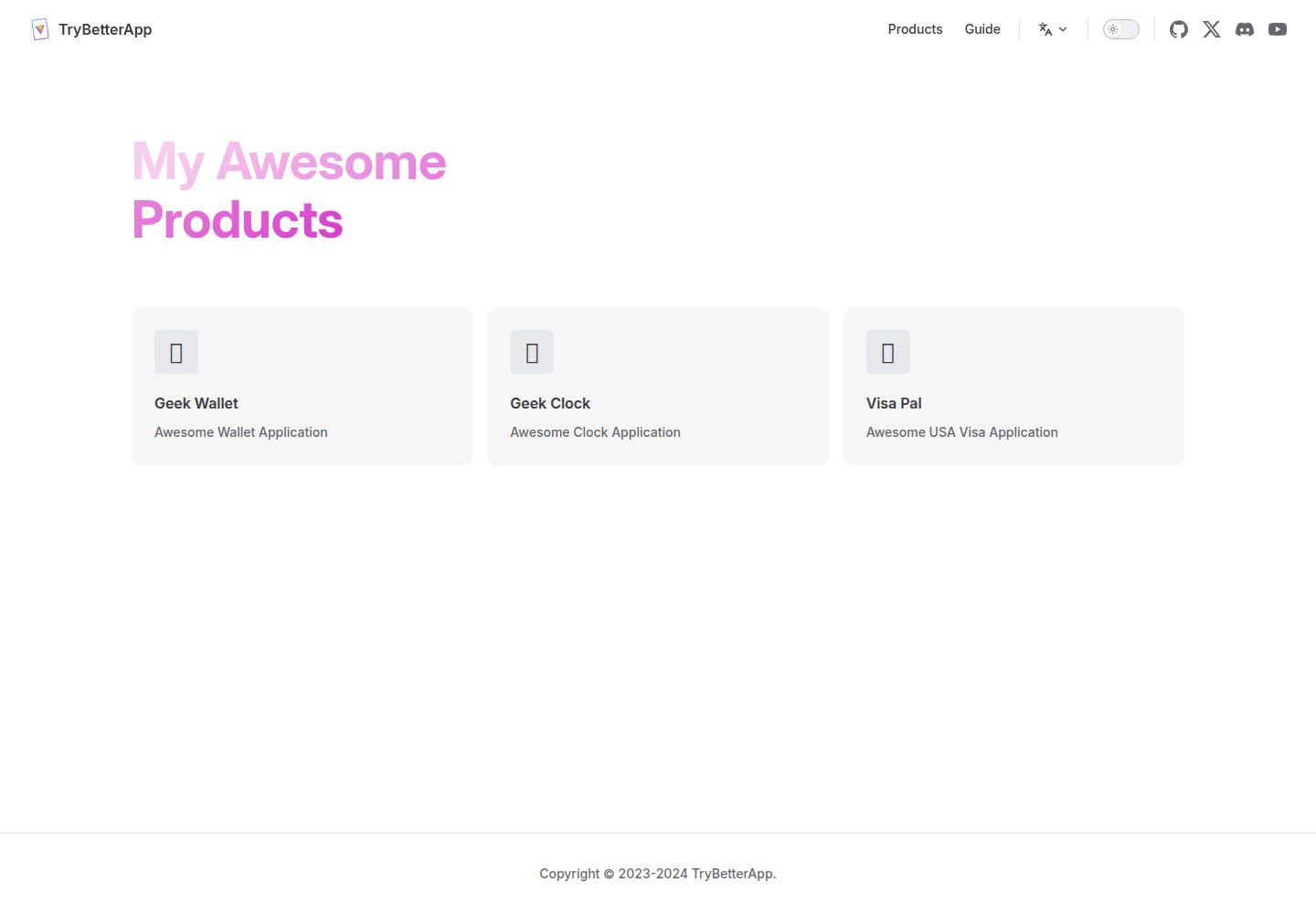
vitepress-template
A VitePress template and starter project based on Vue3 and VitePress. The repository includes a landing-page package positioned as a product website and corporate website, with a demo preview link and desktop and mobile preview screenshots.
Vue · Corporate Website
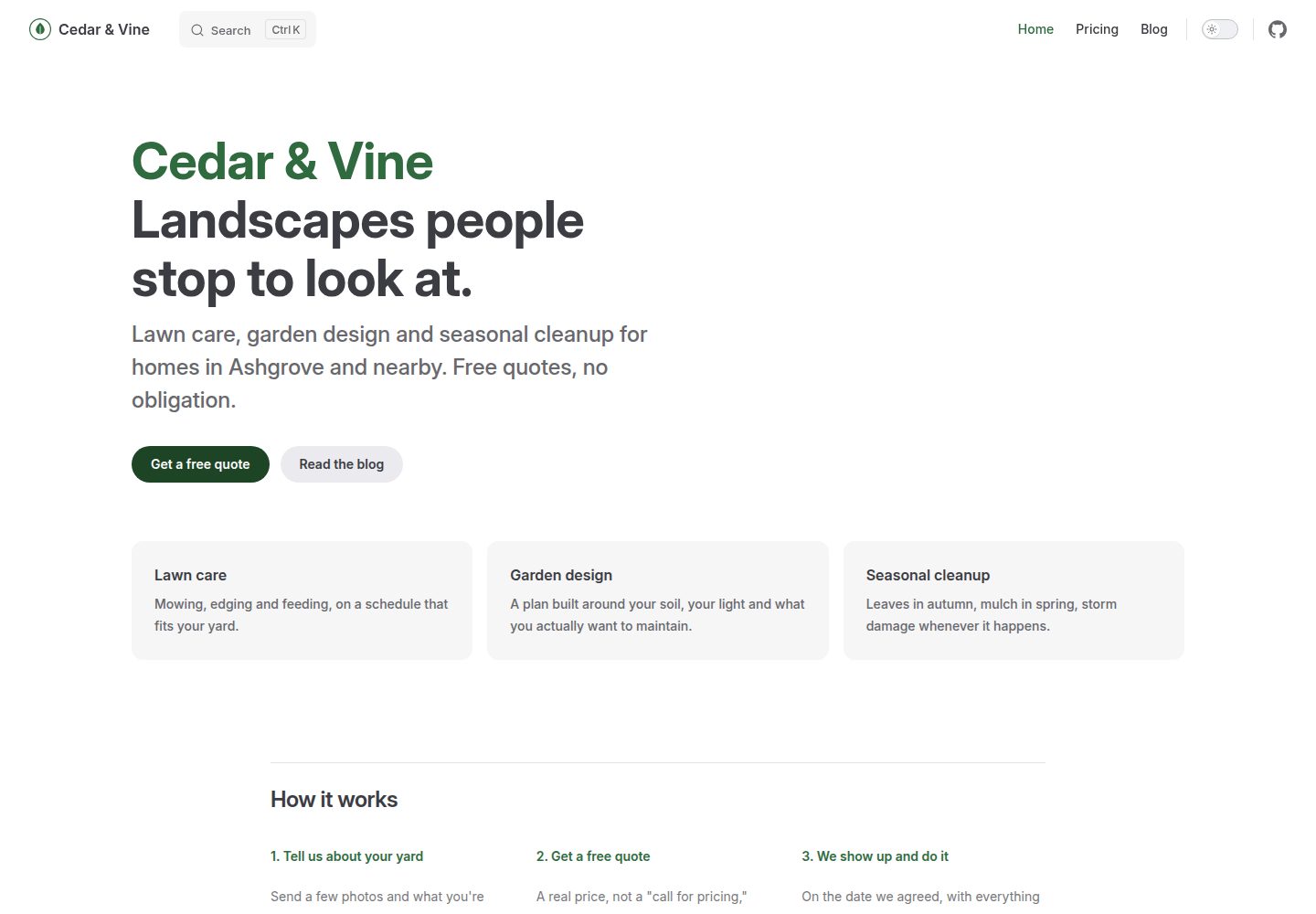
vitepress-marketing
A VitePress-based multi-page marketing site template with a home page, blog, and submittable contact form, deployed automatically to GitHub Pages via GitHub Actions.
Vue · Blog

SaaS-Boilerplate
SaaS-Boilerplate is an open-source SaaS starter template built with Next.js App Router, React 19, TypeScript, Tailwind CSS, and Shadcn UI.
Next.js · SaaS

astrowind
AstroWind is a free, open-source Astro starter theme using Astro and Tailwind CSS, released under the MIT license.
Astro · Blog

mazer
Mazer is a free and open-source Bootstrap 5 admin dashboard and landing page template that does not depend on jQuery. It provides prebuilt releases, source builds, and CDN inclusion, and includes dark mode, perfect-scrollbar, and ApexCharts examples.
HTML · Admin dashboard

Freelancer
A bright, single-page Bootstrap portfolio template for freelancers, designers, and small studios. It includes a responsive portfolio grid with modal detail windows and an SB Forms contact form that requires an API token.
HTML · Portfolio