共享 VitePress 配置与主题,支持可运行代码块和 trainer/present 模式
VitePress企业官网
course-kit — VitePress 企业官网模板
作者 SciScend
SciScend 课程站点共享工具包,提供 VitePress 配置与主题、可运行代码块、讲师模式、作业检查脚本、GitHub Pages 部署工作流和课程脚手架。
看看你的网站会是什么样
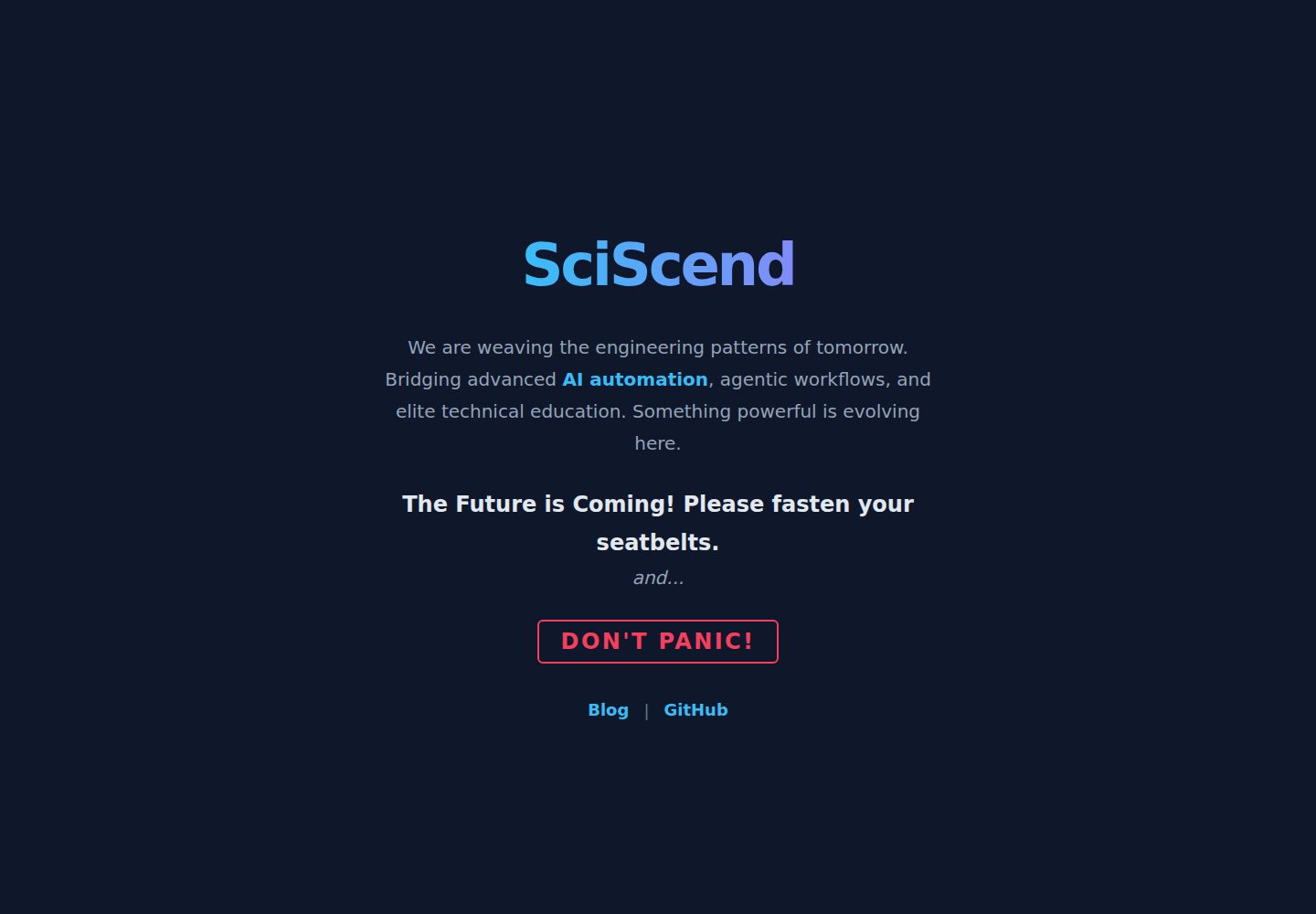
浏览真实页面截图,比较内容排版与手机效果。点击下方缩略图切换,放大查看整页细节。
全部页面与视图 3
截图用于了解视觉与布局,交互效果请以实际项目为准。
采集于 2026-10-14查看来源
值得关注的模板亮点
从已有项目资料中,快速了解它的特点。
讲师笔记通过 TRAINER=1 注入,公开构建默认剔除 ::: trainer 块
homework/check.js 逐项输出 OK/FAIL,失败时退出码为 1,可用于 CI
提供 new-course.mjs 脚手架,拒绝覆盖已有目录
内置 GitHub Pages 部署工作流与首次发布检查清单
依赖可先用本地 file: 路径,推送后切换为 github:SciScend/course-kit#v0.1.0
模板详细介绍
course-kit 是 SciScend 所有课程站点共用的版本化包,README 说明其包含 VitePress 配置、主题(支持可运行代码块与 trainer/present 模式)、作业 check.js、Pages 部署工作流以及课程脚手架。
每门课程由三部分组成:公开站点仓库(SciScend/<slug>,VitePress 站点,部署到 GitHub Pages,依赖本工具包)、公开作业模板仓库(学生复制 code/ 任务,使用 homework/check.js),以及仅本地存在的讲师库(trainer-vault,存放笔记、解答与规划,不推送到公开仓库,以 ./trainer 链接进课程并被 git 忽略)。README 明确规则:讲师材料绝不进入公开仓库;讲座中的 ::: trainer 块除非设置 TRAINER=1,否则不会出现在 HTML 中。
使用 node bin/new-course.mjs <slug> "<Title>" 创建课程,脚手架拒绝覆盖已有目录;通过 defineCourse({ title, description, lang, nav, sidebar, footerMessage, base, data }) 配置站点,base 依次回退到 BASE 环境变量和 /,data 是可选的 JSON 路径,在 ```js run 块中以 doc 暴露,页脚始终链接到 sciscend.com。依赖方式在工具包推送前为 file:../course-kit,推送后为 github:SciScend/course-kit#v0.1.0;升级需在本仓库打 tag,再在各课程中修改版本号并重新安装、构建、提交。
讲师模式通过 TRAINER=1 npm run dev 启用,按 t 键或 Notes 按钮显示笔记;README 提醒不要部署 TRAINER=1 构建,Notes 按钮仅在 TRAINER=1 时渲染。笔记注入按页面 lectures/NN-topic.md 读取 trainer/notes/NN-topic.md,用 <!-- after: 标题 --> 或 <!-- before: 标题 --> 标记定位,未知标题会给出警告并放到页面末尾;文件缺失或未启用 TRAINER 时不会报错。
作业检查脚本 homework/check.js 逐项输出 OK/FAIL,最后打印通过数量,任一失败时退出码为 1,可用于 CI。README 还给出首次发布清单:推送并打 tag、切换依赖、创建公开课程与作业模板仓库、在 Pages 中选择 GitHub Actions 作为源、确认 trainer 已被忽略。资料未提供主题的具体视觉细节、支持的语言范围或性能相关说明。
VitePress企业官网
适合你的项目吗?
适用场景
- 为 SciScend 组织创建新的课程站点并生成初始目录结构
- 在公开课程站点中隐藏讲师笔记,仅在本地 TRAINER=1 时查看
- 为学生提供作业模板仓库,并用 check.js 在 CI 中验证作业
- 把课程站点通过 GitHub Actions 部署到 GitHub Pages
- 按版本 tag 升级各课程所依赖的 course-kit
适合人群
- SciScend 组织内维护多门课程站点的讲师或开发者
- 需要将公开课程内容与本地讲师材料分离的团队
- 使用 VitePress 并希望复用统一配置与主题的课程作者
上手与定制指南
结合仓库当前版本的说明,按下面的资料检查内容、配置与运行要求。
- 1
运行 node bin/new-course.mjs <slug> "<Title>" [--out <parent dir>] [--vault <parent dir>] 创建课程,然后 cd ../<slug> && npm install && npm run dev
- 2
在 site/.vitepress/config.mjs 中调用 defineCourse 配置标题、描述、语言、导航、侧边栏、页脚信息、base 和可选 data
- 3
工具包推送前依赖写为 file:../course-kit,推送后改为 github:SciScend/course-kit#v0.1.0;脚手架会添加 .npmrc 并设置 install-links=true
- 4
升级工具包时在本仓库打 tag,再在各课程修改 package.json 中的 #vX,执行 npm install、npm run build 并提交
- 5
首次发布需创建公开课程与作业模板仓库,在 Pages 中将源设为 GitHub Actions,并确认 trainer 已加入 .gitignore
授权与来源资料
使用条件与限制
免费使用 · 保留许可声明本次收录的是公开仓库中采用 MIT 许可的免费版本;免费范围为该版本代码,不代表外部服务或第三方素材免费。
使用时需要遵守
- 允许免费使用、修改、商用和分发该版本代码。
- 分发代码副本或实质性部分时,保留原作者版权声明和完整 MIT 许可声明。
- 代码按现状提供;担保与责任限制以原许可证及适用法律为准。
额外费用与待核对事项
- 演示图片、字体、图标及其他第三方素材需按各自许可核对,不能仅凭代码的 MIT 许可判断。
- 域名、托管、数据库、支付或 AI 等外部服务可能另外收费。
- 讲师材料(笔记、解答、规划)绝不能放入公开仓库;公开构建会剔除 ::: trainer 块,除非设置 TRAINER=1。
- 绝不能部署 TRAINER=1 构建;Notes 按钮仅在 TRAINER=1 时渲染。
- 页脚始终链接到 https://sciscend.com。
- 首次发布需将 course-kit 推送到 github.com/SciScend/course-kit 并打版本 tag。
- 课程仓库需在 Settings -> Pages 中将 Source 设为 GitHub Actions 并推送 main。
- 发布前需确认 trainer 已加入 .gitignore 且 git ls-files | grep -i trainer 为空。
查看原文依据
Permission is hereby granted, free of charge
许可证原文
Rule: trainer material never goes in a public repo. `::: trainer` blocks in
README 原文
Never deploy a `TRAINER=1` build. The Notes button is only rendered when `TRAINER=1`.
README 原文
Footer always links to https://sciscend.com.
README 原文
1. Push course-kit to github.com/SciScend/course-kit and tag a version (v0.1.0).
README 原文
4. Course repo: Settings -> Pages -> Source: GitHub Actions. Push main.
README 原文
https://github.com/SciScend/course-kit/blob/main/LICENSEhttps://github.com/SciScend/course-kit/blob/main/README.md5. Check that `trainer` is in .gitignore and `git ls-files | grep -i trainer` is empty.
README 原文
DeepSeek 根据仓库许可证和 README 整理 ·2026-10-14。结果仅覆盖已读取资料,依赖、图片、字体及后续条款变更以各自原文为准。
项目核对记录与介绍依据
模板资料
- 来源平台
- GitHub
- 资料与维护参考分
- 资料较完整 · 80 / 100
- 技术栈
- VitePress
- 网站类型
- 企业官网
这个分数如何计算
本站按许可资料(最高30分)、演示链接(12分)、预览图(10分)、Star数(15分)、记录的维护时间(15分)、描述完整度(8分)、功能记录(5分)和分类资料(5分)计算。它不是代码、安全或性能测试,也不是 Google 评分;有链接不代表已实测可用。
这个项目需要核对什么
- 记录的仓库更新时间
- 2026-10-14
- 截图检查日期
- 2026-10-14
已收录演示链接。请用你的内容与屏幕尺寸检查;有演示不代表表单、认证或支付已经可用。
目录记录的主要技术栈是 VitePress。请通过依赖清单和锁文件核对实际版本与托管要求。这些说明基于收录资料,不代表代码审计或部署实测。
查看具体选型方法 →介绍的制作与核对状态
介绍由 AI 辅助整理目录与仓库资料。仓库作者不等于这篇介绍的审核者。
审核声明: codex-user-requested-batch-review-20261015 · 2026-10-15
查看当时使用的来源资料
SHA-256: f0f692ab71678d71d176d6429c5ea51bd47d0cdb3de1909f4465188d3adbd4cc
2026-10-14T15:33:27.468Z
来源文件 / 仓库# course-kit
Shared, versioned package for every SciScend course site: VitePress config,
theme (runnable code blocks, trainer/present modes), homework `check.js`,
Pages deploy workflow and a course scaffold.
## Architecture
Each course is three separate things:
1. Public site repo (`SciScend/<slug>`): VitePress site, deployed to GitHub Pages. Depends on this kit.
2. Public homework template repo: the `code/` tasks students copy (uses `homework/check.js`).
3. Local-only trainer vault (`/data/projects/teaching/trainer-vault/<slug>/`): notes, solutions, planning. Not a git repo that is ever pushed publicly. Linked into the course as `./trainer` (git-ignored).
Rule: trainer material never goes in a public repo. `::: trainer` blocks in
lectures are dropped from the HTML unless `TRAINER=1`, so public builds stay clean.
## Start a course
node bin/new-course.mjs <slug> "<Title>" [--out <parent dir>] [--vault <parent dir>]
cd ../<slug> && npm install && npm run dev
It refuses to overwrite existing folders. Edit `site/.vitepress/config.mjs`.
API:
defineCourse({ title, description, lang, nav, sidebar, footerMessage, base, data })
`base` falls back to `BASE` env, then `/`. `data` is an optional JSON path
(relative to the course root) exposed as `doc` in ```` ```js run ```` blocks.
Footer always links to https://sciscend.com.
## Depend on the kit
Before the kit is pushed: `"@sciscend/course-kit": "file:../course-kit"` (the
scaffold adds `.npmrc` with `install-links=true`; after kit changes run `rm -rf node_modules/@sciscend scaffold adds `.npmrc` with `install-links=true`; re-run `npm install` after kit changes).scaffold adds `.npmrc` with `install-links=true`; re-run `npm install` after kit changes). npm install`, plain `npm install` does not re-copy).
After: `"@sciscend/course-kit": "github:SciScend/course-kit#v0.1.0"`.
## Upgrade the kit
Tag a release in this repo (`git tag v0.2.0`), then in each course change the
`#vX` in package.json, run `npm install`, `npm run build`, commit.
## Teach with trainer notes
TRAINER=1 npm run dev
Open the site and press "t" (or use the Notes button) to show the notes.
Never deploy a `TRAINER=1` build. The Notes button is only rendered when `TRAINER=1`.
### Notes files (re-injection)
With `TRAINER=1`, for each page `lectures/NN-topic.md` the kit reads
`trainer/notes/NN-topic.md` (from the course root, i.e. the working directory) if it
exists and injects its blocks into the page inside `.trainer-note` boxes. No file, no
`trainer/` folder, or no `TRAINER`: nothing happens and nothing fails. Blocks are
introduced by a marker comment alone on a line:
<!-- after: Exact heading text --> at the end of that section (just before the
next heading of the same or higher level)
<!-- before: Exact heading text --> just before that heading
Text before the first marker goes at the end of the page. The heading text is the
heading's markdown source (e.g. `` `let` and `const` ``); an unknown heading gives a
warning and the block goes to the end. HTML comments and a leading `# title` line in
the notes file are ignored. Editing a notes file re-renders its lecture in `dev`.
## Homework check
`homework/check.js` prints OK/FAIL per check, a final "N of M checks passed",
and sets exit code 1 on any failure (usable in CI).
## First publish checklist (per course)
1. Push course-kit to github.com/SciScend/course-kit and tag a version (v0.1.0).
2. In the course, change the dependency from `file:...` to
`github:SciScend/course-kit#v0.1.0` and run `npm install`.
3. Create the public repos `<course>` and `<course>-homework` (mark the latter as a
template repository) in the SciScend org.
4. Course repo: Settings -> Pages -> Source: GitHub Actions. Push main.
5. Check that `trainer` is in .gitignore and `git ls-files | grep -i trainer` is empty.
---
Built with Claude Sonnet 5.5 via Claude Code. Published by [SciScend](https://sciscend.com/).
看看同类模板
对比同技术栈与用途的模板,找到更适合的视觉与内容结构。
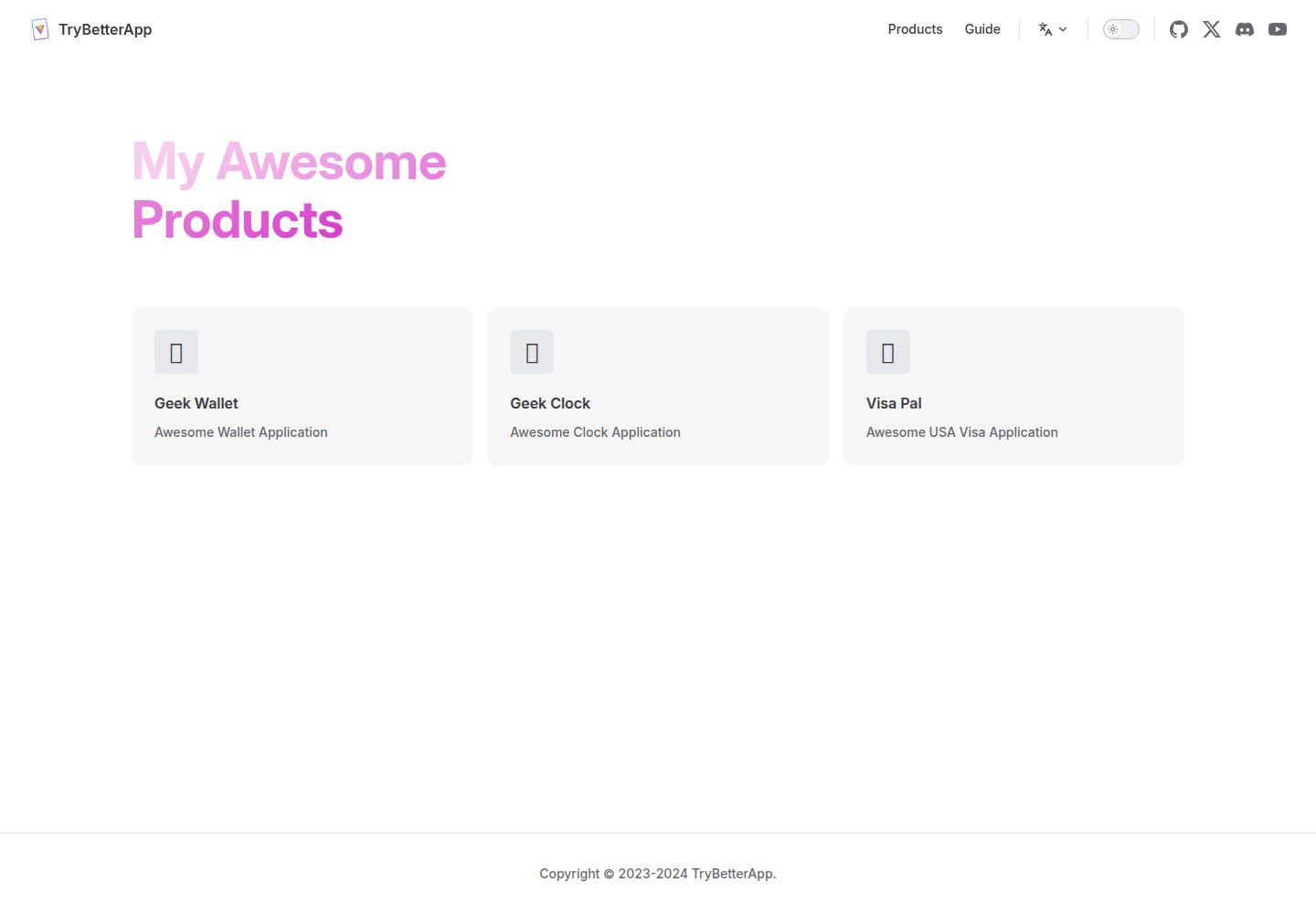
vitepress-template
vitepress template & starter
Vue · 企业官网
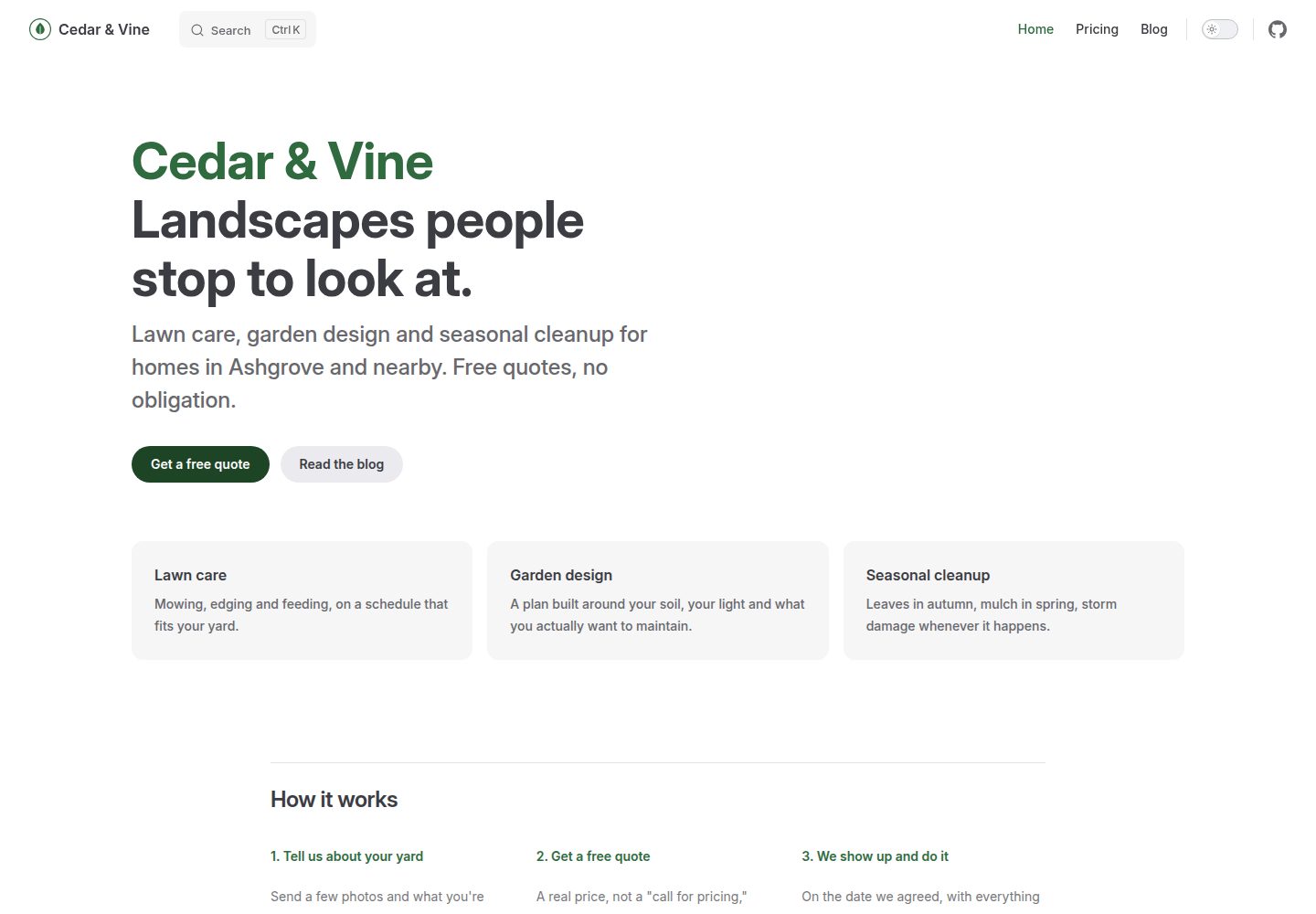
vitepress-marketing
VitePress set up as a real marketing site, not a docs site: a home page, a blog, and a working contact form.
Vue · 博客

SaaS-Boilerplate
🚀🎉📚 SaaS Boilerplate built with Next.js + Tailwind CSS + Shadcn UI + TypeScript. ⚡️ Full-stack React applic…
Next.js · SaaS

astrowind
⭕️ AstroWind: A free template using Astro v7 and Tailwind CSS v4. Astro starter theme.
Astro · 博客

mazer
Free and Open-source Bootstrap 5 Admin Dashboard Template and Landing Page
HTML · 后台

Freelancer
Freelancer 是 Start Bootstrap 出品的单页作品集模板,专为自由职业者、设计师和小型工作室设计。 页面结构清晰,包含多个内容区块、响应式作品集网格,每个作品项目配有模态窗口展示详情。
HTML · 作品集