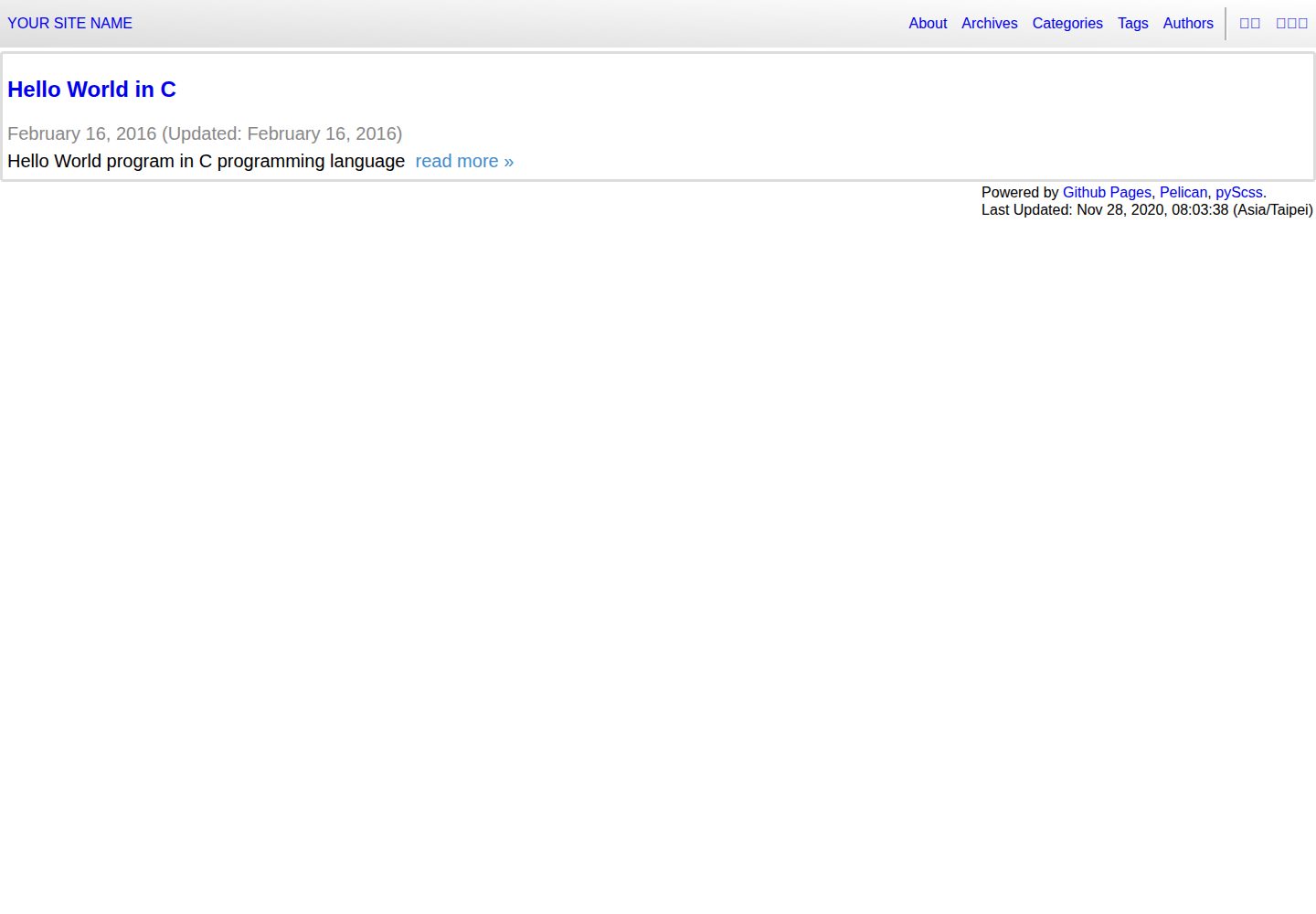
A blog template based on the Python static site generator Pelican, outputting pure static HTML
HTMLBlog
pelican-template — HTML Blog Template
By siongui
A Pelican static site generator blog template for generating the author's personal blog, including multilingual subsites, AdSense ad slots, and GitHub Pages / GitLab Pages deployment configuration.
Explore the design
Compare the page layouts and mobile experience. Open any screenshot for a closer look.
Desktop homepage1 / 3
Desktop captureTop of page
Actual screenshot captured by the server browser.
All pages & views 3
Screenshots show visual appearance; interactive behavior may differ.
Recorded 2026-10-02View source
What stands out
A quick read of the recorded project description.
Supports multilingual subsites via the i18n_subsites plugin, with examples involving English, Traditional Chinese, and Thai
Built-in Google AdSense integration, requiring modifications to the template, plugin, and publishconf.py in three places, with per-article enablement via :adsense: yes
Provides a Makefile workflow: make download fetches the plugin and normalize.css, make scss generates styles, and make starts a local preview
Includes deployment configuration examples for GitHub Actions, Travis CI, and GitLab CI/CD, covering GitHub Pages and GitLab Pages
The code uses an Unlicense public domain declaration and can be freely copied, modified, and distributed
Template Details
This is a Pelican static site template for generating a personal blog. Pelican is a static site generator written in Python; the template itself consists of HTML and Jinja templates, SCSS styles, and Makefile build scripts, and the repository also provides pipeline configurations for GitHub Actions and GitLab CI.
The template targets multilingual blog scenarios: the README lists locale installation steps for English, Traditional Chinese, and Thai, and relies on Pelican's i18n_subsites plugin, indicating that its design includes a subsite structure split by language. In terms of content organization, sample articles are located under content/articles in date-based directories, with filenames carrying language suffixes (such as %en, %zh).
The template has built-in Google AdSense support: you need to modify three files—adsense_auto_ads.html, plugins/adsense/adsense.py, and publishconf.py—to insert your own code, and add the :adsense: yes marker to articles where you want ads to appear. It also includes an "Edit on Github" link, references related to PWA/home screen icons, and reference notes on GitHub Pages single-page application and symlink issues.
The development workflow revolves around the Makefile: first install git, pip, and language packs; after cloning the repository, run pip3 install -r requirements.txt, then use make download to fetch the i18n_subsites plugin and normalize.css, and make scss to generate CSS; for daily use, run make to regenerate the site and preview it at http://localhost:8000/. For deployment, it provides example configurations for Travis CI deployment to GitHub Pages (distinguishing User Pages and Project Pages) and GitLab CI/CD deployment to GitLab Pages.
Limitations and notes: the README's development environment uses Ubuntu 20.04 as an example, and the steps include apt installation and system-level Python configuration; the repository was last updated in 2020 and does not provide a dependency list check, so specific framework versions are not listed here. Third-party assets such as demo images, fonts, and icons must be checked against their respective licenses, while the code itself uses an Unlicense public domain declaration.
HTMLBlog
Is it right for your project?
Use Cases
- Building and publishing a personal technical blog with Pelican
- A multilingual blog that needs multiple subsites split by language
- Wanting to host the blog statically on GitHub Pages or GitLab Pages
- Needing to insert Google AdSense ad slots in some articles
Suitable For
- Developers familiar with the command line and Makefile who are willing to configure the Python environment themselves
- Users using Pelican as a static site generator who need a ready-made blog theme structure
- Bloggers who need multilingual subsites and automated deployment pipeline configuration references
Getting started & customization
Use these recorded setup notes alongside the repository instructions for your chosen version.
- 1
The README uses Ubuntu 20.04 as an example; you need to run apt-get update first, then install git, python3-pip, and the required language packs
- 2
After cloning the repository, run pip3 install -r requirements.txt to install Python dependencies
- 3
Run make download to install the i18n_subsites plugin and download normalize.css, then run make scss to generate CSS
- 4
For daily development, run make to regenerate the site and preview it at http://localhost:8000/
- 5
Enabling AdSense requires modifying theme/templates/layout/includes/adsense_auto_ads.html, plugins/adsense/adsense.py, and publishconf.py
License & source material
Usage conditions & limitations
Free to use · keep license noticeThis entry covers the free version in a public repository under the Unlicense; the free scope is the code of that version and does not mean that external services or third-party assets are free.
Must comply with when using
- Permits free copying, modification, publication, use, compilation, sale, and distribution of that version of the code, including commercial use.
- The author waives relevant copyright through a public domain dedication; the legal effect of this dedication depends on the applicable jurisdiction.
- The code is provided as is; warranties and limitations of liability are governed by the original license and applicable law.
Additional costs & items to verify
- Before use, you need to install Pelican's i18n_subsites plugin via make download and download normalize.css, which are external dependency acquisition steps.
- Automatic deployment to GitHub Pages requires storing a personal access token in the CI repository settings, meaning an external service account and credentials are needed.
- Enabling Google AdSense ads requires modifying three files yourself—adsense_auto_ads.html, plugins/adsense/adsense.py, and publishconf.py—and inserting your own ad code.
- Ads are displayed only in articles that explicitly add the :adsense: yes marker, requiring manual enablement article by article.
- The README's development steps use Ubuntu 20.04 as an example and include apt installation and system-level Python configuration; other systems require adjustments.
- Demo images, fonts, icons, and other third-party assets must be checked against their respective licenses and cannot be judged solely by the code's Unlicense license.
- External services such as domains, hosting, databases, payments, or AI may incur additional charges.
View Original Text Basis
for any purpose, commercial or non-commercial, and by any means
Original License Text
Install Pelican `i18n_subsites`_ plugin and download `normalize.css`_
Original README
First save your `personal access token`_ in `repository settings`_
Original README
Edit the following three files to include your code:
Original README
Add ``:adsense: yes`` to the articles that you want to put ads in.
Original README
https://github.com/siongui/pelican-template/blob/master/UNLICENSEhttps://github.com/siongui/pelican-template/blob/master/README.rstDevelopment Environment: `Ubuntu 20.04`_
Original README
Compiled by DeepSeek based on repository license and README ·2026-10-02. Results only cover the materials read; dependencies, images, fonts, and subsequent term changes are subject to their respective original texts.
Project checks & description sources
Template Information
- Source platforms
- GitHub
- Documentation and maintenance reference score
- Partly documented · 68 / 100
- Technologies
- HTML
- Website type
- Blog
How this score is calculated
Our heuristic uses license records (up to 30), a demo link (12), a preview (10), stars (15), recorded maintenance (15), description completeness (8), feature records (5) and classification data (5). It is not a code, security or performance test, or a Google score. A link does not establish tested functionality.
What to verify for this project
- Repository update recorded
- 2020-11-28
- Screenshot last checked
- 2026-10-02
A demo link is listed. Check it with your own content and viewport sizes; its presence does not confirm that forms, authentication or payments work.
The catalog identifies HTML as the primary stack. Check the actual dependency manifest and lockfile for versions and hosting requirements. These notes use recorded metadata, not a code audit or a deployment test.
Use a selection guide →How this description was prepared
AI-assisted description based on catalog records and repository material. Repository authors are not automatically the reviewers of this description.
Automatically checked against source and license rules; no manual editorial review.
Inspect the recorded source material
SHA-256: 25c258ac3033653a479016acf02cc551b2581d4d58c01d13fab1f5eca3d7cf60
2026-10-02T09:11:40.843Z
Source file / repository===============
How to Develope
===============
.. image:: https://img.shields.io/badge/Language-Python-blue.svg
:target: https://www.python.org/
.. image:: https://img.shields.io/badge/Language-Go-blue.svg
:target: https://golang.org/
.. .. image:: https://godoc.org/github.com/siongui/paligo?status.svg
:target: https://godoc.org/github.com/siongui/paligo
.. image:: https://github.com/siongui/pelican-template/workflows/Pelican%20site%20CI/badge.svg
:target: https://github.com/siongui/pelican-template/blob/master/.github/workflows/pelican.yml
.. .. image:: https://travis-ci.org/siongui/pelican-template.svg?branch=master
:target: https://travis-ci.org/siongui/pelican-template
.. image:: https://gitlab.com/siongui/pelican-template/badges/master/pipeline.svg
:target: https://gitlab.com/siongui/pelican-template/-/commits/master
.. .. image:: https://goreportcard.com/badge/github.com/siongui/paligo
:target: https://goreportcard.com/report/github.com/siongui/paligo
.. image:: https://img.shields.io/badge/license-Unlicense-blue.svg
:target: https://github.com/siongui/pelican-template/blob/master/UNLICENSE
.. See how to add travis ci image from https://raw.githubusercontent.com/demizer/go-rst/master/README.rst
https://github.com/demizer/go-rst/commit/9651ab7b5acc997ea2751845af9f2d6efee825df
Development Tool: Pelican_ (static site generator written in Python)
Development Environment: `Ubuntu 20.04`_
First-time Setup
----------------
1. On a fresh/clean installation of Ubuntu, update system first. Otherwise will
get unable to locate package error.
See `this SO answer <https://stackoverflow.com/a/58072486>`__.
.. code-block:: bash
$ sudo apt-get update
2. Install git_ and pip_:
.. code-block:: bash
$ sudo apt-get install git
$ sudo apt-get install python3-pip
From the `answer in Ask Ubuntu <https://askubuntu.com/a/1031733>`_,
we can use python-is-python3 and prevent Python 2 from being installed
on Ubuntu 20.04
.. code-block:: bash
$ sudo apt-get install python-is-python3
$ sudo apt-mark hold python2 python2-minimal python2.7 python2.7-minimal libpython2-stdlib libpython2.7-minimal libpython2.7-stdlib
3. Install language packages to add locale (English, Traditional Chinese, and
Thai in this example):
.. code-block:: bash
$ sudo apt-get install language-pack-en
$ sudo apt-get install language-pack-zh-hant
$ sudo apt-get install language-pack-th
Or you can install languages in "Settings" -> "Region & Language", which
installs more related packages such as fonts for languages.
4. git clone source code:
.. code-block:: bash
$ cd
$ mkdir dev
$ cd ~/dev/
$ git clone https://github.com/siongui/pelican-template.git --depth=1
# or clone with full depth
$ git clone https://github.com/siongui/pelican-template.git YOUR_REPO
5. Install Python tools:
.. code-block:: bash
$ cd ~/dev/YOUR_REPO/
$ pip3 install -r requirements.txt
Note that in `.travis.yml <.travis.yml>`_, pip is actually pip3 if bionic and
python 3.8 is set in Travis CI config.
6. Install Pelican `i18n_subsites`_ plugin and download `normalize.css`_:
.. code-block:: bash
$ cd ~/dev/YOUR_REPO/
$ make download
7. Generate CSS file:
.. code-block:: bash
$ cd ~/dev/YOUR_REPO/
$ make scss
Daily Development
-----------------
.. code-block:: bash
# start edit and develope
$ cd ~/dev/YOUR_REPO/
# re-generate the website and start dev server
$ make
# open your browser and preview the website at http://localhost:8000/
Auto-deploy by `Travis CI`_
---------------------------
See `GitHub Pages Deployment - Travis CI`_.
First save your `personal access token`_ in `repository settings`_.
For User Pages, the following is sample config:
.. code-block:: yaml
deploy:
provider: pages
repo: USERNAME/USERNAME.github.io
target_branch: master
skip_cleanup: true
github_token: $GITHUB_TOKEN
local_dir: output
on:
branch: master
For Project Pages, the following is sample config:
.. code-block:: yaml
deploy:
provider: pages
skip_cleanup: true
github_token: $GITHUB_TOKEN
local_dir: output
on:
branch: master
Deploy to `GitLab Pages`_ via `GitLab CI/CD`_
---------------------------------------------
See `.gitlab-ci.yml <.gitlab-ci.yml>`_.
1. Use `Ubuntu image in Docker Hub <https://hub.docker.com/_/ubuntu>`_.
The *ubuntu:latest* tag points to the "latest LTS".
2. Need to update Ubuntu first to install Ubuntu packages.
See `this SO answer <https://stackoverflow.com/a/58072486>`__.
3. `Travis CI`_ can deploy to any repository, but need `personal access token`_
to do so.
`GitLab CI/CD`_ can deploy to the repository where CI/CD runs without
credentials.
Note for `Google Adsense`_
--------------------------
Edit the following three files to include your code:
- `theme/templates/layout/includes/adsense_auto_ads.html <theme/templates/layout/includes/adsense_auto_ads.html>`_
- `plugins/adsense/adsense.py <plugins/adsense/adsense.py>`_
- `publishconf.py <publishconf.py>`_
Add ``:adsense: yes`` to the articles that you want to put ads in. See
`content/articles/2016/02/16/c-hello-world%en.rst <content/articles/2016/02/16/c-hello-world%25en.rst>`_
for example.
Or use directive to include ads in articles. See raw file of
`content/articles/2016/02/16/c-hello-world%zh.rst <content/articles/2016/02/16/c-hello-world%25zh.rst>`_
for example.
UNLICENSE
---------
All works, including posts and code, of Siong-Ui Te are released in public domain.
Please see UNLICENSE_.
References
----------
.. [1] `pelican-edit-url <https://github.com/pmclanahan/pelican-edit-url>`_
inspires the *Edit on Github* link.
.. [2] | JINJA_FILTERS in `Settings — Pelican documentation <http://docs.getpelican.com/en/latest/settings.html>`_
| `Jinja custom filters documentation <http://jinja.pocoo.org/docs/dev/api/#custom-filters>`_
.. [3] | Home Screen Icon on Android/iPhone & PWA support
| `website icon on android home screen - Google search <https://www.google.com/search?q=website+icon+on+android+home+screen>`_
| `Tutorial: Home Screen Icons | Responsive Web Design Training Tutorial | Webucator <https://www.webucator.com/tutorial/developing-mobile-websites/home-screen-icons.cfm>`_
| `pwa manifest - Google search <https://www.google.com/search?q=pwa+manifest>`_
| `WebPageTest - Website Performance and Optimization Test <https://www.webpagetest.org/>`_
.. [4] | `Add single page application support for Github pages · Issue #408 · isaacs/github · GitHub <https://github.com/isaacs/github/issues/408>`_
| `GitHub - rafgraph/spa-github-pages: Host single page apps with GitHub Pages <https://github.com/rafgraph/spa-github-pages>`_
| `S(GH)PA: The Single-Page App Hack For GitHub Pages — Smashing Magazine <https://www.smashingmagazine.com/2016/08/sghpa-single-page-app-hack-github-pages/>`_
| `GitHub - dmsnell/gh-pages-404-redirect: Can I use a custom 404 handler on GitHub pages to host a routed single-page app? <https://github.com/dmsnell/gh-pages-404-redirect>`_
| `Redirect a GitHub Pages site with this HTTP hack | Opensource.com <https://opensource.com/article/19/7/permanently-redirect-github-pages>`_
| `javascript - Is there a configuration in Github Pages that allows you to redirect everything to index.html for a Single Page App? - Stack Overflow <https://stackoverflow.com/questions/36296012/is-there-a-configuration-in-github-pages-that-allows-you-to-redirect-everything>`_
.. [5] | `github pages symbolic link - Google search <https://www.google.com/search?q=github+pages+symbolic+link>`_
| `Pages: allow symlinks · Issue #553 · isaacs/github · GitHub <https://github.com/isaacs/github/issues/553>`_
| `Added .nojekyll to workaround symlink issue in GitHub Pages. Ref: isaacs/github#553 · siongui/paligo@b9fe689 · GitHub <https://github.com/siongui/paligo/commit/b9fe689770d705743a29bd33a3c7583a5c81bec1>`_
.. _Pelican: https://blog.getpelican.com/
.. _Ubuntu 20.04: https://releases.ubuntu.com/20.04/
.. _git: https://git-scm.com/
.. _pip: https://pypi.python.org/pypi/pip
.. _i18n_subsites: https://github.com/getpelican/pelican-plugins/tree/master/i18n_subsites
.. _normalize.css: https://necolas.github.io/normalize.css/
.. _Travis CI: https://travis-ci.org/
.. _GitHub Pages Deployment - Travis CI: https://docs.travis-ci.com/user/deployment/pages/
.. _personal access token: https://docs.github.com/en/github/authenticating-to-github/creating-a-personal-access-token
.. _repository settings: https://docs.travis-ci.com/user/environment-variables#defining-variables-in-repository-settings
.. _GitLab Pages: https://docs.gitlab.com/ee/user/project/pages/
.. _GitLab CI/CD: https://docs.gitlab.com/ee/ci/
.. _Google Adsense: https://www.google.com/search?q=Google+AdSense
.. _UNLICENSE: https://unlicense.org/
Explore similar templates
Compare previews and descriptions within the same stack and category.

Casper
Casper is Ghost's official classic blog theme, long used as the default and still maintained.
HTML · Magazine
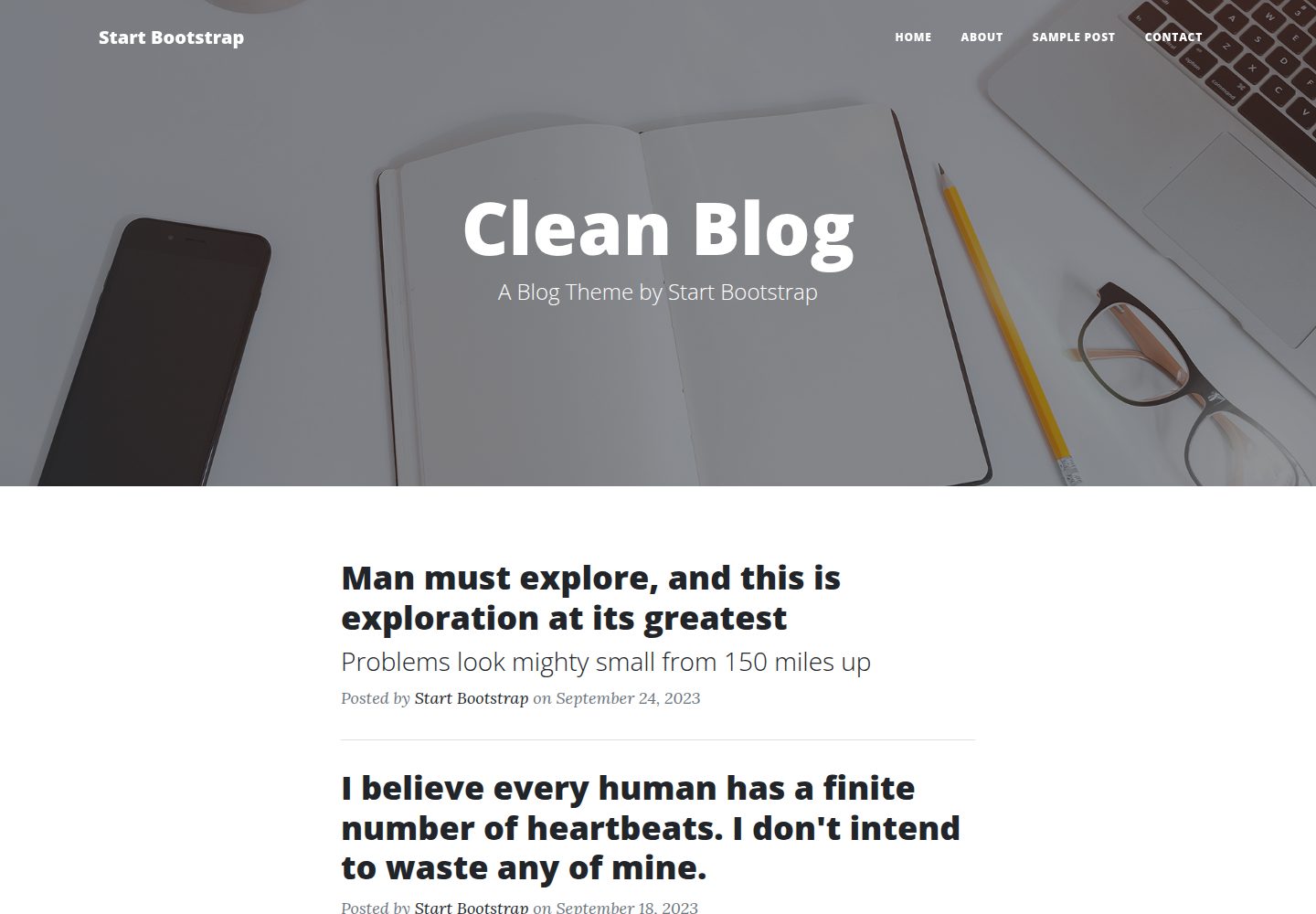
startbootstrap-clean-blog
Clean Blog by Start Bootstrap is a responsive Bootstrap blog theme with a home page, about page, contact page, and sample post page, plus a working PHP contact form preconfigured for SB Forms.
HTML · Blog
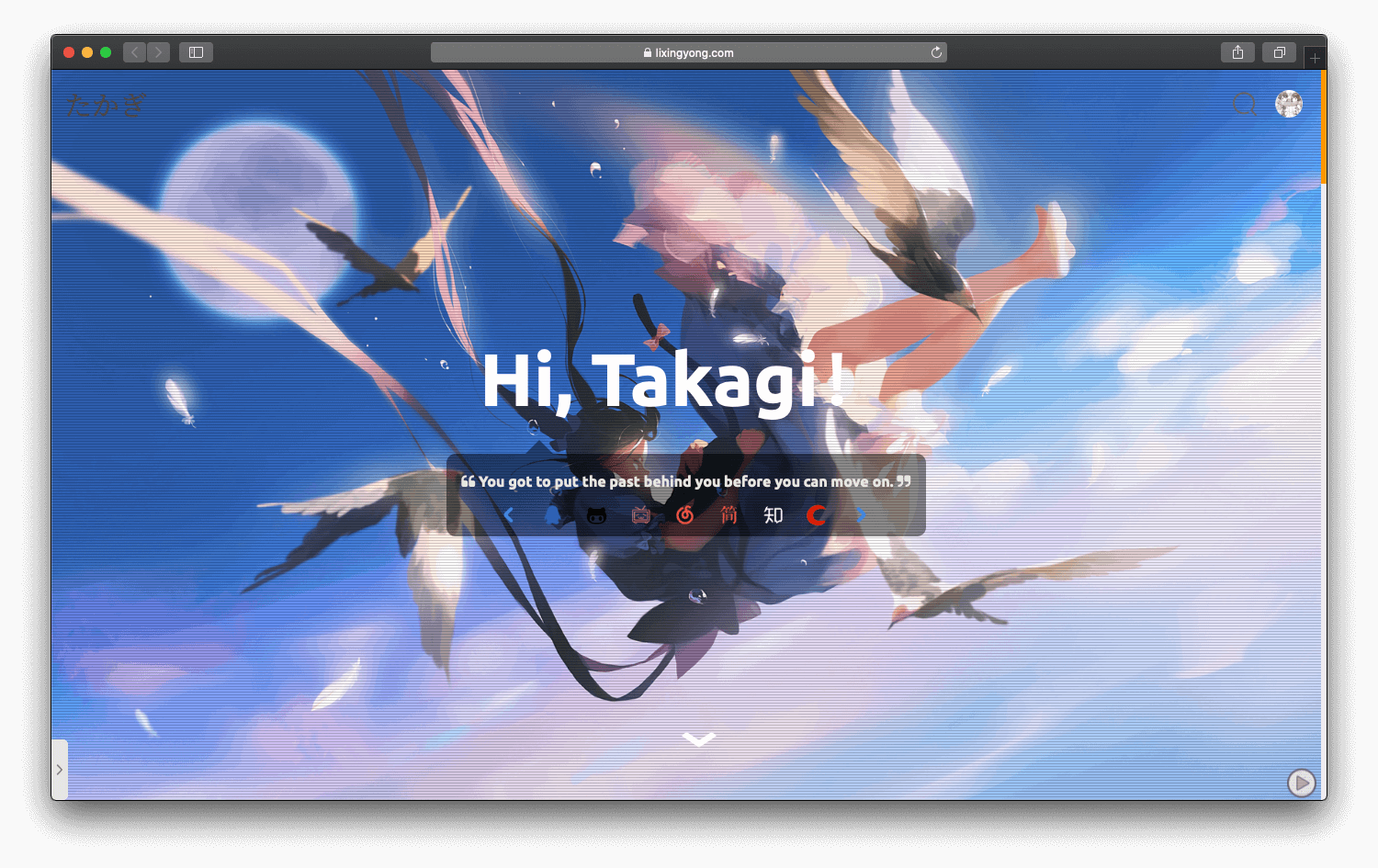
halo-theme-sakura
A Sakura-style blog theme for Halo 2.x, rebuilt after 2.0.0 for improved performance with asynchronous and deferred resource loading.
HTML · Blog
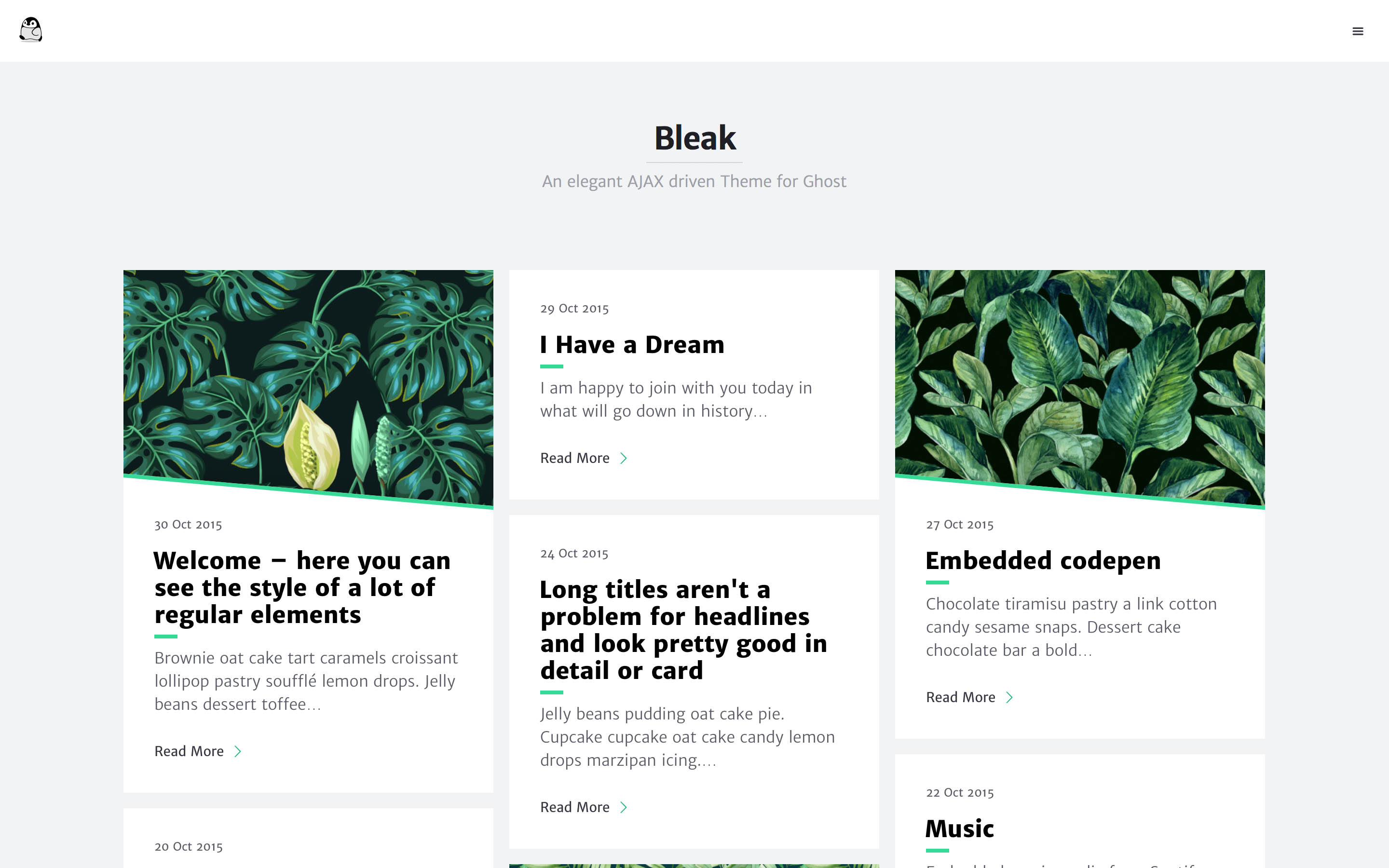
bleak
Bleak is an AJAX-driven Ghost blog theme with a clean, reading-focused layout. It offers responsive design, built-in code syntax highlighting with line numbers, customizable primary color via Code injection, Disqus comments, and an optional fixed navigation bar.
HTML · Blog
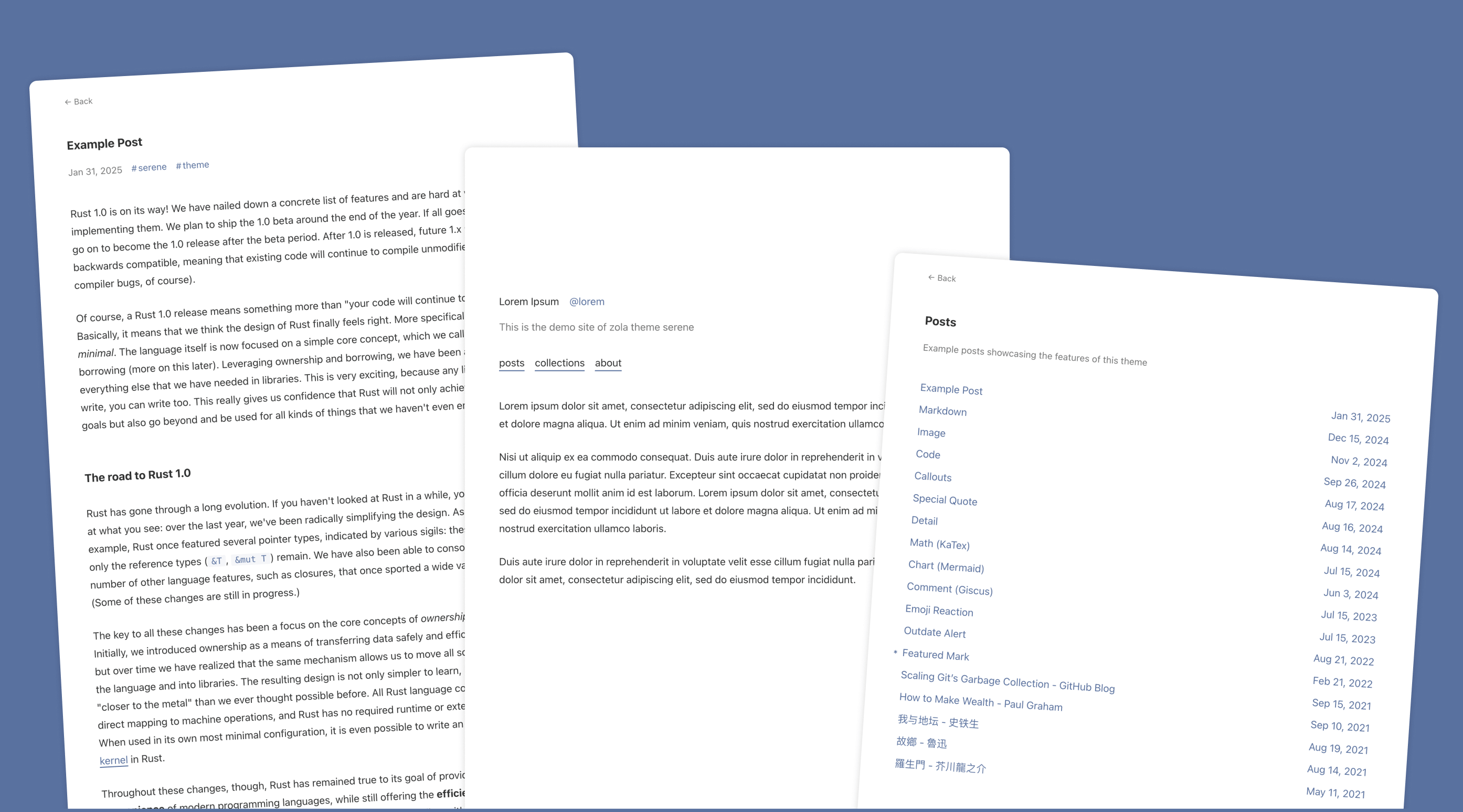
serene
Serene is a minimal blog theme for Zola, focused on typography and reading experience. Built on Zola's template system with HTML and CSS, it has no front-end framework dependencies and loads lightly.
HTML · Blog
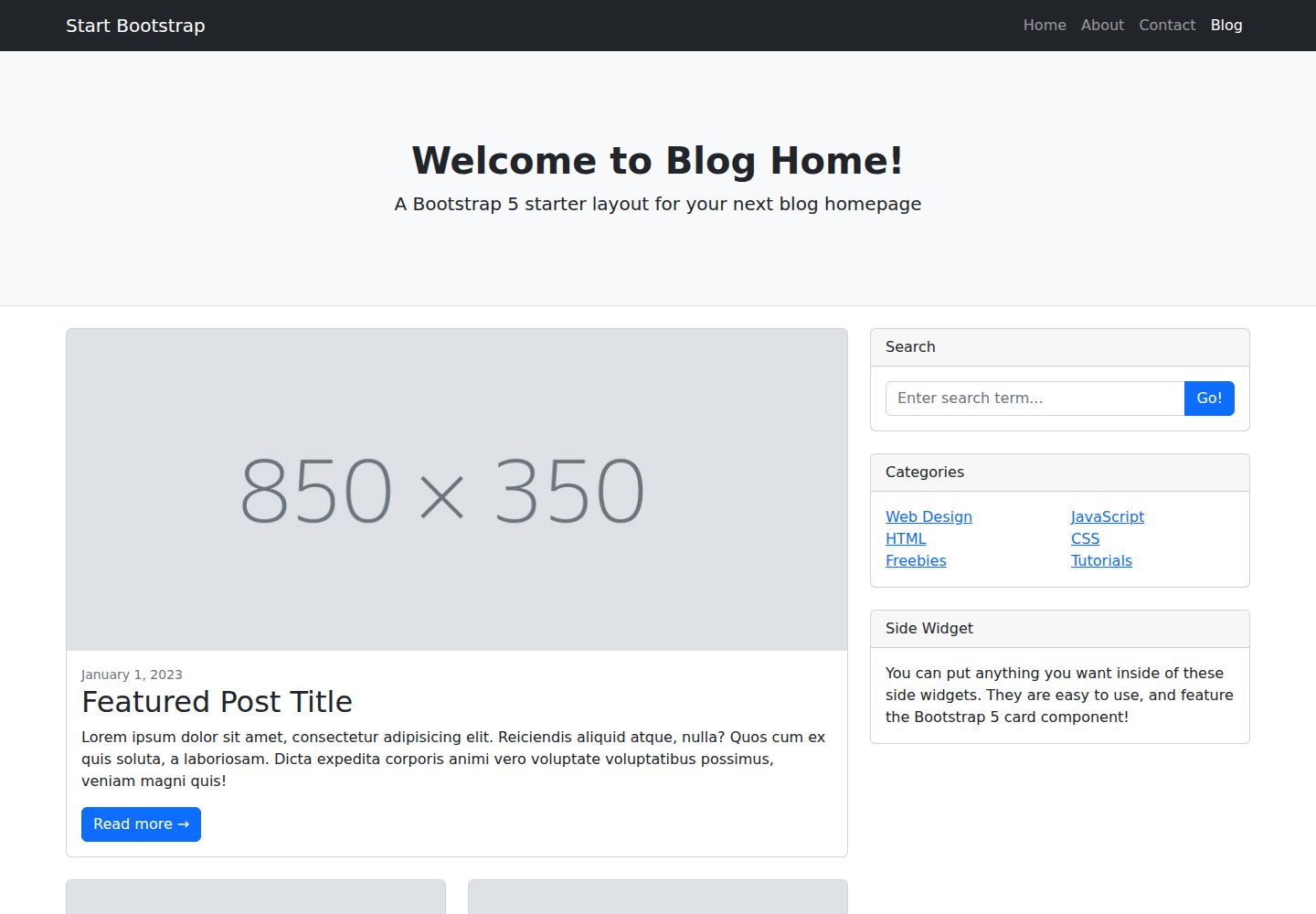
startbootstrap-blog-home
A Bootstrap blog homepage HTML starter template by Start Bootstrap, with post lists, sidebars, and pagination. Edit HTML/CSS in dist directly, or build from Pug, SCSS, and JS via npm scripts with local preview and live refresh.
HTML · Blog