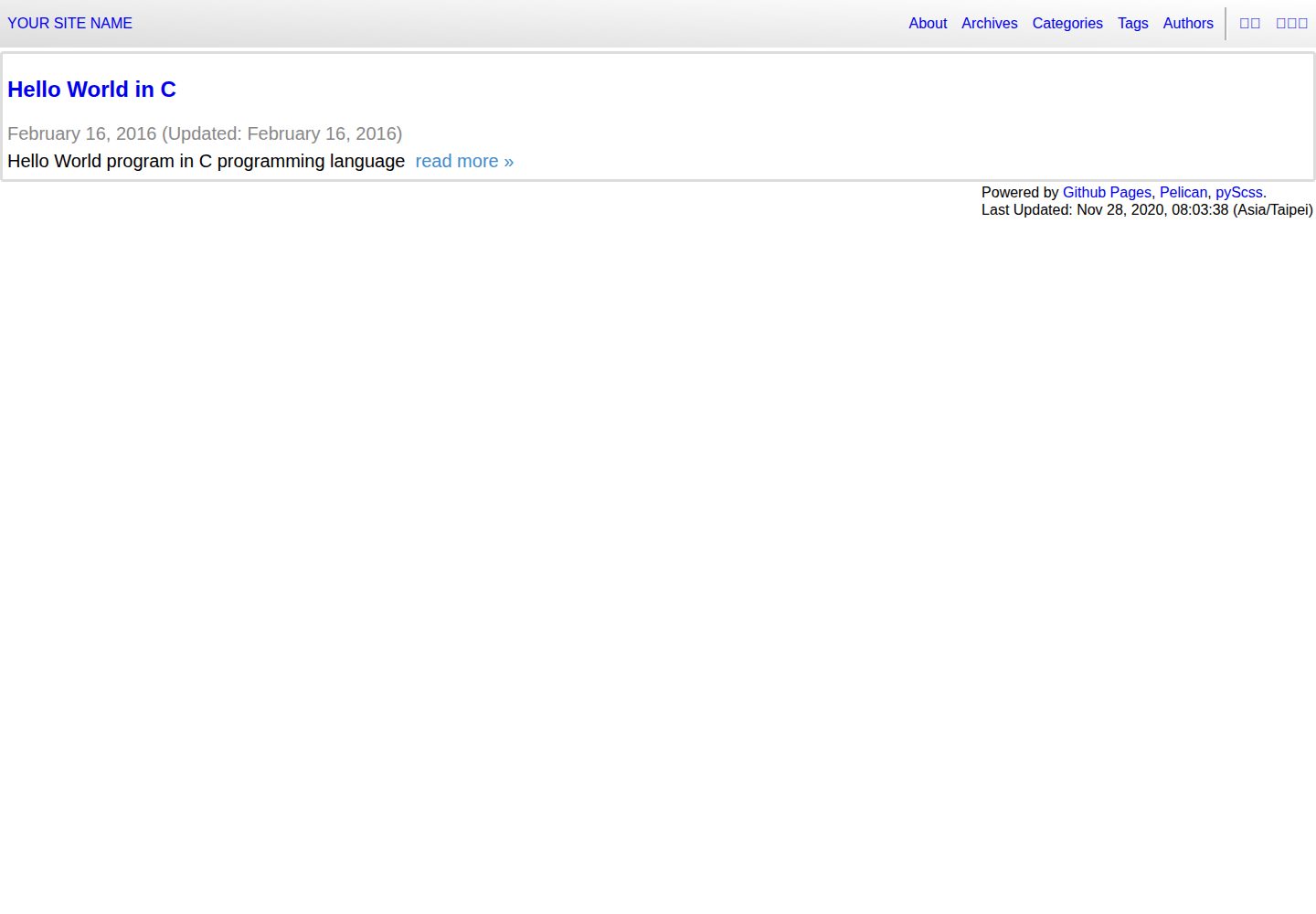
基于 Python 静态站点生成器 Pelican 的博客模板,输出纯静态 HTML
HTML博客
pelican-template — HTML 博客模板
作者 siongui
基于 Pelican 静态站点生成器的博客模板,用于生成作者的个人博客,包含多语言子站、AdSense 广告位与 GitHub Pages / GitLab Pages 部署配置。
看看你的网站会是什么样
浏览真实页面截图,比较内容排版与手机效果。点击下方缩略图切换,放大查看整页细节。
全部页面与视图 3
截图用于了解视觉与布局,交互效果请以实际项目为准。
采集于 2026-10-02查看来源
值得关注的模板亮点
从已有项目资料中,快速了解它的特点。
通过 i18n_subsites 插件支持多语言子站点,示例涉及英文、繁体中文与泰语
内置 Google AdSense 集成,需修改模板、插件与 publishconf.py 三处并可用 :adsense: yes 按文章启用
提供 Makefile 工作流:make download 获取插件与 normalize.css,make scss 生成样式,make 启动本地预览
附带 GitHub Actions、Travis CI 与 GitLab CI/CD 的部署配置示例,覆盖 GitHub Pages 与 GitLab Pages
代码采用 Unlicense 公有领域声明,可自由复制、修改与分发
模板详细介绍
这是一个用于生成个人博客的 Pelican 静态站点模板。Pelican 是用 Python 编写的静态站点生成器,模板本身以 HTML 与 Jinja 模板、SCSS 样式和 Makefile 构建脚本组成,仓库同时提供 GitHub Actions 与 GitLab CI 的流水线配置。
模板面向多语言博客场景:README 中列出了英文、繁体中文和泰语的 locale 安装步骤,并依赖 Pelican 的 i18n_subsites 插件,说明其设计包含按语言拆分的子站点结构。内容组织上,示例文章位于 content/articles 下按日期分目录,文件名带语言后缀(如 %en、%zh)。
模板内置 Google AdSense 支持:需要修改 adsense_auto_ads.html、plugins/adsense/adsense.py 和 publishconf.py 三处文件填入自己的代码,并在希望展示广告的文章中加入 :adsense: yes 标记。此外还包含“Edit on Github”链接、PWA/主屏图标相关引用以及 GitHub Pages 单页应用与符号链接问题的参考说明。
开发流程围绕 Makefile:首次需安装 git、pip、语言包,克隆仓库后执行 pip3 install -r requirements.txt,再通过 make download 获取 i18n_subsites 插件与 normalize.css,make scss 生成 CSS;日常使用 make 重新生成站点并在 http://localhost:8000/ 预览。部署方面给出 Travis CI 部署到 GitHub Pages(区分 User Pages 与 Project Pages)以及 GitLab CI/CD 部署到 GitLab Pages 的示例配置。
限制与注意:README 的开发环境以 Ubuntu 20.04 为例,步骤中包含 apt 安装与系统级 Python 配置;仓库最后更新于 2020 年,未提供依赖清单核对,因此不在此列出具体框架版本。演示图片、字体、图标等第三方素材需按各自许可核对,代码本身采用 Unlicense 公有领域声明。
HTML博客
适合你的项目吗?
适用场景
- 用 Pelican 搭建并发布个人技术博客
- 需要按语言拆分多个子站点的多语言博客
- 希望把博客静态托管在 GitHub Pages 或 GitLab Pages 上
- 需要在部分文章中插入 Google AdSense 广告位
适合人群
- 熟悉命令行与 Makefile、愿意自行配置 Python 环境的开发者
- 使用 Pelican 作为静态站点生成器并需要现成博客主题结构的用户
- 需要多语言子站点与自动化部署流水线配置参考的博客作者
上手与定制指南
结合仓库当前版本的说明,按下面的资料检查内容、配置与运行要求。
- 1
README 以 Ubuntu 20.04 为例,需先 apt-get update,再安装 git、python3-pip 与所需语言包
- 2
克隆仓库后执行 pip3 install -r requirements.txt 安装 Python 依赖
- 3
运行 make download 安装 i18n_subsites 插件并下载 normalize.css,再运行 make scss 生成 CSS
- 4
日常开发执行 make 重新生成站点,并在 http://localhost:8000/ 预览
- 5
启用 AdSense 需修改 theme/templates/layout/includes/adsense_auto_ads.html、plugins/adsense/adsense.py 与 publishconf.py
授权与来源资料
使用条件与限制
免费使用 · 保留许可声明本次收录的是公开仓库中采用 Unlicense 许可的免费版本;免费范围为该版本代码,不代表外部服务或第三方素材免费。
使用时需要遵守
- 允许免费复制、修改、发布、使用、编译、销售和分发该版本代码,包括商业用途。
- 作者通过公有领域贡献声明放弃相关版权;该声明的法律效果取决于适用司法辖区。
- 代码按现状提供;担保与责任限制以原许可证及适用法律为准。
额外费用与待核对事项
- 使用前需通过 make download 安装 Pelican 的 i18n_subsites 插件并下载 normalize.css,属于外部依赖获取步骤。
- 自动部署到 GitHub Pages 需在 CI 仓库设置中保存个人访问令牌(personal access token),即需要外部服务账号与凭据。
- 启用 Google AdSense 广告需自行修改 adsense_auto_ads.html、plugins/adsense/adsense.py 与 publishconf.py 三处文件并填入自己的广告代码。
- 广告仅在显式添加 :adsense: yes 标记的文章中展示,需逐篇手动启用。
- README 的开发步骤以 Ubuntu 20.04 为例,包含 apt 安装与系统级 Python 配置,其他系统需自行调整。
- 演示图片、字体、图标及其他第三方素材需按各自许可核对,不能仅凭代码的 Unlicense 许可判断。
- 域名、托管、数据库、支付或 AI 等外部服务可能另外收费。
查看原文依据
for any purpose, commercial or non-commercial, and by any means
许可证原文
Install Pelican `i18n_subsites`_ plugin and download `normalize.css`_
README 原文
First save your `personal access token`_ in `repository settings`_
README 原文
Edit the following three files to include your code:
README 原文
Add ``:adsense: yes`` to the articles that you want to put ads in.
README 原文
https://github.com/siongui/pelican-template/blob/master/UNLICENSEhttps://github.com/siongui/pelican-template/blob/master/README.rstDevelopment Environment: `Ubuntu 20.04`_
README 原文
DeepSeek 根据仓库许可证和 README 整理 ·2026-10-02。结果仅覆盖已读取资料,依赖、图片、字体及后续条款变更以各自原文为准。
项目核对记录与介绍依据
模板资料
- 来源平台
- GitHub
- 资料与维护参考分
- 资料一般 · 68 / 100
- 技术栈
- HTML
- 网站类型
- 博客
这个分数如何计算
本站按许可资料(最高30分)、演示链接(12分)、预览图(10分)、Star数(15分)、记录的维护时间(15分)、描述完整度(8分)、功能记录(5分)和分类资料(5分)计算。它不是代码、安全或性能测试,也不是 Google 评分;有链接不代表已实测可用。
这个项目需要核对什么
- 记录的仓库更新时间
- 2020-11-28
- 截图检查日期
- 2026-10-02
已收录演示链接。请用你的内容与屏幕尺寸检查;有演示不代表表单、认证或支付已经可用。
目录记录的主要技术栈是 HTML。请通过依赖清单和锁文件核对实际版本与托管要求。这些说明基于收录资料,不代表代码审计或部署实测。
查看具体选型方法 →介绍的制作与核对状态
介绍由 AI 辅助整理目录与仓库资料。仓库作者不等于这篇介绍的审核者。
已完成服务器许可规则与 AI 来源核对;未经过人工编辑审核。
查看当时使用的来源资料
SHA-256: 25c258ac3033653a479016acf02cc551b2581d4d58c01d13fab1f5eca3d7cf60
2026-10-02T09:11:40.843Z
来源文件 / 仓库===============
How to Develope
===============
.. image:: https://img.shields.io/badge/Language-Python-blue.svg
:target: https://www.python.org/
.. image:: https://img.shields.io/badge/Language-Go-blue.svg
:target: https://golang.org/
.. .. image:: https://godoc.org/github.com/siongui/paligo?status.svg
:target: https://godoc.org/github.com/siongui/paligo
.. image:: https://github.com/siongui/pelican-template/workflows/Pelican%20site%20CI/badge.svg
:target: https://github.com/siongui/pelican-template/blob/master/.github/workflows/pelican.yml
.. .. image:: https://travis-ci.org/siongui/pelican-template.svg?branch=master
:target: https://travis-ci.org/siongui/pelican-template
.. image:: https://gitlab.com/siongui/pelican-template/badges/master/pipeline.svg
:target: https://gitlab.com/siongui/pelican-template/-/commits/master
.. .. image:: https://goreportcard.com/badge/github.com/siongui/paligo
:target: https://goreportcard.com/report/github.com/siongui/paligo
.. image:: https://img.shields.io/badge/license-Unlicense-blue.svg
:target: https://github.com/siongui/pelican-template/blob/master/UNLICENSE
.. See how to add travis ci image from https://raw.githubusercontent.com/demizer/go-rst/master/README.rst
https://github.com/demizer/go-rst/commit/9651ab7b5acc997ea2751845af9f2d6efee825df
Development Tool: Pelican_ (static site generator written in Python)
Development Environment: `Ubuntu 20.04`_
First-time Setup
----------------
1. On a fresh/clean installation of Ubuntu, update system first. Otherwise will
get unable to locate package error.
See `this SO answer <https://stackoverflow.com/a/58072486>`__.
.. code-block:: bash
$ sudo apt-get update
2. Install git_ and pip_:
.. code-block:: bash
$ sudo apt-get install git
$ sudo apt-get install python3-pip
From the `answer in Ask Ubuntu <https://askubuntu.com/a/1031733>`_,
we can use python-is-python3 and prevent Python 2 from being installed
on Ubuntu 20.04
.. code-block:: bash
$ sudo apt-get install python-is-python3
$ sudo apt-mark hold python2 python2-minimal python2.7 python2.7-minimal libpython2-stdlib libpython2.7-minimal libpython2.7-stdlib
3. Install language packages to add locale (English, Traditional Chinese, and
Thai in this example):
.. code-block:: bash
$ sudo apt-get install language-pack-en
$ sudo apt-get install language-pack-zh-hant
$ sudo apt-get install language-pack-th
Or you can install languages in "Settings" -> "Region & Language", which
installs more related packages such as fonts for languages.
4. git clone source code:
.. code-block:: bash
$ cd
$ mkdir dev
$ cd ~/dev/
$ git clone https://github.com/siongui/pelican-template.git --depth=1
# or clone with full depth
$ git clone https://github.com/siongui/pelican-template.git YOUR_REPO
5. Install Python tools:
.. code-block:: bash
$ cd ~/dev/YOUR_REPO/
$ pip3 install -r requirements.txt
Note that in `.travis.yml <.travis.yml>`_, pip is actually pip3 if bionic and
python 3.8 is set in Travis CI config.
6. Install Pelican `i18n_subsites`_ plugin and download `normalize.css`_:
.. code-block:: bash
$ cd ~/dev/YOUR_REPO/
$ make download
7. Generate CSS file:
.. code-block:: bash
$ cd ~/dev/YOUR_REPO/
$ make scss
Daily Development
-----------------
.. code-block:: bash
# start edit and develope
$ cd ~/dev/YOUR_REPO/
# re-generate the website and start dev server
$ make
# open your browser and preview the website at http://localhost:8000/
Auto-deploy by `Travis CI`_
---------------------------
See `GitHub Pages Deployment - Travis CI`_.
First save your `personal access token`_ in `repository settings`_.
For User Pages, the following is sample config:
.. code-block:: yaml
deploy:
provider: pages
repo: USERNAME/USERNAME.github.io
target_branch: master
skip_cleanup: true
github_token: $GITHUB_TOKEN
local_dir: output
on:
branch: master
For Project Pages, the following is sample config:
.. code-block:: yaml
deploy:
provider: pages
skip_cleanup: true
github_token: $GITHUB_TOKEN
local_dir: output
on:
branch: master
Deploy to `GitLab Pages`_ via `GitLab CI/CD`_
---------------------------------------------
See `.gitlab-ci.yml <.gitlab-ci.yml>`_.
1. Use `Ubuntu image in Docker Hub <https://hub.docker.com/_/ubuntu>`_.
The *ubuntu:latest* tag points to the "latest LTS".
2. Need to update Ubuntu first to install Ubuntu packages.
See `this SO answer <https://stackoverflow.com/a/58072486>`__.
3. `Travis CI`_ can deploy to any repository, but need `personal access token`_
to do so.
`GitLab CI/CD`_ can deploy to the repository where CI/CD runs without
credentials.
Note for `Google Adsense`_
--------------------------
Edit the following three files to include your code:
- `theme/templates/layout/includes/adsense_auto_ads.html <theme/templates/layout/includes/adsense_auto_ads.html>`_
- `plugins/adsense/adsense.py <plugins/adsense/adsense.py>`_
- `publishconf.py <publishconf.py>`_
Add ``:adsense: yes`` to the articles that you want to put ads in. See
`content/articles/2016/02/16/c-hello-world%en.rst <content/articles/2016/02/16/c-hello-world%25en.rst>`_
for example.
Or use directive to include ads in articles. See raw file of
`content/articles/2016/02/16/c-hello-world%zh.rst <content/articles/2016/02/16/c-hello-world%25zh.rst>`_
for example.
UNLICENSE
---------
All works, including posts and code, of Siong-Ui Te are released in public domain.
Please see UNLICENSE_.
References
----------
.. [1] `pelican-edit-url <https://github.com/pmclanahan/pelican-edit-url>`_
inspires the *Edit on Github* link.
.. [2] | JINJA_FILTERS in `Settings — Pelican documentation <http://docs.getpelican.com/en/latest/settings.html>`_
| `Jinja custom filters documentation <http://jinja.pocoo.org/docs/dev/api/#custom-filters>`_
.. [3] | Home Screen Icon on Android/iPhone & PWA support
| `website icon on android home screen - Google search <https://www.google.com/search?q=website+icon+on+android+home+screen>`_
| `Tutorial: Home Screen Icons | Responsive Web Design Training Tutorial | Webucator <https://www.webucator.com/tutorial/developing-mobile-websites/home-screen-icons.cfm>`_
| `pwa manifest - Google search <https://www.google.com/search?q=pwa+manifest>`_
| `WebPageTest - Website Performance and Optimization Test <https://www.webpagetest.org/>`_
.. [4] | `Add single page application support for Github pages · Issue #408 · isaacs/github · GitHub <https://github.com/isaacs/github/issues/408>`_
| `GitHub - rafgraph/spa-github-pages: Host single page apps with GitHub Pages <https://github.com/rafgraph/spa-github-pages>`_
| `S(GH)PA: The Single-Page App Hack For GitHub Pages — Smashing Magazine <https://www.smashingmagazine.com/2016/08/sghpa-single-page-app-hack-github-pages/>`_
| `GitHub - dmsnell/gh-pages-404-redirect: Can I use a custom 404 handler on GitHub pages to host a routed single-page app? <https://github.com/dmsnell/gh-pages-404-redirect>`_
| `Redirect a GitHub Pages site with this HTTP hack | Opensource.com <https://opensource.com/article/19/7/permanently-redirect-github-pages>`_
| `javascript - Is there a configuration in Github Pages that allows you to redirect everything to index.html for a Single Page App? - Stack Overflow <https://stackoverflow.com/questions/36296012/is-there-a-configuration-in-github-pages-that-allows-you-to-redirect-everything>`_
.. [5] | `github pages symbolic link - Google search <https://www.google.com/search?q=github+pages+symbolic+link>`_
| `Pages: allow symlinks · Issue #553 · isaacs/github · GitHub <https://github.com/isaacs/github/issues/553>`_
| `Added .nojekyll to workaround symlink issue in GitHub Pages. Ref: isaacs/github#553 · siongui/paligo@b9fe689 · GitHub <https://github.com/siongui/paligo/commit/b9fe689770d705743a29bd33a3c7583a5c81bec1>`_
.. _Pelican: https://blog.getpelican.com/
.. _Ubuntu 20.04: https://releases.ubuntu.com/20.04/
.. _git: https://git-scm.com/
.. _pip: https://pypi.python.org/pypi/pip
.. _i18n_subsites: https://github.com/getpelican/pelican-plugins/tree/master/i18n_subsites
.. _normalize.css: https://necolas.github.io/normalize.css/
.. _Travis CI: https://travis-ci.org/
.. _GitHub Pages Deployment - Travis CI: https://docs.travis-ci.com/user/deployment/pages/
.. _personal access token: https://docs.github.com/en/github/authenticating-to-github/creating-a-personal-access-token
.. _repository settings: https://docs.travis-ci.com/user/environment-variables#defining-variables-in-repository-settings
.. _GitLab Pages: https://docs.gitlab.com/ee/user/project/pages/
.. _GitLab CI/CD: https://docs.gitlab.com/ee/ci/
.. _Google Adsense: https://www.google.com/search?q=Google+AdSense
.. _UNLICENSE: https://unlicense.org/
看看同类模板
对比同技术栈与用途的模板,找到更适合的视觉与内容结构。

Casper
Casper 是 Ghost 官方出品的经典主题,曾长期作为默认主题,现在仍持续维护。 它的定位很纯粹:一套结构清晰、注释详尽的博客主题,适合直接使用,也适合作为学习 Ghost 主题开发的入门范本。
HTML · 杂志资讯
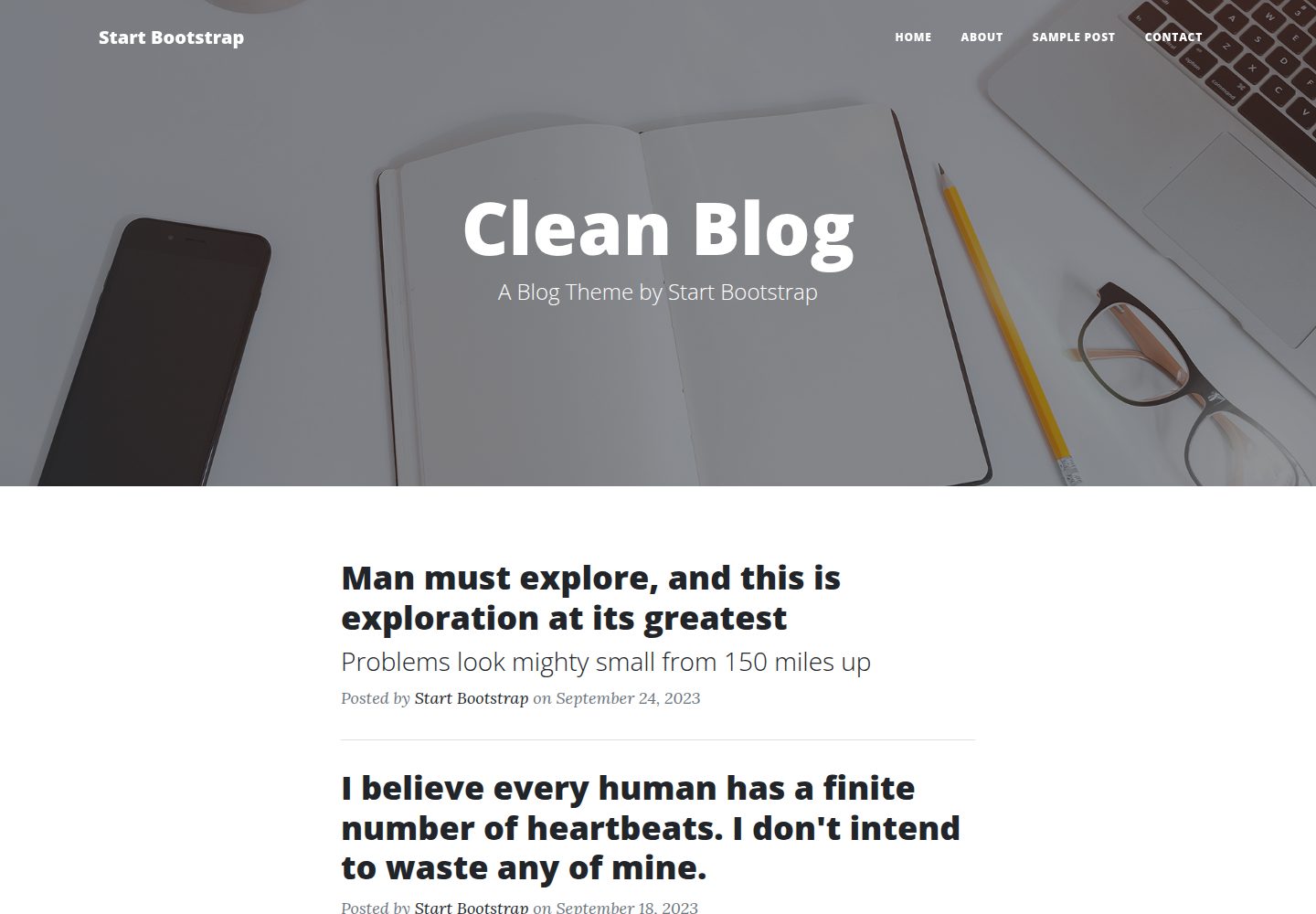
startbootstrap-clean-blog
A clean Bootstrap blog theme created by Start Bootstrap
HTML · 博客
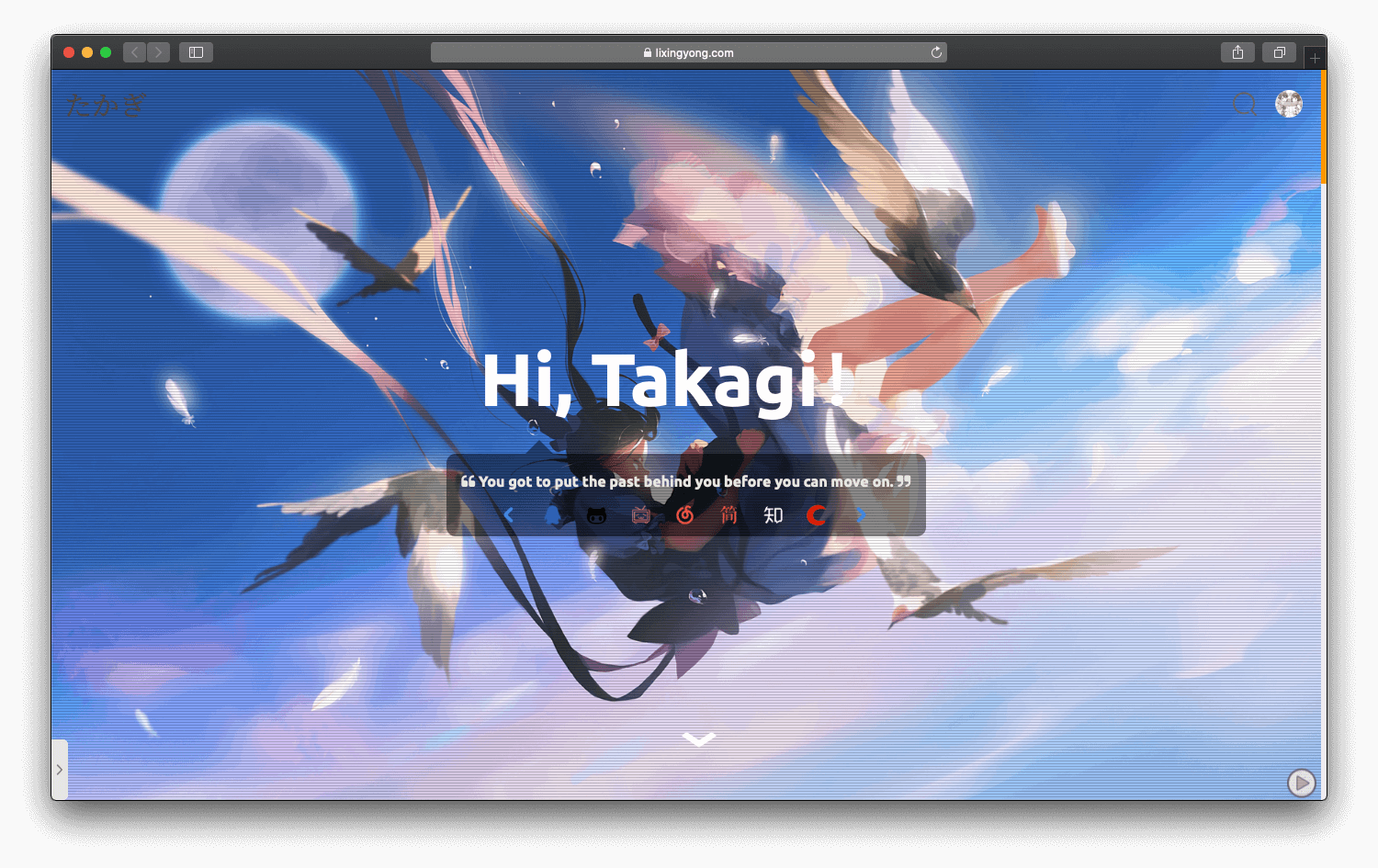
halo-theme-sakura
halo-theme-sakura 是 Halo 2.x 的一款博客主题,参照 WordPress 的 Sakura 主题制作,并在原有 Siren 主题基础上整合了 Sakura 的内容。
HTML · 博客
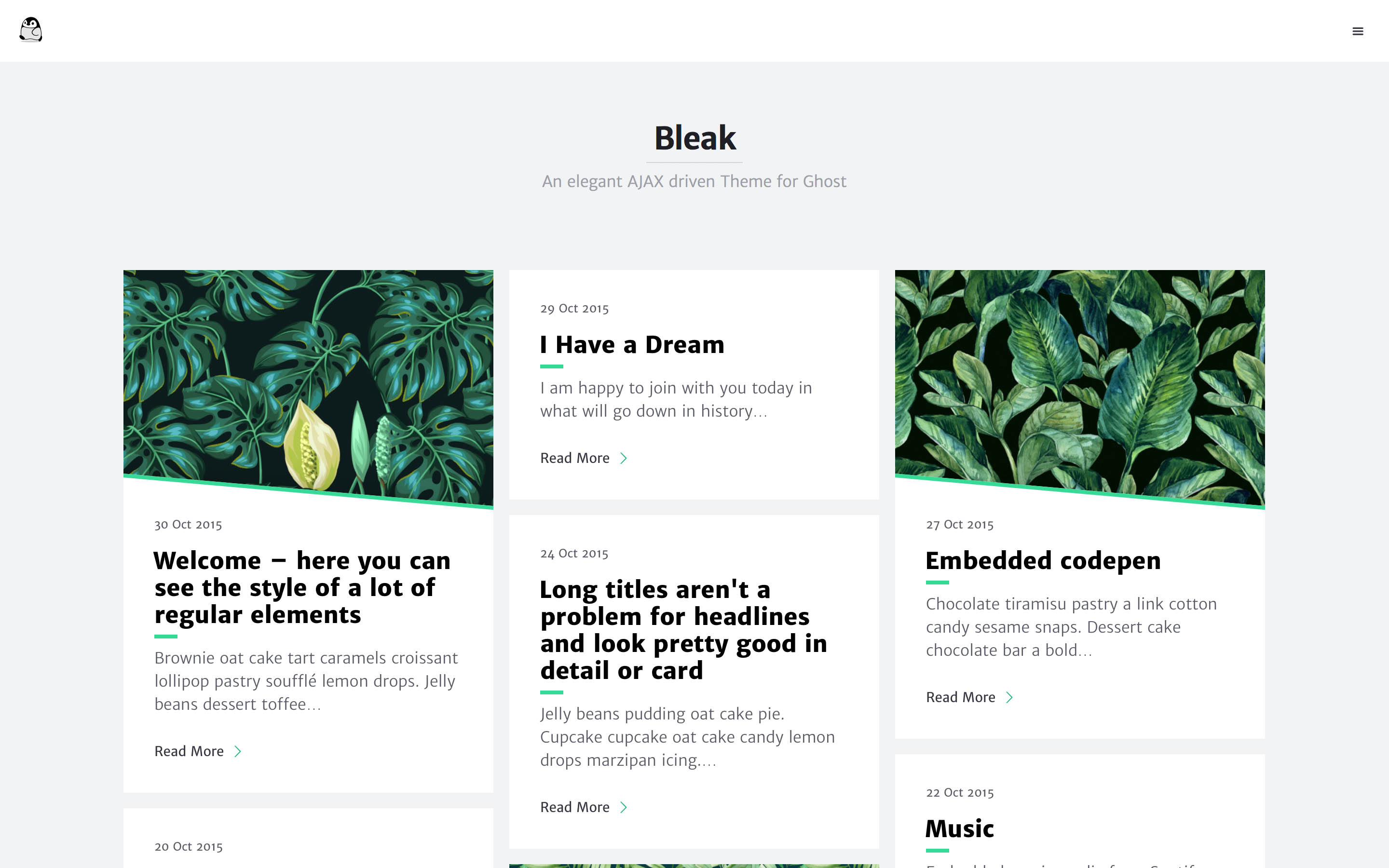
bleak
Bleak 是一款为 Ghost 博客平台设计的主题,核心卖点是 AJAX 驱动的页面加载方式,让浏览体验更接近原生应用。 整体布局简洁,强调内容阅读,适合个人博客或技术写作。
HTML · 博客
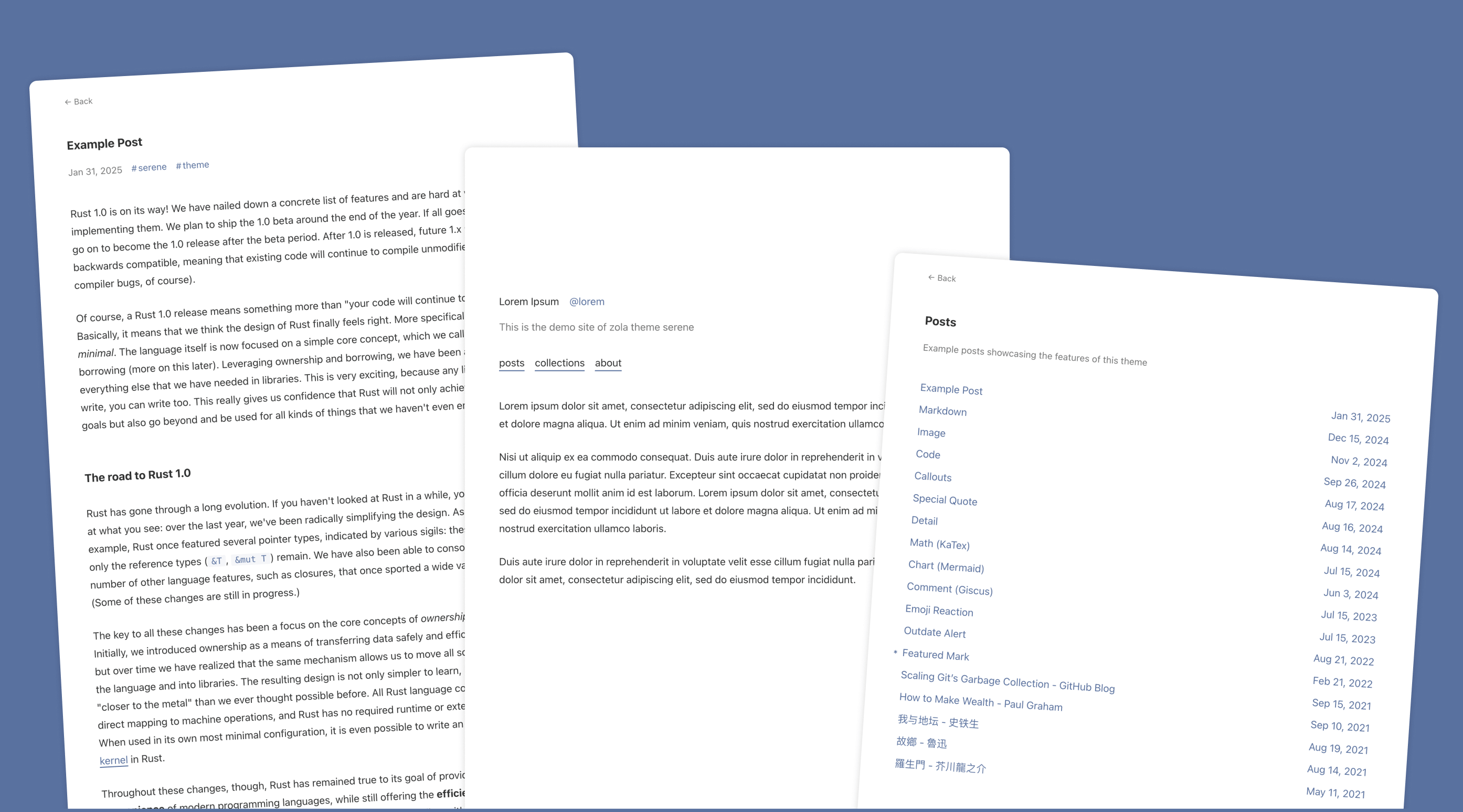
serene
Serene 是一款为静态站点生成器 Zola 设计的极简博客主题,其核心定位是“精心打磨”的阅读体验。
HTML · 博客
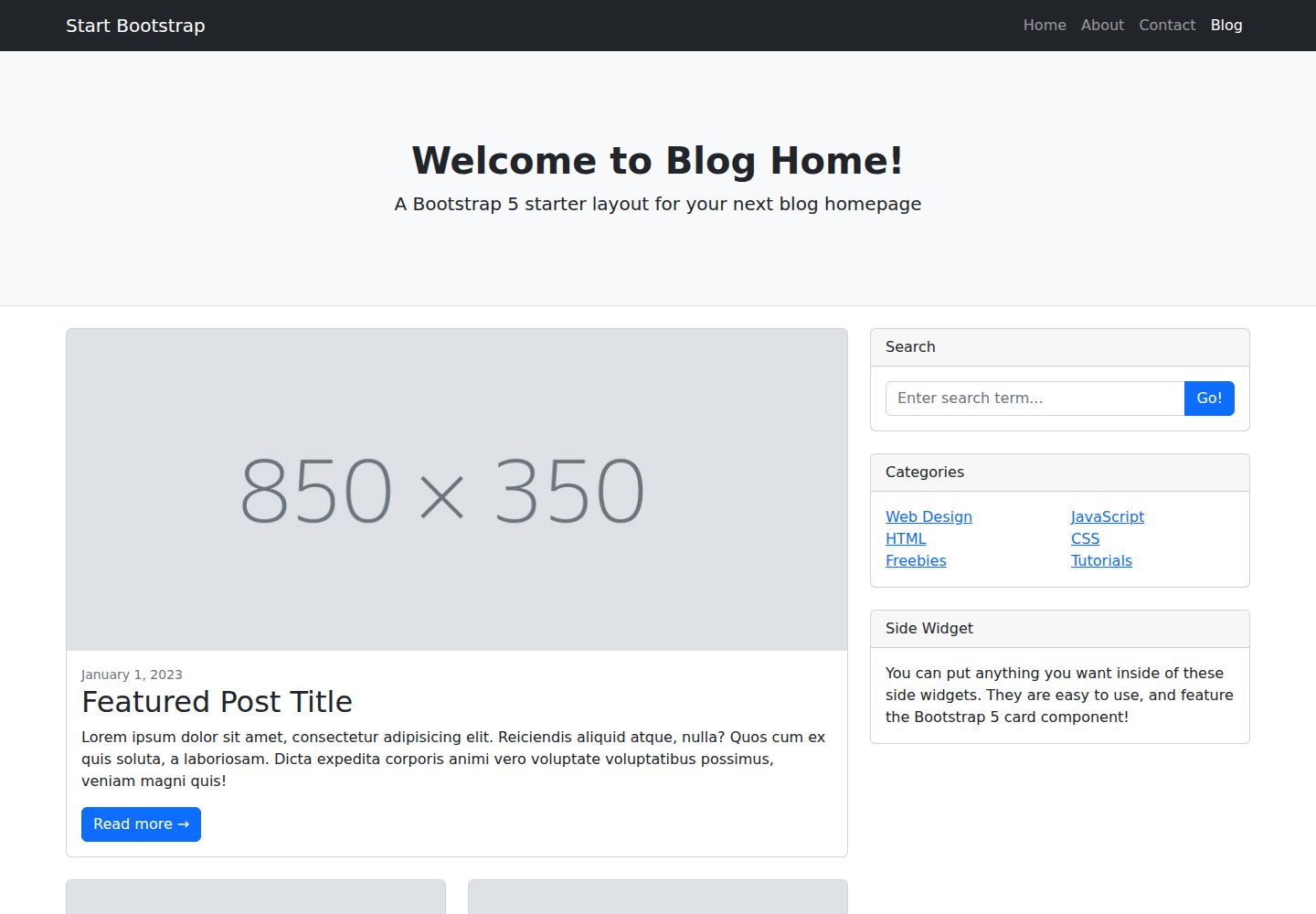
startbootstrap-blog-home
A Bootstrap HTML template for blog homepages - created by Start Bootstrap
HTML · 博客