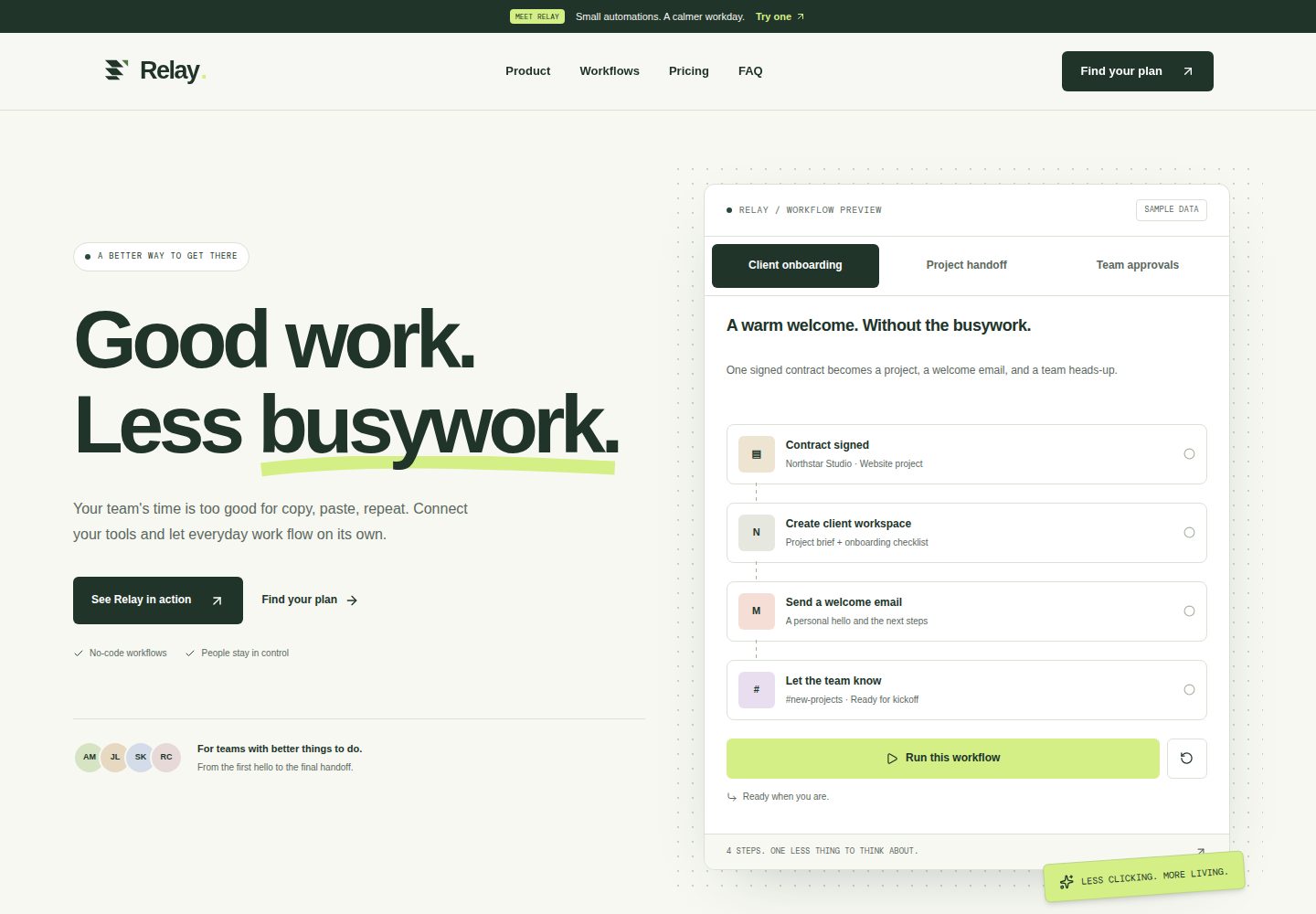
Includes three runnable client-side workflow demos: customer onboarding, project handoff, and team approval, with run, replay, reset, and scenario switching
NuxtVueTool SiteSaaSCorporate Website
nuxt-saas-launch — Nuxt Tool Template
By smart-developer1791
Relay is a Nuxt-based SaaS landing page template built around a team automation product. It includes interactive workflow demos, human approval steps, team pricing with a capacity calculator, and static deployment support.
Explore the design
Compare the page layouts and mobile experience. Open any screenshot for a closer look.
Desktop homepage1 / 2
Desktop captureTop of page
Actual screenshot captured by the server browser.
All pages & views 2
Screenshots show visual appearance; interactive behavior may differ.
Recorded 2026-10-12View source
What stands out
A quick read of the recorded project description.
Three pricing tiers share one calculation model; adjust team size and monthly runs, calculate overage charges, and download a JSON brief
Supports keyboard navigation, skip links, native dialogs, and reduced-motion preferences; core content is pre-rendered into HTML
Uses local or code-drawn images and self-hosted fonts, with no remote image dependencies, no analytics scripts, and no database
Static deployment configuration targets Vercel; build command is npm run generate, output directory is .output/public
Includes a custom 404 page that still returns HTTP 404 when JavaScript is disabled and retains a working home link
Template Details
Relay is a Nuxt landing page template for a team automation product. The content is in English and uses static output. The page is built around a fictional automation tool: visitors can run client-side workflow demos covering contract signing to notification, design handoff to task dispatch, and request flows that require human approval, with support for run, replay, reset, and scenario switching. The pricing section offers three tiers (Starter, Team, Studio) that share a single calculation model. Users can adjust team size and monthly runs, view overage charges and a minimum estimate, and after selecting a plan, a native dialog opens and downloads a JSON brief containing capacity, billing period, and feature details. The template uses local or code-drawn images, self-hosted fonts, and does not depend on a global state library, analytics scripts, remote images, or a database. The project uses Node.js 24.11+ (24.x series) and npm, with Nuxt pinned to 4.5.2. The build command is npm run generate, outputting to .output/public. Generated routes include /, /robots.txt, /sitemap.xml, and a fully rendered 404.html. The default site origin is https://nuxt-saas-launch.vercel.app, which can be overridden via NUXT_PUBLIC_SITE_URL. The README states that Relay is a fictional product; names, scenarios, capacity limits, prices, and time-saved figures are sample content, integrations are illustrative only, and no third-party accounts are connected. Dependency audits still report 11 high-severity issues from two transitive build toolkits.
NuxtVueTool SiteSaaSCorporate Website
Is it right for your project?
Use Cases
- Building an English landing page for a team automation or workflow SaaS product
- Embedding interactive product flow demos and human approval steps into the page
- Showcasing multiple pricing tiers and letting visitors calculate costs based on team size and run volume
- Deploying as a static site to Vercel or another static hosting platform
- Using it as a starting point for a Nuxt landing page template, replacing branding, content, and colors according to customization guidelines
Suitable For
- Landing pages for SaaS or tool products targeting English-speaking markets
- Corporate websites that need to show workflow demos and a pricing calculator
- Front-end developers who prefer Nuxt, Vue, and TypeScript
- Projects that accept static deployment and do not rely on runtime server-side routing
Getting started & customization
Use these recorded setup notes alongside the repository instructions for your chosen version.
- 1
Use Node.js 24.11+ (24.x series) and npm. Run npm ci to install dependencies, then npm run dev to start the development server (default http://localhost:3000)
- 2
For static deployment, use npm run generate, which outputs to .output/public; npm run build remains available for Nuxt server-side builds
- 3
Before generating, override the default site origin via NUXT_PUBLIC_SITE_URL. This value affects canonical URLs, social metadata, sitemap, and crawler rules
- 4
Before publishing, follow the README checklist to verify cold-load and reload font stability, horizontal overflow at 320/390/1440 pixels, public origins, keyboard interaction, and product content
- 5
Third-party assets such as demo images, fonts, and icons must be checked against their respective licenses; dependency audits still report 11 high-severity issues, detailed in docs/DEPENDENCIES.md
License & source material
Usage conditions & limitations
Free to use · keep license noticeThis entry covers the free version under the MIT license in the public repository; the free scope applies to that version's code and does not mean external services or third-party assets are free.
Must comply with when using
- You may use, modify, commercialize, and distribute this version's code for free.
- When distributing copies or substantial portions of the code, retain the original author's copyright notice and the full MIT license notice.
- The code is provided as is; warranties and limitations of liability are governed by the original license and applicable law.
Additional costs & items to verify
- Demo images, fonts, icons, and other third-party assets must be checked against their respective licenses; the code's MIT license alone is not sufficient to judge them.
- External services such as domains, hosting, databases, payments, or AI may incur separate charges.
- The template content is fictional sample data: names, scenarios, capacity limits, prices, and time-saved figures are examples, integrations are illustrative only, no third-party accounts are connected, and it must not be used as real product data.
- The pricing calculator provides local estimates only; it does not constitute a signup or payment flow and cannot be used for real payments or subscriptions.
- Static deployment does not include runtime server-side routing; demos and downloads run in the browser and cannot rely on server-side APIs.
- Fonts and icons remain subject to their respective package licenses, tool names belong to their respective owners, and third-party asset licenses must be verified before commercial use.
- Dependency audits still report 11 high-severity issues from two transitive build toolkits; these must be assessed and addressed before release.
- Before generating, set NUXT_PUBLIC_SITE_URL to override the default site origin; otherwise canonical URLs, social metadata, sitemap, and crawler rules will point to the default domain.
- The runtime environment is limited to Node.js 24.11 and above within the 24.x series, using npm; other Node versions are not supported.
View Original Text Basis
Permission is hereby granted, free of charge
Original License Text
Relay is fictional. Names, scenarios, capacity limits, prices, and time-saving figures are sample content. Integrations are illustrative, and no third-party account is connected.
Original README
This is a local estimate, not a signup or payment flow.
Original README
Static deployment has no runtime server routes. Demos and downloads stay in the browser.
Original README
Fonts and icons retain their package licenses. Tool names belong to their respective owners.
Original README
Dependency auditing still reports 11 high-severity findings through two transitive build-tool packages.
Original README
Set **`NUXT_PUBLIC_SITE_URL`** before generating to override either value
Original README
https://github.com/smart-developer1791/nuxt-saas-launch/blob/master/LICENSEhttps://github.com/smart-developer1791/nuxt-saas-launch/blob/master/README.mdUse Node.js **24.11+ within the 24.x line** and npm.
Original README
Compiled by DeepSeek based on repository license and README ·2026-10-12. Results only cover the materials read; dependencies, images, fonts, and subsequent term changes are subject to their respective original texts.
Project checks & description sources
Template Information
- Source platforms
- GitHub
- Documentation and maintenance reference score
- More documented · 85 / 100
- Technologies
- Nuxt · Vue
- Website type
- Tool Site · SaaS · Corporate Website
How this score is calculated
Our heuristic uses license records (up to 30), a demo link (12), a preview (10), stars (15), recorded maintenance (15), description completeness (8), feature records (5) and classification data (5). It is not a code, security or performance test, or a Google score. A link does not establish tested functionality.
What to verify for this project
- Repository update recorded
- 2026-10-12
- Screenshot last checked
- 2026-10-12
A demo link is listed. Check it with your own content and viewport sizes; its presence does not confirm that forms, authentication or payments work.
The catalog identifies Nuxt as the primary stack. Check the actual dependency manifest and lockfile for versions and hosting requirements. These notes use recorded metadata, not a code audit or a deployment test.
Use a selection guide →How this description was prepared
AI-assisted description based on catalog records and repository material. Repository authors are not automatically the reviewers of this description.
Review declaration: [email protected] · 2026-10-13
Inspect the recorded source material
SHA-256: 870a1e2687002f72aedc09fd79af47b81d05faa211ccd7f02f85b18a992d601e
2026-10-12T10:45:38.851Z
Source file / repository<div align="center"> # ↗ Relay ### Good work. Less busywork. A Nuxt landing template for a team automation product.<br /> Built around a working demo, a transparent price, and a calmer workday. [](https://nuxt.com/) [](https://vuejs.org/) [](https://tailwindcss.com/) [](LICENSE) **SaaS / 01** · Nuxt landing collection · Static output · English content </div>  <details> <summary>📱 A look at the mobile layout</summary> <img src="docs/preview-mobile.png" alt="Relay's mobile hero and navigation" width="390" /> </details> ## 🌿 A small product story Relay imagines a simple automation tool for teams: a signed contract becomes a workspace, a welcome email, and a heads-up. A completed design arrives with a handoff brief. A request gets a human decision before anything else moves. The landing page lets visitors try that idea. Its visual language is warm paper, dark green, lime accents, deliberate spacing, and a workflow panel that behaves like a product. All imagery is local or drawn in code; the fonts are self-hosted. Relay is fictional. Names, scenarios, capacity limits, prices, and time-saving figures are sample content. Integrations are illustrative, and no third-party account is connected. ## 🔀 Follow a workflow | Scenario | What you can try | | --------------------- | ------------------------------------------------------------------- | | **Client onboarding** | Run four steps from signed contract to team notification. | | **Project handoff** | Follow a design through its brief, implementation task, and update. | | **Team approvals** | Pause at a review step, then approve or send the request back. | Run, replay, reset, or switch scenarios. Pending steps stop on reset or tab change. Arrow keys, Home, and End navigate the tabs, and live status updates announce progress. ## 💸 Price the team's next chapter Three plans share one calculation model. Adjust team size and monthly runs, inspect extra charges, and find the lowest estimate. Select any plan manually to compare its features and cost. <details> <summary>🧮 The plans and capacity calculator</summary>  </details> | Plan | Monthly base | People | Runs | Extra person | Extra 1,000 runs | | ------- | -----------: | -----: | -----: | -----------: | ---------------: | | Starter | $29 | 5 | 1,000 | $5 | $8 | | Team | $79 | 15 | 5,000 | $4 | $6 | | Studio | $199 | 40 | 20,000 | $3 | $4 | Annual billing takes 20% off the full estimate. The page shows the monthly equivalent and total billed for a year. Calculations use integer USD cents; additional runs round up to blocks of 1,000. Taxes are excluded. Choosing a plan opens a native dialog. Download a JSON brief containing capacity, billing cycle, features, and the breakdown. This is a local estimate, not a signup or payment flow. ## 🚀 Open the project Use Node.js **24.11+ within the 24.x line** and npm. Nuxt is pinned to 4.5.2 to match that runtime; the lockfile records the dependency set. ```bash npm ci npm run dev ``` Development runs at `http://localhost:3000` by default. ```bash npm run format:check npm test npm run typecheck npm run generate npx playwright install chromium --only-shell npm run test:e2e npm run preview ``` The static preview serves `.output/public` at `http://localhost:3000`. Stop development before using that port, or use `npm run preview -- --listen 3001`. `npm run build` remains available for a Nuxt server build. Deployment uses **`npm run generate`** and the resulting static files. Browser tests use the generated site on port 4173 and start their own temporary preview server. They cover font stability on cold loads and reloads, keyboard navigation, workflow approvals, plan downloads, and error-page recovery with and without JavaScript. GitHub Actions runs formatting, pricing tests, type checking, static generation, and browser tests on pushes and pull requests. Failed browser runs retain a report, screenshots, and traces as an artifact. ## 🗂️ Where the pieces live ```text app/ ├── app.vue Landing entry and shared font setup ├── error.vue Relay's 404 and general error screen ├── assets/css/main.css Palette, font families, minimal motion ├── composables/useLocalFonts.ts Persistent font faces and early preloads ├── components/ │ ├── BrandMark.vue Relay's mark and wordmark │ ├── SiteHeader.vue Desktop and mobile navigation │ ├── WorkflowDemo.vue Scenarios and human approvals │ └── PricingSection.vue Plans, calculator, downloadable brief ├── data/ │ ├── site.ts Brand, navigation, features, tools, FAQ │ ├── workflows.ts Three example processes │ └── plans.ts Plans and capacity rates ├── domain/pricing.ts Pure, tested money calculations └── pages/index.vue Landing composition and metadata server/routes/ Build-time robots and sitemap generation public/ Favicon and editable/raster social artwork docs/ Customization guide and preview captures tests/ Pricing boundaries and annual billing tests/e2e/ Browser regressions and error-page recovery scripts/capture-previews.mjs Reproducible documentation screenshots .github/workflows/ci.yml Automated checks for each push and PR ``` Vue Composition API and TypeScript components handle the interface. Tailwind runs through its Vite plugin; Lucide supplies icons; Manrope and DM Mono are installed locally. There is no global state library, analytics script, remote image dependency, or database. ## 🎨 Make it yours Start with [the customization guide](docs/CUSTOMIZATION.md). It maps content to files and explains approval checkpoints, pricing, logo replacement, artwork, and live-service integration points. Colors live in one CSS `@theme` block. Features, tools, questions, workflows, and plans come from typed data. The hero, process story, and closing message remain explicit page composition. ## 🌍 From source to a public page `vercel.json` configures static deployment: | Setting | Value | | ---------------- | ------------------ | | Framework | Nuxt | | Build command | `npm run generate` | | Output directory | `.output/public` | | Node.js | 24.x | The default public origin is **`https://nuxt-saas-launch.vercel.app`**. On Vercel, `VERCEL_PROJECT_PRODUCTION_URL` supplies the actual production domain when available. Set **`NUXT_PUBLIC_SITE_URL`** before generating to override either value, for example when using your own domain. `.env.example` is a template, not an automatically loaded environment file. The resolved origin feeds canonical and social metadata, the sitemap, and crawler rules. Generated routes are `/`, `/robots.txt`, and `/sitemap.xml`, plus a fully rendered `404.html`. Missing paths return the Relay error screen with HTTP 404, including when JavaScript is disabled. The page keeps a working home link and uses `noindex`. Other Nuxt errors use the same design with a general recovery message. `og.svg` is editable artwork; `og.png` is the social image. Rebuild after changing the URL or content. No deployment has been performed. <details> <summary>🧭 A way back: the Relay error page</summary>  </details> ## 🧩 Details that matter - Core content is prerendered into HTML. JavaScript adds demo and pricing interactions. - A skip link, focus styles, labeled controls, keyboard tabs, native FAQ disclosures, and a dialog support navigation. Press Tab from the top of the page to reveal **Skip to content**; Enter moves focus to the main content. The link is visually hidden during mouse browsing. - Mobile layouts stack controls. Reduced-motion preferences disable nonessential animation. - The two Latin WOFF2 fonts are preloaded and use optional display to avoid a late font swap on reload. Their faces stay in the document head during dev hydration. Slow first visits keep the fallback font for that navigation. - Workflow headings and descriptions reserve space to keep surrounding content stable. - Recommendations compare cost only; feature requirements need a human decision. - Static deployment has no runtime server routes. Demos and downloads stay in the browser. - Fonts and icons retain their package licenses. Tool names belong to their respective owners. Dependency auditing still reports 11 high-severity findings through two transitive build-tool packages. The available critical fixes are applied; see [the dependency notes](docs/DEPENDENCIES.md) for the remaining advisories, overrides, and static-deployment scope. ## ✅ Before you publish After changing the brand, content, or origin, run the checks under **Open the project** and preview the generated site. Keep these checks part of every landing in the collection: | Check | Expected result | | ------------------------- | ------------------------------------------------------------------------------------------------------------ | | Cold load and reload | Text stays in place as fonts load, in development and in the static preview. | | Small and large screens | No horizontal overflow at 320, 390, and 1440 px; the menu and headings remain usable. | | Public origin | Canonical, social image URLs, `robots.txt`, and `sitemap.xml` point to the production domain. | | Keyboard and interactions | Navigation, workflow approval, billing controls, and plan downloads work; closing the dialog restores focus. | | Product content | Branding, contact details, prices, and concept labels match the intended product. | See [the customization guide](docs/CUSTOMIZATION.md#before-release) for the release checklist. To refresh the README images after changing the design, generate the site and start `npm run preview`, then run `npm run preview:images` in another terminal. Pass a different preview origin when needed: `npm run preview:images -- http://localhost:3001`. The capture script opens fresh pages and keeps the pricing section below the sticky header, so hidden controls and overlapping navigation do not enter its screenshot. ## 📄 License [MIT](LICENSE) · Copyright © 2026 CodeSculptor
Explore similar templates
Compare previews and descriptions within the same stack and category.
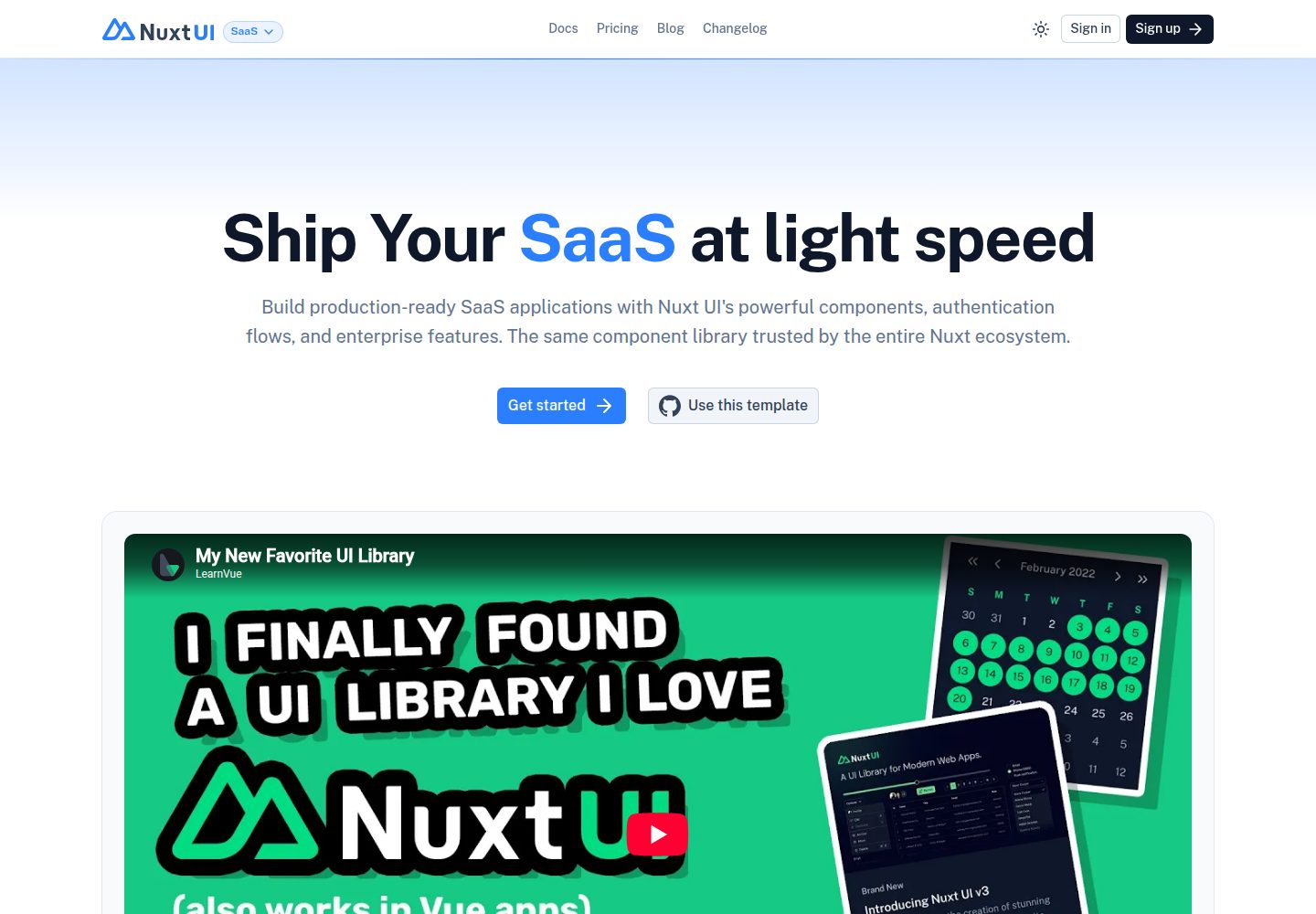
saas
A Nuxt SaaS site template built with Nuxt UI and Nuxt Content, offering landing, pricing, documentation, and blog pages. It is a front-end skeleton with no login, payment, database, or backend APIs; the pricing and documentation pages are presentational.
Nuxt · SaaS
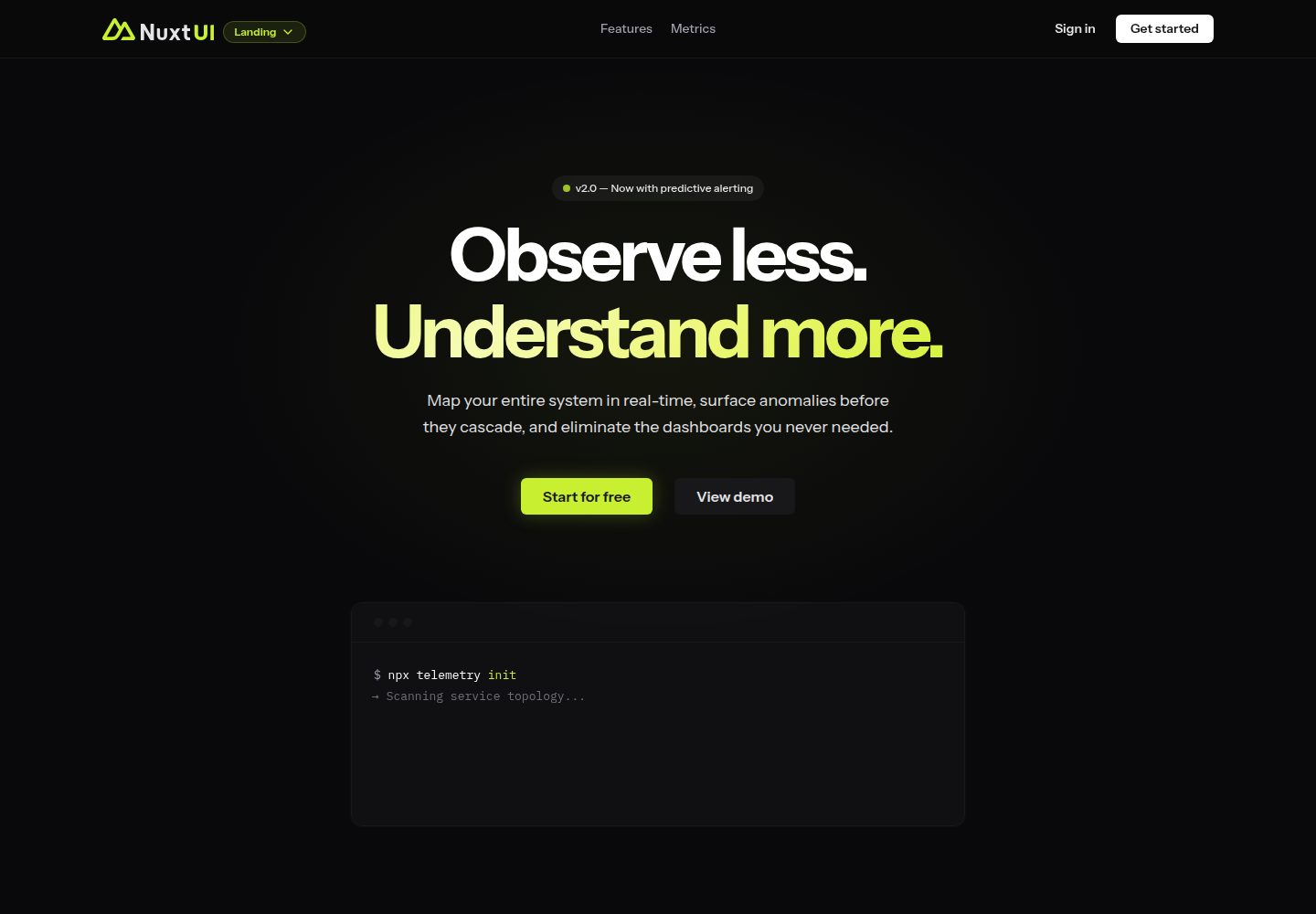
landing
A landing page template from the official Nuxt UI repository, built with Nuxt, Nuxt UI, and Nuxt Content. It can be initialized via `npm create nuxt@latest -- -t ui/landing` or cloned and run with pnpm commands for development, build, and preview.
Nuxt · Corporate Website
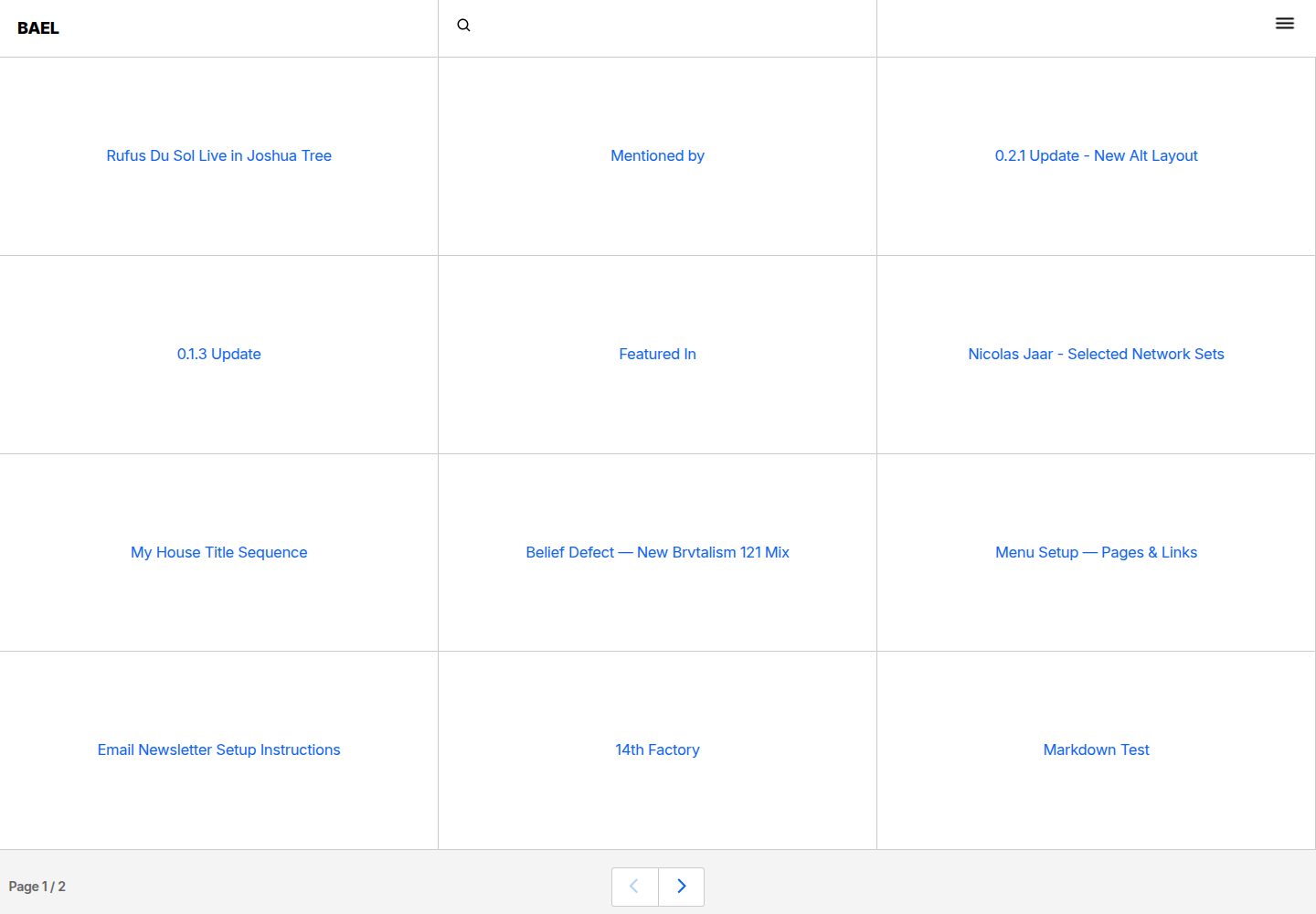
bael-template
Bael is a brutalist-style blog template built with Nuxt.js and Vue.js, using Netlify CMS for content management and deploying to Netlify. Content is stored as files in a Git repository and edited through the /admin path.
Nuxt · Blog

bloggrify
Bloggrify is a Nuxt layer that turns Markdown files into a blog site, built on Nuxt Content with preconfigured analytics, newsletter, comments, SEO, RSS, and content components.
Nuxt · Blog
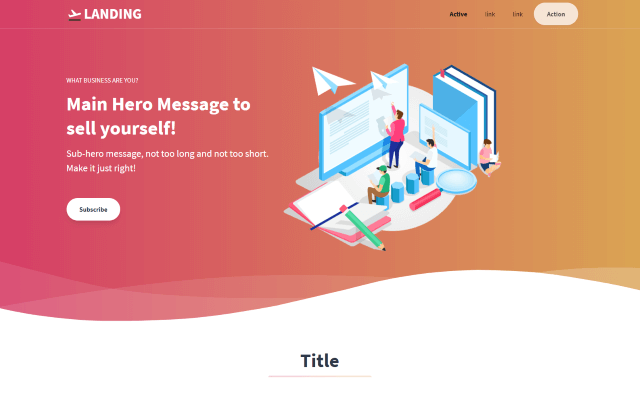
tailwind-landing-page-nuxt
A Nuxt version of the Tailwind Toolbox Landing Page template by Vannsl, written with Tailwind CSS and organized into components such as TheHeader, Hero, Features, Prices, CallToAction, and TheFooter, with pages/index.vue as the entry.
Nuxt · Corporate Website
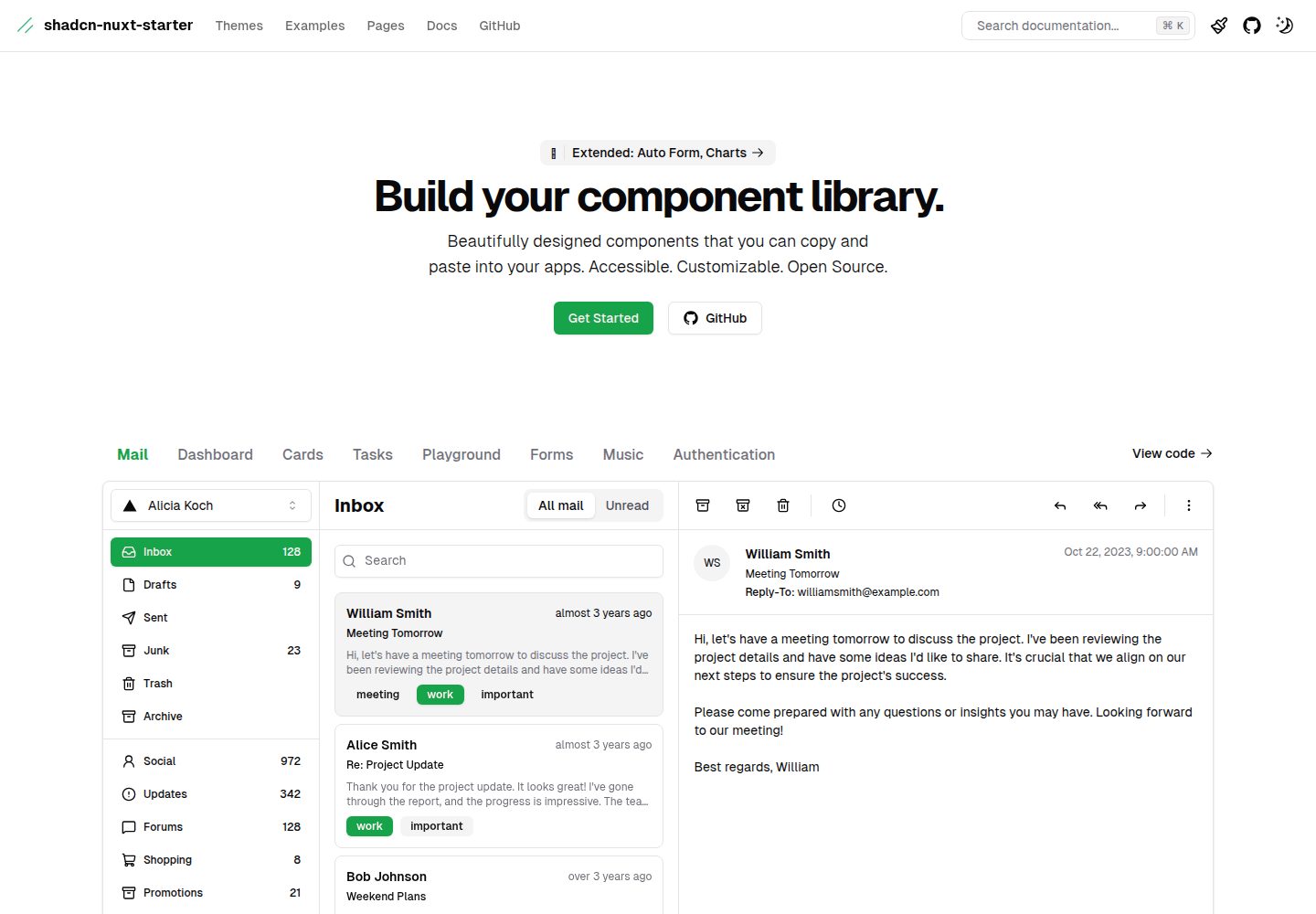
shadcn-nuxt-starter
A Nuxt 3 starter template using Shadcn-vue, UnoCSS, and TypeScript, with Vite as the build tool. It supports three rendering modes from one codebase: SSR for SaaS, SSG for documentation, and CSR for admin dashboards.
Nuxt · Admin dashboard