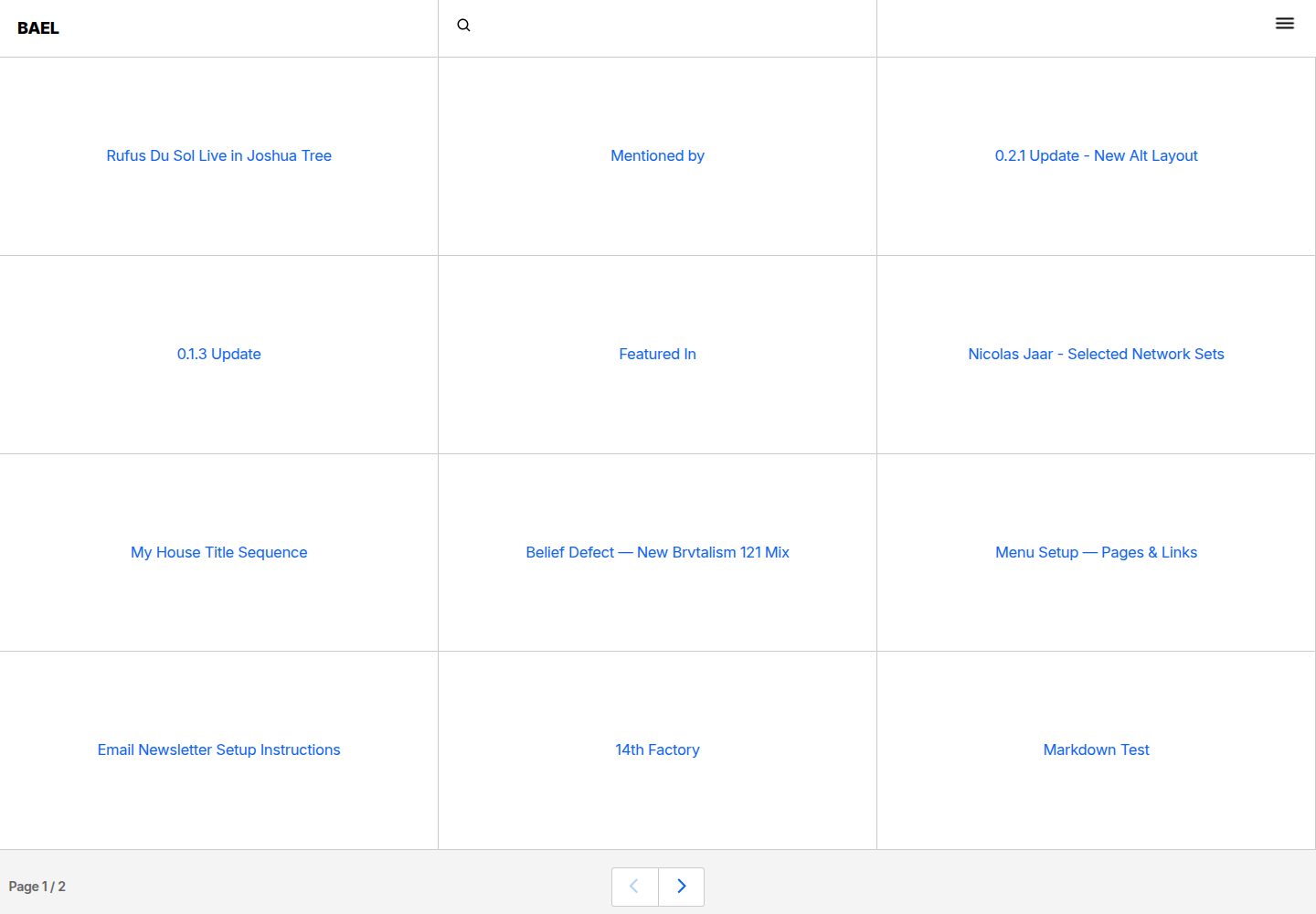
Blog front end built with Nuxt.js + Vue.js, with content managed via Netlify CMS
NuxtVueBlogTool Site
bael-template — Nuxt Blog Template
By jake-101
A brutalist-style blog template built on Nuxt and Netlify CMS, managing content through a Git repository and deploying to Netlify.
Explore the design
Compare the page layouts and mobile experience. Open any screenshot for a closer look.
Desktop homepage1 / 3
Desktop captureTop of page
Actual screenshot captured by the server browser.
All pages & views 3
Screenshots show visual appearance; interactive behavior may differ.
Recorded 2026-09-30View source
What stands out
A quick read of the recorded project description.
Brutalist visual style, with the README mentioning CSS Grid layout and responsive design
Built-in fuzzy search
Content stored as files in a Git repository, edited through the /admin path into the CMS backend
Provides a Deploy to Netlify one-click deployment entry, requiring Netlify and GitHub/Bitbucket accounts
Template Details
Bael is a blog template that uses Nuxt.js and Vue.js for the front end, relies on Netlify CMS for content management, and targets Netlify for deployment. Visually it adopts a brutalist style, and the README also mentions CSS Grid layout, responsive design, and fuzzy search.
Content editing is done by visiting the site's /admin path to enter the Netlify CMS backend, with articles stored as files in the repository. If you use Netlify CMS's folder type to create a content collection, it will generate dynamic routes, and you need to add the corresponding folder as a glob to the dynamicRoutes variable in nuxt.config.js; otherwise, the blog will not be able to match specific content files based on URLs.
Using this template requires a Netlify account and a GitHub or Bitbucket account to host the repository; the README provides a Deploy to Netlify button. Local development starts with npm install and npm run dev, production builds use npm run build and npm start, and static generation uses npm run generate.
The repository is MIT licensed, allowing free use, modification, commercial use, and distribution of the code, but third-party assets such as demo images, fonts, and icons need to be checked separately for licensing; external services like domains and hosting may incur costs.
NuxtVueBlogUtility site
Is it right for your project?
Use Cases
- Building a personal blog with a Git repository as the content source
- Writing scenarios that need a Netlify CMS visual backend while keeping content version-controlled
- Sites that prefer a brutalist typographic style
Suitable For
- Developers who already have Netlify and GitHub/Bitbucket accounts and are familiar with Nuxt
- Individual authors who want to manage blog content with Markdown files rather than a database
- Front-end developers who want to modify a blog theme based on MIT-licensed code
Getting started & customization
Use these recorded setup notes alongside the repository instructions for your chosen version.
- 1
Local run: npm install to install dependencies, npm run dev to start at localhost:3000
- 2
Production build: npm run build followed by npm start; static generation uses npm run generate
- 3
Content editing entry is yourwebsite.com/admin, locally corresponding to localhost:3000/admin
- 4
When using Netlify CMS's folder type, add that folder as a glob to dynamicRoutes in nuxt.config.js
- 5
Before deployment, prepare a Netlify account and a GitHub or Bitbucket repository
License & source material
Usage conditions & limitations
Free to use · keep license noticeThis entry covers the free version under the MIT license in the public repository; the free scope applies to that version's code and does not mean external services or third-party assets are free.
Must comply with when using
- Permits free use, modification, commercial use, and distribution of that version's code.
- When distributing copies or substantial portions of the code, retain the original author's copyright notice and the full MIT license notice.
- The code is provided as is; warranties and limitations of liability are governed by the original license and applicable law.
Additional costs & items to verify
- Deploying with this template requires registering a Netlify account and having a GitHub or Bitbucket account to host the code repository, which are external service and account dependencies.
- Content editing depends on the Netlify CMS backend, accessed via the site's /admin path, locally corresponding to localhost:3000/admin.
- When using Netlify CMS's folder type to create a content collection, you must add the corresponding folder as a glob to dynamicRoutes in nuxt.config.js; otherwise, dynamic routes cannot match content files.
- Demo images, fonts, icons, and other third-party assets need to be checked under their respective licenses and cannot be judged solely by the code's MIT license.
- External services such as domains, hosting, databases, payments, or AI may incur additional charges.
View Original Text Basis
Permission is hereby granted, free of charge
Original License Text
Bael requires an account with Netlify and Github/Bitbucket to deploy.
Original README
Access `yourwebsite.com/admin`, e.g. `localhost:3000/admin`.
Original README
https://github.com/jake-101/bael-template/blob/master/LICENSEhttps://github.com/jake-101/bael-template/blob/master/README.mdadd the folder as glob to the `dynamicRoutes` variable in the `nuxt.config.js`.
Original README
Compiled by DeepSeek based on repository license and README ·2026-10-01. Results only cover the materials read; dependencies, images, fonts, and subsequent term changes are subject to their respective original texts.
Project checks & description sources
Template Information
- Source platforms
- GitHub
- Documentation and maintenance reference score
- More documented · 81 / 100
- Technologies
- Nuxt · Vue
- Website type
- Blog · Tool Site
How this score is calculated
Our heuristic uses license records (up to 30), a demo link (12), a preview (10), stars (15), recorded maintenance (15), description completeness (8), feature records (5) and classification data (5). It is not a code, security or performance test, or a Google score. A link does not establish tested functionality.
What to verify for this project
- Repository update recorded
- 2023-01-06
- Screenshot last checked
- 2026-10-01
A demo link is listed. Check it with your own content and viewport sizes; its presence does not confirm that forms, authentication or payments work.
The catalog identifies Nuxt as the primary stack. Check the actual dependency manifest and lockfile for versions and hosting requirements. These notes use recorded metadata, not a code audit or a deployment test.
Use a selection guide →How this description was prepared
AI-assisted description based on catalog records and repository material. Repository authors are not automatically the reviewers of this description.
Automatically checked against source and license rules; no manual editorial review.
Inspect the recorded source material
SHA-256: 99dd443b98865be0b025e47b6cd4921c02642b3f159d325199fea4e76c557e56
2026-10-01T15:01:19.699Z
Source file / repository# Bael Netlify CMS Template  > Bael is a free template that gives you an easy way to start a blog that uses modern technologies like static-site JAMstack architecture, CSS grid layout, responsive design, and fuzzy search — all wrapped up in a brutalist aesthetic. ## Info Bael runs using [Nuxt.js](https://nuxtjs.org), [Vue.js](https://vuejs.org), [Netlify CMS](https://netlifycms.org), and is hosted by [Netlify](https://netlify.com). Bael requires an account with Netlify and Github/Bitbucket to deploy. Made by [Jake 101](https://jake101.com) ## Deploy to Netlify [](https://app.netlify.com/start/deploy?repository=https://github.com/jake-101/bael-template) ## Build Setup ``` bash # install dependencies $ npm install # Or yarn install # serve with hot reload at localhost:3000 $ npm run dev # build for production and launch server $ npm run build $ npm start # generate static project $ npm run generate ``` ## Edit content Access `yourwebsite.com/admin`, e.g. `localhost:3000/admin`. ## Manage dynamic routes When you use Netlify CMS' `folder` type, you actually create dynamic routes. For example, when creating a blog, you render different content files with the same template. And for the blog to know which content to render, it looks at the url and gets the specific content file. That's a dynamic route. So If you create a `folder` type with Netlify CMS, add the folder as glob to the `dynamicRoutes` variable in the `nuxt.config.js`. MIT License
Explore similar templates
Compare previews and descriptions within the same stack and category.
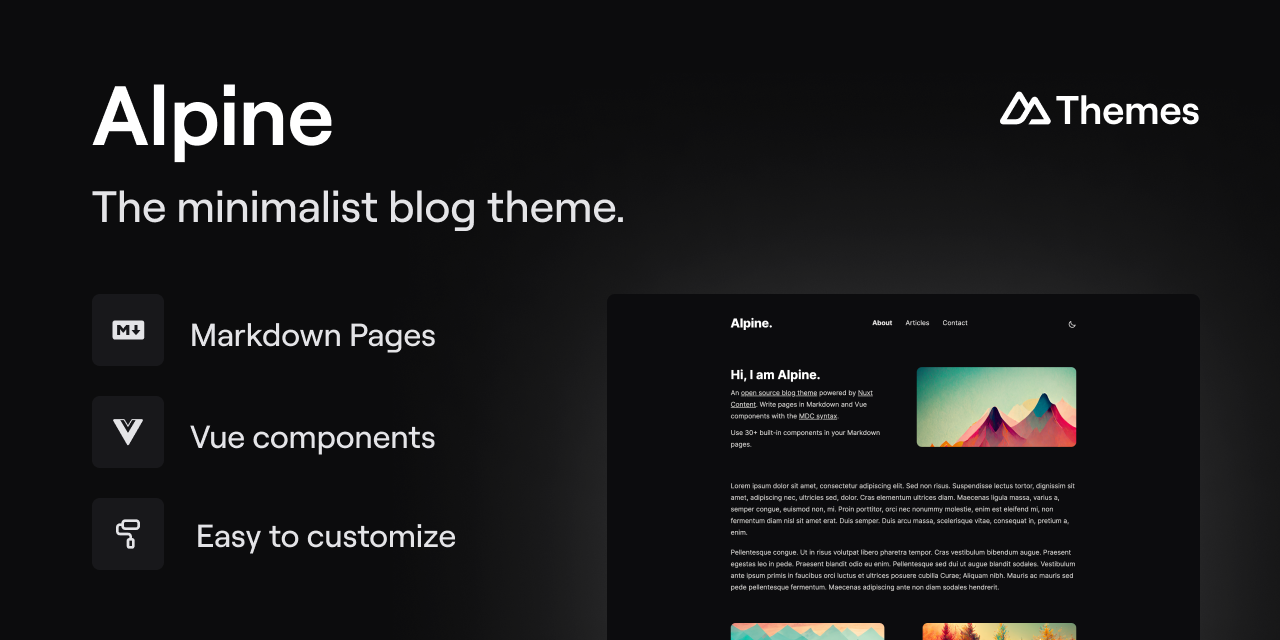
alpine-theme
Alpine is a minimalist blog theme built on Nuxt and Nuxt Content, supporting Markdown and MDC syntax with over 30 components from Nuxt Elements.
Nuxt · Blog

bloggrify
Bloggrify is a Nuxt layer that turns Markdown files into a blog site, built on Nuxt Content with preconfigured analytics, newsletter, comments, SEO, RSS, and content components.
Nuxt · Blog
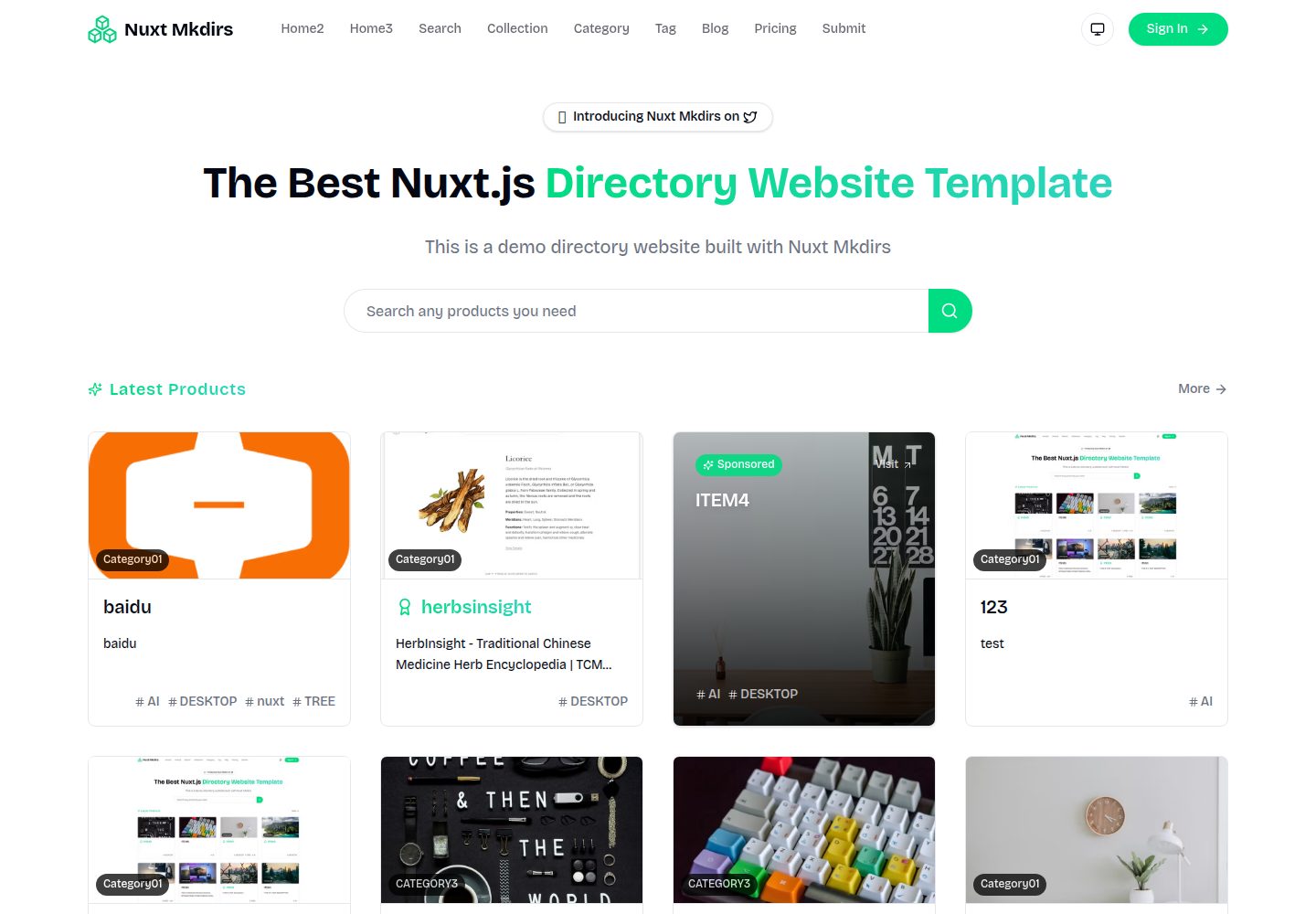
Nuxt_Mkdirs
An open-source directory site template built with Nuxt and Sanity CMS, with three homepage layouts, Google/GitHub OAuth login, Stripe and Creem payment channels, Resend transactional email and newsletter subscriptions, and optional AI auto-fill for submissions.
Nuxt · Blog
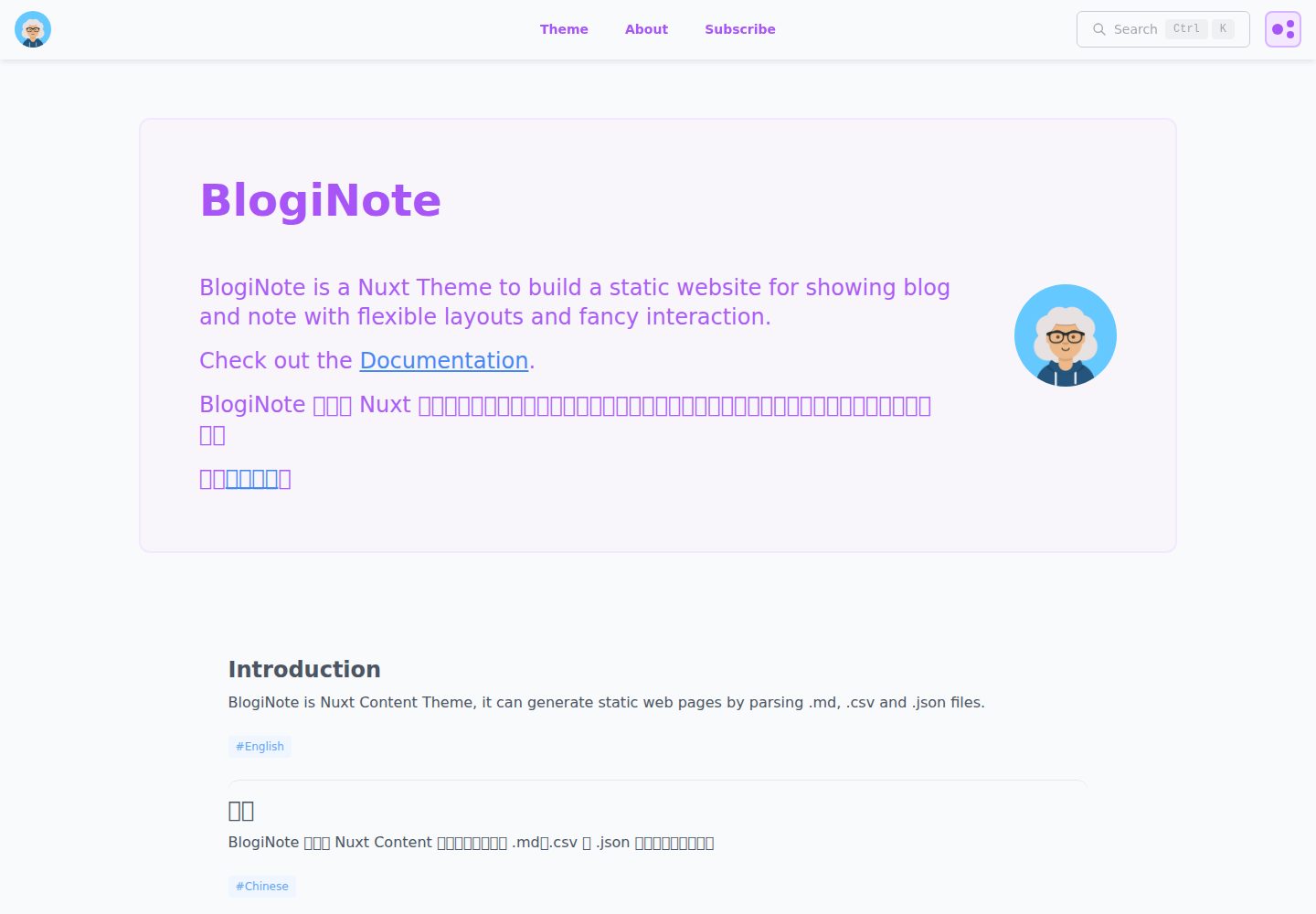
BlogiNote
BlogiNote is a Nuxt Content theme that generates a static blog and notes site from Markdown, JSON, CSV, and other files.
Nuxt · Blog
nuxt-content-template
An opinionated Nuxt Content template for Markdown blogs, with i18n, dark mode, TailwindCSS, LaTeX formulas, and static generation.
Nuxt · Blog
nuxt3-microcms-blog
A Nuxt3 blog template using microCMS for content and Vuetify3 for the interface, with SSR, TypeScript, and GA4 support.
Nuxt · Blog