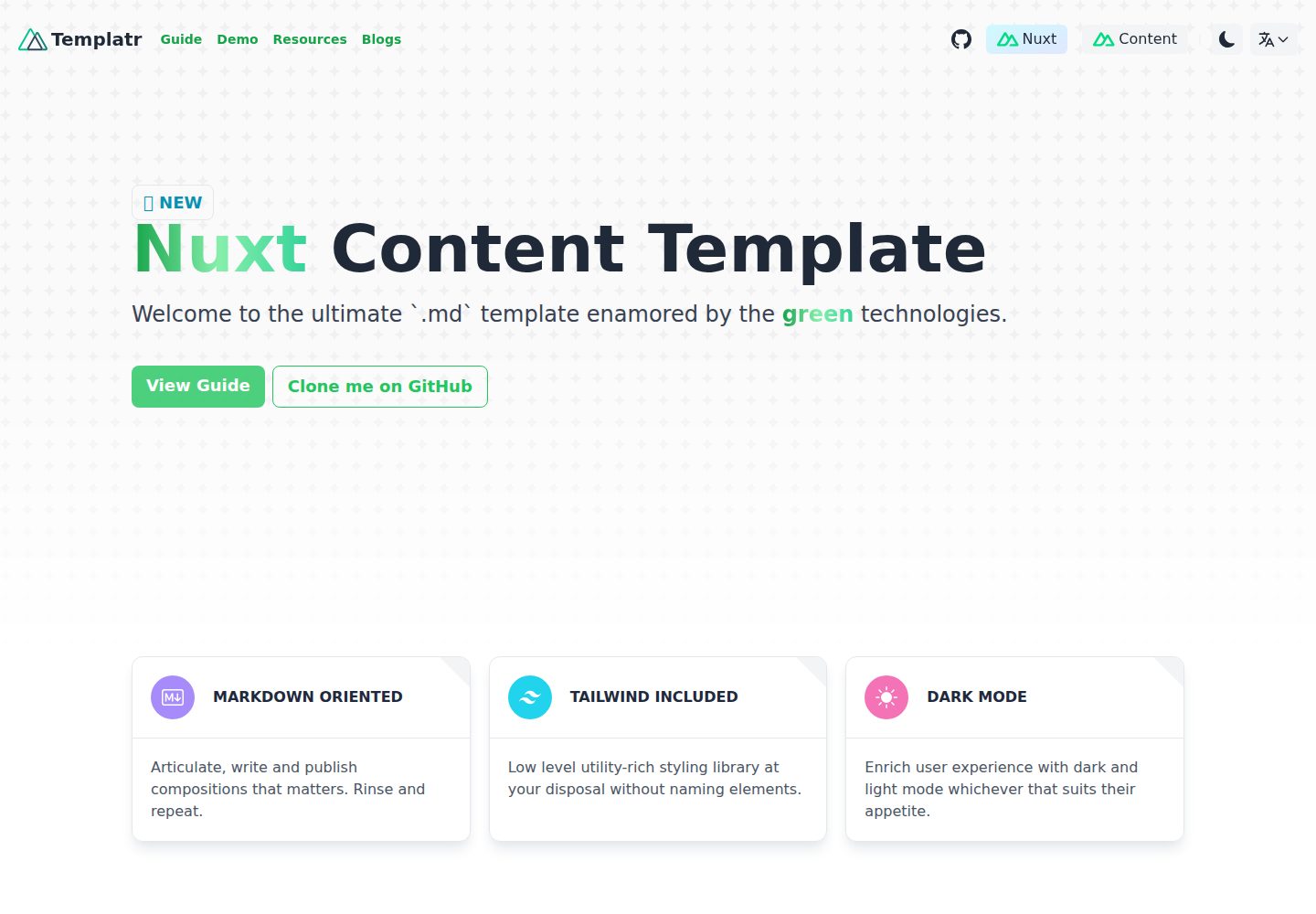
Uses Markdown as the content source and renders blog posts with Nuxt Content
NuxtVueBlog
nuxt-content-template — Nuxt Blog Template
By data-miner00
A Markdown blog template based on Nuxt Content, with built-in i18n, dark mode, TailwindCSS, and static generation configuration.
Explore the design
Compare the page layouts and mobile experience. Open any screenshot for a closer look.
Desktop homepage1 / 3
Desktop captureTop of page
Actual screenshot captured by the server browser.
All pages & views 3
Screenshots show visual appearance; interactive behavior may differ.
Recorded 2026-10-02View source
What stands out
A quick read of the recorded project description.
Supports embedding LaTeX formulas and chemical equations in Markdown
Built-in @nuxtjs/i18n internationalization and @nuxtjs/color-mode dark mode
Styles are written with TailwindCSS, and the project language is TypeScript
Code blocks include highlighting, line numbers, and a copy button
Integrates nuxt-seo-kit to generate sitemap.xml and robots.txt and optimize metadata
Template Details
This is a Nuxt template for Markdown blogs. The author calls it "opinionated," meaning the technology choices and directory structure are predetermined, so users mainly write Markdown content rather than configuring everything from scratch. The content layer uses Nuxt Content, styling uses TailwindCSS, the language is TypeScript, and it integrates @nuxtjs/i18n for internationalization and @nuxtjs/color-mode for dark mode.
In terms of features, the template supports Markdown articles and can embed LaTeX formulas (including chemical equations) in Markdown via rehype-mathjax and remark-math. Code blocks provide highlighting, line numbers, and a copy button. SEO relies on nuxt-seo-kit, which can generate sitemap.xml and robots.txt and optimize site metadata. Image optimization uses @nuxt/image. Interactivity and animation use @vueuse/core and @vueuse/motion. The template includes a 404 page and supports static site generation.
Limitations and notes: The README explicitly requires keeping the existing versions of Nuxt and Nuxt Content unchanged; upgrading these two packages will break static site generation. It also warns against updating dependencies. The development environment uses pnpm, and the lockfile was generated with Node v20.9.0; the README states support for Node 18 and Node 20. Before static generation, copy .env.example to .env and set NUXT_PUBLIC_SITE_UR. Spell checking requires installing crates-ci/typos separately. PWA Manifest and DocSearch remain unfinished items on the roadmap.
NuxtVueBlog
Is it right for your project?
Use Cases
- Building a personal technical blog or notes site written in Markdown
- Content sites that need multiple languages and dark mode
- Blogs that need static generation and are easy to deploy to static hosting platforms
- Writing scenarios where articles need to display mathematical formulas or chemical equations
Suitable For
- Developers who are used to writing in Markdown and do not want to build a rendering pipeline themselves
- Individual bloggers who accept the template's predetermined technology choices and want to start writing content directly
- Nuxt users who need common blog capabilities such as i18n and dark mode
Getting started & customization
Use these recorded setup notes alongside the repository instructions for your chosen version.
- 1
After cloning the repository, install dependencies with pnpm i and start the development server with pnpm dev
- 2
Copy .env.example to .env and set NUXT_PUBLIC_SITE_UR for static generation
- 3
Run pnpm generate to generate the static site
- 4
The README warns against updating dependencies; the existing versions of Nuxt and Nuxt Content must remain unchanged
- 5
The lockfile was generated with Node v20.9.0; the README states support for Node 18 and Node 20
License & source material
Usage conditions & limitations
Free to use · keep license noticeThis entry covers the free version in the public repository under the MIT license; the free scope is the code of that version and does not mean external services or third-party assets are free.
Must comply with when using
- Free use, modification, commercial use, and distribution of this version's code are permitted.
- When distributing copies or substantial portions of the code, retain the original author's copyright notice and the full MIT license notice.
- The code is provided as is; warranties and limitations of liability are governed by the original license and applicable law.
Additional costs & items to verify
- Nuxt 3.6.1 and Nuxt Content 2.7.0 must remain unchanged; upgrading these two packages will break static site generation.
- Do not update dependencies, otherwise the project will break due to incompatibility with the latest Nuxt and Nuxt Content.
- Spell checking requires installing the external tool from crates-ci/typos yourself; the template does not include it.
- Before static generation, copy .env.example to .env and set the NUXT_PUBLIC_SITE_UR environment variable.
- Demo images, fonts, icons, and other third-party assets must be checked against their respective licenses; the code's MIT license alone is not sufficient to judge them.
- External services such as domains, hosting, databases, payments, or AI may incur additional charges.
View Original Text Basis
Permission is hereby granted, free of charge
Original License Text
The version for Nuxt (3.6.1) and Nuxt Content (2.7.0) must remain. Updating the version for these two packages will break the static site generation.
Original README
**Do not update** the dependencies as it will break due to incompatibilities from the latest Nuxt and Nuxt Content.
Original README
Typo checking (need to install from [crates-ci/typos](https://github.com/crate-ci/typos))
Original README
https://github.com/data-miner00/nuxt-content-template/blob/master/LICENSEhttps://github.com/data-miner00/nuxt-content-template/blob/master/README.mdCopy the `.env.example` to `.env` and replace the value for `NUXT_PUBLIC_SITE_UR`. This is used for static-site generation.
Original README
Compiled by DeepSeek based on repository license and README ·2026-10-02. Results only cover the materials read; dependencies, images, fonts, and subsequent term changes are subject to their respective original texts.
Project checks & description sources
Template Information
- Source platforms
- GitHub
- Documentation and maintenance reference score
- More documented · 86 / 100
- Technologies
- Nuxt · Vue
- Website type
- Blog
How this score is calculated
Our heuristic uses license records (up to 30), a demo link (12), a preview (10), stars (15), recorded maintenance (15), description completeness (8), feature records (5) and classification data (5). It is not a code, security or performance test, or a Google score. A link does not establish tested functionality.
What to verify for this project
- Repository update recorded
- 2025-02-19
- Screenshot last checked
- 2026-10-02
A demo link is listed. Check it with your own content and viewport sizes; its presence does not confirm that forms, authentication or payments work.
The catalog identifies Nuxt as the primary stack. Check the actual dependency manifest and lockfile for versions and hosting requirements. These notes use recorded metadata, not a code audit or a deployment test.
Use a selection guide →How this description was prepared
AI-assisted description based on catalog records and repository material. Repository authors are not automatically the reviewers of this description.
Automatically checked against source and license rules; no manual editorial review.
Inspect the recorded source material
SHA-256: 166a29044b5172e69a6d67c9deb7a7c0614b32585fcc35fa64f81cd445515558
2026-10-02T17:25:56.328Z
Source file / repository<a name="readme-top"></a>
<!-- PROJECT SHIELDS -->
[![Contributors][contributors-shield]][contributors-url]
[![Forks][forks-shield]][forks-url]
[![Stargazers][stars-shield]][stars-url]
[![Issues][issues-shield]][issues-url]
[![MIT License][license-shield]][license-url]
<!-- PROJECT LOGO -->
<br />
<div align="center">
<a href="/">
<img src="assets/images/nuxt-content.png" />
</a>
<h3 align="center">Nuxt Content Template</h3>
<p align="center">
An opionionated Nuxt.js Template with Nuxt Content!
<br />
<a href="https://nuxt-content-template.netlify.app/"><strong>View Demo »</strong></a>
<br />
<br />
<a href="https://github.com/data-miner00/nuxt-content-template">Explore the docs</a>
·
<a href="https://github.com/data-miner00/nuxt-content-template/issues">Report Bug</a>
·
<a href="https://github.com/data-miner00/nuxt-content-template/issues">Request Feature</a>
</p>
</div>
<!-- TABLE OF CONTENTS -->
<details>
<summary>Table of Contents</summary>
<ol>
<li>
<a href="#about-the-project">About The Project</a>
<ul>
<li><a href="#built-with">Built With</a></li>
<li><a href="#features">Features</a></li>
</ul>
</li>
<li>
<a href="#getting-started">Getting Started</a>
<ul>
<li><a href="#prerequisites">Prerequisites</a></li>
<li><a href="#installation">Installation</a></li>
</ul>
</li>
<li><a href="#usage">Usage</a></li>
<li><a href="#roadmap">Roadmap</a></li>
<li><a href="#contributing">Contributing</a></li>
<li><a href="#license">License</a></li>
<li><a href="#acknowledgments">Acknowledgments</a></li>
</ol>
</details>
<!-- ABOUT THE PROJECT -->
## About The Project

An extremely opinionated template for building Markdown oriented Nuxt websites with Nuxt Content and TailwindCSS. Focus on the development itself rather than low-level configurations.
Incentives:
- Wanted to build out my new personal website
- Want Markdown
- Want newest version of Vue, Nuxt and Nuxt Content (at the time).
- Build this multi-purpose template so I can use for other projects.
Projects that use this template:
- [notes.mumk.dev](https://notes.mumk.dev)
<p align="right">(<a href="#readme-top">back to top</a>)</p>
### Built With
The technologies and tools used within this template.
- Vue
- Nuxt
- Nuxt Content
- TailwindCSS
- TypeScript
The version for Nuxt (3.6.1) and Nuxt Content (2.7.0) must remain. Updating the version for these two packages will break the static site generation. Regardless, the existing version in my humble opinion is good enough to create a functional documentation/blogs.
<p align="right">(<a href="#readme-top">back to top</a>)</p>
### Features
This template currently offers the following features. For more info, please read the [guide](https://nuxt-content-template.netlify.app/guide).
- Markdown articles
- Markdown embeddable LaTeX (`rehype-mathjax`, `remark-math`)
- Math Equations
- [Chemical Equations](https://notes.mumk.dev/articles/general/latex#chemical-equations)
- Internationalization (i18n, `@nuxtjs/i18n`)
- Dark Mode (`@nuxtjs/color-mode`)
- Mobile responsive
- Styling with TailwindCSS
- Static-site generation
- Simple SEO (`nuxt-seo-kit`)
- Auto-generated Sitemap.xml
- robots.txt
- Optimized site metadata
- Image optimization (`@nuxt/image`)
- Vue utilities
- Powerful hooks (`@vueuse/core`)
- Animation (`@vueuse/motion`)
- 404 Page (the `/resource` url does not exist)
- Ultra-fast loading speed
- Support for Node 18 and Node 20
- Typo checking (need to install from [crates-ci/typos](https://github.com/crate-ci/typos))
- Sass support (although I don't remember using it 😁)
Again, if you wish to grok what this template is capable of, consider visiting [my technical blog](https://notes.mumk.dev) to see it for yourself.
<p align="right">(<a href="#readme-top">back to top</a>)</p>
<!-- GETTING STARTED -->
## Getting Started
### Prerequisites
The list of tools that is used when development.
- npm
```sh
npm install npm@latest -g
```
- Pnpm
```sh
npm i -g pnpm
```
- [Git](https://git-scm.com/downloads)
### Installation
To run this template project in your local for personal use or contribution, simply perform the following.
1. Clone the repo
```sh
git clone https://github.com/data-miner00/nuxt-content-template.git
```
2. Install Node dependencies
```sh
pnpm i
```
3. Start the development server
```sh
pnpm dev
```
4. Copy the `.env.example` to `.env` and replace the value for `NUXT_PUBLIC_SITE_UR`. This is used for static-site generation.
```sh
NUXT_PUBLIC_SITE_UR=https://www.mydomain.com
```
5. Build/generate static website
```sh
pnpm generate
```
<!-- prettier-ignore-start -->
> [!warning]
> **Do not update** the dependencies as it will break due to incompatibilities from the latest Nuxt and Nuxt Content.
<!-- prettier-ignore-end -->
> [!note]
> The current lockfile was generated with Node v20.9.0.
<p align="right">(<a href="#readme-top">back to top</a>)</p>
<!-- ROADMAP -->
## Roadmap
- [x] Add Dark Mode
- [x] Add i18n
- [x] Add Styling
- [x] Sass
- [x] Tailwind
- [ ] Add PWA Manifest
- [x] Responsive styles
- [ ] DocSearch
- [x] Copy code block button
- [x] Add line numbers to code block
- [x] Add highlight to code block
- [x] Add missing items to mobile navbar
See the [open issues](https://github.com/data-miner00/nuxt-content-template/issues) for a full list of proposed features (and known issues).
<p align="right">(<a href="#readme-top">back to top</a>)</p>
<!-- CONTRIBUTING -->
## Contributing
Contributions are what make the open source community such an amazing place to learn, inspire, and create. Any contributions you make are **greatly appreciated**.
If you have a suggestion that would make this better, please fork the repo and create a pull request. You can also simply open an issue with the tag "enhancement".
Don't forget to give the project a star! Thanks again!
1. Fork the Project
2. Create your Feature Branch (`git checkout -b feature/AmazingFeature`)
3. Commit your Changes (`git commit -m 'Add some AmazingFeature'`)
4. Push to the Branch (`git push origin feature/AmazingFeature`)
5. Open a Pull Request
<p align="right">(<a href="#readme-top">back to top</a>)</p>
<!-- LICENSE -->
## License
Distributed under the MIT License. See `LICENSE` for more information.
<p align="right">(<a href="#readme-top">back to top</a>)</p>
<!-- ACKNOWLEDGMENTS -->
## Acknowledgments
List of resources that are helpful and would like to give credit to.
- [Vue.js v3](https://vuejs.org/)
- [Nuxt v3](https://nuxt.com/)
- [Nuxt Content](https://content.nuxtjs.org)
- [Robots.txt](https://developers.google.com/search/docs/crawling-indexing/robots/intro)
- [enji.dev](https://www.enji.dev/)
- [How to Create a Custom Code Block With Nuxt Content v2](https://mokkapps.de/blog/how-to-create-a-custom-code-block-with-nuxt-content-v2/)
- [VueUse](https://vueuse.org/)
- [@nuxtjs/color-mode](https://color-mode.nuxtjs.org/)
- [Nuxt Tailwind](https://tailwindcss.nuxtjs.org/)
- [How to add class attribute to the body tag in NuxtJs](https://postsrc.com/code-snippets/how-to-add-class-attribute-to-the-body-tag-in-nuxtjs)
- [Nuxt i18n](https://v8.i18n.nuxtjs.org/)
- [How to Build a Multi-Language Application with NuxtJS](https://crowdin.com/blog/2023/01/24/nuxt-js-i18n-tutorial)
- [Vue i18n](https://vue-i18n.intlify.dev/)
- [Nuxt Seo Kit](https://github.com/harlan-zw/nuxt-seo-kit)
- [Nuxt Image](https://image.nuxtjs.org/)
- [Nuxt UI](https://ui.nuxt.com/)
<p align="right">(<a href="#readme-top">back to top</a>)</p>
<!-- MARKDOWN LINKS & IMAGES -->
[contributors-shield]: https://img.shields.io/github/contributors/data-miner00/nuxt-content-template.svg?style=for-the-badge
[contributors-url]: https://github.com/data-miner00/nuxt-content-template/graphs/contributors
[forks-shield]: https://img.shields.io/github/forks/data-miner00/nuxt-content-template.svg?style=for-the-badge
[forks-url]: https://github.com/data-miner00/nuxt-content-template/network/members
[stars-shield]: https://img.shields.io/github/stars/data-miner00/nuxt-content-template.svg?style=for-the-badge
[stars-url]: https://github.com/data-miner00/nuxt-content-template/stargazers
[issues-shield]: https://img.shields.io/github/issues/data-miner00/nuxt-content-template.svg?style=for-the-badge
[issues-url]: https://github.com/data-miner00/nuxt-content-template/issues
[license-shield]: https://img.shields.io/github/license/data-miner00/nuxt-content-template.svg?style=for-the-badge
[license-url]: https://github.com/data-miner00/nuxt-content-template/blob/master/LICENSE
Explore similar templates
Compare previews and descriptions within the same stack and category.
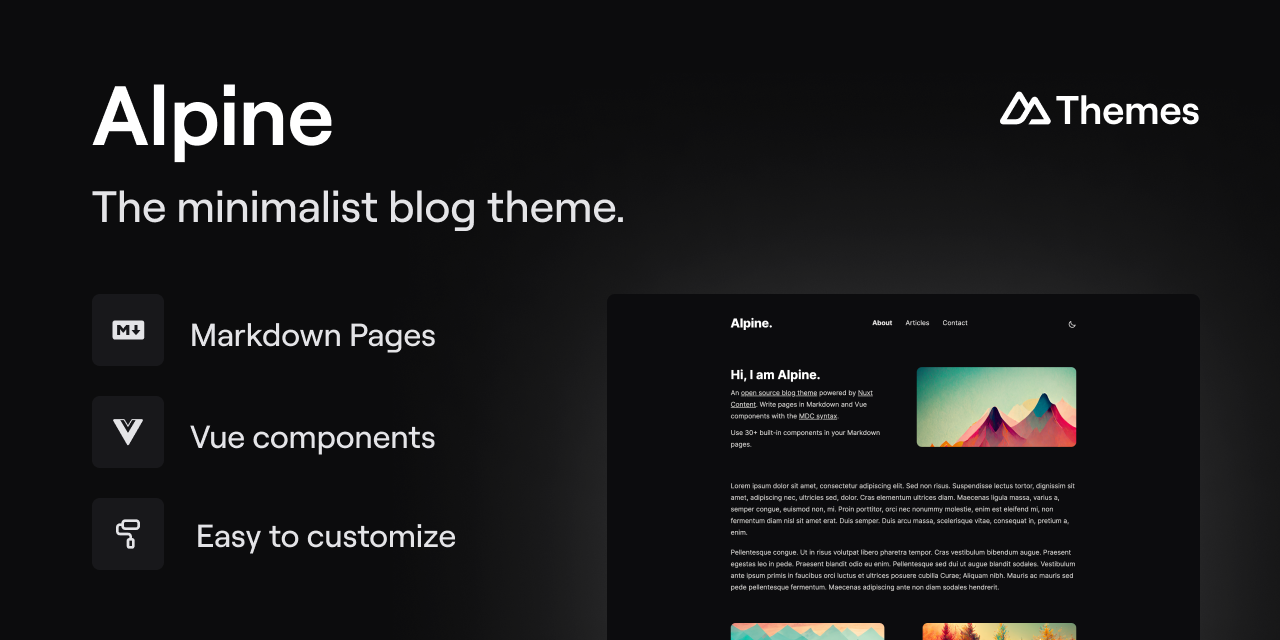
alpine-theme
Alpine is a minimalist blog theme built on Nuxt and Nuxt Content, supporting Markdown and MDC syntax with over 30 components from Nuxt Elements.
Nuxt · Blog
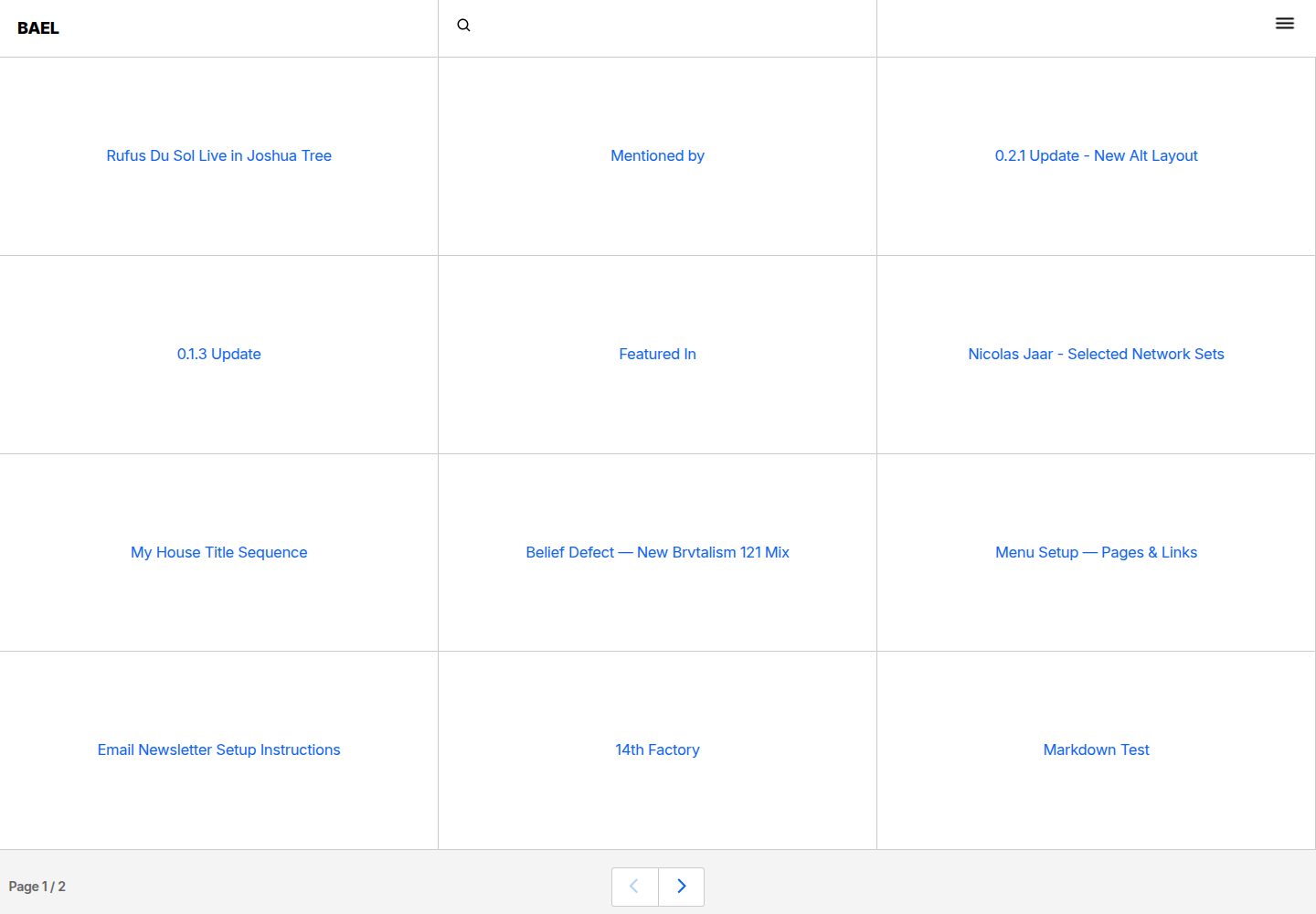
bael-template
Bael is a brutalist-style blog template built with Nuxt.js and Vue.js, using Netlify CMS for content management and deploying to Netlify. Content is stored as files in a Git repository and edited through the /admin path.
Nuxt · Blog

bloggrify
Bloggrify is a Nuxt layer that turns Markdown files into a blog site, built on Nuxt Content with preconfigured analytics, newsletter, comments, SEO, RSS, and content components.
Nuxt · Blog
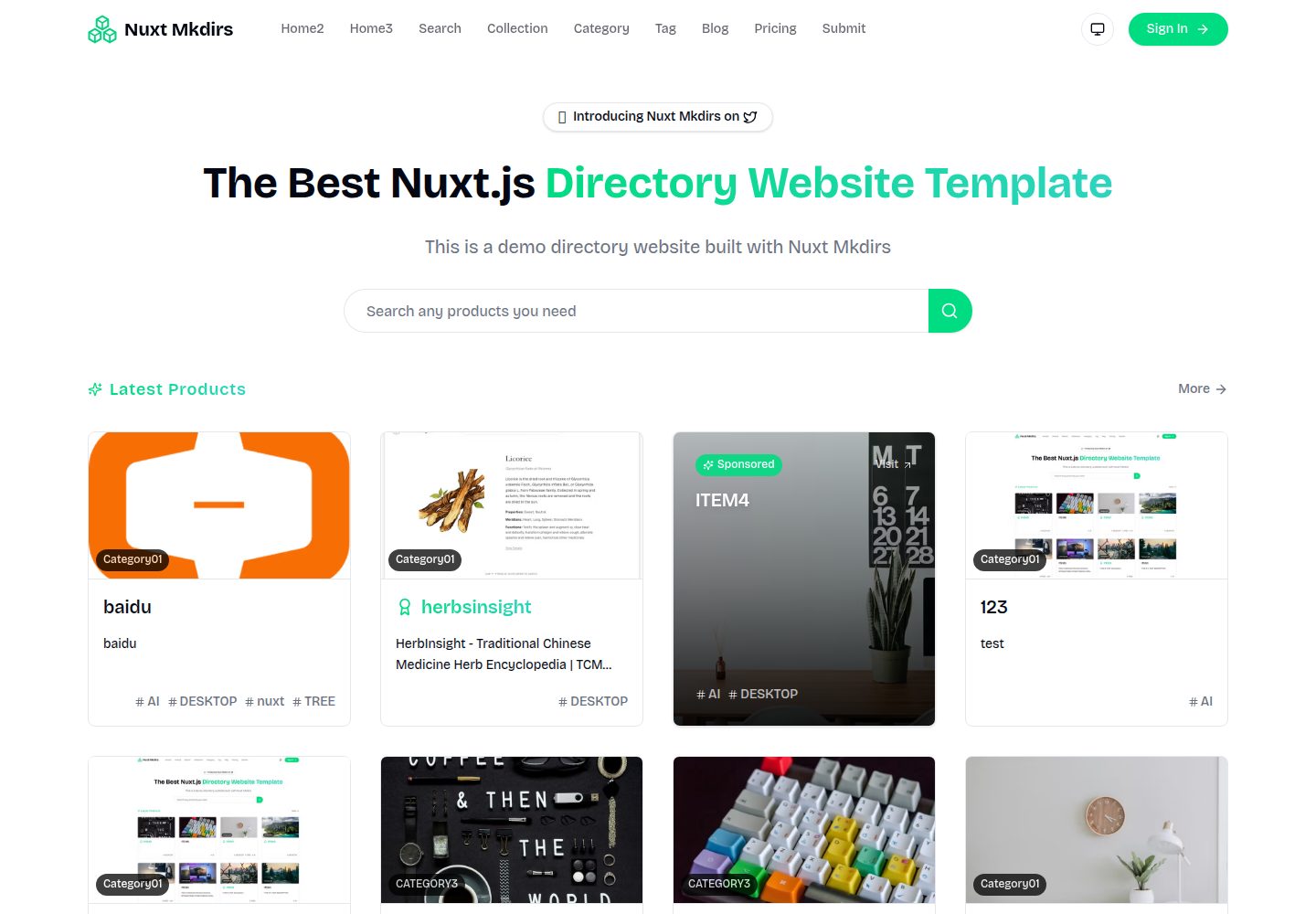
Nuxt_Mkdirs
An open-source directory site template built with Nuxt and Sanity CMS, with three homepage layouts, Google/GitHub OAuth login, Stripe and Creem payment channels, Resend transactional email and newsletter subscriptions, and optional AI auto-fill for submissions.
Nuxt · Blog
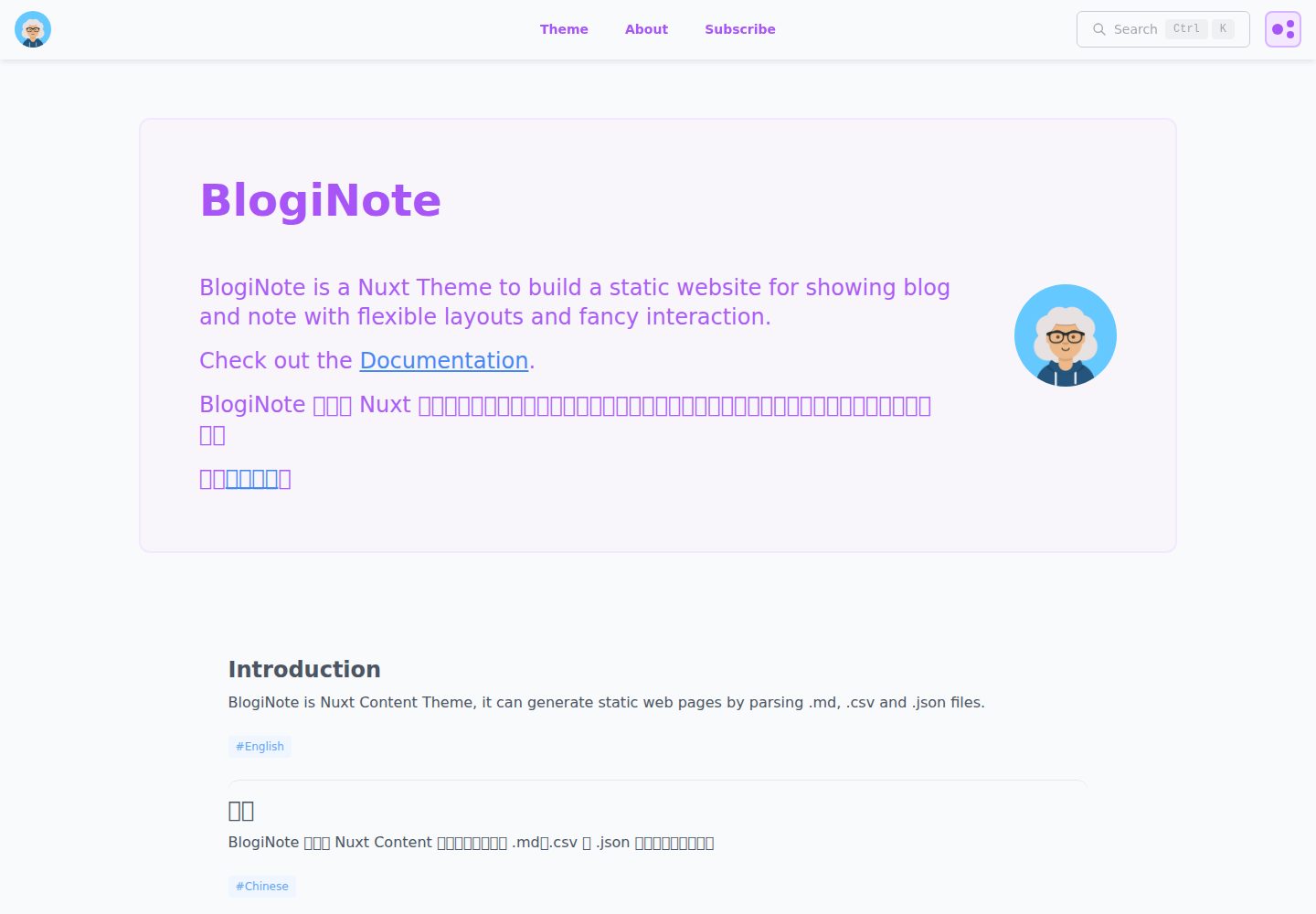
BlogiNote
BlogiNote is a Nuxt Content theme that generates a static blog and notes site from Markdown, JSON, CSV, and other files.
Nuxt · Blog
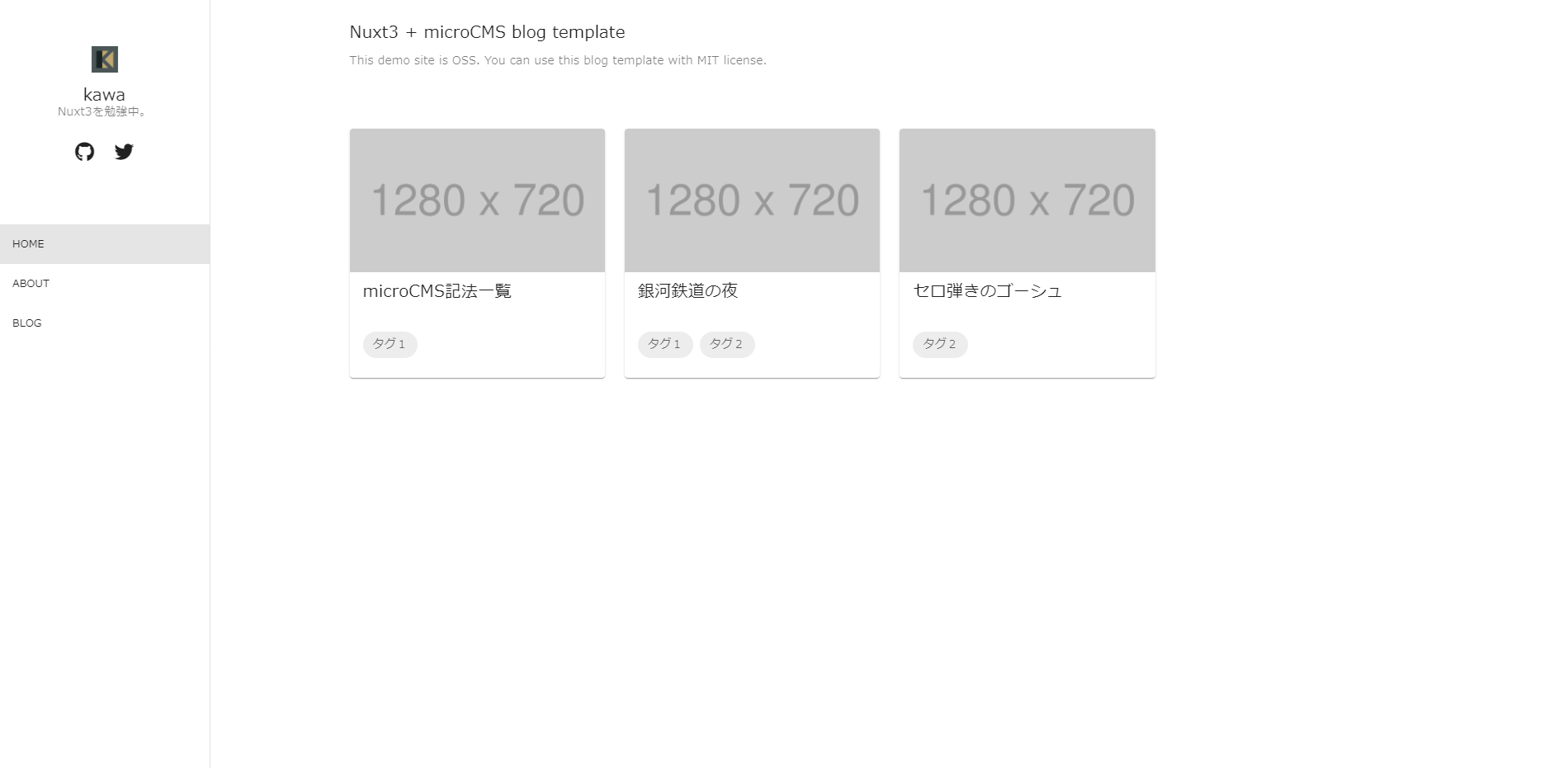
nuxt3-microcms-blog
A Nuxt3 blog template using microCMS for content and Vuetify3 for the interface, with SSR, TypeScript, and GA4 support.
Nuxt · Blog