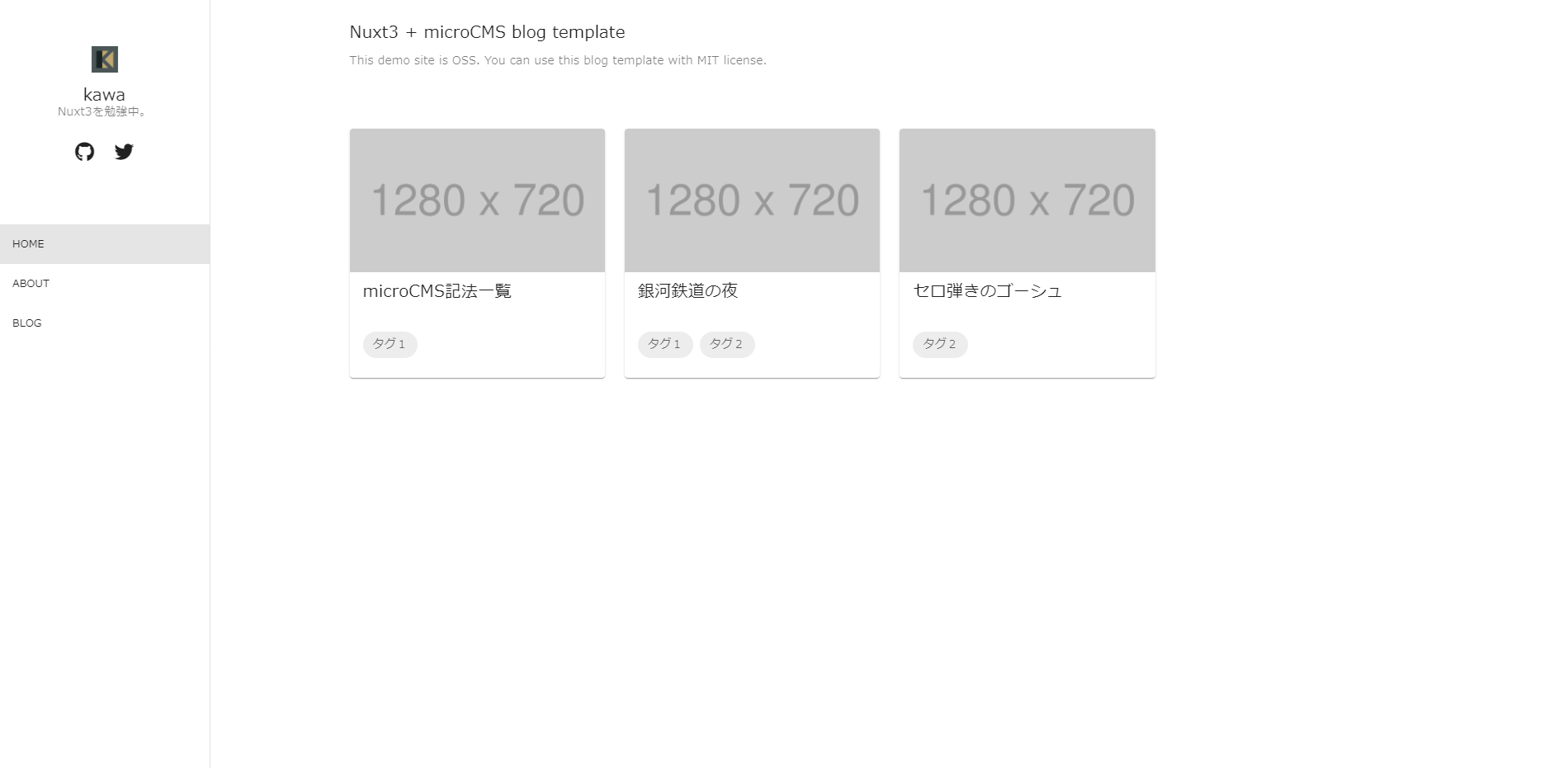
Uses Nuxt3 as the framework, combined with Vue and Vuetify3 to build the blog interface
NuxtVueBlog
nuxt3-microcms-blog — Nuxt Blog Template
By kawa-work
A blog template built on Nuxt3, microCMS, and Vuetify3, with content provided by microCMS, deployment on Netlify, and built-in SSR, TypeScript, and GA4 support.
Explore the design
Compare the page layouts and mobile experience. Open any screenshot for a closer look.
Author preview
Author-provided preview
Preview provided in the project README.
One original preview is available. Open the full image to inspect the design.
Screenshots show visual appearance; interactive behavior may differ.
Recorded 2026-10-02View source
What stands out
A quick read of the recorded project description.
Content is provided by microCMS, including two API structures: base-info site information and blog posts, with importable JSON files provided
Supports SSR and TypeScript, with development configurations such as Volar, Prettier/Eslint, and Husky
Built-in GA4 support, configured via the GTAG environment variable; OGP is marked as incomplete in the feature list
The README provides a complete process from Use this template and creating a microCMS service to Netlify deployment
Template Details
This is a blog template built with Nuxt3, with content data from microCMS and interface components using Vuetify3. The project is used by copying it to your own repository via GitHub's Use this template, and the README provides complete steps from creating a microCMS service, importing API structures, and configuring environment variables to local development and Netlify deployment.
The template already includes SSR, TypeScript, Volar, Prettier/Eslint, Husky, and GA4 support; OGP is marked as incomplete in the feature list. The content model is divided into two types: base-info in object form (site information) and blog in list form (blog posts), with importable API structure files attached.
Before use, you need to register a microCMS account and create the corresponding APIs yourself, and prepare the microCMS service ID and API key; deployment relies on Netlify, and these configurations are injected via environment variables. The licensing of third-party materials such as demo images needs to be checked separately.
NuxtVueBlog
Is it right for your project?
Use Cases
- You need a Nuxt3 blog starting point with microCMS as the content backend
- You want to build the blog frontend interface with Vuetify3 components
- You plan to deploy the blog to Netlify and manage microCMS credentials via environment variables
- You need to integrate GA4 analytics into the blog
Suitable For
- Developers familiar with Nuxt or Vue who are willing to configure the microCMS service themselves
- Those who want to quickly start a personal or small blog project using a template repository
- Projects using Netlify as the deployment platform
Getting started & customization
Use these recorded setup notes alongside the repository instructions for your chosen version.
- 1
Click Use this template on GitHub to create your own repository
- 2
Register with microCMS and create two APIs: base-info (object form) and blog (list form); you can import api-base-info.json and api-blog.json from the docs directory
- 3
Copy .env.template to .env, set BASE_URL to the microCMS service ID, and API_KEY to the API key
- 4
Run yarn install to install dependencies, yarn dev for local development, and yarn build to build
- 5
Configure BASE_URL and API_KEY in Netlify's Environment variables; optionally configure GTAG to enable GA4
License & source material
Usage conditions & limitations
Free to use · keep license noticeThis entry covers the free version under the MIT license in the public repository; the free scope is the code of this version and does not mean that external services or third-party materials are free.
Must comply with when using
- Free use, modification, commercial use, and distribution of this version's code are permitted.
- When distributing copies or substantial portions of the code, retain the original author's copyright notice and the complete MIT license notice.
- The code is provided as is; warranties and limitations of liability are governed by the original license and applicable law.
Additional costs & items to verify
- Using this template requires registering a microCMS account and creating a service; content data depends on the external microCMS service and cannot run independently without it.
- Before running, you must configure the microCMS service ID (BASE_URL) and API key (API_KEY); without these credentials, content cannot be fetched.
- The README's deployment process relies on Netlify, requiring environment variables to be configured and deployment on Netlify, which is an external platform dependency.
- GA4 analytics is an optional feature and requires configuring it yourself in the Google Analytics admin console and setting the GTAG environment variable.
- Demo images, fonts, icons, and other third-party materials must be checked against their respective licenses and cannot be judged solely by the code's MIT license.
- External services such as domains, hosting, databases, payments, or AI may incur additional charges.
View Original Text Basis
Permission is hereby granted, free of charge
Original License Text
microCMS の[公式ページ](https://microcms.io/)からアカウントを作成
Original README
`BASE_URL`を上記の手順で作成したmicroCMSのサービスIDに、`API_KEY`をAPIキーに設定
Original README
NetlifyのDeploy設定のEnvironment variablesセクションに手順3と同様の環境変数を設定
Original README
https://github.com/kawa-work/nuxt3-microcms-blog/blob/main/LICENSEhttps://github.com/kawa-work/nuxt3-microcms-blog/blob/main/README.mdGoogle Analyticsの管理画面でGA4を設定
Original README
Compiled by DeepSeek based on repository license and README ·2026-10-02. Results only cover the materials read; dependencies, images, fonts, and subsequent term changes are subject to their respective original texts.
Project checks & description sources
Template Information
- Source platforms
- GitHub
- Documentation and maintenance reference score
- Partly documented · 61 / 100
- Technologies
- Nuxt · Vue
- Website type
- Blog
How this score is calculated
Our heuristic uses license records (up to 30), a demo link (12), a preview (10), stars (15), recorded maintenance (15), description completeness (8), feature records (5) and classification data (5). It is not a code, security or performance test, or a Google score. A link does not establish tested functionality.
What to verify for this project
- Repository update recorded
- 2022-04-07
- Screenshot last checked
- 2026-10-02
No demo link is recorded. Use the repository instructions to evaluate the project locally; the screenshot alone cannot establish interactive behavior.
The catalog identifies Nuxt as the primary stack. Check the actual dependency manifest and lockfile for versions and hosting requirements. These notes use recorded metadata, not a code audit or a deployment test.
Use a selection guide →How this description was prepared
AI-assisted description based on catalog records and repository material. Repository authors are not automatically the reviewers of this description.
Automatically checked against source and license rules; no manual editorial review.
Inspect the recorded source material
SHA-256: 1e483e944c3ae843b78192e278630de584d65ffe15321b9f363e2ff877c12fe6
2026-10-02T21:23:01.039Z
Source file / repository# Nuxt3-microCMS Blog Template [デモサイト](https://nuxt3-microcms-blog.kinomama.tech/)  [Nuxt3](https://v3.nuxtjs.org) + [microCMS](https://microcms.io/) + [Vuetify3](https://next.vuetifyjs.com/en/)で作られたブログテンプレートです。 `Use this template`から自分のリポジトリを作って利用します。 ## Functions - [x] Nuxt3 - [x] MicroCMS - [x] Vuetify3 - [x] SSR - [x] Volar - [x] TypeScript - [x] Prettier/Eslint - [x] Husky - [x] GA4 - [ ] OGP ## How to use ### 1. Use this template - このリポジトリのページ上にある`Use this template`をクリック - repository name, description, Public/Privateを設定 - `Create repository from template`をクリック ### 2. Setup microCMS - microCMS の[公式ページ](https://microcms.io/)からアカウントを作成 - microCMSにログインし、以下のテーブルのように[サービスを作成](https://document.microcms.io/manual/create-service) | サービス名 | サービスID | | --- | --- | | 任意 | 任意 | - microCMSで以下のテーブルのように[APIの作成](https://document.microcms.io/manual/create-api)(microCMSには[APIインターフェースのインポート機能](https://document.microcms.io/manual/export-and-import-api-schema#hf95e7cc83a)があるので、APIの型を設定したのち、以下のテーブルのインポートファイルの欄にあるファイルを使用してください) | API名 | エンドポイント | APIの型 | インポートファイル | | --- | --- | --- | --- | | 任意(例:サイト情報) | base-info | オブジェクト形式 | [api-base-info.json](docs/api-base-info.json) | | 任意(例:ブログ) | blog | リスト形式 | [api-blog.json](docs/api-blog.json) | - 前手順で作成したAPIスキーマに従ってサイト情報やブログコンテンツを作成 ### 3. Environment variables (local environment) - `.env.template`をコピーし、`.env`を作成 - `BASE_URL`を上記の手順で作成したmicroCMSのサービスIDに、`API_KEY`をAPIキーに設定 ### 4. Install packages パッケージをインストール ```bash yarn install ``` ### 5. Development ローカル環境での動作確認 ```bash yarn dev ``` ### 6. Production 本番モードでの動作確認 ```bash yarn build ``` ### 7. Environment variables (server environment) #### [Netfily](https://www.netlify.com/)での環境変数の設定 - NetlifyのDeploy設定のEnvironment variablesセクションに手順3と同様の環境変数を設定 | key | value | | --- | --- | | BASE_URL | [サービスID] | | API_KEY | [APIキー] | ### 8. Deploy - Githubのリポジトリに更新があると自動的にNetlifyにデプロイ ### 9. Google Analytics `Optional` - Google Analyticsの管理画面でGA4を設定 - 上記で設定したGA4のIDを環境変数`GTAG`に設定
Explore similar templates
Compare previews and descriptions within the same stack and category.
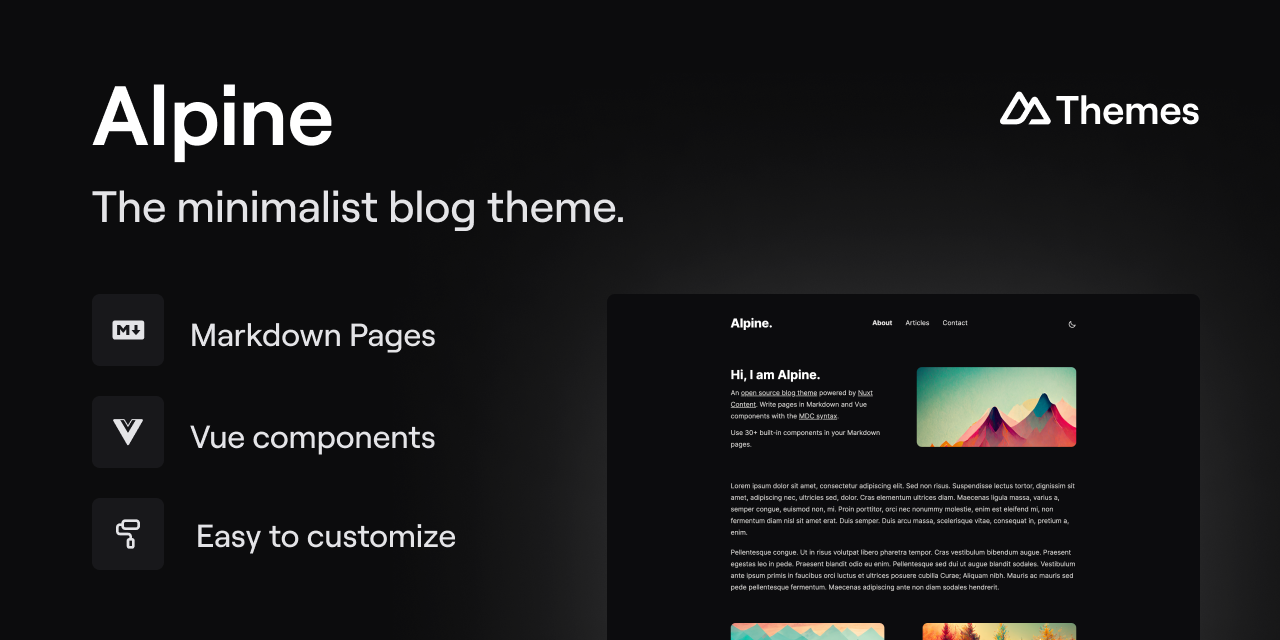
alpine-theme
Alpine is a minimalist blog theme built on Nuxt and Nuxt Content, supporting Markdown and MDC syntax with over 30 components from Nuxt Elements.
Nuxt · Blog
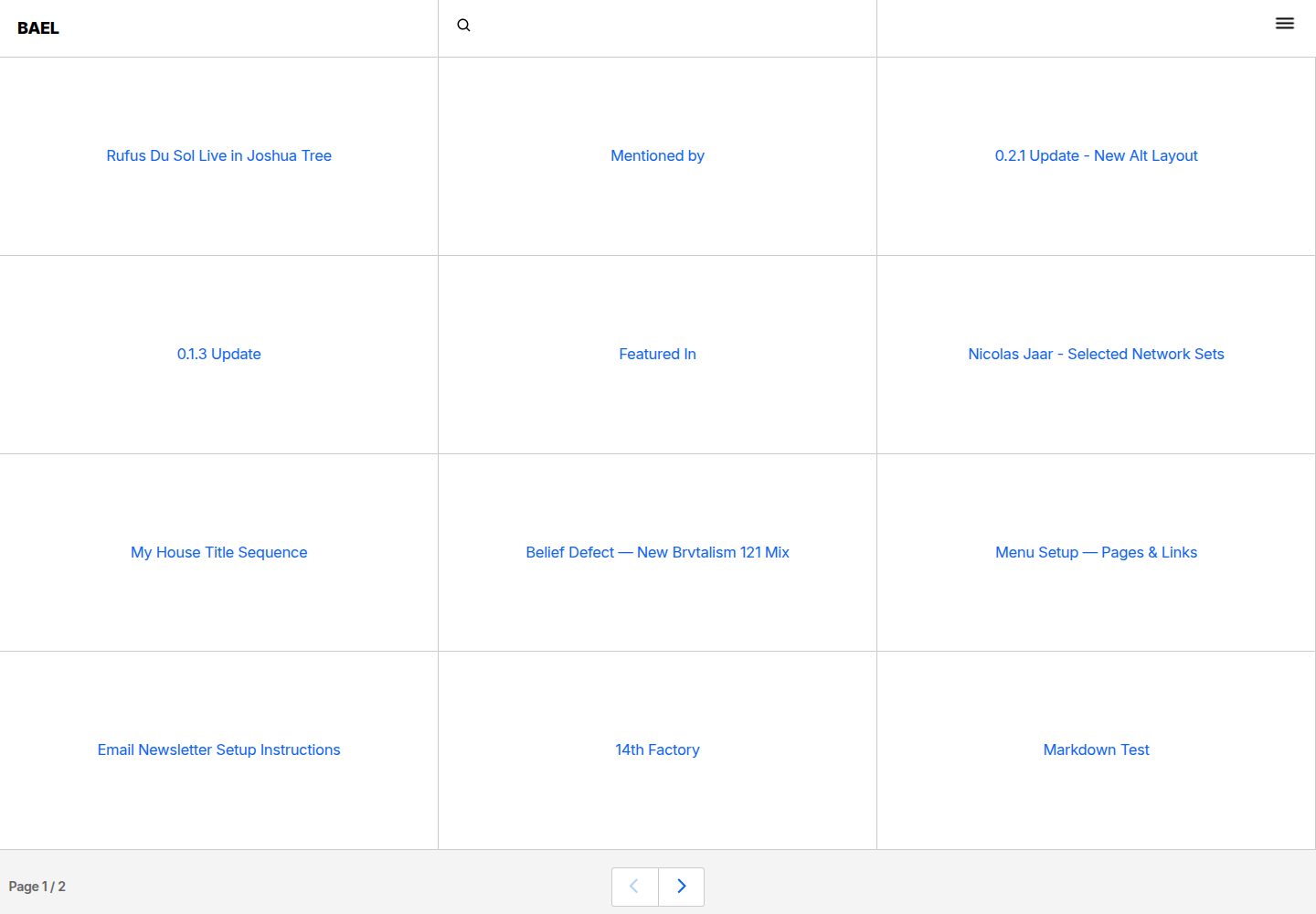
bael-template
Bael is a brutalist-style blog template built with Nuxt.js and Vue.js, using Netlify CMS for content management and deploying to Netlify. Content is stored as files in a Git repository and edited through the /admin path.
Nuxt · Blog

bloggrify
Bloggrify is a Nuxt layer that turns Markdown files into a blog site, built on Nuxt Content with preconfigured analytics, newsletter, comments, SEO, RSS, and content components.
Nuxt · Blog
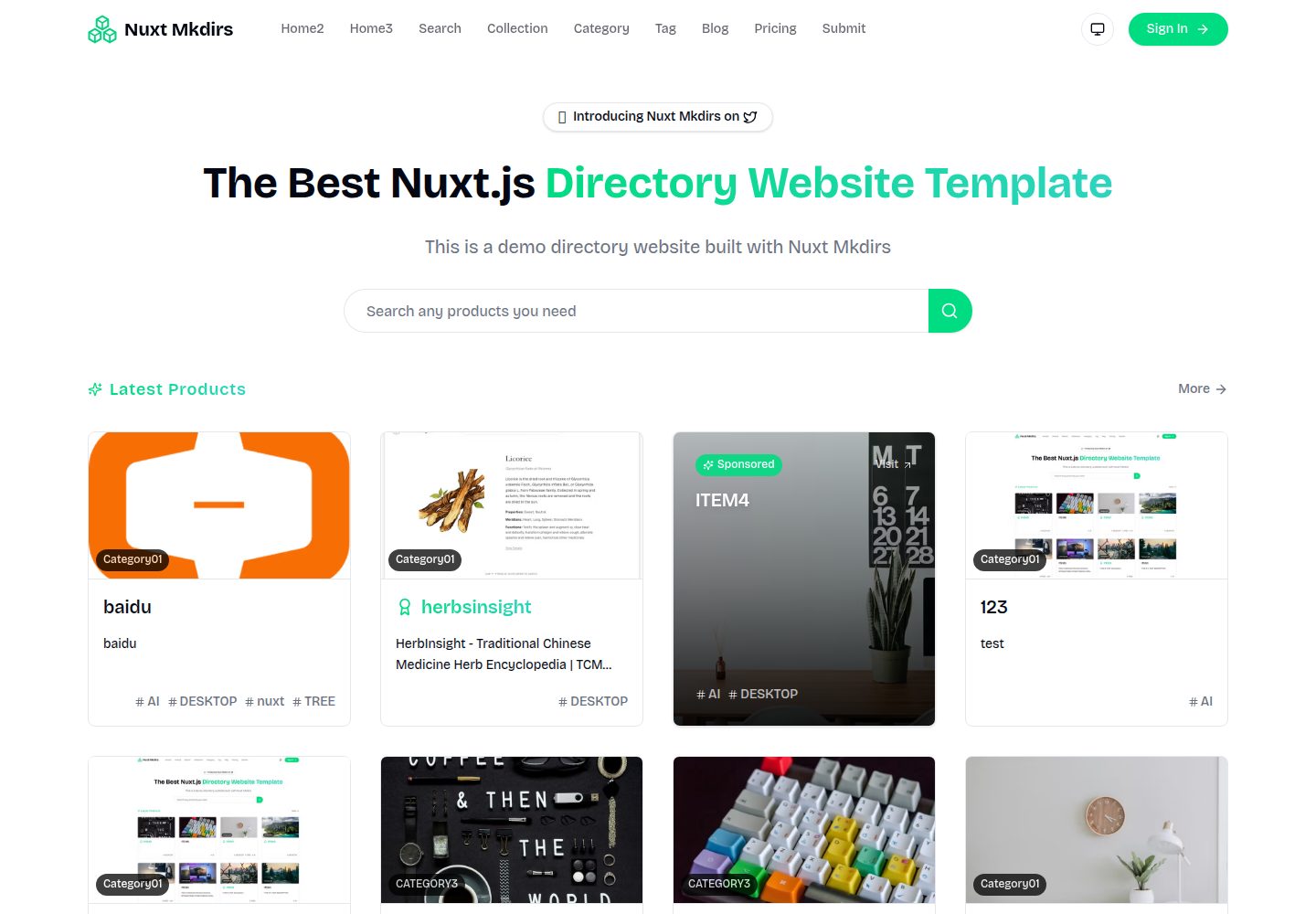
Nuxt_Mkdirs
An open-source directory site template built with Nuxt and Sanity CMS, with three homepage layouts, Google/GitHub OAuth login, Stripe and Creem payment channels, Resend transactional email and newsletter subscriptions, and optional AI auto-fill for submissions.
Nuxt · Blog
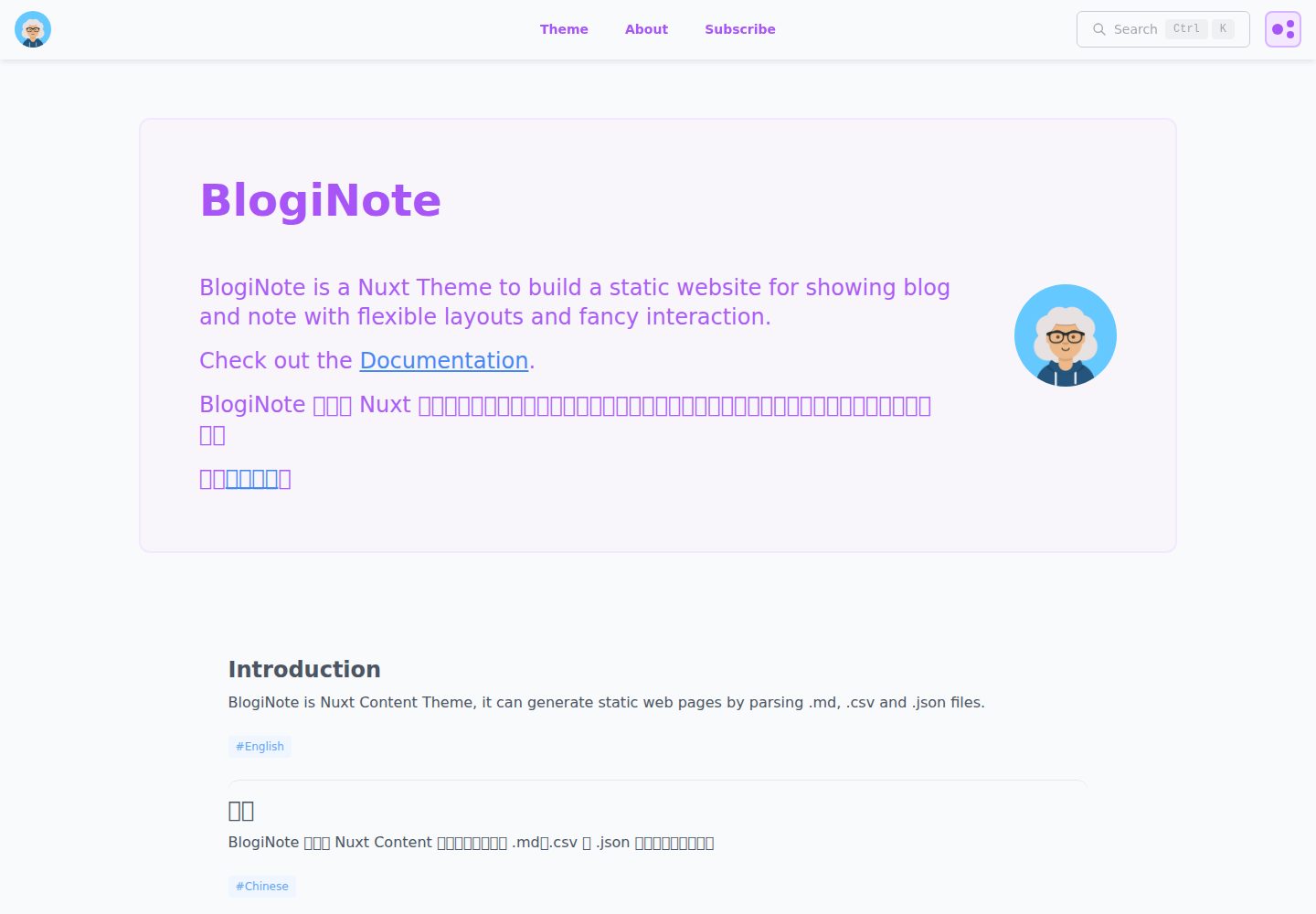
BlogiNote
BlogiNote is a Nuxt Content theme that generates a static blog and notes site from Markdown, JSON, CSV, and other files.
Nuxt · Blog
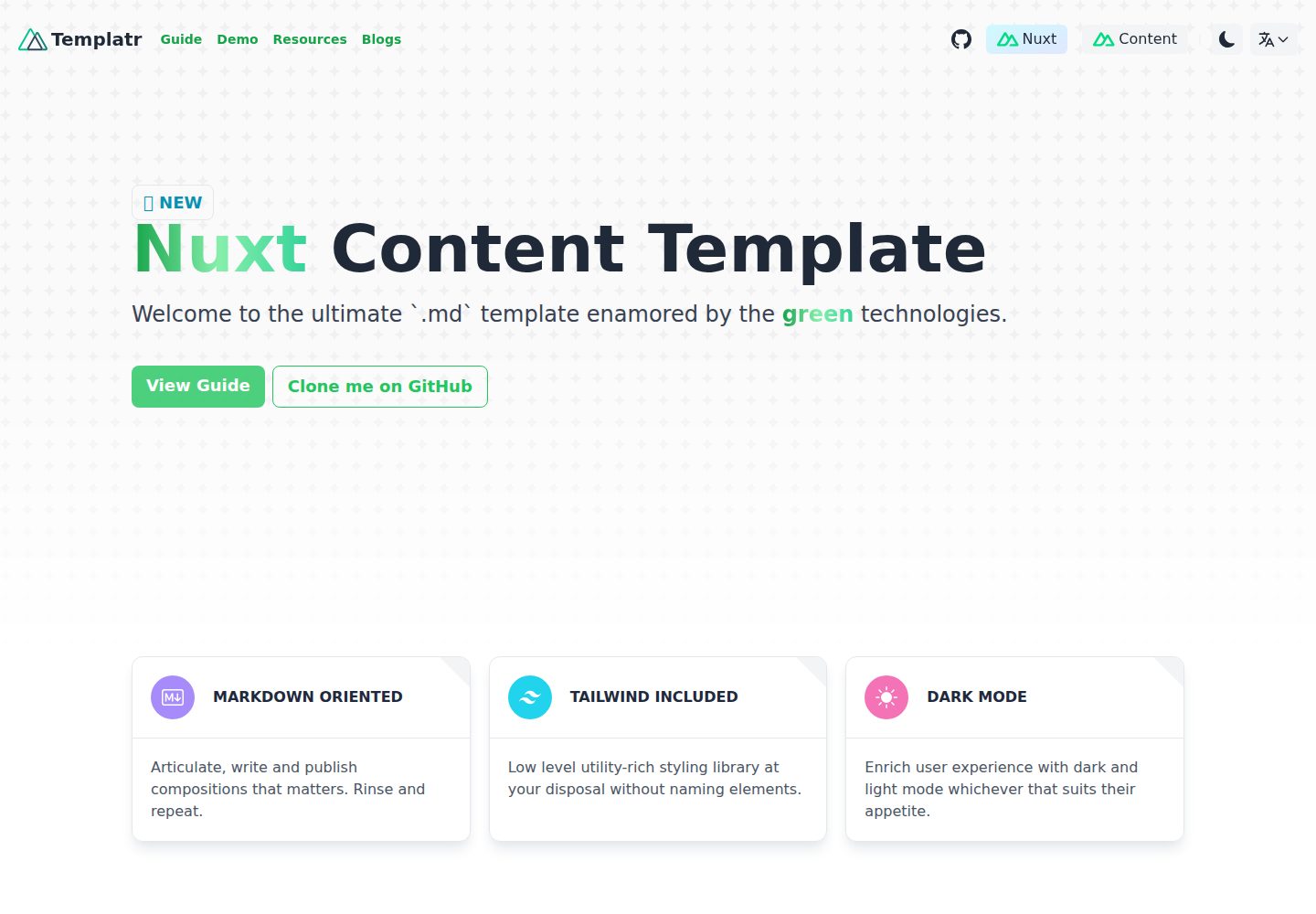
nuxt-content-template
An opinionated Nuxt Content template for Markdown blogs, with i18n, dark mode, TailwindCSS, LaTeX formulas, and static generation.
Nuxt · Blog