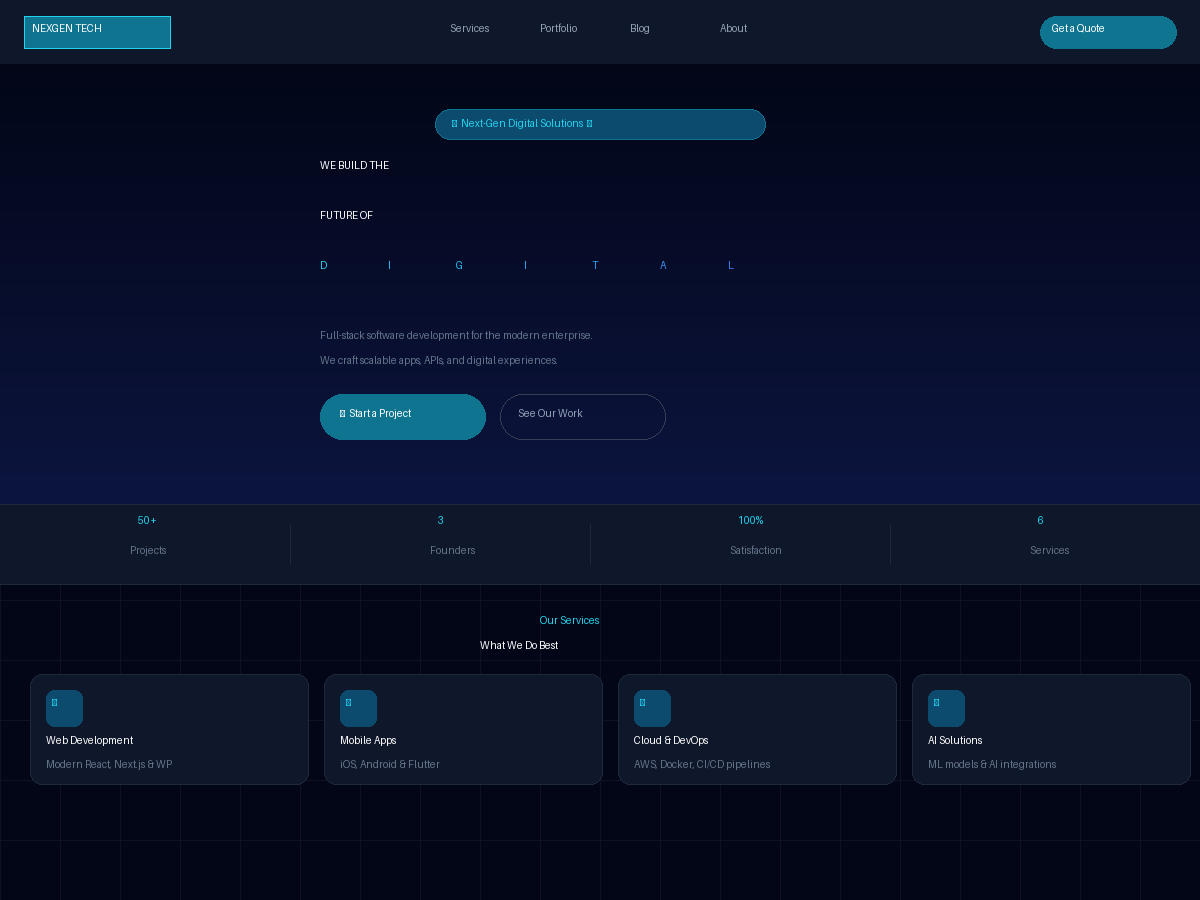
Dark tech style using Tailwind CSS (CDN) and GSAP + ScrollTrigger animations
WordPressPortfolioCorporate Website
nexgen-tech-wp-theme — WordPress Portfolio Template
By sudo-Mustafa
A dark WordPress theme for tech agencies and digital studios, using Tailwind CSS (CDN) and GSAP animations, with built-in portfolio and team member custom post types.
Explore the design
Compare the page layouts and mobile experience. Open any screenshot for a closer look.
Author preview
Author-provided previewTop of page
Preview provided in the project README.
One original preview is available. Open the full image to inspect the design.
Screenshots show visual appearance; interactive behavior may differ.
Recorded 2026-10-13View source
What stands out
A quick read of the recorded project description.
Built-in portfolio custom post type with category filtering, client name, tech stack tags, and project link
Built-in team member custom post type with position, LinkedIn, email, and display order fields
Configure contact information, social links, brand colors, homepage metrics, and hero copy via the WordPress Customizer
Provides blog templates (single, archive, search, comments) and a custom 404 page
Internationalization-ready with the nexgen-tech text domain and support for a root-directory favicon.png
Template Details
NEXGEN Tech is a dark-style WordPress theme for software agencies, digital studios, and tech startups. The theme builds its styles with Tailwind CSS (loaded via CDN) and uses GSAP with ScrollTrigger for hero entrance animations and scroll effects.
Functionally, the theme provides an animated hero, a configurable metrics bar, a six-card services grid, a portfolio custom post type (with category filtering, client name, tech stack tags, and project link), a team member custom post type (with position, LinkedIn, and display order), and a mobile full-screen drawer navigation. The footer includes a contact form area (compatible with Contact Form 7), social links, and a widget area. The theme also supports blog-related templates (single.php, archive.php, search.php, comments.php) and a custom 404 page.
Configuration is centralized in the WordPress Customizer, where you can modify contact information, social links, brand colors, homepage metrics, and hero copy; portfolio and team members are added via their respective admin menus. The theme is internationalization-ready with the text domain nexgen-tech and supports placing a favicon.png in the theme root directory.
Usage limitations: styles depend on Tailwind CSS loaded via CDN, and animations depend on GSAP; the contact form requires installing Contact Form 7 separately and replacing the form ID in footer.php; permalinks for portfolio and team members need to be re-saved in settings to refresh. The theme code is MIT-licensed, but third-party assets such as demo images, fonts, and icons require separate license verification, and external services like domains and hosting may incur costs.
WordPressPortfolioCorporate website
Is it right for your project?
Use Cases
- Software agencies or digital studios building an official website to showcase services and case studies
- Tech startups creating a brand homepage and displaying team members
- Showcase sites that need portfolio category filtering and project tech stack tags
- WordPress sites that combine blog content with product and service introductions
Suitable For
- Developers or site administrators familiar with WordPress admin operations and able to install plugins and configure menus themselves
- Projects that accept using Tailwind CSS CDN and GSAP as the front-end styling and animation approach
- Tech agencies or studios that need portfolio and team showcase modules
- Users who wish to modify and redistribute based on MIT-licensed code
Getting started & customization
Use these recorded setup notes alongside the repository instructions for your chosen version.
- 1
Upload the theme folder to /wp-content/themes/ or upload the zip via Appearance → Themes in the admin and activate it
- 2
Assign the primary and footer navigation in Appearance → Menus
- 3
Set contact information, social links, homepage metrics, and brand colors in the Customizer
- 4
Add portfolio and team member content, and save in Settings → Permalinks to refresh custom post type links
- 5
Install Contact Form 7 and replace YOUR_FORM_ID in footer.php, and place favicon.png in the theme root directory
License & source material
Usage conditions & limitations
Free to use · keep license noticeThis entry covers the free version with an MIT license in a public repository; the free scope is the code of this version and does not mean external services or third-party assets are free.
Must comply with when using
- You are allowed to use, modify, commercialize, and distribute the code of this version for free.
- When distributing copies or substantial portions of the code, retain the original author's copyright notice and the full MIT license notice.
- The code is provided as is; warranties and limitations of liability are governed by the original license and applicable law.
Additional costs & items to verify
- Demo images, fonts, icons, and other third-party assets require checking their respective licenses and cannot be judged solely by the code's MIT license.
- External services such as domains, hosting, databases, payments, or AI may incur additional charges.
- The footer contact form depends on the third-party plugin Contact Form 7; you must install it and replace YOUR_FORM_ID in footer.php with the actual form ID, otherwise the form will not work.
- Styles are loaded via Tailwind CSS CDN, which depends on an external CDN service at runtime; styles may fail when offline or when the CDN is unavailable.
- Hero and scroll animations depend on GSAP and ScrollTrigger, requiring loading that external script library.
- Fonts use Inter from Google Fonts, requiring access to an external font service and potentially affected by network and privacy policies.
- Links for custom post types such as portfolio and team members only take effect after re-saving in Settings → Permalinks.
- You must provide favicon.png yourself and place it in the theme root directory; the theme does not include that icon file.
View Original Text Basis
Permission is hereby granted, free of charge
Original License Text
**Contact Form** → Install [Contact Form 7](https://wordpress.org/plugins/contact-form-7/) and replace `YOUR_FORM_ID` in `footer.php`
Original README
| CSS Framework | [Tailwind CSS](https://tailwindcss.com/) via CDN |
Original README
| Animations | [GSAP](https://gsap.com/) + ScrollTrigger |
Original README
| Typography | [Inter](https://fonts.google.com/specimen/Inter) (Google Fonts) |
Original README
- [ ] **Flush Permalinks** → WP Admin → Settings → Permalinks → Save (activates CPT URLs)
Original README
https://github.com/sudo-Mustafa/nexgen-tech-wp-theme/blob/main/LICENSEhttps://github.com/sudo-Mustafa/nexgen-tech-wp-theme/blob/main/README.md- [ ] **Favicon** → Drop `favicon.png` (32×32 or 64×64) into the theme root folder
Original README
Compiled by DeepSeek based on repository license and README ·2026-10-13. Results only cover the materials read; dependencies, images, fonts, and subsequent term changes are subject to their respective original texts.
Project checks & description sources
Template Information
- Source platforms
- GitHub
- Documentation and maintenance reference score
- Partly documented · 73 / 100
- Technologies
- WordPress
- Website type
- Portfolio · Corporate Website
How this score is calculated
Our heuristic uses license records (up to 30), a demo link (12), a preview (10), stars (15), recorded maintenance (15), description completeness (8), feature records (5) and classification data (5). It is not a code, security or performance test, or a Google score. A link does not establish tested functionality.
What to verify for this project
- Repository update recorded
- 2026-03-10
- Screenshot last checked
- 2026-10-13
No demo link is recorded. Use the repository instructions to evaluate the project locally; the screenshot alone cannot establish interactive behavior.
The catalog identifies WordPress as the primary stack. Check the actual dependency manifest and lockfile for versions and hosting requirements. These notes use recorded metadata, not a code audit or a deployment test.
Use a selection guide →How this description was prepared
AI-assisted description based on catalog records and repository material. Repository authors are not automatically the reviewers of this description.
Review declaration: [email protected] · 2026-10-13
Inspect the recorded source material
SHA-256: e92f025c002df5de88e65262a1228017ece7315bac5d26fe7e3f2c3c639158a4
2026-10-13T11:32:17.356Z
Source file / repository# NEXGEN Tech — WordPress Theme
A dark, modern tech agency WordPress theme built with **Tailwind CSS** (CDN), **GSAP animations**, and a fully custom WordPress feature set. Designed for software agencies, digital studios, and tech startups.

---
## ✨ Features
- **Animated Hero** — GSAP-powered entrance animations with scroll indicator
- **Stats Strip** — 4 configurable key metrics
- **Services Section** — 6-card grid with hover effects
- **Portfolio CPT** — Custom post type with category filtering, client meta, tech stack tags, and live URL
- **Team Members CPT** — With role, LinkedIn, and display order
- **Dynamic Navigation** — Mobile hamburger menu with fullscreen drawer
- **Contact Footer** — Contact form (CF7 compatible), social links, and widget area
- **Blog Support** — `single.php`, `archive.php`, `search.php`, `comments.php`
- **Theme Customizer** — Edit contact info, social links, brand colors, stats & hero copy from WP Admin
- **i18n Ready** — Translation-ready with text domain `nexgen-tech`
- **Favicon Support** — Drop `favicon.png` in theme root
---
## 🛠 Tech Stack
| Layer | Technology |
|-------|-----------|
| CSS Framework | [Tailwind CSS](https://tailwindcss.com/) via CDN |
| Animations | [GSAP](https://gsap.com/) + ScrollTrigger |
| Typography | [Inter](https://fonts.google.com/specimen/Inter) (Google Fonts) |
| CMS | WordPress 6.x |
| PHP | 8.0+ |
---
## 📁 Theme Structure
```
nexgen-tech/
├── style.css # Theme header + base styles
├── functions.php # Enqueues, theme setup, CPT includes
├── header.php # Navigation (dynamic WP menu + fallback)
├── footer.php # Contact section + footer
├── index.php # Homepage (hero, about, services, portfolio)
├── page.php # Static pages
├── single.php # Single blog post
├── archive.php # Category / tag / CPT archives
├── search.php # Search results
├── comments.php # Comment thread + form
├── 404.php # Custom 404 page
├── screenshot.png # WP Admin theme preview (1200×900)
├── favicon.png # ← Add your own here
│
├── inc/
│ ├── custom-post-types.php # Portfolio + Team Member CPTs & meta boxes
│ └── customizer.php # Theme Customizer settings & helper functions
│
├── template-parts/
│ └── portfolio-section.php # Portfolio grid (auto-hides if no posts)
│
└── languages/ # Translation files (.po / .mo)
```
---
## 🚀 Installation
### Option A — Upload via WP Admin
1. Zip the `nexgen-tech/` folder
2. Go to **WP Admin → Appearance → Themes → Add New → Upload Theme**
3. Upload the zip and click **Activate**
### Option B — FTP / cPanel
1. Upload the `nexgen-tech/` folder to `/wp-content/themes/`
2. Go to **WP Admin → Appearance → Themes** and activate
---
## ⚙️ Setup Checklist
After activating the theme:
- [ ] **Menus** → WP Admin → Appearance → Menus → Assign to _Primary Navigation_ and _Footer Navigation_
- [ ] **Contact Info** → WP Admin → Appearance → Customize → Contact Information
- [ ] **Social Links** → WP Admin → Appearance → Customize → Social Media Links
- [ ] **Homepage Stats** → WP Admin → Appearance → Customize → Homepage Stats
- [ ] **Portfolio** → Add posts at WP Admin → Portfolio → Add New
- [ ] **Team Members** → Add at WP Admin → Team → Add New
- [ ] **Contact Form** → Install [Contact Form 7](https://wordpress.org/plugins/contact-form-7/) and replace `YOUR_FORM_ID` in `footer.php`
- [ ] **Favicon** → Drop `favicon.png` (32×32 or 64×64) into the theme root folder
- [ ] **Flush Permalinks** → WP Admin → Settings → Permalinks → Save (activates CPT URLs)
---
## 🎨 Customization
### Colors (Customizer)
Go to **WP Admin → Appearance → Customize → Brand Colors** to change the accent and secondary colors live.
Or override in `style.css`:
```css
:root {
--nexgen-accent: #22d3ee; /* cyan-400 */
--nexgen-secondary: #3b82f6; /* blue-500 */
}
```
### Portfolio Meta Fields
Each portfolio project supports:
- **Client Name**
- **Live URL** (opens in new tab)
- **Year**
- **Tech Stack** (comma-separated, e.g. `React, Node.js, AWS`)
- **Project Category** (taxonomy, used for filter tabs)
### Adding Team Members
Each team member supports:
- **Photo** (Featured Image)
- **Bio** (Post content)
- **Role / Title**
- **LinkedIn URL**
- **Email**
- **Display Order** (lower = appears first)
---
## 🔌 Plugin Recommendations
| Plugin | Purpose |
|--------|---------|
| [Contact Form 7](https://wordpress.org/plugins/contact-form-7/) | Contact form in footer |
| [Yoast SEO](https://wordpress.org/plugins/wordpress-seo/) | SEO optimization |
| [Smush](https://wordpress.org/plugins/wp-smushit/) | Image optimization |
| [WP Rocket](https://wp-rocket.me/) | Caching & performance |
---
## 📄 License
MIT License — free to use, modify, and distribute.
---
## 👥 Credits
Built for **NEXGEN Tech** — a software agency specializing in web, mobile, and AI solutions.
Explore similar templates
Compare previews and descriptions within the same stack and category.
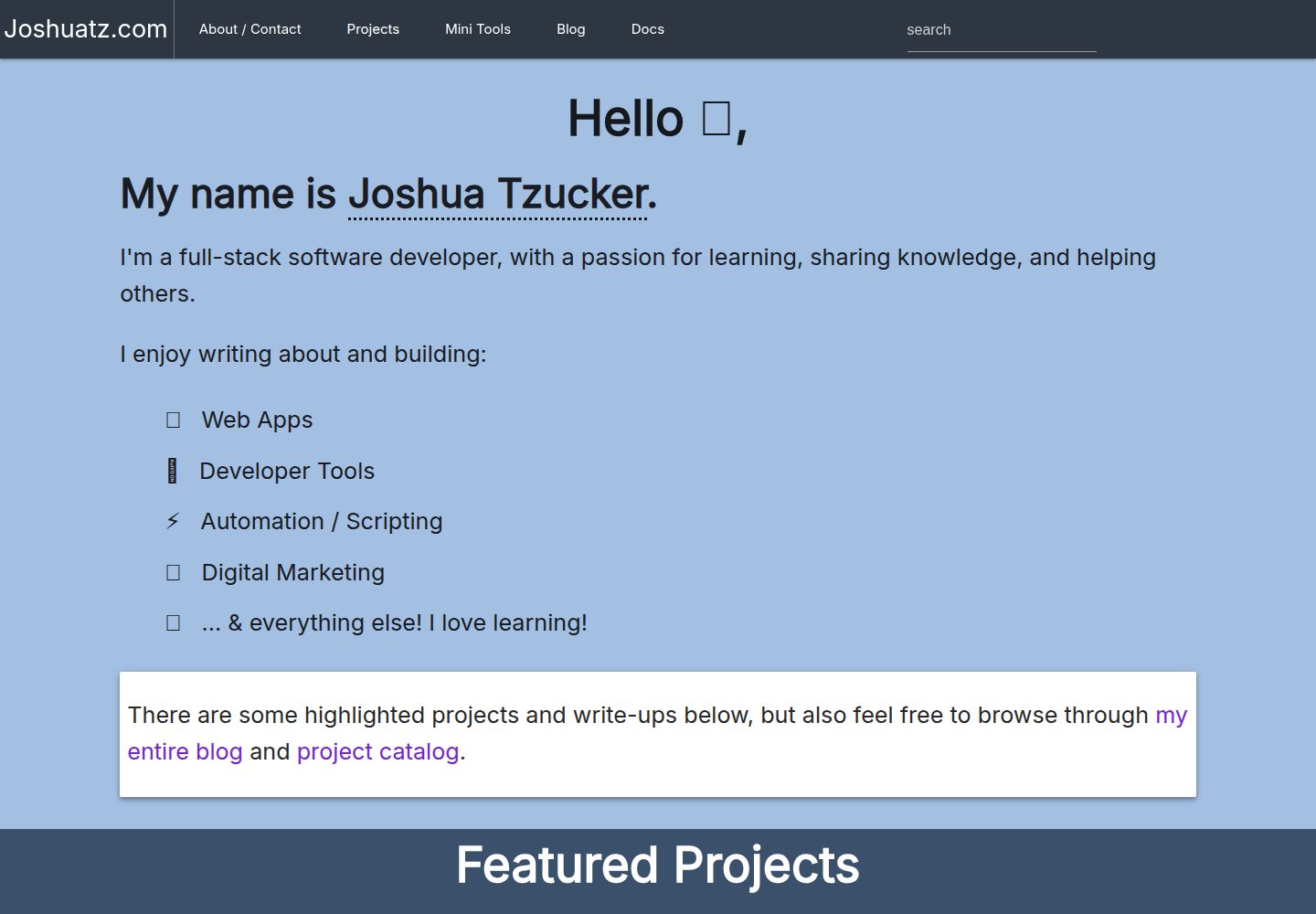
joshuatz-wp-theme
A custom WordPress portfolio theme used by joshuatz.com, open-sourced under the MIT license.
WordPress · Portfolio
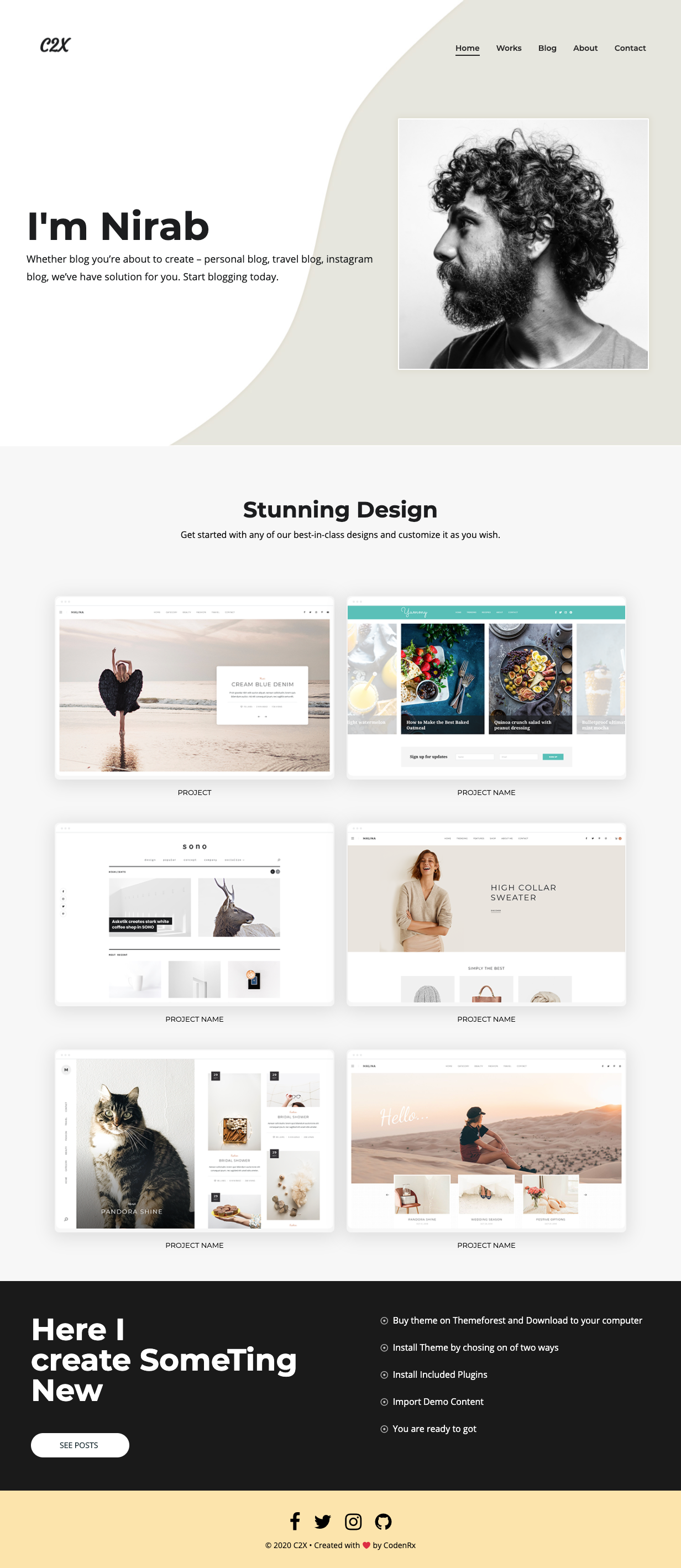
c2x
c2x is a lightweight WordPress portfolio theme released by codenrx under the MIT license, intended for showcasing individuals and projects. The repository includes a theme screenshot preview but does not document page structure, customization options, or compatibility.
WordPress · Portfolio
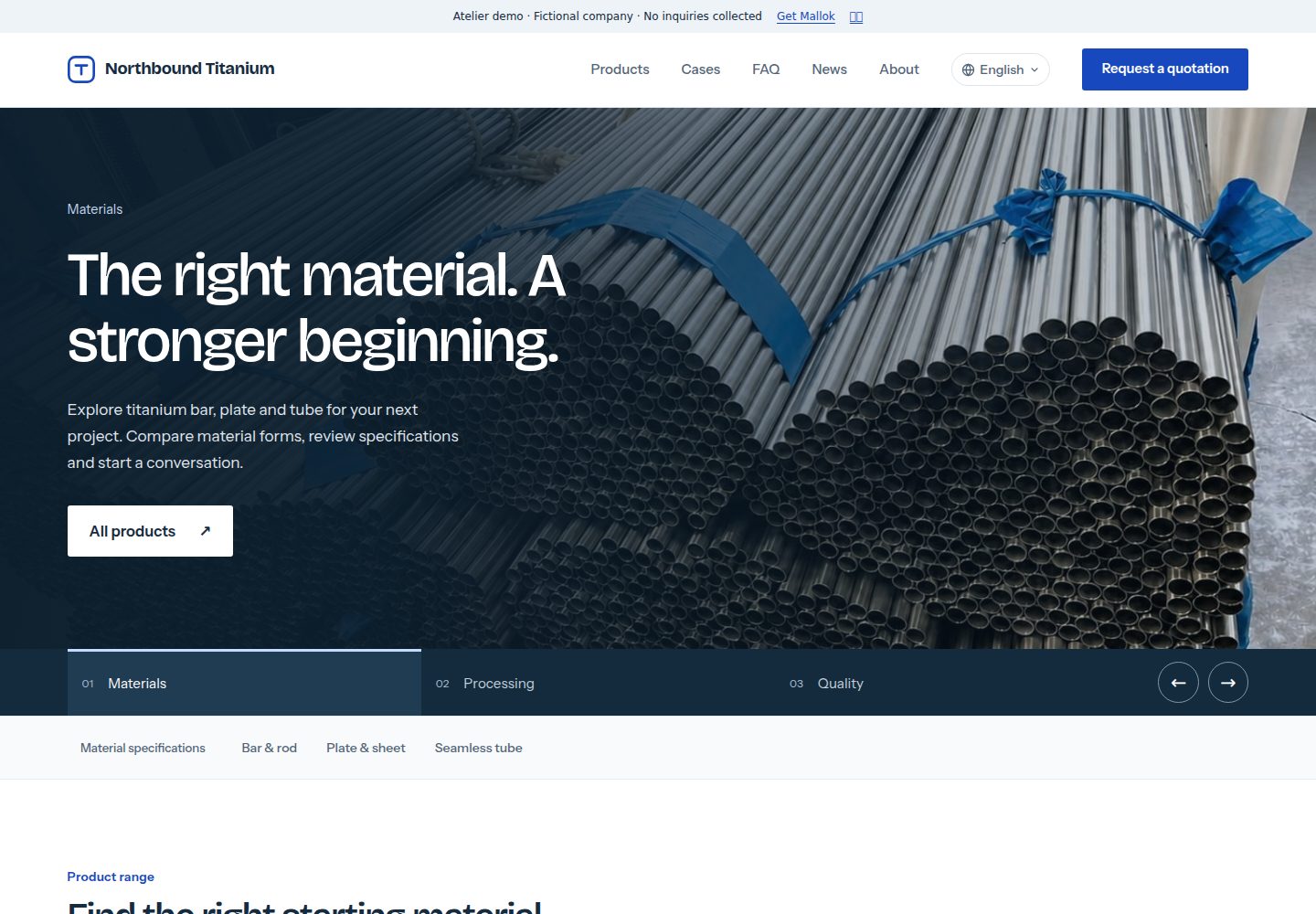
mallok
Mallok is a Cloudflare-native open-source CMS and website builder for multilingual B2B sites, positioned as a WordPress alternative.
WordPress · Admin dashboard
real_estate_wordpress_theme
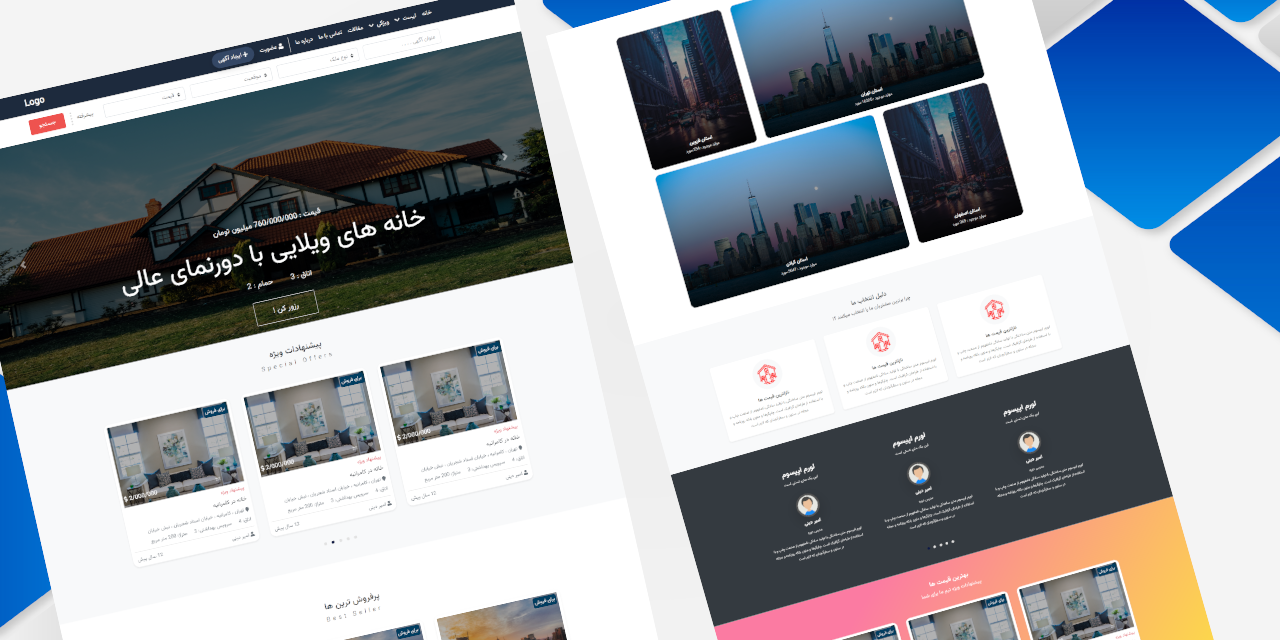
A custom WordPress theme for real estate sales, built with HTML, CSS, JavaScript, and PHP. It offers responsive layouts, customizable templates for different post types, and integrates widgets, custom fields, menus, custom colors, fonts, layout options, social media, and custom post types.
WordPress · Corporate Website
asadazam-portfolio-theme
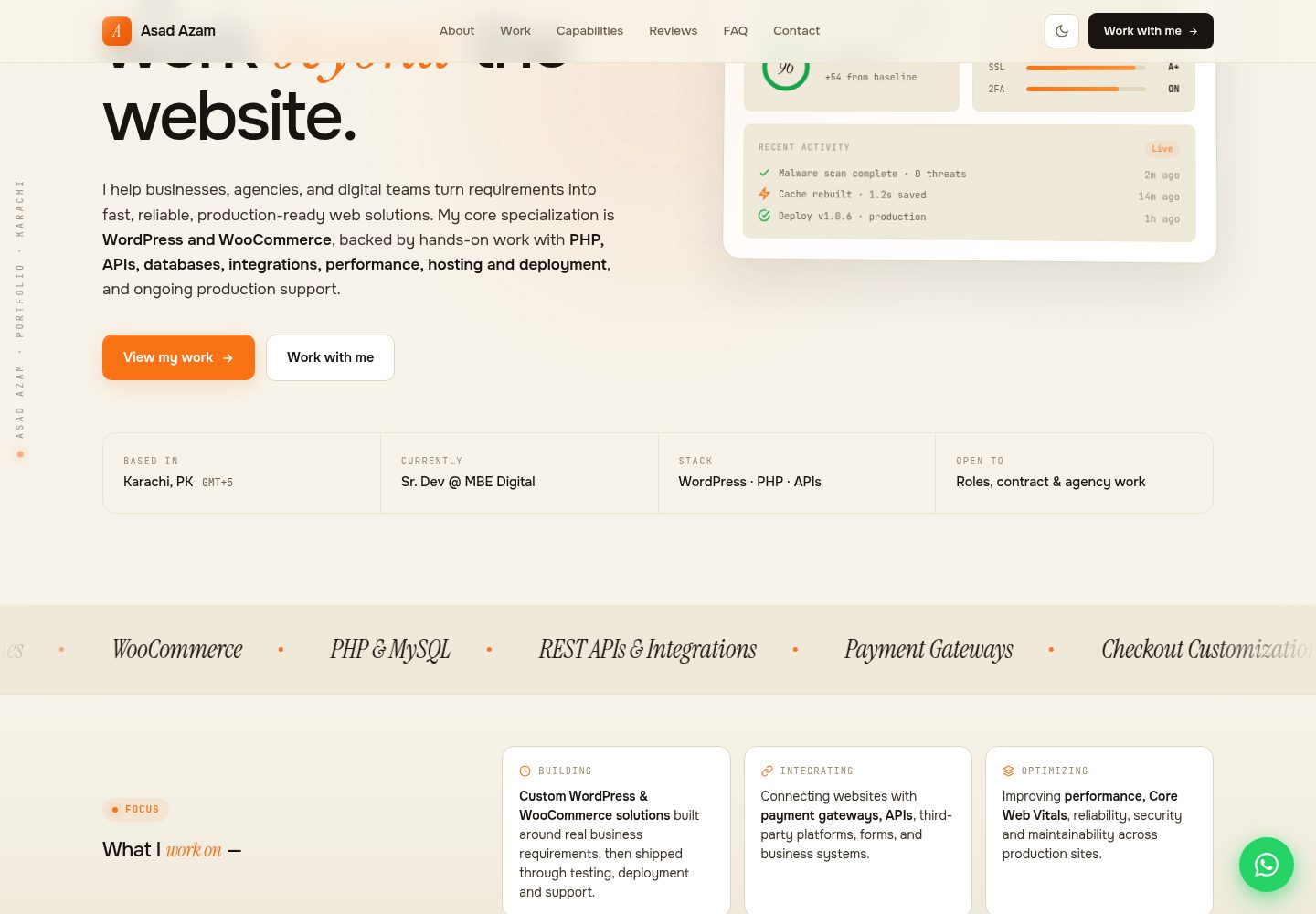
A WordPress portfolio theme written from scratch, using custom post types and ACF fields defined in PHP to drive projects, testimonials, and FAQs. It features light/dark themes, modular structure, and performance measures, requires the ACF plugin, and is MIT licensed.
WordPress · Portfolio

Stratify-WP-Theme
Stratify is a WordPress portfolio theme for digital agencies, designers, and creative professionals, used to showcase work and brand identity. It provides modern layouts for digital brands and a filterable portfolio gallery for browsing work by category.
WordPress · Portfolio