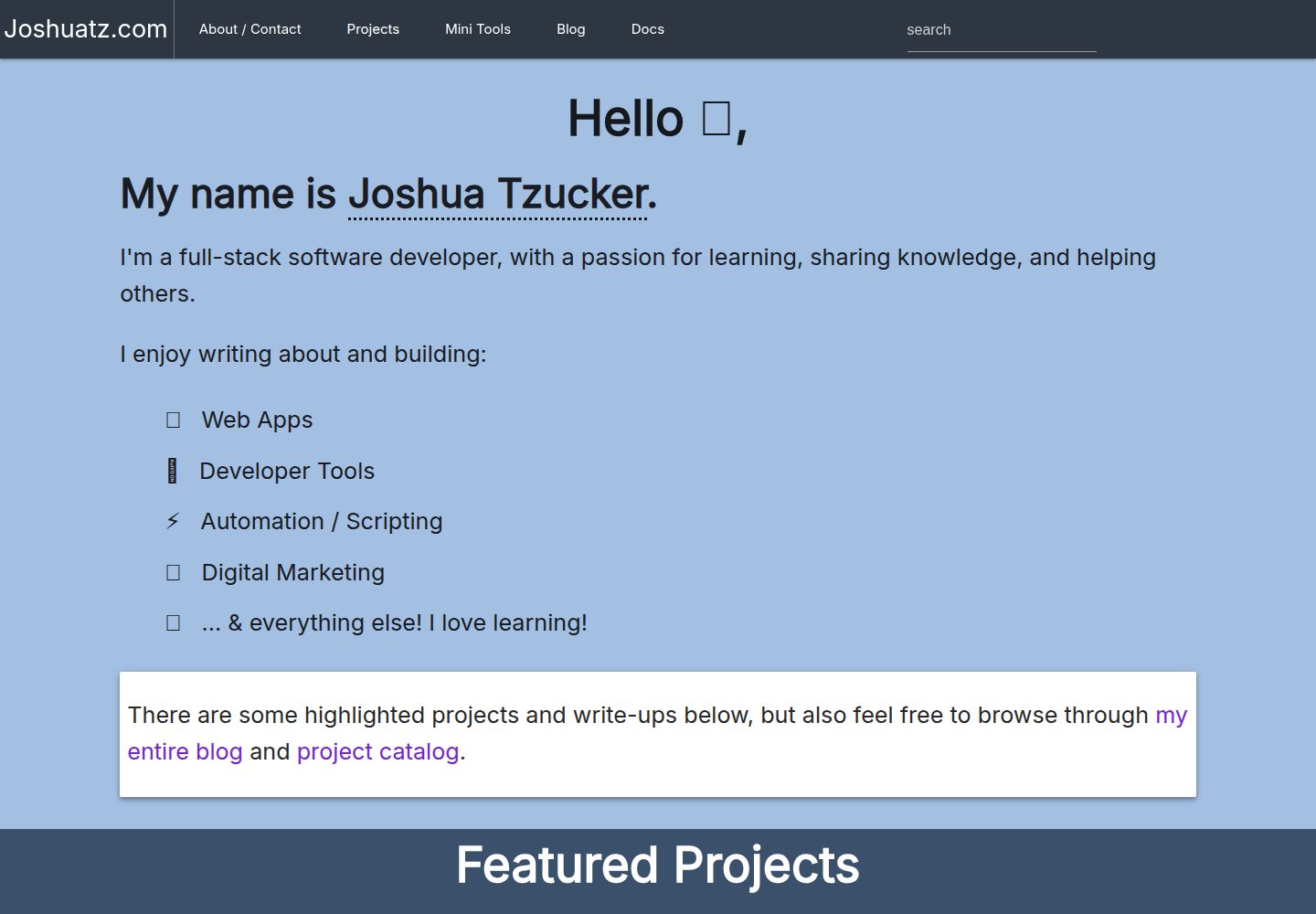
A WordPress portfolio theme customized for joshuatz.com, open-sourced under the MIT license
WordPressPortfolio
joshuatz-wp-theme — WordPress Portfolio Template
By joshuatz
A custom WordPress portfolio theme used by joshuatz.com, open-sourced under the MIT license, including homepage and project page templates, build scripts, and several optional settings.
Explore the design
Compare the page layouts and mobile experience. Open any screenshot for a closer look.
Desktop homepage1 / 3
Desktop captureTop of page
Actual screenshot captured by the server browser.
All pages & views 3
Screenshots show visual appearance; interactive behavior may differ.
Recorded 2026-10-01View source
What stands out
A quick read of the recorded project description.
Provides multiple homepage templates and an inner page template for displaying a project list
Bundles static assets via gulp or npm run build, with build output tracked in version control
The admin settings page can configure a Google Analytics ID and Disqus subdomain
Supports pattern-based custom redirects via a JSON file, without additional plugins
Provides optional features such as a deployment hook and UNDER_CONSTRUCTION mode
Template Details
This is a custom WordPress theme developed by joshuatz for the personal site joshuatz.com, with the repository name joshuatz-wp-theme, positioned as a portfolio site theme. The theme provides multiple homepage templates and an inner page template for displaying a project list; the homepage and blog page require first creating blank pages in WordPress, then designating them as the static front page and posts page via Settings → Reading. The theme includes a gulp build process for bundling static assets tracked in version control; the README notes that the build currently depends on the jPrismToolbar submodule, which must be initialized and updated after the first clone.
The theme provides a joshuatz-wp settings page in the admin area for entering a Google Analytics ID and Disqus subdomain; it supports pattern-based custom redirects configured via a JSON file, which can be placed in the theme directory or the WordPress root directory; it provides a deployment hook URL for writing a deployment timestamp to refresh static asset caches; and it can enable an under-construction mode via the UNDER_CONSTRUCTION constant, redirecting all non-admin visits to /under-construction/. The README recommends using it with plugins such as Custom Post Type Permalinks, Yoast SEO, and Advanced Custom Fields, and lists several to-dos, such as script/style loading maps, dynamic navigation, lightbox galleries, and CSS animations, indicating that some features are not yet complete.
WordPressPortfolio
Is it right for your project?
Use Cases
- Building a personal portfolio website to showcase projects and posts
- Customizing homepage templates and content sources in WordPress
- Replacing plugins with JSON configuration for bulk redirects
- Enabling under-construction mode before launch, allowing only administrators to access
Suitable For
- Developers familiar with WordPress theme structure and template hierarchy
- Personal sites that need to showcase projects in a portfolio format with a blog
- Users willing to handle gulp builds and submodule initialization themselves
Getting started & customization
Use these recorded setup notes alongside the repository instructions for your chosen version.
- 1
Activating the theme itself requires no additional setup; using jPrismToolbar requires first running git submodule init && git submodule update
- 2
Building static assets requires running gulp or npm run build; build output is committed to the repository
- 3
The homepage and posts page require first creating blank pages, then designating them as static pages in Settings → Reading
- 4
Custom redirects require copying jtzwp-custom-redirects.example.json and naming it jtzwp-custom-redirects.json, placed in the theme directory or the WordPress root directory
- 5
Enabling debug logging requires creating config/log.txt in the theme directory; this file is gitignored
License & source material
Usage conditions & limitations
Free to use · keep license noticeThis entry covers the free version in the public repository under the MIT license; the free scope is the code of this version and does not mean that external services or third-party assets are free.
Must comply with when using
- Permits free use, modification, commercial use, and distribution of this version's code.
- When distributing copies or substantial portions of the code, retain the original author's copyright notice and the full MIT license notice.
- The code is provided as is; warranties and limitations of liability are governed by the original license and applicable law.
Additional costs & items to verify
- Using the jPrismToolbar feature requires obtaining it as a git submodule; after the first clone, you must run git submodule init && git submodule update to initialize and update the submodule, otherwise the feature is unavailable.
- Enabling Google Analytics requires providing your own GA ID for a Google Analytics account (format such as UA-12345678-01); this is an external service, and you must register yourself and accept its terms of service and any fees.
- Enabling Disqus comment embedding requires having your own Disqus account and configuring a custom subdomain; this is a third-party external service, subject to its terms and potentially incurring fees.
- Using the deployment hook requires accessing a specific URL with a secretKey; this key is automatically generated when the theme is installed and can also be viewed or modified manually in WordPress settings, and is an access credential you must manage yourself.
- Enabling under-construction mode requires defining the UNDER_CONSTRUCTION constant as true in wp-config.php; all non-admin visits will then be redirected to /under-construction/, and the README warns that leaving it enabled long-term may negatively affect SEO and user experience.
- Demo images, fonts, icons, and other third-party assets must be checked against their respective licenses and cannot be judged solely by the code's MIT license.
- External services such as domains, hosting, databases, payments, or AI may incur additional charges.
View Original Text Basis
Permission is hereby granted, free of charge
Original License Text
To use jPrismToolbar, currently you need to use the submodule
Original README
Google Analytics GA ID - this should be the analytics ID provided by Google Analytics
Original README
Disqus Custom Subdomain - For if you have Disqus setup and want to enable their comment embed system
Original README
A special URL is available: `{website}/deployment-hook/?deploymentkey={secretKey}`
Original README
https://github.com/joshuatz/joshuatz-wp-theme/blob/main/LICENSEhttps://github.com/joshuatz/joshuatz-wp-theme/blob/main/README.mddefine('UNDER_CONSTRUCTION',true);
Original README
Compiled by DeepSeek based on repository license and README ·2026-10-01. Results only cover the materials read; dependencies, images, fonts, and subsequent term changes are subject to their respective original texts.
Project checks & description sources
Template Information
- Source platforms
- GitHub
- Documentation and maintenance reference score
- Partly documented · 68 / 100
- Technologies
- WordPress
- Website type
- Portfolio
How this score is calculated
Our heuristic uses license records (up to 30), a demo link (12), a preview (10), stars (15), recorded maintenance (15), description completeness (8), feature records (5) and classification data (5). It is not a code, security or performance test, or a Google score. A link does not establish tested functionality.
What to verify for this project
- Repository update recorded
- 2023-08-22
- Screenshot last checked
- 2026-10-01
A demo link is listed. Check it with your own content and viewport sizes; its presence does not confirm that forms, authentication or payments work.
The catalog identifies WordPress as the primary stack. Check the actual dependency manifest and lockfile for versions and hosting requirements. These notes use recorded metadata, not a code audit or a deployment test.
Use a selection guide →How this description was prepared
AI-assisted description based on catalog records and repository material. Repository authors are not automatically the reviewers of this description.
Automatically checked against source and license rules; no manual editorial review.
Inspect the recorded source material
SHA-256: fded33921770846446ffb395a9447137aa62c762614edc8ee6325aff10e61619
2026-10-01T03:02:12.483Z
Source file / repository# joshuatzwp / joshuatz-wp
Custom WordPress theme for joshuatz.com
---
## Instructions
### Building
- Vendored assets are bundled using gulp. `gulp` or `npm run build` should produce the files, which are checked into git, so they can be pre-built for WP.
- Currently, this is also dependent on the jPrismToolbar submodule already being installed (see below)
### Install
- There is currently no real setup required other than activating the theme
- To use jPrismToolbar, currently you need to use the submodule
- On initial cloning of the whole repo, you after need to run (once):
- `git submodule init && git submodule update`
### Page Setup
If you want a homepage, and blog page (e.g. `Posts Page`), you can set those up by creating blank pages under `Pages`, and then heading to `Settings -> Reading`, and setting the pages you created as the static pages to display.
> This is also where you can control some related settings, like how many posts show up, per page, on the blog archive / `Posts Page`
The theme has templates to handle both those pages.
You can read detailed instructions on how to do that [here](https://www.wpbeginner.com/wp-tutorials/how-to-create-a-separate-page-for-blog-posts-in-wordpress/).
#### Homepage Template
There are multiple homepage templates available. The best way to use one is to manually create a homepage page in Wordpress, assign the template you want, and then under `Reading Settings`, set the homepage to the static page you created.
This allows you to customize both:
- The template that is used
- Some of the content pulled into the template
#### Adding a New Page Template
> 📘 [Docs](https://developer.wordpress.org/themes/template-files-section/page-template-files/)
- Create page under `/page-templates`
- Do **not** prefix with `page-`, unless you are trying to match to specific slug
- Use multi-line comment to specify:
- `Template Name` and (optionally) `Template Post Type`
- Good practice: `@file` to explain in detail
- You can assign the template when editing pages (and posts)
> ⚠ Be very aware of the [WP Template Hierarchy](https://developer.wordpress.org/themes/basics/template-hierarchy/) and how it can override settings based on filenames
### Optional Settings
- Optional settings:
- Theme debug logging
- Logging will only occur if the log file exists. In theme folder, `touch config/log.txt`. Is gitignored.
- Theme Settings Page (Dashboard -> Settings -> joshuatz-wp):
- Google Analytics GA ID - this should be the analytics ID provided by Google Analytics. Should follow format of UA-12345678-01
- Disqus Custom Subdomain - For if you have Disqus setup and want to enable their comment embed system
- Custom redirect system
- You can configure a bunch of pattern based custom redirects with a simple JSON file, rather than having to install a special plugin. Clone jtzwp-custom-redirects.example.json and name as jtzwp-custom-redirects.json and place either in theme directory OR root of WP install - theme will check for both, and take root as preference.
- Automated post-deployment actions
- A special URL is available: `{website}/deployment-hook/?deploymentkey={secretKey}`
- The `secretKey` is autogenerated on theme install, but you can manually change/see it in your WP settings
- Right now, all this does is sets a deployment timestamp used for "cachebusting" static assets
- "Under Construction" mode
- You can easily set the site into under-construction mode, which will redirect all non-wp-admins to /under-construction/ for every single page. You don't have to set up the /under-construction/ page to use this feature. To enable, simply define the UNDER_CONSTRUCTION constant to be true (easiest spot is in your wp-config.php file) like so:
````
define('UNDER_CONSTRUCTION',true);
````
- This should be used with extreme caution, as leaving the site in this mode for an extended length of time can have a negative effect on SEO (not to mention a bad user experience).
### Recommended plugins and tweaks
- Recommended Plugins
- Custom Post Type Permalinks - Highly Recommended for my custom post types - [WP Plugin Page](https://wordpress.org/plugins/custom-post-type-permalinks/)
- Yoast SEO - [WP Plugin Page](https://wordpress.org/plugins/wordpress-seo/)
- Advanced Custom Fields - [WP Plugin Page](https://wordpress.org/plugins/advanced-custom-fields/)
- Recommended core tweaks
- Dynamically define WP_SITEURL and WP_HOME in wp-config.php - see [this](https://forum.laragon.org/topic/167/tutorial-how-to-force-wordpress-to-use-relative-urls-ngrok)
- Reduce the number of revisions that wordpress keeps (default is infinity!)
````
define( 'WP_POST_REVISIONS', 3);
````
- Make sure that you put this above
````
require_once(ABSPATH . 'wp-settings.php');
````
- I recommend just putting at top of file
- Here is a pretty good list of optimizations to make from the default config - [link](https://www.labnol.org/internet/wordpress-optimization-guide/3931/)
---
### ToDo
- Create mapping system for loading scripts / styles
- Add SRI attribute support to script queue
- Redo nav and change from hardcoded to more dynamic based on native WP menu
- Optionally, integrate Materialize walker version
- make `/blog` a true theme page, rather than have to manually create it
- Add back some sort of lightbox gallery viewer?
- Add back some form of CSS animations (removed wow.js)
---
## Dev JS Helpers
Toggle prism toolbars:
```js
function toggle() {
let _this = this;
window.showingToolbar = typeof window.showingToolbar === 'undefined' ? true : window.showingToolbar;
window.showingToolbar = !window.showingToolbar;
document.querySelectorAll('.jToolbarWrapper').forEach(e => {
e.style.display = showingToolbar ? 'block' : 'none';
});
document.querySelectorAll('pre[class*="language"]').forEach(e => {
const fn = showingToolbar ? e.classList.remove.bind(e.classList) : e.classList.add.bind(e.classList);
fn('noToolbar');
});
}
document.body.insertAdjacentHTML('beforeend',
`
<style>
pre.noToolbar {
margin-top: 68px;
}
</style>
`
)
```Explore similar templates
Compare previews and descriptions within the same stack and category.

c2x
c2x is a lightweight WordPress portfolio theme released by codenrx under the MIT license, intended for showcasing individuals and projects. The repository includes a theme screenshot preview but does not document page structure, customization options, or compatibility.
WordPress · Portfolio
asadazam-portfolio-theme
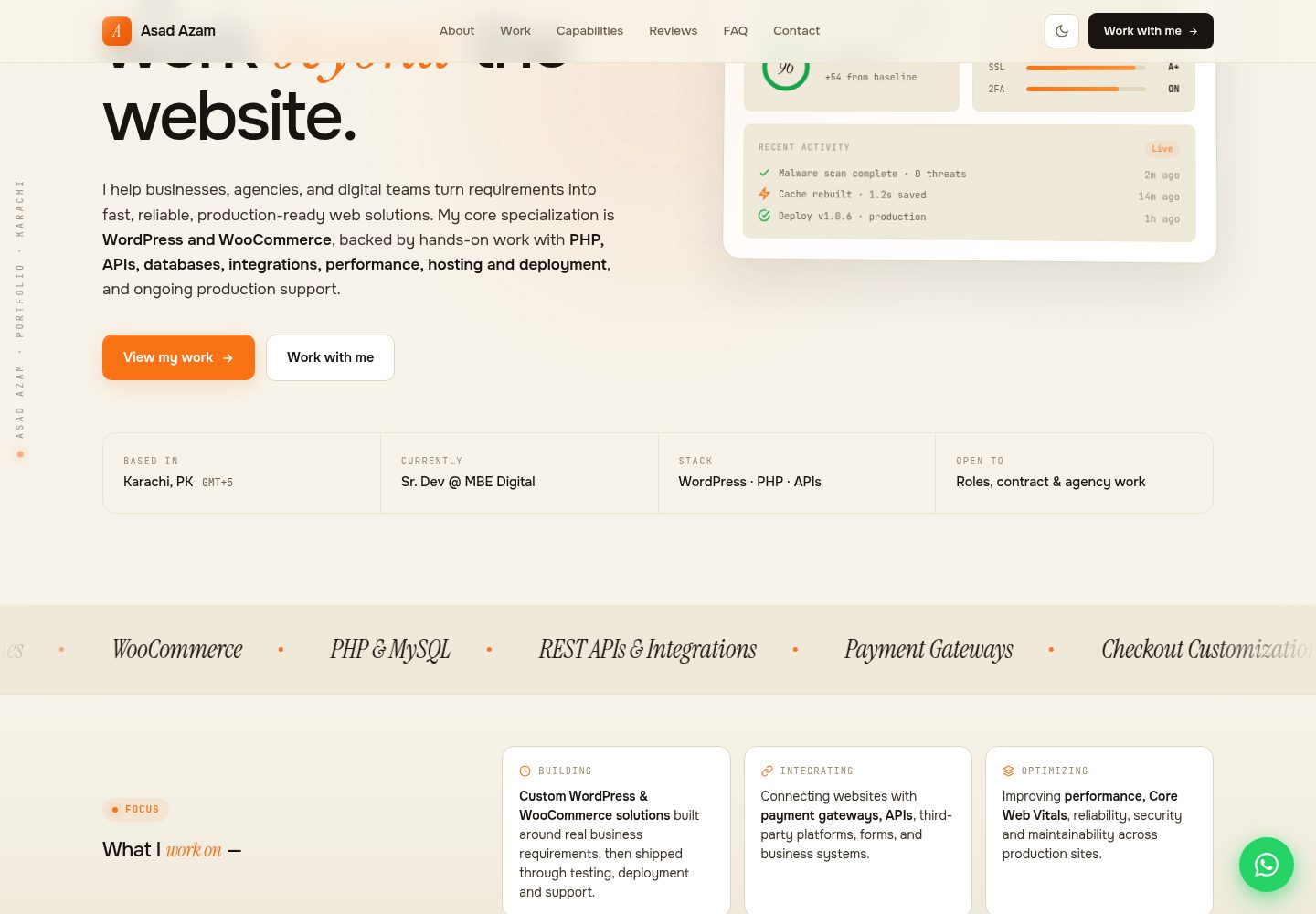
A WordPress portfolio theme written from scratch, using custom post types and ACF fields defined in PHP to drive projects, testimonials, and FAQs. It features light/dark themes, modular structure, and performance measures, requires the ACF plugin, and is MIT licensed.
WordPress · Portfolio

Stratify-WP-Theme
Stratify is a WordPress portfolio theme for digital agencies, designers, and creative professionals, used to showcase work and brand identity. It provides modern layouts for digital brands and a filterable portfolio gallery for browsing work by category.
WordPress · Portfolio
Block-Theme-Portfolio
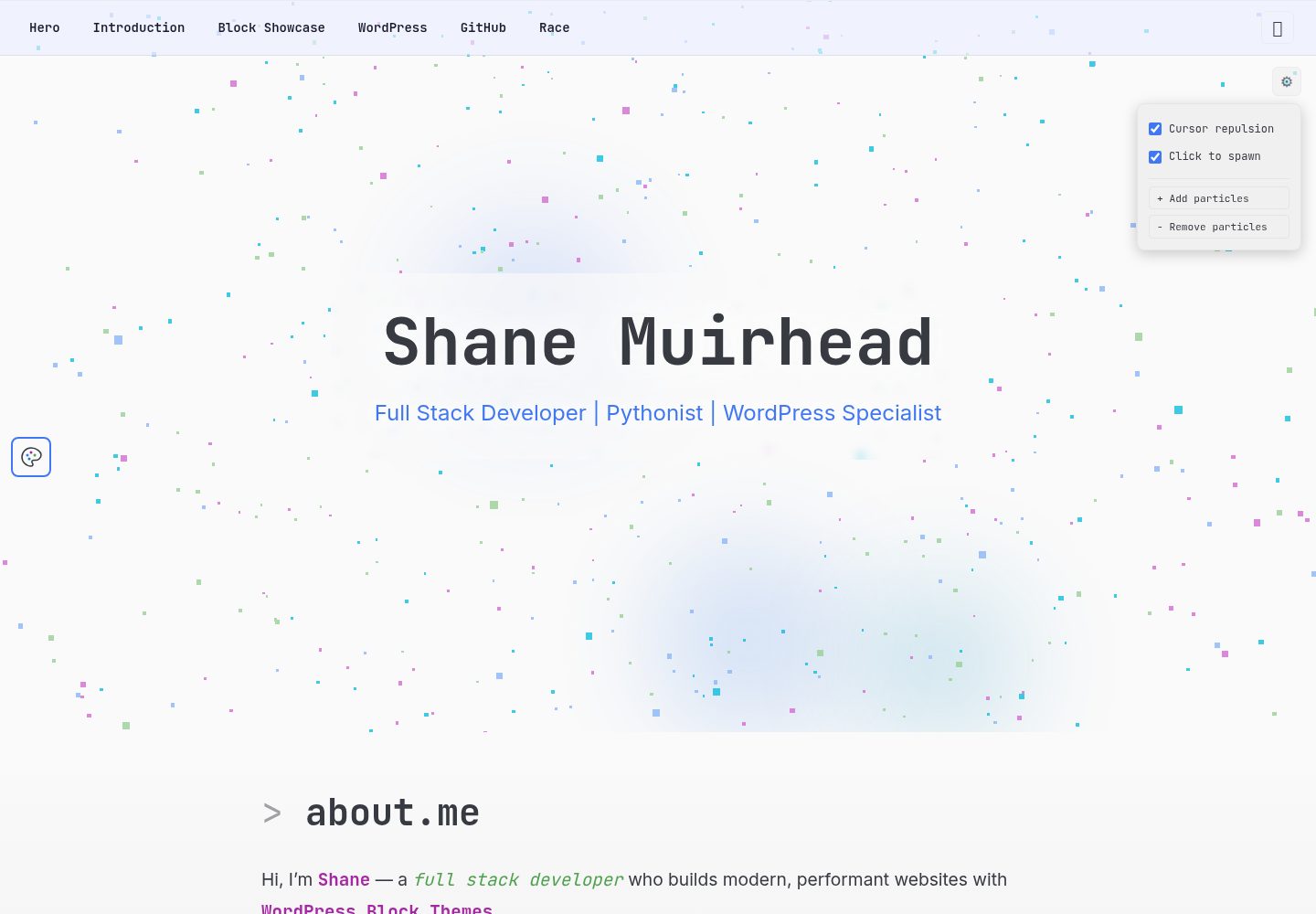
A personal portfolio example that pairs a WordPress block theme as the content backend with a Preact single-page application frontend, connected via the WordPress REST API.
WordPress · Portfolio
nexgen-tech-wp-theme
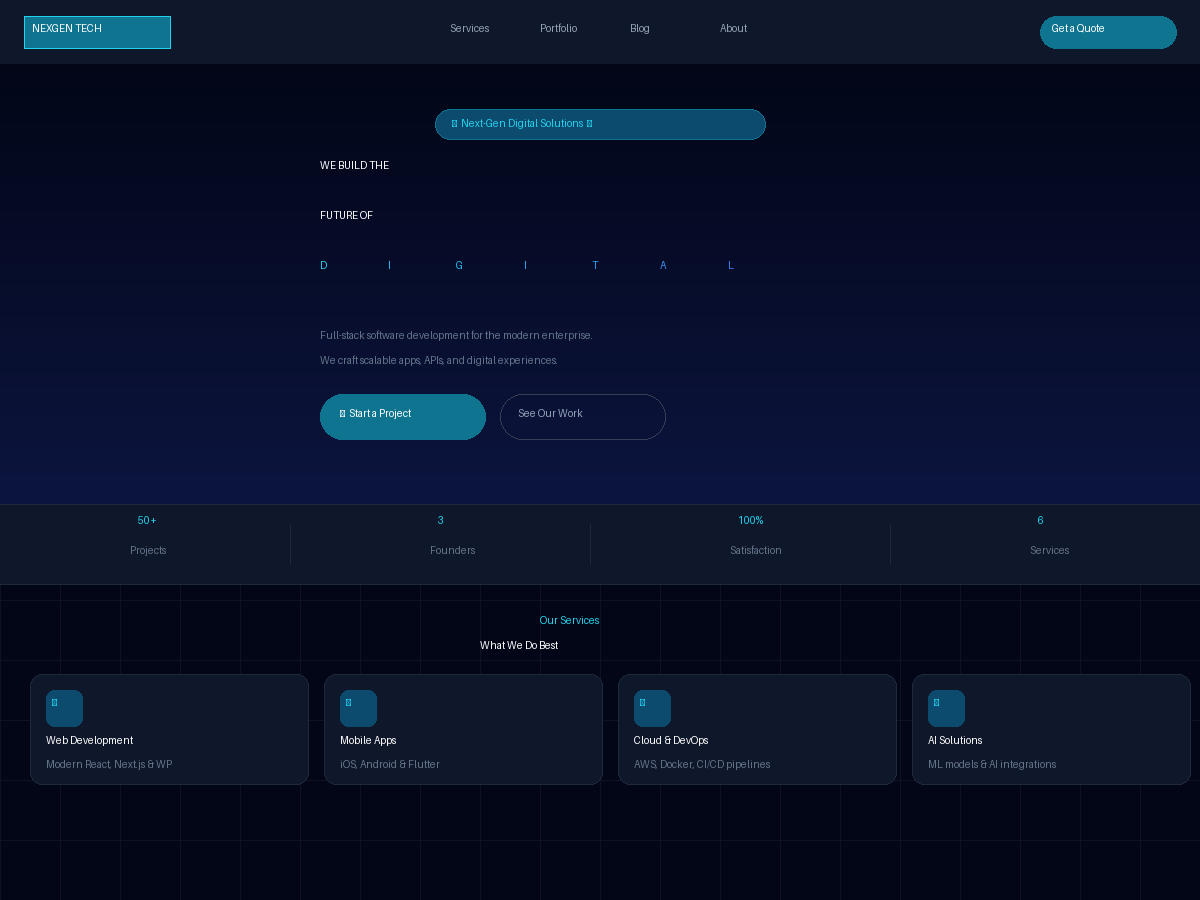
NEXGEN Tech is a dark WordPress theme for software agencies, digital studios, and tech startups.
WordPress · Portfolio

al-folio
A Jekyll academic homepage theme for scholars and researchers, with a clean responsive design and out-of-the-box support for publication lists, project showcases, CVs, and blogs.
Jekyll · Portfolio