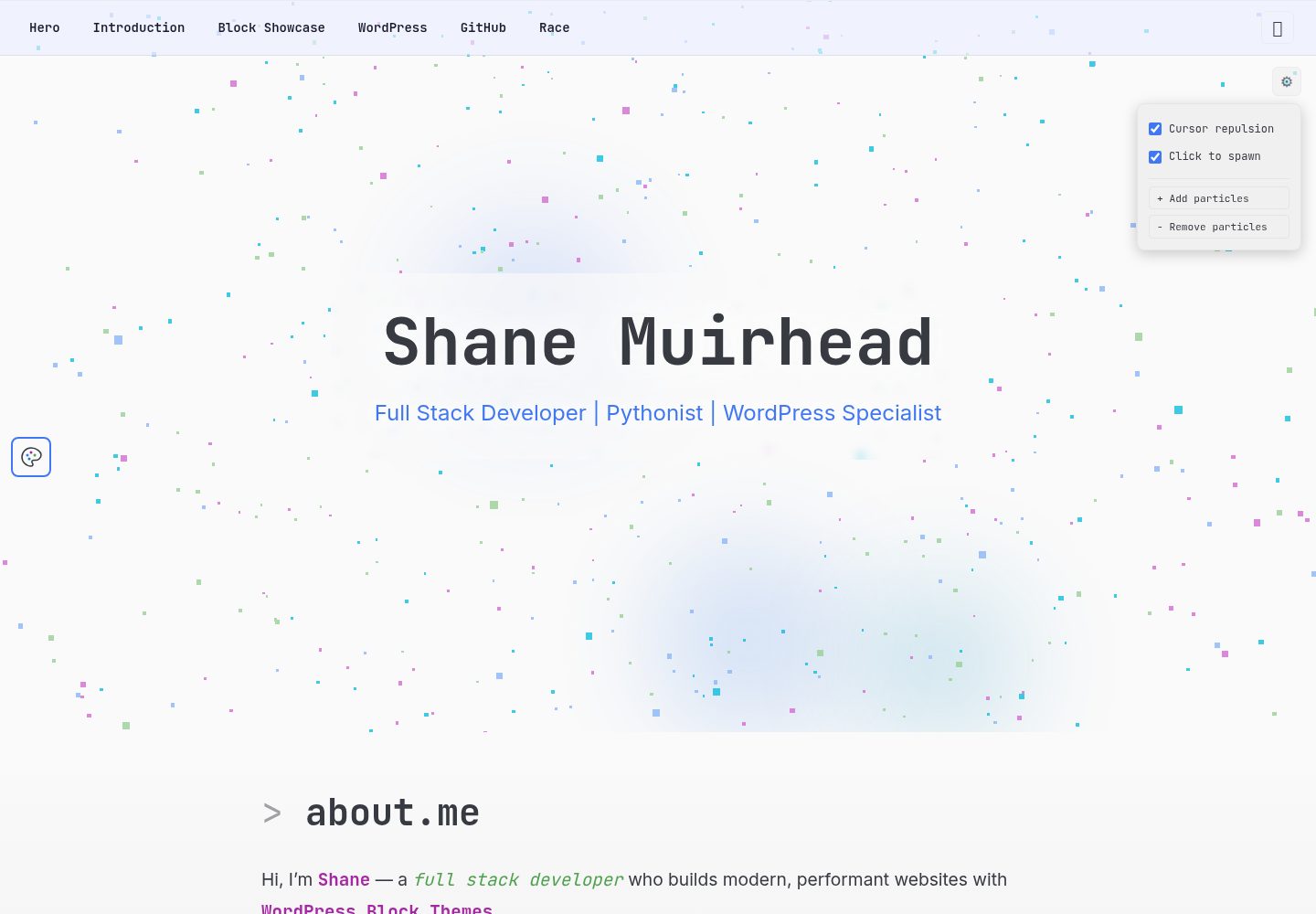
The WordPress block theme and Preact frontend are decoupled through the REST API
WordPressPortfolio
Block-Theme-Portfolio — WordPress Portfolio Template
By ShaneMuir
A personal portfolio example project that uses a WordPress block theme as the content backend and a Preact single-page application as the frontend.
Explore the design
Compare the page layouts and mobile experience. Open any screenshot for a closer look.
Desktop homepage1 / 2
Desktop captureTop of page
Actual screenshot captured by the server browser.
All pages & views 2
Screenshots show visual appearance; interactive behavior may differ.
Recorded 2026-10-01View source
What stands out
A quick read of the recorded project description.
The frontend includes a Three.js hero section, IDE-style interface, scroll animations, and cursor effects
The frontend uses Preact, Preact Signals, Vite, TypeScript, and CSS Modules
The backend is a block theme, with content written through the WordPress block editor
The README provides deployment suggestions: frontend on Vercel/Netlify, backend on managed WordPress
Template Details
Block-Theme-Portfolio is a personal portfolio site example with a decoupled frontend and backend: a WordPress block theme handles content editing, while a Preact single-page application handles the frontend display. The two communicate through the WordPress REST API (/wp-json/wp/v2/*).
The frontend is located in the frontend/ directory and uses Preact, Preact Signals, Three.js, Vite, TypeScript, and CSS Modules. It includes a Three.js hero section, IDE-style design, scroll animations, and cursor effects. The backend is located in backend/theme/ and is a WordPress block theme, with content written through the block editor. The README suggests deploying the frontend to Vercel or Netlify and using a managed WordPress environment such as Cloudways or Flywheel for the backend.
Before use, the frontend and backend must be started separately: after installing dependencies, run the frontend development server; for the backend, copy the theme to wp-content/themes/ and activate it, create two pages named introduction and block-showcase, then point VITE_WP_API_URL in frontend/.env to the WordPress site. The repository does not provide a complete deployment script that can be run directly; the demo site is a static frontend on Vercel.
WordPressPortfolio
Is it right for your project?
Use Cases
- Building a personal portfolio site with WordPress as the content backend
- Learning how a block theme and a frontend framework can be separated through the REST API
- Using it as a reference project for combining a Preact + Three.js frontend with a WordPress backend
Suitable For
- Developers familiar with WordPress themes and frontend build tools
- Personal projects that require self-hosting both frontend and backend and configuring the API URL
- Developers who want to reference a decoupled architecture with a block theme and Preact
Getting started & customization
Use these recorded setup notes alongside the repository instructions for your chosen version.
- 1
Frontend: enter frontend/ and run npm install and npm run dev; the default address is http://localhost:5173
- 2
Backend: copy backend/theme/ to wp-content/themes/block-theme-portfolio/ and activate the theme
- 3
Create two pages in WordPress: introduction and block-showcase
- 4
Set VITE_WP_API_URL in frontend/.env to point to the WordPress site address
- 5
The README suggests deploying the frontend to Vercel or Netlify and using a managed WordPress environment for the backend
License & source material
Usage conditions & limitations
Free to use · keep license noticeThis entry covers the free version in the public repository under the MIT license; the free scope is the code of this version and does not mean that external services or third-party assets are free.
Must comply with when using
- You are allowed to use, modify, commercialize, and distribute the code of this version for free.
- When distributing copies or substantial portions of the code, retain the original author's copyright notice and the full MIT license notice.
- The code is provided as is; warranties and limitations of liability are governed by the original license and applicable law.
Additional costs & items to verify
- Before use, you must set up and run a WordPress site (PHP + MySQL) yourself; the frontend cannot display content independently of that backend.
- The backend requires manually copying the theme directory to WordPress's wp-content/themes/ and activating it; the repository does not provide an automated deployment script.
- You must manually create two pages in WordPress, introduction and block-showcase, otherwise the corresponding frontend content cannot display properly.
- You need to configure VITE_WP_API_URL in frontend/.env to point to your own WordPress site address, otherwise the frontend cannot fetch data.
- The README suggests using managed WordPress services such as Cloudways or Flywheel for the backend, which may incur third-party paid fees.
- Demo images, fonts, icons, and other third-party assets must be checked against their respective licenses; you cannot judge them solely based on the code's MIT license.
- External services such as domains, hosting, databases, payments, or AI may incur additional charges.
View Original Text Basis
Permission is hereby granted, free of charge
Original License Text
Set up a WordPress install
Original README
Copy `backend/theme/` to `wp-content/themes/block-theme-portfolio/`
Original README
Create pages: `introduction`, `block-showcase`
Original README
VITE_WP_API_URL=https://your-wordpress-site.com
Original README
https://github.com/ShaneMuir/Block-Theme-Portfolio/blob/main/LICENSEhttps://github.com/ShaneMuir/Block-Theme-Portfolio/blob/main/README.mdBackend | Cloudways / Flywheel | Managed WordPress, PHP + MySQL
Original README
Compiled by DeepSeek based on repository license and README ·2026-10-01. Results only cover the materials read; dependencies, images, fonts, and subsequent term changes are subject to their respective original texts.
Project checks & description sources
Template Information
- Source platforms
- GitHub
- Documentation and maintenance reference score
- More documented · 80 / 100
- Technologies
- WordPress
- Website type
- Portfolio
How this score is calculated
Our heuristic uses license records (up to 30), a demo link (12), a preview (10), stars (15), recorded maintenance (15), description completeness (8), feature records (5) and classification data (5). It is not a code, security or performance test, or a Google score. A link does not establish tested functionality.
What to verify for this project
- Repository update recorded
- 2026-08-17
- Screenshot last checked
- 2026-10-01
A demo link is listed. Check it with your own content and viewport sizes; its presence does not confirm that forms, authentication or payments work.
The catalog identifies WordPress as the primary stack. Check the actual dependency manifest and lockfile for versions and hosting requirements. These notes use recorded metadata, not a code audit or a deployment test.
Use a selection guide →How this description was prepared
AI-assisted description based on catalog records and repository material. Repository authors are not automatically the reviewers of this description.
Automatically checked against source and license rules; no manual editorial review.
Inspect the recorded source material
SHA-256: 57fda097da9b961f3ee14b0f20cc858bef7740b7c5c2ee8c89675132c196da87
2026-10-01T03:00:22.433Z
Source file / repository# Block Theme Portfolio A personal portfolio site demonstrating WordPress Block Themes with a decoupled Preact frontend. ## Architecture ``` ┌─────────────────┐ REST API ┌─────────────────────┐ │ WordPress │ ◄──────────────────────── │ Preact Frontend │ │ Block Theme │ /wp-json/wp/v2/* │ (Vite + Three.js) │ │ (CMS) │ │ Static CDN │ └─────────────────┘ └─────────────────────┘ ``` - **Frontend** (`frontend/`) — Preact SPA with Three.js hero, IDE-themed design, scroll animations, cursor effects - **Backend** (`backend/theme/`) — WordPress Block Theme for content authoring via the Block Editor ## Quick Start ### Frontend ```bash cd frontend npm install npm run dev # → http://localhost:5173 ``` ### Backend 1. Set up a WordPress install 2. Copy `backend/theme/` to `wp-content/themes/block-theme-portfolio/` 3. Activate the theme 4. Create pages: `introduction`, `block-showcase` ### Connect Create `frontend/.env`: ``` VITE_WP_API_URL=https://your-wordpress-site.com ``` ## Hosting | Layer | Recommended Host | Why | |----------|------------------------|----------------------------------| | Frontend | Vercel / Netlify | Free, edge CDN, git deploy | | Backend | Cloudways / Flywheel | Managed WordPress, PHP + MySQL | ## Tech Stack - **Frontend**: Preact, Preact Signals, Three.js, Vite, TypeScript, CSS Modules - **Backend**: WordPress 6.4+, Block Theme, REST API - **Testing**: Vitest, fast-check, Testing Library
Explore similar templates
Compare previews and descriptions within the same stack and category.
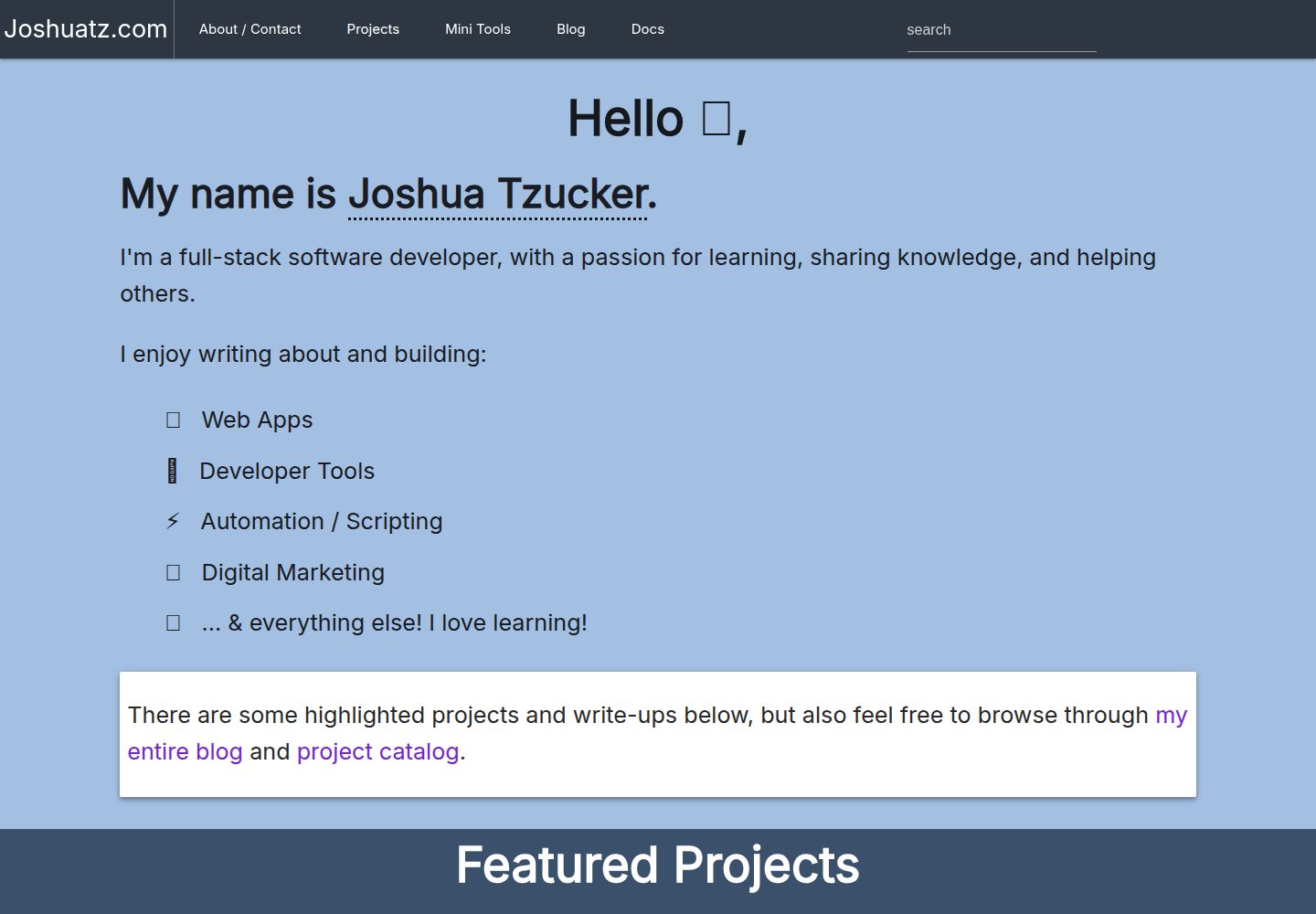
joshuatz-wp-theme
A custom WordPress portfolio theme used by joshuatz.com, open-sourced under the MIT license.
WordPress · Portfolio
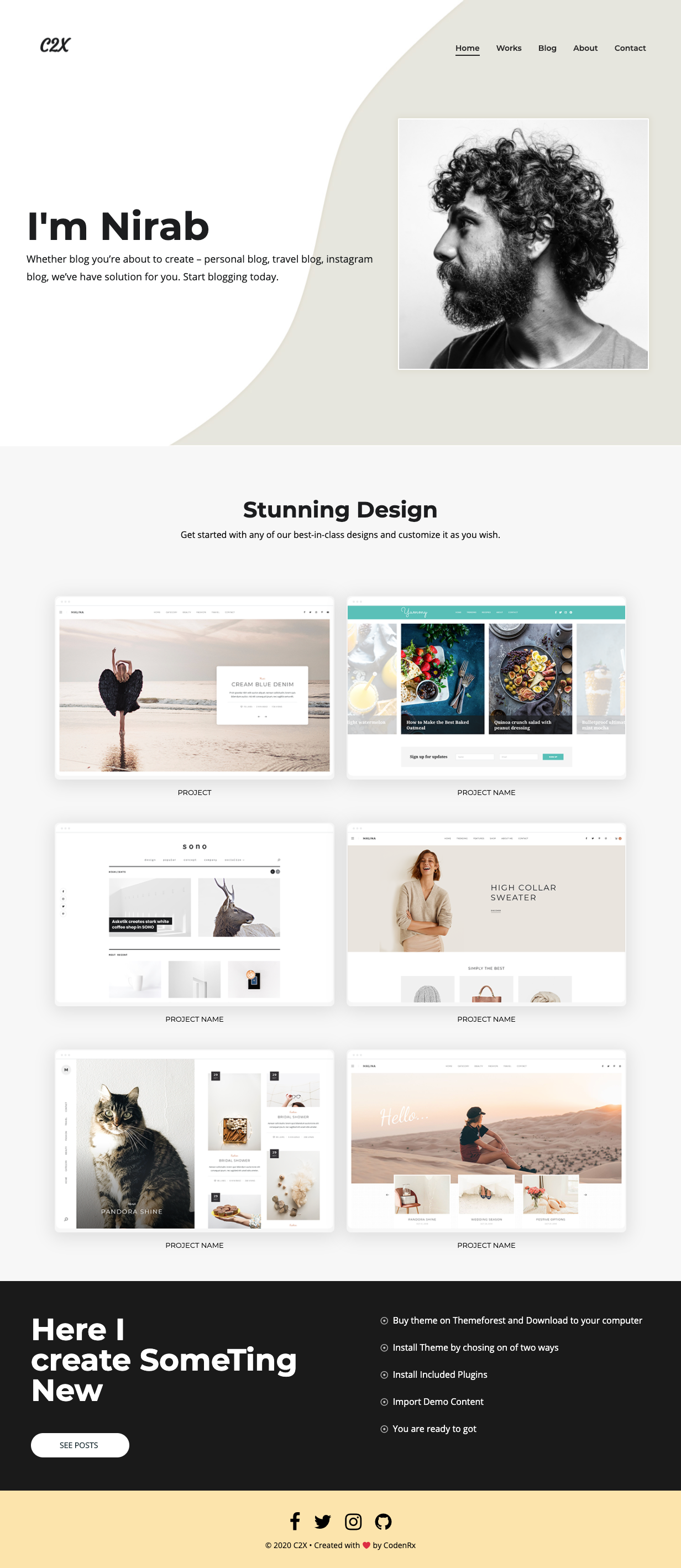
c2x
c2x is a lightweight WordPress portfolio theme released by codenrx under the MIT license, intended for showcasing individuals and projects. The repository includes a theme screenshot preview but does not document page structure, customization options, or compatibility.
WordPress · Portfolio
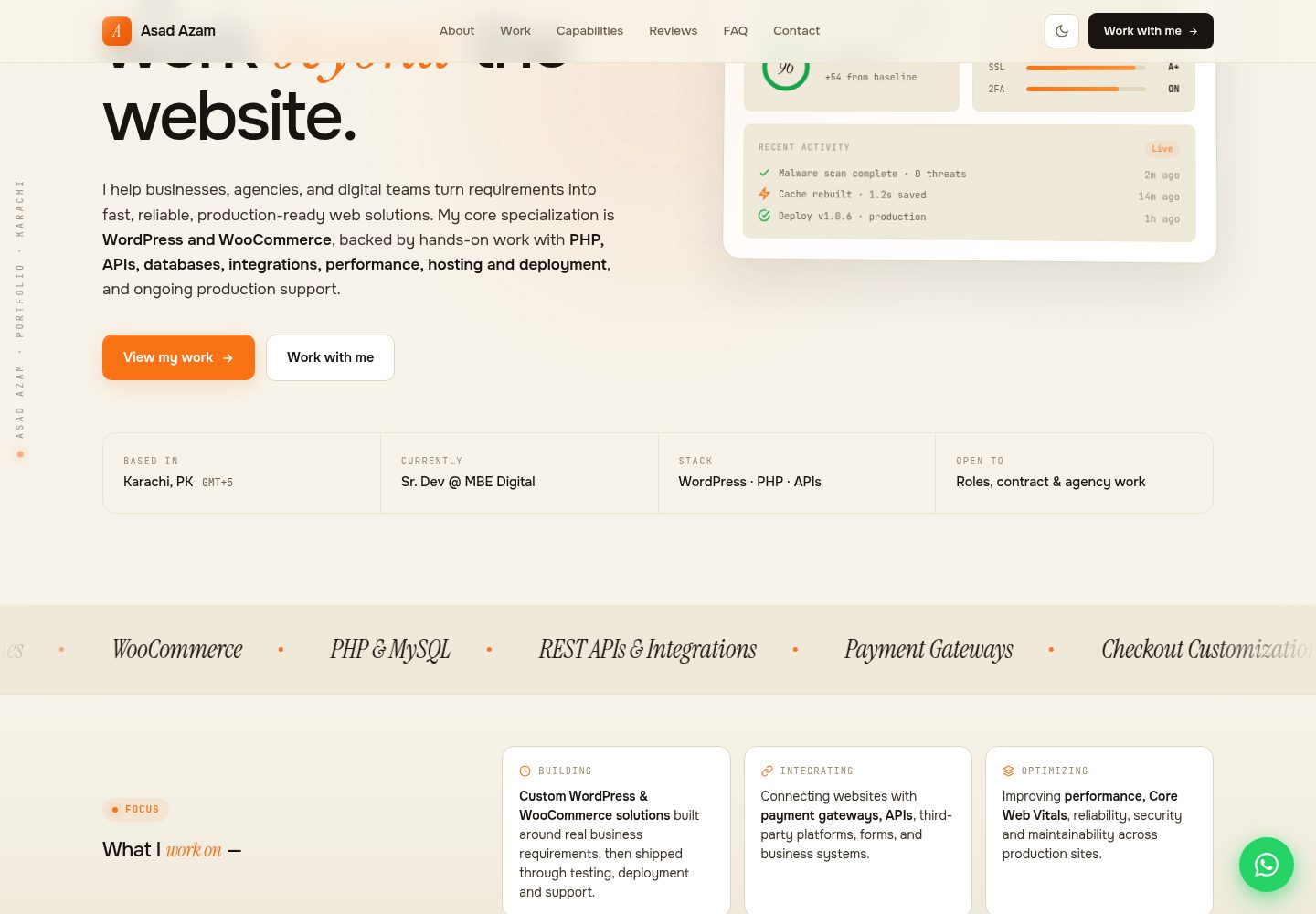
asadazam-portfolio-theme
A WordPress portfolio theme written from scratch, using custom post types and ACF fields defined in PHP to drive projects, testimonials, and FAQs. It features light/dark themes, modular structure, and performance measures, requires the ACF plugin, and is MIT licensed.
WordPress · Portfolio
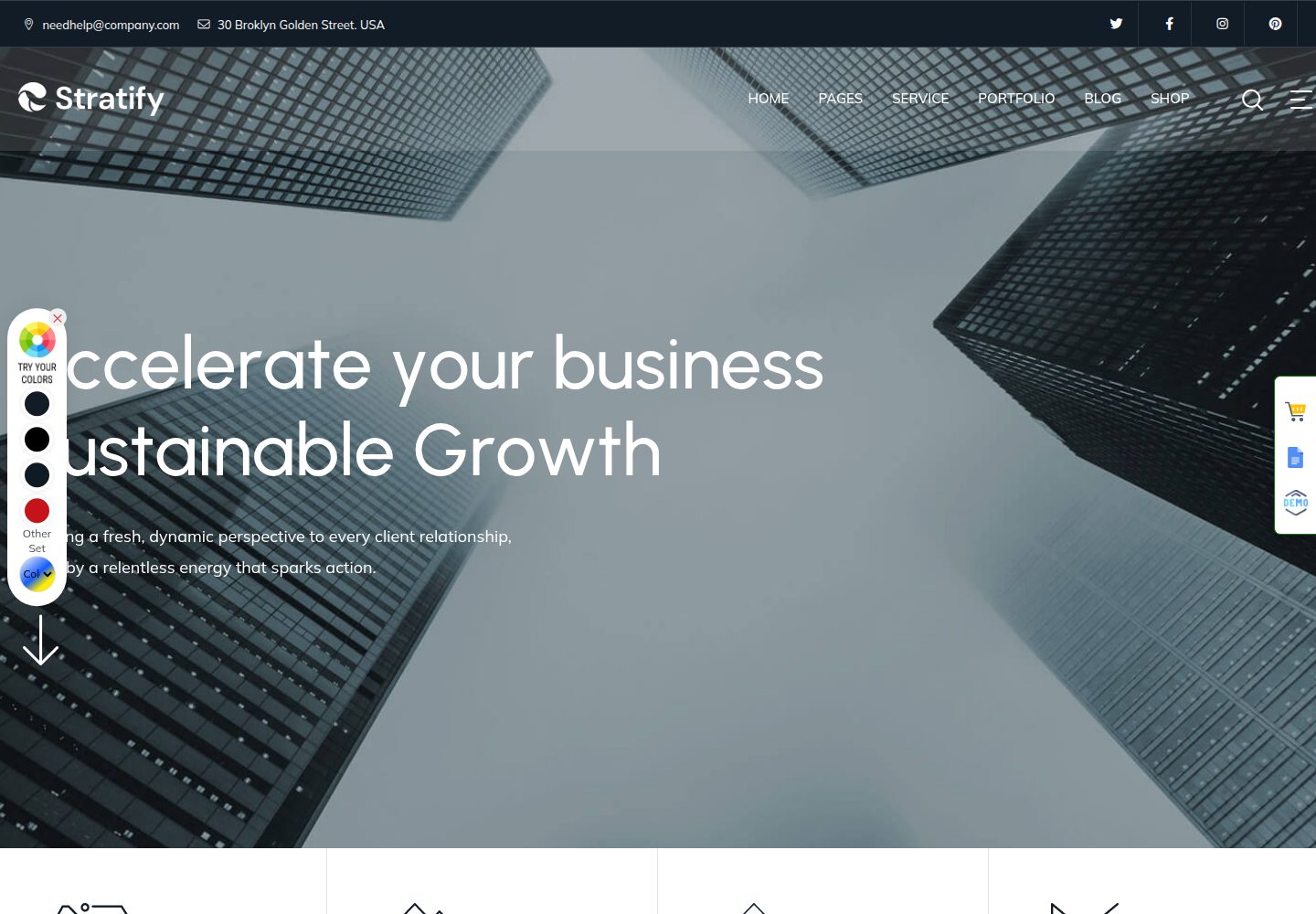
Stratify-WP-Theme
Stratify is a WordPress portfolio theme for digital agencies, designers, and creative professionals, used to showcase work and brand identity. It provides modern layouts for digital brands and a filterable portfolio gallery for browsing work by category.
WordPress · Portfolio
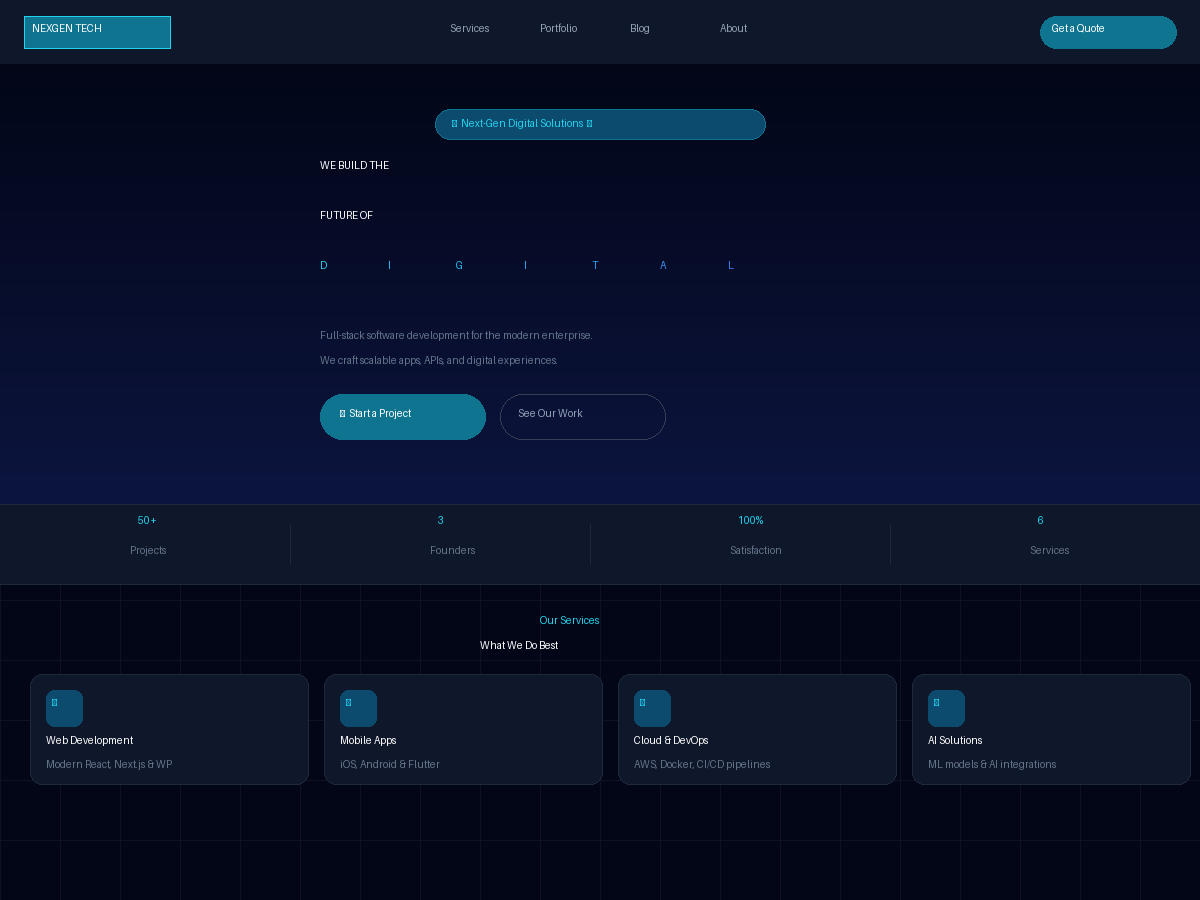
nexgen-tech-wp-theme
NEXGEN Tech is a dark WordPress theme for software agencies, digital studios, and tech startups.
WordPress · Portfolio

al-folio
A Jekyll academic homepage theme for scholars and researchers, with a clean responsive design and out-of-the-box support for publication lists, project showcases, CVs, and blogs.
Jekyll · Portfolio