
A purely static blog and knowledge base built on VitePress and the vitepress-theme-teek theme
VitePressBlog
vitepress-teek-blog — VitePress Blog Template
By sunyzhi55
A purely static blog and knowledge base template built on VitePress and vitepress-theme-teek, with local theme customizations, standalone pages, and asset maintenance scripts.
Explore the design
Compare the page layouts and mobile experience. Open any screenshot for a closer look.
Desktop homepage1 / 2
Desktop captureTop of page
Actual screenshot captured by the server browser.
All pages & views 2
Screenshots show visual appearance; interactive behavior may differ.
Recorded 2026-10-01View source
What stands out
A quick read of the recorded project description.
Local customizations on top of the theme; the README mentions changes to the sidebar and homepage layout
docs/@pages/ provides standalone pages such as archives, tags, categories, and subscription
Supports multiple fonts, with font files placed in docs/public/font/ and imported via font.scss
Includes two maintenance scripts for batch permalink processing and scanning unreferenced static assets
Template Details
This is a purely static blog and knowledge base project built on VitePress and using the vitepress-theme-teek theme. The repository makes local customizations on top of the theme; the README mentions changes to the sidebar and homepage layout, and records two modification dates, 2026-02-20 and 2026-08-06: the former added a Miscellaneous Thoughts collection with entries in the sidebar and navigation bar, along with support for multiple fonts; the latter notes continued modifications after re-cloning the project.
In terms of content organization, site content and configuration are concentrated in the docs/ directory: .vitepress/ holds VitePress configuration and local theme enhancements, @pages/ contains standalone pages such as archives, tags, categories, and subscription, nav/ holds navigation pages, and public/ holds static assets such as images, fonts, and icons. Articles are placed directly under docs/ as Markdown files, and assets such as images are recommended to be placed in docs/public/ and referenced with absolute paths.
The project uses pnpm to manage dependencies and provides scripts such as docs:dev, docs:build, docs:preview, and format. Build output goes to docs/.vitepress/dist/, which is ignored in .gitignore. The repository also includes two optional maintenance scripts: scripts/python/md_permalink_processor.py for batch processing Markdown permalinks, and scripts/node/find-unused-public-assets.mjs for scanning static assets under docs/public/ that are not referenced by source code, with support for deletion via --delete.
For deployment, the README positions it as a purely static site and recommends GitHub Pages or any static hosting platform; you can build locally and publish the dist directory, or use GitHub Actions to build and publish automatically. The repository uses the MIT license, but third-party assets such as demo images, fonts, and icons must be checked against their respective licenses.
VitePressBlog
Is it right for your project?
Use Cases
- Building a personal blog and publishing Markdown articles
- Organizing technical notes or a knowledge base with navigation and sidebar configuration
- Static sites that need standalone pages such as archives, tags, categories, and subscription
- Deploying to GitHub Pages or other static hosting platforms
Suitable For
- Individual developers familiar with Markdown writing who want to build a blog with VitePress
- Site maintainers who need purely static output and do not rely on server-side rendering
- Users willing to adjust theme configuration and page layout to their own needs
Getting started & customization
Use these recorded setup notes alongside the repository instructions for your chosen version.
- 1
Requires Node.js (the README recommends 18+) and uses pnpm to manage dependencies
- 2
Install dependencies with pnpm install; run pnpm docs:dev for local development
- 3
Build with pnpm docs:build; output goes to docs/.vitepress/dist/, which is ignored by .gitignore
- 4
Preview the build result locally with pnpm docs:preview; format code with pnpm format
- 5
Create new articles directly as .md files under docs/; place assets such as images in docs/public/ and reference them with absolute paths
License & source material
Usage conditions & limitations
Free to use · keep license noticeThis entry covers the free version of a public repository under the MIT license; the free scope applies to that version's code and does not mean external services or third-party assets are free.
Must comply with when using
- You may use, modify, commercialize, and distribute the code of this version for free.
- When distributing copies or substantial portions of the code, retain the original author's copyright notice and the complete MIT license notice.
- The code is provided as is; warranties and limitations of liability are governed by the original license and applicable law.
Additional costs & items to verify
- The project depends on the third-party theme vitepress-theme-teek; using and redistributing that theme requires compliance with its own license, while the repository's MIT license applies only to the local customizations.
- Fonts such as Douyin Meihao Ti bundled in the repository are third-party assets whose licenses differ from the code's MIT license; verify font authorization before commercial use or redistribution.
- Although the LXGW series fonts are open source, they are subject to their own font licenses (such as OFL), not this repository's MIT license, and the corresponding license notices must be retained when redistributing.
- Deploying to GitHub Pages requires a GitHub account and repository and is an external service; the README makes no hosting or availability guarantees.
- Demo images, fonts, icons, and other third-party assets must be checked against their respective licenses and cannot be judged solely by the code's MIT license.
- External services such as domains, hosting, databases, payments, or AI may incur additional charges.
View Original Text Basis
Permission is hereby granted, free of charge
Original License Text
使用 `vitepress-theme-teek` 主题,并做了一些本地定制化修改(如侧边栏、首页布局等)。
Original README
docs\public\font\DouyinSansBold.otf ---> 抖音美好体(加粗)
Original README
霞鹜系列开源字体:https://github.com/lxgw/LxgwWenKai
Original README
https://github.com/sunyzhi55/vitepress-teek-blog/blob/main/LICENSEhttps://github.com/sunyzhi55/vitepress-teek-blog/blob/main/README.md将生成的 `docs/.vitepress/dist/` 发布到 Pages(或用 GitHub Actions 自动构建发布)
Original README
Compiled by DeepSeek based on repository license and README ·2026-10-01. Results only cover the materials read; dependencies, images, fonts, and subsequent term changes are subject to their respective original texts.
Project checks & description sources
Template Information
- Source platforms
- GitHub
- Documentation and maintenance reference score
- More documented · 83 / 100
- Technologies
- VitePress
- Website type
- Blog
How this score is calculated
Our heuristic uses license records (up to 30), a demo link (12), a preview (10), stars (15), recorded maintenance (15), description completeness (8), feature records (5) and classification data (5). It is not a code, security or performance test, or a Google score. A link does not establish tested functionality.
What to verify for this project
- Repository update recorded
- 2026-08-29
- Screenshot last checked
- 2026-10-01
A demo link is listed. Check it with your own content and viewport sizes; its presence does not confirm that forms, authentication or payments work.
The catalog identifies VitePress as the primary stack. Check the actual dependency manifest and lockfile for versions and hosting requirements. These notes use recorded metadata, not a code audit or a deployment test.
Use a selection guide →How this description was prepared
AI-assisted description based on catalog records and repository material. Repository authors are not automatically the reviewers of this description.
Automatically checked against source and license rules; no manual editorial review.
Inspect the recorded source material
SHA-256: 2fe8ffd265e14a9a4d98c26ad193ec16cb895794a469a9bb38a8db599d88dd96
2026-10-01T03:55:45.712Z
Source file / repository# 🔥Flumina Blog(VitePress) <div align="center" style="display: flex; justify-content: center;"> <img src="./assets/gemini-frame.png" width="85%" alt="gemini-Flumina" /> </div> <br /> <div align="center" style="display: flex; justify-content: center;"> <img src="./assets/gpt-frame.png" width="85%" alt="gpt-VitePress" /> </div> --- 这是一个基于 **VitePress** + **vitepress-theme-teek** 的纯静态博客/知识库项目。 参考链接: - [VitePress 官方文档](https://vitepress.dev/) - [vitepress-theme-teek 主题仓库](https://github.com/Kele-Bingtang/vitepress-theme-teek) - [teek-hyde 主题仓库(Gitee)](https://gitee.com/SeasirHyde/teek-hyde) ## 记录修改地方 ### 2026-08-06 上游情况 [teek-hyde 主题仓库(Gitee)](https://gitee.com/SeasirHyde/teek-hyde): ``` chore(deps): 升级 vitepress-theme-teek 至 1.6.2 Seasir Hyde Seasir Hyde 提交于 7月31日 19:32 222次提交 ``` 重新clone项目进行了修改。 - 使用 `vitepress-theme-teek` 主题,并做了一些本地定制化修改(如侧边栏、首页布局等)。 ### 2026-02-20 22:38:00 1、添加文章,增加专题 `杂想集`,并在侧边栏和导航栏增加入口链接。 2、增加多个字体支持。 参考链接:https://teek.seasir.top/Teek/9c027f 路径: `docs\.vitepress\theme\styles\font.scss`,并将字体文件放在 `docs\public\font\` 目录下. 说明: ``` docs\public\font\DouyinSansBold.otf ---> 抖音美好体(加粗) docs\public\font\Hangyitangmeiren.woff2 ---> 汉仪唐美人体 霞鹜系列开源字体:https://github.com/lxgw/LxgwWenKai docs\public\font\LXGWWenKaiMonoGBLite-Medium.woff2 ---> 霞鹜系列开源字体 docs\public\font\LXGWWenKaiMonoGBLite-Regular.woff2 ---> 思霞鹜系列开源字体 docs\public\font\TsukuARdGothicStd-Bold.woff2 ---> 筑紫A丸ゴシック(加粗) ``` ## 快速开始 ### 环境要求 - Node.js(建议 18+,越新越好) - pnpm(本项目使用 pnpm 管理依赖) ### 安装依赖 ```bash pnpm install ``` ### 本地开发 ```bash pnpm docs:dev ``` 启动后根据终端输出打开本地地址即可预览。 ### 构建产物 ```bash pnpm docs:build ``` 构建输出会生成到 `docs/.vitepress/dist/`(该目录已在 `.gitignore` 中忽略,不建议提交)。 ### 本地预览构建结果 ```bash pnpm docs:preview ``` ### 格式化重要代码文件 ```bash pnpm format ``` ## 目录结构(精简后) ```text . ├─ docs/ # 站点内容(Markdown)与 VitePress 配置 │ ├─ .vitepress/ # VitePress 配置与本地主题增强 │ ├─ @pages/ # 独立页面(归档/标签/分类/订阅等) │ ├─ nav/ # 导航页(含导航组件渲染) │ ├─ public/ # 静态资源(图片/字体/图标等,最终会原样拷贝到站点根目录) │ └─ ... # 你的文章/笔记内容 ├─ scripts/ │ └─ python/ # 一些维护脚本(可选) ├─ package.json # 脚本与依赖 └─ pnpm-lock.yaml # 锁文件(建议提交) ``` ## 写作与资源建议 - 新文章:直接在 `docs/` 下新建 `.md` 文件即可。 - 图片/资源:建议放到 `docs/public/` 下,再用 `/xxx/yyy.png` 这种绝对路径引用。 - 例如:`docs/public/images/a.png` → Markdown 中写 `` ## 部署(GitHub Pages) 这是纯静态站点,推荐用 GitHub Pages 或任意静态托管平台部署。 常见做法: 1. 本地执行 `pnpm docs:build` 2. 将生成的 `docs/.vitepress/dist/` 发布到 Pages(或用 GitHub Actions 自动构建发布) 如果你需要我帮你补一个 GitHub Actions(自动构建并部署到 Pages),告诉我你的仓库名和 Pages 目标分支(通常是 `gh-pages`)。 ## 可选脚本 ### 批量处理 Markdown 的 permalink 脚本位置:`scripts/python/md_permalink_processor.py` 示例: ### 扫描未引用的 public 静态资源 脚本位置:`scripts/node/find-unused-public-assets.mjs` 用途:扫描 `docs/public/` 下的图片/字体/图标等资源,找出在源码中没有被引用的文件,帮助你做第二轮精简。 ```bash node scripts/node/find-unused-public-assets.mjs ``` 确认列表无误后,可加 `--delete` 自动删除: ```bash node scripts/node/find-unused-public-assets.mjs --delete ``` ```bash # 预览会处理哪些文件(不写入) python scripts/python/md_permalink_processor.py --dry-run # 将 docs/ 下所有 md 的 permalink 更新为 /note/xxx python scripts/python/md_permalink_processor.py -d "./docs" -p "note" ``` ## 常用命令 ```bash # 开发 pnpm docs:dev # 构建 pnpm docs:build # 预览 pnpm docs:preview # 格式化重要代码文件 pnpm format ```
Explore similar templates
Compare previews and descriptions within the same stack and category.
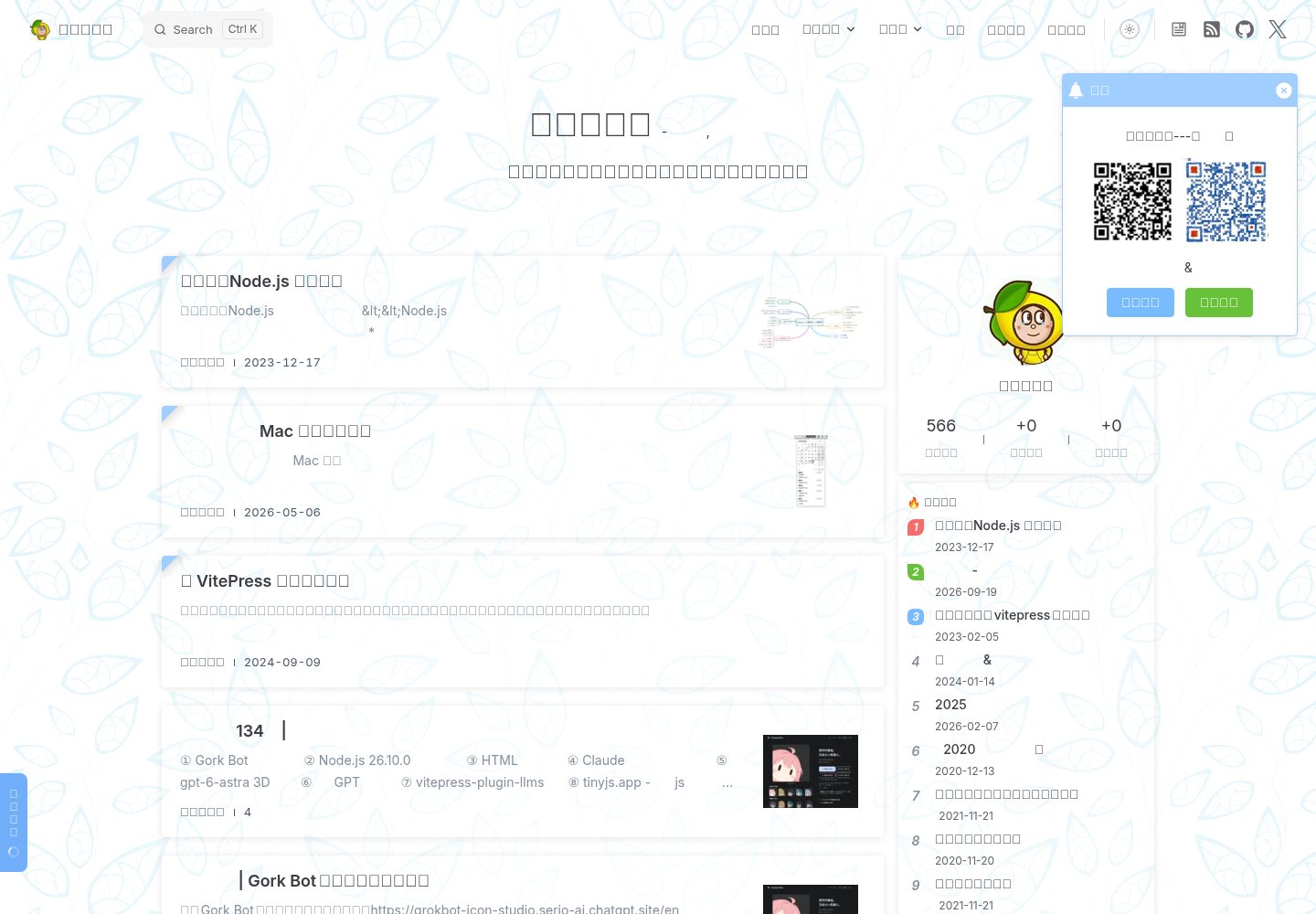
sugar-blog
A VitePress-based personal blog monorepo that separates blog content, the reusable @sugarat/theme theme, shared utilities, and a creation template, and also maintains plugins for image preview, pagefind offline full-text search, RSS, 51.la analytics, announcements, back-to-top, product cards, and comments.
VitePress · Blog
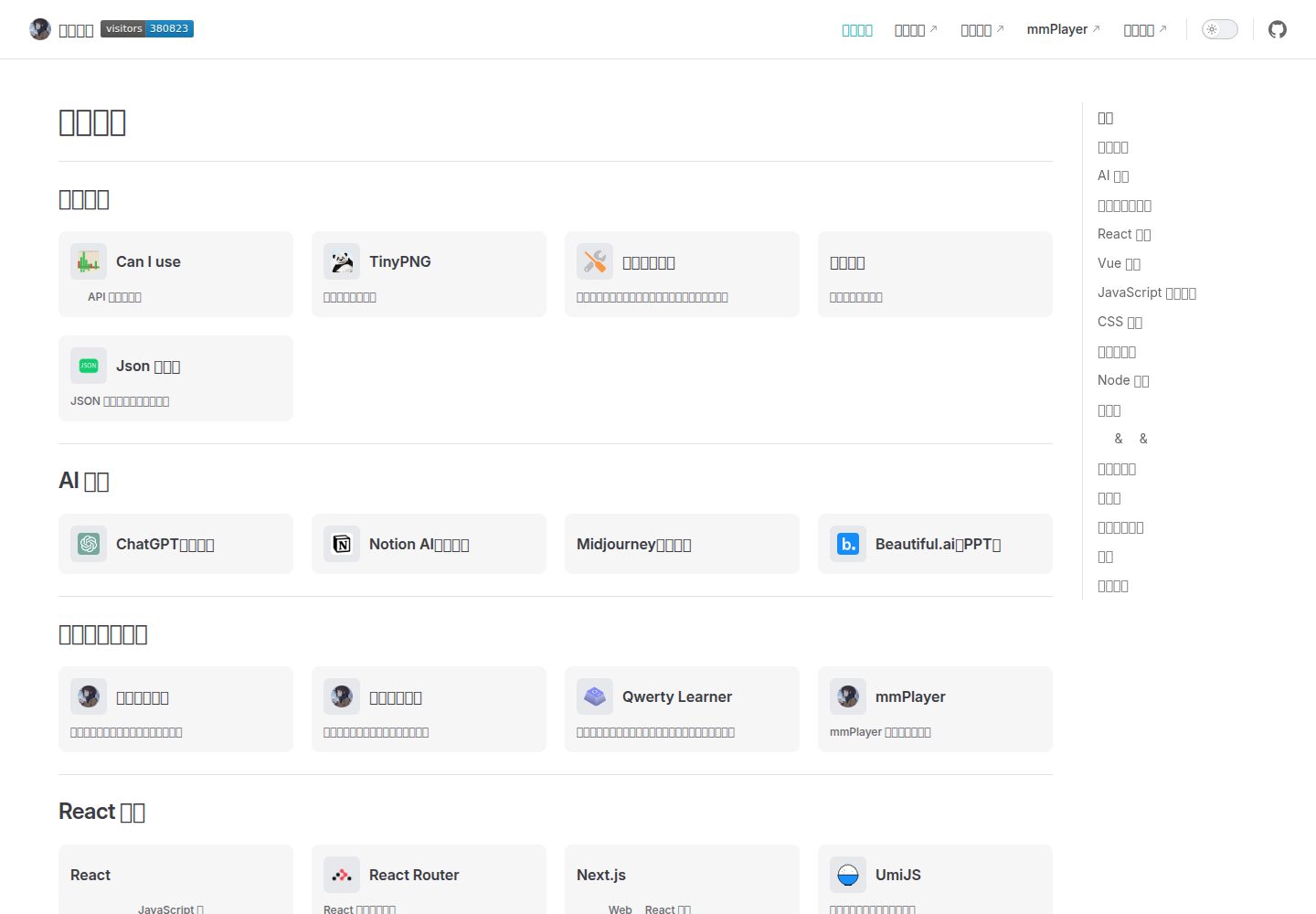
vitepress-nav-template
A personal front-end navigation page template built on VitePress, created by maomao1996 under the MIT license.
VitePress · Blog
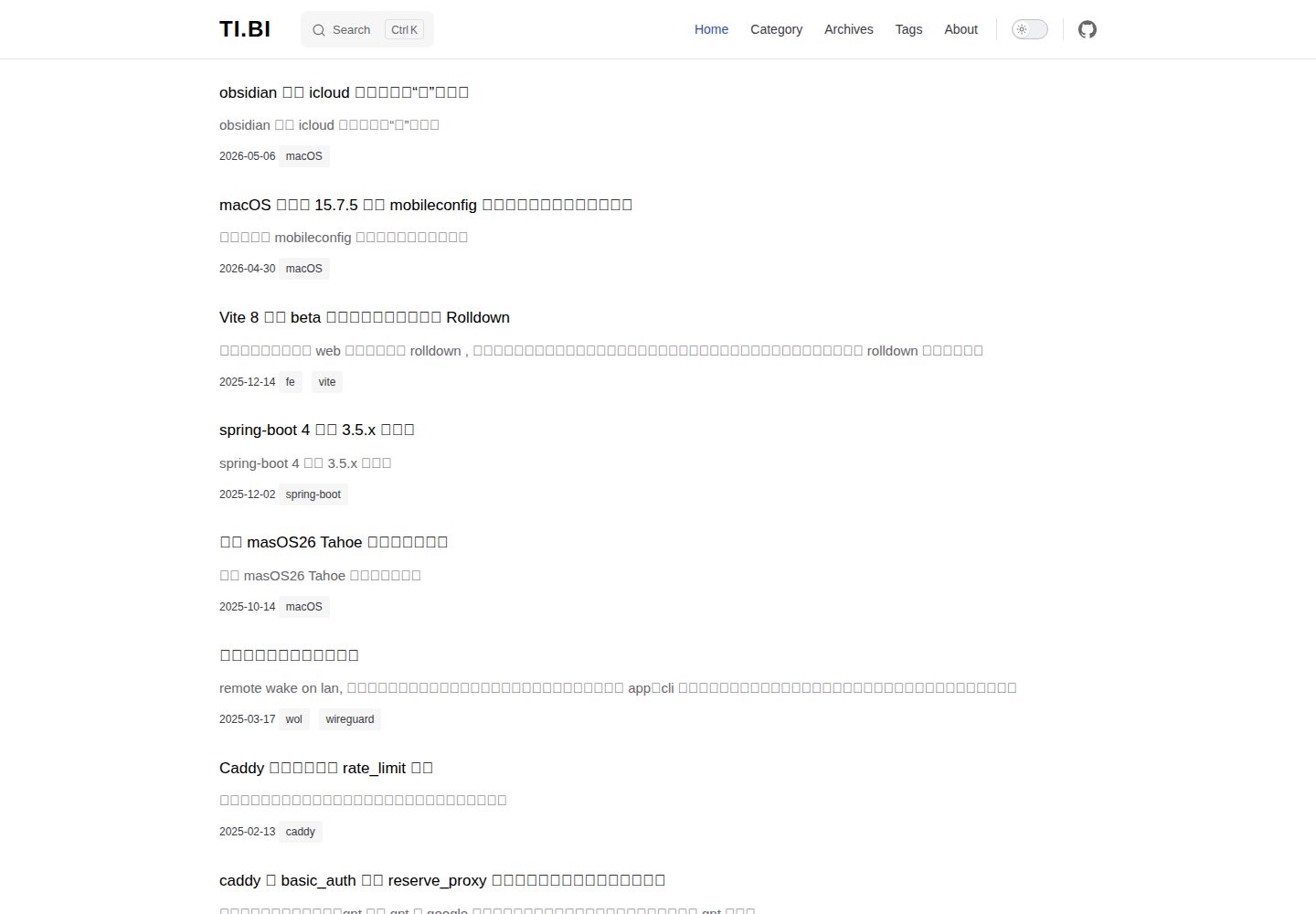
vitepress-blog-pure
A minimalist VitePress blog theme used by copying files into the project root. It provides post lists, tags, archives, local search, and Giscus comments, with posts placed in the posts directory and title required in frontmatter.
VitePress · Blog
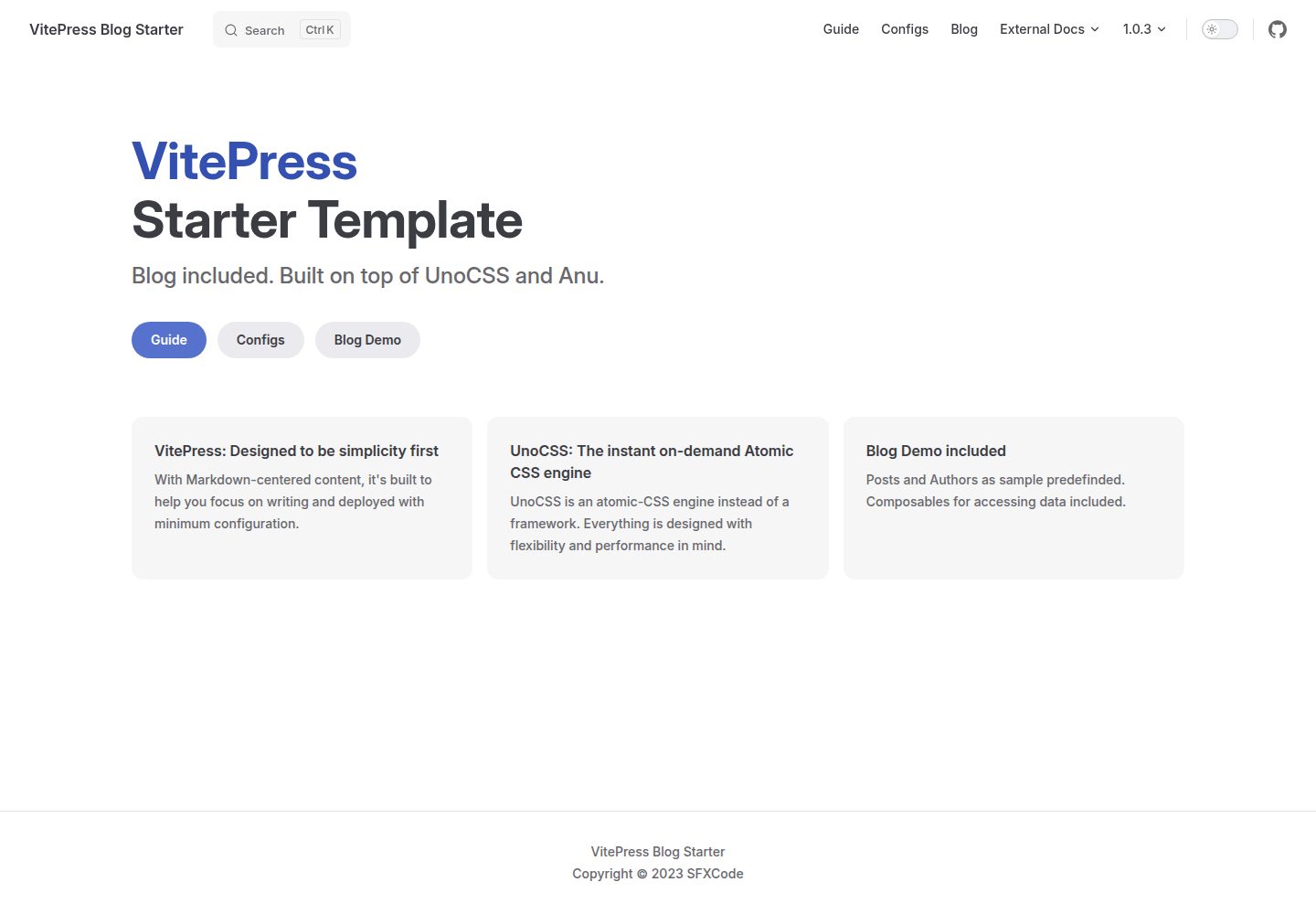
vitepress-blog-starter
A VitePress-based blog starter template with runnable example content for posts and authors, blog logic organized through Composables, UnoCSS styling, and VitePress's built-in local search. It uses pnpm for installation, development, and build, and the repository is MIT licensed.
VitePress · Blog
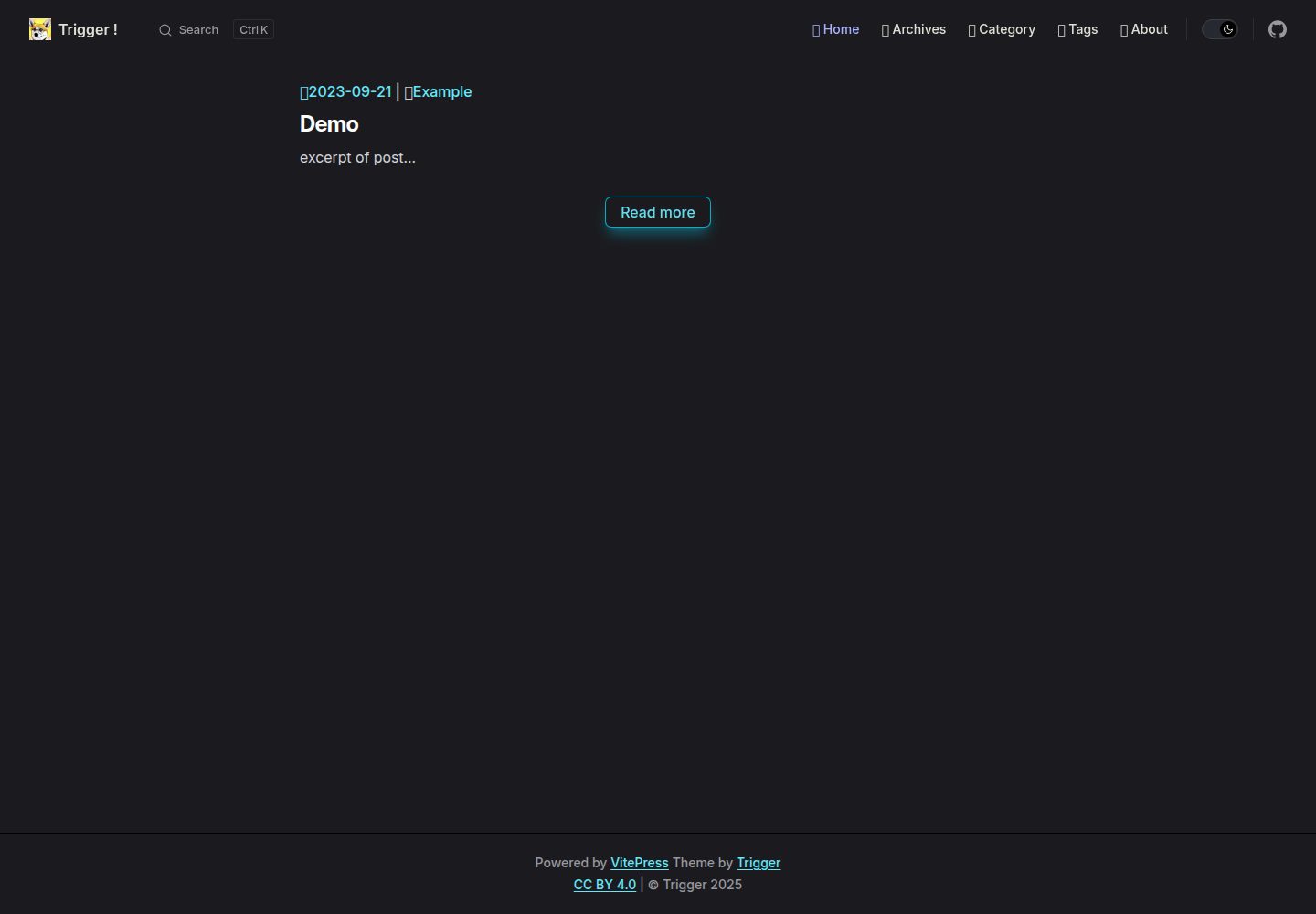
vitepress-theme-trigger
vitepress-theme-trigger is a blog theme for VitePress built with Tailwind CSS, released under the MIT license.
VitePress · Blog
KiwiBlog
KiwiBlog is a Chinese personal blog template built on VitePress for publishing daily shares and articles.
VitePress · Blog